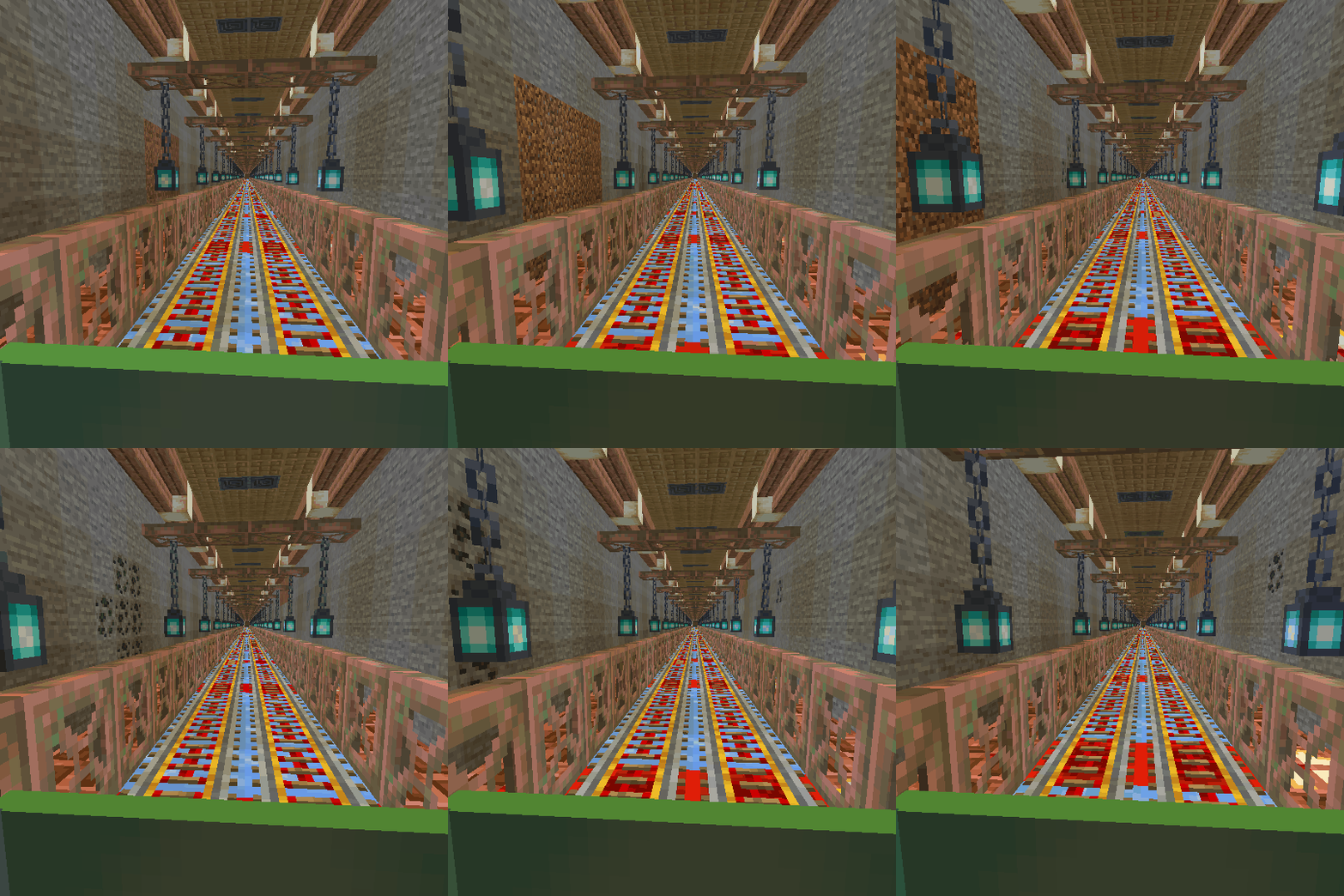
Community listing page, reviews here may not be monitored by the author.


Community voices
Reviews
No reviews yet. Be the first to review this project!
Get it on
Available Platforms
Compatibility
Supported Environments
Must be installed on both the client and the server.
About
Project Details
For authors
Embed Badge
If you're the author of this project, you can embed a live badge anywhere that supports HTML or Markdown. It updates automatically whenever ratings change.
Use HTML for any page that supports it, or Markdown for README files and Markdown-based descriptions.
Identifiers
Platform IDs
Resources
External Links
About
Description
To create your station; first, craft the Station Builder block.
When you place this block, a station will be created at that location. If you place this block a second time, a railway will be established between the first and second stations, allowing for fast travel between your bases. You can also create connecting routes between more than two stations.
For the Station Builder block to connect to the previous station, it must be at the same Y-coordinate, and the X and Z coordinates must be at least 20 blocks apart. Depending on the direction of the connected stations, some old tracks may become damaged; you can manually repair these sections.
If you wish to disconnect from old stations and start a new station network from scratch, you will need to craft the Station Builder block again. Each time you craft a Station Builder, it resets your connection to the old station network. Therefore, ensure you craft enough Station Builder blocks before creating your initial station and starting your network.
When you craft a Station Builder block, your connection to the old station network is reset, allowing you to set up a station at your desired Y-coordinate to start a new network.
Conductor can spawn Blocktrain when you right click on him (cooldown 120 second)
____________________________________________________________________________________________________________
I haven't set a limit on the distance for creating railway. However, I recommend keeping this distance low depending on your computer's power. When I tested with 8GB of RAM, a distance of about 4000 blocks caused issues and posed a crash risk, so be careful.
____________________________________________________________________________________________________________
maybe you like these mods


To create your station; first, craft the Station Builder block.
When you place this block, a station will be created at that location. If you place this block a second time, a railway will be established between the first and second stations, allowing for fast travel between your bases. You can also create connecting routes between more than two stations.
For the Station Builder block to connect to the previous station, it must be at the same Y-coordinate, and the X and Z coordinates must be at least 20 blocks apart. Depending on the direction of the connected stations, some old tracks may become damaged; you can manually repair these sections.
If you wish to disconnect from old stations and start a new station network from scratch, you will need to craft the Station Builder block again. Each time you craft a Station Builder, it resets your connection to the old station network. Therefore, ensure you craft enough Station Builder blocks before creating your initial station and starting your network.
When you craft a Station Builder block, your connection to the old station network is reset, allowing you to set up a station at your desired Y-coordinate to start a new network.
Conductor can spawn Blocktrain when you right click on him (cooldown 120 second)
I haven't set a limit on the distance for creating railway. However, I recommend keeping this distance low depending on your computer's power. When I tested with 8GB of RAM, a distance of about 4000 blocks caused issues and posed a crash risk, so be careful.
Screenshots
Gallery
-
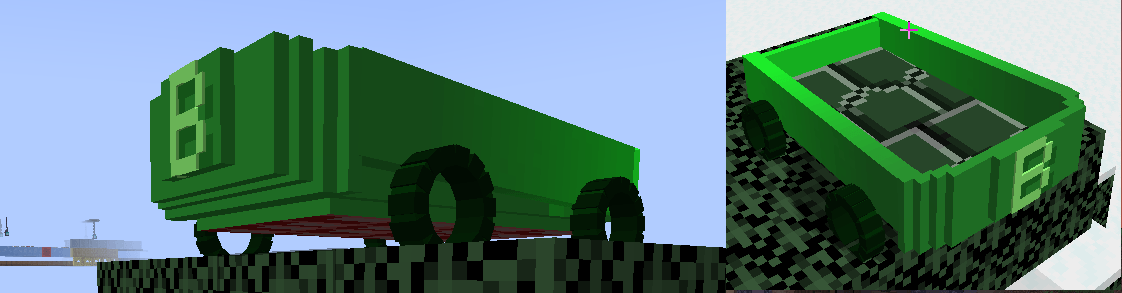 new block train new block train
 -
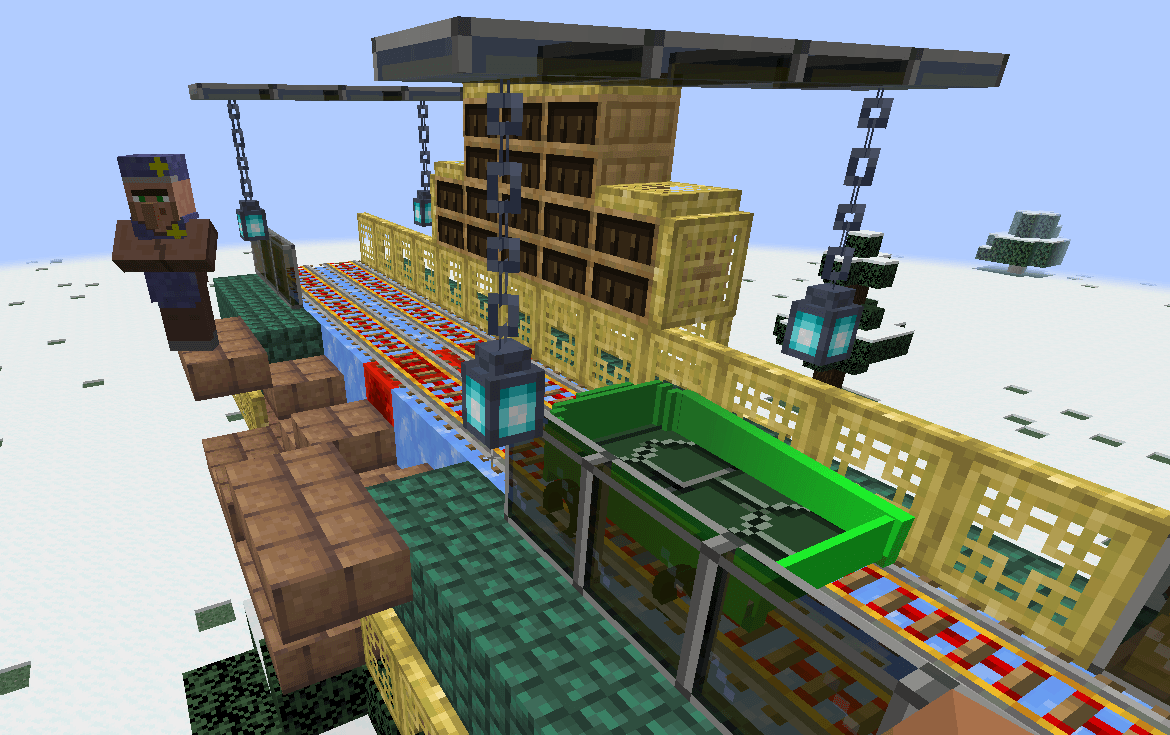 new station new station
 -
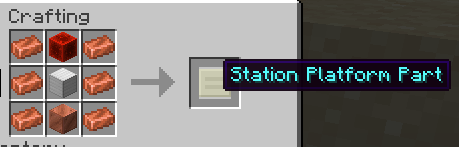 craft
craft
-
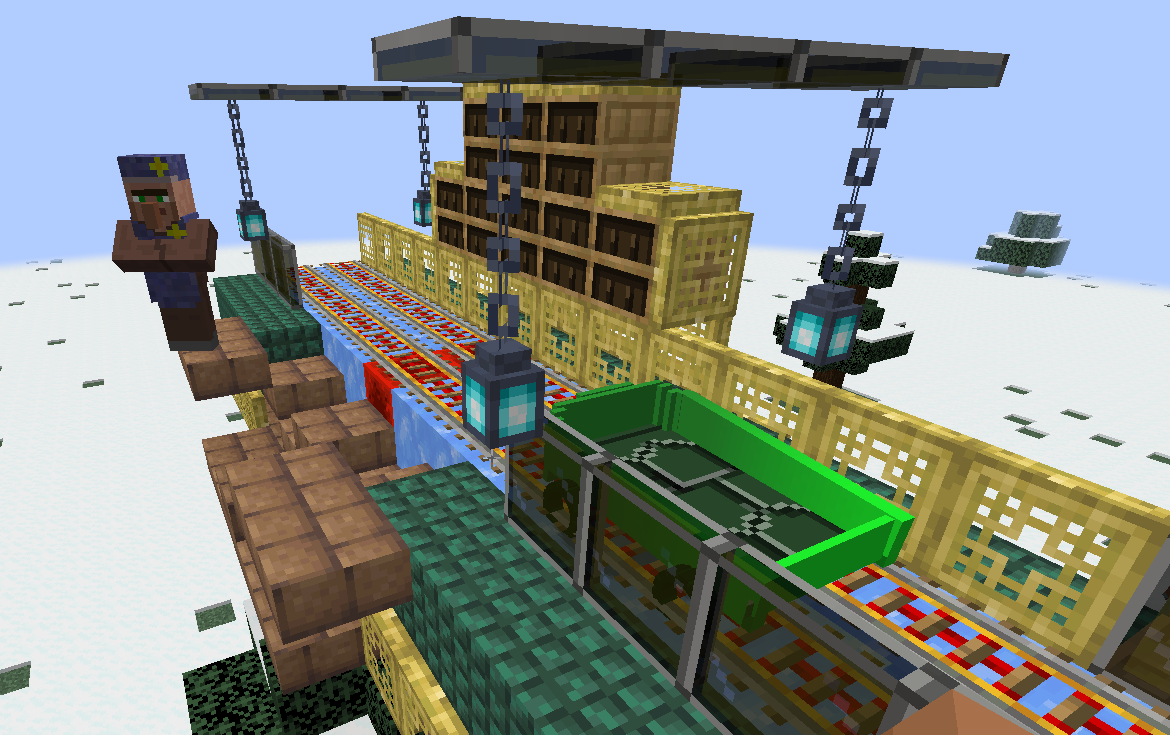 new station
 -
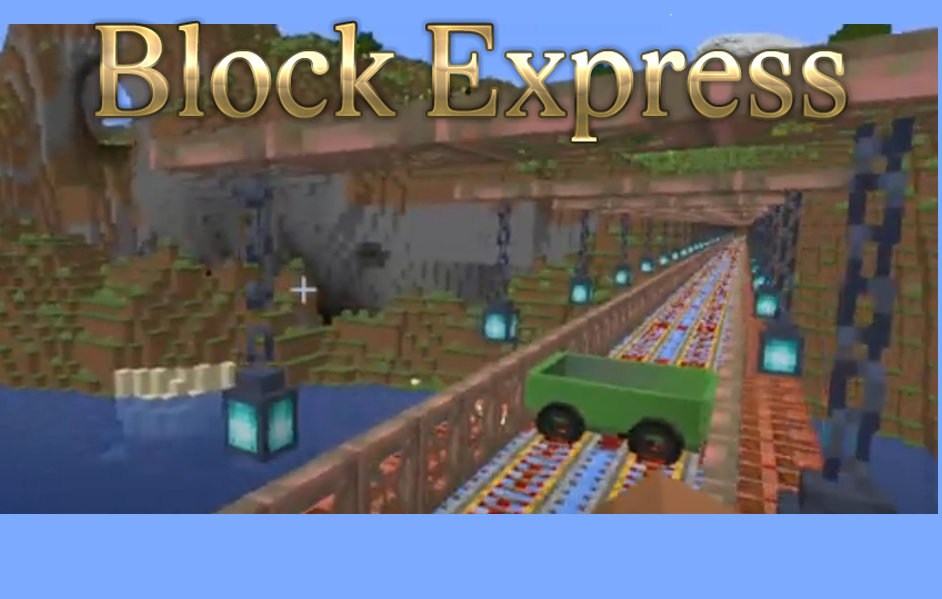
-
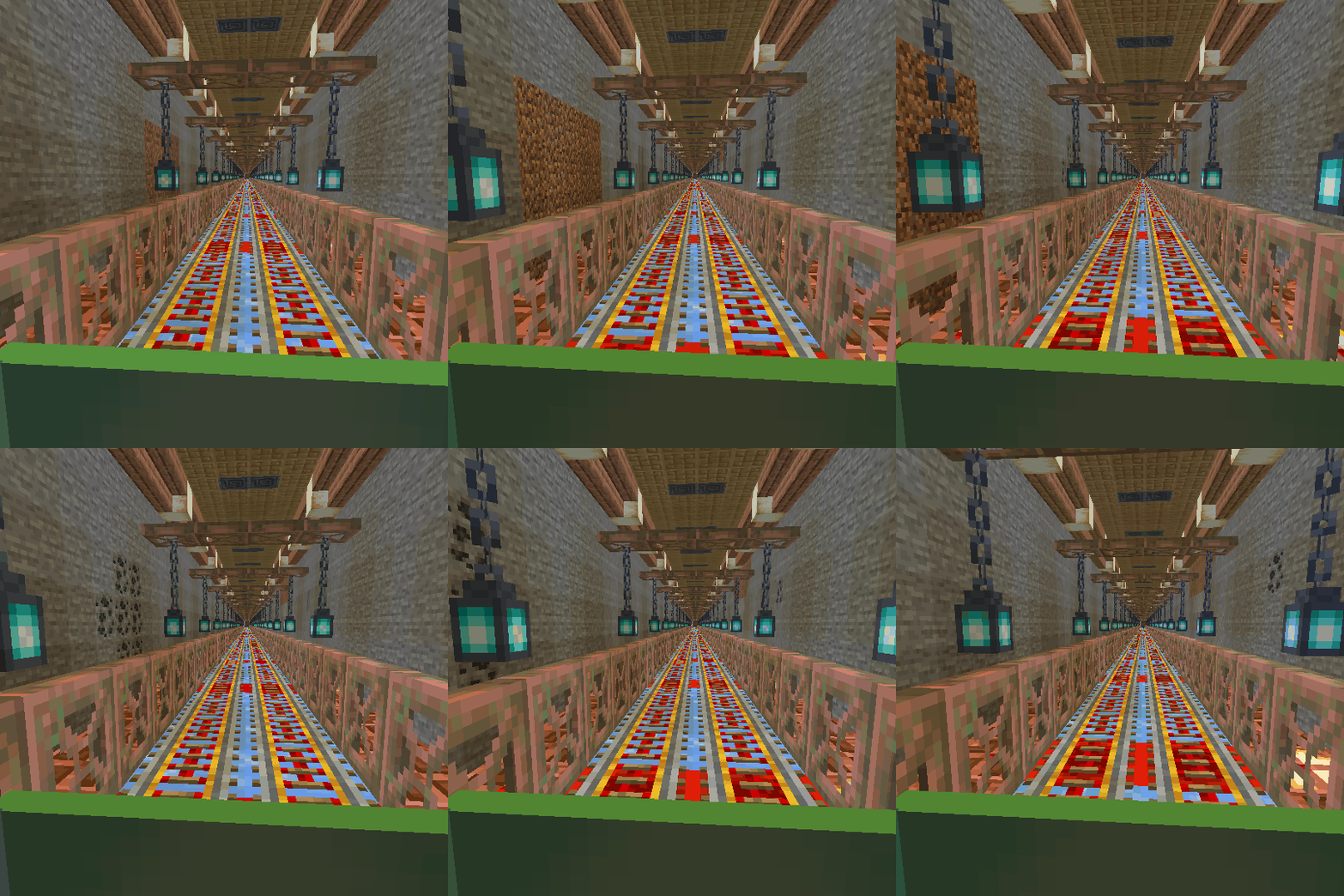 railway
 -
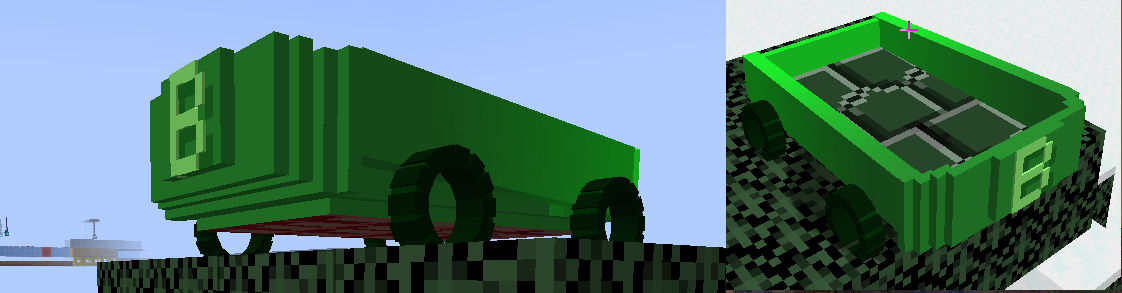 new block train model
Versions
Files
Relations
Project Relations
More like this
Similar Mods
Suggestions use data such as tags, dependencies, dependents, descriptions, titles, and more to rank how much they overlap with this mod.
On ModDex
Community snapshot
By the numbers
Statistics
Want to reach Minecraft players?
We're looking for a server hosting partner to feature here and other parts of the site. Interested? Send us a message!
Get in touchGet it on
Available Platforms
On ModDex
Community snapshot
By the numbers
Statistics
Resources