
Block Break Warden
No reviews yet
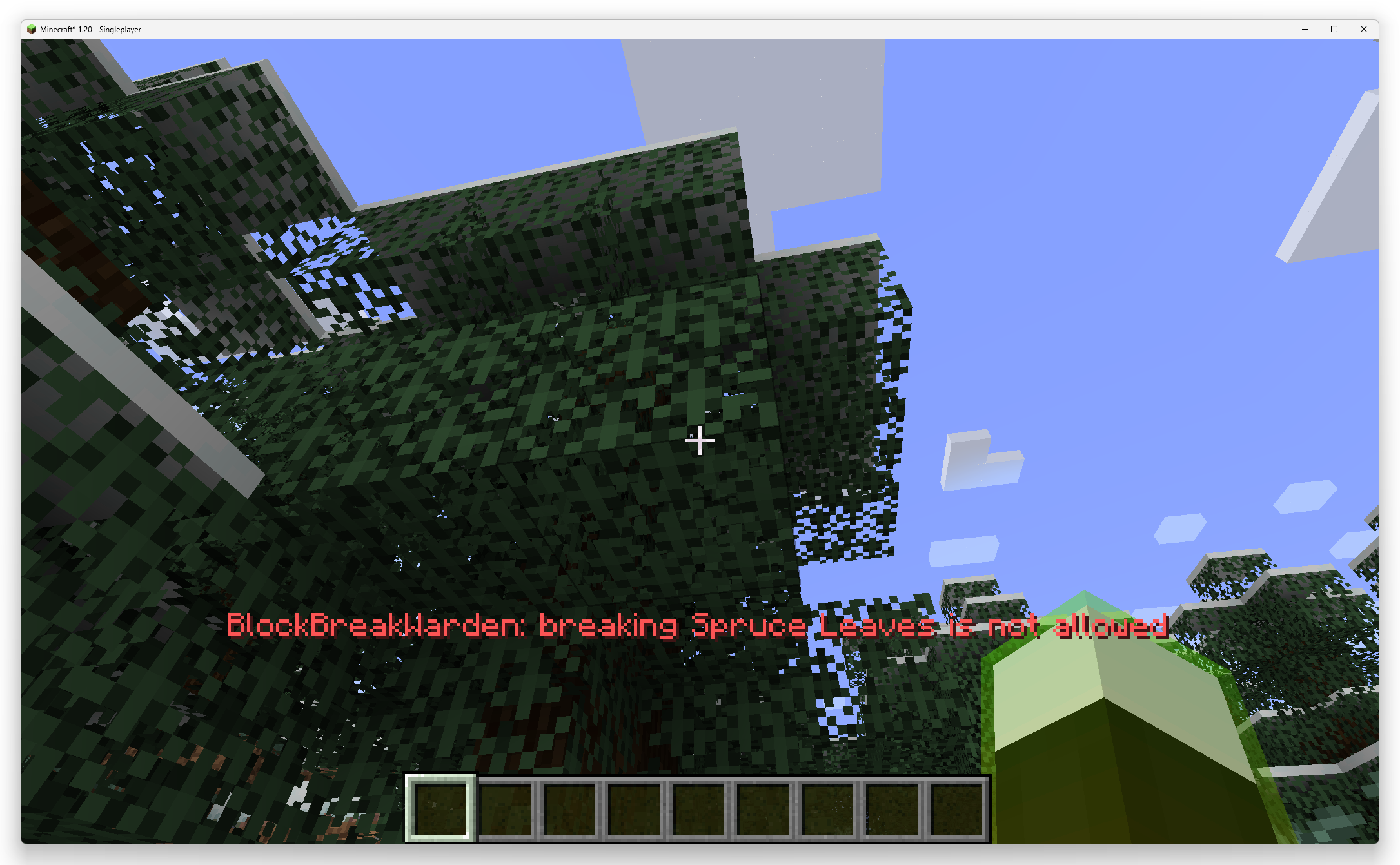
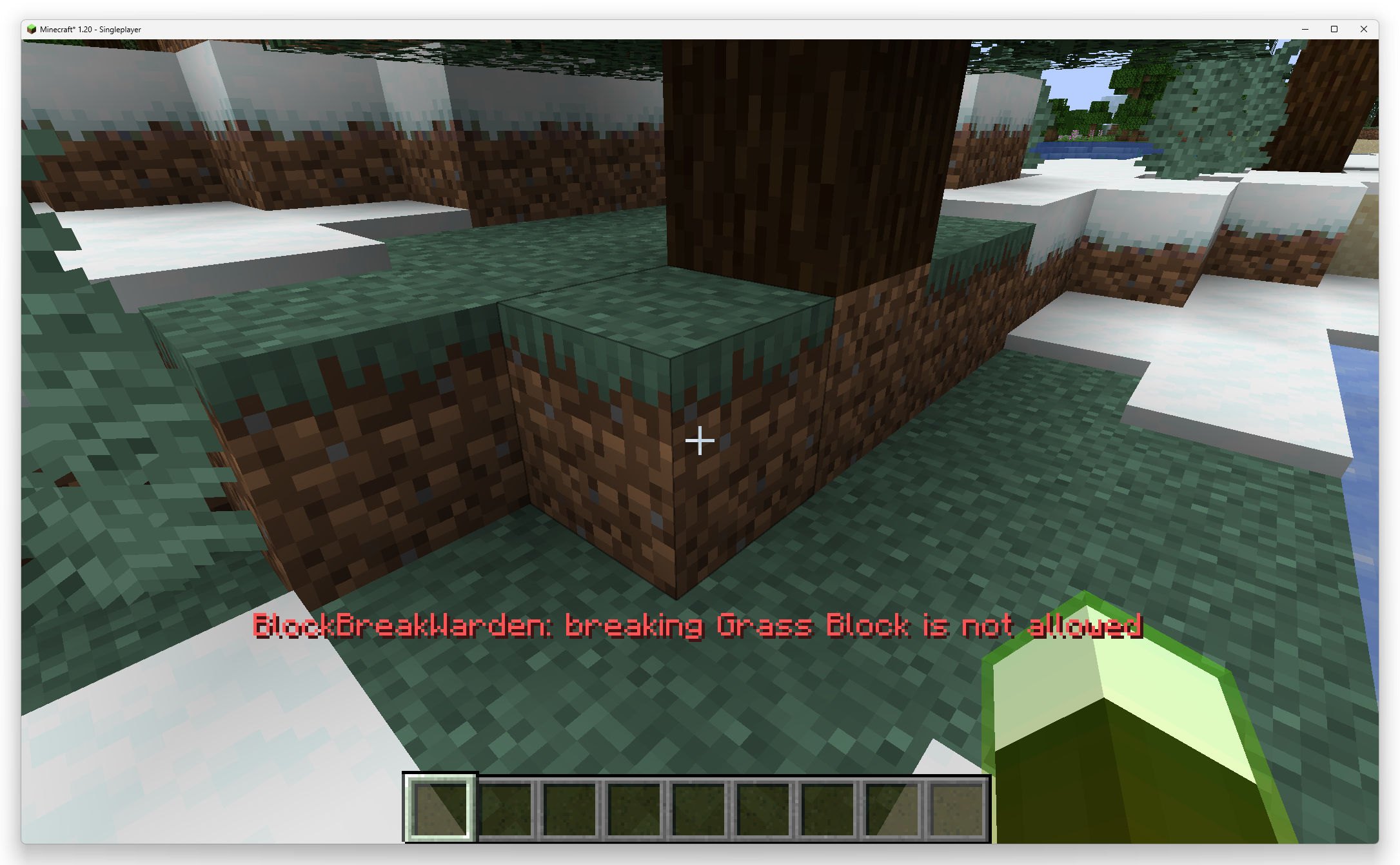
A client-side Minecraft (Fabric) mod that restricts which blocks the player is allowed to break and shows a warning when you try to break a forbidden block.
Fabric is a mod loader for versions 1.14+ of Minecraft, particularly popular for client side and optimization mods.
Community voices
Reviews
Click once to include, again to exclude, again to clear
No reviews yet. Be the first to review this project!
Get it on
Available Platforms
 Modrinth
Compatibility
Supported Environments
About
Project Details
For authors
Embed Badge
If you're the author of this project, you can embed a live badge anywhere that supports HTML or Markdown. It updates automatically whenever ratings change.
Use HTML for any page that supports it, or Markdown for README files and Markdown-based descriptions.
Identifiers
Platform IDs
Resources
External Links
About
Description
A client-side Minecraft (Fabric) mod that restricts which blocks the player is allowed to break and shows a warning when you try to break a forbidden block.
English
Features
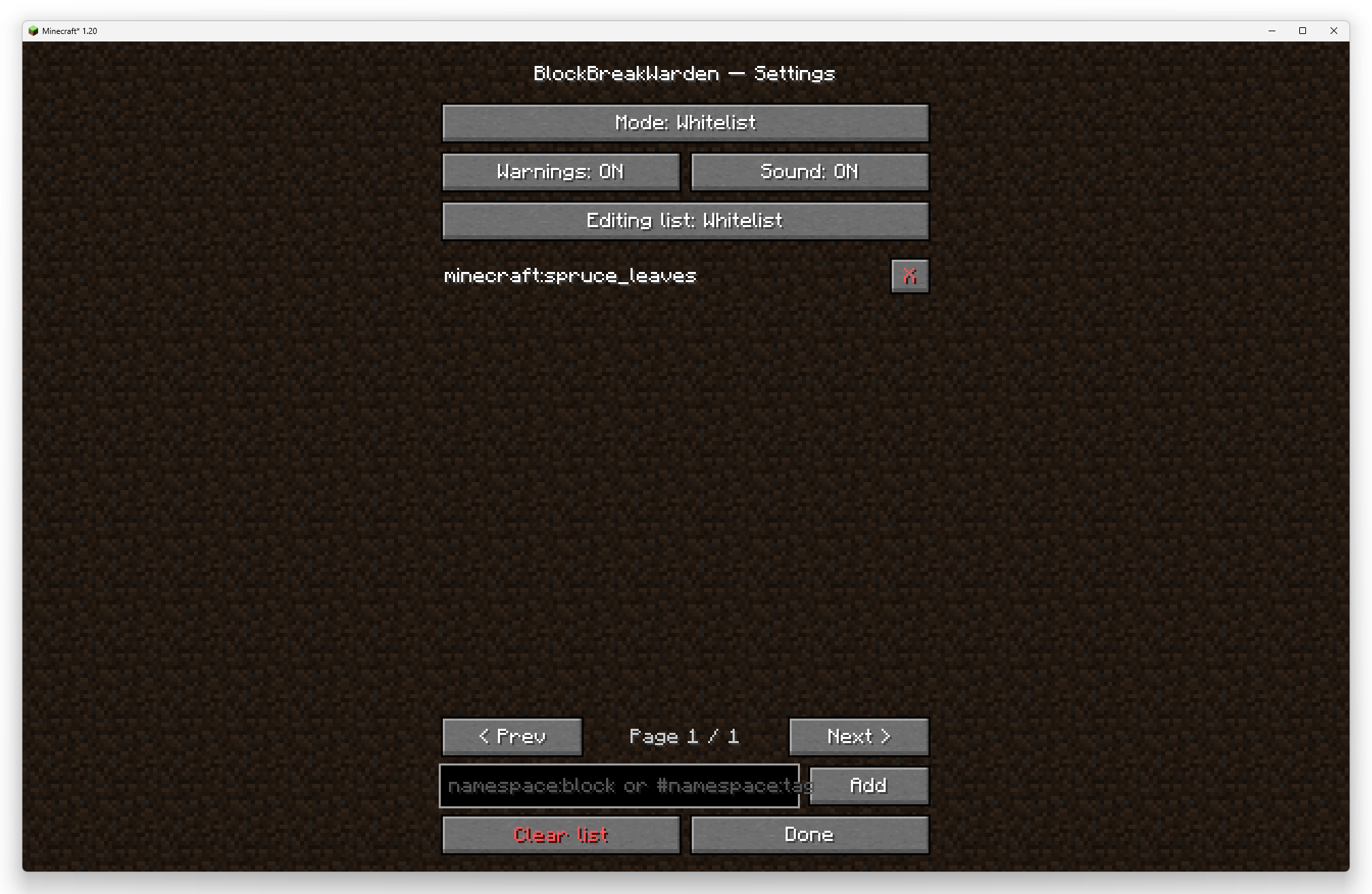
Three modes (cycled in the GUI and with a hotkey):
Off — the mod does nothing;
Whitelist — you may break only the blocks/tags in the whitelist;
Blacklist — you may not break the blocks/tags in the blacklist.
Whitelist and blacklist are independent lists, edited separately in the GUI (switch which one you are editing with a dedicated button).
Each list holds two kinds of entries:
a block ID: minecraft:oak_log;
a block tag (with #): #minecraft:logs.
Hotkeys (rebindable in Options → Controls → Key Binds → BlockBreakWarden):
K — cycle through the modes;
N — add the block you are looking at (by block ID) to the current mode's list (whitelist or blacklist); pressing it again on an already-added block removes it. In Off mode it does nothing and tells you to pick a mode first.
GUI (via Mod Menu, or opened directly):
change the mode;
toggle warnings and sound;
add an entry by ID or tag;
remove a single entry (the X button);
clear the whole list;
pagination for long lists.
The warning is shown on the line above the hotbar plus an optional sound; it does not spam while you hold down the left mouse button.
Settings storage
All settings (mode, the warning/sound toggles, and the block/tag list) are stored in an external JSON file config/blockbreakwarden.json in the game folder. The file is created automatically, re-read on startup, and can be edited by hand.
The mod is client-side: the restriction works through AttackBlockCallback on the client and applies on any server, but it only limits you (it does not protect blocks from other players).
Русский
Клиентский мод для Minecraft (Fabric), который ограничивает, какие блоки игрок может ломать, и показывает предупреждение при попытке сломать запрещённый блок.
Возможности
Три режима (переключаются в GUI и горячей клавишей по кругу):
Выключен — мод не вмешивается;
Whitelist — ломать можно только блоки/тэги из белого списка;
Blacklist — ломать нельзя блоки/тэги из чёрного списка.
Whitelist и blacklist — независимые списки, редактируются раздельно в GUI (отдельная кнопка переключает, какой из них вы сейчас редактируете).
Каждый список хранит записи двух видов:
ID блока: minecraft:oak_log;
тэг блока (с #): #minecraft:logs.
Горячие клавиши (настраиваются в Управление → Клавиши → BlockBreakWarden):
K — переключить режим по кругу;
N — добавить блок, на который смотрит игрок (по ID блока), в список текущего режима (whitelist или blacklist); повторное нажатие на уже добавленный блок убирает его. В режиме Выключен действие недоступно — мод попросит сначала выбрать режим.
GUI (через Mod Menu или открывается напрямую):
смена режима;
вкл/выкл предупреждений и звука;
добавление записи по ID или тэгу;
удаление отдельной записи (кнопка X);
полная очистка списка;
пагинация длинного списка.
Предупреждение выводится в строке над хотбаром + опциональный звук; не спамит при удержании ЛКМ. Хранение настроек
Все настройки (режим, переключатели предупреждений/звука и список блоков/тэгов) сохраняются во внешнем JSON-файле config/blockbreakwarden.json в папке игры. Файл создаётся автоматически, перечитывается при запуске и его можно править вручную.
Мод клиентский: ограничение работает через AttackBlockCallback на стороне клиента и действует на любом сервере, но ограничивает только вас (не защищает блоки от других игроков).
Screenshots
Gallery
Versions
Files
Relations
Project Relations
More like this
Similar Mods
Suggestions use data such as tags, dependencies, dependents, descriptions, titles, and more to rank how much they overlap with this mod.
On ModDex
Community snapshot
By the numbers
Statistics

Want to reach Minecraft players?
We're looking for a server hosting partner to feature here and other parts of the site. Interested? Send us a message!
Get in touchGet it on
Available Platforms
On ModDex
Community snapshot
By the numbers
Statistics
Resources