Community listing page, reviews here may not be monitored by the author.
Blocklings: Nostalgia Edition

No reviews yet
Blocklings adds loyal, block-shaped companions to your world. Tame and level them up, assign jobs, and let them help with combat, mining, woodcutting, farming, and item transport while you explore.
Community voices
Reviews
No reviews yet. Be the first to review this project!
Get it on
Available Platforms
About
Project Details
For authors
Embed Badge
If you're the author of this project, you can embed a live badge anywhere that supports HTML or Markdown. It updates automatically whenever ratings change.
Use HTML for any page that supports it, or Markdown for README files and Markdown-based descriptions.
Identifiers
Platform IDs
Resources
External Links
About
Description
What is Blocklings: Nostalgia Edition?
MC-Blocklings: Nostalgia Edition is a faithful and carefully modernized restoration of the classic Blocklings mod, credits to the original creator: WillR27. This edition revives the essence of the mod —small cubic creatures that grow, evolve, and accompany you on your adventures— but rebuilt to integrate perfectly with the modern Minecraft 1.20.1 experience.
Mod Guide
1) How do you obtain a Blockling now?
In this port blocklings no longer spawn naturally in the world.
Vital Core (vital core): used on a compatible block to convert that block into a wild blockling of the corresponding type by right-clicking.
2) Taming
- Wild blocklings can be tamed by giving them valid food for their type.
- Flowers are still valid food.
3) Basic interaction (very important)
Once it belongs to you:
- Right-click on your blockling to open its interface.
- The sit/follow/wander behavior no longer depends on the classic “wolf-style” right-click; it is now mainly controlled through the task system.
Extra:
- If you have a Blockling Whistle, you can bind it to your blockling to better locate and manage your companion.
4) Types, food, and type changing
Each blockling has:
- Natural Type (has a passive ability, not editable).
- Primary Type (has bonuses and a passive ability, editable).
To attempt changing the primary type:
- As the owner, sneak and use a valid type/food item.
- In this port the change has a success probability of 25% per attempt.
Current notable types:
- Earth / Grass
- Woods: Oak, Birch, Spruce, Jungle, Dark Oak, Acacia
- Stone, Iron, Quartz, Lapis Lazuli, Gold, Emerald, Diamond
- Netherite, Obsidian, Glowstone
5) Current interface: tabs
The UI is currently organized into these tabs:
6) Stats
Here you can see:
- Blockling health and attributes.
- Branch levels (combat, mining, woodcutting, farming).
- EXP progress for each branch.
The blockling gains experience when it performs real actions related to that branch.
7) Tasks
This tab is key:
- Enable/disable tasks.
- Configure behavior (distances, search radius, lists, etc.).
- Prioritize what the blockling does first.
Examples of configurable behavior:
- Follow the owner.
- Stay/sit.
- Combat (including guard reactions and targets).
- Gathering/automation depending on unlocked skills.
8) Equipment
Here you manage:
- Tools/weapons for hands and slots.
- Automatic switching depending on the task (if enabled).
- The blockling's operational inventory for tasks.
Tip: if a task “doesn't work”, first check the correct tool + durability + required skill.
9) Skills (General / Combat / Mining / Woodcutting / Farming)
The current progression is based on skill trees per branch:
- They unlock new tasks, passive upgrades, and utilities.
- Several skills have level prerequisites and node dependencies.
- There are very important quality-of-life skills (healing, management, combat/farming/mining/woodcutting utilities).
10) Recommended mini starting path
1. Craft Vital Core and Whistle.
2. Create your first blockling from a simple block (grass, dirt, or a log).
3. Tame it with valid food.
4. Open the UI and enable a simple task (follow + one work task).
5. Equip it with an appropriate tool.
6. Level up General skills and then specialize (Combat or Mining usually perform better early).
Compatible Versions
- 1.20.1 Forge (completed stable version)
Screenshots
Gallery
-
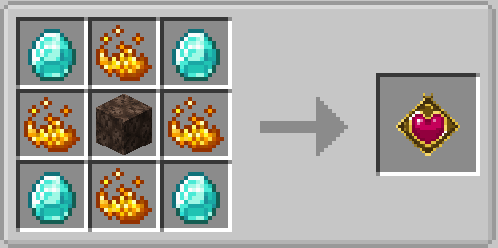 Vital core craft.png Vital core craft.png
 -
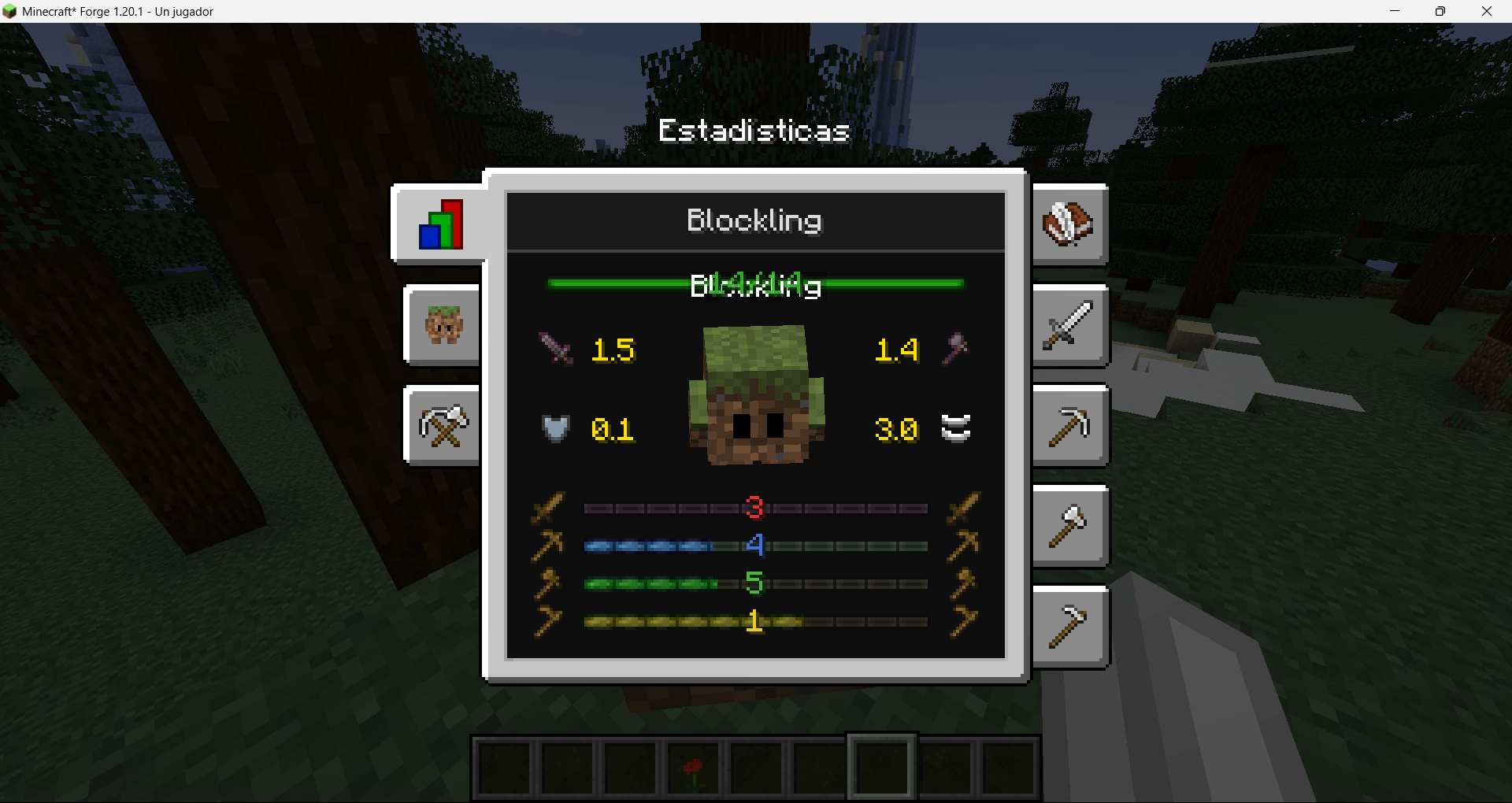 Blockling menu.png Blockling menu.png
 -
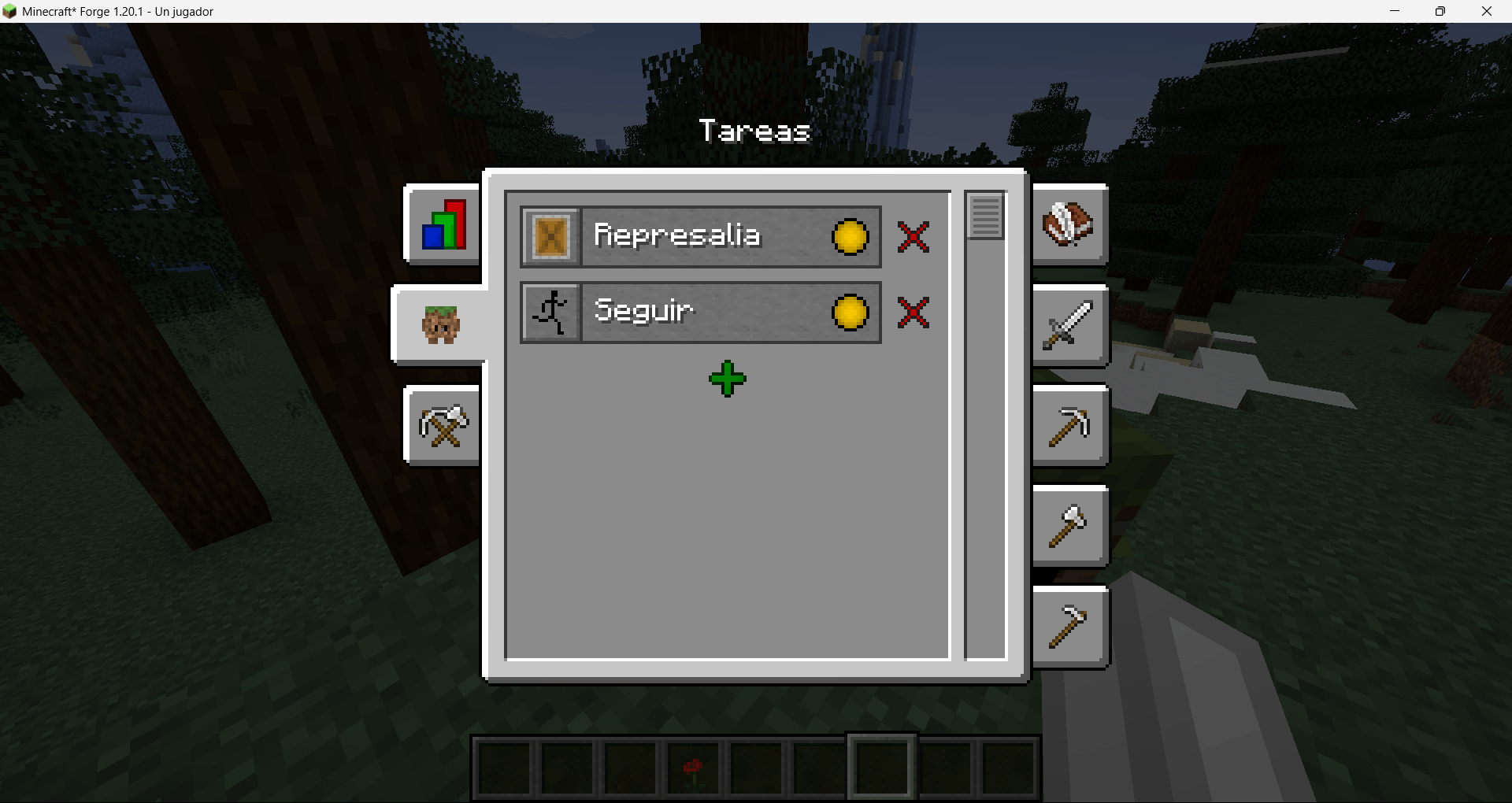 Task.png Task.png
 -
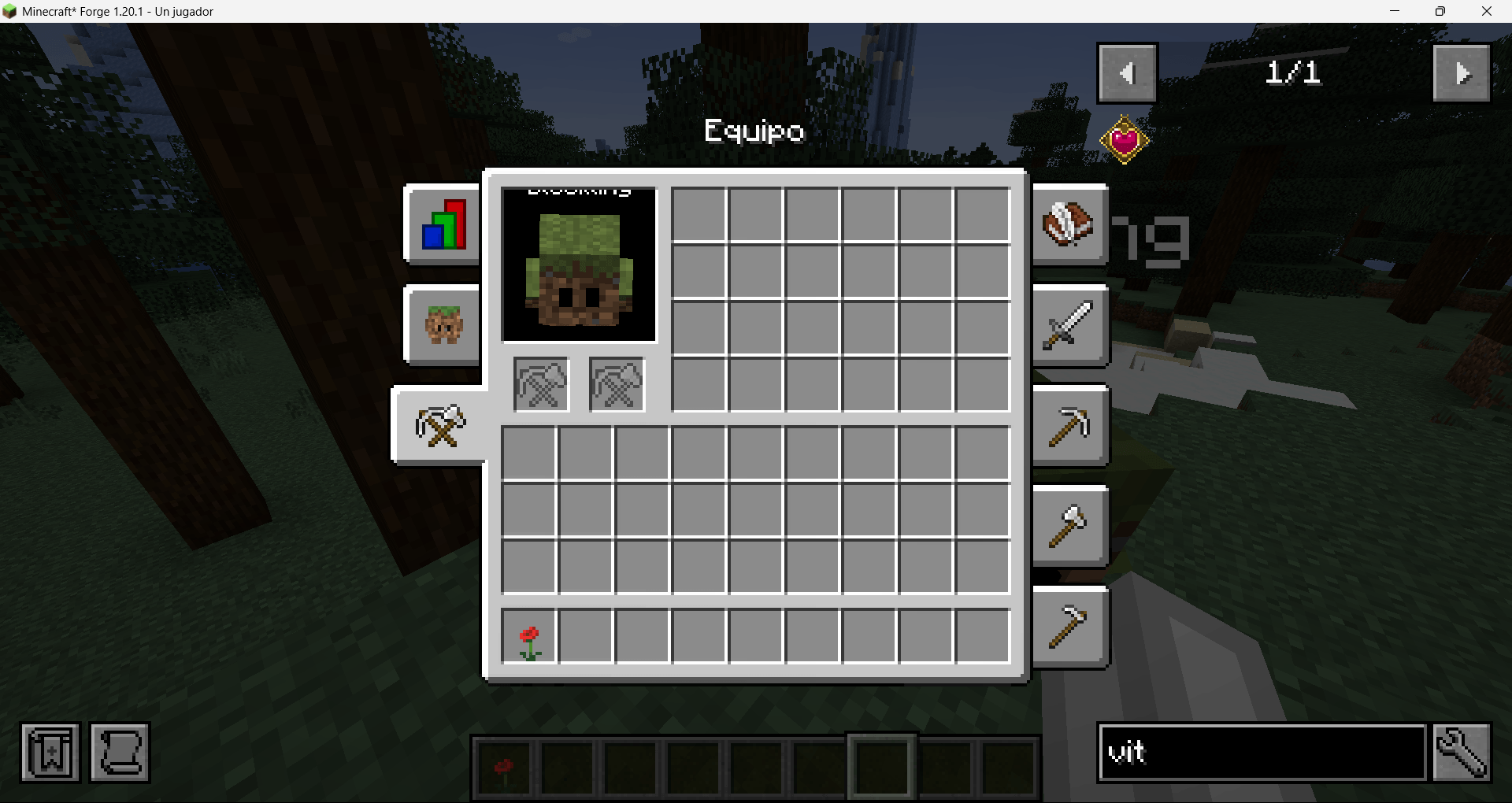 Inventory.png Inventory.png
 -
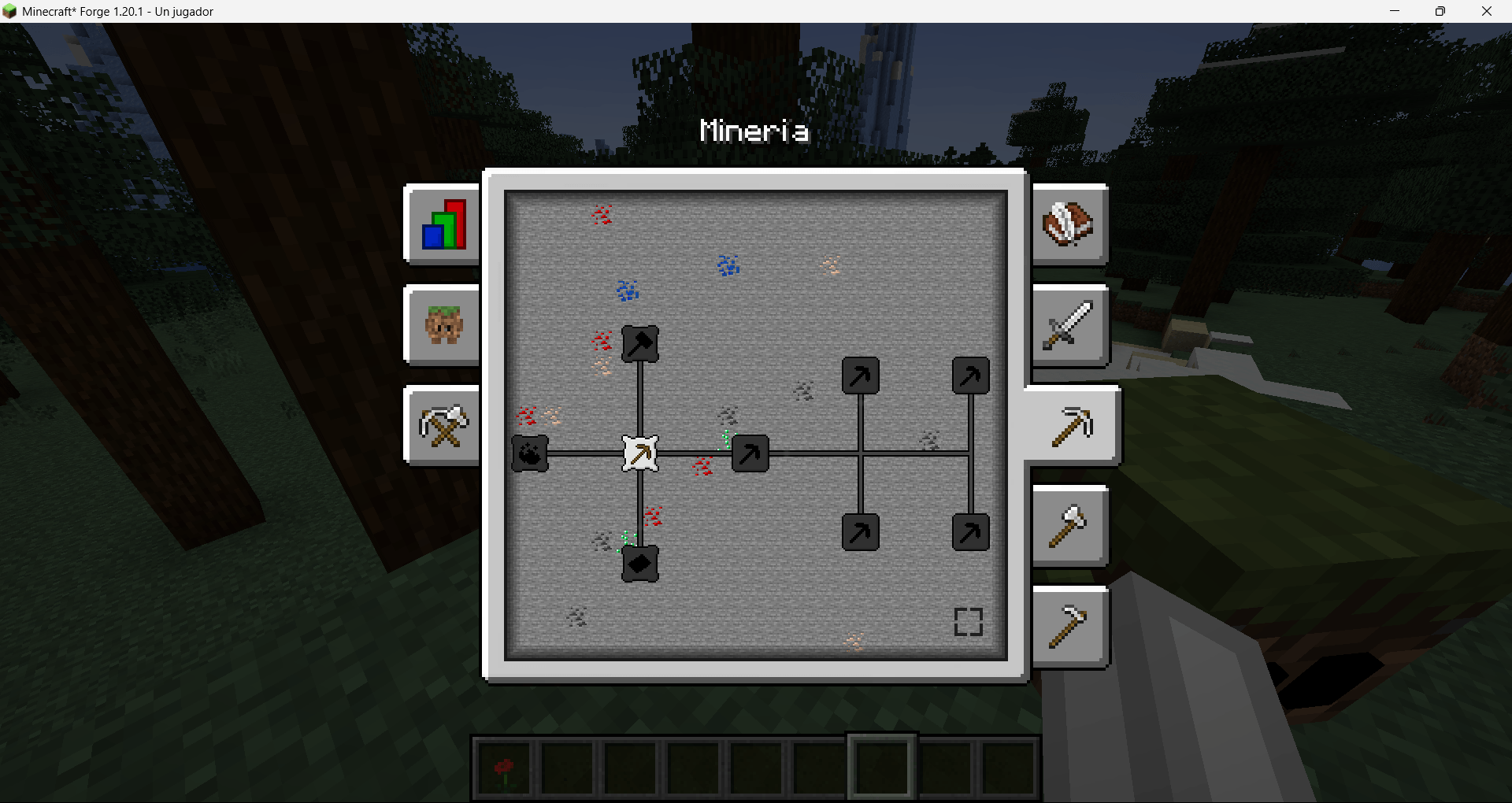 Minery.png Minery.png
 -
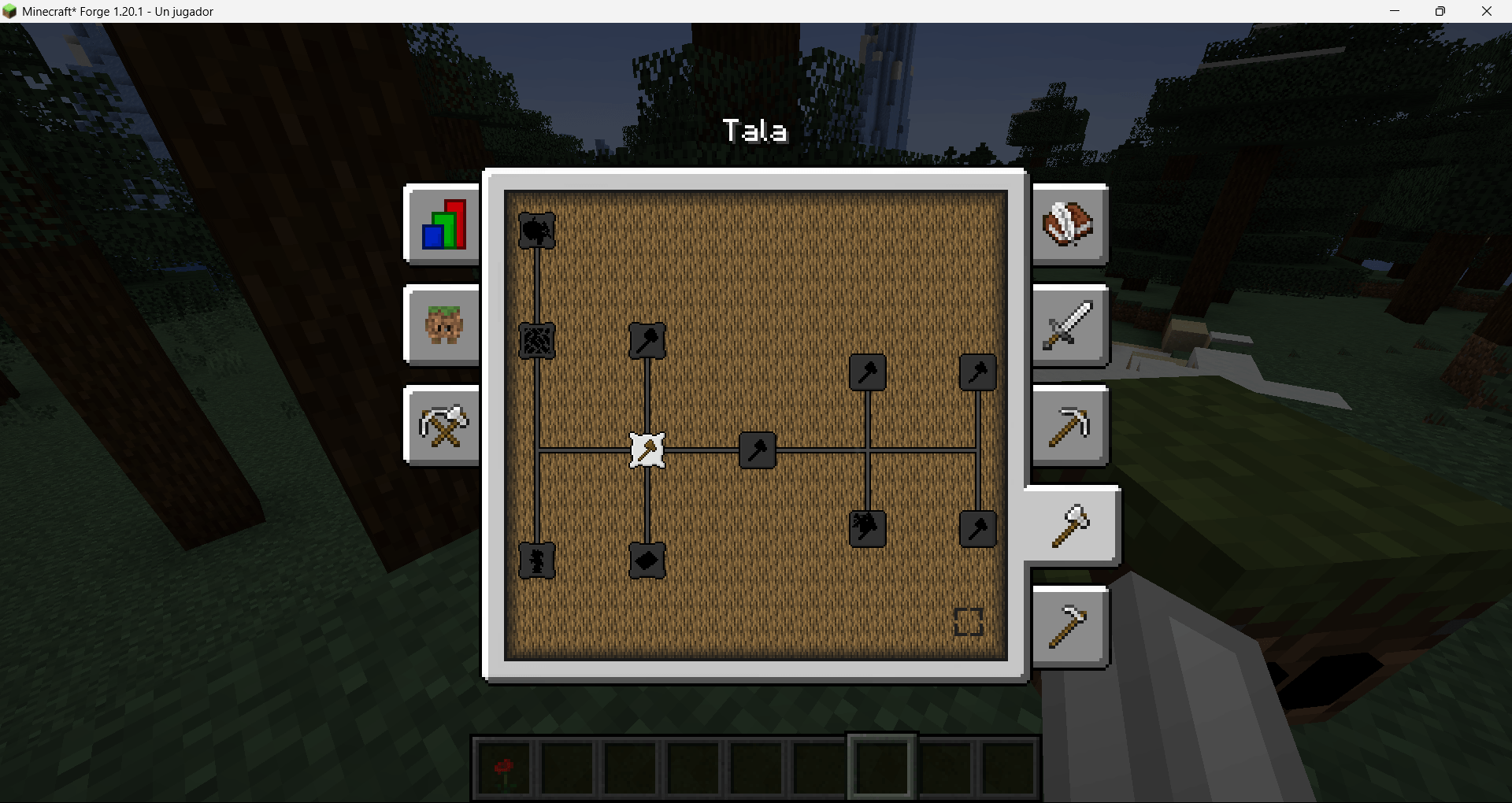 Logging.png Logging.png
 -
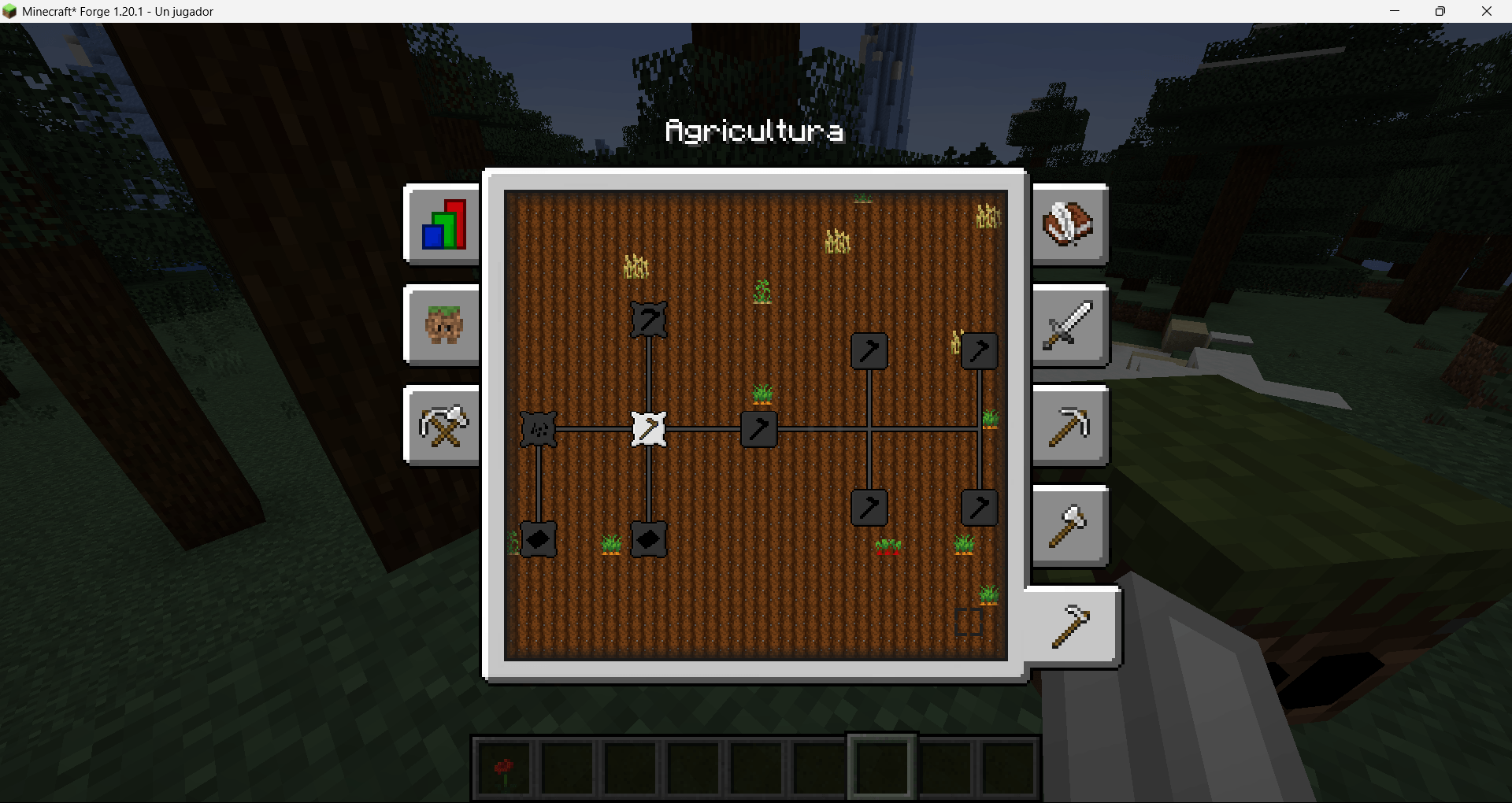 Agriculture.png Agriculture.png
 -
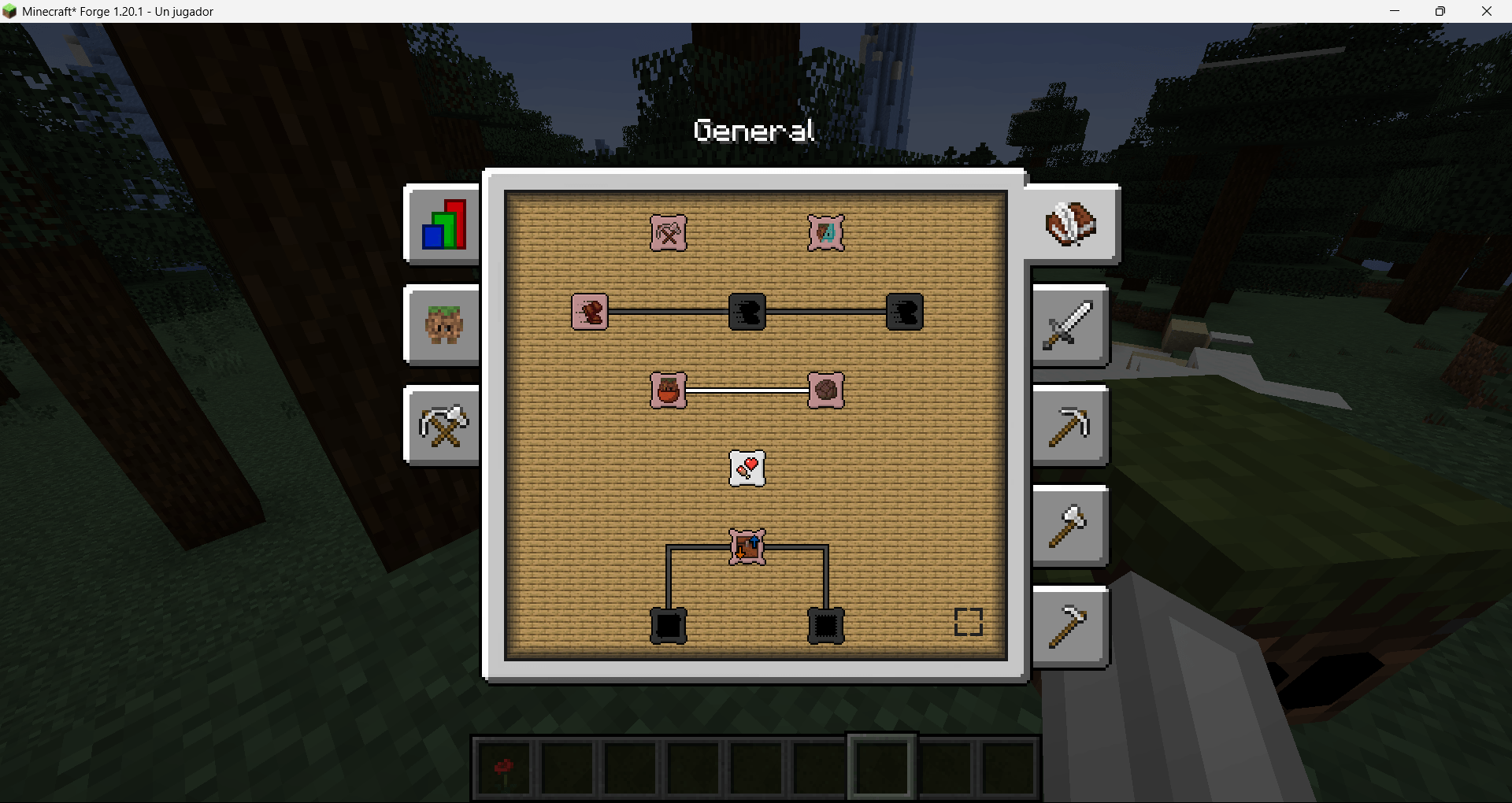 General.png General.png
 -
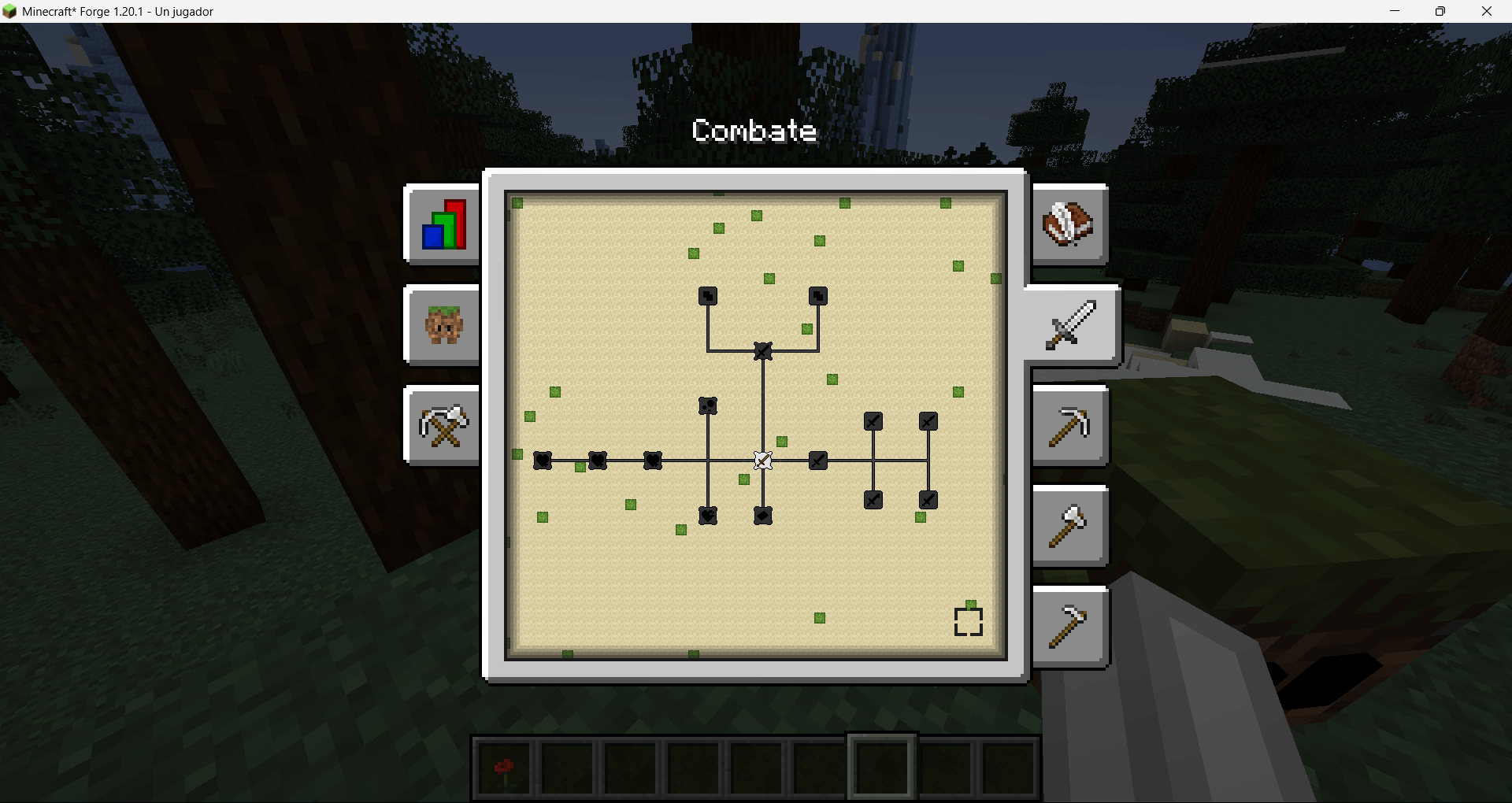 Combat.png Combat.png
Versions
Files
Relations
Project Relations
More like this
Similar Mods
Suggestions use data such as tags, dependencies, dependents, descriptions, titles, and more to rank how much they overlap with this mod.
On ModDex
Community snapshot
By the numbers
Statistics
Want to reach Minecraft players?
We're looking for a server hosting partner to feature here and other parts of the site. Interested? Send us a message!
Get in touchGet it on
Available Platforms
On ModDex
Community snapshot
By the numbers
Statistics
Resources