
Block Target Info
No reviews yet
A tiny always-on HUD that reads the block under your crosshair: name, hardness, the right tool, and the light level.
Fabric is a mod loader for versions 1.14+ of Minecraft, particularly popular for client side and optimization mods.
Community voices
Reviews
Click once to include, again to exclude, again to clear
No reviews yet. Be the first to review this project!
Get it on
Available Platforms
 Modrinth
Compatibility
Supported Environments
About
Project Details
For authors
Embed Badge
If you're the author of this project, you can embed a live badge anywhere that supports HTML or Markdown. It updates automatically whenever ratings change.
Use HTML for any page that supports it, or Markdown for README files and Markdown-based descriptions.
Identifiers
Platform IDs
Resources
External Links
About
Description
Block Target Info
A small, always-on HUD overlay that tells you what you're looking at. Aim at any solid block and a tidy 4-line readout appears in the corner:
- Block name — the same name F3 would show, in clean English (e.g. "Oak Log", "Diamond Ore", "Obsidian").
- Hardness — how long it takes to mine, colour-coded so you can tell a 0.5-hardness shrub from a 50-hardness obsidian block at a glance.
- Tool — pickaxe / axe / shovel / hoe / hand, so you don't have to remember which tool drops what.
- Light level — the light on the face you're aiming at, with separate block-light and sky-light readouts (B / S). Goes amber under 8, red at 0, so you can spot spawnable surfaces while you build.
Pure client-side, drop-in, works on any server. No mixins, no gameplay changes.
Why?
F3 is huge and ugly and floods your screen with debug info. Other HUD mods focus on coordinates or biomes. This one does one thing: tells you about the block you're pointing at. Useful while building, mining, or just learning the game.
Controls & config
- Default toggle key: B. Press at any time to show/hide the readout.
- Config file:
<minecraft>/config/blocktarget.json. Choose the corner, which lines to show, the toggle key, and the max distance.
Compatibility
- Minecraft: 1.21.8 – 1.21.10 (single JAR).
- Loader: Fabric.
- Side: client-only — no need to install on the server.
Credits
Original mod, MIT licence. Issues / PRs welcome.
Screenshots
Gallery
-
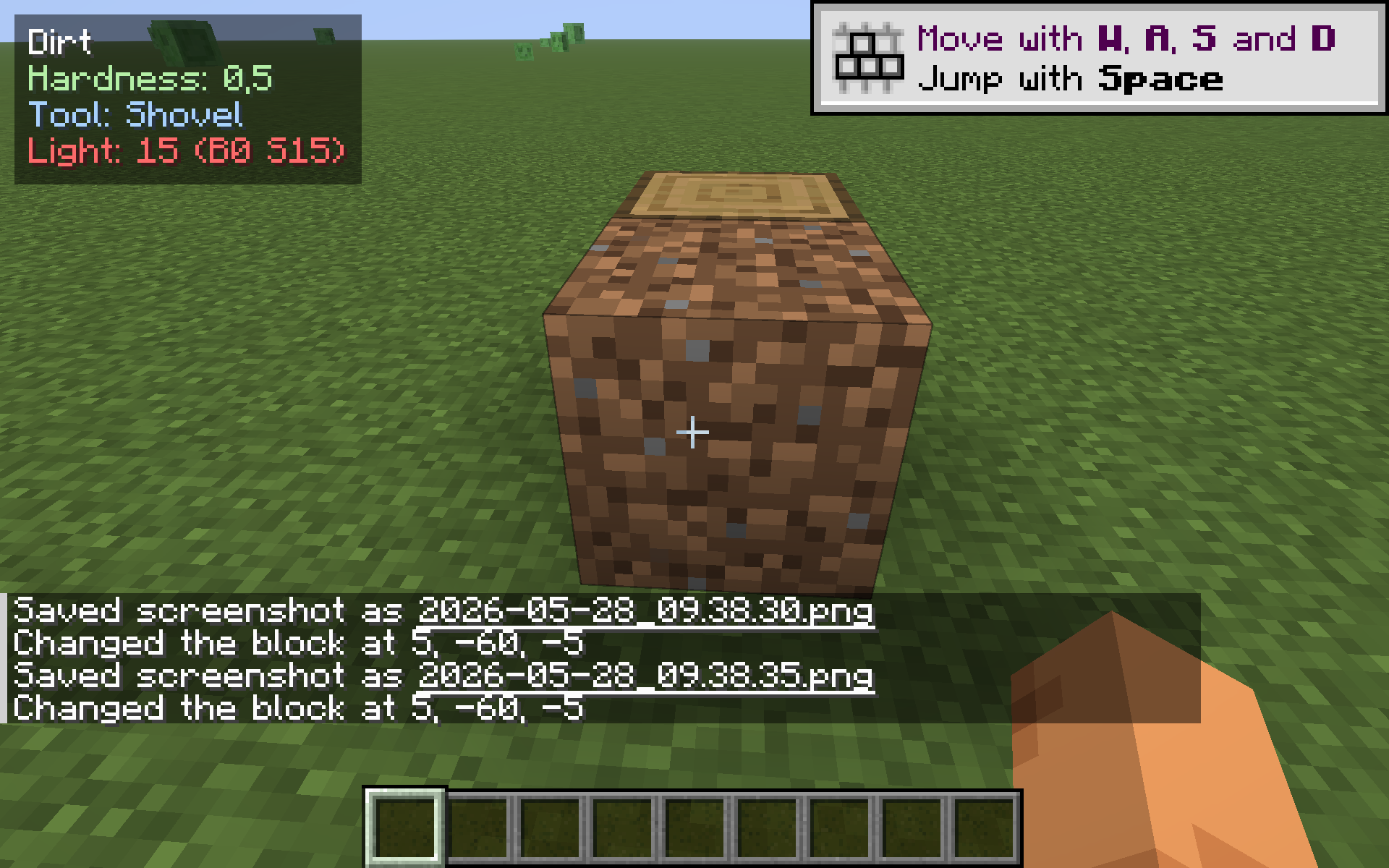 Dirt
Dirt -
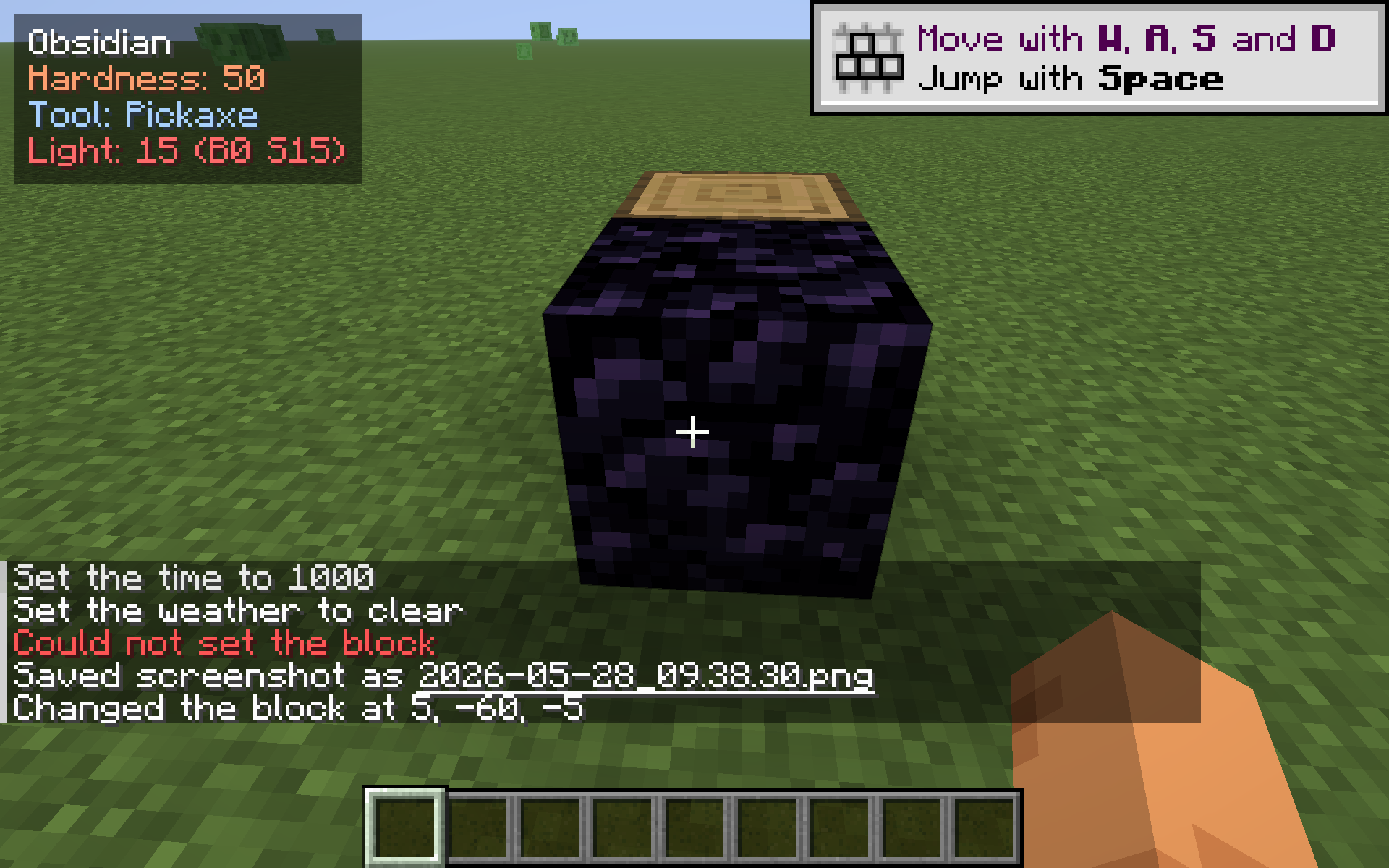 Obsidian
 -
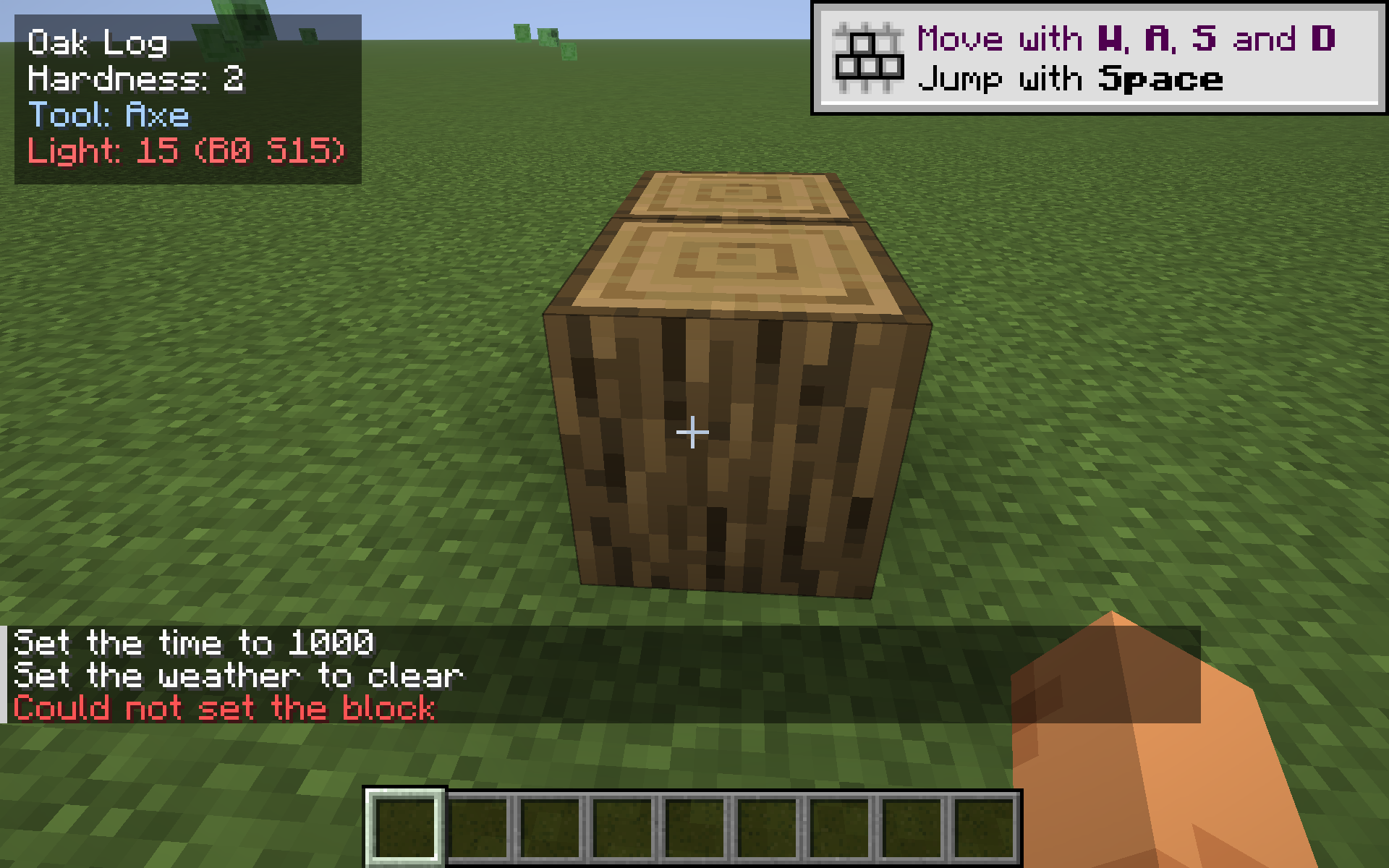 Oak Log
Versions
Files
Relations
Project Relations
More like this
Similar Mods
Suggestions use data such as tags, dependencies, dependents, descriptions, titles, and more to rank how much they overlap with this mod.
On ModDex
Community snapshot
By the numbers
Statistics

Want to reach Minecraft players?
We're looking for a server hosting partner to feature here and other parts of the site. Interested? Send us a message!
Get in touchGet it on
Available Platforms
On ModDex
Community snapshot
By the numbers
Statistics
Resources