
Community listing page, reviews here may not be monitored by the author.
Bloodmoon Update

No reviews yet
Adds a lunar event called Bloodmoon to the game
Community voices
Reviews
No reviews yet. Be the first to review this project!
Get it on
Available Platforms
About
Project Details
For authors
Embed Badge
If you're the author of this project, you can embed a live badge anywhere that supports HTML or Markdown. It updates automatically whenever ratings change.
Use HTML for any page that supports it, or Markdown for README files and Markdown-based descriptions.
Identifiers
Platform IDs
Resources
External Links
About
Description
The Fabric And NeoForge versions, as well as Forge > 1.21. require Oblivious Core in order to work. Those are still at an experimental state so expect a few bugs. (The 1.20.1 version is on a big update right now this will take a while), the Torch flickering is currently disabled in those versions.

🌕 Blood Moon Mod 🌕
A terrifying and immersive survival experience for Minecraft
The Blood Moon Mod adds a dramatic and eerie event to your Minecraft world. When night falls under a Blood Moon, hostile mobs become deadlier, spawn more frequently, and the environment takes on a chilling atmosphere. Players can’t sleep, visual effects intensify, and strange forces awaken…
Customize your experience through powerful in-game commands and advanced configuration options.
WORKS WITH STELLAR VIEW
IF YOU LATELY UPDATED THE MOD, I RECOMMEND YOU TO TYPE /bloodmoon_config reset because some values have changed in the latest version.
The updates of this mod will be a bit slowed down, as it takes really a lot of time, and would like to try other projects. Though, this will definitely not get abandonned as there are plenty of stuffs to do with this mod.
🔑 Key Features
- Blood Moon Event: A rare and intense night with boosted mob spawns, red visuals, creepy sounds, and unique challenges.
- No Sleeping: Beds are disabled during the event (sound feedback in development).
- Atmospheric Effects:
- Red tint and fog effects that fade smoothly in/out.
- Red Overlay that intensifies during the night and when looking up.
- Overlay and fog vanish underground or if the sky is not visible.
- Enhanced Mobs:
- Buffed hostile mobs with optional gear, enchantments, and stronger behavior.
- Fully tag-based spawning logic for easier customization.
- Balancing and XP/loot multipliers configurable.
- Blooded Totem:
- A new item to manually summon a Blood Moon (with full animations and effects).
- Limited to 5 uses via durability. (in development)
- Unlocks a new advancement when used successfully.
- Cursed Content:
- Cursed Block with GUI, recipe, and 50% drop chance from mobs (configurable).
- Items: Cursed Blood, Cursed Totem.
- Ties into future gameplay mechanics...
- Moon Override: Custom Blood Moon texture keeps normal phases intact using a clean Mixin.
- Advancements: Custom advancements for Blood Moon and Cursed Totem events.
- TORCHES FLICKER
🛠️ Commands
/bloodmoon moon_event start– Start the Blood Moon manually (Admin only)/bloodmoon moon_event end– End the Blood Moon early (Admin only)/bloodmoon_config– Open the full config system (Admin only)- Use
/bloodmoon_config helpfor all subcommands - Examples:
EventChance [value]MobsBuffs on/offArmorChance,WeaponChance,EnchantChance,XP/Loot MultipliersRedOverlay intensity,Particles, etc.
⚙️ Configuration Highlights
Control everything dynamically via commands:
- Enable/disable mob buffs
- Adjust mob gear/enchant chances
- Set XP and loot multipliers
- Configure red overlay visuals
- Toggle fog and overlay behavior
- Tweak equipment drop chances and more
🧪 In Development
- Unique mob behaviors and boss mechanics
- Custom structures and loot systems
- Config GUI & language support
- Better sound controls
📦 Installation
-
Download the
.jarfile -
Place it in your
modsfolder -
Launch Minecraft with Forge 47.x (Minecraft 1.20.1) or Forge 43.x (Minecraft 1.19.2) (Still at a beta version)
-
Survive the night... or don’t.
🧑💻 Credits
- Developer: Foufakirby (aka FFK)
- Inspired by classic Blood Moon mods and Minecraft horror vibes
- Mod version: 1.4.0
- Minecraft version: 1.20.1 and 1.19.2
- Forge version: 47.x and 43.x
Screenshots
Gallery
-
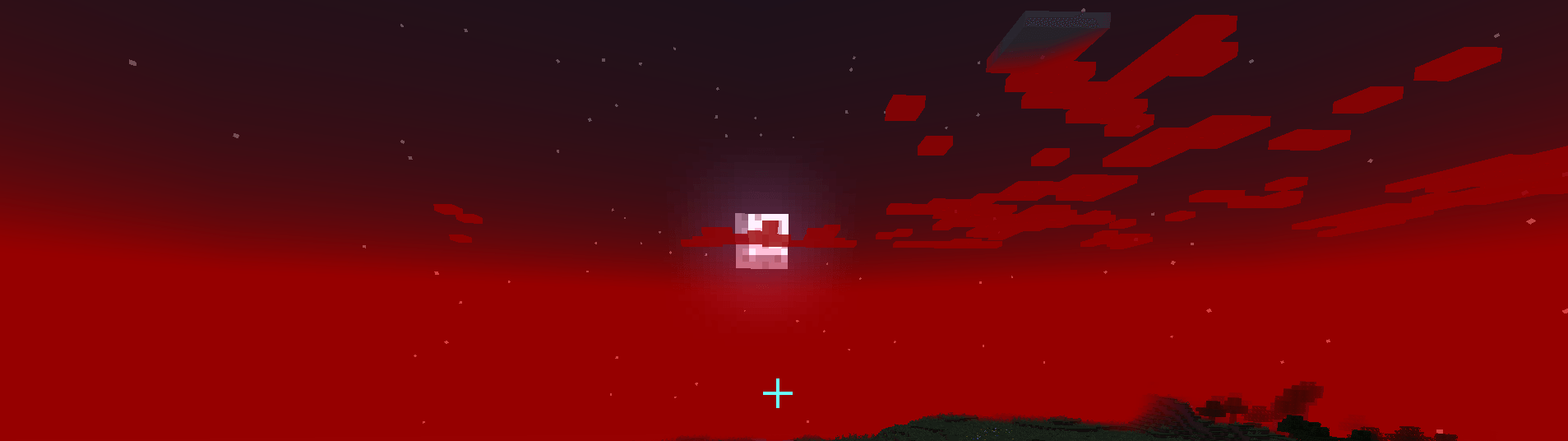 Clouds hiding the moon.png Capture d'écran 2025-04-10 194503.png
 -
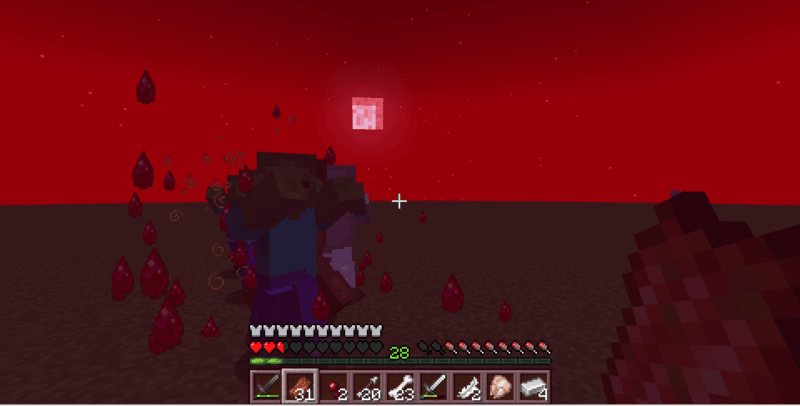 BloodParticles and Red Moon.png Capture d'écran 2025-04-13 200749.png
 -
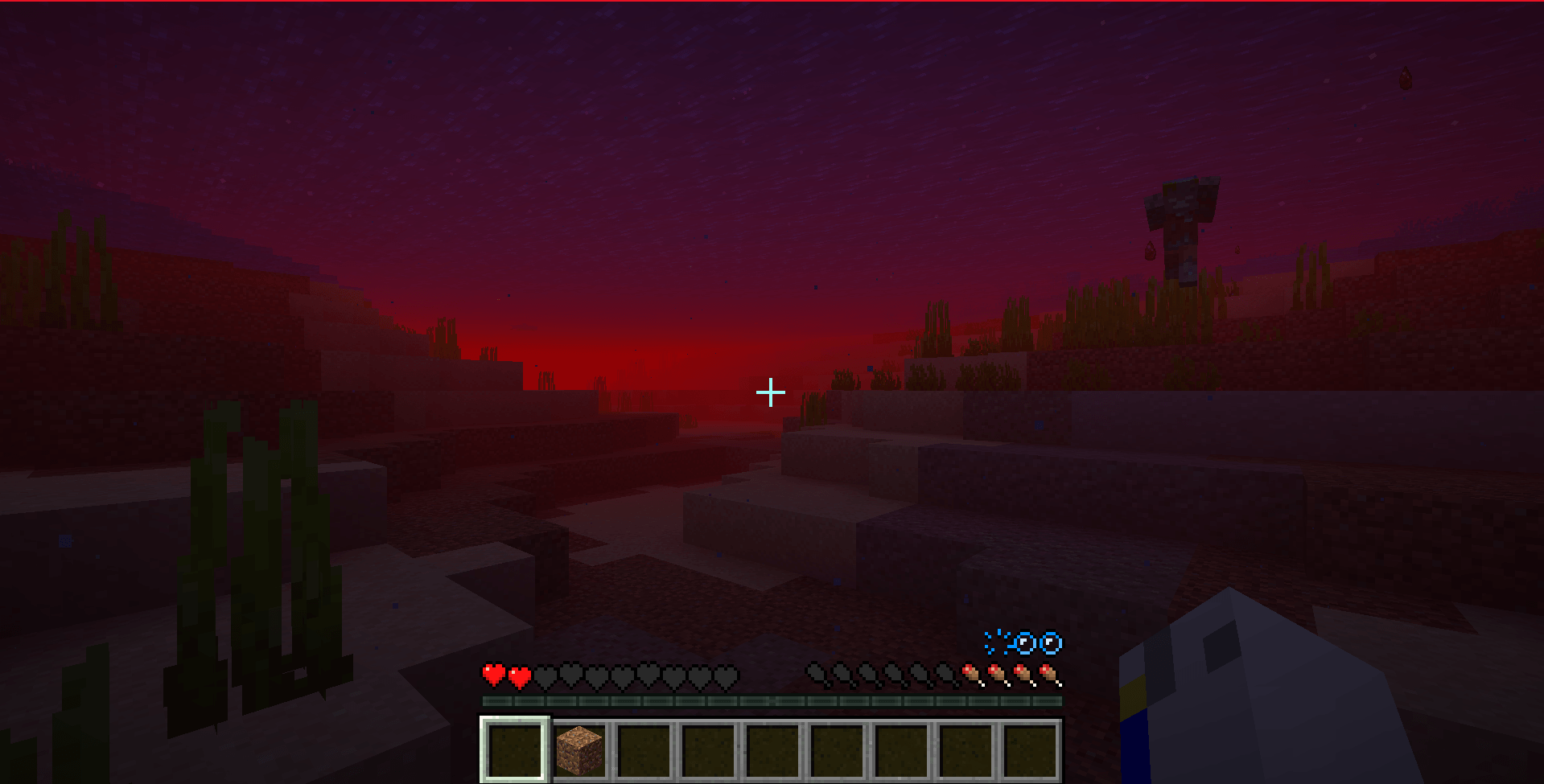 In the Ocean.png Capture d'écran 2025-04-10 194259.png
Versions
Files
Relations
Project Relations
More like this
Similar Mods
Suggestions use data such as tags, dependencies, dependents, descriptions, titles, and more to rank how much they overlap with this mod.
On ModDex
Community snapshot
By the numbers
Statistics
Want to reach Minecraft players?
We're looking for a server hosting partner to feature here and other parts of the site. Interested? Send us a message!
Get in touchGet it on
Available Platforms
On ModDex
Community snapshot
By the numbers
Statistics
Resources