
Community listing page, reviews here may not be monitored by the author.
BloodyParticles!


No reviews yet
Make every hit feel meaningful. Mobs splash thematic blood and impact particles when damaged different effects per mob, scaling with attack charge and critical hits.
Community voices
Reviews
No reviews yet. Be the first to review this project!
Get it on
Available Platforms
Compatibility
Supported Environments
Runs entirely on the client. Works on vanilla servers.
About
Project Details
For authors
Embed Badge
If you're the author of this project, you can embed a live badge anywhere that supports HTML or Markdown. It updates automatically whenever ratings change.
Use HTML for any page that supports it, or Markdown for README files and Markdown-based descriptions.
Identifiers
Platform IDs
Resources
External Links
About
Description
Compatibility: works on NeoForge, Forge and Fabric, for Minecraft 1.20.1 and 1.21.1. 100% client-side — install it on your client and join any vanilla server.
In-game config: the NeoForge version has a native config screen and needs nothing extra. For the Forge 1.20.1 and Fabric versions, configuring in-game needs the Cloth Config API (Fabric also uses Mod Menu for the button) — this is optional: the mod works fine without it and falls back to editing the
.tomlconfig file.
Add-ons & modded mobs
If you're looking to have the same particle effects with mobs in some popular mods like Born in Chaos, check out my own add-on, which is compatible with many mods. BloodyParticles Add-ons
BloodyParticles
Make every hit feel meaningful. Mobs splash thematic blood and impact particles when damaged — different effects per mob, scaling with attack charge and critical hits.
Features
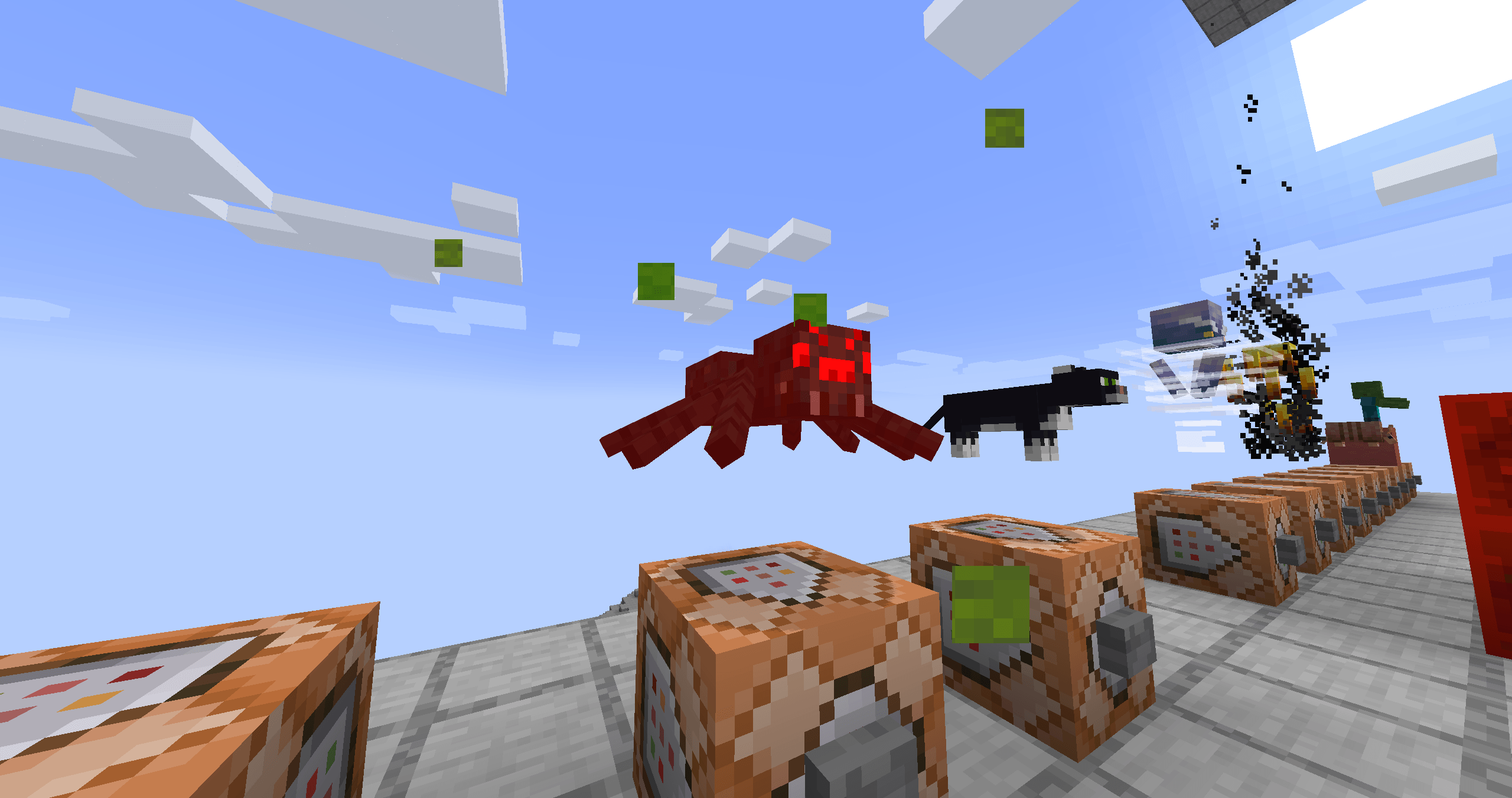
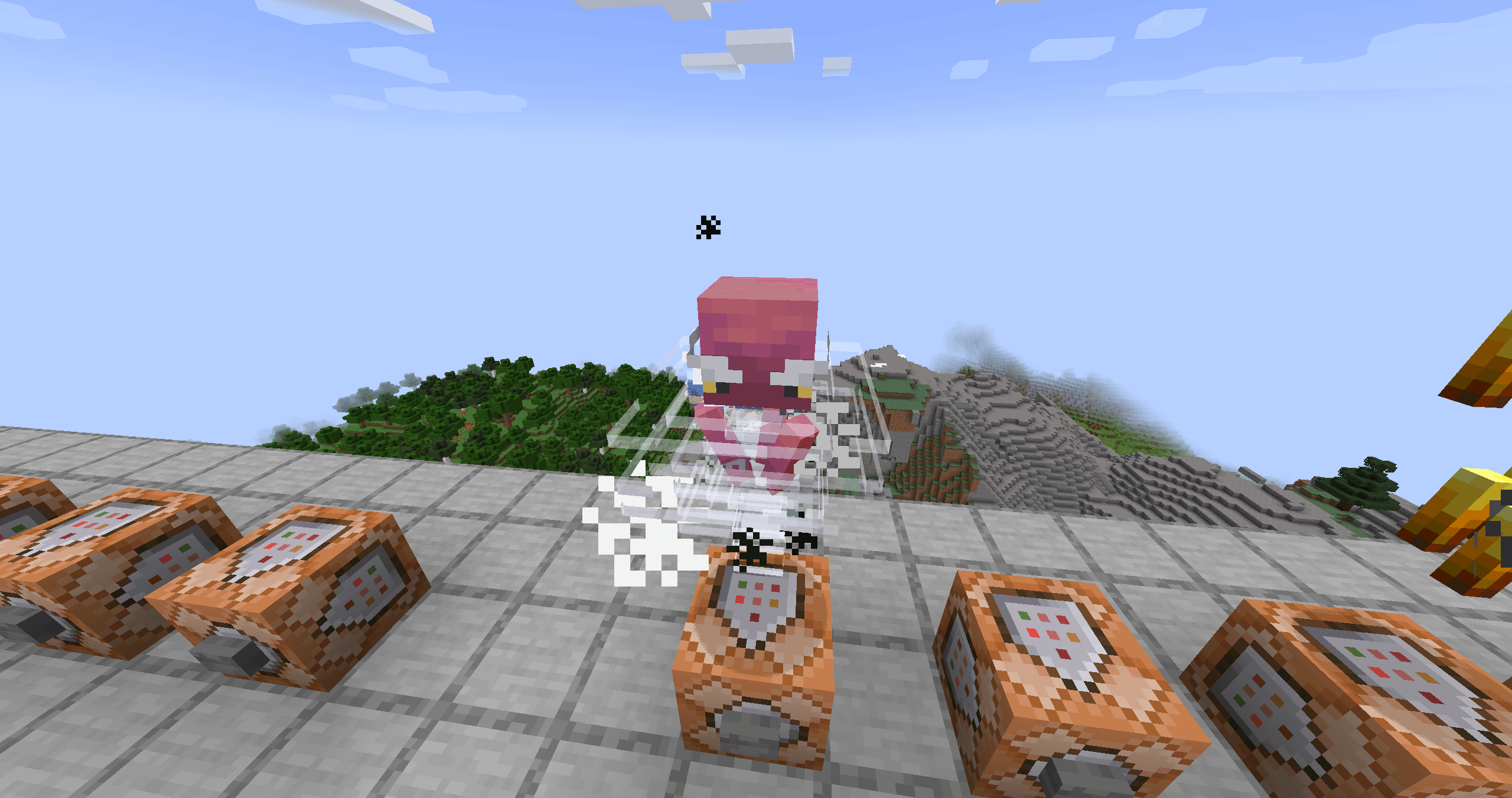
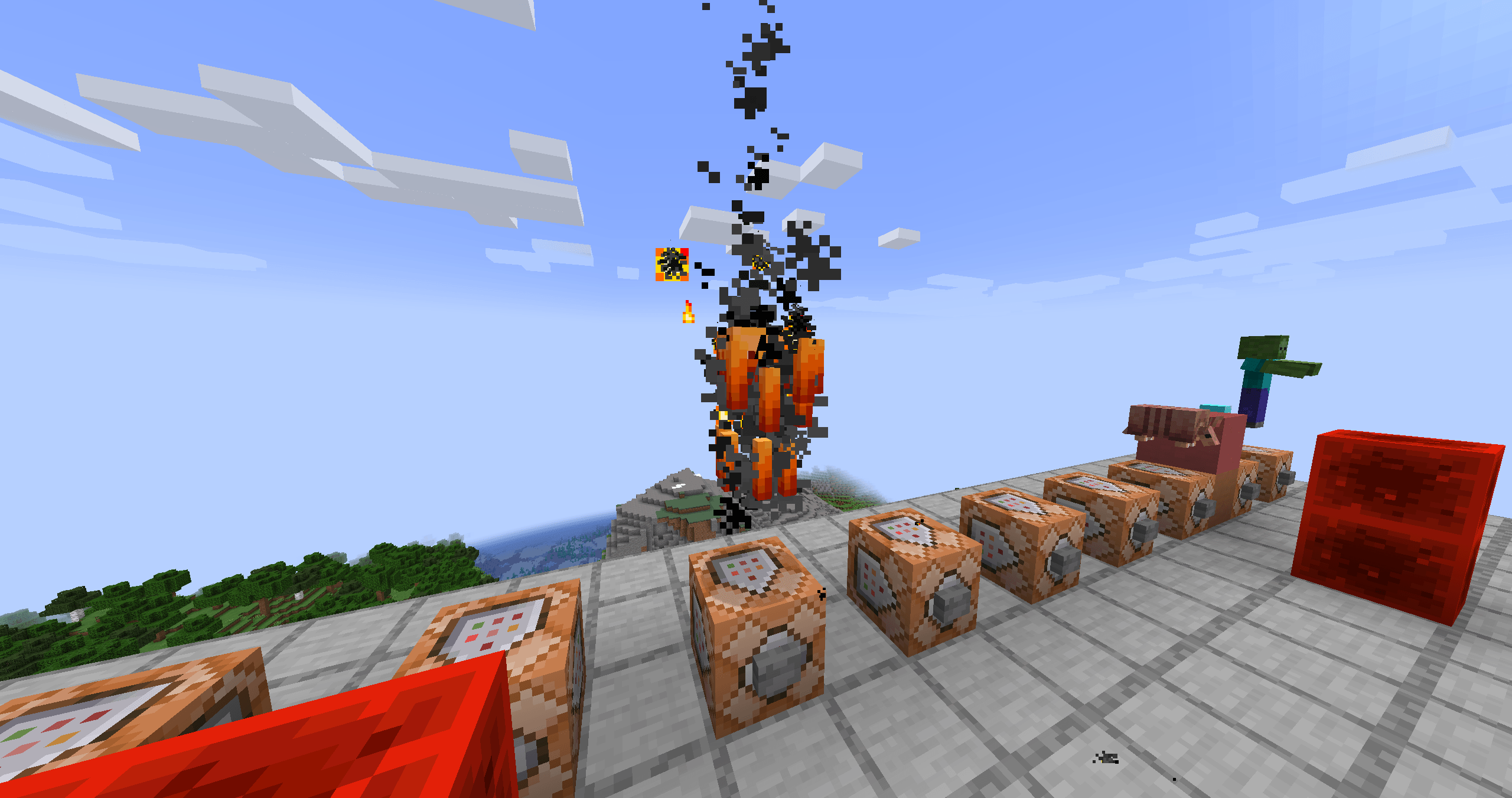
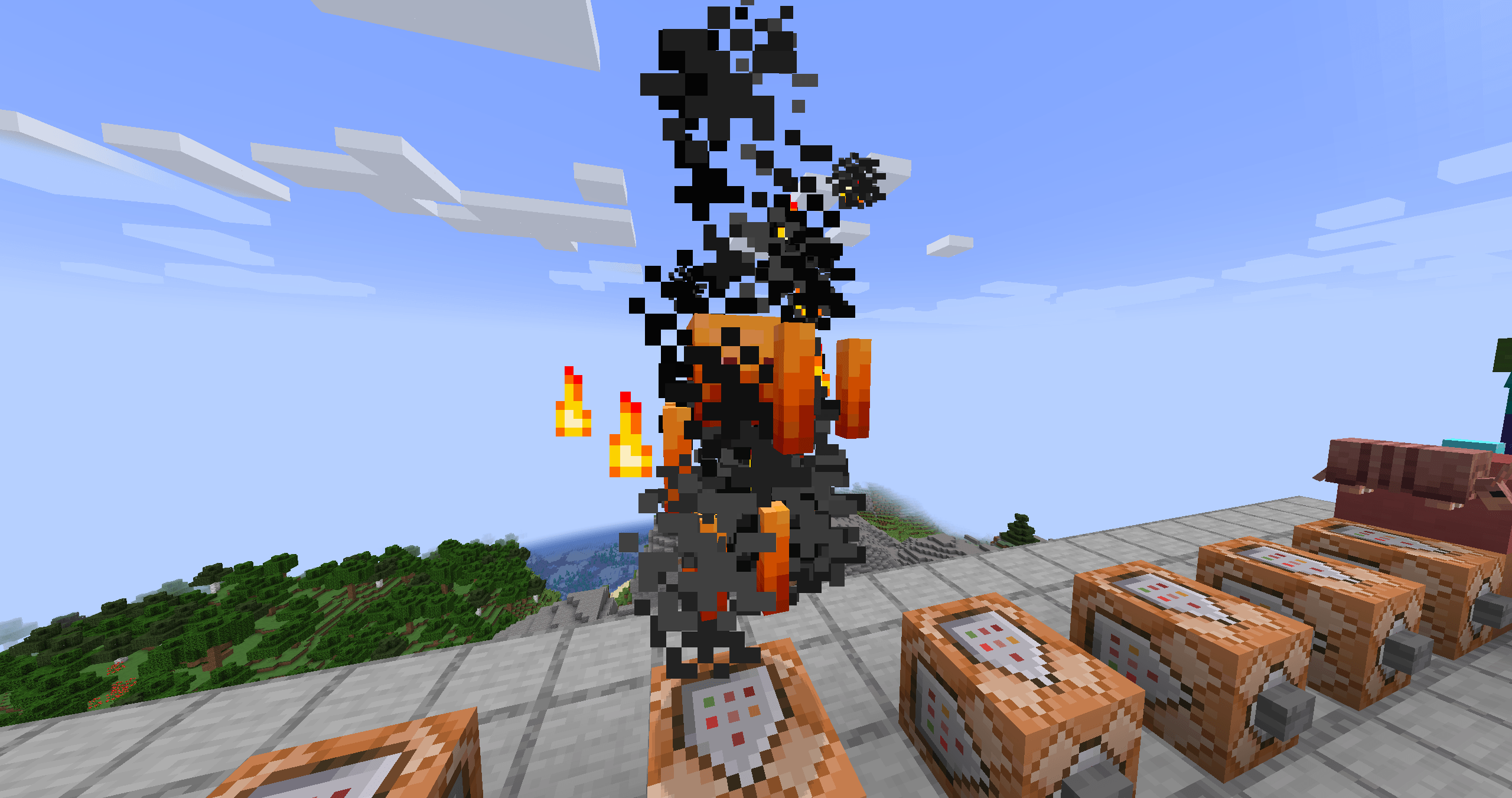
- 74 vanilla mobs covered out of the box, each with their own thematic effect (zombie redstone-blood, bee honey, blaze flame, axolotl pink-dye, …).
- 100% client-side — works on any vanilla server, no server install needed.
- Runs on NeoForge, Forge and Fabric (Minecraft 1.20.1 and 1.21.1) from a single, unified codebase — same effects on every loader.
- Configurable in-game: config GUI with sliders for intensity, view radius, critical multiplier. English / Spanish.
- Hit-aware: particle count scales with attack charge and critical hits.
- Custom particles: registers its own (e.g. falling feathers for chickens and parrots) with proper sprite-based physics.
This mod is a rework of a datapack that did the same thing but wasn't very user-friendly when it came to scaling the project, nor was it particularly efficient. You can view the datapack here:
This release expands BloodyParticles from a mob-blood mod into a full visual feedback layer for combat, movement, enchantments, and projectiles. Every effect below can be toggled or fine-tuned from the in-game config GUI (Mods → BloodyParticles → Config) — including thresholds, intensities, and texture variants.
Damage Source Variants
Mobs now react to how they're hit, not just that they were hit:
- Fire (flame + small_flame), Lava (flame + lava drops), Drowning (bubble pops), Suffocation (stone block crack)
- Poison → custom green skull smoke (rising, fading)
- Wither → custom black skull smoke
- Freezing → custom snowflakes (rotating, drifting)
Defaults apply to every mob automatically. Addon resourcepacks can override per mob.
Animated Custom Particles
Custom particles now support multi-frame animation via standard mcmeta. Drop name_0.png, name_1.png, … and list them in the particles JSON — feather, skulls, snowflake, and ender pearl particles all animate automatically when given multiple frames.
Low-HP Visuals
- Red vignette overlay with two texture variants (V1 subtle / V2 bloody) and configurable HP threshold (1–99%).
- Blood particles that pulse sparsely below the threshold and become continuous below half-threshold, with adjustable intensity.
Player Movement Effects
- Sprint trail — campfire smoke behind you, with configurable warmup time. Works while riding a mount (horse galloping). Auto-skipped on ice and snow.
- Falling trail — white smoke streaming behind during freefall.
- Landing burst — smoke + dust + stone shards on impact (3+ block falls).
- Water entry splash — biome-tinted water chunks + snow foam + dolphin sound on jumping into water.
Each can be toggled independently.
Shield Block
Wood + crit particles project forward in your look direction when blocking an attack — fully reliable even when the shield absorbs 100% of damage, and it works for any item that blocks the vanilla way, including modded shields.
Enchanted Arrows (Bow)
- Flame: fire + smoke trail; bigger flame + lava + large_smoke burst on mob impact.
- Power:
enchanted_hit+ witch trail (count scales with level);sweep_attack+dragon_breathburst on impact. - Detection works for any combination of both enchants on the same arrow.
Fire Aspect (Sword)
Melee hits with a Fire-Aspect-enchanted weapon trigger the same flame burst as Flame arrows.
- Knockback / Punch Wave;
Shockwave with swords and a bow, featuring the knockback and punch enchantments.
Boot Enchantments
- Feather Falling — 2–5 feathers on landing.
- Frost Walker — snowflakes + occasional
end_rodsparks at your feet over water. - Soul Speed — soul + dust_plume on soul sand / soul soil. Configurable intensity.
- Depth Strider — bubble, fishing, dolphin, and small white air particles around your legs underwater. Configurable intensity.
Ender Pearl
- Custom wave_enderpearl anchored at each pearl tick — grows + fades, creating a "tunnel" along the pearl's path.
- Custom dot_enderpearl scattering with dispersion.
- Portal + occasional
dragon_breathas the magical undertone. - Teleport burst of all of the above when the pearl impacts and teleports you.
On-Fire
Any burning mob (or player) emits flames and smoke. Fire-immune mobs (blaze, magma cube, ghast, wither) are skipped automatically. Configurable intensity.
Everything is configurable
The mod ships with an in-game config screen (native on NeoForge; via Cloth Config on Forge and Fabric) — every feature in this list has its own toggle, and many expose sliders for thresholds, frequencies, and intensity.
- Don't like an effect? Disable it.
- Want it more dramatic? Crank the slider.
- Hot-reloadable from the GUI: changes apply instantly without restarting.
v4.0 - What's new
- Now on NeoForge, Forge and Fabric
BloodyParticles used to be NeoForge-only. It now runs on NeoForge, Forge and Fabric, for Minecraft 1.20.1 and 1.21.1 — the same feature set on every combination. The whole mod was reworked onto a single shared codebase (Architectury + Stonecutter), so effects behave identically across loaders and new Minecraft versions are much cheaper to support going forward.
- In-game config on every loader
- NeoForge: native config screen, no extra mods.
- Forge 1.20.1 / Fabric: in-game config through Cloth Config (Fabric also uses Mod Menu for the button). Optional — without them the mod still works and reads its
.toml.
- Reworked shield-block detection
The result is rock-solid in both singleplayer and multiplayer, and it now works automatically with modded shields — any item that blocks the vanilla way triggers the effect, with no per-item setup.
- Multiplayer verified on all loaders
The full client-side multiplayer layer (other players' movement, enchantment, projectile and combat effects) is verified across all four loader/version combinations — still 100% client-side, still compatible with any vanilla server.
Compatibility: works on NeoForge, Forge and Fabric, for Minecraft 1.20.1 and 1.21.1. 100% client-side — install it on your client and join any vanilla server.
In-game config: the NeoForge version has a native config screen and needs nothing extra. For the Forge 1.20.1 and Fabric versions, configuring in-game needs the Cloth Config API (Fabric also uses Mod Menu for the button) — this is optional: the mod works fine without it and falls back to editing the
.tomlconfig file.
Add-ons & modded mobs
If you're looking to have the same particle effects with mobs in some popular mods like Born in Chaos, check out my own add-on, which is compatible with many mods. BloodyParticles Add-ons
BloodyParticles
Make every hit feel meaningful. Mobs splash thematic blood and impact particles when damaged — different effects per mob, scaling with attack charge and critical hits.
Features
- 74 vanilla mobs covered out of the box, each with their own thematic effect (zombie redstone-blood, bee honey, blaze flame, axolotl pink-dye, ...).
- 100% client-side — works on any vanilla server, no server install needed.
- Runs on NeoForge, Forge and Fabric (Minecraft 1.20.1 and 1.21.1) from a single, unified codebase — same effects on every loader.
- Configurable in-game: config GUI with sliders for intensity, view radius, critical multiplier. English / Spanish.
- Hit-aware: particle count scales with attack charge and critical hits.
- Custom particles: registers its own (e.g. falling feathers for chickens and parrots) with proper sprite-based physics.
This mod is a rework of a datapack that did the same thing but wasn't very user-friendly when it came to scaling the project, nor was it particularly efficient. You can view the datapack here:
This release expands BloodyParticles from a mob-blood mod into a full visual feedback layer for combat, movement, enchantments, and projectiles. Every effect below can be toggled or fine-tuned from the in-game config GUI (Mods → BloodyParticles → Config) — including thresholds, intensities, and texture variants.
Damage Source Variants
Mobs now react to how they're hit, not just that they were hit:
- Fire (flame + small_flame), Lava (flame + lava drops), Drowning (bubble pops), Suffocation (stone block crack)
- Poison → custom green skull smoke (rising, fading)
- Wither → custom black skull smoke
- Freezing → custom snowflakes (rotating, drifting)
Defaults apply to every mob automatically. Addon resourcepacks can override per mob.
Animated Custom Particles
Custom particles now support multi-frame animation via standard mcmeta. Drop name_0.png, name_1.png, ... and list them in the particles JSON — feather, skulls, snowflake, and ender pearl particles all animate automatically when given multiple frames.
Low-HP Visuals
- Red vignette overlay with two texture variants (V1 subtle / V2 bloody) and configurable HP threshold (1–99%).
- Blood particles that pulse sparsely below the threshold and become continuous below half-threshold, with adjustable intensity.
Player Movement Effects
- Sprint trail — campfire smoke behind you, with configurable warmup time. Works while riding a mount (horse galloping). Auto-skipped on ice and snow.
- Falling trail — white smoke streaming behind during freefall.
- Landing burst — smoke + dust + stone shards on impact (3+ block falls).
- Water entry splash — biome-tinted water chunks + snow foam + dolphin sound on jumping into water.
Each can be toggled independently.
Shield Block
Wood + crit particles project forward in your look direction when blocking an attack — fully reliable even when the shield absorbs 100% of damage, and it works for any item that blocks the vanilla way, including modded shields.
Enchanted Arrows (Bow)
- Flame: fire + smoke trail; bigger flame + lava + large_smoke burst on mob impact.
- Power:
enchanted_hit+ witch trail (count scales with level);sweep_attack+dragon_breathburst on impact. - Detection works for any combination of both enchants on the same arrow.
Fire Aspect (Sword)
Melee hits with a Fire-Aspect-enchanted weapon trigger the same flame burst as Flame arrows.
- Knockback / Punch Wave;
Shockwave with swords and a bow, featuring the knockback and punch enchantments.
Boot Enchantments
- Feather Falling — 2–5 feathers on landing.
- Frost Walker — snowflakes + occasional
end_rodsparks at your feet over water. - Soul Speed — soul + dust_plume on soul sand / soul soil. Configurable intensity.
- Depth Strider — bubble, fishing, dolphin, and small white air particles around your legs underwater. Configurable intensity.
Ender Pearl
- Custom wave_enderpearl anchored at each pearl tick — grows + fades, creating a "tunnel" along the pearl's path.
- Custom dot_enderpearl scattering with dispersion.
- Portal + occasional
dragon_breathas the magical undertone. - Teleport burst of all of the above when the pearl impacts and teleports you.
On-Fire
Any burning mob (or player) emits flames and smoke. Fire-immune mobs (blaze, magma cube, ghast, wither) are skipped automatically. Configurable intensity.
Everything is configurable
The mod ships with an in-game config screen (native on NeoForge; via Cloth Config on Forge and Fabric) — every feature in this list has its own toggle, and many expose sliders for thresholds, frequencies, and intensity.
- Don't like an effect? Disable it.
- Want it more dramatic? Crank the slider.
- Hot-reloadable from the GUI: changes apply instantly without restarting.
Add-ons & modded mobs
BloodyParticles is fully extensible through add-on resource packs — no coding required. A simple blood_definitions/*.json file maps any entity to its own blood and impact particles, so you can add thematic effects for modded mobs with the exact same per-mob control the built-in mobs get. If another mod adds new creatures, an add-on makes them bleed too.
BloodyParticles Add-ons — drop-in blood definitions that extend BloodyParticles to modded mobs.
v4.0 - What's new
- Now on NeoForge, Forge and Fabric
BloodyParticles used to be NeoForge-only. It now runs on NeoForge, Forge and Fabric, for Minecraft 1.20.1 and 1.21.1 — the same feature set on every combination. The whole mod was reworked onto a single shared codebase (Architectury + Stonecutter), so effects behave identically across loaders and new Minecraft versions are much cheaper to support going forward.
- In-game config on every loader
- NeoForge: native config screen, no extra mods.
- Forge 1.20.1 / Fabric: in-game config through Cloth Config (Fabric also uses Mod Menu for the button). Optional — without them the mod still works and reads its
.toml.
- Reworked shield-block detection
The result is rock-solid in both singleplayer and multiplayer, and it now works automatically with modded shields — any item that blocks the vanilla way triggers the effect, with no per-item setup.
- Multiplayer verified on all loaders
The full client-side multiplayer layer (other players' movement, enchantment, projectile and combat effects) is verified across all four loader/version combinations — still 100% client-side, still compatible with any vanilla server.
Screenshots
Gallery
-
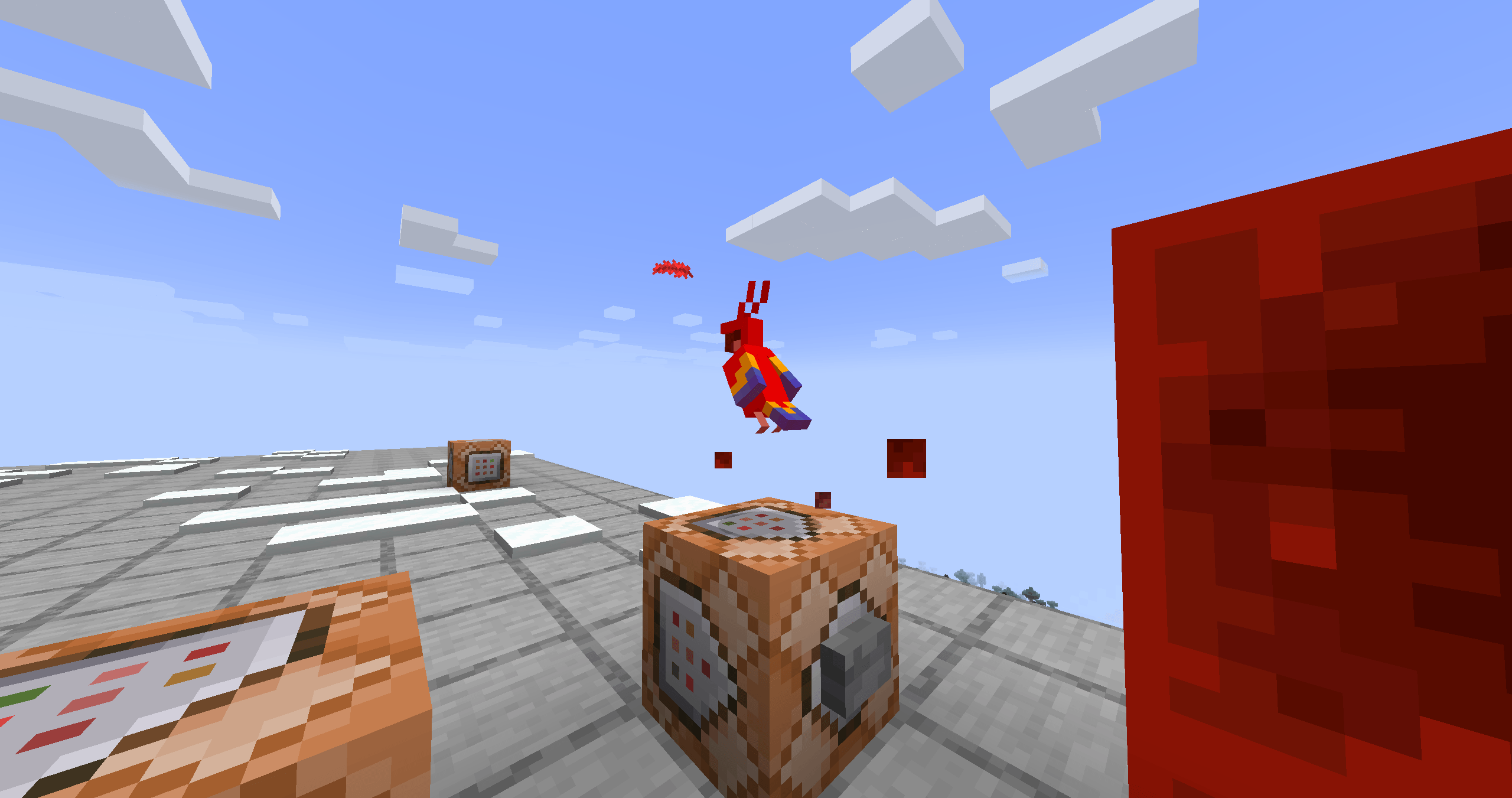 2026-05-13_11.40.12.png 2026-05-13_11.40.12.png
 -
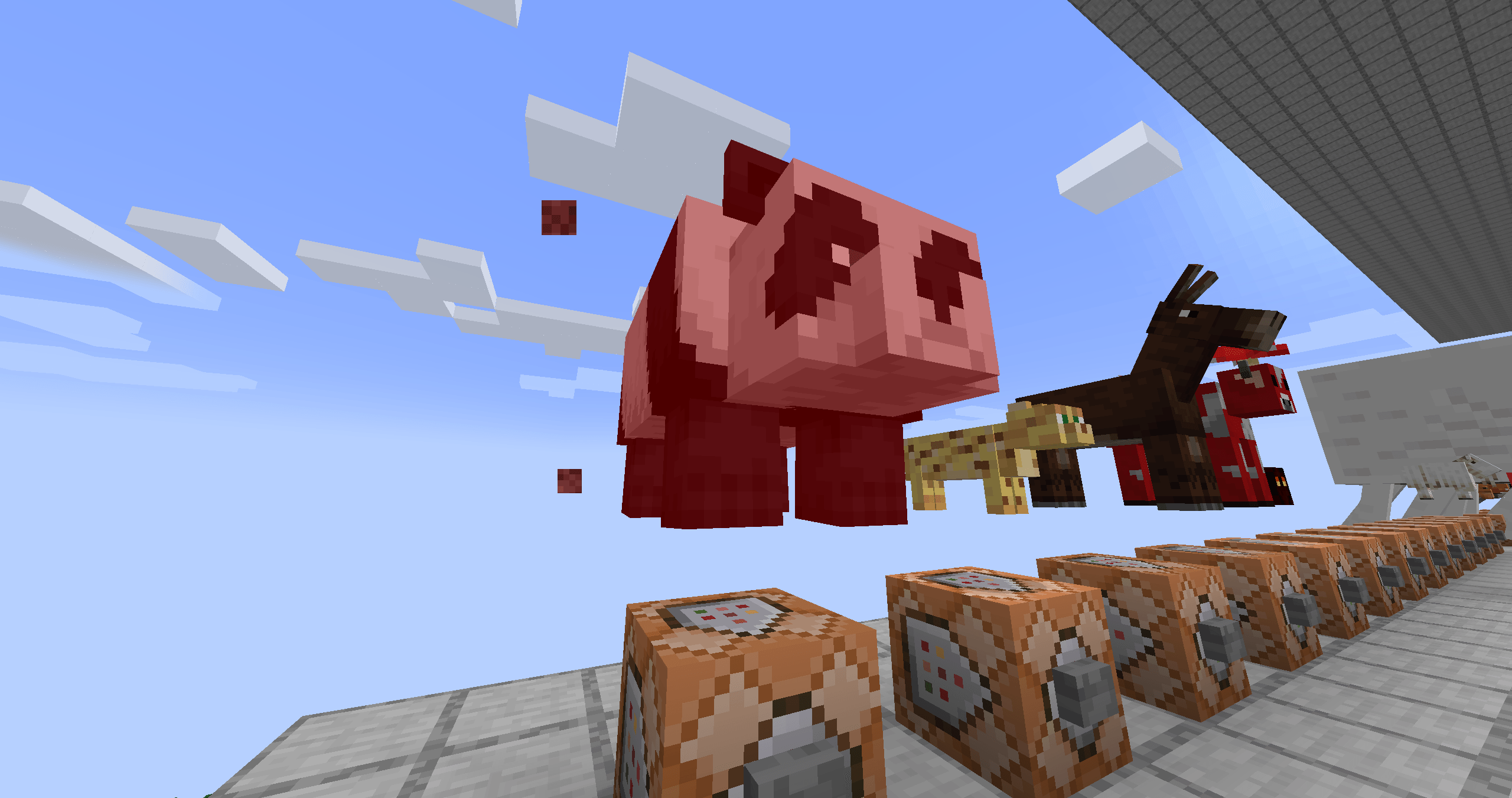 2026-05-13_11.40.06.png 2026-05-13_11.40.06.png
 -
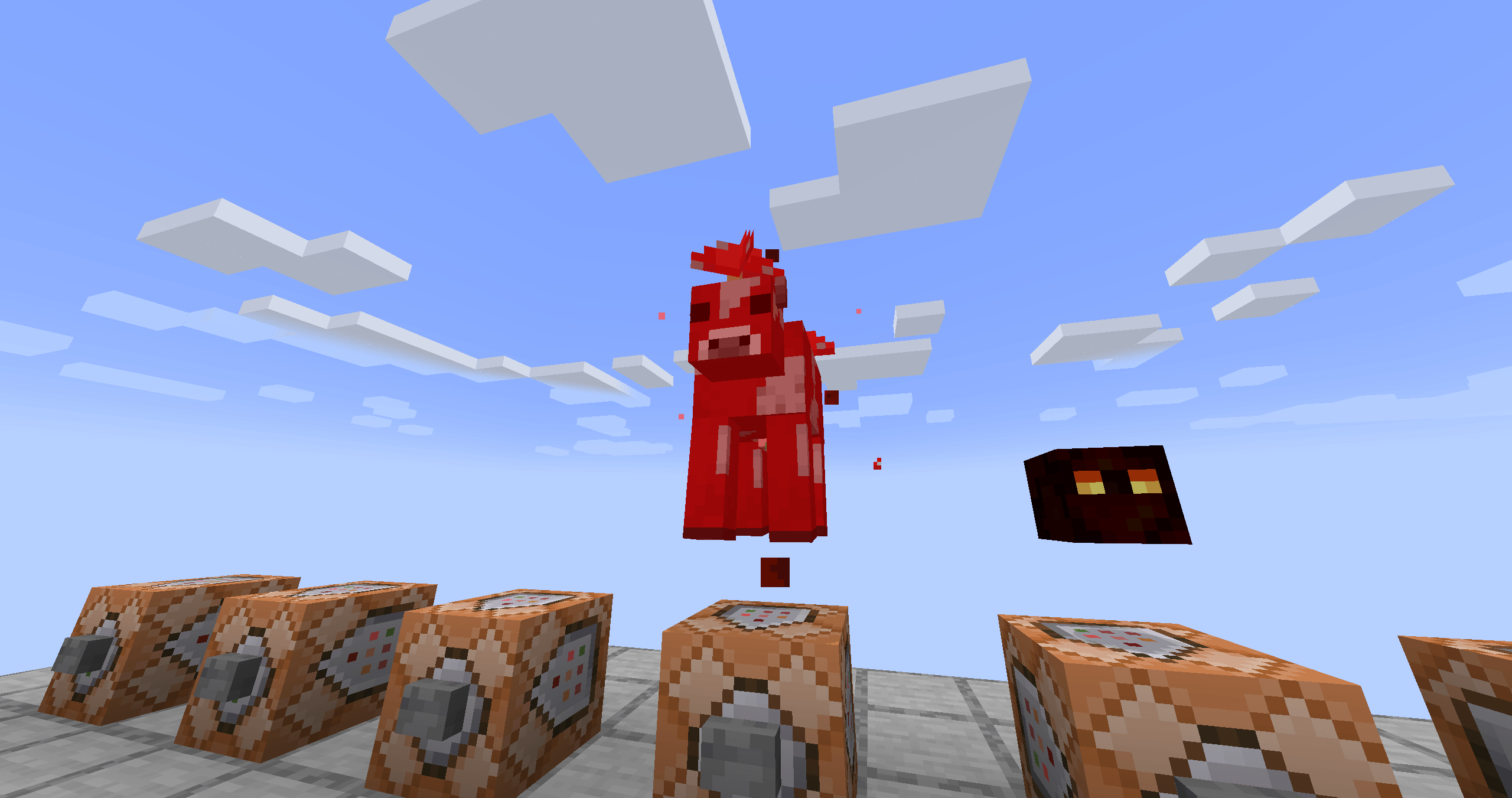 2026-05-13_11.39.57.png 2026-05-13_11.39.57.png
 -
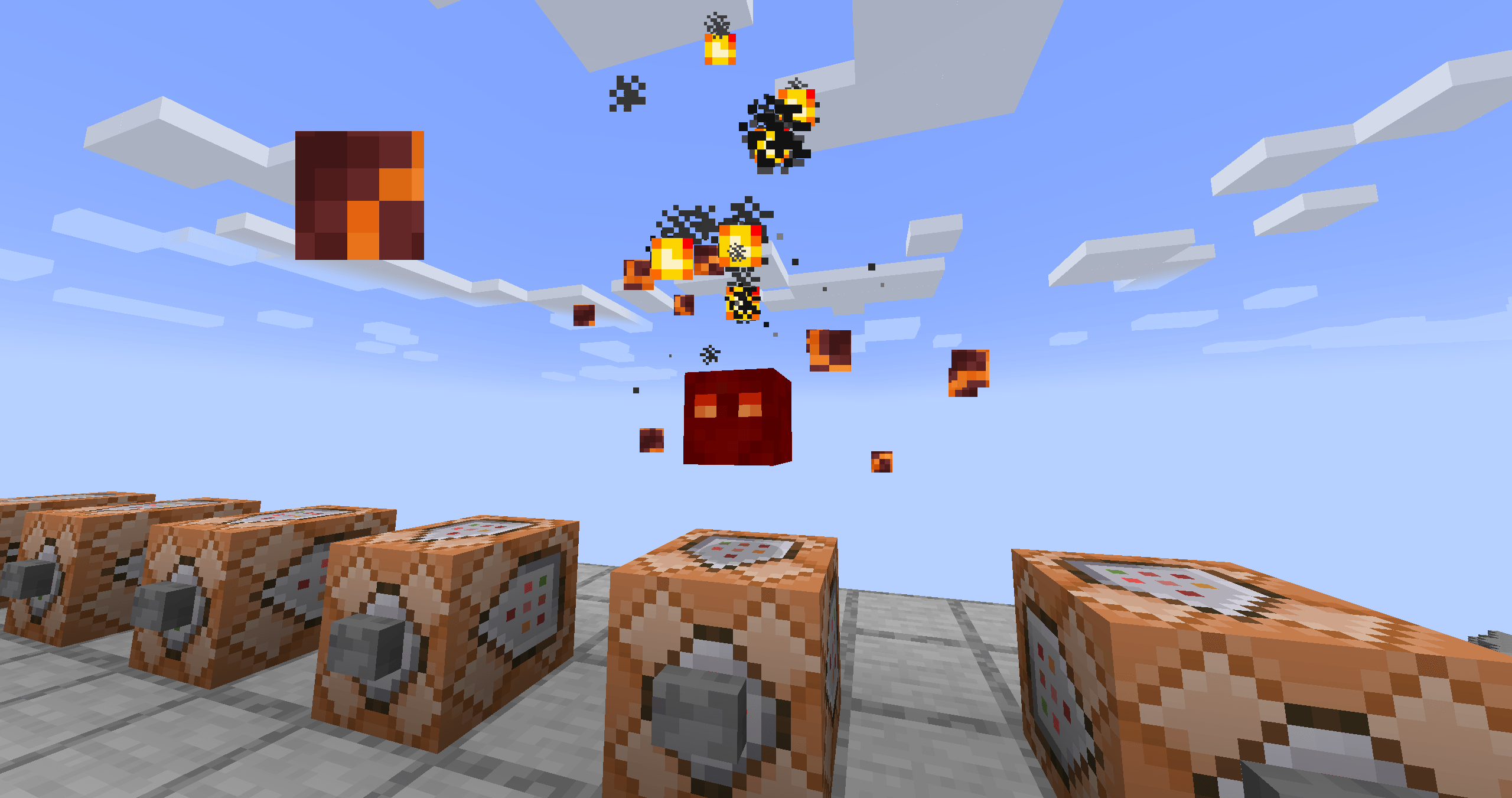 2026-05-13_11.39.53.png 2026-05-13_11.39.53.png
 -
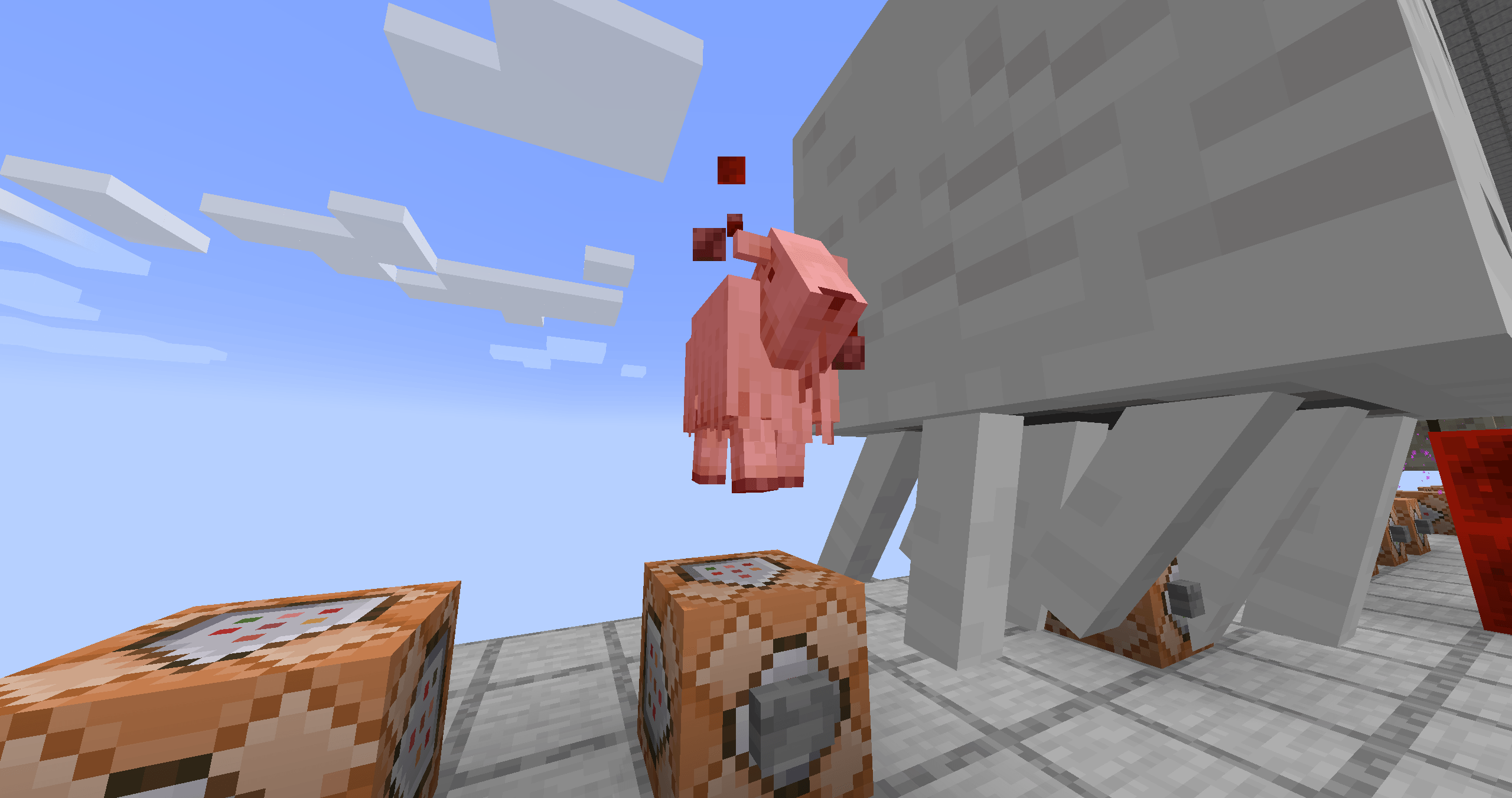 2026-05-13_11.39.48.png 2026-05-13_11.39.48.png
 -
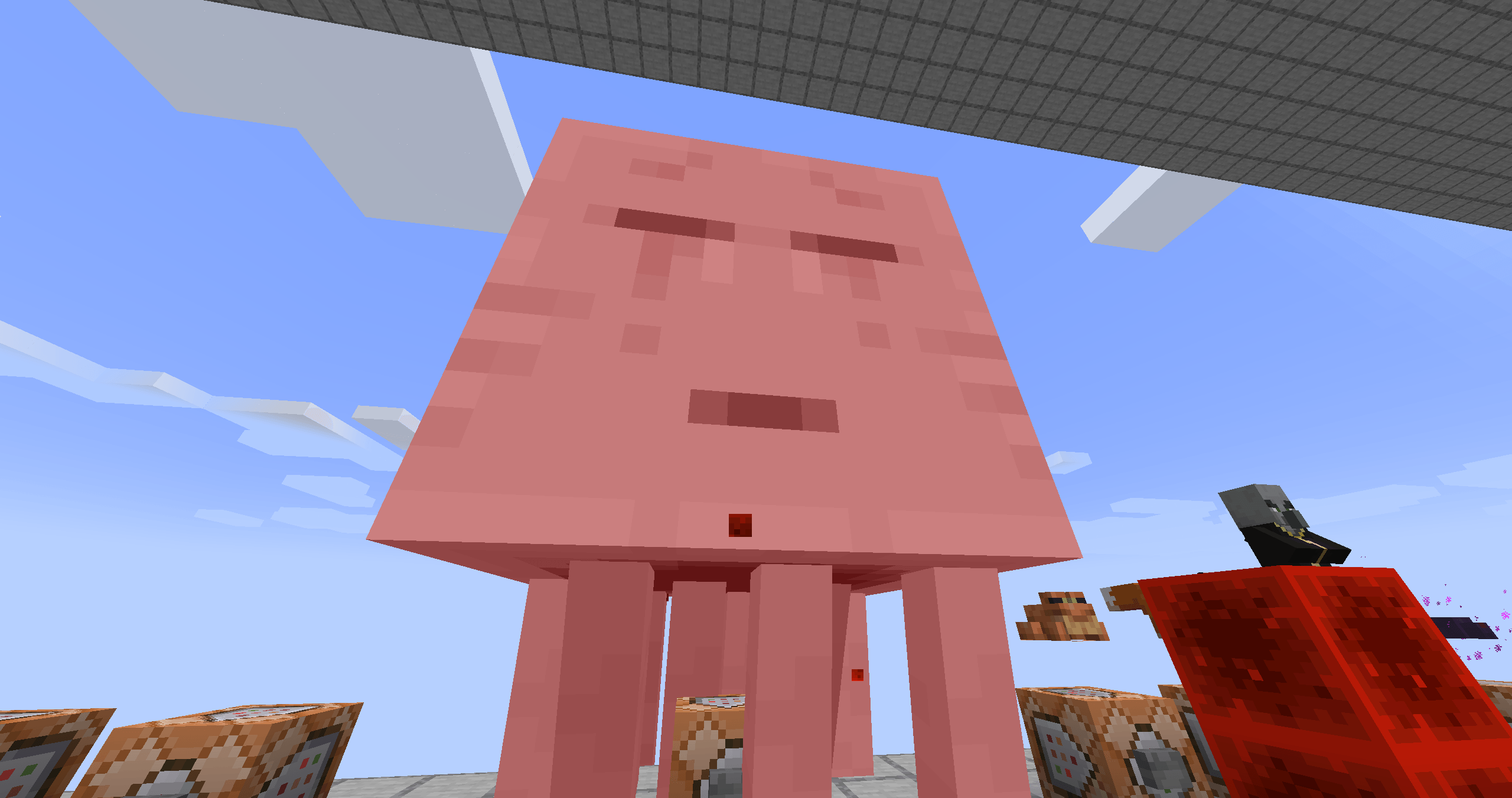 2026-05-13_11.39.45.png 2026-05-13_11.39.45.png
 -
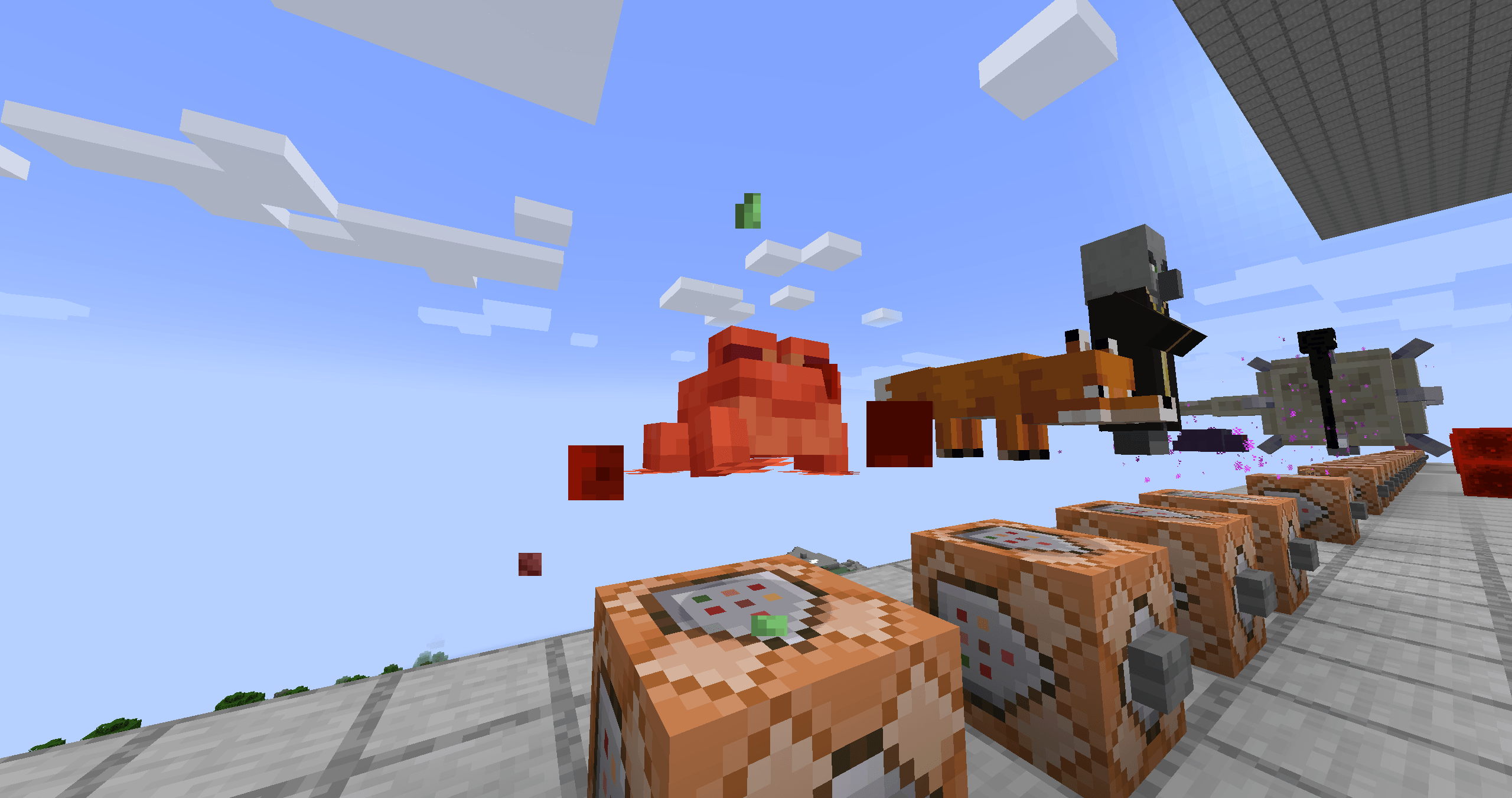 2026-05-13_11.39.42.png 2026-05-13_11.39.42.png
 -
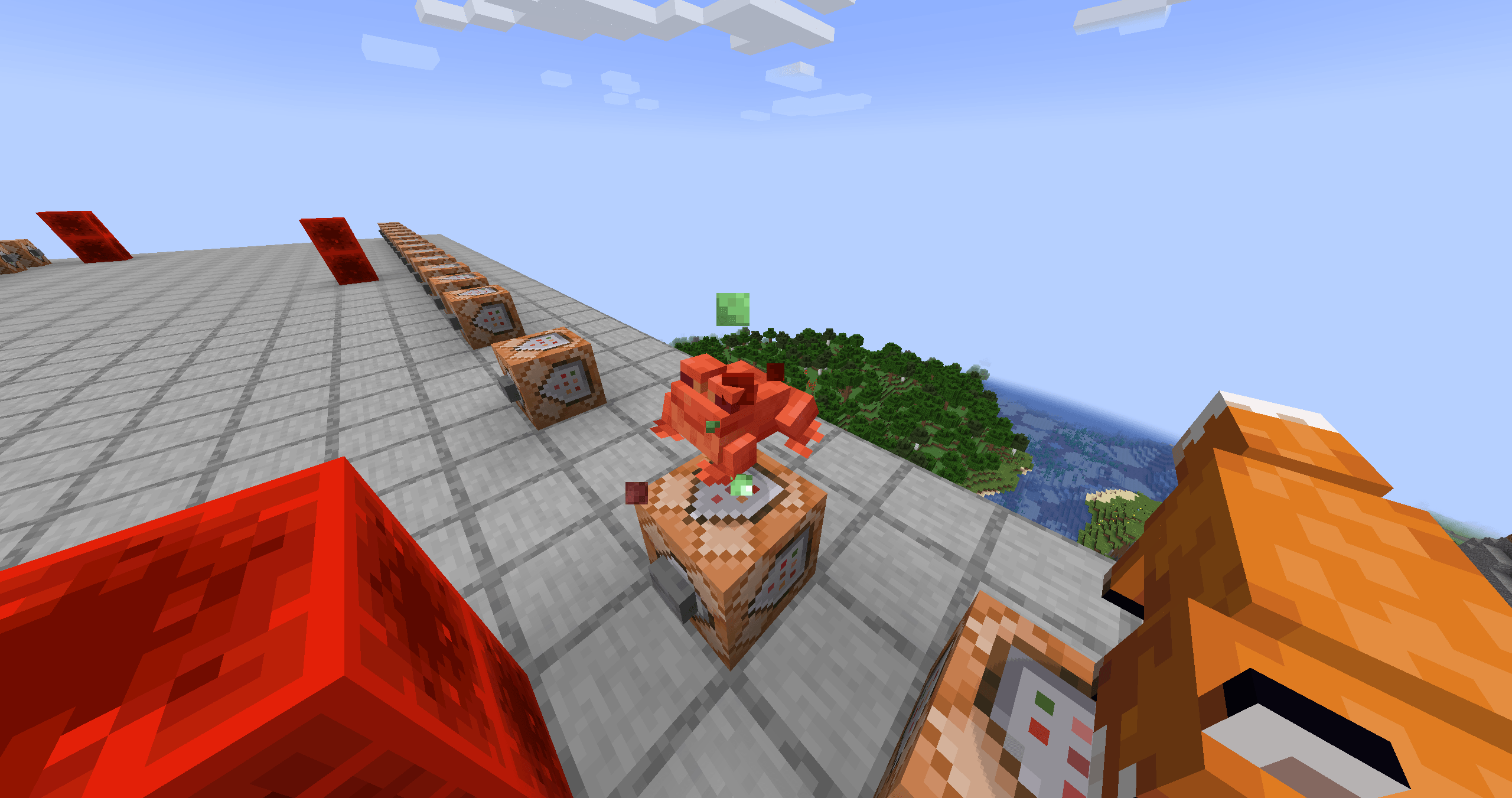 2026-05-13_11.39.40.png 2026-05-13_11.39.40.png
 -
 2026-05-13_11.38.52.png 2026-05-13_11.38.52.png
 -
 2026-05-13_11.38.47.png 2026-05-13_11.38.47.png
 -
 2026-05-13_11.38.45.png 2026-05-13_11.38.45.png
 -
 2026-05-13_11.38.41_2.png 2026-05-13_11.38.41_2.png
 -
 2026-05-13_11.38.41.png 2026-05-13_11.38.41.png
 -
 2026-05-13_11.38.35.png 2026-05-13_11.38.35.png
 -
 2026-05-13_11.38.29.png 2026-05-13_11.38.29.png
 -
 2026-05-13_11.38.27.png 2026-05-13_11.38.27.png
 -
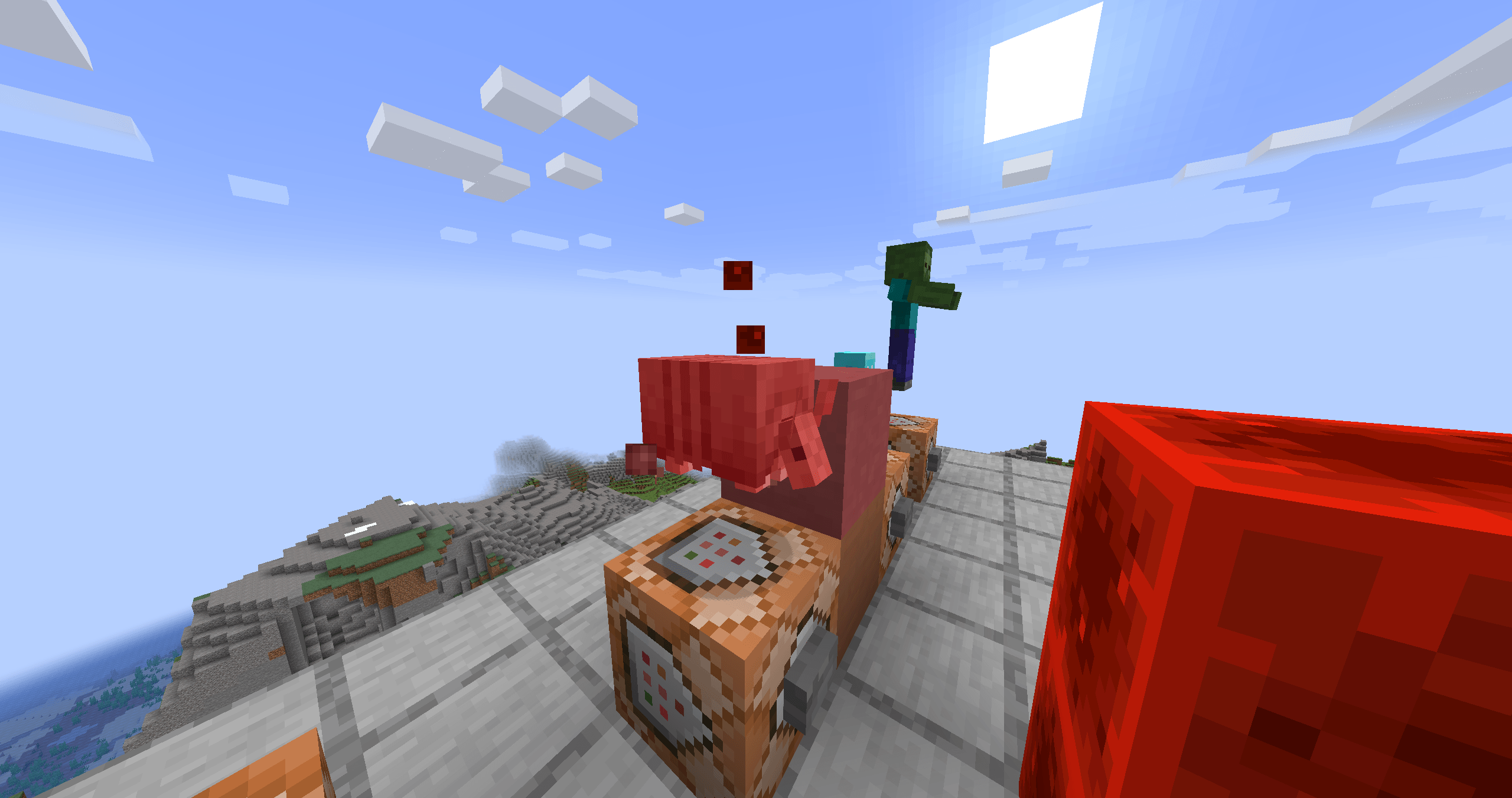 2026-05-13_11.38.21.png 2026-05-13_11.38.21.png
 -
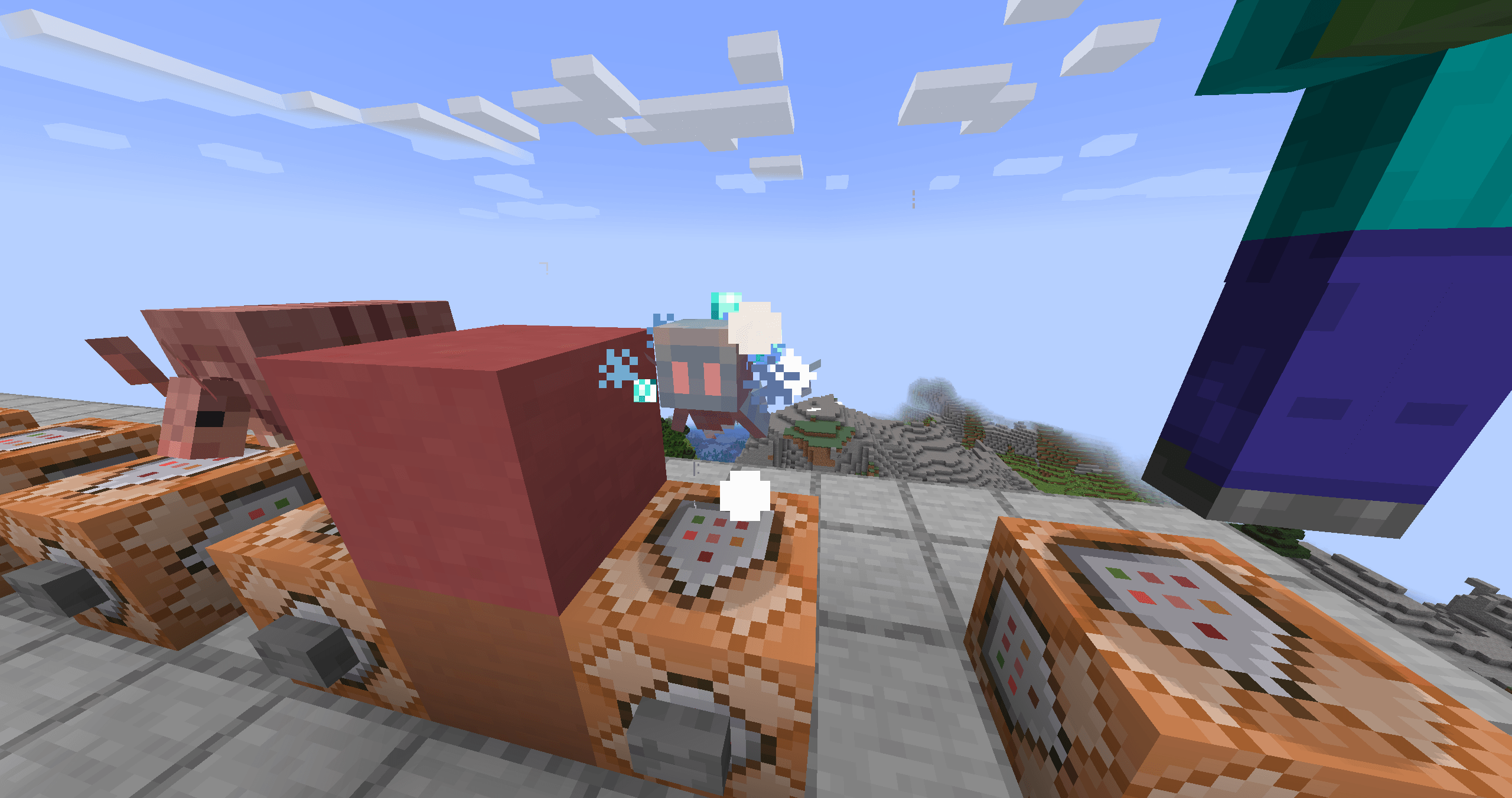 2026-05-13_11.38.17.png 2026-05-13_11.38.17.png
 -
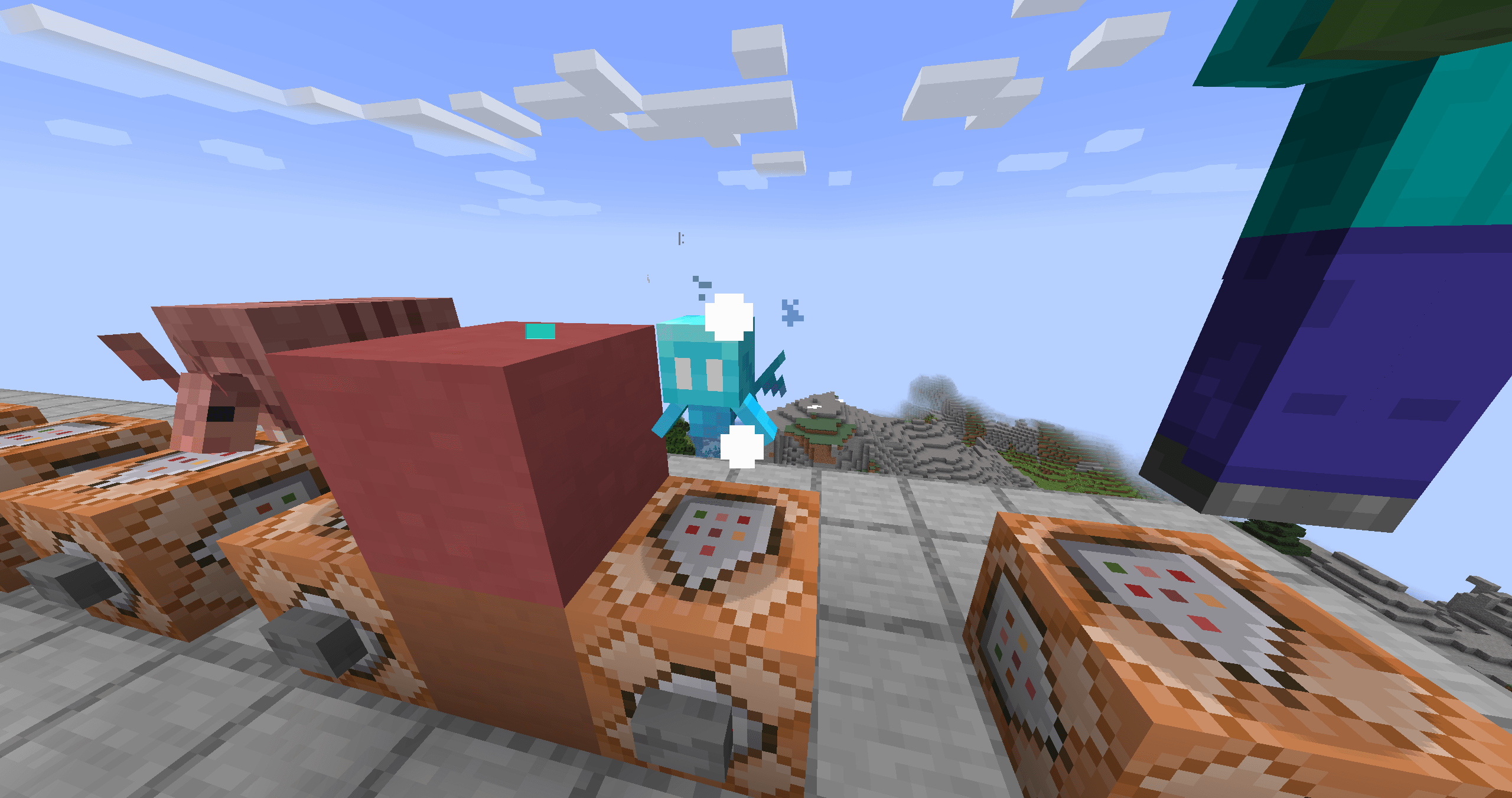 2026-05-13_11.38.16.png 2026-05-13_11.38.16.png
 -
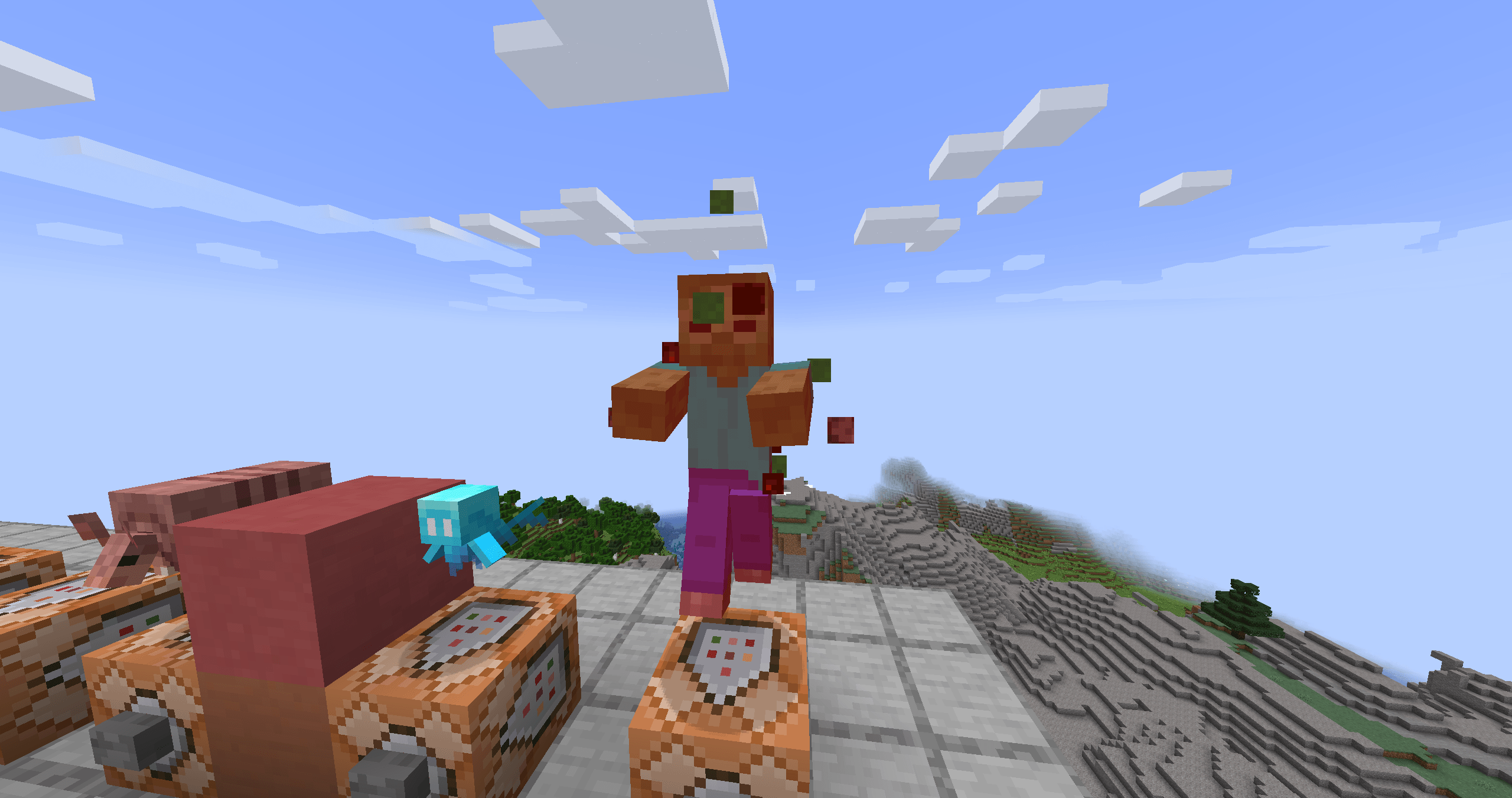 2026-05-13_11.38.12.png 2026-05-13_11.38.12.png
-
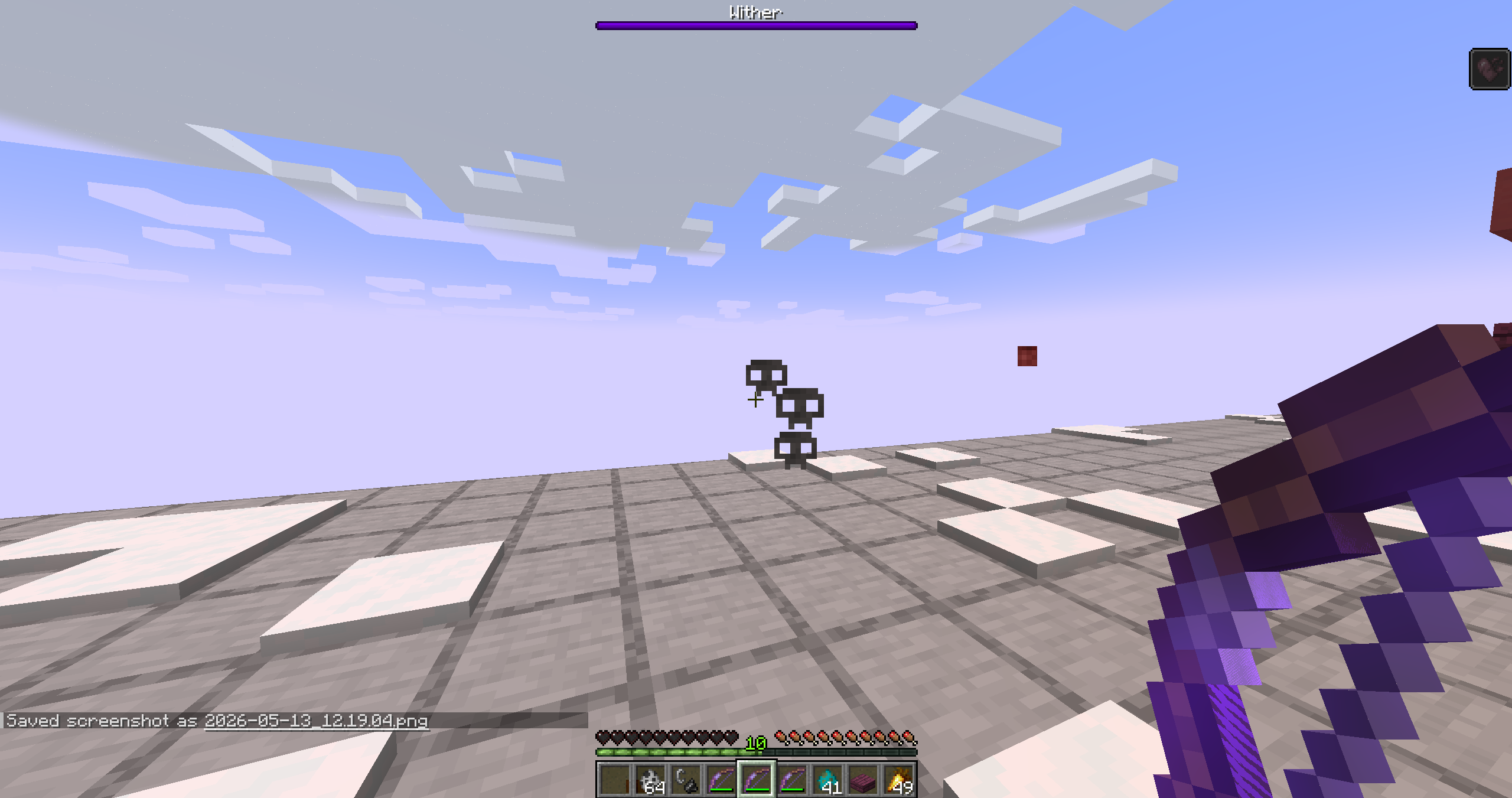 Wither damage particles
 -
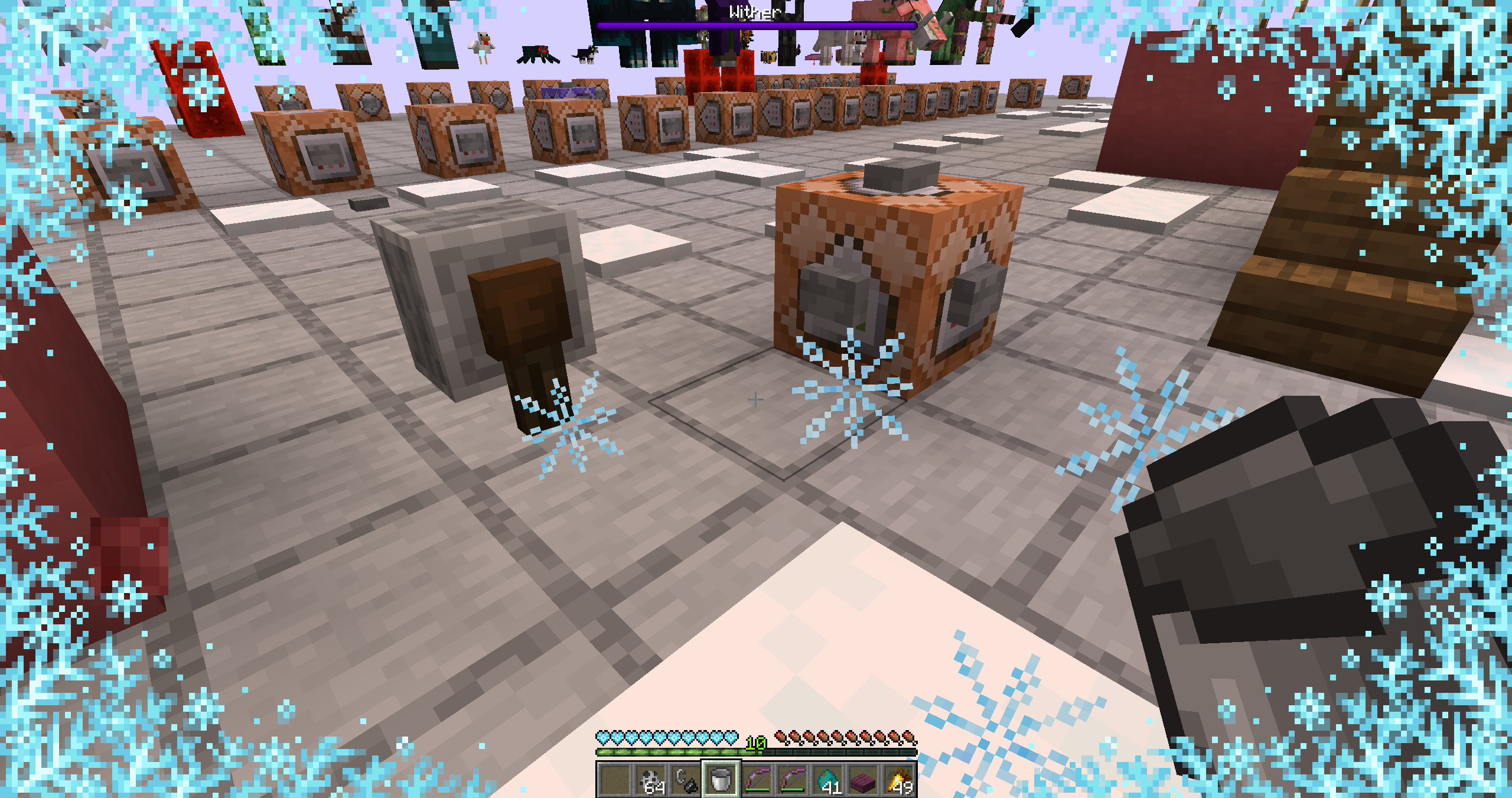 Freezing damage particles
 -
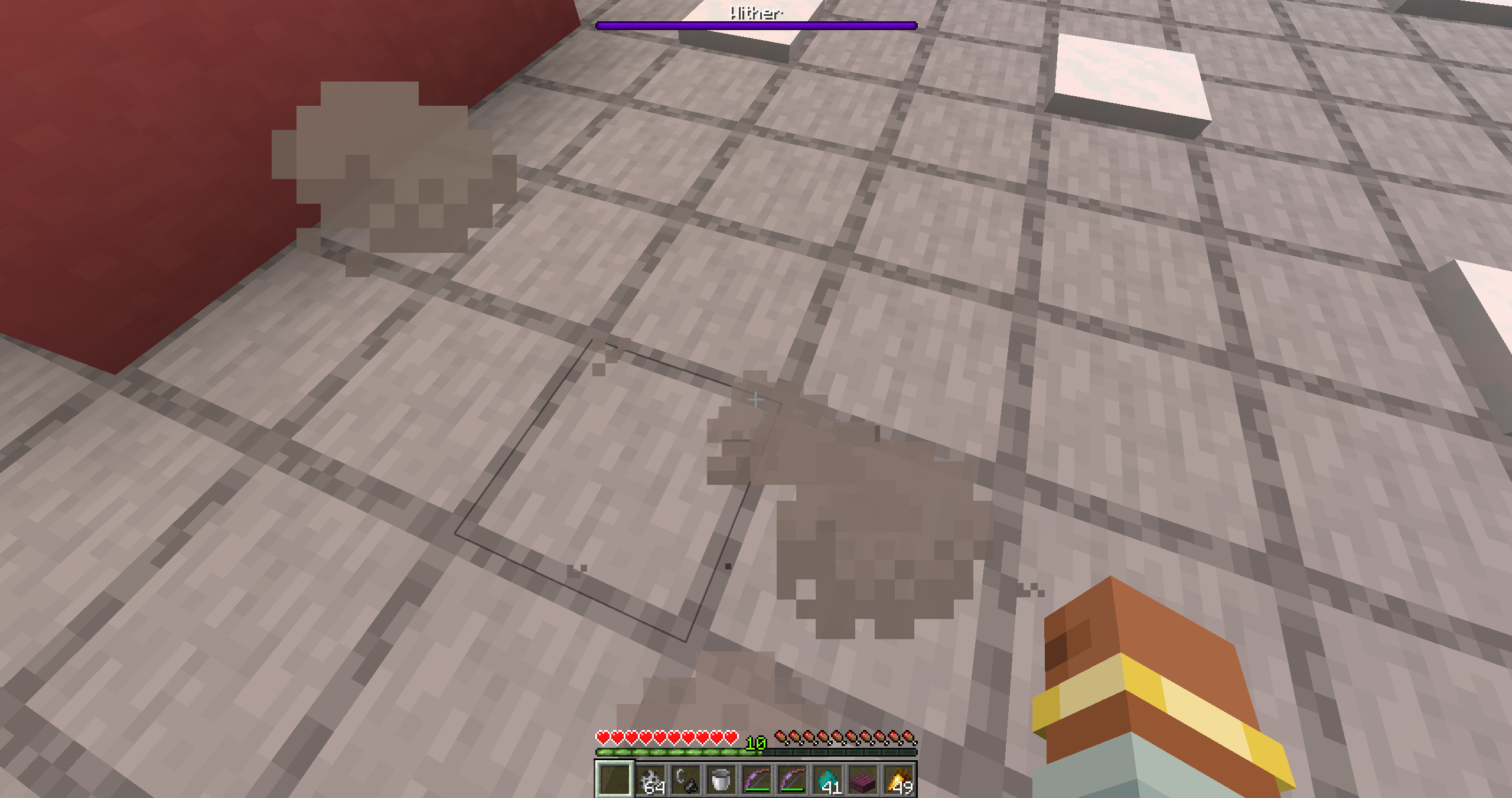 Landing particles When you fall from a certain height, you’ll create smoke particles on the ground upon impact!
 -
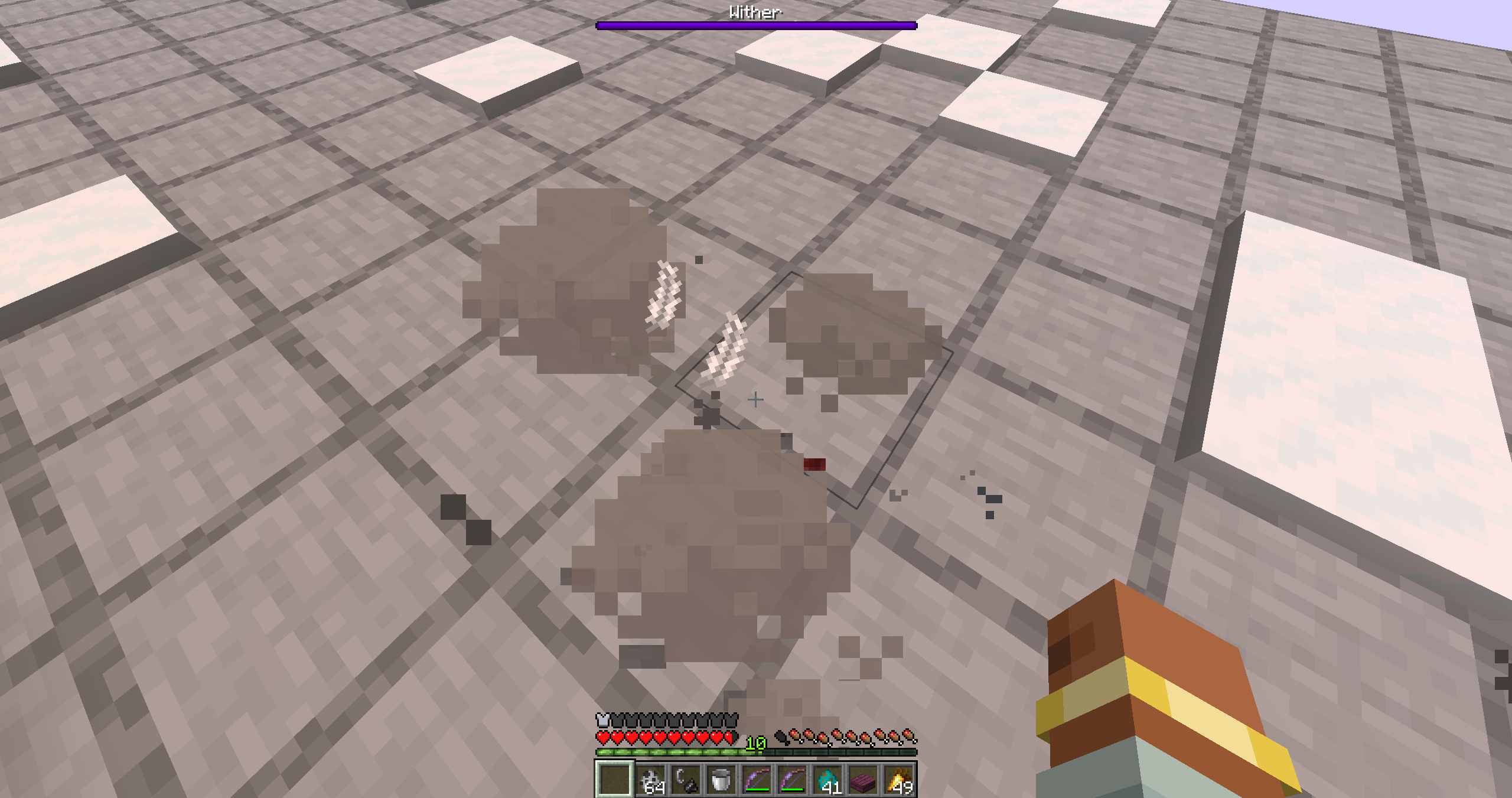 Boots with feather falling! When you has the enchantment a feathers will appear!
 -
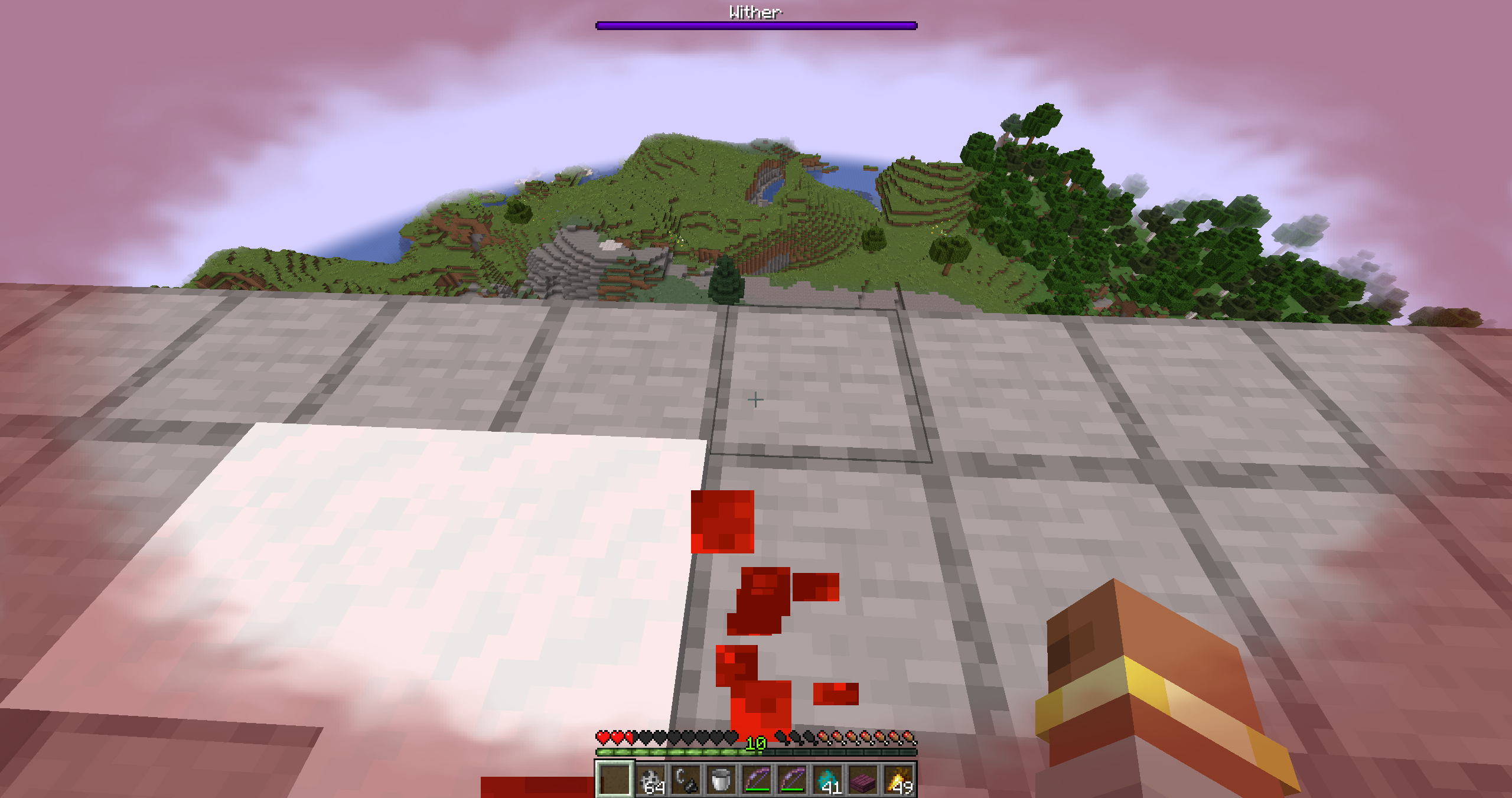 Low hp effects When a player is low on health, they’ll start leaving a trail of blood! What’s more, a red overlay will become more visible the lower your health gets. Customisable in the settings.
 -
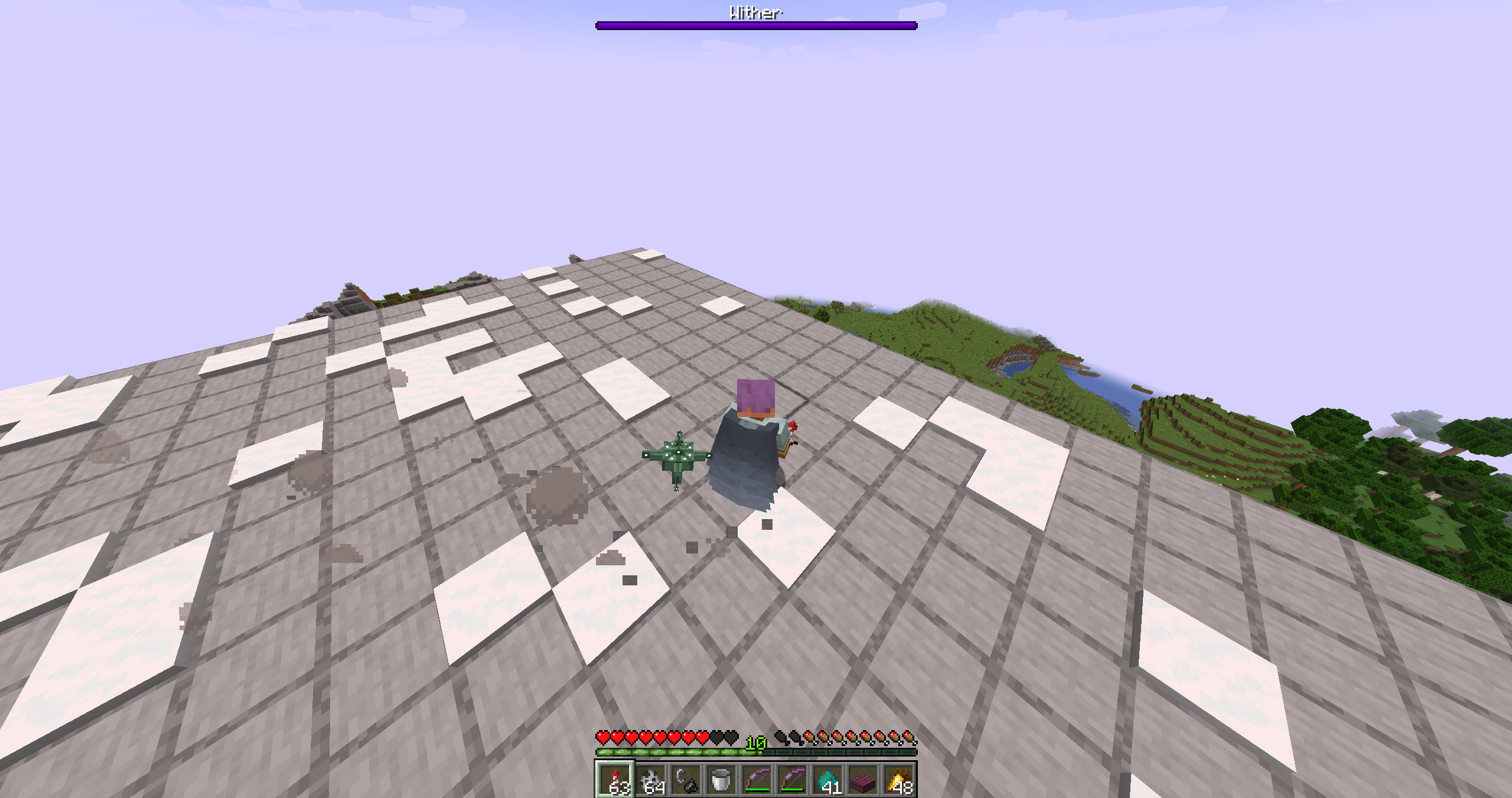 Particles as you run! When you run for a while, you leave a trail of smoke in your wake!
 -
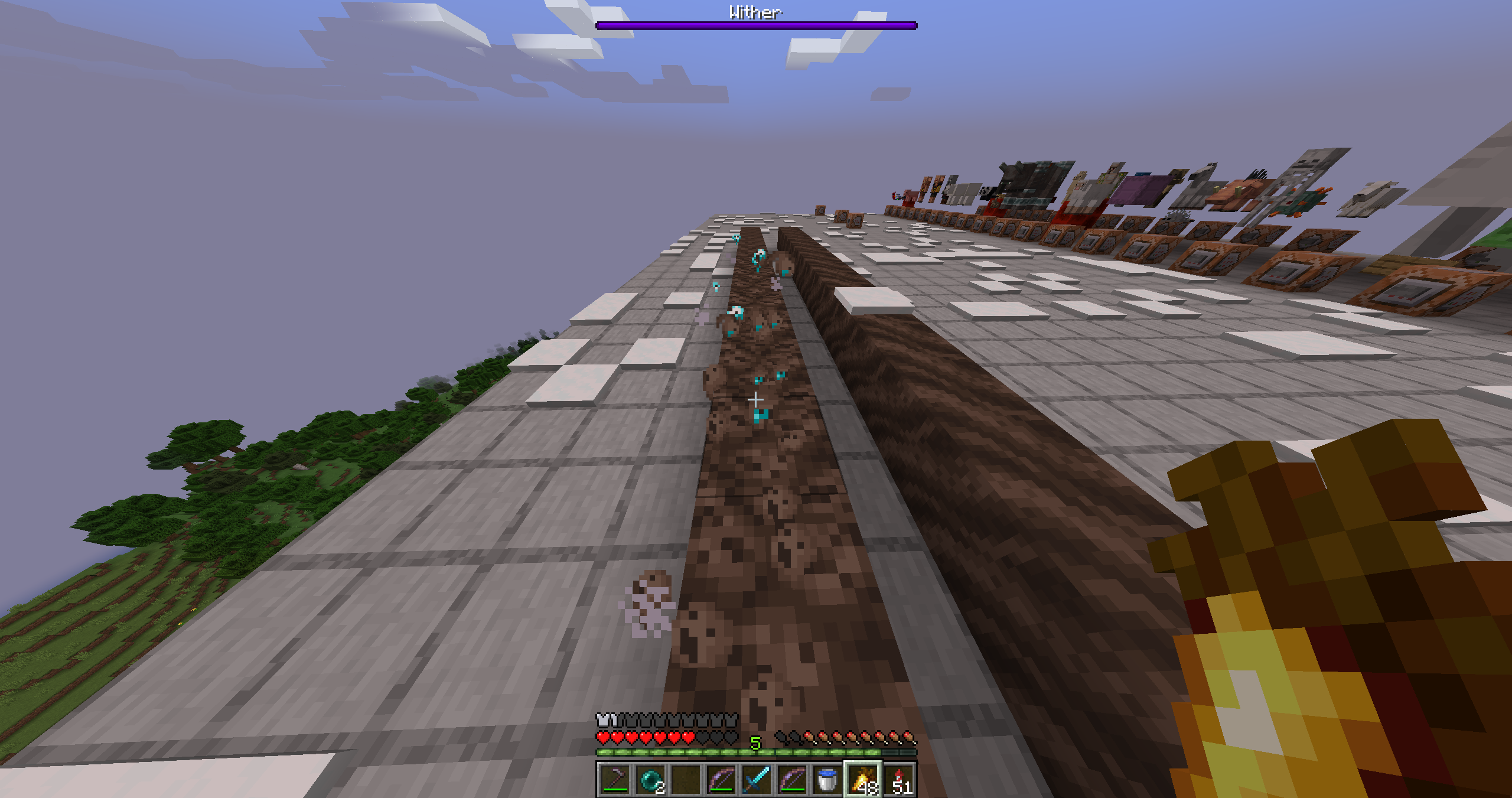 Enchantments on boots. When your boots have these enchantments, they can produce special effects. For example, with Soul Speed, they create this trail of souls!
 -
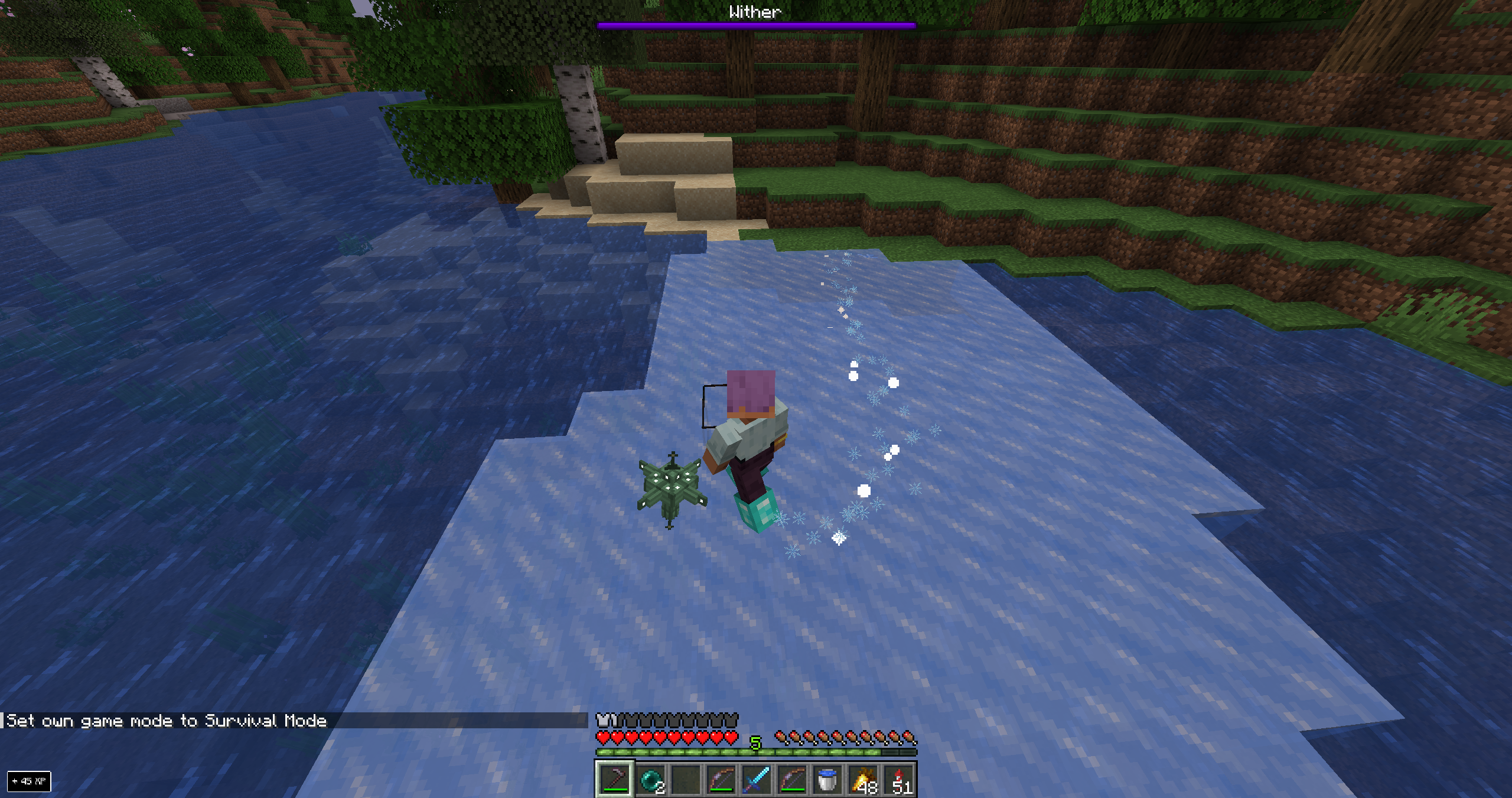 Frost Walk
 -
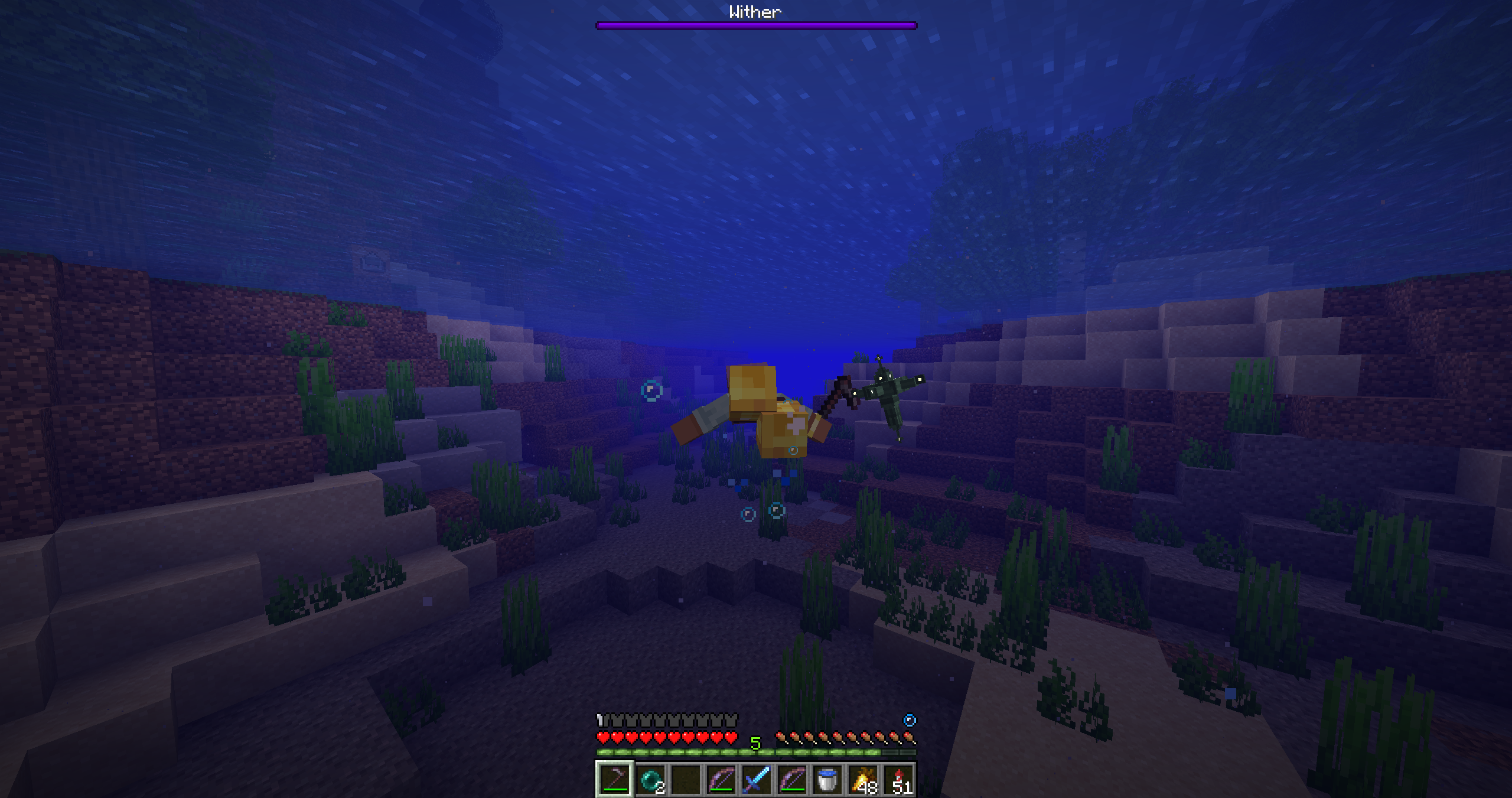 depth Strider when swimming
 -
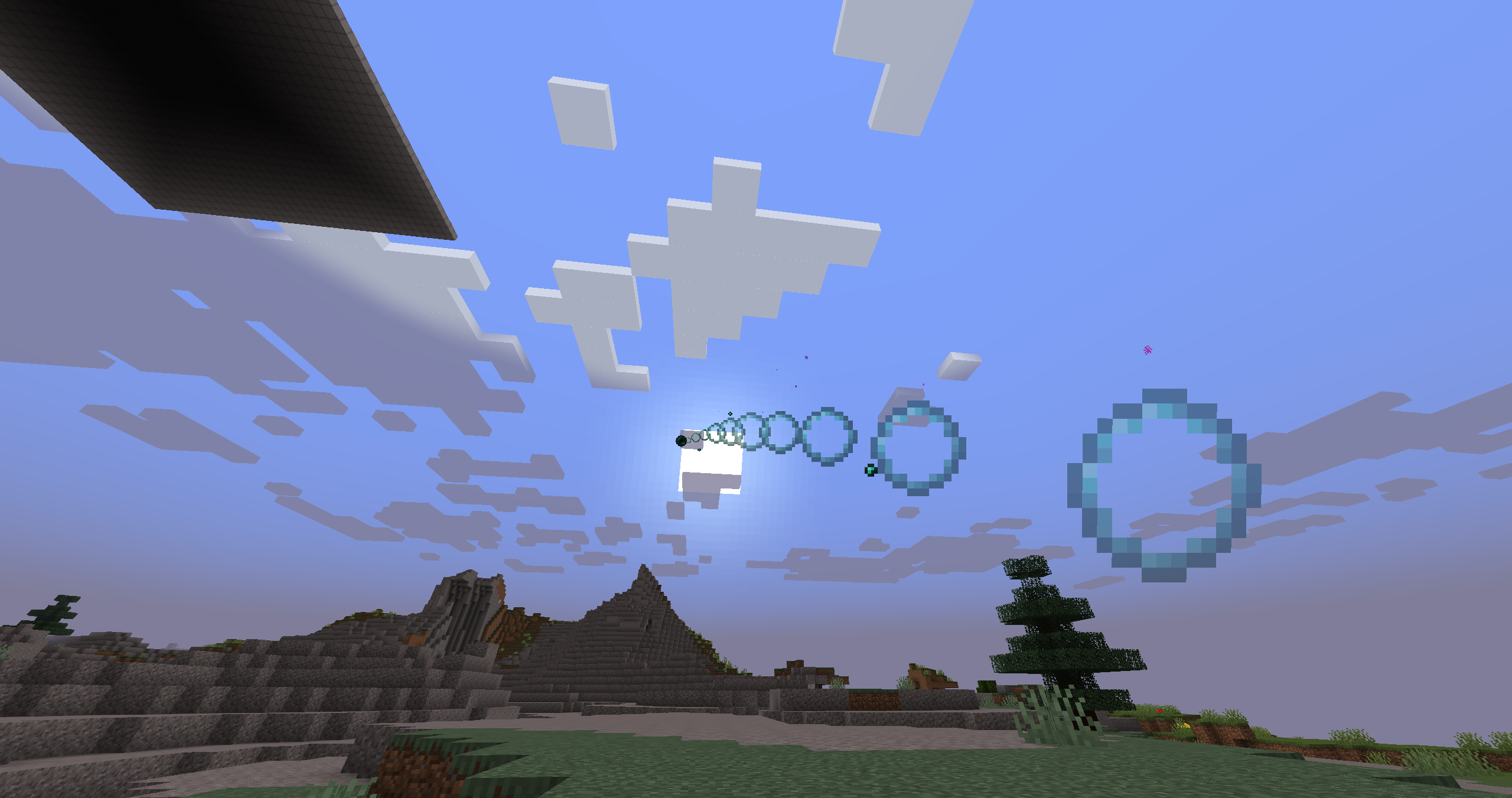 Ender Pearls When you throw Ender Pearls, there are visual effects as they fly through the air and when the player is teleported.
 -
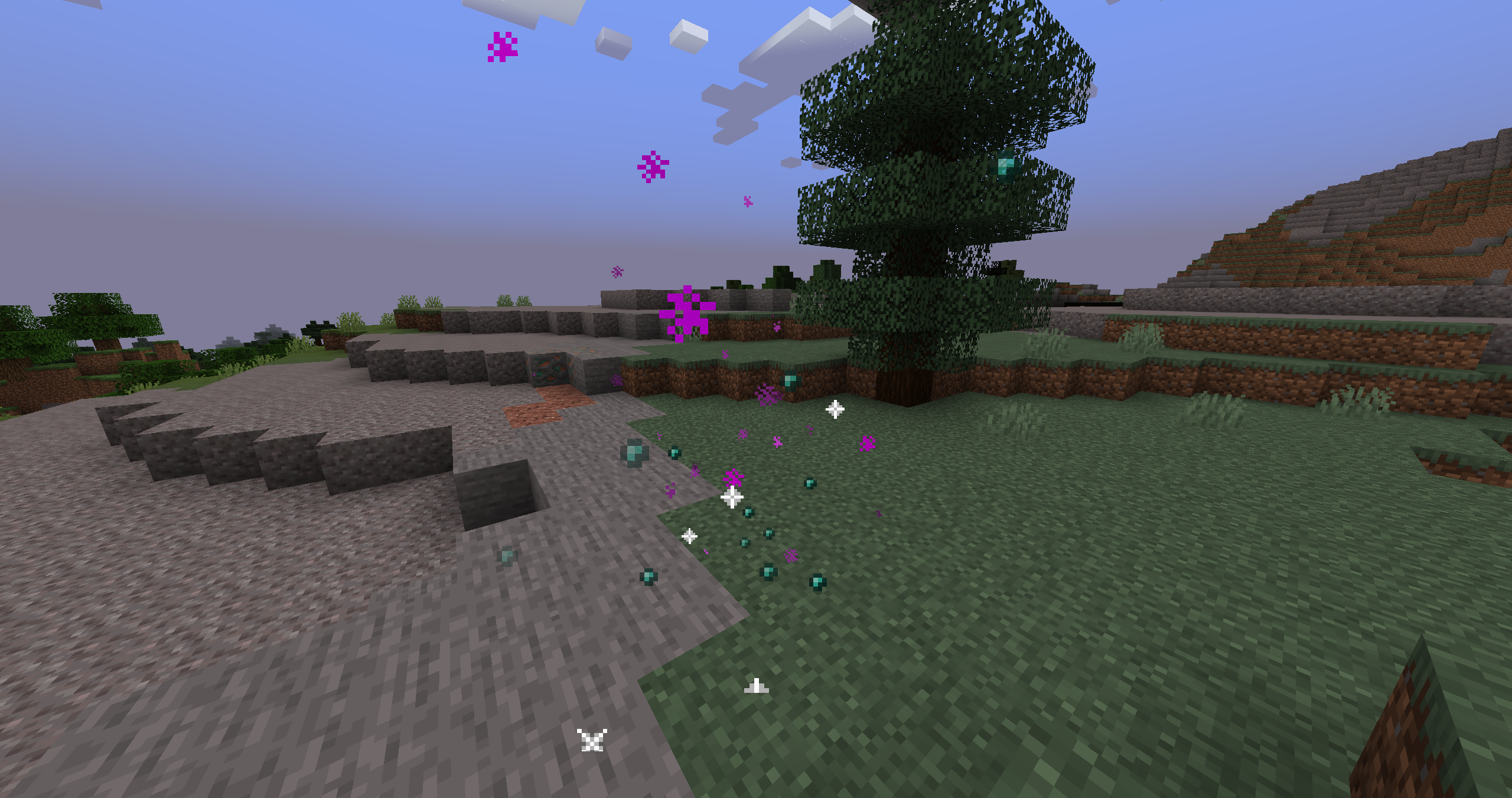 ender pearl player teleport
 -
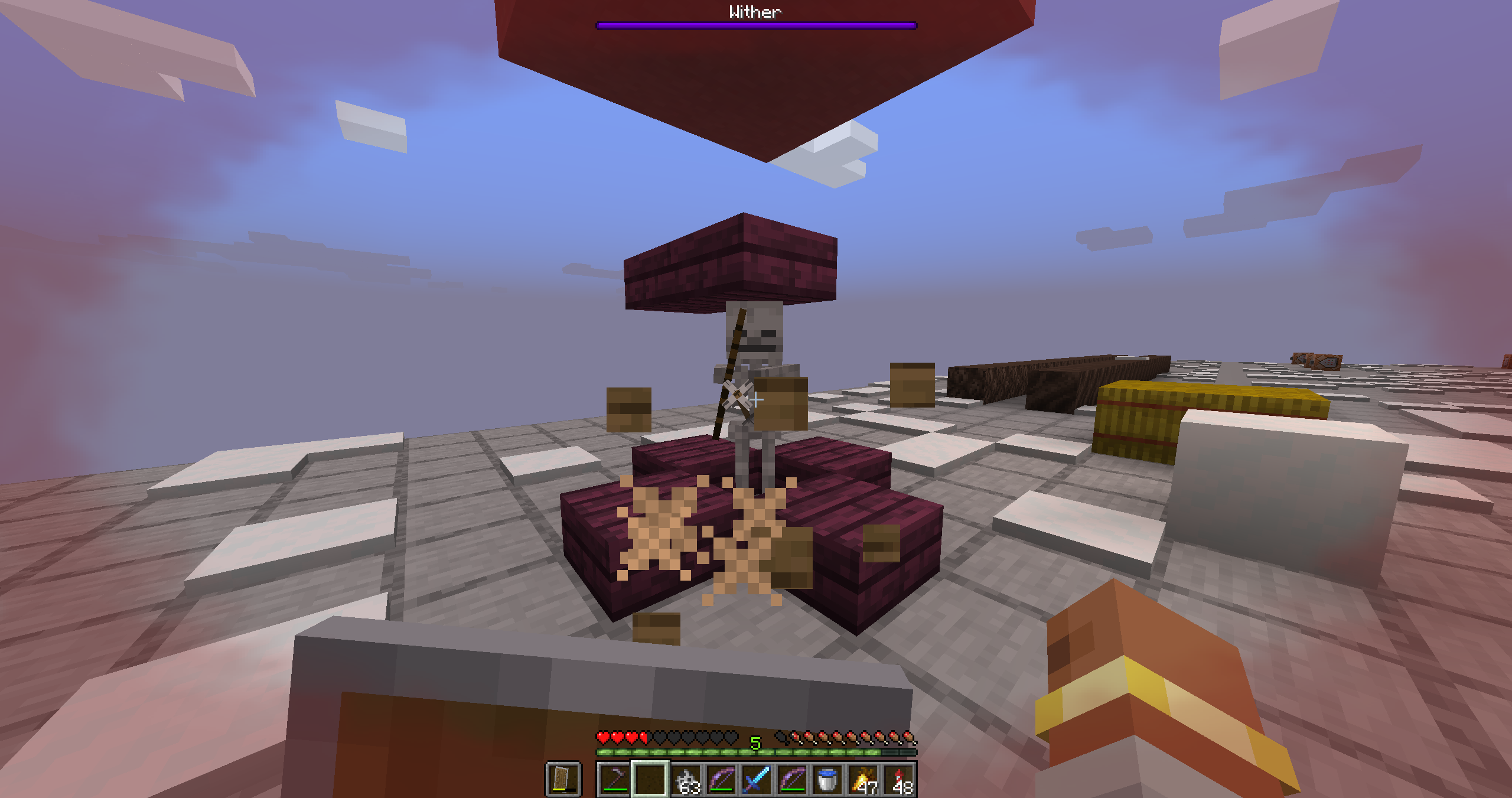 Shield block! When a player blocks with their shield, particles will shoot out from the shield! Some shield mods also work with this particle system, provided they use the same vanilla block sound.
 -
 Bloody Particles banner Logo
 -
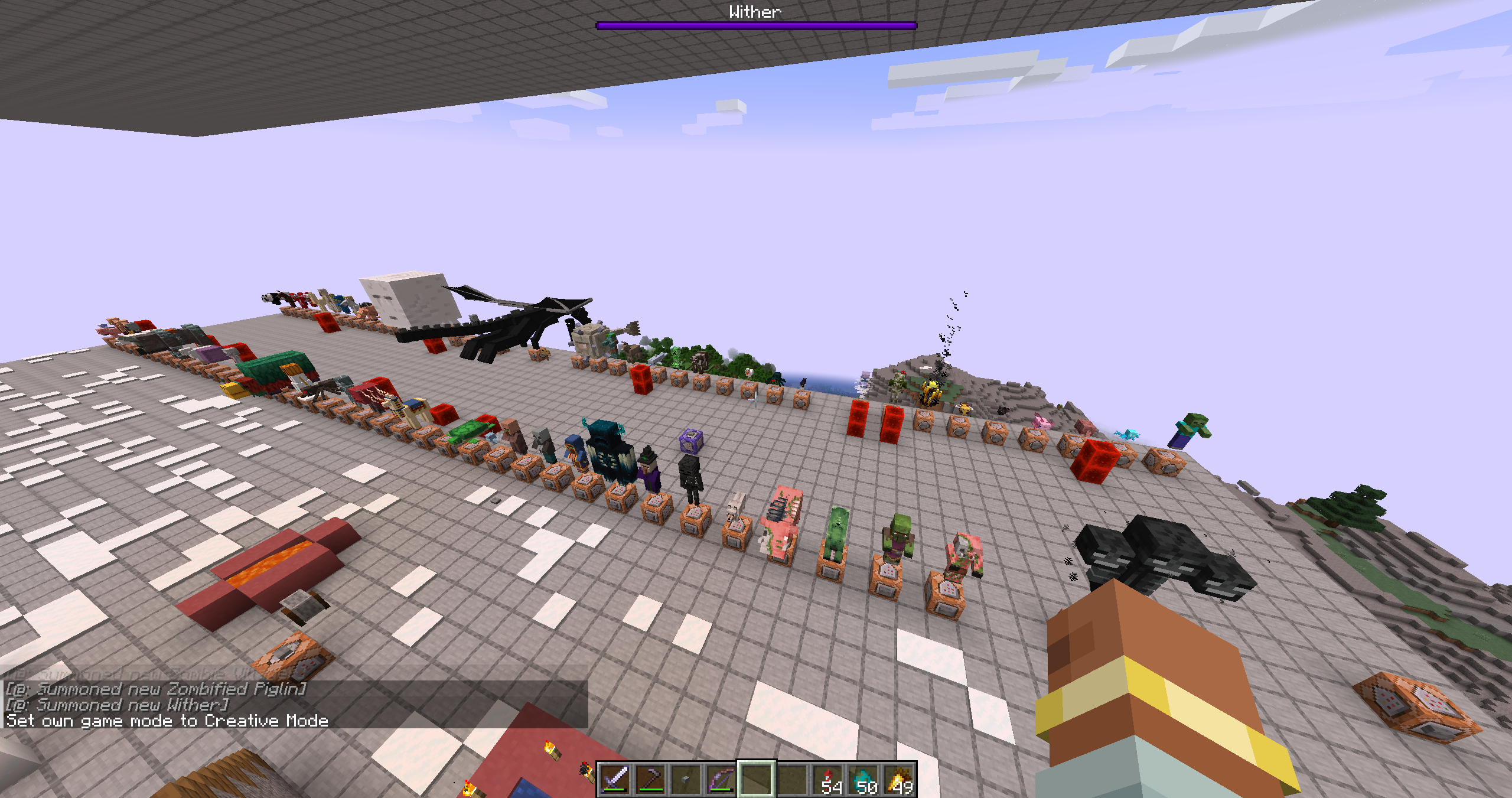 All relevant vanilla mobs have custom effects. It took many hours to go through each mob one by one and customise their effects!! I hope you like them!
 -
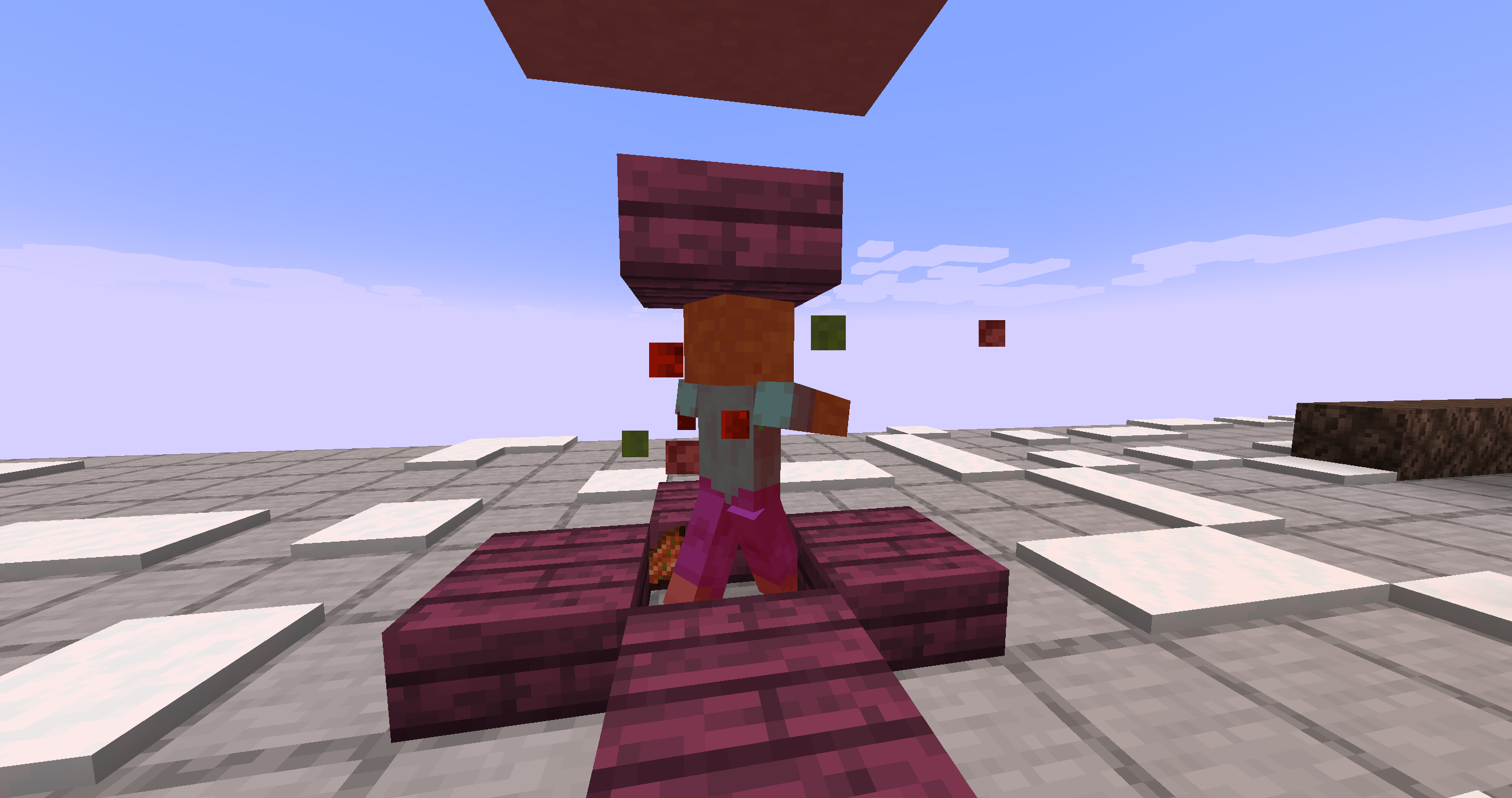 Normal zombie hit When you hit a mob, it will generate particles!
 -
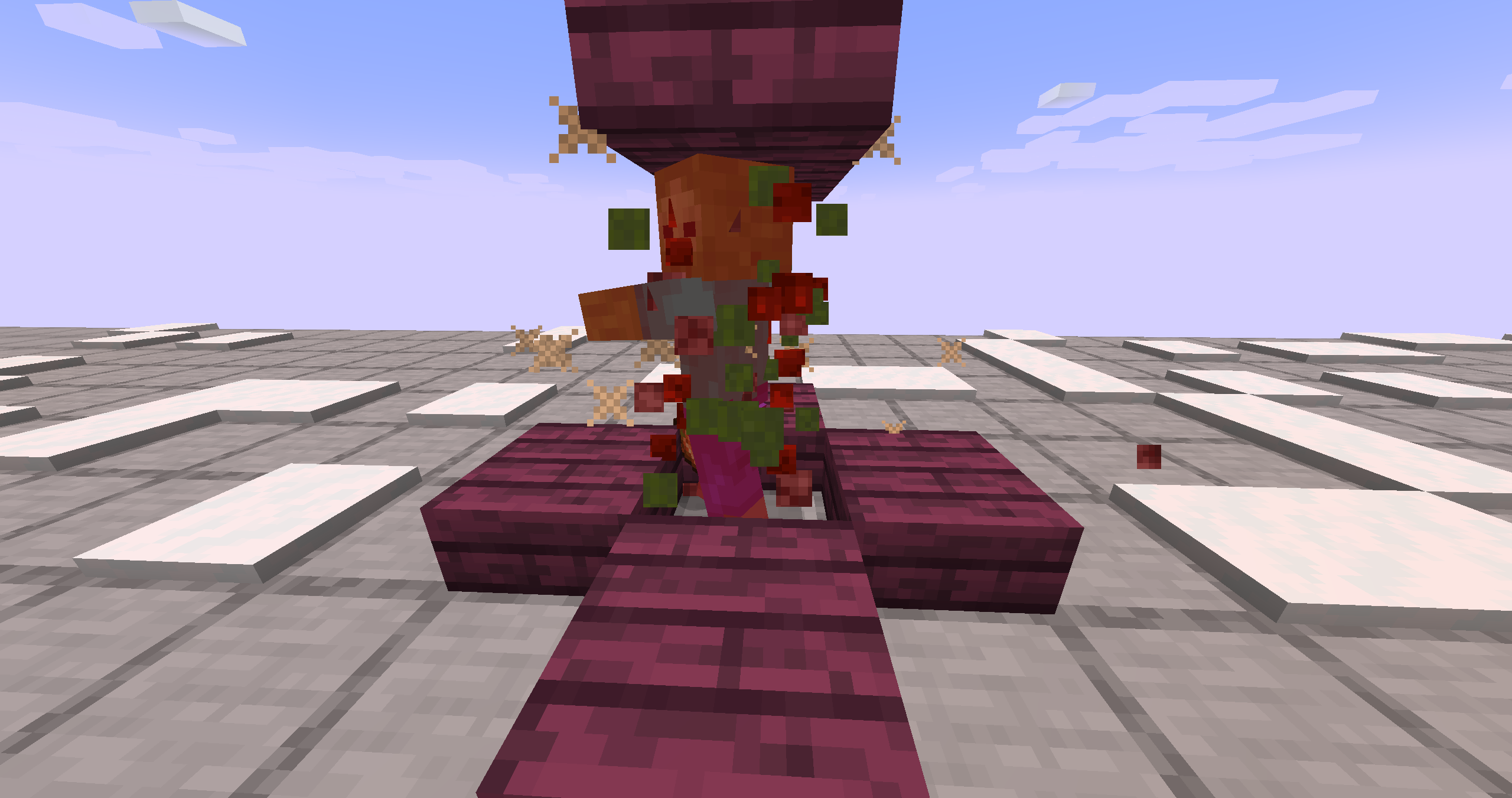 Critical mob hit When you land a critical hit on a mob, lots more particles will appear! This can be customised in the settings within the in-game mods menu.
 -
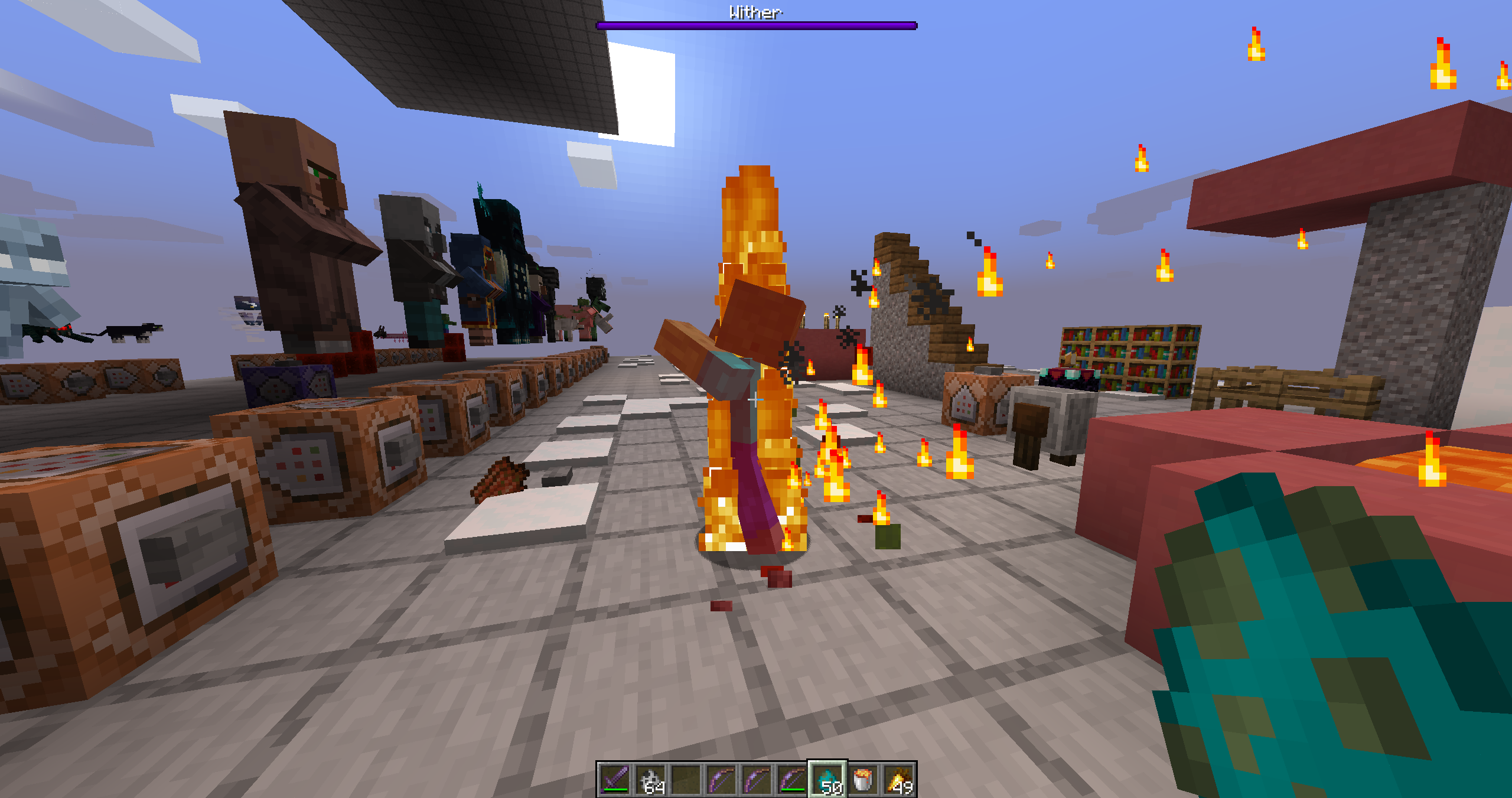 On fire particles! When a mobs are on fire, it will leave a trail of fire particles
 -
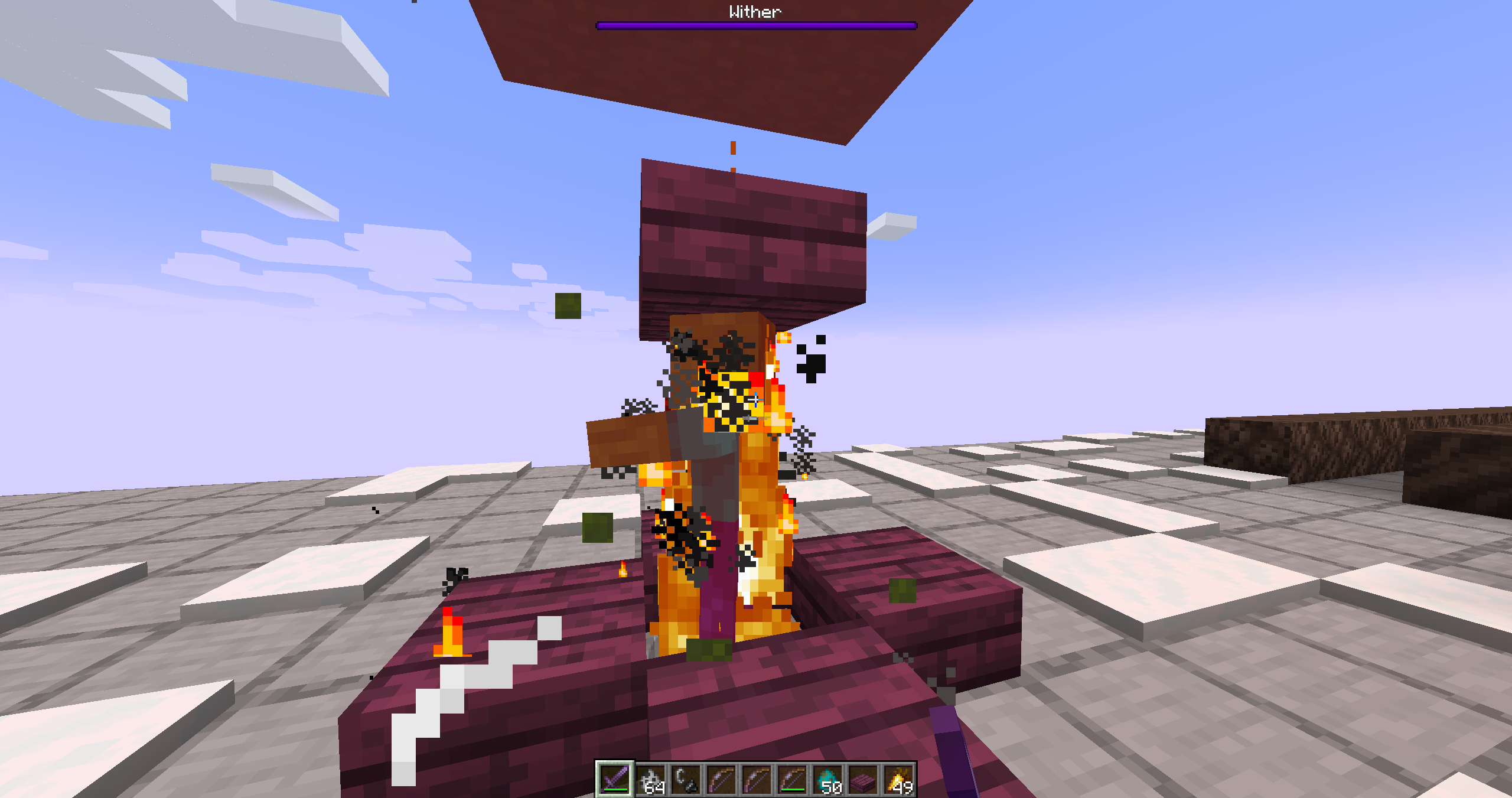 FIRE ASPECT! If you have an item with the Fire Aspect enchantment, hitting mobs will cause a small explosion of fire particles!
 -
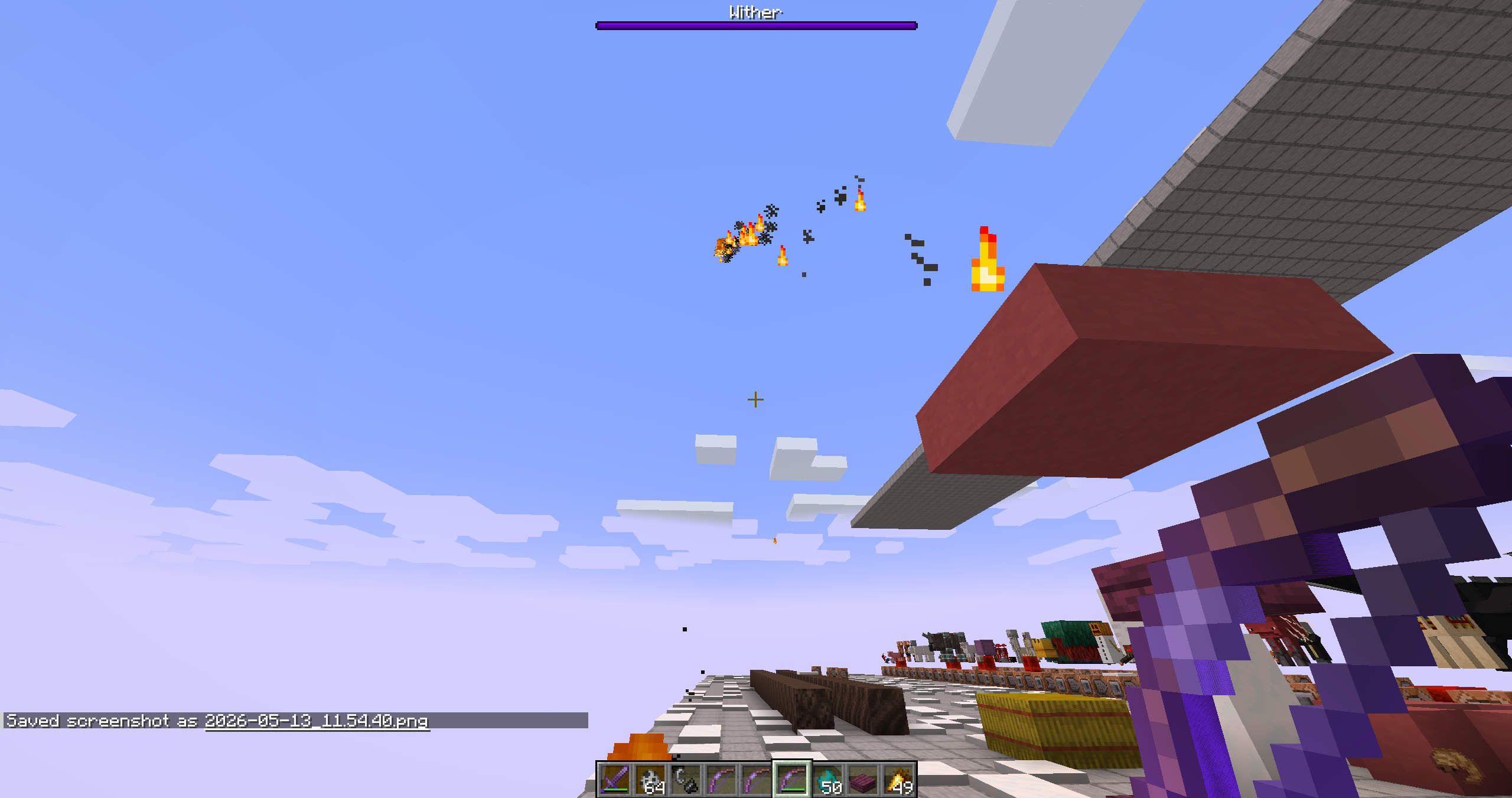 Bow with FLAME A bow enchanted with Flame will cause all arrows to leave a trail of fire. Furthermore, when it hits a mob, there will be a small explosion of particles.
 -
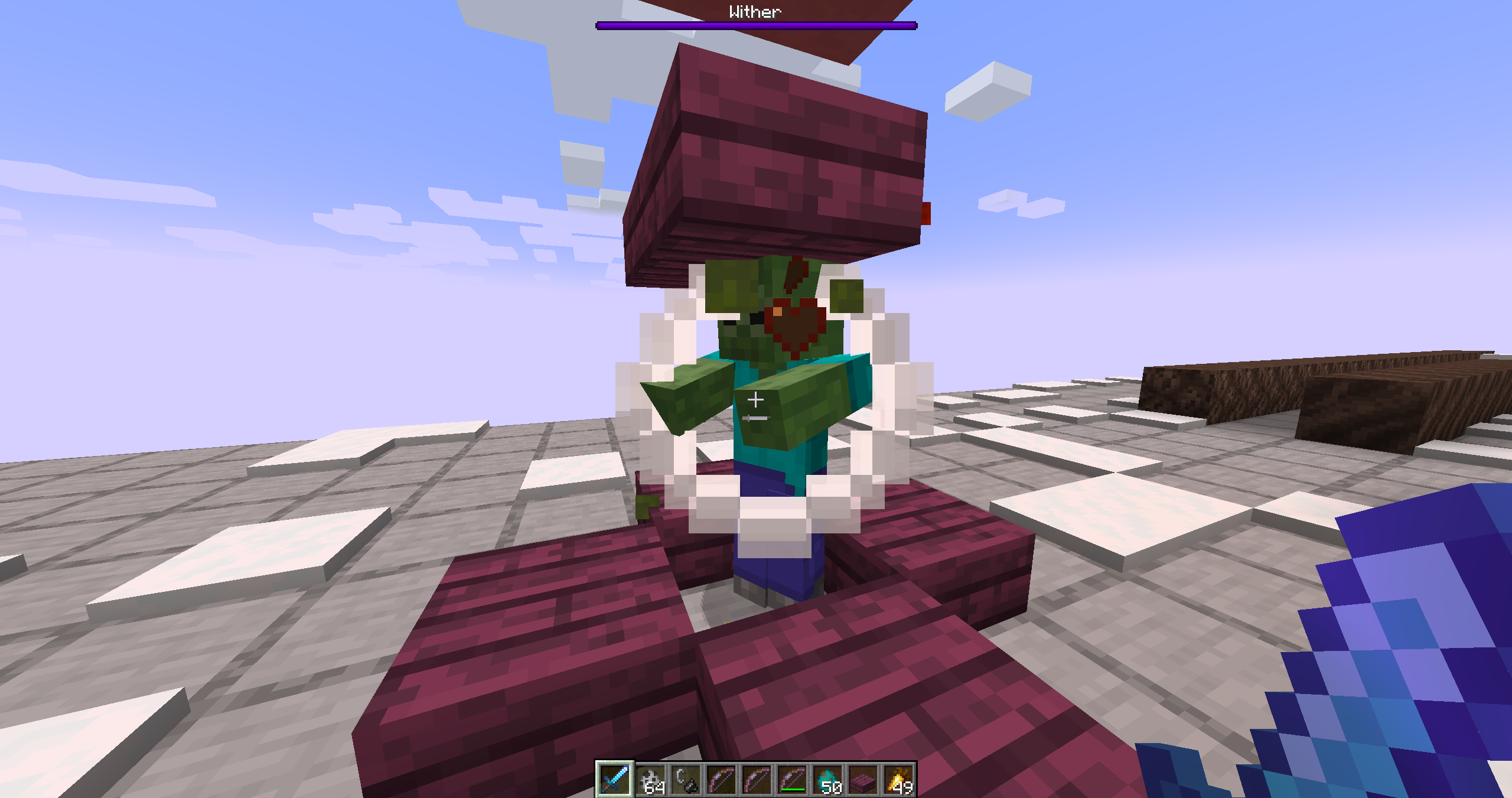 Knockback When the weapon has the knockback enchantment, striking an enemy will create a small shockwave!
 -
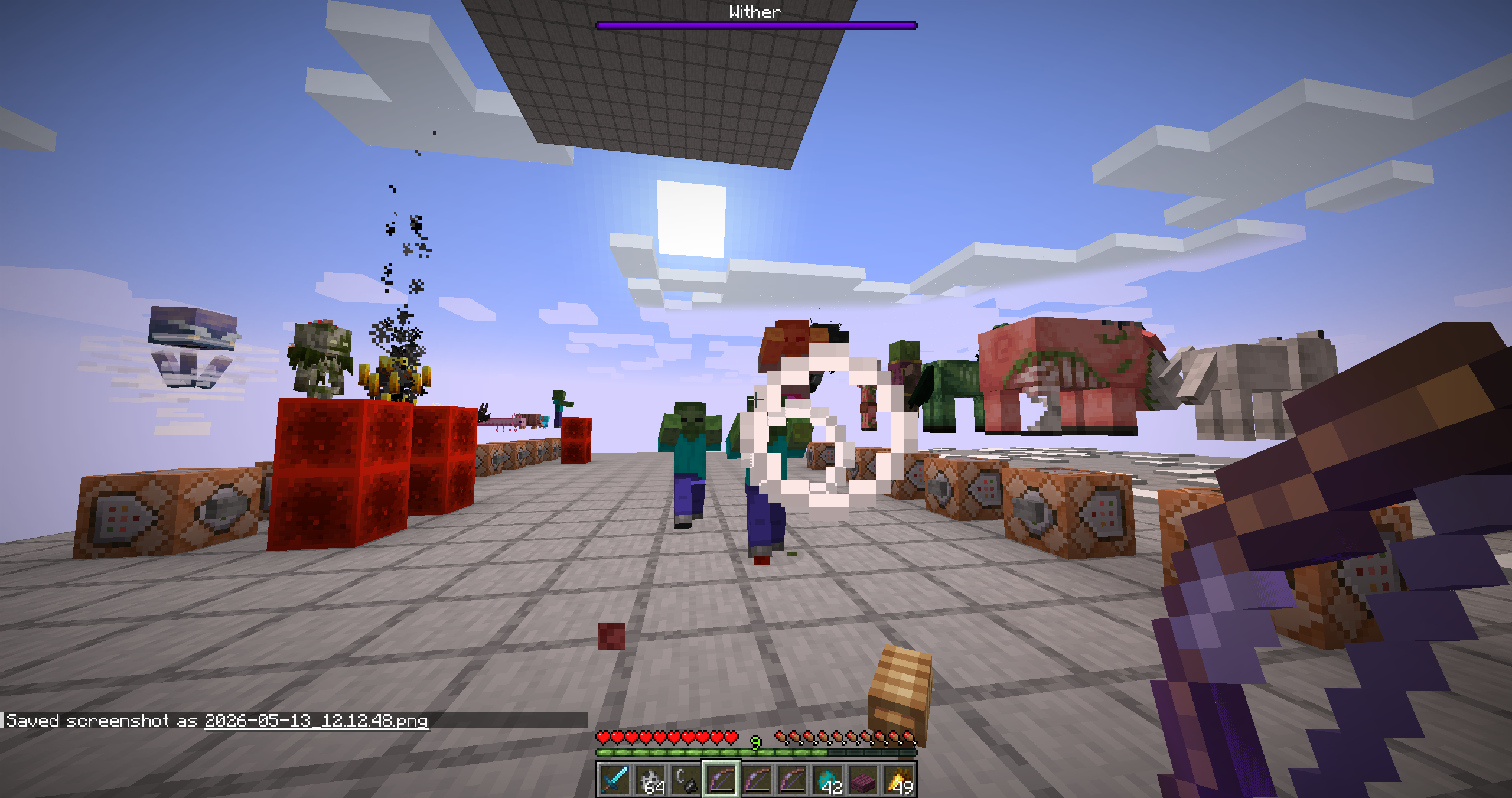 Bow with punch There's an effect when you hit it too!!
 -
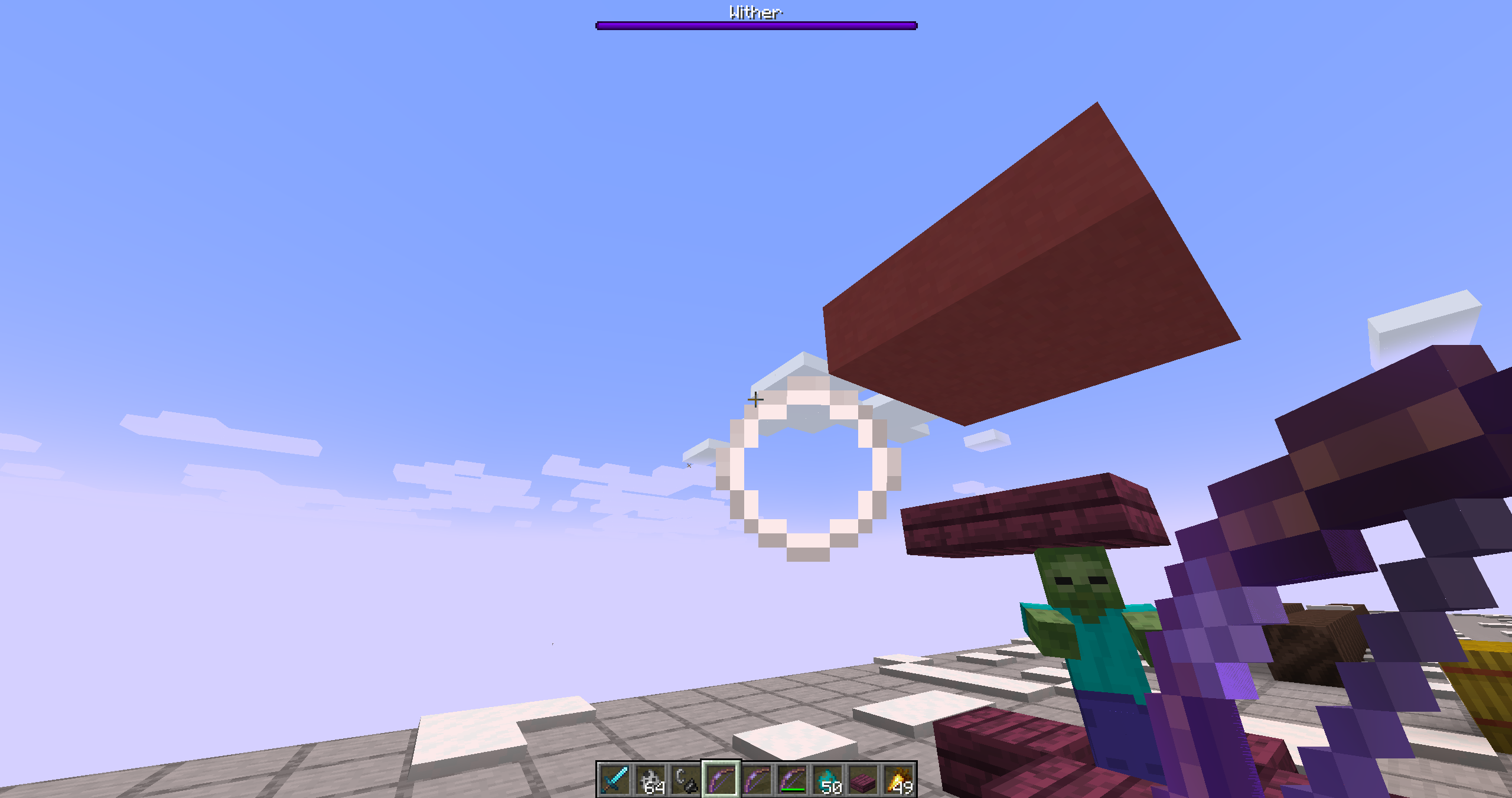 The bow with the Punch also creates a shockwave.
 -
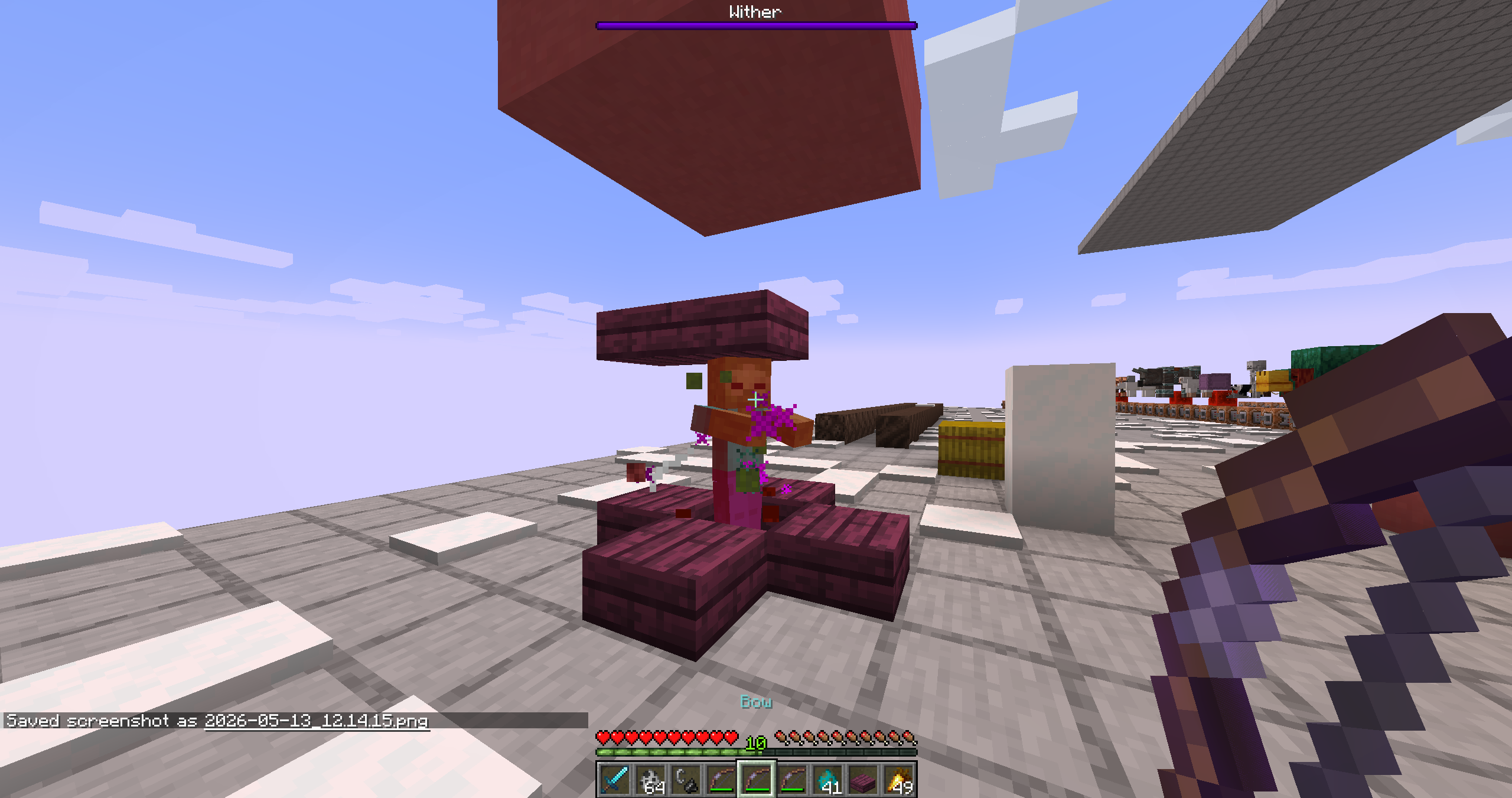 BOW with POWER When a bow is enchanted with POWER, it will display more powerful particles depending on the enchantment level. This applies both to the arrow’s trail and when striking an enemy! Configurable in the mod options.
 -
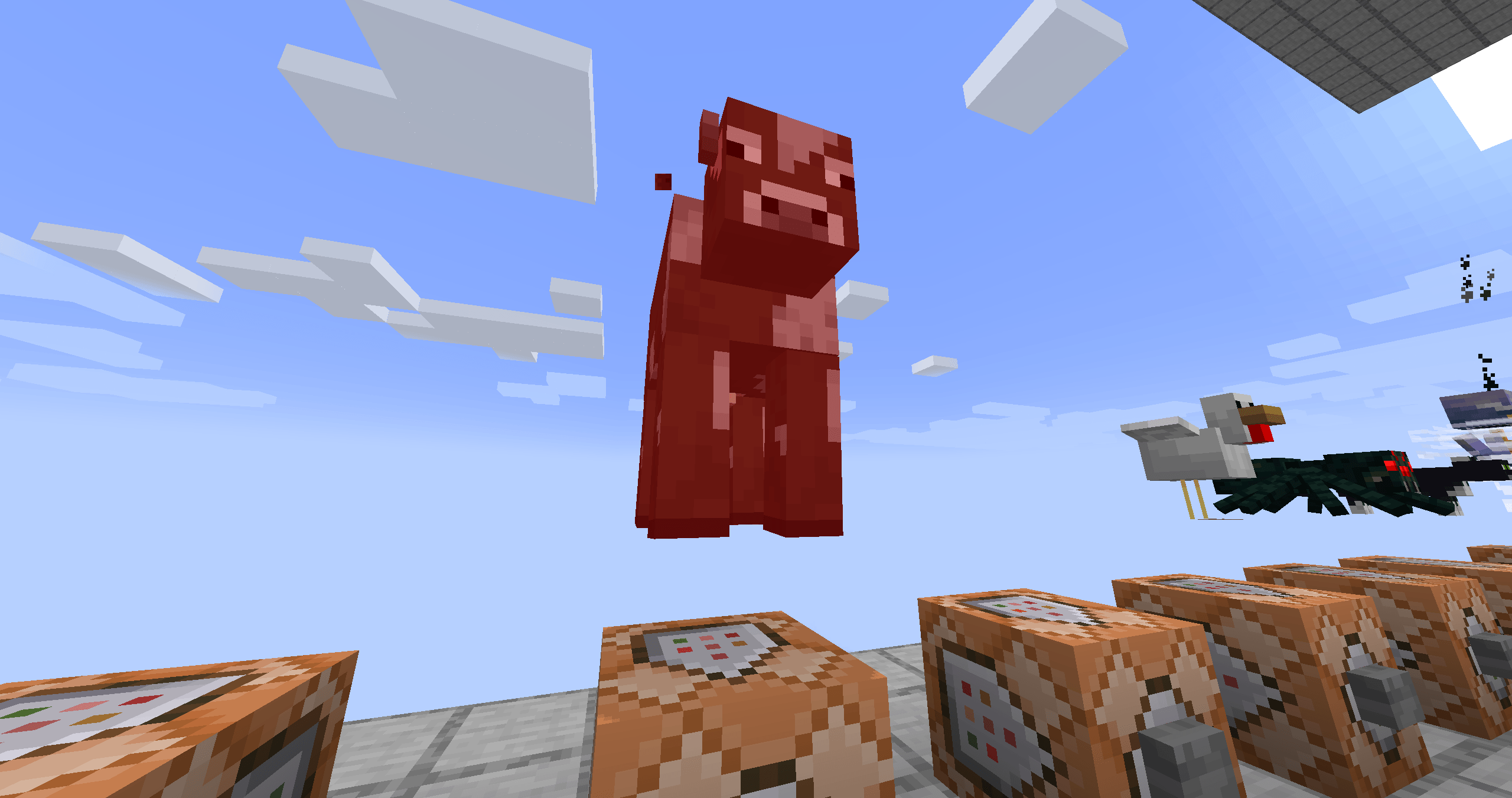
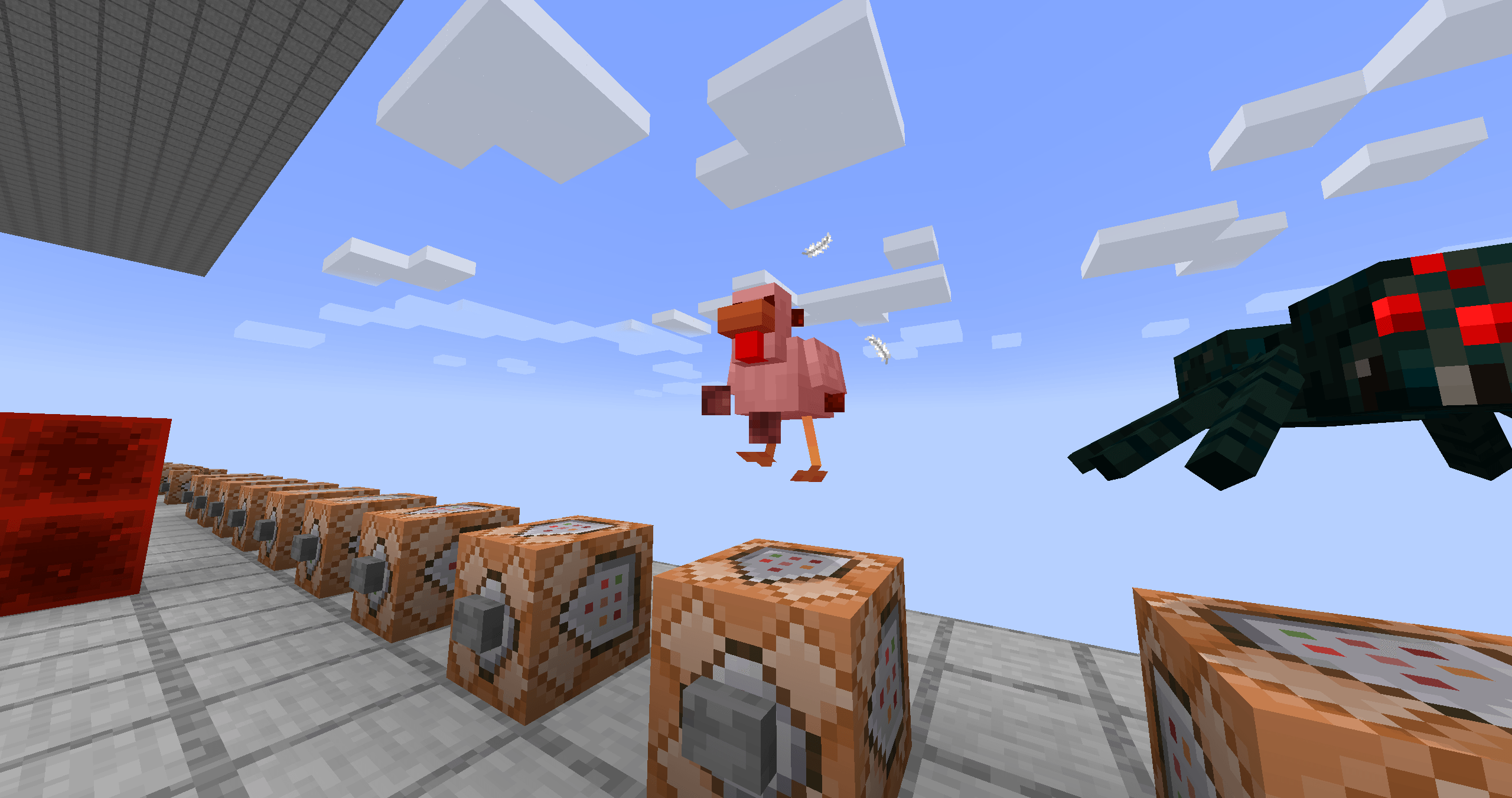
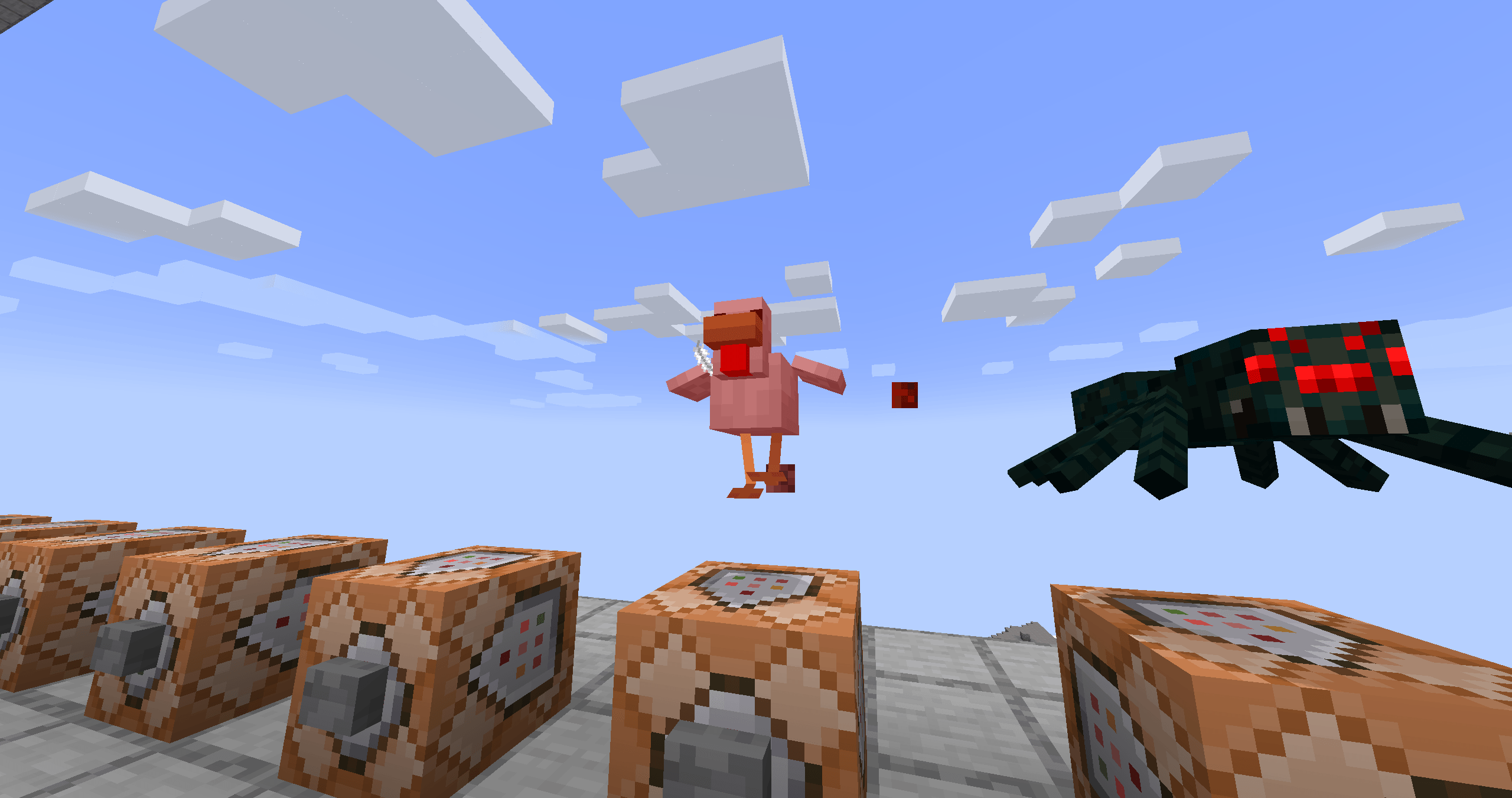
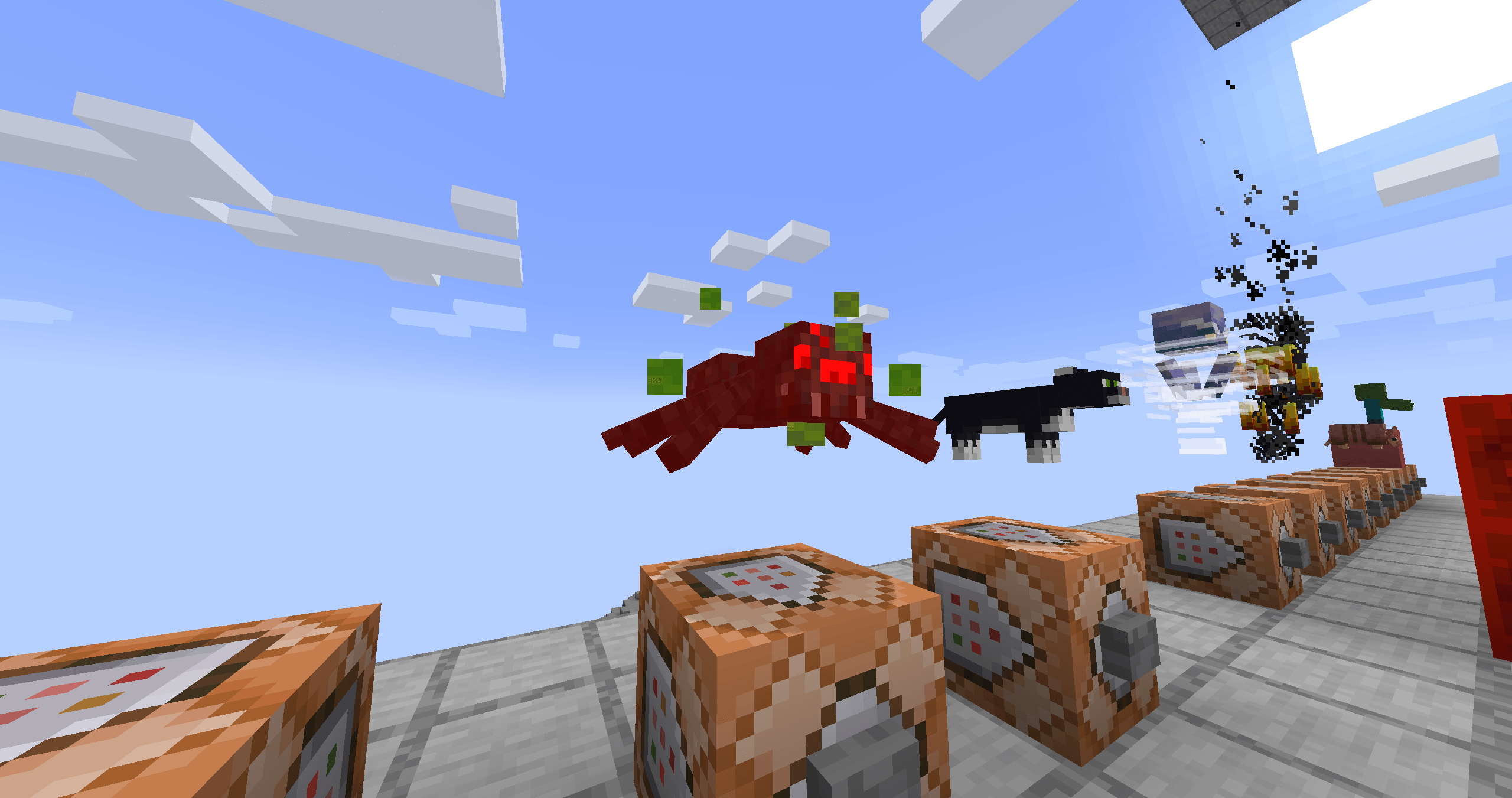
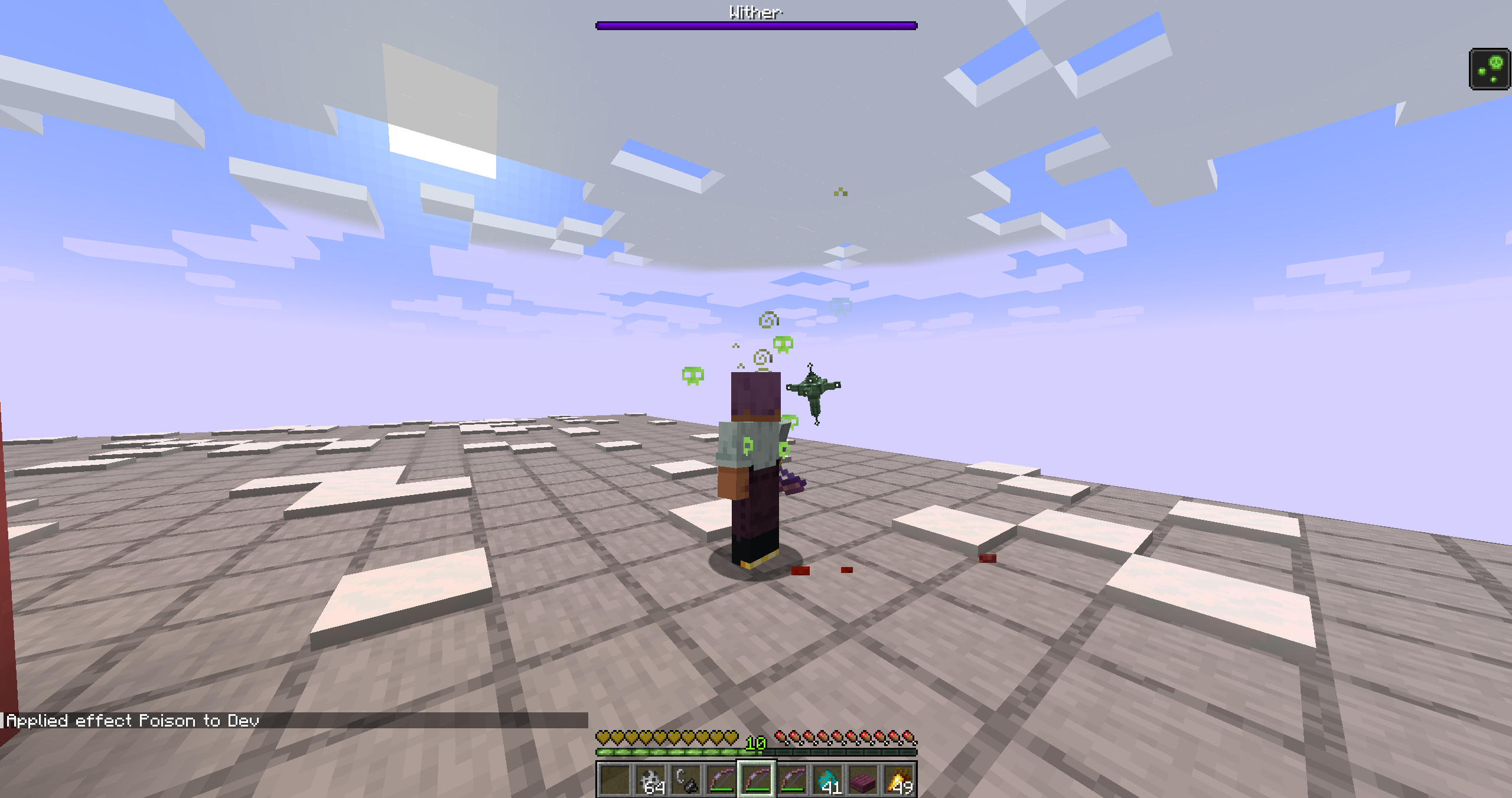 Poison damage Depending on the source of the damage, different particles may appear. For example, from the Wither, poison, lava or freezing.
Versions
Files
Relations
Project Relations
More like this
Similar Mods
Suggestions use data such as tags, dependencies, dependents, descriptions, titles, and more to rank how much they overlap with this mod.
On ModDex
Community snapshot
By the numbers
Statistics
Want to reach Minecraft players?
We're looking for a server hosting partner to feature here and other parts of the site. Interested? Send us a message!
Get in touchGet it on
Available Platforms
On ModDex
Community snapshot
By the numbers
Statistics
Resources