
Bloomy Settings Import
No reviews yet
A mod that allows you to import and export your options.txt file! Allowing to keep your settings and keybinds between instances.
Features systems for better item storage and organization.
Fabric is a mod loader for versions 1.14+ of Minecraft, particularly popular for client side and optimization mods.
Community voices
Reviews
Click once to include, again to exclude, again to clear
No reviews yet. Be the first to review this project!
Get it on
Available Platforms
 Modrinth
Compatibility
Supported Environments
About
Project Details
For authors
Embed Badge
If you're the author of this project, you can embed a live badge anywhere that supports HTML or Markdown. It updates automatically whenever ratings change.
Use HTML for any page that supports it, or Markdown for README files and Markdown-based descriptions.
Identifiers
Platform IDs
Resources
External Links
About
Description
Introduction
Are you sick of needing to reset your settings everytime you make a new instance of minecraft? Bloomy Settings Import offers the solution!
What is Bloomy Settings Import
Bloomy Settings Import is a mod originally made for the Bloomy Modpack, but is also perfectly usable as a standalone mod! The mod adds a button in your settings where you can import and export your options.txt file. This little file has the information about what your keybinds are, your graphics settings, your mouse sensitivity, your sound settings, etc.
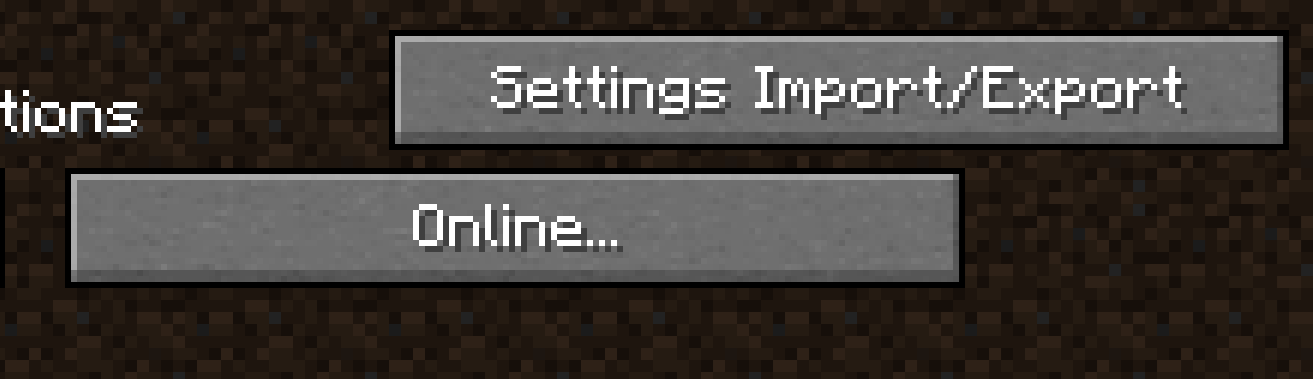
How does it work
By copying your file paths you can easily make a directory where you want store your options.txt file, without ever leaving the game! In the same way, by copying a file path from anywhere on your computer you can easily import an options.txt file, restoring the settings you had previously configured.
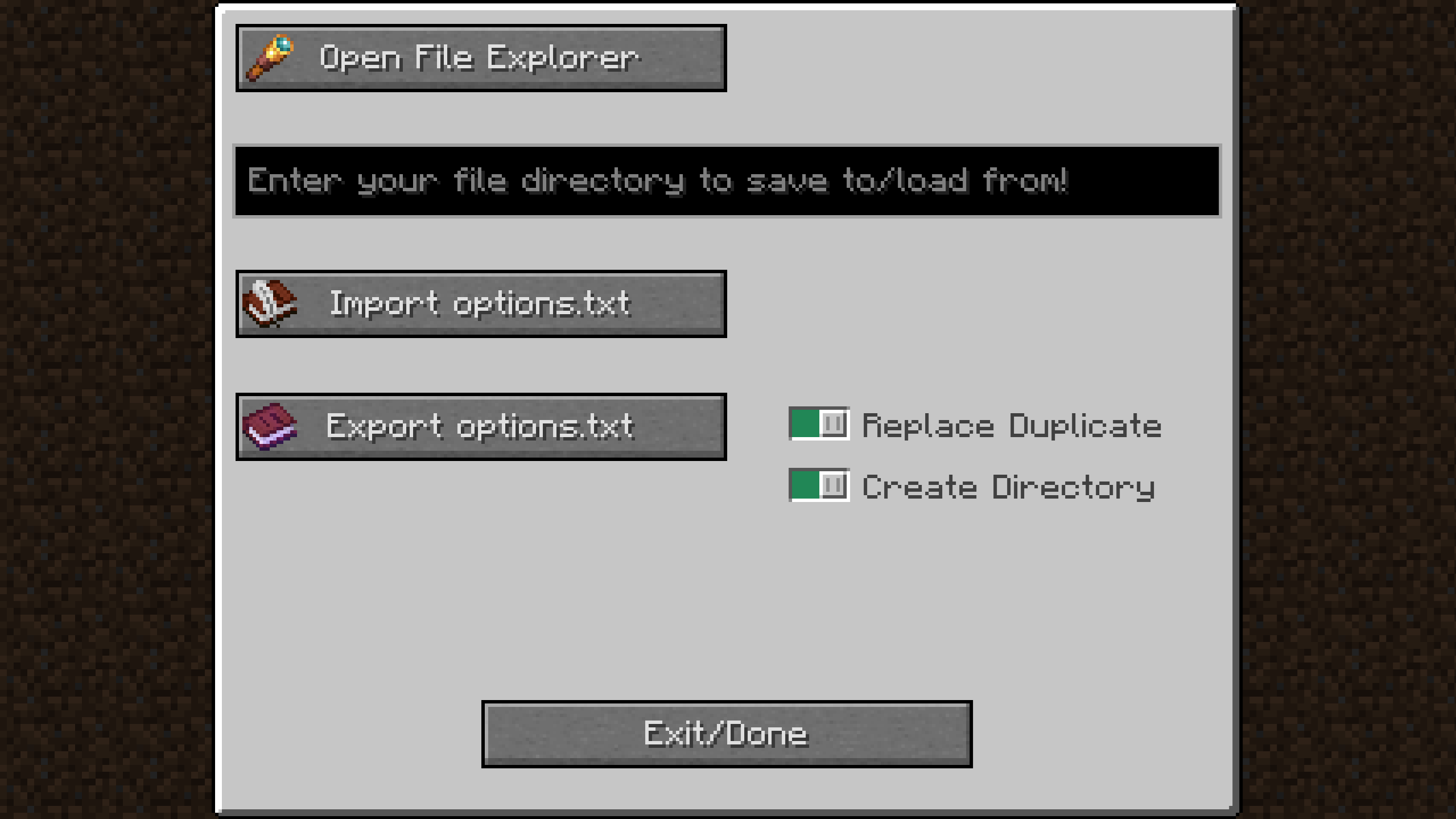
Screenshots
Gallery
-
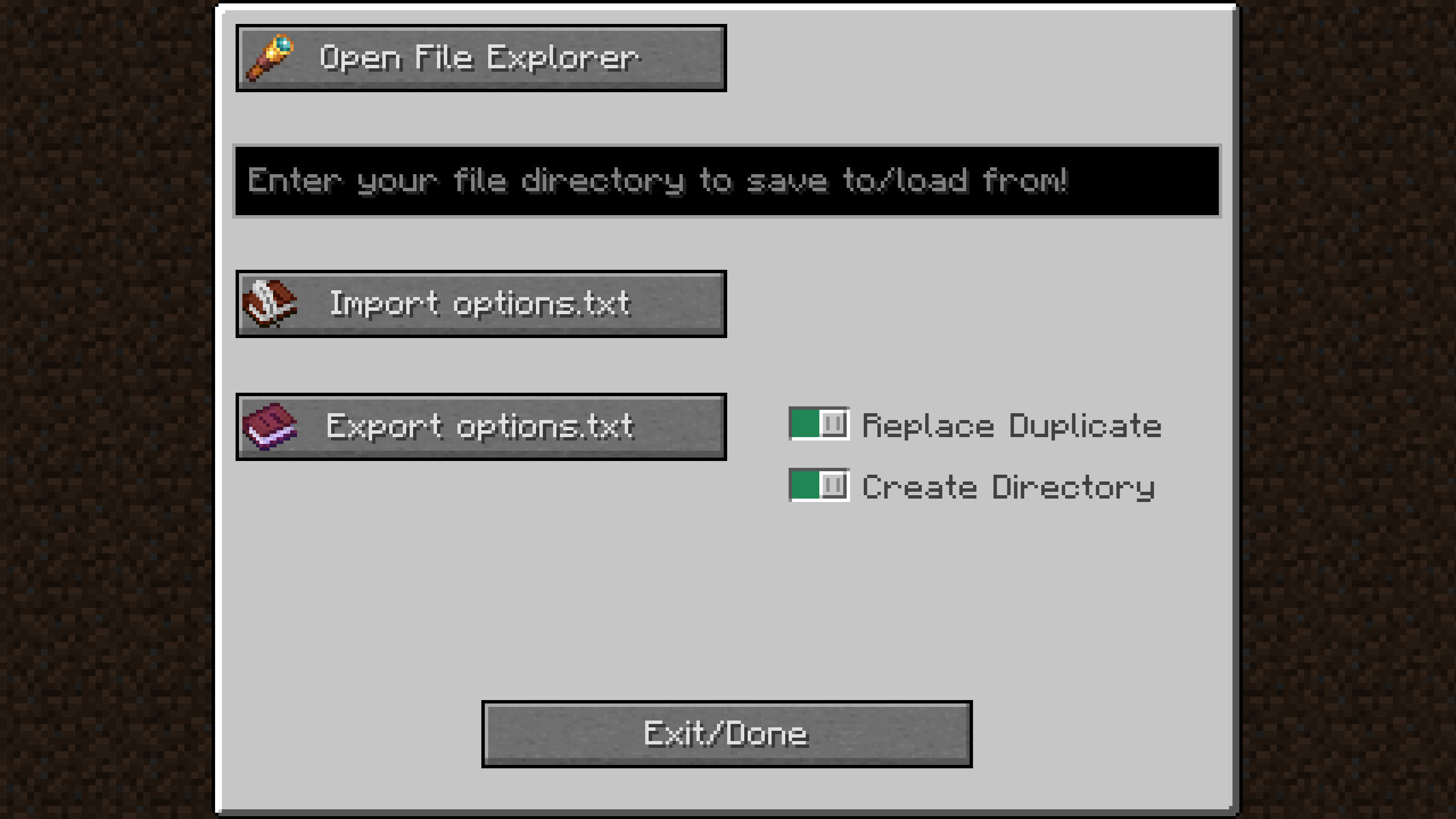 Settings Import/Export Main Page The main page of the mod where the entirety of the mod takes place.
 -
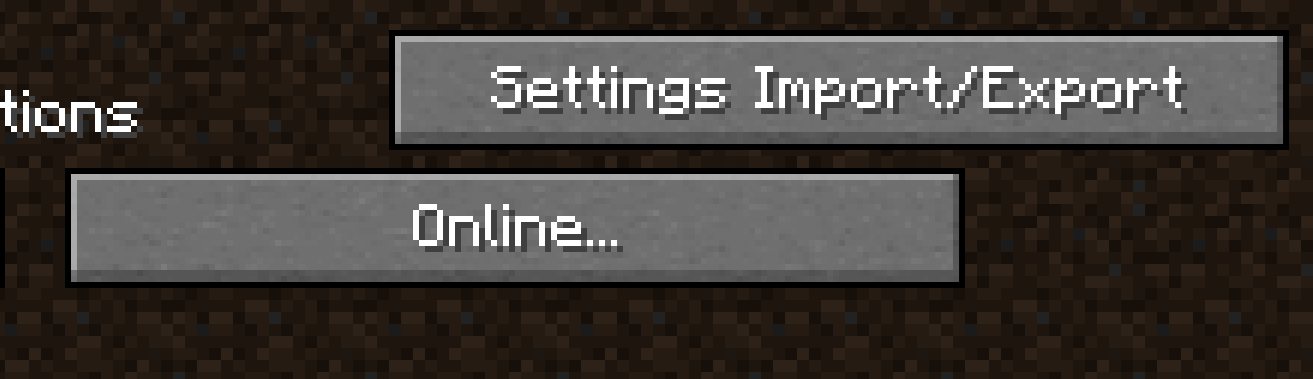 Settings Import/Export button V1.0.1+ The button used to access the mods features: the Settings Import/Export button. Now in the top right of the screen!
 -
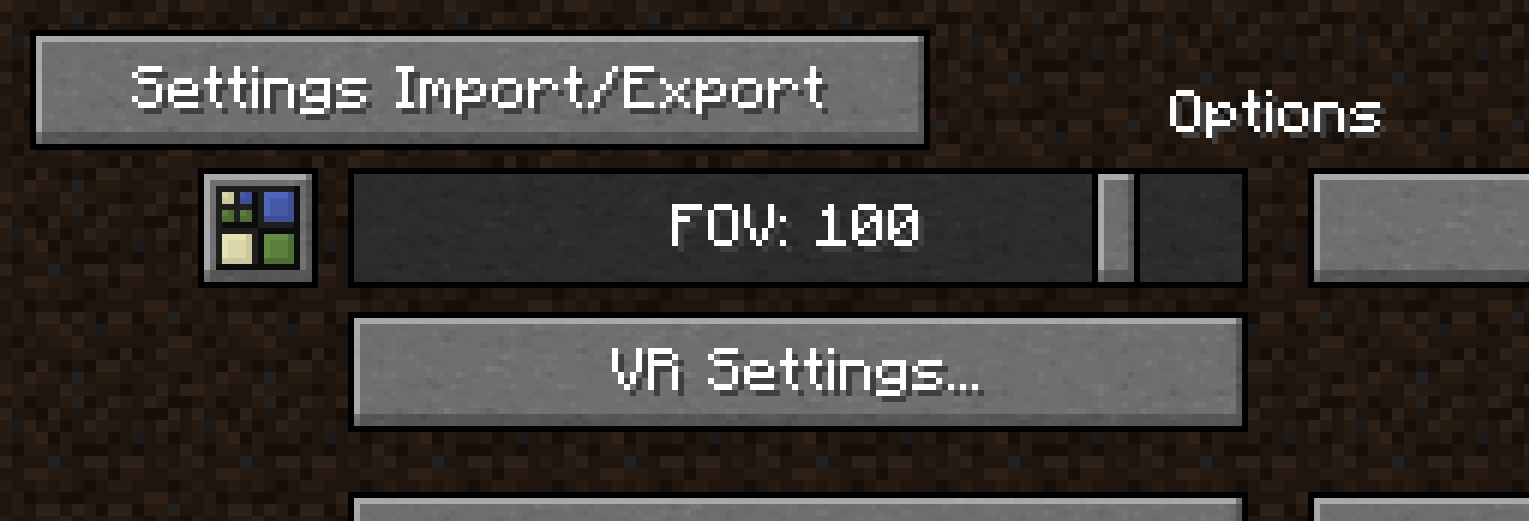 Settings Import/Export button V1.0.0 The button used to access the mods features: the Settings Import/Export button.
Versions
Files
Relations
Project Relations
More like this
Similar Mods
Suggestions use data such as tags, dependencies, dependents, descriptions, titles, and more to rank how much they overlap with this mod.
On ModDex
Community snapshot
By the numbers
Statistics

Want to reach Minecraft players?
We're looking for a server hosting partner to feature here and other parts of the site. Interested? Send us a message!
Get in touchGet it on
Available Platforms
On ModDex
Community snapshot
By the numbers
Statistics
Resources