
Community listing page, reviews here may not be monitored by the author.
Botany Pots DP

No reviews yet
Botany Pots made Datapack. No resource packs, multiplayer friendly
Community voices
Reviews
No reviews yet. Be the first to review this project!
Get it on
Available Platforms
About
Project Details
For authors
Embed Badge
If you're the author of this project, you can embed a live badge anywhere that supports HTML or Markdown. It updates automatically whenever ratings change.
Use HTML for any page that supports it, or Markdown for README files and Markdown-based descriptions.
Identifiers
Platform IDs
Resources
External Links
About
Description
Original concept by Darkhax.
This datapack is inspired by their Botany Pots mod. While it aims to recreate the same core idea, name, look, and crafting recipes, it is an independent implementation and may have small technical or balancing differences due to datapack limitations.

Powered by [Beet]
This datapack adds the Botany Pot, a compact and decorative farming block that allows you to grow crops in a single space while automatically replanting them after harvest.
Perfect for aesthetic builds, compact farms (try the Hopper Botany Pot), or simplified crop setups.

📦 Crafting
Craft the Botany Pot using the same recipe as the original mod version. Put a hopper in the center in order to get the Hopper Botany Pot Or check the image gallery.
Once crafted, place it like any normal block.
🌾 How to Use
Using the Botany Pot is simple:
1️⃣ Insert Soil
Right-click the placed Botany Pot with a valid soil block.
Different crops require different soils. For example:
- Wheat → Farmland
- Nether Wart → Soul Sand
Make sure you use the correct soil for the crop you want to grow.
2️⃣ Plant the Crop
Right-click the Botany Pot with the seed or crop item.
The crop will begin growing immediately.

🌿 Growth & Fertilizer
- Crops grow automatically over time. (remember the light conditions)
- You can speed up growth by right-clicking with Bone Meal.
- You can block growth using honeycomb / restore it using a axe
🌻 Harvesting
- Right-click a fully grown crop to harvest it.
- The crop will automatically replant itself.
- Left-click with an empty hand to remove contents.
- The Hopper Botany Pot will automatically harvest the crop when ready. Remember to put a hopper below it, or your resources will go lost.
⚙️ Customization
New crops and soils can be configured easily from in-game or via other datapacks. Check Official Custom Crop Generator
Example in-game
/data modify storage ulg:botanypots custom_plants append value {plant_id:"example",block_id:"minecraft:lantern",item_id:"minecraft:lantern",block_size:"small",growth_time:[3,6],ready_block_size:"big",soils:[{soil_id:"dirt"}],loot:{...}}
Adding a custom crop: you can now plant a lantern and make it grow (visually too) to harvest lanterns.
✨ Disclaimer
This datapack is an independent recreation inspired by Darkhax’s original idea. It is not an official port of the mod, and some features may behave differently.
Screenshots
Gallery
-
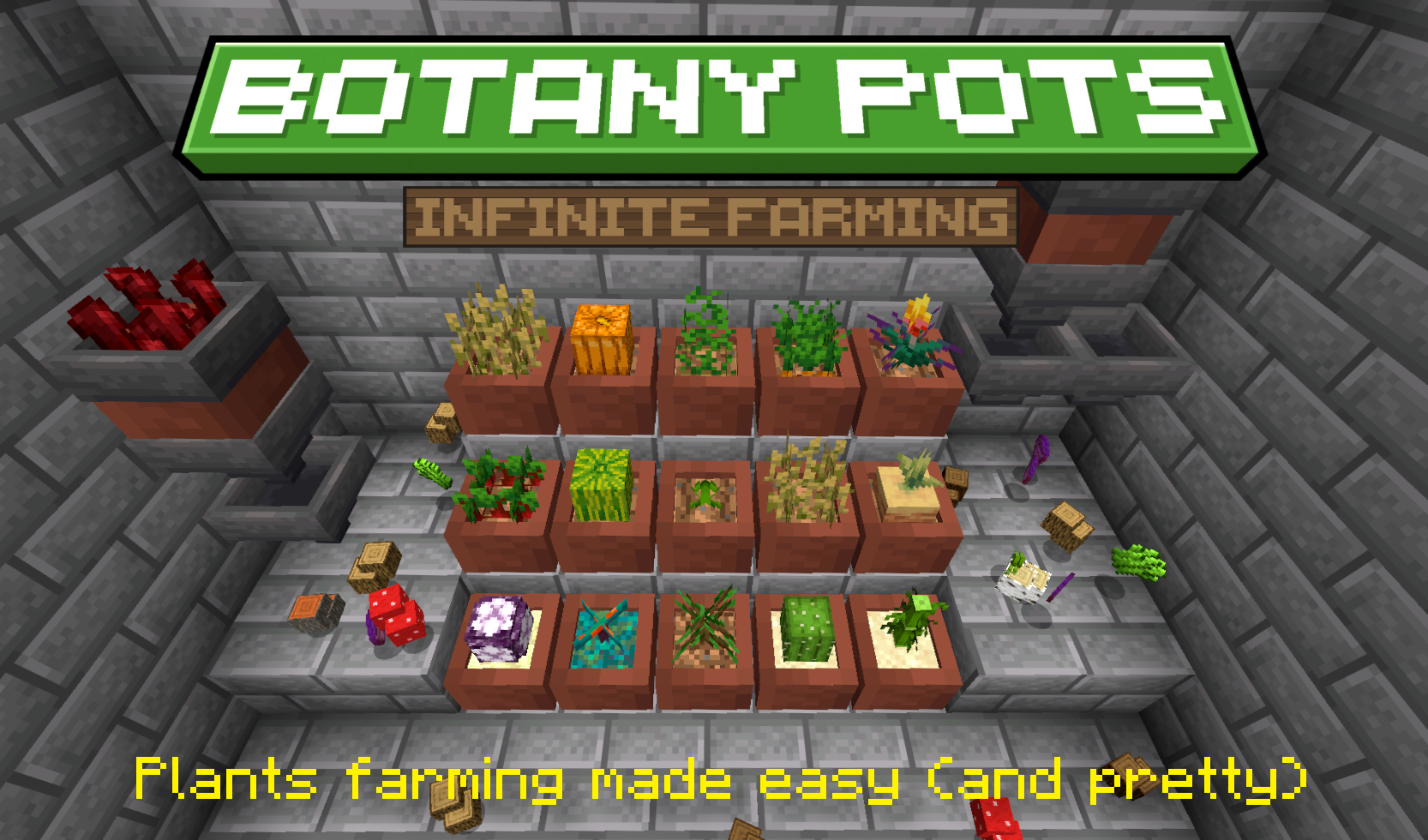 PMC Cover
 -
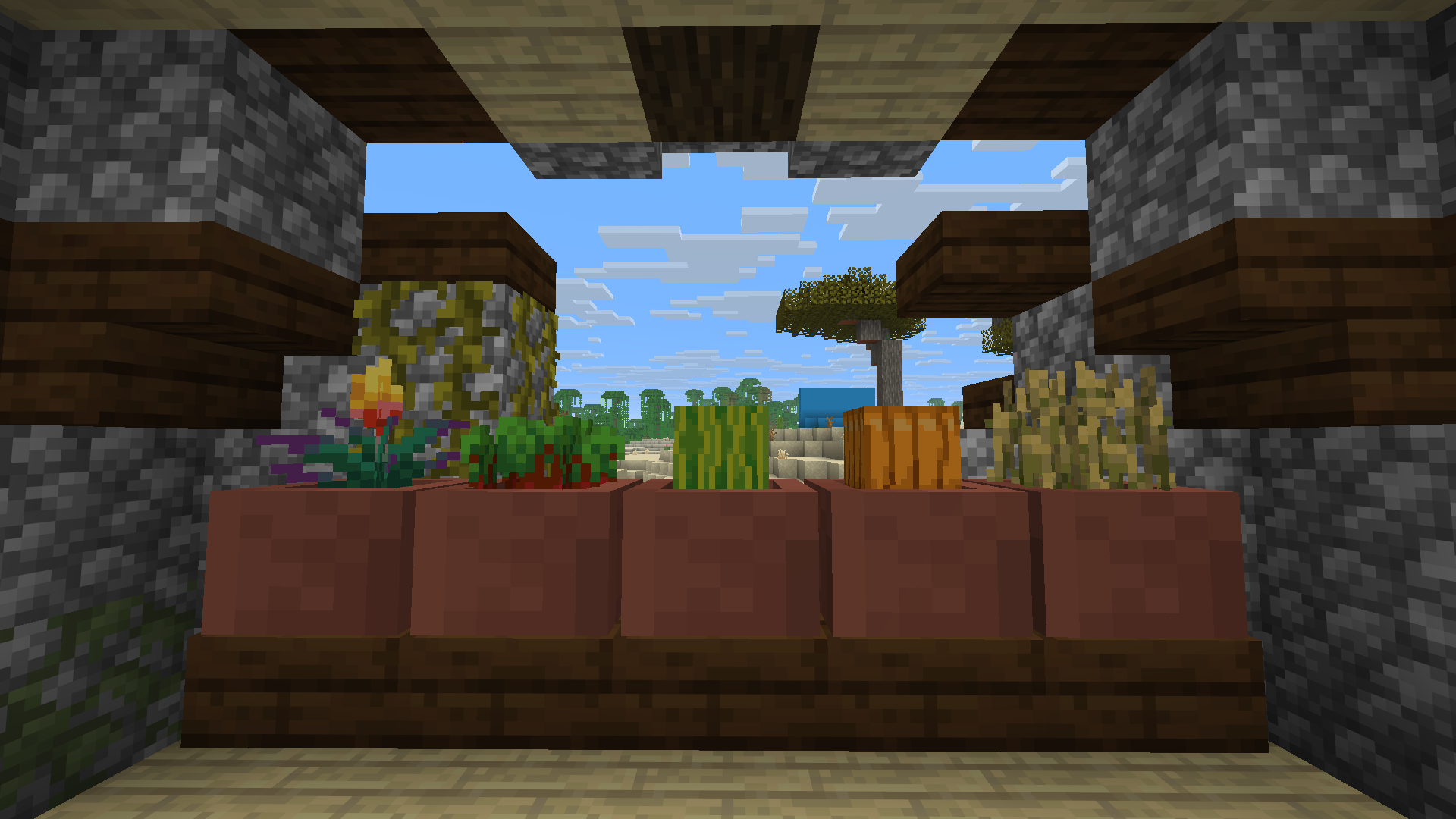 Aesthetically nicer than big saplings.
 -
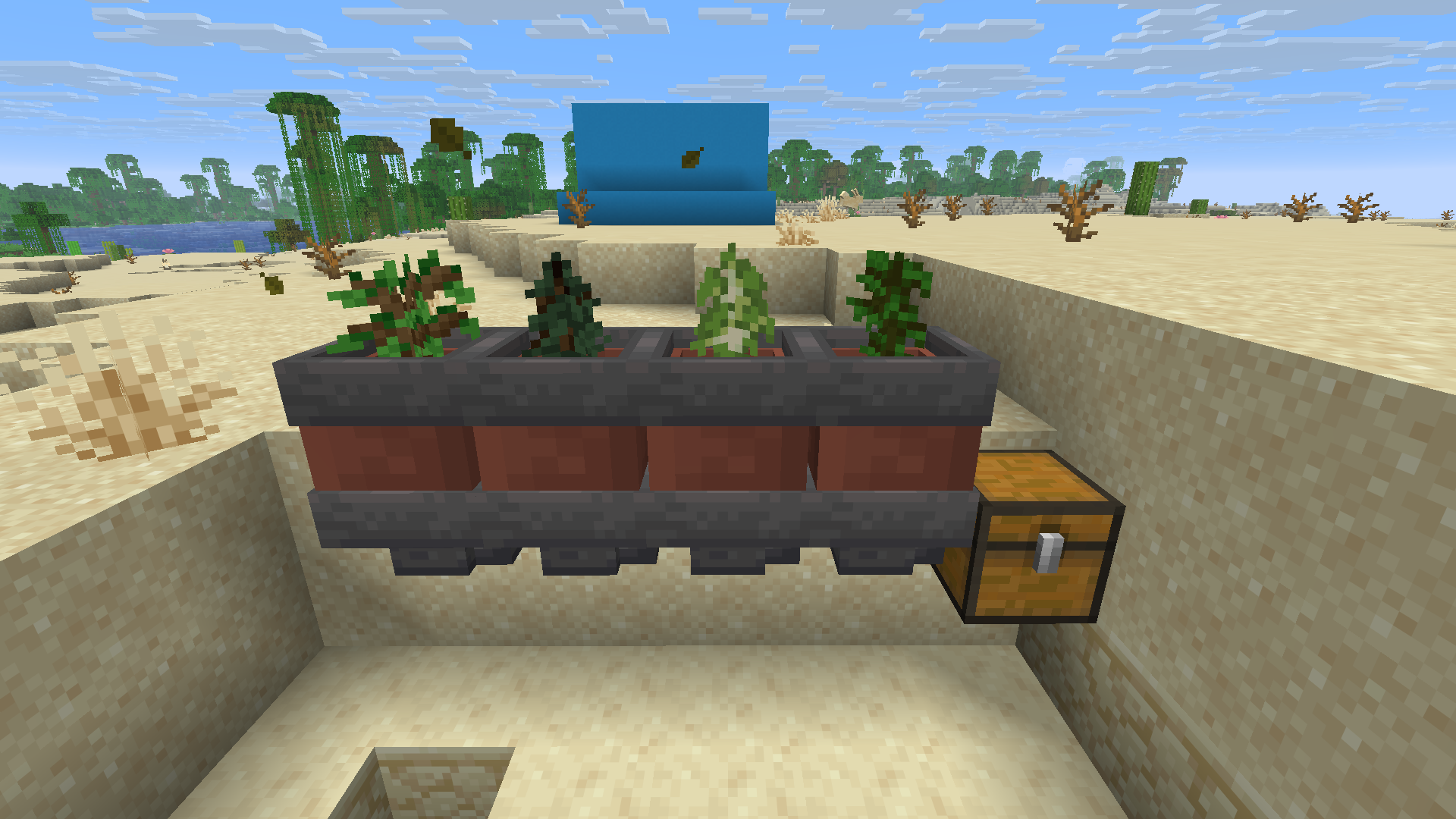 Auto-farming trees
 -
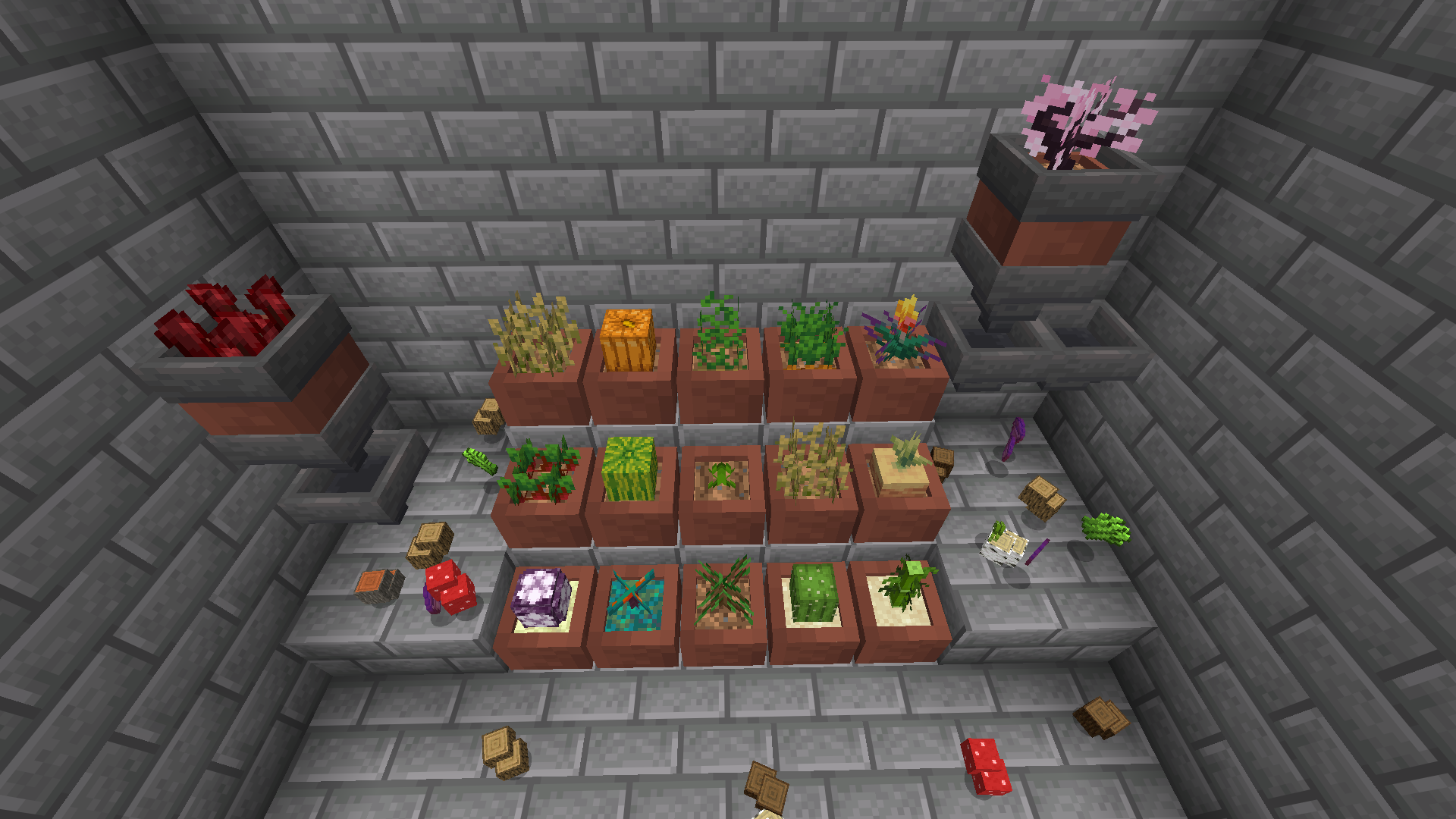 More than 29+ plants. Infinite possibilities of farming.
Versions
Files
Relations
Project Relations
More like this
Similar Mods
Suggestions use data such as tags, dependencies, dependents, descriptions, titles, and more to rank how much they overlap with this mod.
- Botany Pots
- Botany Pots Tiers
- Botany Pots - Mystical Agriculture Compat
- Botany Pots - Pixelmon Compat
- EMIzed Botany Pots
- Botany Pots + FPS FIX
- Botany Pots: Cultivating Dreams
- Go Eevee Botany Pots with more recipes!
- Ender Botany Pots
- Botany Pots:GrowableOres Compat
- Botany Pots - Better Soils
- Dim Botany Pots
On ModDex
Community snapshot
By the numbers
Statistics

Want to reach Minecraft players?
We're looking for a server hosting partner to feature here and other parts of the site. Interested? Send us a message!
Get in touchGet it on
Available Platforms
On ModDex
Community snapshot
By the numbers
Statistics
Resources