
Bottle Counter
No reviews yet
This mod allows you to see how many experience bottles you have in your inventory in game. (DOES NOT include shulkerboxes!)
Fabric is a mod loader for versions 1.14+ of Minecraft, particularly popular for client side and optimization mods.
Community voices
Reviews
Click once to include, again to exclude, again to clear
No reviews yet. Be the first to review this project!
Get it on
Available Platforms
 Modrinth
Compatibility
Supported Environments
About
Project Details
For authors
Embed Badge
If you're the author of this project, you can embed a live badge anywhere that supports HTML or Markdown. It updates automatically whenever ratings change.
Use HTML for any page that supports it, or Markdown for README files and Markdown-based descriptions.
Identifiers
Platform IDs
Resources
External Links
About
Description
Bottle Counter is a lightweight, fully client-side Fabric mod for Minecraft 1.21.11 and 26.1.2 that helps you keep track of every Bottle o’ Enchanting in your inventory. Instead of repeatedly opening your inventory and counting individual stacks, the mod displays the total amount directly on your in-game HUD. The counter includes bottles stored in your main inventory, hotbar, and offhand. It updates automatically whenever bottles are collected, moved, used, or dropped, ensuring that the displayed number always reflects your current inventory. Bottle Counter also includes a simple customization menu. By default, you can open it with the P key, although the keybind can be changed at any time through Minecraft’s standard Controls and Key Binds settings. Inside the menu, you can freely drag the counter to any position on your screen. You can choose between a square or rounded background and adjust its opacity from zero to one hundred percent in ten-percent increments. Zero percent makes the background completely transparent, while one hundred percent makes it fully visible. All position and appearance settings are saved automatically and remain available after restarting Minecraft. The relative positioning system also helps keep the counter in the correct place when changing the GUI scale or window resolution. Because Bottle Counter is entirely client-side, it can be used on single-player worlds and multiplayer servers without requiring installation on the server. The mod requires Fabric Loader and Fabric API for Minecraft 1.21.11. Bottle Counter is ideal for players using XP bottles for repairing Mending equipment, enchanting, storage management, or large multiplayer projects where tracking supplies quickly and accurately is useful.
Screenshots
Gallery
-
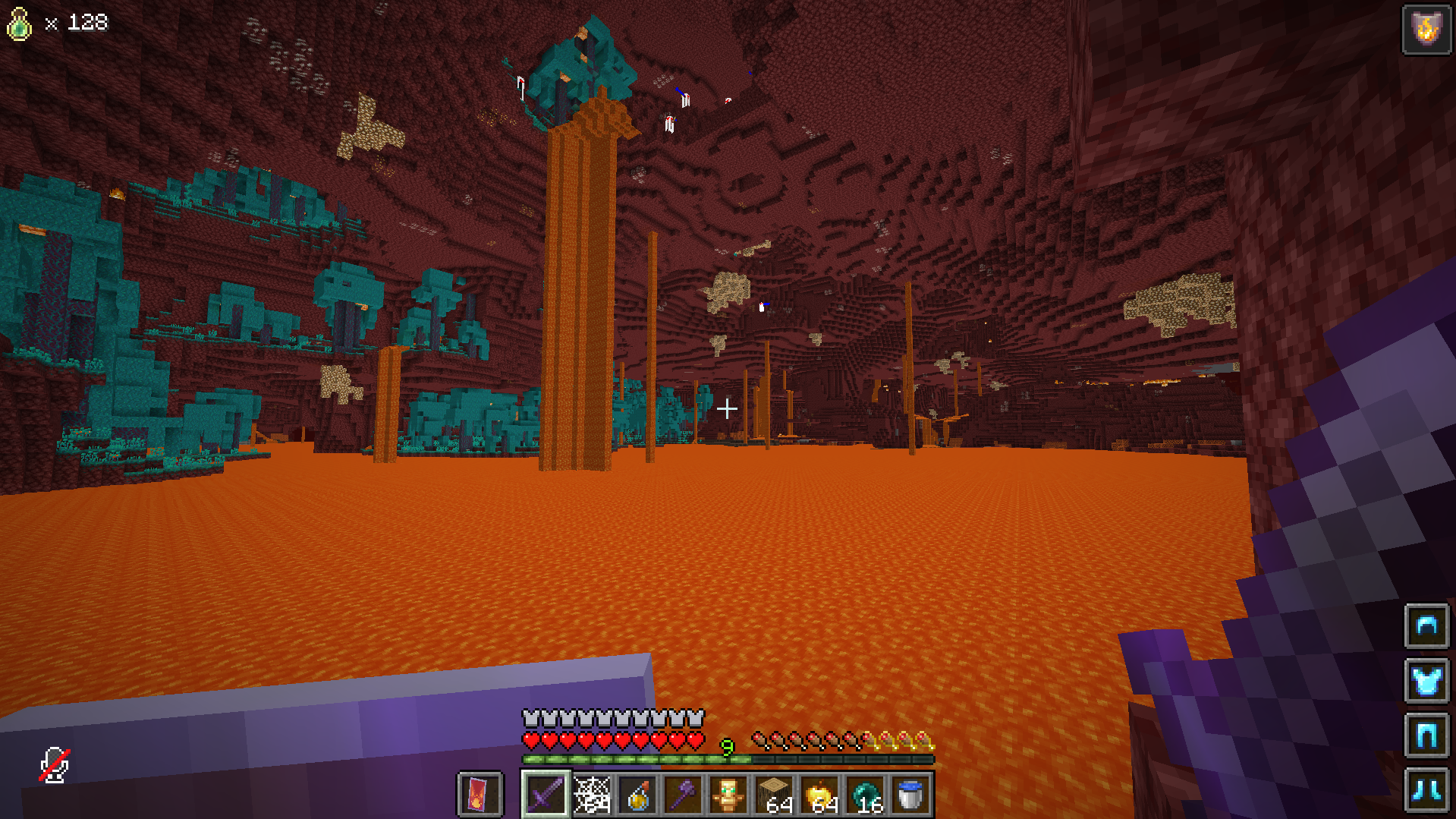 Ingame
 -
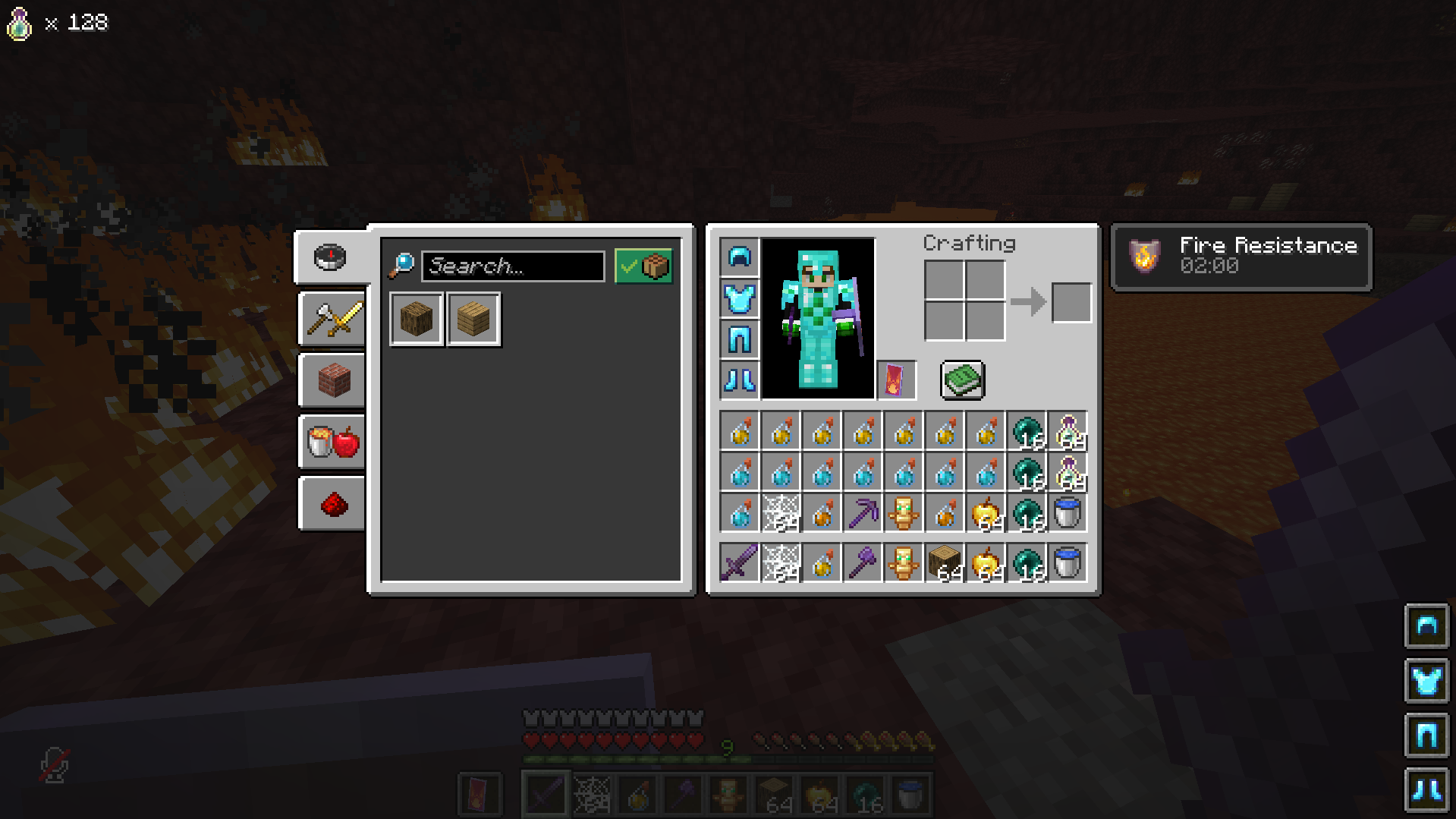 Ingame Inventory
 -
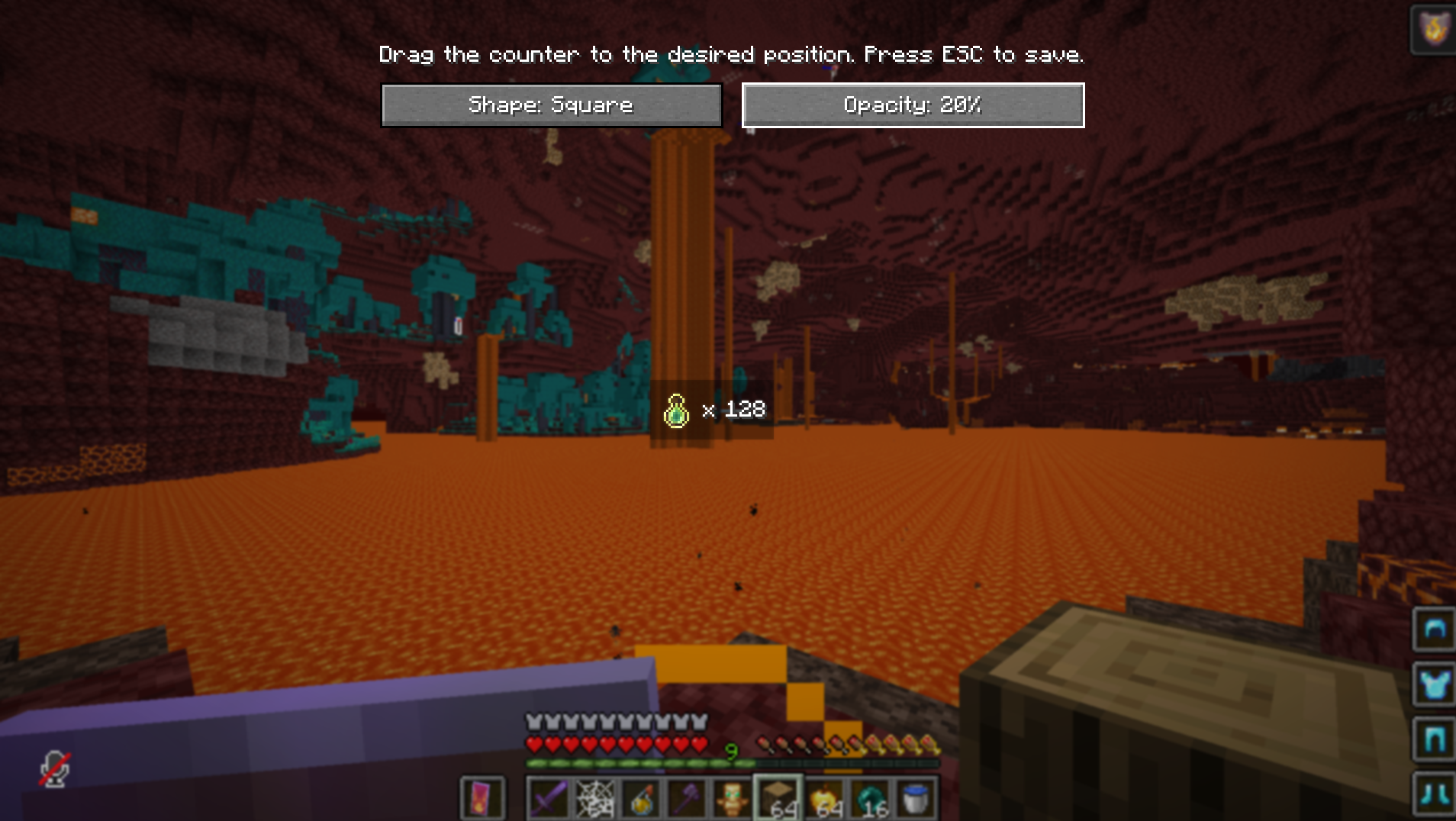 Ingame Menu with 20% opacity on the Counter
 -
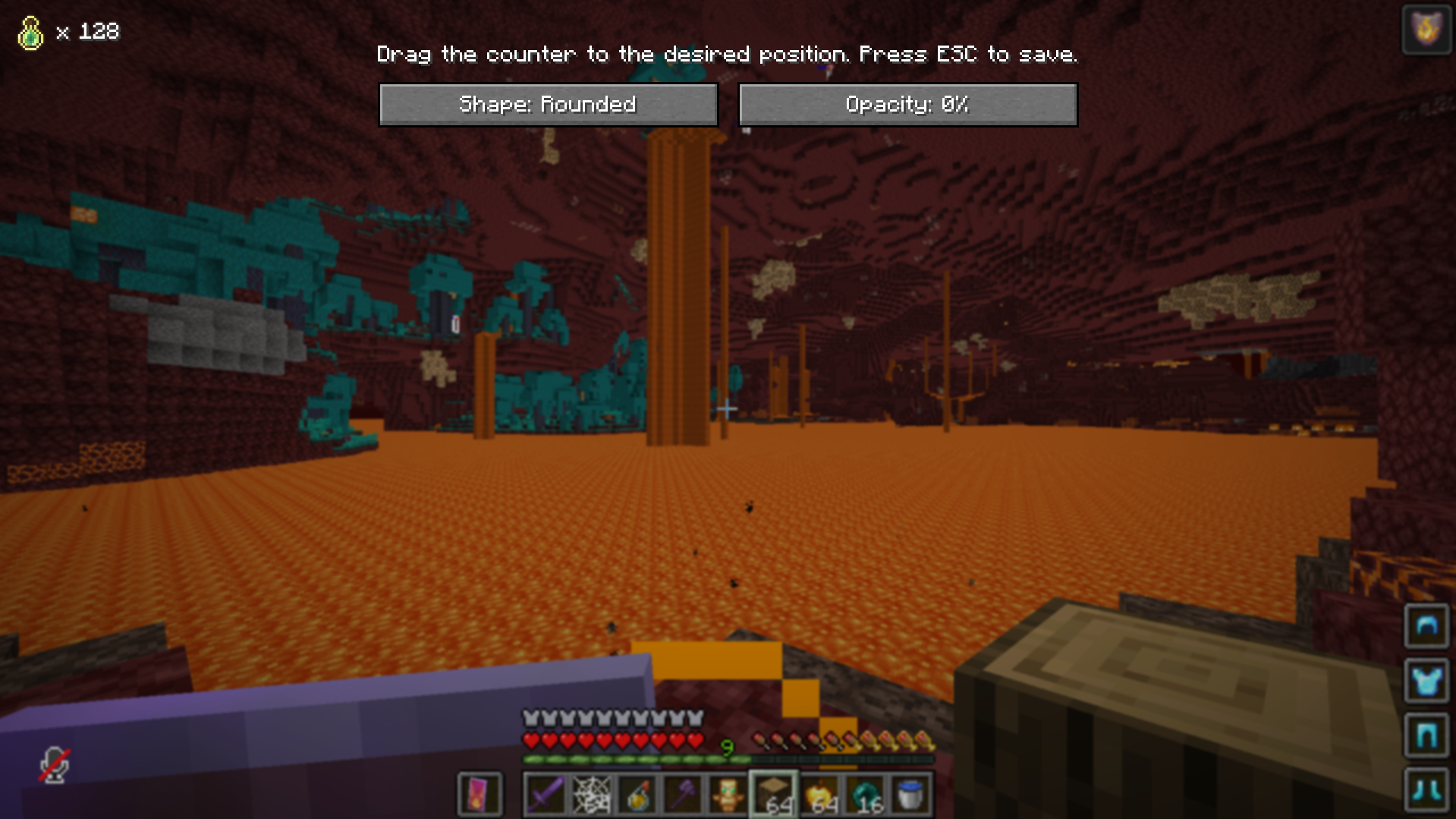 Ingame Menu Transparent
Versions
Files
Relations
Project Relations
More like this
Similar Mods
Suggestions use data such as tags, dependencies, dependents, descriptions, titles, and more to rank how much they overlap with this mod.
On ModDex
Community snapshot
By the numbers
Statistics

Want to reach Minecraft players?
We're looking for a server hosting partner to feature here and other parts of the site. Interested? Send us a message!
Get in touchGet it on
Available Platforms
On ModDex
Community snapshot
By the numbers
Statistics
Resources