Community listing page, reviews here may not be monitored by the author.
Builder's Toolbox

No reviews yet
Useful Tools and Blocks to help the builder work smarter and more efficiently.",

Community voices
Reviews
No reviews yet. Be the first to review this project!
Get it on
Available Platforms
About
Project Details
For authors
Embed Badge
If you're the author of this project, you can embed a live badge anywhere that supports HTML or Markdown. It updates automatically whenever ratings change.
Use HTML for any page that supports it, or Markdown for README files and Markdown-based descriptions.
Identifiers
Platform IDs
Resources
External Links
About
Description
Builder's Toolbox
Background
This is a Partial rewrite (Some Features will be separate mod) of the recently temporarily abandoned mod Charlotte's' Utilities.
Now Requires: Hard_Wire(D)_Lib
Blocks
Powder Storage Block
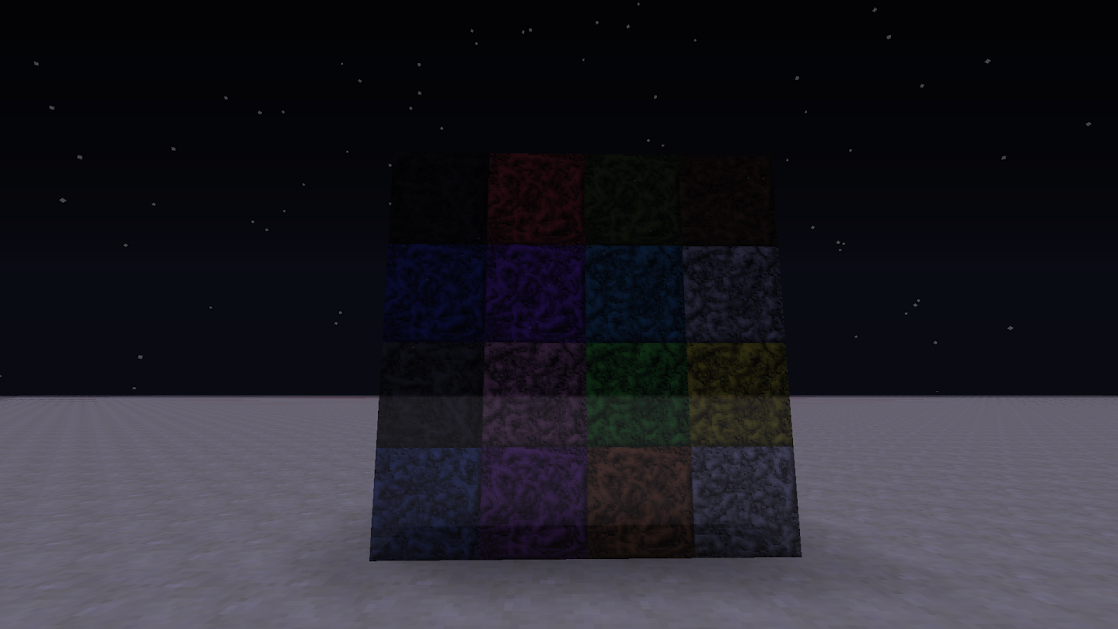
- Storable: Crafted from one color of colored powder in a 3x3 pattern
- Partially Transparent: Technically translucent, but I'm not going to split hairs.
- Light Absorbent: Cuts light passing through it by a configurable amount
Layout Scaffolding
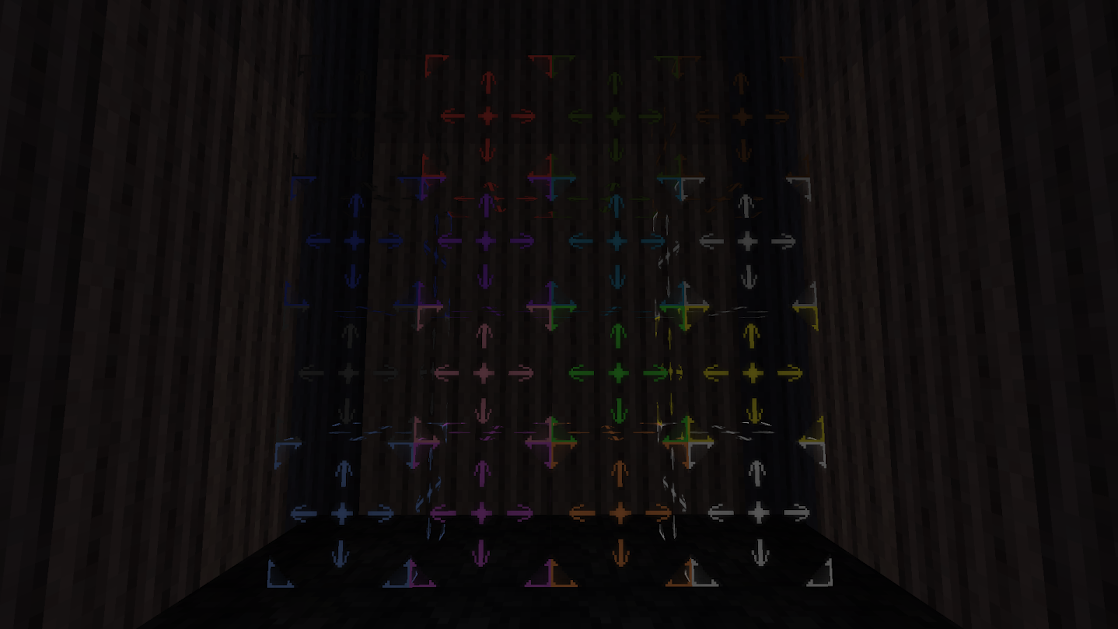
- Climbable: Acts like a ladder.
- Replaceable: Right click with a block to replace all layout scaffolding in that structure with that block. Only replaces in structure with same color AND if touching on any side.
- Extendable: Right click with an empty hand on a symbol to extend the column or row of layout blocks in that direction. When you mouse over ta symbol, the symbol will blink. The center symbol extends the block in the direction of the face you click on.
- Colorable: Craft with two sticks left and right of a colored powder. The block will be crafted as that color of powder. As mentioned above, the blocks can also be dyed with colored powder.
Marker Block
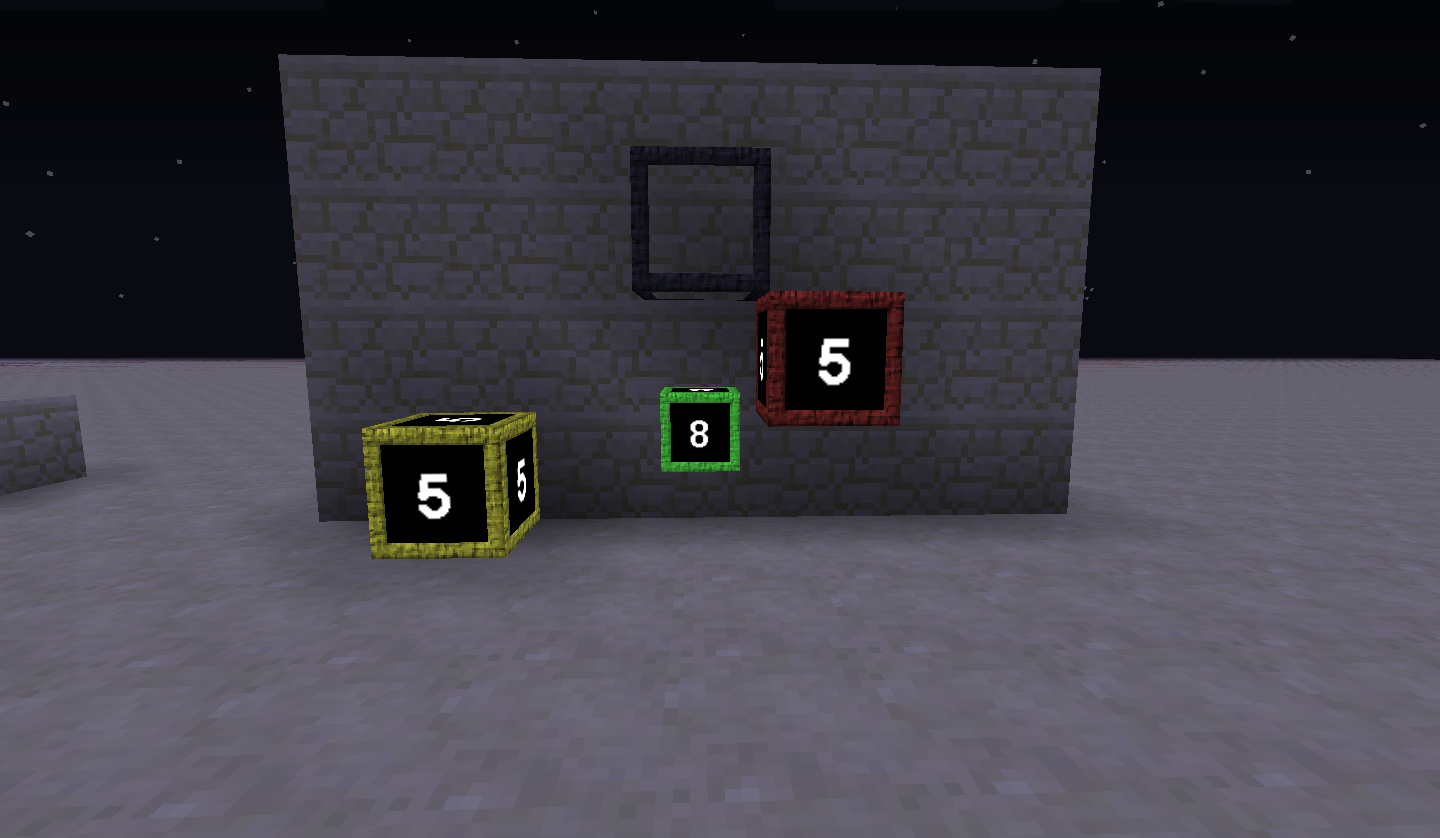
- Secure: Can be configured to public or private use. (Protected coming soon)
- Viewable: When activated, the block renders on top of everything in world, including blocks and entities. Currently, this will render forever even when the chunk isn't loaded.
- Informative: The block displays your distance away. If you are aligned in two axis, the outline of the block is green. If you are aligned in one axis, the outline is yellow. If you are not aligned in any axis, the outline is red.
Items
Colored Powder
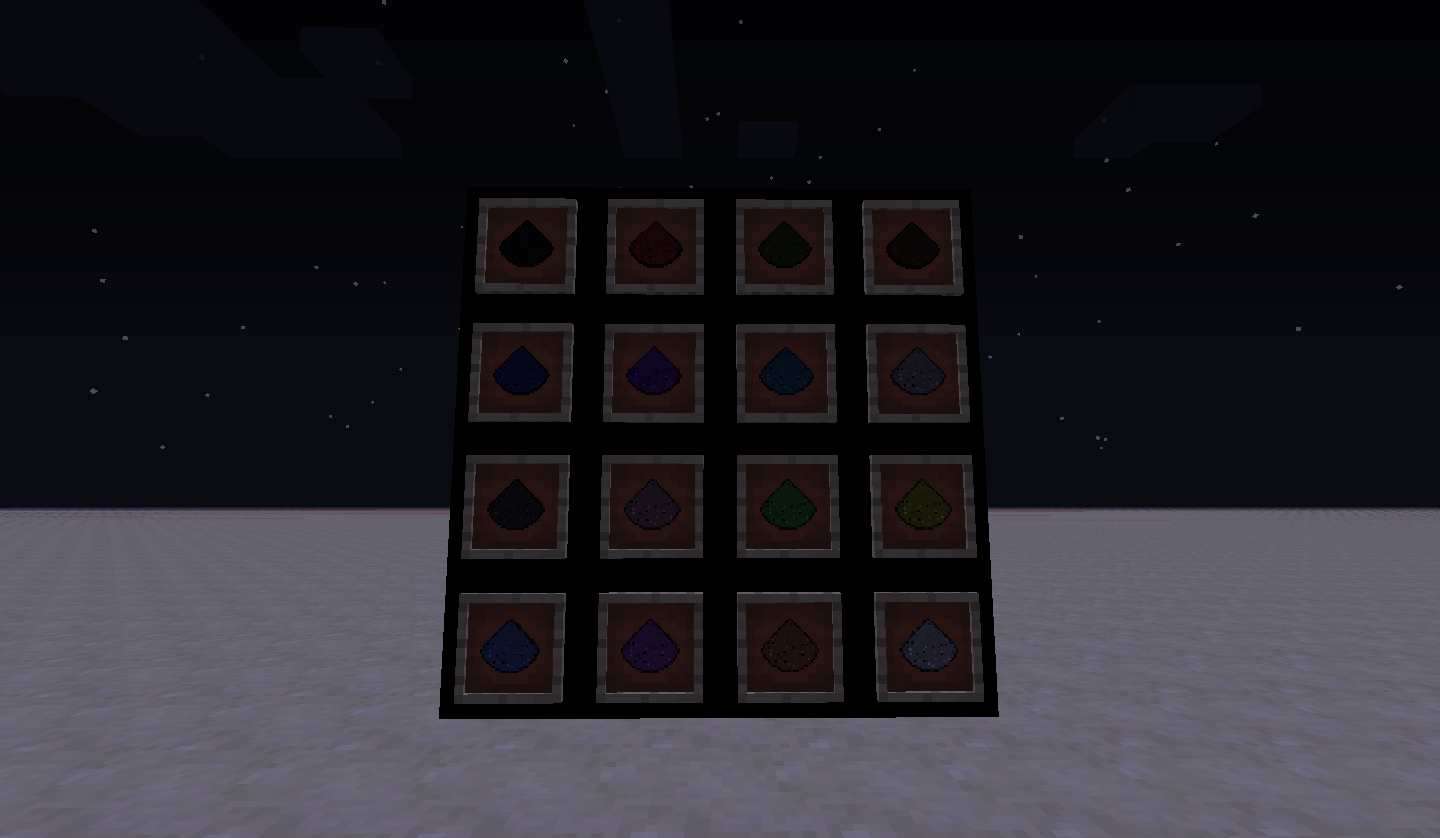
Used in almost all crafting recipes.
Can be placed as enhanced torch with no block placement requirements. Same light level as a torch (15).
Can dye the Layout Scaffolding blocks: right click a Layout Scaffolding block with colored powder to dye the block that color.
We want your feedback!
Would you feel comfortable using COFH Core's "/cofh friend" feature for the Protected setting on the marker blocks?
Screenshots
Gallery
-
Marker Block Demo A demonstration of the rendering features of the Marker Block.
-
Colored Powder Item Demo A pic of all the colors of Colored Powder items
-
Layout Scaffolding Demo A pic of all the different layout scaffolding blocks.
-
Powder Storage Block Demo An image of all the powder storage blocks
Versions
Files
Relations
Project Relations
More like this
Similar Mods
Suggestions use data such as tags, dependencies, dependents, descriptions, titles, and more to rank how much they overlap with this mod.
On ModDex
Community snapshot
By the numbers
Statistics
 (opens in a new tab)
Get it on
Available Platforms
On ModDex
Community snapshot
By the numbers
Statistics
Resources