Community listing page, reviews here may not be monitored by the author.


Community voices
Reviews
No reviews yet. Be the first to review this project!
Get it on
Available Platforms
About
Project Details
For authors
Embed Badge
If you're the author of this project, you can embed a live badge anywhere that supports HTML or Markdown. It updates automatically whenever ratings change.
Use HTML for any page that supports it, or Markdown for README files and Markdown-based descriptions.
Identifiers
Platform IDs
Resources
External Links
About
Description
# Camera Lock
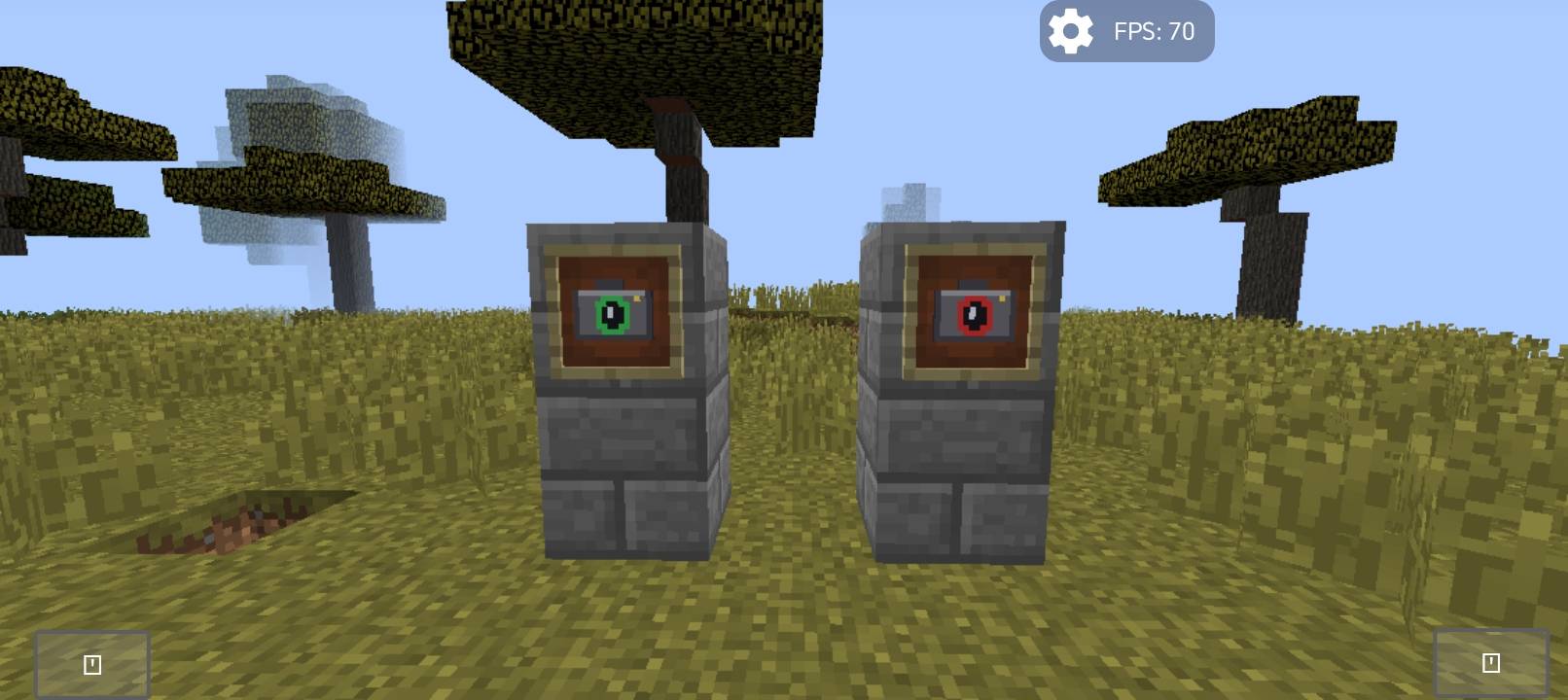
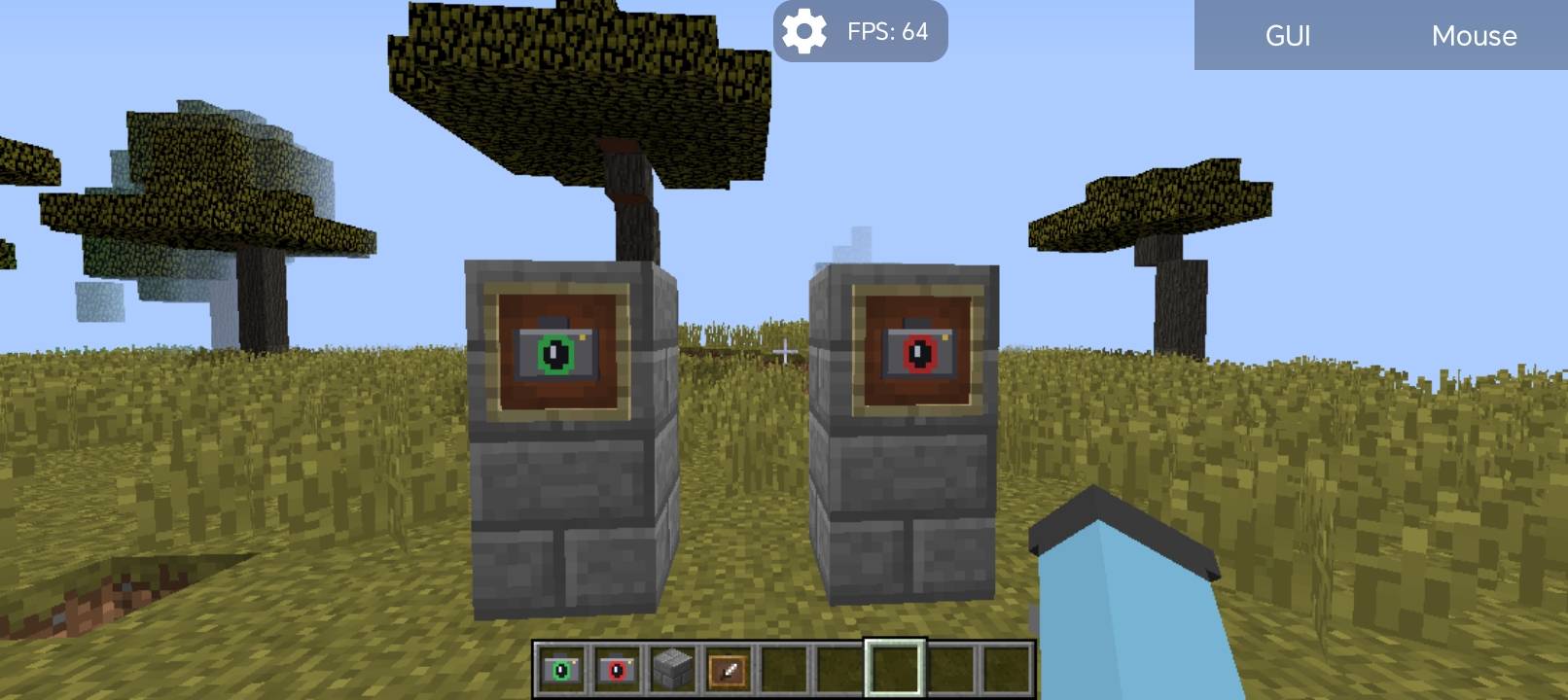
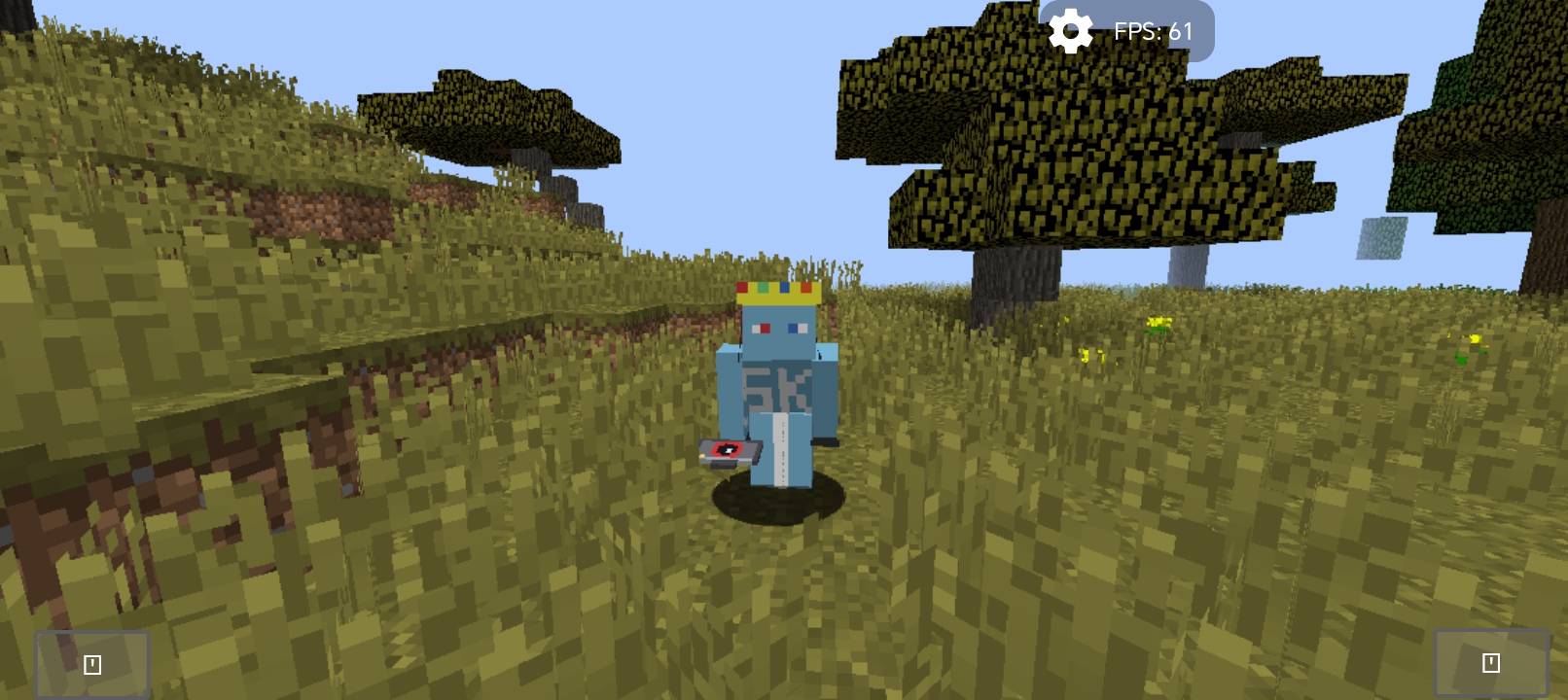
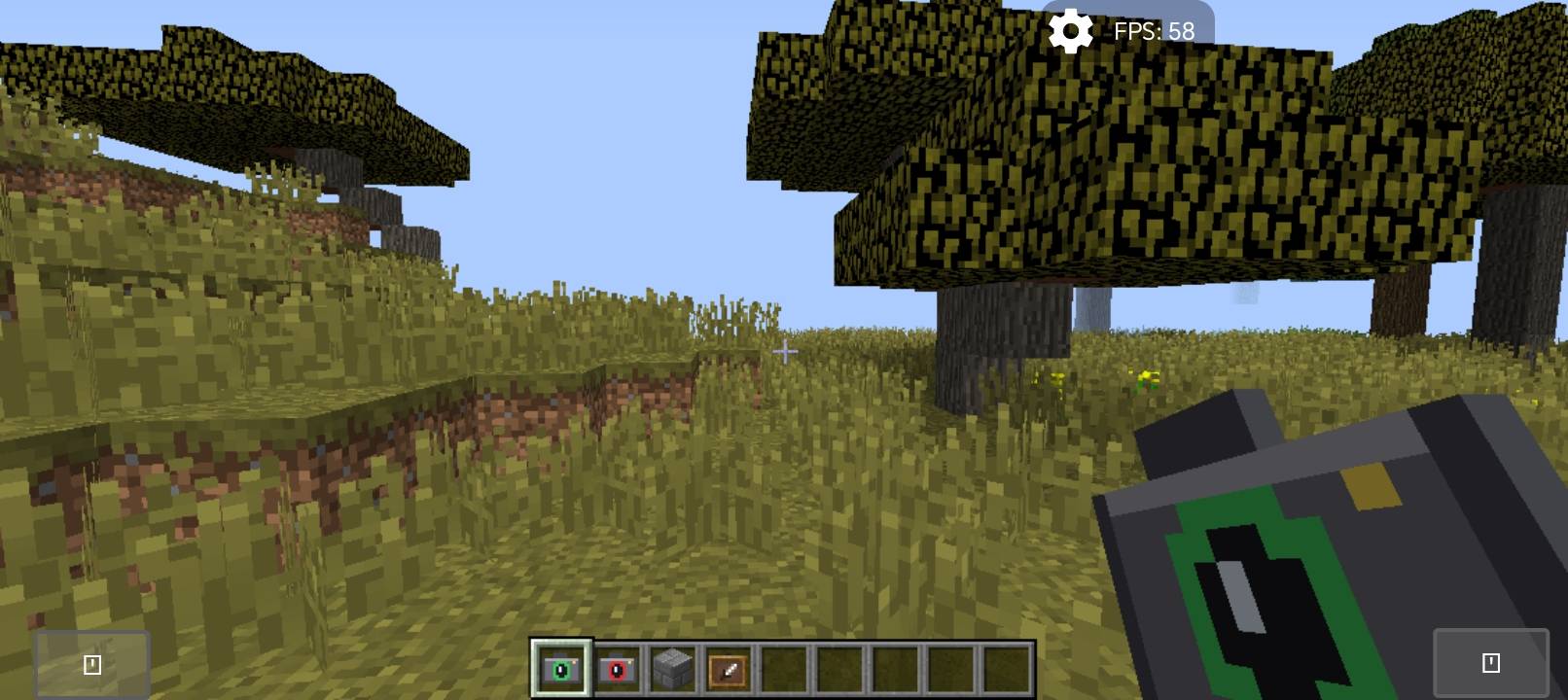
Camera Lock adds two simple items that turn your game into a film set. Place a fixed camera anywhere, then walk away and appear in front of it like a separate person — no recording or rendering needed.
## Features
- Camera Lock item: right-click to freeze the camera at your exact position and view direction (even looking straight down).
- Camera Unlock item: right-click to return the camera to your character.
- Your player stays fully controllable: walk, run, turn and face the camera to talk.
- Use the Lock item again from another spot to move the camera there.
- Your hand is hidden while locked so you see your full body.
- Works in singleplayer and on servers (client-side only).
## Perfect for
YouTube videos, intros, talking to the camera, trailers and showcases.
## Crafting
- Camera Lock: Eye of Ender + Iron Ingot
- Camera Unlock: Eye of Ender + Redstone
(also found in the Tools creative tab)
## Notes
- Minecraft 1.12.2 with Forge only.
- Third person view (F5) is disabled while the camera is locked.
- Attacking and placing blocks follow your character's direction, not the screen centre.
===========================================================
# Camera Lock — تثبيت الكاميرا
يضيف المود ايتمين بسيطين يحوّلان لعبتك إلى موقع تصوير. ثبّت الكاميرا في أي مكان، ثم ابتعد وستظهر شخصيتك أمامها كأنها شخص مستقل، بدون تسجيل ولا رندر.
## المميزات
- ايتم تثبيت الكاميرا: كليك يمين لتثبيت الكاميرا في مكانك واتجاه نظرك بالضبط (حتى لو كنت تنظر للأسفل).
- ايتم إلغاء التثبيت: كليك يمين لترجع الكاميرا للشخصية.
- تبقى الشخصية تحت تحكمك: امشِ واركض والتفّ نحو الكاميرا وتحدّث.
- استخدم ايتم التثبيت من مكان آخر لنقل الكاميرا إليه.
- تختفي اليد أثناء التثبيت لترى جسمك كاملًا.
- يعمل في العالم الفردي وعلى السيرفرات (من جهة اللاعب فقط).
## مناسب لـ
فيديوهات اليوتيوب، المقدمات، التحدث للكاميرا، والتريلرات.
## الكرافت
- تثبيت الكاميرا: عين الإندر + سبيكة حديد
- إلغاء التثبيت: عين الإندر + ريدستون
(وموجودان أيضًا في تاب Tools بالكريتف)
## ملاحظات
- ماينكرافت 1.12.2 مع Forge فقط.
- منظور F5 معطل أثناء التثبيت.
- الضرب ووضع البلوكات يتبعان اتجاه الشخصية وليس مركز الشاشة.
Screenshots
Gallery
-
 1000002835.jpg 1000002835.jpg
 -
 1000002834.jpg 1000002834.jpg
 -
 1000002836.jpg 1000002836.jpg
 -
 1000002837.jpg 1000002837.jpg
 -
 1000002841.png 1000002841.png
Versions
Files
Relations
Project Relations
More like this
Similar Mods
Suggestions use data such as tags, dependencies, dependents, descriptions, titles, and more to rank how much they overlap with this mod.
On ModDex
Community snapshot
By the numbers
Statistics
 (opens in a new tab)
Get it on
Available Platforms
On ModDex
Community snapshot
By the numbers
Statistics
Resources