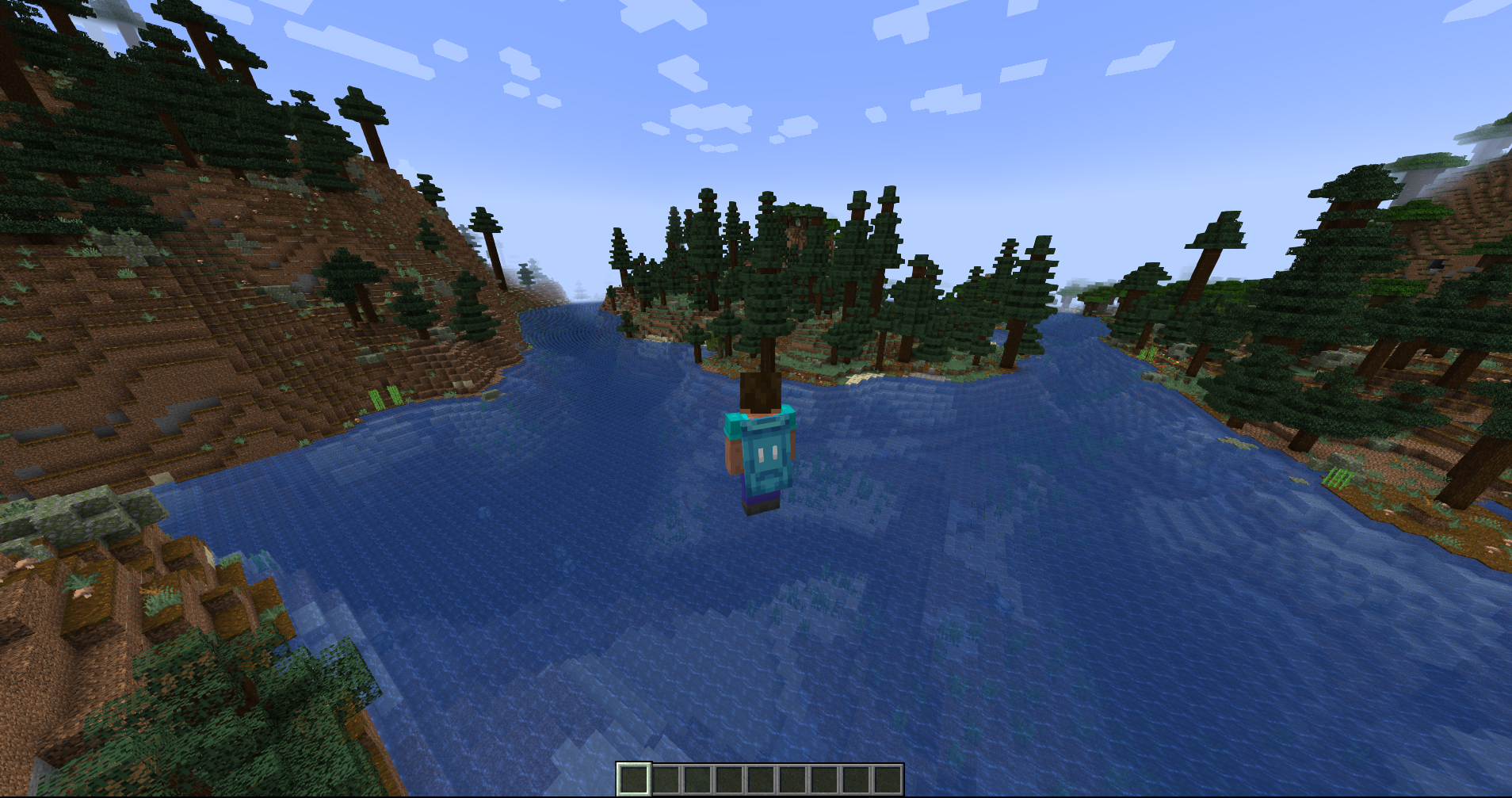

Community listing page, reviews here may not be monitored by the author.
Cape Switcher

No reviews yet
A client-side Fabric mod that lets you choose, preview, and switch local custom capes in-game.
Community voices
Reviews
No reviews yet. Be the first to review this project!
Get it on
Available Platforms
Compatibility
Supported Environments
Runs entirely on the client. Works on vanilla servers.
About
Project Details
For authors
Embed Badge
If you're the author of this project, you can embed a live badge anywhere that supports HTML or Markdown. It updates automatically whenever ratings change.
Use HTML for any page that supports it, or Markdown for README files and Markdown-based descriptions.
Identifiers
Platform IDs
Resources
External Links
About
Description
Cape Switcher
Cape Switcher is a client-side Fabric mod for Minecraft 1.21.4 that lets you choose, preview, and switch local custom capes directly in-game.
Cape Switcher — клиентский Fabric-мод для Minecraft 1.21.4, который позволяет выбирать, просматривать и менять локальные кастомные плащи прямо в игре.
Features / Возможности
-
Choose custom cape textures from local PNG files Выбор кастомных текстур плащей из локальных PNG-файлов
-
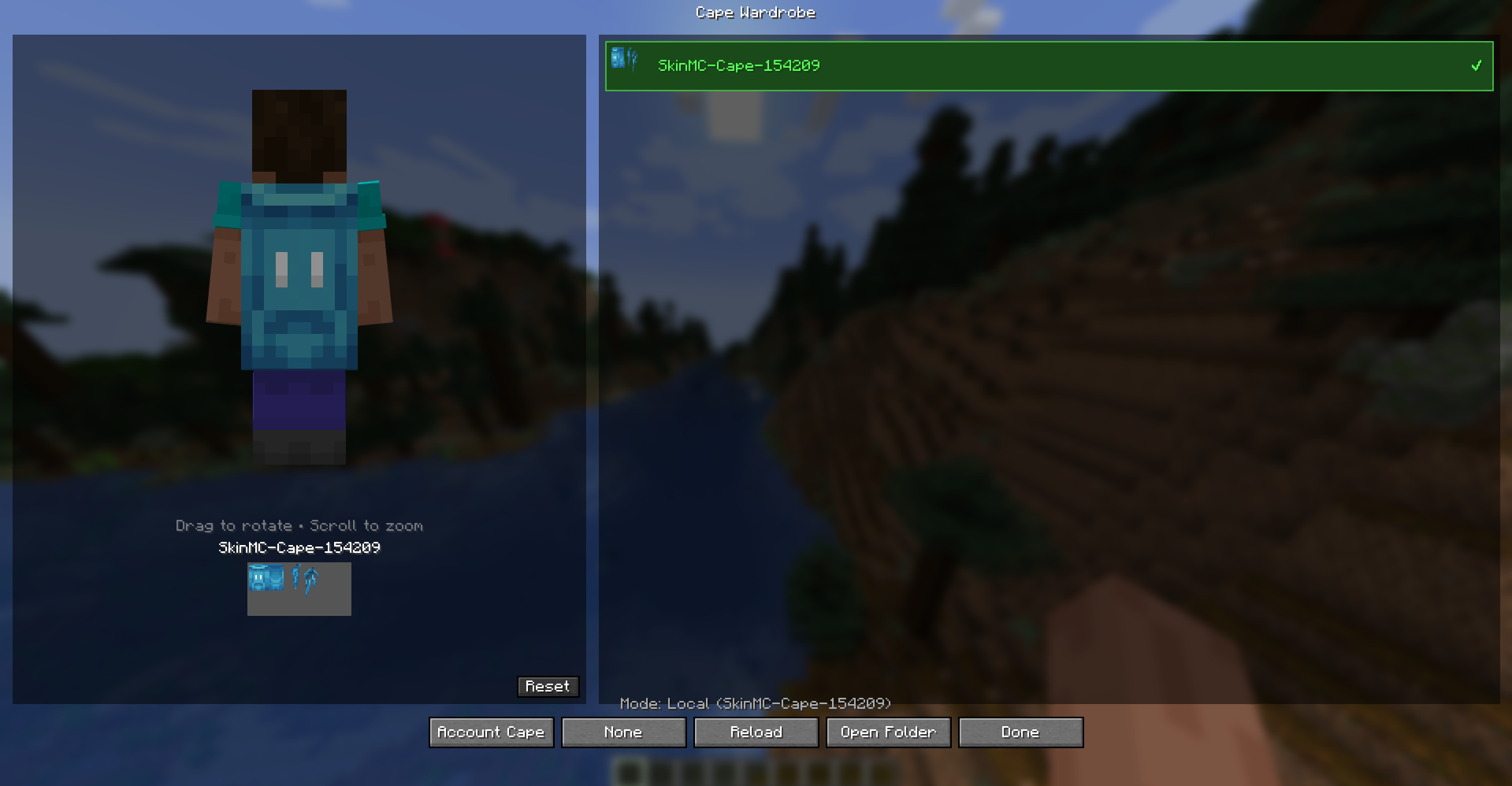
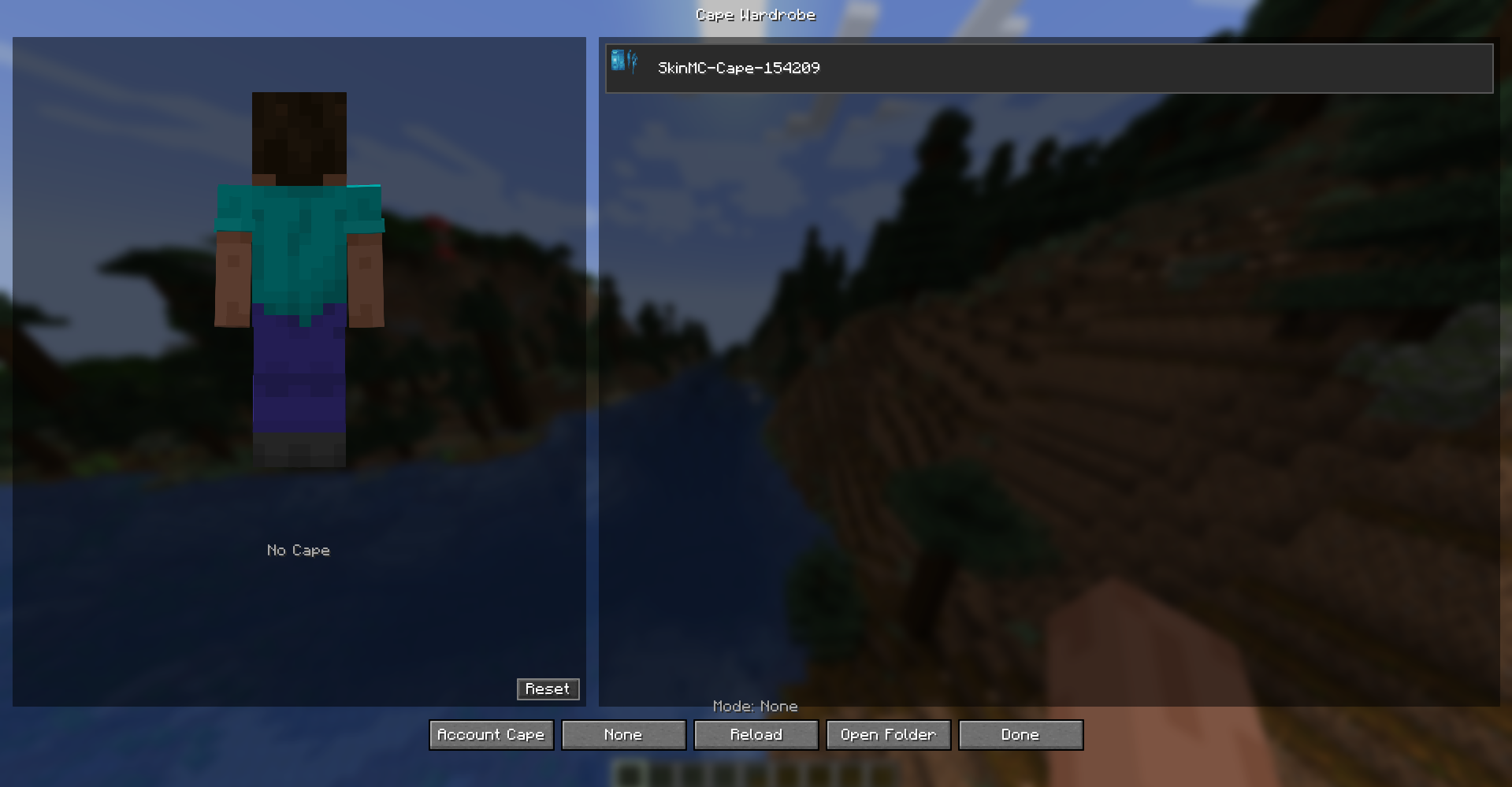
Three cape modes: Account, Local, None Три режима плаща: плащ аккаунта, локальный плащ, без плаща
-
In-game Cape Wardrobe GUI Игровое меню Cape Wardrobe
-
3D player preview 3D-превью модели игрока
-
Drag to rotate the model Вращение модели мышью
-
Scroll to zoom Приближение и отдаление колёсиком мыши
-
Hover preview over cape cards Предпросмотр плаща при наведении на карточку
-
Hotkey to open the wardrobe Хоткей для открытия гардероба
-
Auto-creates config and capes folders Автоматическое создание папок конфига и плащей
-
Error-safe loading Мод не крашит игру при отсутствующих или битых файлах
-
English and Russian localization Английская и русская локализация
Installation / Установка
-
Install Fabric Loader for Minecraft 1.21.4. Установите Fabric Loader для Minecraft 1.21.4.
-
Install Fabric API. Установите Fabric API.
-
Put the mod
.jarfile into your.minecraft/mods/folder. Поместите.jarфайл мода в папку.minecraft/mods/. -
Launch the game. Запустите игру.
How to Add Capes / Как добавить плащи
- Open the capes folder:
.minecraft/config/cape-switcher/capes/
- Put your PNG cape files there.
Example:
.minecraft/config/cape-switcher/capes/my_cape.png
-
Open the Cape Wardrobe in-game.
-
Press Reload.
-
Select your cape.
- Откройте папку с плащами:
.minecraft/config/cape-switcher/capes/
- Поместите туда PNG-файлы плащей.
Пример:
.minecraft/config/cape-switcher/capes/my_cape.png
-
Откройте Cape Wardrobe в игре.
-
Нажмите Reload.
-
Выберите нужный плащ.
Cape Texture Format / Формат текстуры плаща
Cape textures should use the standard Minecraft cape format:
64x32
128x64
Текстуры плащей должны использовать стандартный формат Minecraft:
64x32
128x64
Cape Modes / Режимы плаща
Account Cape / Плащ аккаунта
Shows your official Minecraft account cape if you have one.
Показывает официальный плащ Minecraft-аккаунта, если он есть.
Local Cape / Локальный плащ
Shows a custom PNG cape from your local capes folder.
Показывает кастомный PNG-плащ из локальной папки с плащами.
None / Без плаща
Disables the cape display.
Отключает отображение плаща.
Controls / Управление
Default hotkey:
C
Controls inside the wardrobe:
-
Left Mouse Drag — rotate player preview Зажать ЛКМ и двигать мышью — вращать модель игрока
-
Mouse Wheel — zoom preview Колёсико мыши — приближать или отдалять модель
-
Reset View — reset preview rotation Reset View — сбросить поворот модели
-
Reload — reload cape files Reload — перезагрузить список плащей
-
Open Folder — open the capes folder Open Folder — открыть папку с плащами
Important Notes / Важные замечания
This mod is client-side only. Other players will not see your selected local cape unless they use a compatible sync system.
Этот мод работает только на клиенте. Другие игроки не увидят ваш локальный плащ, если у них нет совместимой системы синхронизации.
Cape Switcher does not include or redistribute official Minecraft/Mojang cape textures.
Cape Switcher не содержит и не распространяет официальные текстуры плащей Minecraft/Mojang.
Official account capes are displayed only through the normal Minecraft account system using the Account Cape mode.
Официальные плащи отображаются только через стандартную систему Minecraft-аккаунта в режиме Account Cape.
Building from Source / Сборка из исходников
To build the mod from source, run:
./gradlew build
The built .jar file will be located in:
build/libs/
Для сборки мода из исходников выполните:
./gradlew build
Готовый .jar файл будет находиться в:
build/libs/
License / Лицензия
This project is licensed under the MIT License.
Этот проект распространяется под лицензией MIT.
Screenshots
Gallery
Versions
Files
Relations
Project Relations
More like this
Similar Mods
Suggestions use data such as tags, dependencies, dependents, descriptions, titles, and more to rank how much they overlap with this mod.
On ModDex
Community snapshot
By the numbers
Statistics

Want to reach Minecraft players?
We're looking for a server hosting partner to feature here and other parts of the site. Interested? Send us a message!
Get in touchGet it on
Available Platforms
On ModDex
Community snapshot
By the numbers
Statistics
Resources