Community listing page, reviews here may not be monitored by the author.
Capsule Camping


No reviews yet
Minecraft mod enabling death-free exploration, shelter construction, and unique resource acquisition
Community voices
Reviews
No reviews yet. Be the first to review this project!
Get it on
Available Platforms
Compatibility
Supported Environments
Required on the client. Installing it on the server adds functionality.
About
Project Details
For authors
Embed Badge
If you're the author of this project, you can embed a live badge anywhere that supports HTML or Markdown. It updates automatically whenever ratings change.
Use HTML for any page that supports it, or Markdown for README files and Markdown-based descriptions.
Identifiers
Platform IDs
Resources
External Links
About
Description
NEW UPDATE! / ¡NUEVA ACTUALIZACIÓN! -> 1.20.1-1.0.2
Follow me on Patreon! / Sígueme en Patreon! POG GAMES
ENGLISH
Do you love exploring Minecraft but are you tired of dying at night or hiding in any hole? Then this mod is for you!
With this incredible addition, you can explore without limits.
Forget about compatibility concerns with other well-known mods, since this one does not present any conflict. In addition, you can build your shelter just by throwing a capsule to the ground. Isn't it great? And that's not all!
These capsules not only offer you a safe place to rest, but they also contain valuable resources within each structure. And best of all, there are different levels of capsules available. From the basic one, which provides you with a simple shelter to spend the night and quickly continue your adventure, to more advanced versions that offer additional comforts.
How can you improve them? It's simple, you just need to surround the basic capsules with blocks from the higher category, following the Minecraft ore pattern. That easy!
But that's not all this mod has to offer. You will also find new ores of two different materials essential to creating the basic capsule, both of which are scattered throughout the world in abundance.
And that's not all, a complete set of blocks, weapons, tools and full armor is also included! How to get them? Simply use the traditional method for each case, using the appropriate item!
In addition, the inhabitants of the world will be able to acquire a new profession and sell the new items. Get ready for a completely renewed gaming experience with this exciting mod!
You also have a configuration screen available to adjust the parameters, improving the experience to your liking.
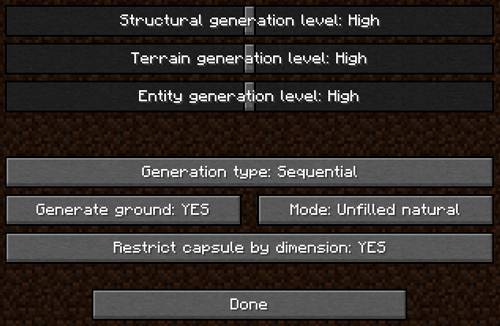
¡Currently it has more than 40 structures available!
In client mode it is compatible with Xareo's WorldMap/Minimap and creates a point/mark where the structure is created. In server mode it is not incompatible but does not perform this action at the moment.
ADVANCED MODE
I have customized a capsule where you can add your own structures and use them in the world. To do this, you need to follow a series of simple steps.
The first thing you will need is your structure in NBT format. This can be obtained using the structural blocks already offered by Minecraft. There are hundreds of tutorials on YouTube that teach you how to do this.
Once you have the NBT file, you need to locate the "structures" folder that is generated when the mod is first launched or create it yourself in the Minecraft installation folder, by default "C:\Users\YOUR WINDOWS USERNAME\AppData\Roaming.minecraft", and you must paste the NBT file inside the folder.
The final step is to create a JSON file. For this, you can use the example provided here:
{
"capsuleType": "PLATINUM",
"dimension": {
"namespace": "minecraft",
"path": "overworld"
},
"structure": {
"name": "testchest",
"properties": []
},
"parts": []
}
You only need to modify a few things:
- In "structure.name": in the example, it contains "testchest", it must match the name of the NBT file you obtained, omitting the file extension ("omit the .nbt").
- In "structure.properties": it is optional. You can set some properties that will be established when the structure is built in the world.
- In "parts": it is optional, only necessary if the structure you are going to add consists of several parts. Constructions in Minecraft are limited to a cube of 48 x 48 x 48 blocks, so only what is within that limit will be saved. This option allows you to chain as many structures as necessary, making it possible to build gigantic structures.
With this, you can now use that structure with the PLATINUM capsule, which is the only one that allows this feature.
Explanation of parameters and options:
{
"capsuleType": "PLATINUM", <-- Required, but changing its value will not affect
"dimension": {
"namespace": "minecraft",
"path": "overworld | the_nether | the_end" <-- Required. Sets the dimension where it is allowed to be used. Only 1 value.
},
"structure": {
"name": "NAME_STRUCTURE", <-- Required. It must match the name of the NBT file you obtained, omitting the file extension ("omit the .nbt").
"properties": [
{
"property": "below", <-- Optional. Indicates that the structure should be built X blocks below where the capsule makes contact. If the structure has an area that must go underground, you must use this property.
"value": NUMBER INTEGER <-- Integer: 1, 2, 3, ..., X
}
]
},
"parts": [ OPTIONAL, IF REQUIRED <-- Adding parts is optional, only if you have decided to do so. You can add as many parts as you consider. Each part you have will need a section within the list, separated by commas.
{
"name": "PART_NAME", <-- Required. It must match the name of the NBT file of the part you obtained, omitting the file extension ("omit the .nbt").
"startPos": { <-- Required. Sets an origin point in the X, Y, and Z axes from the capsule's contact point. It is useful for correctly fitting the parts of multiple structures.
"x": NUMBER INTEGER, <-- Integer: 1, 2, 3, ..., X
"y": NUMBER INTEGER, <-- Integer: 1, 2, 3, ..., X
"z": NUMBER INTEGER <-- Integer: 1, 2, 3, ..., X
},
"properties": [
SAME PROPERTIES FROM "structure.properties" <-- You can specify the same properties as in the structure or set them
]
}, {...}, ... <-- MORE PARTS BLOCK IF REQUIRED...
]
}
ESPAÑOL
¿Te encanta explorar Minecraft pero estás cansado de morir durante las noches o de esconderte en cualquier hueco? ¡Entonces este mod es para ti!
Con esta increíble adición, podrás explorar sin límites.
Olvídate de las preocupaciones por compatibilidad con otros mods conocidos, ya que este no presenta ningún conflicto. Además, podrás construir tu refugio con tan solo lanzar una cápsula al suelo. ¿No es genial? ¡Y eso no es todo!
Estas cápsulas no solo te ofrecen un lugar seguro para descansar, sino que también contienen valiosos recursos dentro de cada estructura. Y lo mejor de todo es que hay diferentes niveles de cápsulas disponibles. Desde la básica, que te proporciona un refugio simple para pasar la noche y seguir con tu aventura rápidamente, hasta versiones más avanzadas que ofrecen comodidades adicionales.
¿Cómo puedes mejorarlas? Es simple, solo necesitas rodear las cápsulas básicas con bloques de la categoría superior, siguiendo el patrón de minerales de Minecraft. ¡Así de fácil!
Pero eso no es todo lo que este mod tiene para ofrecer. También encontrarás nuevas menas de dos materiales distintos esenciales para crear la cápsula básica, las cuales están dispersas por todo el mundo en abundancia.
¡También se incluye un set completo de bloques, armas, herramientas y armaduras! ¿Cómo obtenerlos? ¡Simplemente utiliza el método tradicional para cada caso, utilizando el ítem adecuado!
Además, los habitantes del mundo podrán adquirir una nueva profesión y vender los nuevos ítems. ¡Prepárate para una experiencia de juego completamente renovada con este emocionante mod!
También tienes disponible una pantalla de configuración para ajustar los parámetros, mejorando la experiencia a tu gusto.
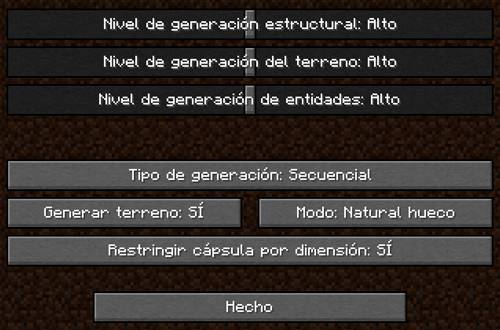
¡Actualmente cuenta con más de 40 estructuras disponibles!
En modo cliente es compatible con Xareo's WorldMap/Minimap y crea un punto/marca donde se crea la estructura. En modo servidor no es incompatible pero no realiza esta acción por el momento.
MODO AVANZADO
He personalizado una cápsula en la que puedes añadir tus propias estructuras y usarlas en el mundo. Para hacer deberás realizar una serie de sencillos pasos para llevarlo a cabo.
Lo primero que necesitarás es tu estructura en formato NBT. Esto lo puedes obtener con los bloques estructurales que ya ofrece Minecraft. Hay cientos de tutoriales en Youtube que te enseñan a hacer esto.
Una vez obtenido el fichero NBT, deberás localizar la carpeta "structures" que se genera al arrancar el mod por primera vez o crearla tu mismo en la carpeta de instalación de minecraft, por defecto "C:\Users\TU NOMBRE USUARIO WINDOWS\AppData\Roaming\.minecraft" y deberás pegar el fichero NBT dentro de la carpeta.
El último paso es crear un fichero JSON. Para ello puedes usar el ejemplo que te dejo aquí:
{
"capsuleType": "PLATINUM",
"dimension": {
"namespace": "minecraft",
"path": "overworld"
},
"structure": {
"name": "testchest",
"properties": []
},
"parts": []
}
Debes modificar solamente unas pocas cosas:
- En "structure.name": en el ejemplo contiene "testchest", deberá coincidir con el nombre del fichero NBT que has obtenido, obviando la extensión del fichero ("omites el .nbt").
- En "structure.properties": es opcional. Se pueden establecer algunas propiedades que se establecerán cuando se contruya la estructura en el mundo.
- En "parts": es opcional, únicamente necesario si la estructura que vas a añadir se constituye en varias partes. Las construcciones en Minecraft están limitadas a un cubo de 48 x 48 x 48 bloques, por lo que solo lo que hay dentro de ese límite sería guardado. Esta opción permite encadenar tantas estructuras como sea necesario haciendo que puedan construirse estructura gigantescas.
Con esto ya podrás usar esa estructura con la cápsula PLATINUM, que es la única que permite esta característica.
Explicación de los parámetros y opciones:
{
"capsuleType": "PLATINUM", <-- Requerido, pero cambiar su valor no afectará
"dimension": {
"namespace": "minecraft",
"path": "overworld | the_nether | the_end" <-- Requerido. Establece la dimensión en la que tiene permitido usarse. Solamente 1 valor
},
"structure": {
"name": "NAME_STRUCTURE", <-- Requerido. Deberá coincidir con el nombre del fichero NBT que has obtenido, obviando la extensión del fichero ("omitir el .nbt").
"properties": [
{
"property": "below", <-- Opcional. Le indica que debe construir la estructura a X bloques desde donde la cápsula hace contacto. Si la estructura tiene zona que debe ir bajo el suelo debes usar esta propiedad.
"value": NUMBER INTEGER <-- Numero entero: 1, 2, 3, ..., X
}
]
},
"parts": [ OPTIONAL, IF REQUIRED <-- Añadir partes es opcional, solo si has decidico hacerlo así. Puedes añadir tantas partes como consideres. Cada parte que tengas necesitará una sección dentro de la lista, separadas por comas.
{
"name": "PART_NAME", <-- Requerido. Deberá coincidir con el nombre del fichero NBT de la parte que has obtenido, obviando la extensión del fichero ("omitir el .nbt").
"startPos": { <-- Requerido. Establece un punto de origen en los ejex X, Y y Z desde el punto de contacto de la cápsula. Es útil para encajar correctamente las partes de varias estructuras.
"x": NUMBER INTEGER, <-- Numero entero: 1, 2, 3, ..., X
"y": NUMBER INTEGER, <-- Numero entero: 1, 2, 3, ..., X
"z": NUMBER INTEGER <-- Numero entero: 1, 2, 3, ..., X
},
"properties": [
SAME PROPERTIES FROM, "structure.properties" <-- Puedes especificar las mismas propiedades que en la estructura o establecerla
]
}, {...}, ... <-- MORE PARTS BLOCK IF REQUIRED...
]
}
Follow me on Patreon! / Sígueme en Patreon! POG GAMES
Con la ayuda de Generador de fuentes
ENGLISH
Do you love exploring Minecraft but are you tired of dying at night or hiding in any hole? Then this mod is for you!
With this incredible addition, you can explore without limits.
Forget about compatibility concerns with other well-known mods, since this one does not present any conflict. In addition, you can build your shelter just by throwing a capsule to the ground. Isn't it great? And that's not all!
These capsules not only offer you a safe place to rest, but they also contain valuable resources within each structure. And best of all, there are different levels of capsules available. From the basic one, which provides you with a simple shelter to spend the night and quickly continue your adventure, to more advanced versions that offer additional comforts.
How can you improve them? It's simple, you just need to surround the basic capsules with blocks from the higher category, following the Minecraft ore pattern. That easy!
But that's not all this mod has to offer. You will also find new ores of two different materials essential to creating the basic capsule, both of which are scattered throughout the world in abundance.
And that's not all, a complete set of blocks, weapons, tools and full armor is also included! How to get them? Simply use the traditional method for each case, using the appropriate item!
In addition, the inhabitants of the world will be able to acquire a new profession and sell the new items. Get ready for a completely renewed gaming experience with this exciting mod!
You also have a configuration screen available to adjust the parameters, improving the experience to your liking.
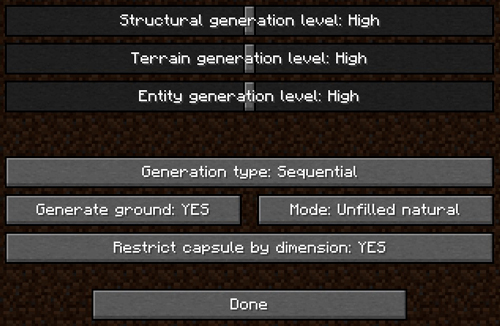
¡Currently it has more than 40 structures available!
In client mode it is compatible with Xareo's WorldMap/Minimap and creates a point/mark where the structure is created. In server mode it is not incompatible but does not perform this action at the moment.
ADVANCED MODE
I have customized a capsule where you can add your own structures and use them in the world. To do this, you need to follow a series of simple steps.
The first thing you will need is your structure in NBT format. This can be obtained using the structural blocks already offered by Minecraft. There are hundreds of tutorials on YouTube that teach you how to do this.
Once you have the NBT file, you need to locate the "structures" folder that is generated when the mod is first launched or create it yourself in the Minecraft installation folder, by default "C:\Users\YOUR WINDOWS USERNAME\AppData\Roaming.minecraft", and you must paste the NBT file inside the folder.
The final step is to create a JSON file. For this, you can use the example provided here:
View JSON
{ "capsuleType": "PLATINUM", "dimension": { "namespace": "minecraft", "path": "overworld" }, "structure": { "name": "testchest", "properties": [] }, "parts": [] }You only need to modify a few things:
- In "structure.name": in the example, it contains "testchest", it must match the name of the NBT file you obtained, omitting the file extension ("omit the .nbt").
- In "structure.properties": it is optional. You can set some properties that will be established when the structure is built in the world.
- In "parts": it is optional, only necessary if the structure you are going to add consists of several parts. Constructions in Minecraft are limited to a cube of 48 x 48 x 48 blocks, so only what is within that limit will be saved. This option allows you to chain as many structures as necessary, making it possible to build gigantic structures.
With this, you can now use that structure with the PLATINUM capsule, which is the only one that allows this feature.
Explanation of parameters and options:
View JSON Explanation
{ "capsuleType": "PLATINUM", <-- Required, but changing its value will not affect "dimension": { "namespace": "minecraft", "path": "overworld | the_nether | the_end" <-- Required. Sets the dimension where it is allowed to be used. Only 1 value. }, "structure": { "name": "NAME_STRUCTURE", <-- Required. It must match the name of the NBT file you obtained, omitting the file extension ("omit the .nbt"). "properties": [ { "property": "below", <-- Optional. Indicates that the structure should be built X blocks below where the capsule makes contact. If the structure has an area that must go underground, you must use this property. "value": NUMBER INTEGER <-- Integer: 1, 2, 3, ..., X } ] }, "parts": [ OPTIONAL, IF REQUIRED <-- Adding parts is optional, only if you have decided to do so. You can add as many parts as you consider. Each part you have will need a section within the list, separated by commas. { "name": "PART_NAME", <-- Required. It must match the name of the NBT file of the part you obtained, omitting the file extension ("omit the .nbt"). "startPos": { <-- Required. Sets an origin point in the X, Y, and Z axes from the capsule's contact point. It is useful for correctly fitting the parts of multiple structures. "x": NUMBER INTEGER, <-- Integer: 1, 2, 3, ..., X "y": NUMBER INTEGER, <-- Integer: 1, 2, 3, ..., X "z": NUMBER INTEGER <-- Integer: 1, 2, 3, ..., X }, "properties": [ SAME PROPERTIES FROM "structure.properties" <-- You can specify the same properties as in the structure or set them ] }, {...}, ... <-- MORE PARTS BLOCK IF REQUIRED... ] }ESPAÑOL
¿Te encanta explorar Minecraft pero estás cansado de morir durante las noches o de esconderte en cualquier hueco? ¡Entonces este mod es para ti!
Con esta increíble adición, podrás explorar sin límites.
Olvídate de las preocupaciones por compatibilidad con otros mods conocidos, ya que este no presenta ningún conflicto. Además, podrás construir tu refugio con tan solo lanzar una cápsula al suelo. ¿No es genial? ¡Y eso no es todo!
Estas cápsulas no solo te ofrecen un lugar seguro para descansar, sino que también contienen valiosos recursos dentro de cada estructura. Y lo mejor de todo es que hay diferentes niveles de cápsulas disponibles. Desde la básica, que te proporciona un refugio simple para pasar la noche y seguir con tu aventura rápidamente, hasta versiones más avanzadas que ofrecen comodidades adicionales.
¿Cómo puedes mejorarlas? Es simple, solo necesitas rodear las cápsulas básicas con bloques de la categoría superior, siguiendo el patrón de minerales de Minecraft. ¡Así de fácil!
Pero eso no es todo lo que este mod tiene para ofrecer. También encontrarás nuevas menas de dos materiales distintos esenciales para crear la cápsula básica, las cuales están dispersas por todo el mundo en abundancia.
¡También se incluye un set completo de bloques, armas, herramientas y armaduras! ¿Cómo obtenerlos? ¡Simplemente utiliza el método tradicional para cada caso, utilizando el ítem adecuado!
Además, los habitantes del mundo podrán adquirir una nueva profesión y vender los nuevos ítems. ¡Prepárate para una experiencia de juego completamente renovada con este emocionante mod!
También tienes disponible una pantalla de configuración para ajustar los parámetros, mejorando la experiencia a tu gusto.
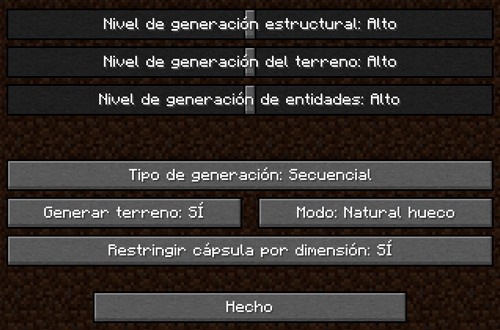
¡Actualmente cuenta con más de 40 estructuras disponibles!
En modo cliente es compatible con Xareo's WorldMap/Minimap y crea un punto/marca donde se crea la estructura. En modo servidor no es incompatible pero no realiza esta acción por el momento.
MODO AVANZADO
He personalizado una cápsula en la que puedes añadir tus propias estructuras y usarlas en el mundo. Para hacer deberás realizar una serie de sencillos pasos para llevarlo a cabo.
Lo primero que necesitarás es tu estructura en formato NBT. Esto lo puedes obtener con los bloques estructurales que ya ofrece Minecraft. Hay cientos de tutoriales en Youtube que te enseñan a hacer esto.
Una vez obtenido el fichero NBT, deberás localizar la carpeta "structures" que se genera al arrancar el mod por primera vez o crearla tu mismo en la carpeta de instalación de minecraft, por defecto "C:\Users\TU NOMBRE USUARIO WINDOWS\AppData\Roaming.minecraft" y deberás pegar el fichero NBT dentro de la carpeta.
El último paso es crear un fichero JSON. Para ello puedes usar el ejemplo que te dejo aquí:
Ver JSON
{ "capsuleType": "PLATINUM", "dimension": { "namespace": "minecraft", "path": "overworld" }, "structure": { "name": "testchest", "properties": [] }, "parts": [] }Debes modificar solamente unas pocas cosas:
- En "structure.name": en el ejemplo contiene "testchest", deberá coincidir con el nombre del fichero NBT que has obtenido, obviando la extensión del fichero ("omites el .nbt").
- En "structure.properties": es opcional. Se pueden establecer algunas propiedades que se establecerán cuando se contruya la estructura en el mundo.
- En "parts": es opcional, únicamente necesario si la estructura que vas a añadir se constituye en varias partes. Las construcciones en Minecraft están limitadas a un cubo de 48 x 48 x 48 bloques, por lo que solo lo que hay dentro de ese límite sería guardado. Esta opción permite encadenar tantas estructuras como sea necesario haciendo que puedan construirse estructura gigantescas.
Con esto ya podrás usar esa estructura con la cápsula PLATINUM, que es la única que permite esta característica.
Explicación de los parámetros y opciones:
Ver explicación del JSON
{ "capsuleType": "PLATINUM", <-- Requerido, pero cambiar su valor no afectará "dimension": { "namespace": "minecraft", "path": "overworld | the_nether | the_end" <-- Requerido. Establece la dimensión en la que tiene permitido usarse. Solamente 1 valor }, "structure": { "name": "NAME_STRUCTURE", <-- Requerido. Deberá coincidir con el nombre del fichero NBT que has obtenido, obviando la extensión del fichero ("omitir el .nbt"). "properties": [ { "property": "below", <-- Opcional. Le indica que debe construir la estructura a X bloques desde donde la cápsula hace contacto. Si la estructura tiene zona que debe ir bajo el suelo debes usar esta propiedad. "value": NUMBER INTEGER <-- Numero entero: 1, 2, 3, ..., X } ] }, "parts": [ OPTIONAL, IF REQUIRED <-- Añadir partes es opcional, solo si has decidico hacerlo así. Puedes añadir tantas partes como consideres. Cada parte que tengas necesitará una sección dentro de la lista, separadas por comas. { "name": "PART_NAME", <-- Requerido. Deberá coincidir con el nombre del fichero NBT de la parte que has obtenido, obviando la extensión del fichero ("omitir el .nbt"). "startPos": { <-- Requerido. Establece un punto de origen en los ejex X, Y y Z desde el punto de contacto de la cápsula. Es útil para encajar correctamente las partes de varias estructuras. "x": NUMBER INTEGER, <-- Numero entero: 1, 2, 3, ..., X "y": NUMBER INTEGER, <-- Numero entero: 1, 2, 3, ..., X "z": NUMBER INTEGER <-- Numero entero: 1, 2, 3, ..., X }, "properties": [ SAME PROPERTIES FROM, "structure.properties" <-- Puedes especificar las mismas propiedades que en la estructura o establecerla ] }, {...}, ... <-- MORE PARTS BLOCK IF REQUIRED... ] }Follow me on Patreon! / Sígueme en Patreon! OlivaDevelopModding Con la ayuda de Generador de fuentes
Screenshots
Gallery
-
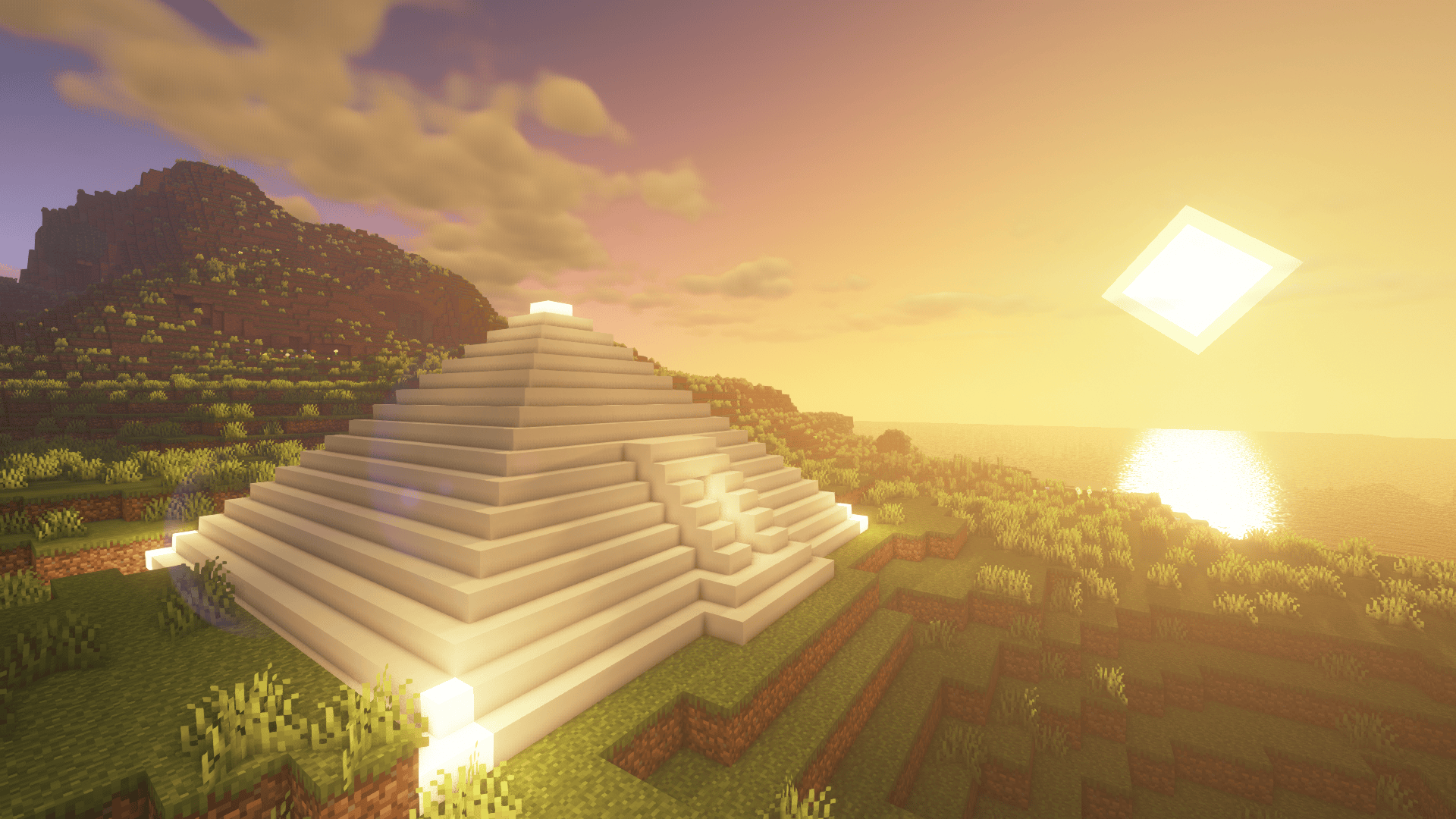 Pirámide / Pyramid Pirámide / Pyramid
 -
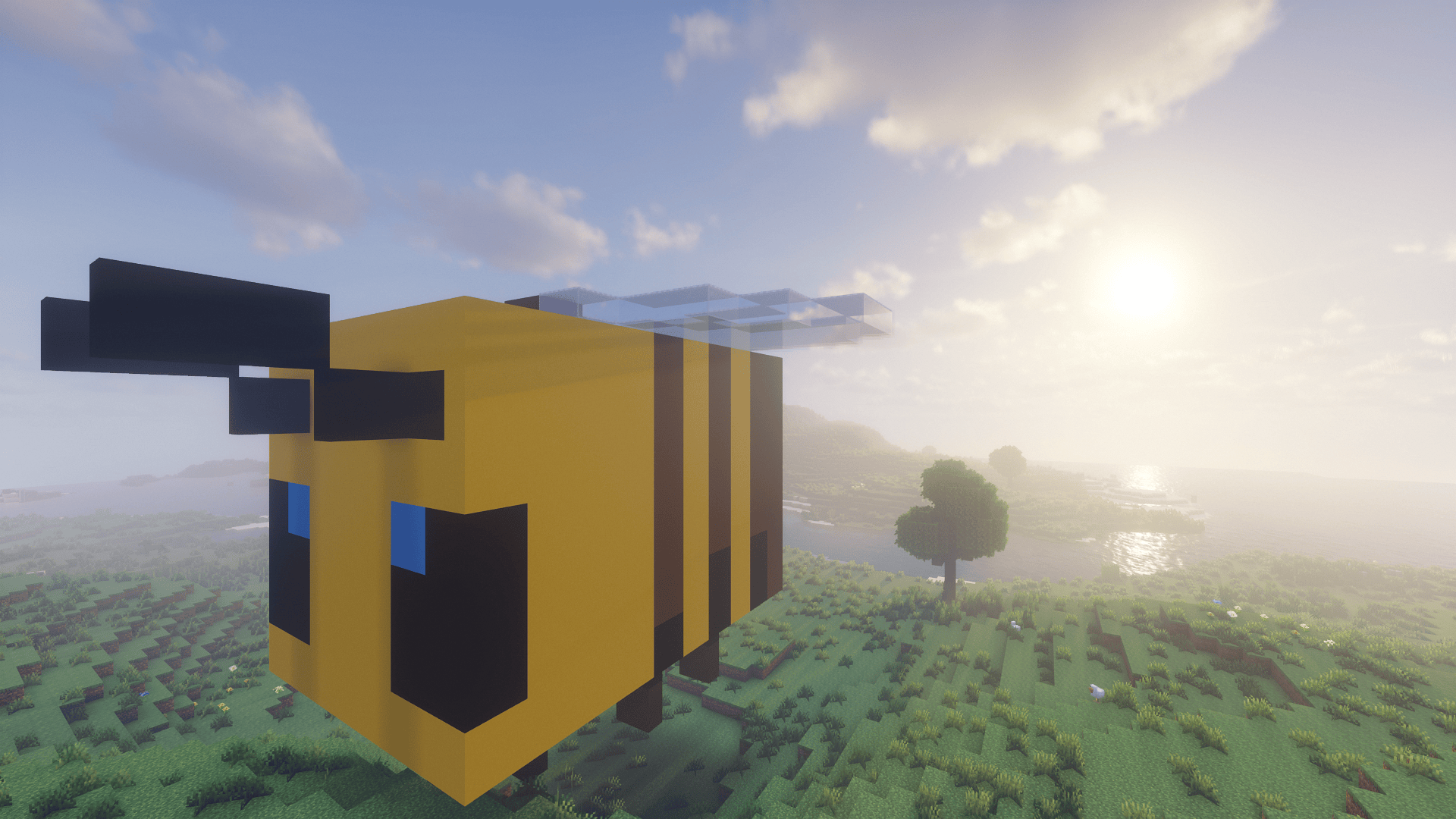 Bee / Abeja Bee / Abeja
 -
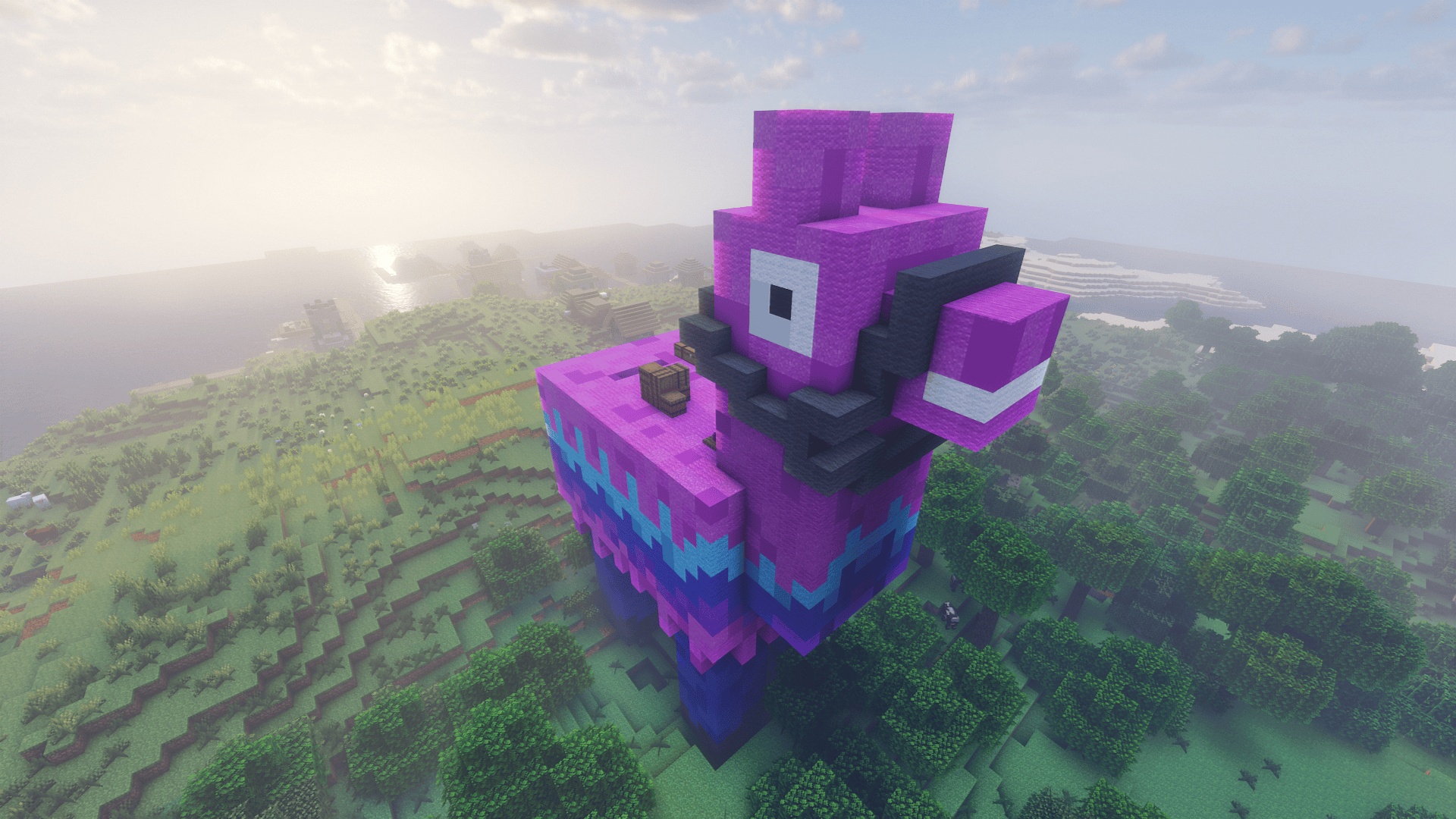 Alpaca Fortnite / Fortnite alpaca Alpaca Fortnite / Fortnite alpaca
 -
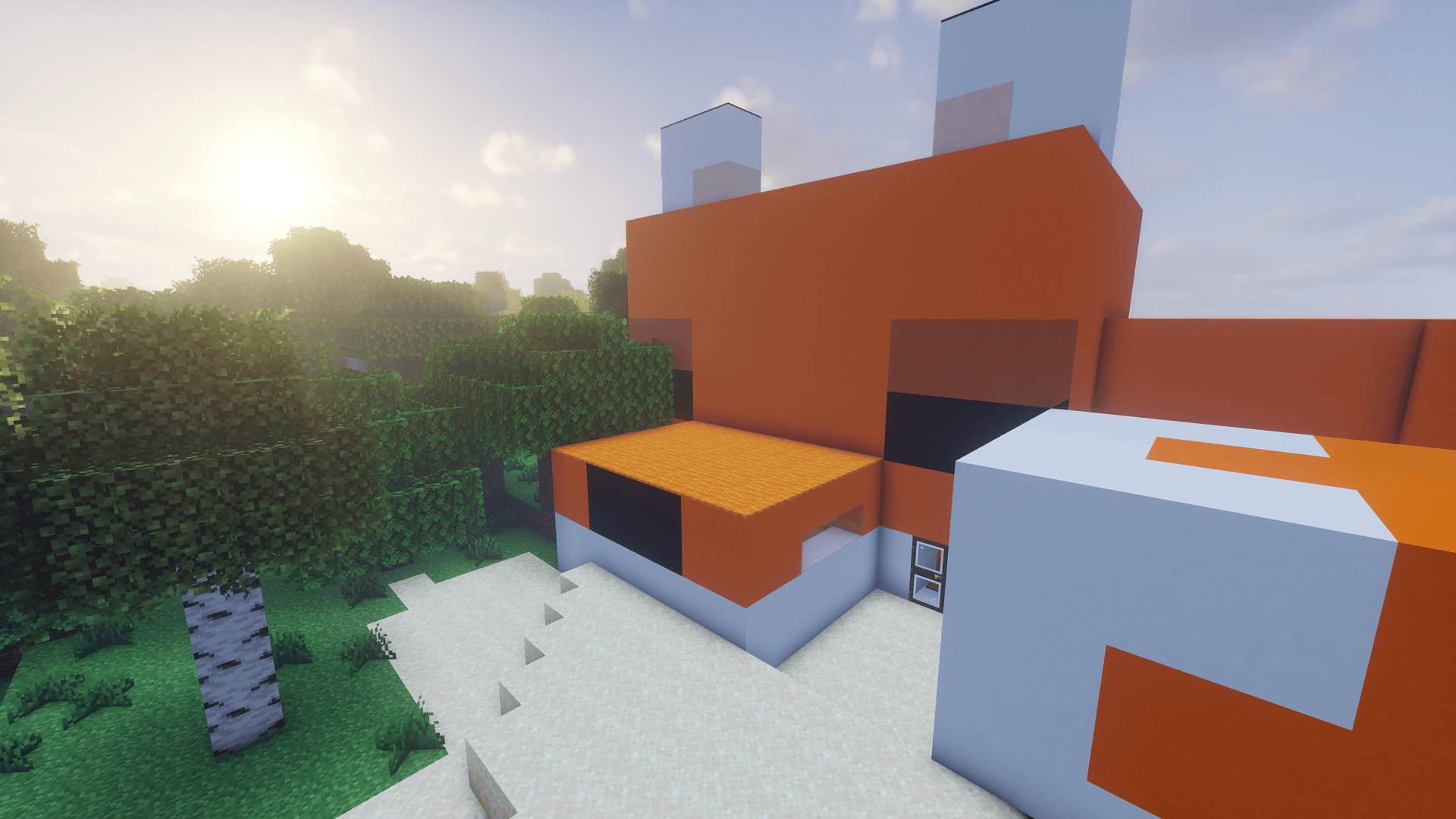 Fox house / Caza zorro Fox house / Caza zorro
 -
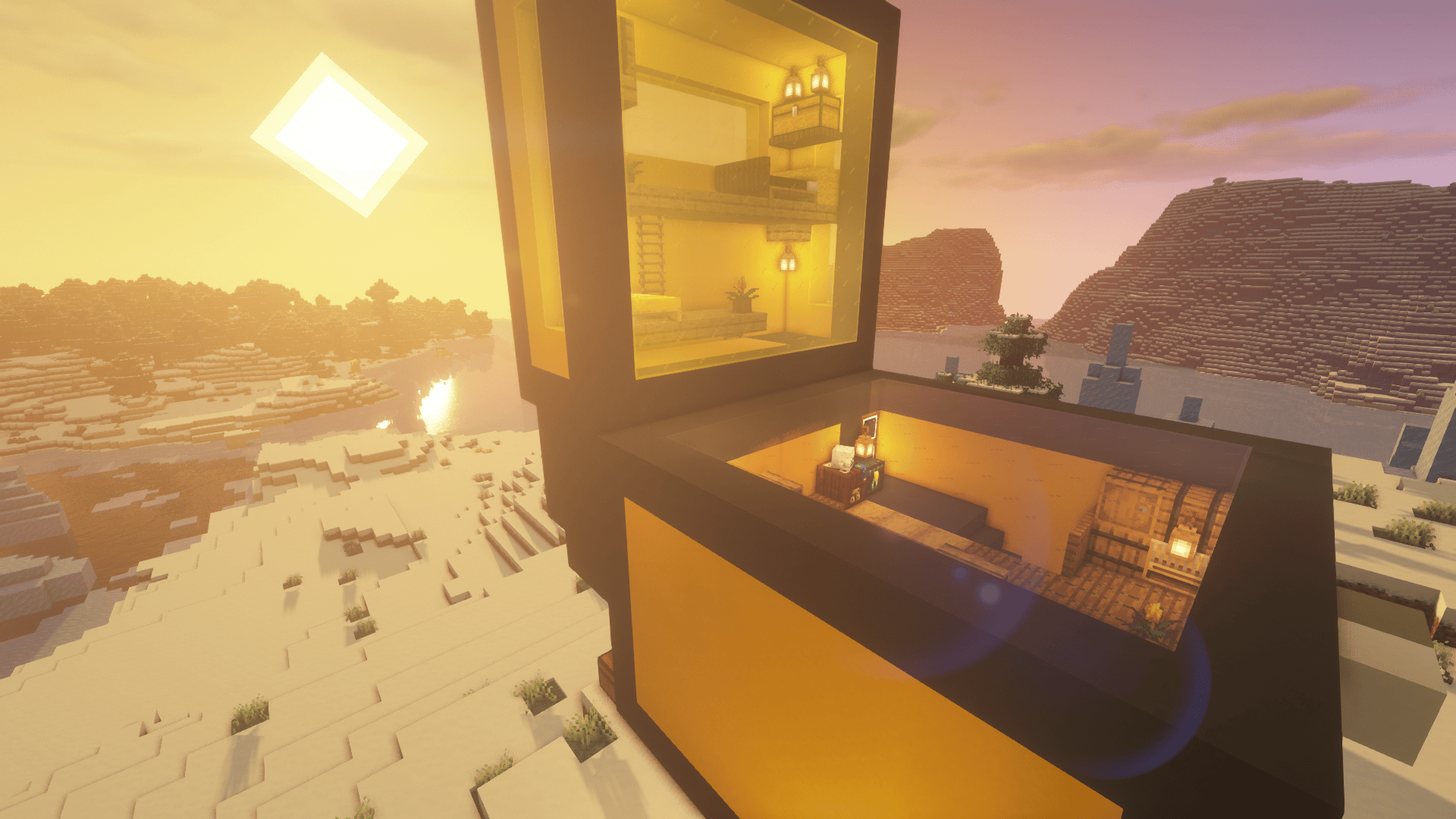 Cofre Minecraft / Minecraft chest Cofre Minecraft / Minecraft chest
 -
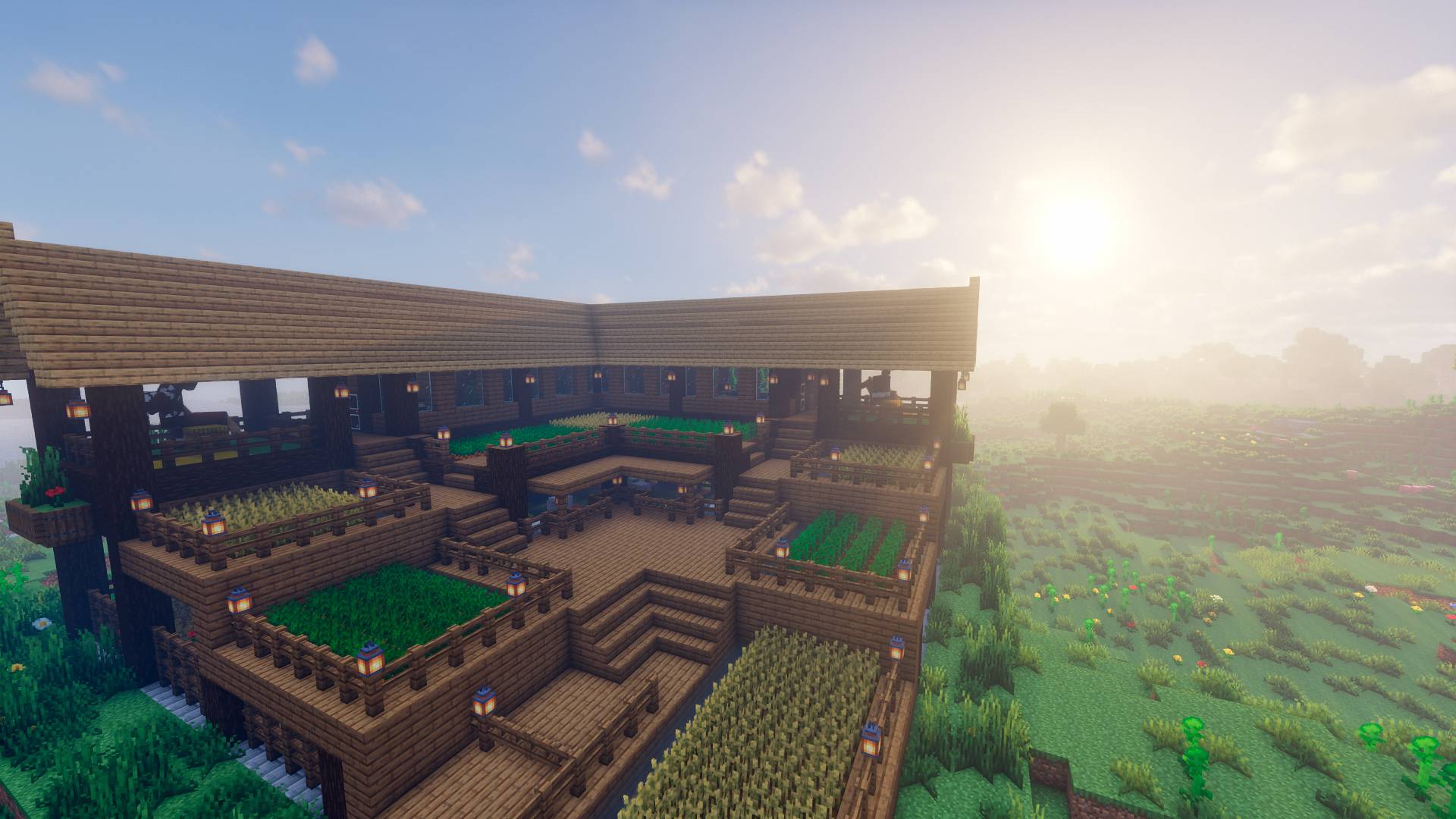 Great farm / Gran granja Great farm / Gran granja
 -
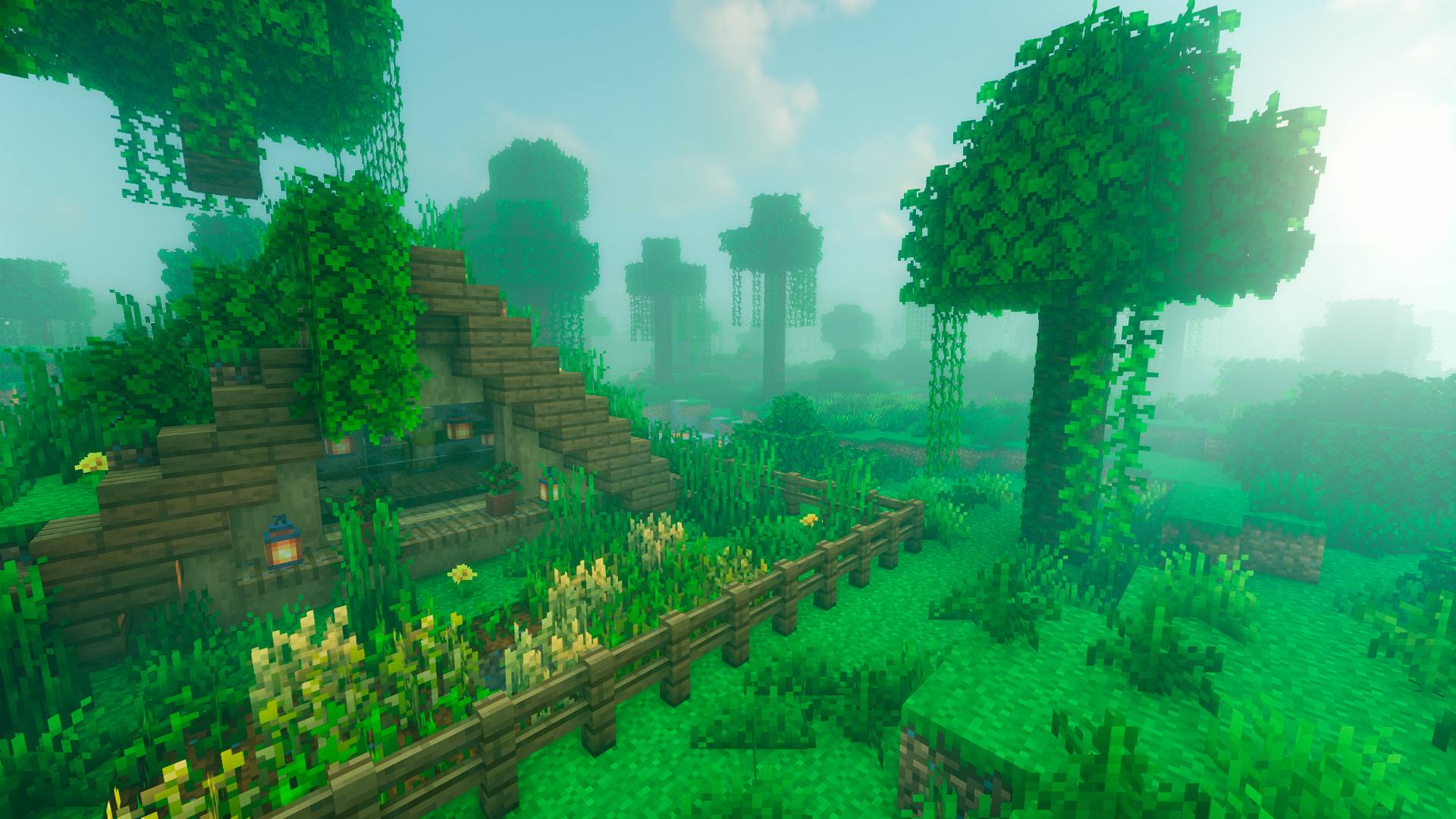 Cabaña / Bungalow Cabaña / Bungalow
 -
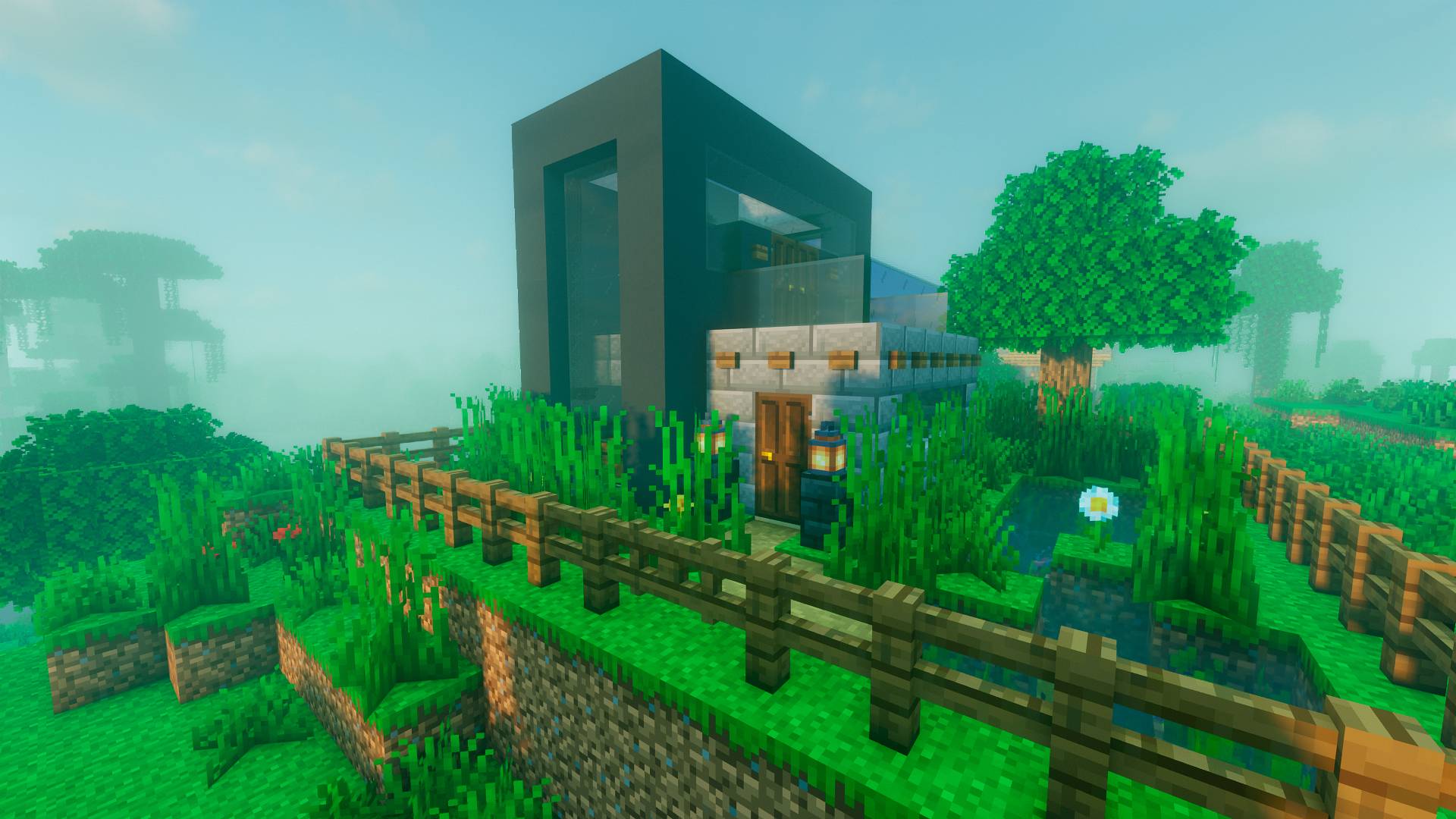 Modern house / Casa moderna Modern house / Casa moderna
 -
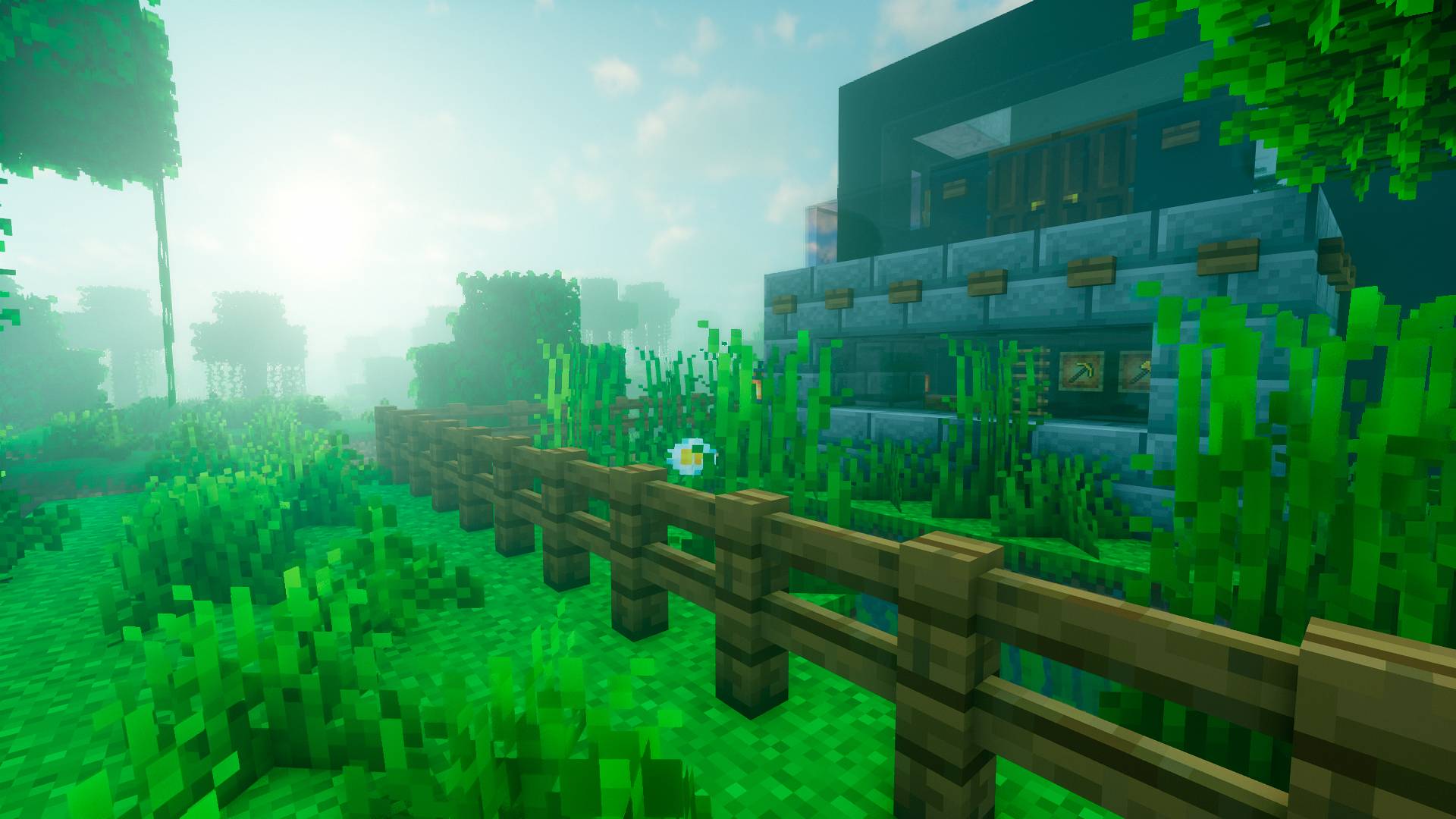 Paisaje / Landscape Paisaje / Landscape
 -
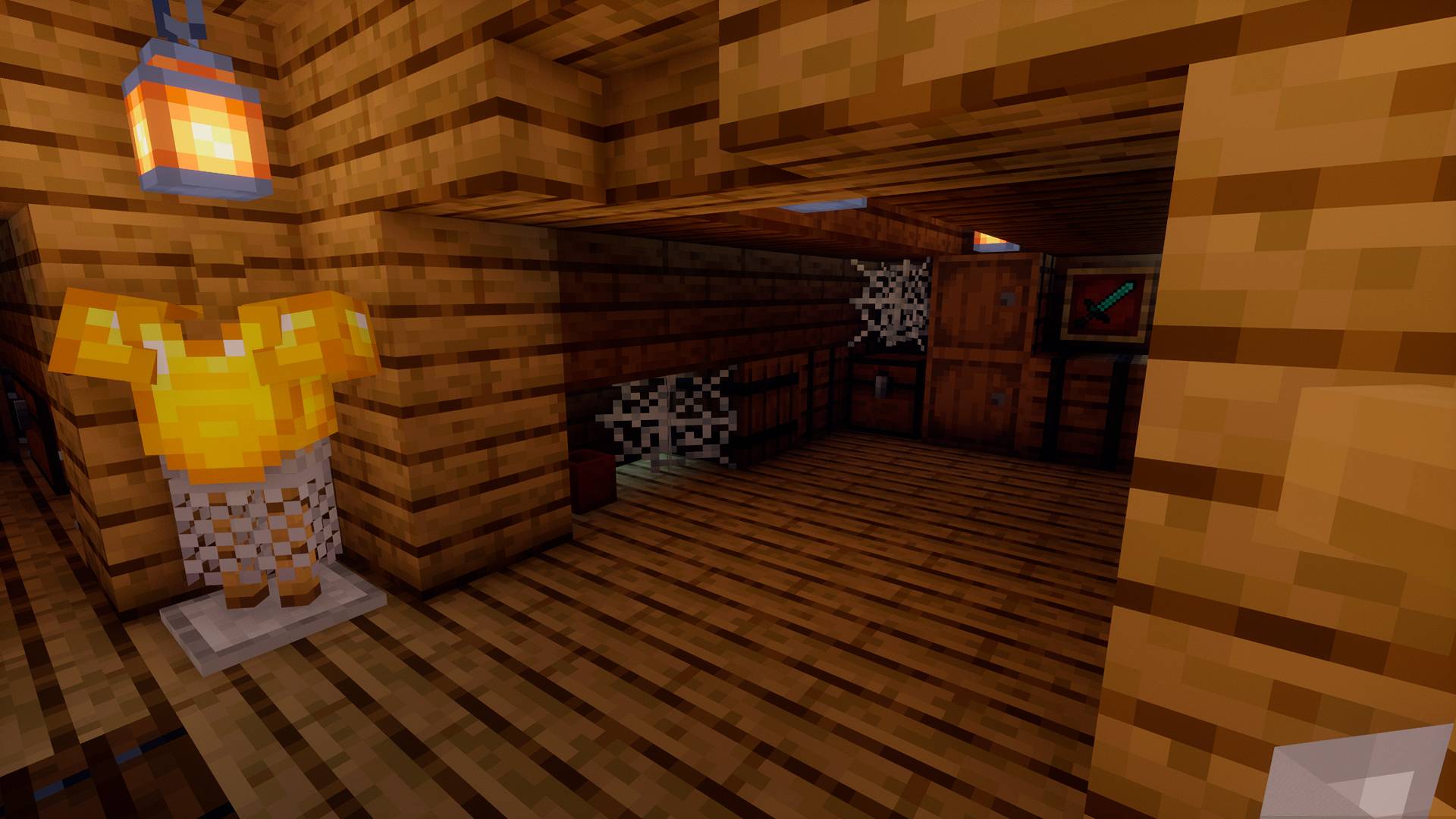 Loft / Desván Loft / Desván
 -
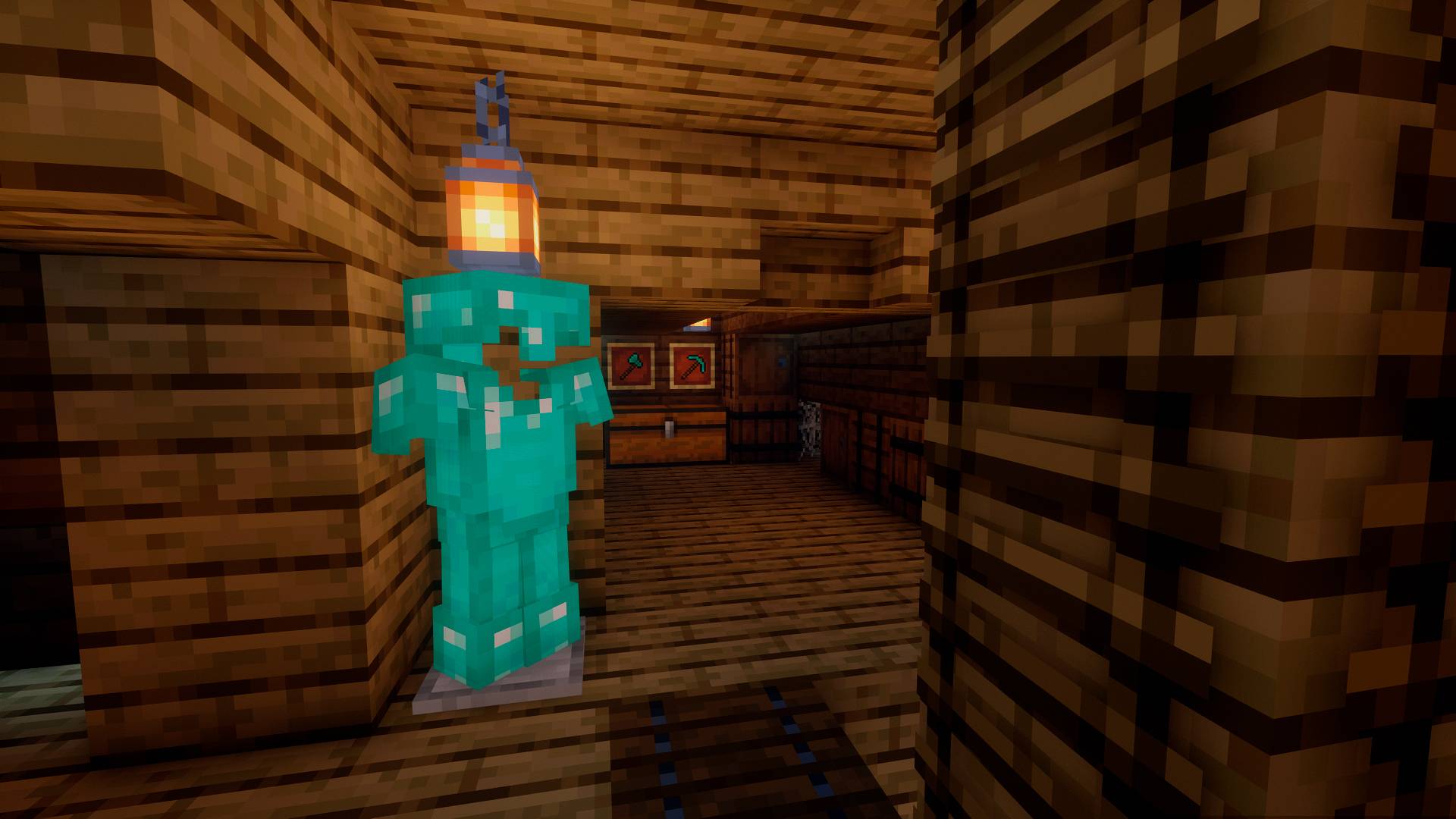 Loft / Desván Loft / Desván
 -
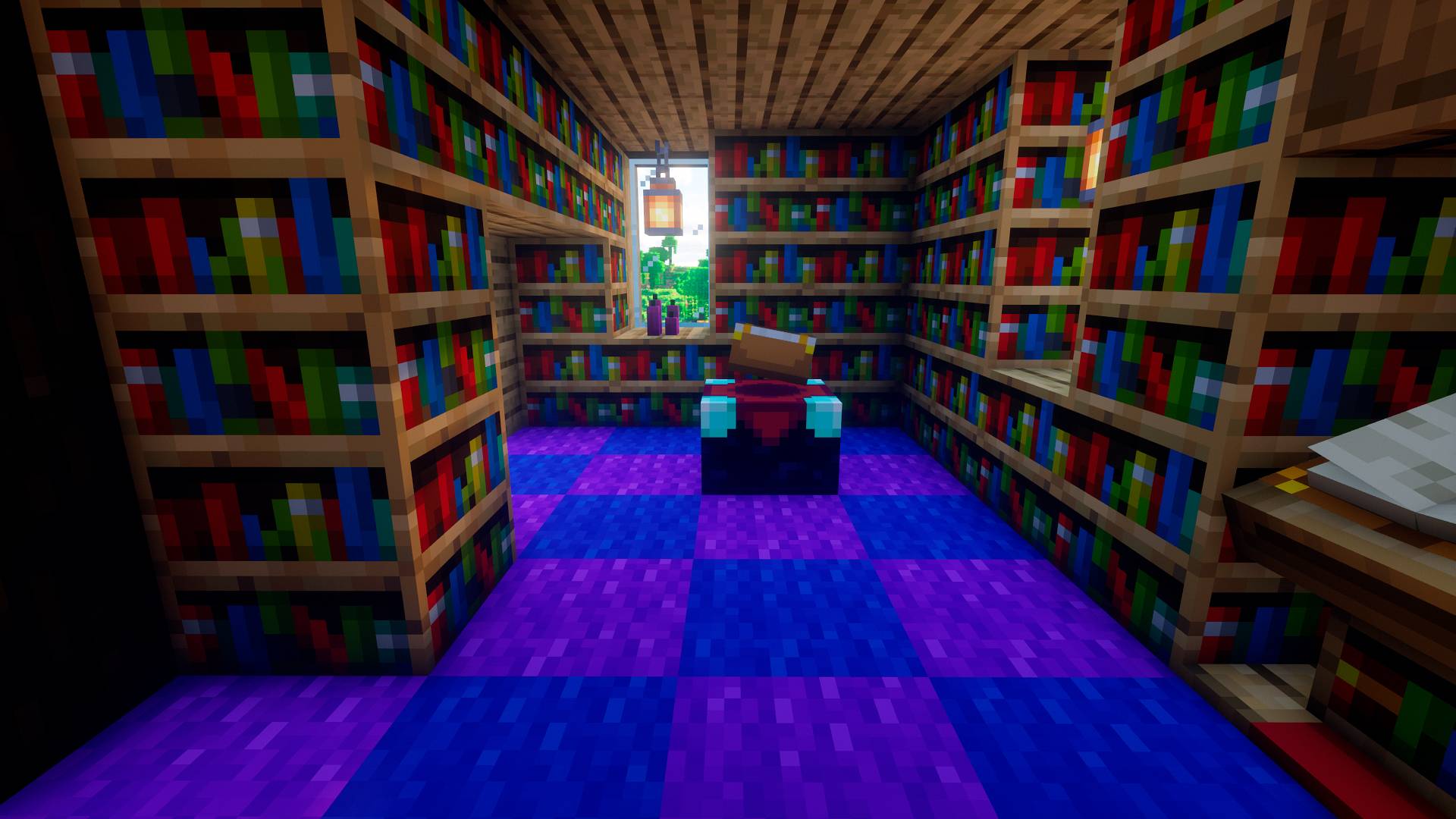 Librería / Library Librería / Library
 -
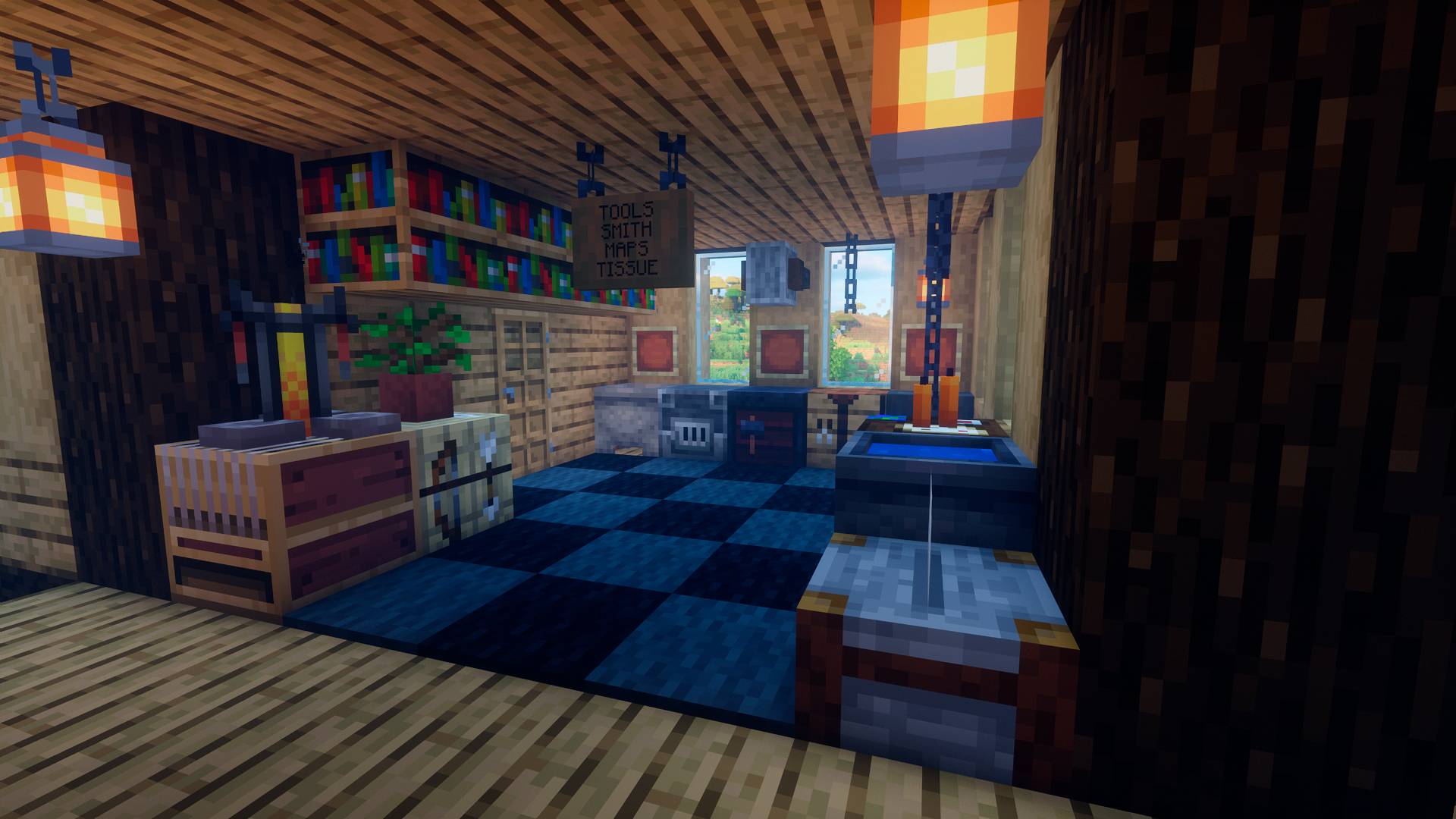 Tools and supplies / Herramientas y útiles Tools and supplies / Herramientas y útiles
 -
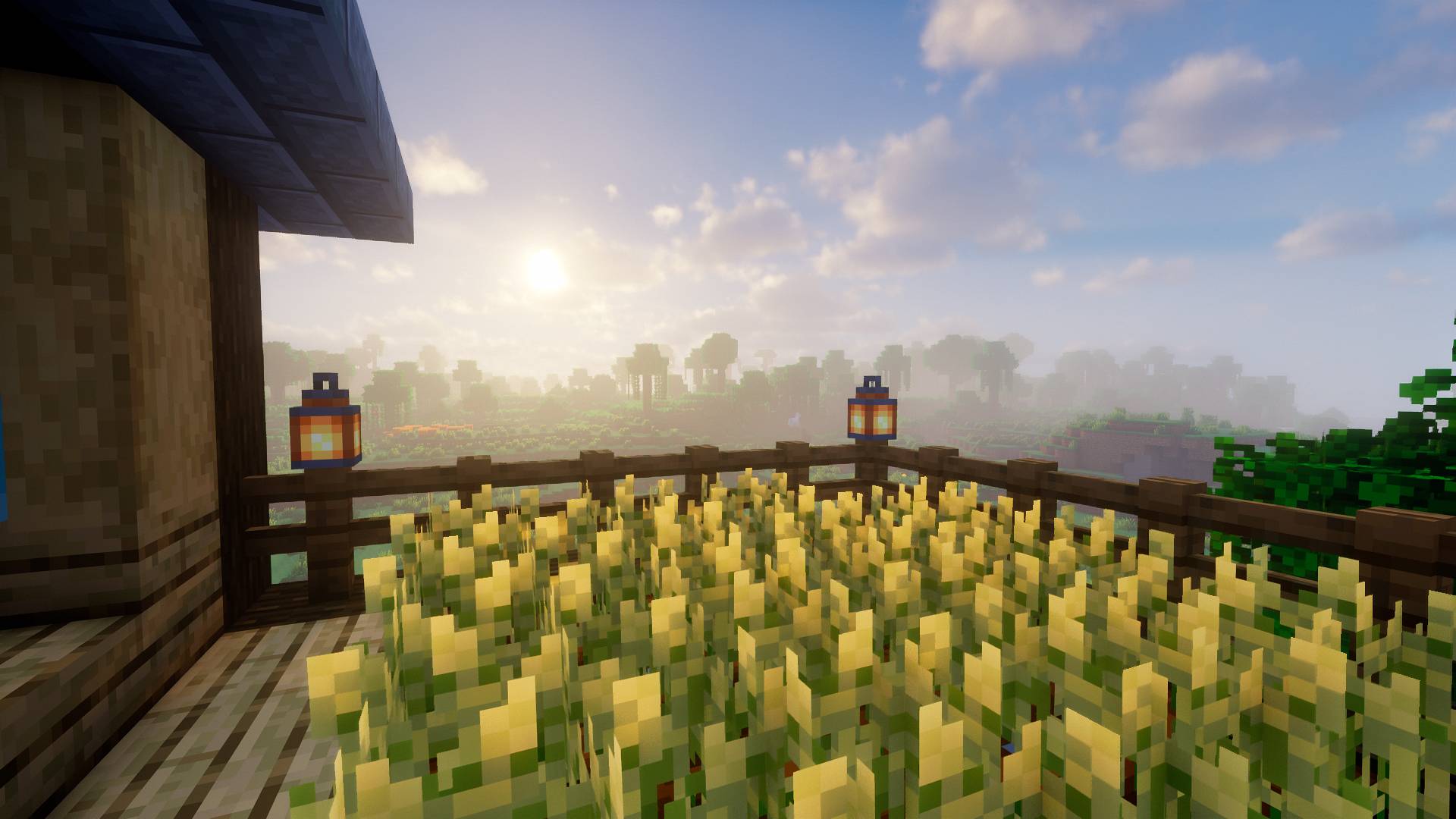 Cultivos / Crops Cultivos / Crops
 -
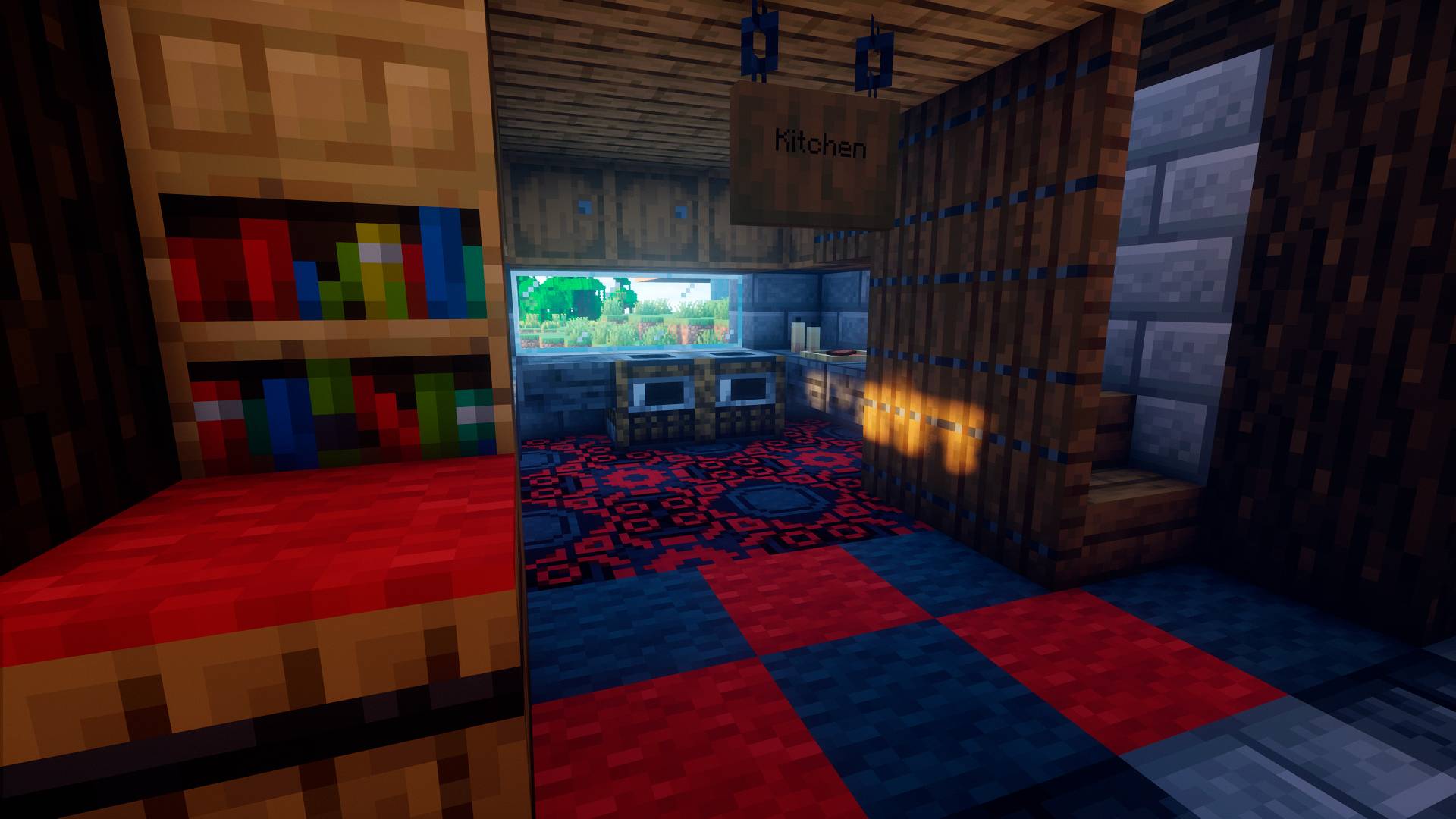 Kitchen / Cocina Kitchen / Cocina
 -
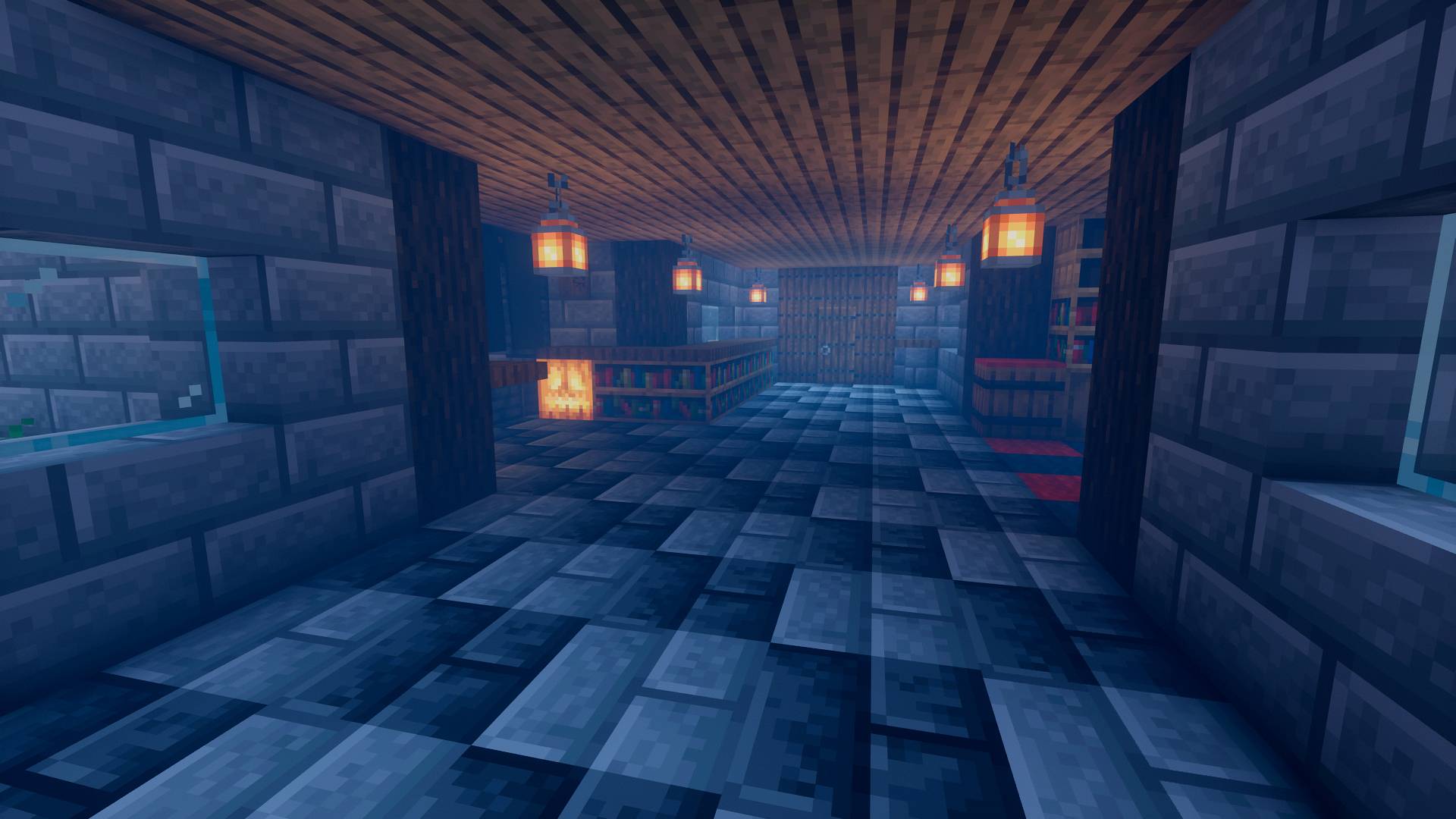 Vestíbulo / Hall Vestíbulo / Hall
 -
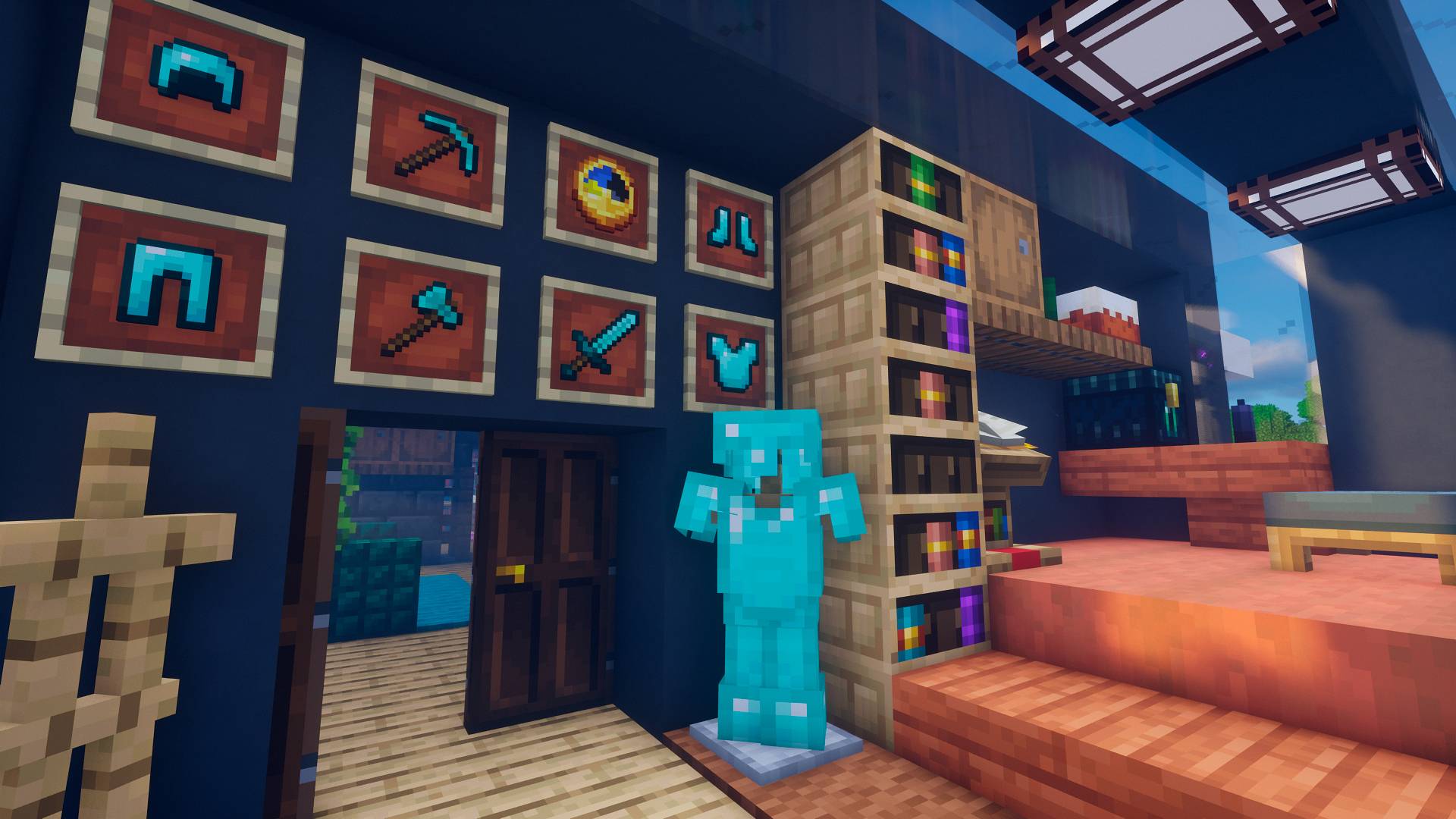 Loot / Botín Loot / Botín
 -
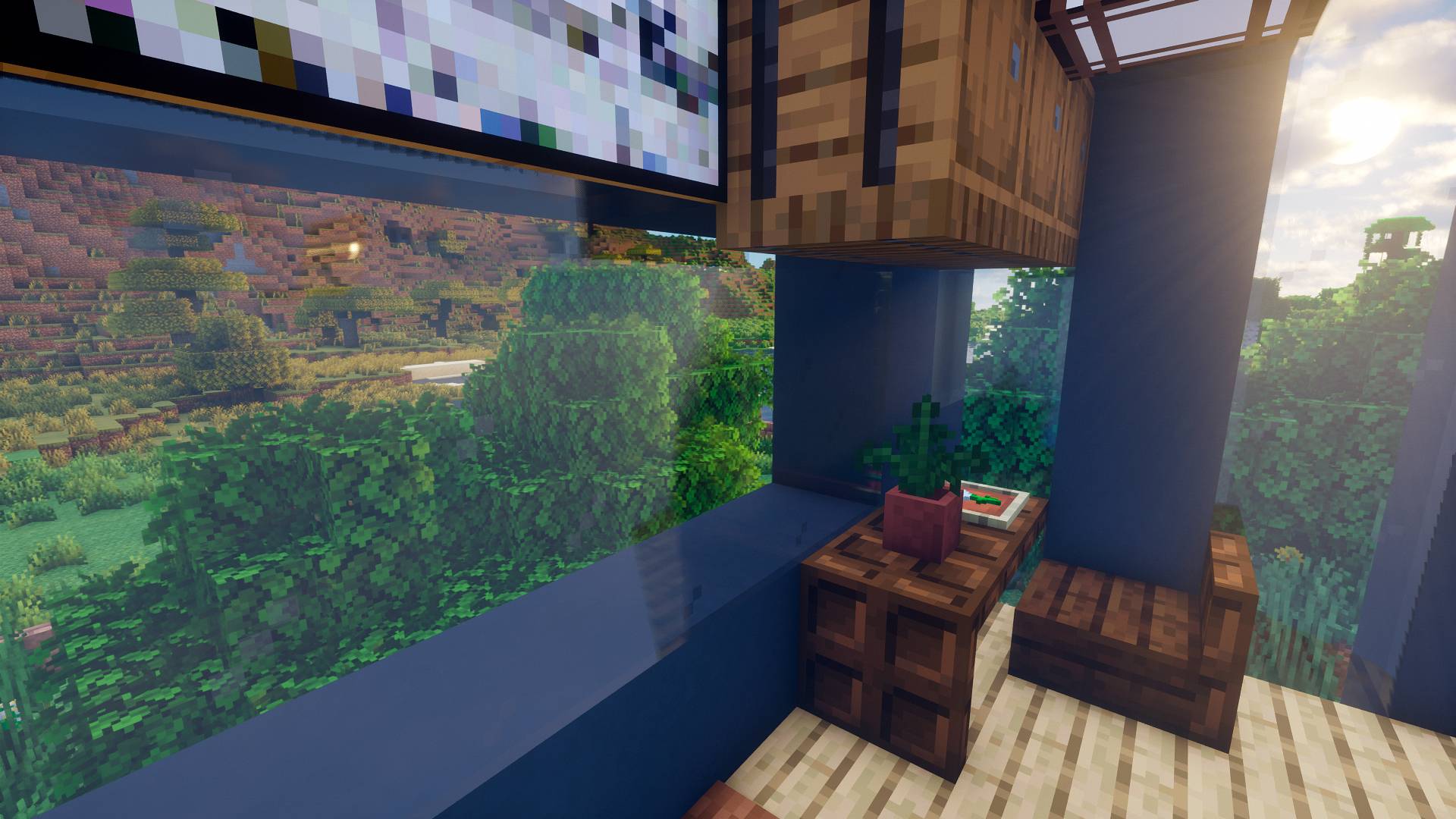 Escritorio con vistas / Desk with views Escritorio con vistas / Desk with views
 -
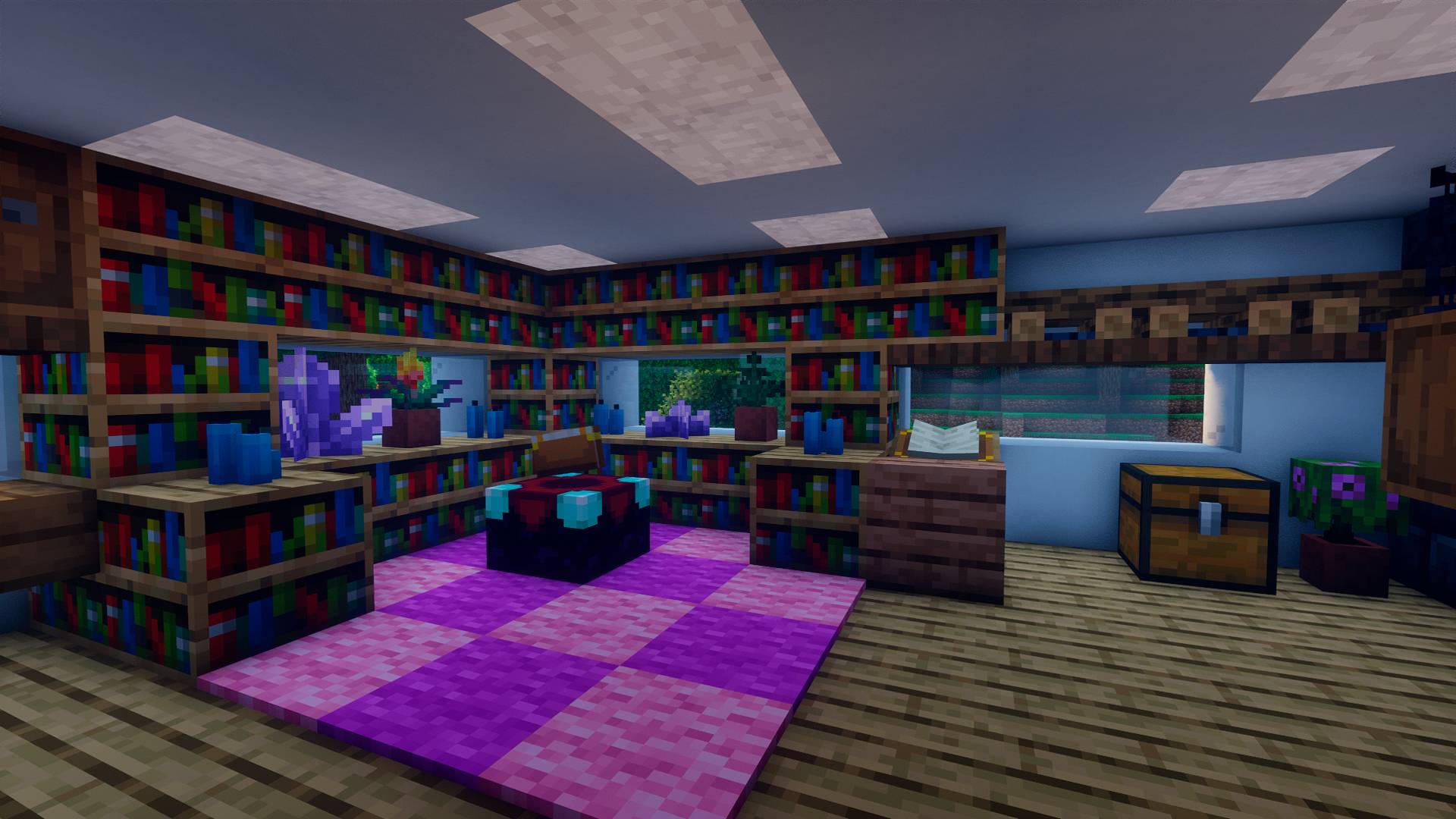 Library / Librería Library / Librería
 -
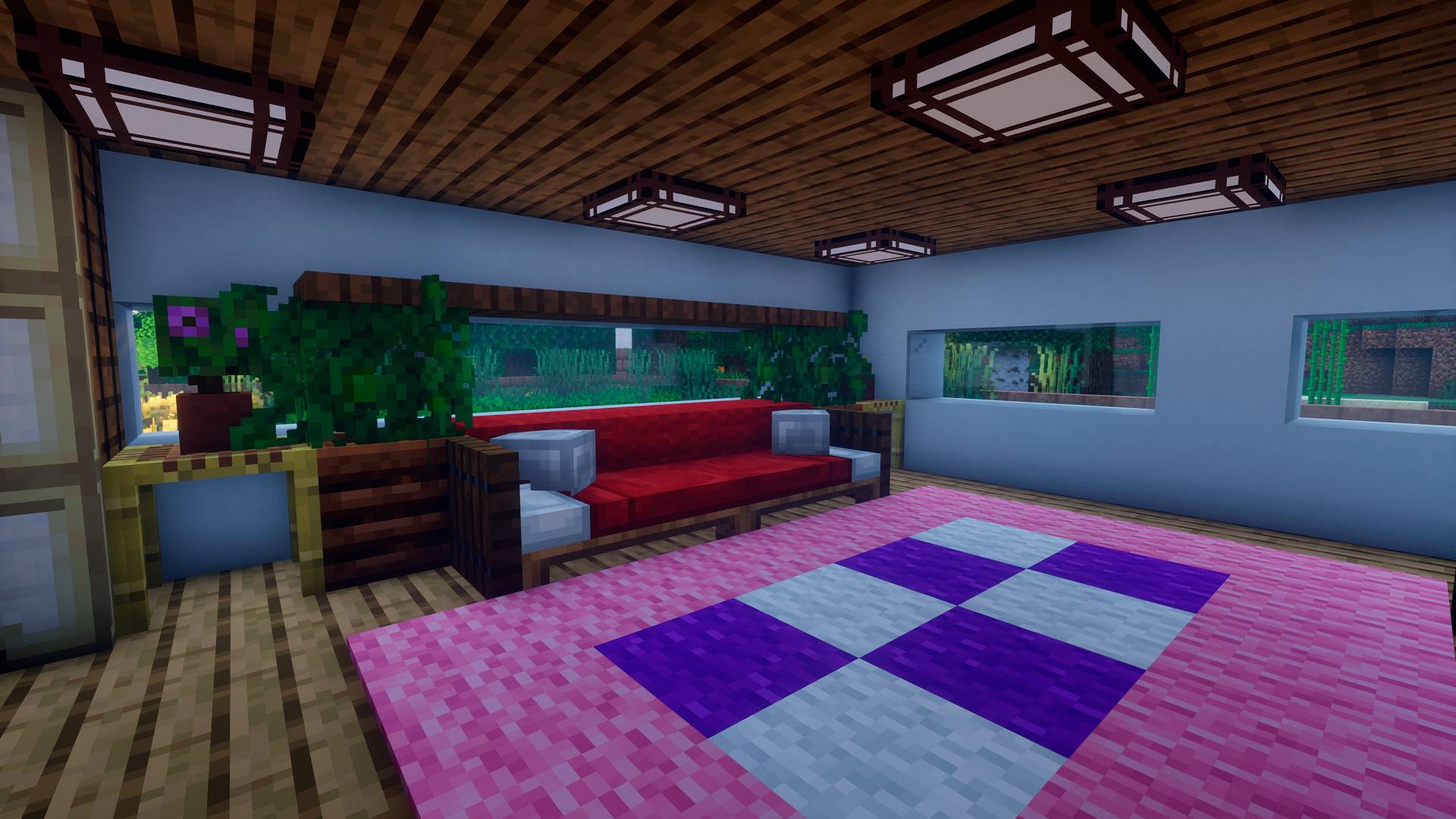 Salón / Lounge Salón / Lounge
-
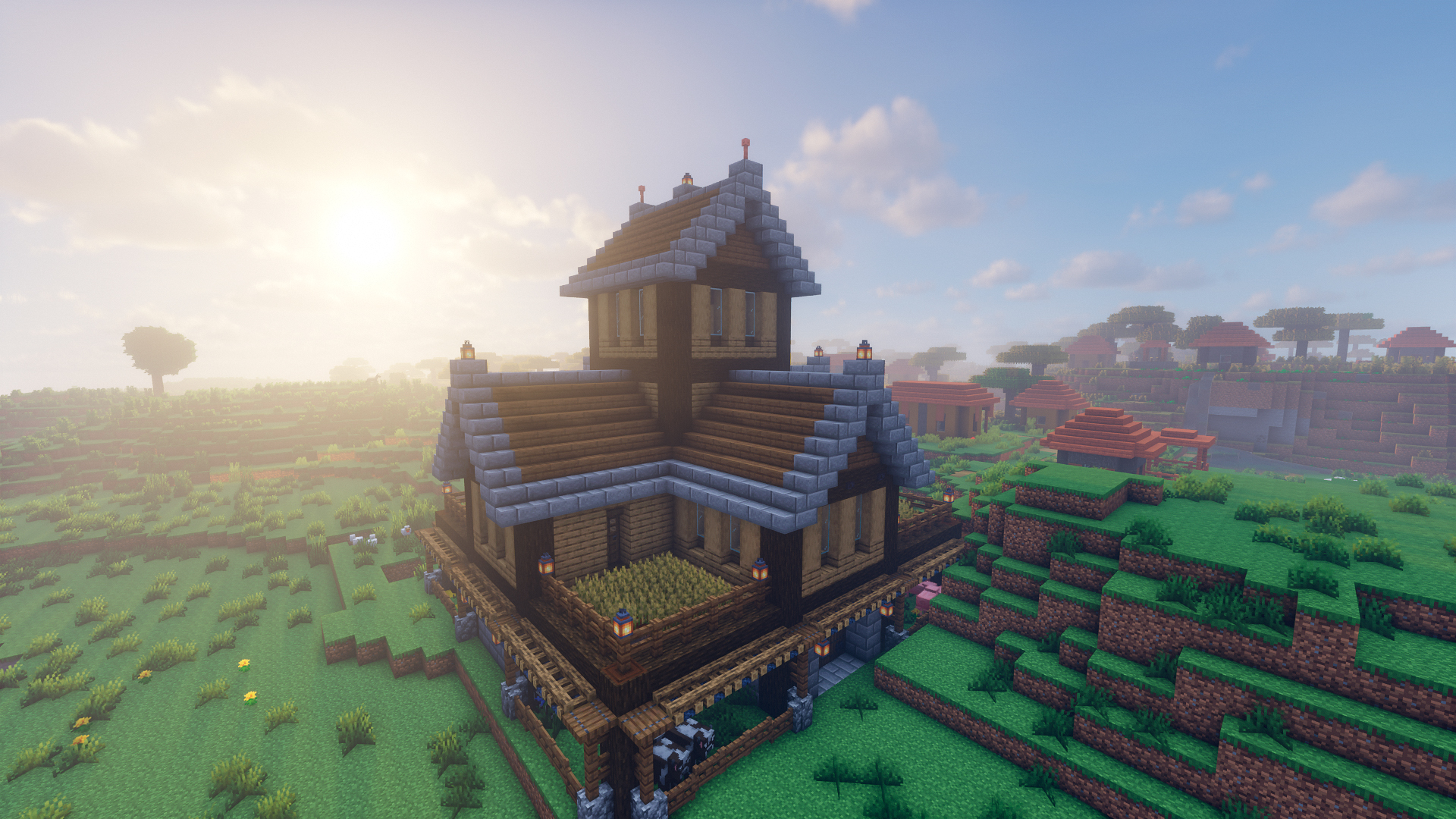 Granja / Farm Granja / Farm
 -
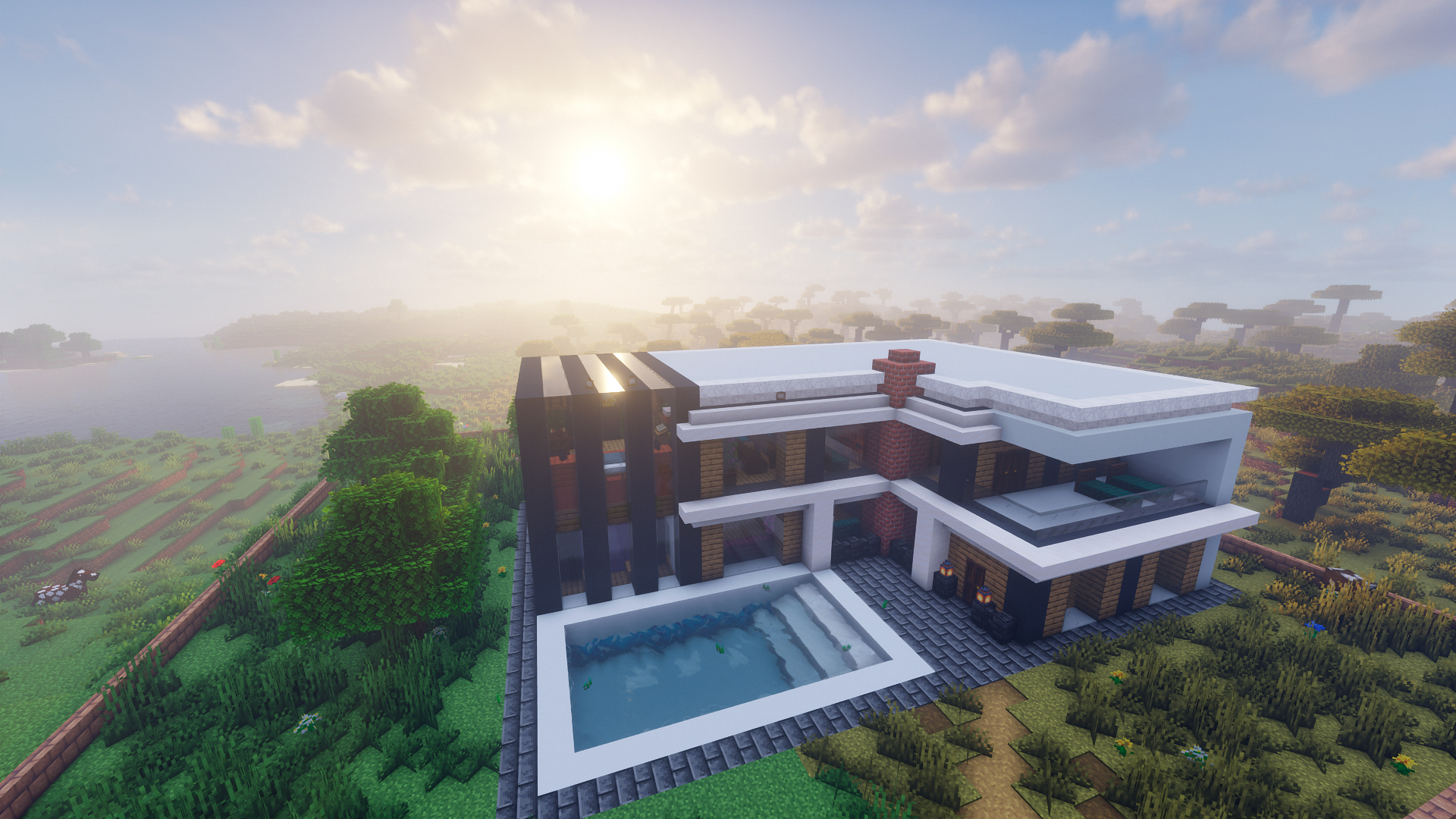 Modern house / Casa Moderna Modern house / Casa Moderna
 -
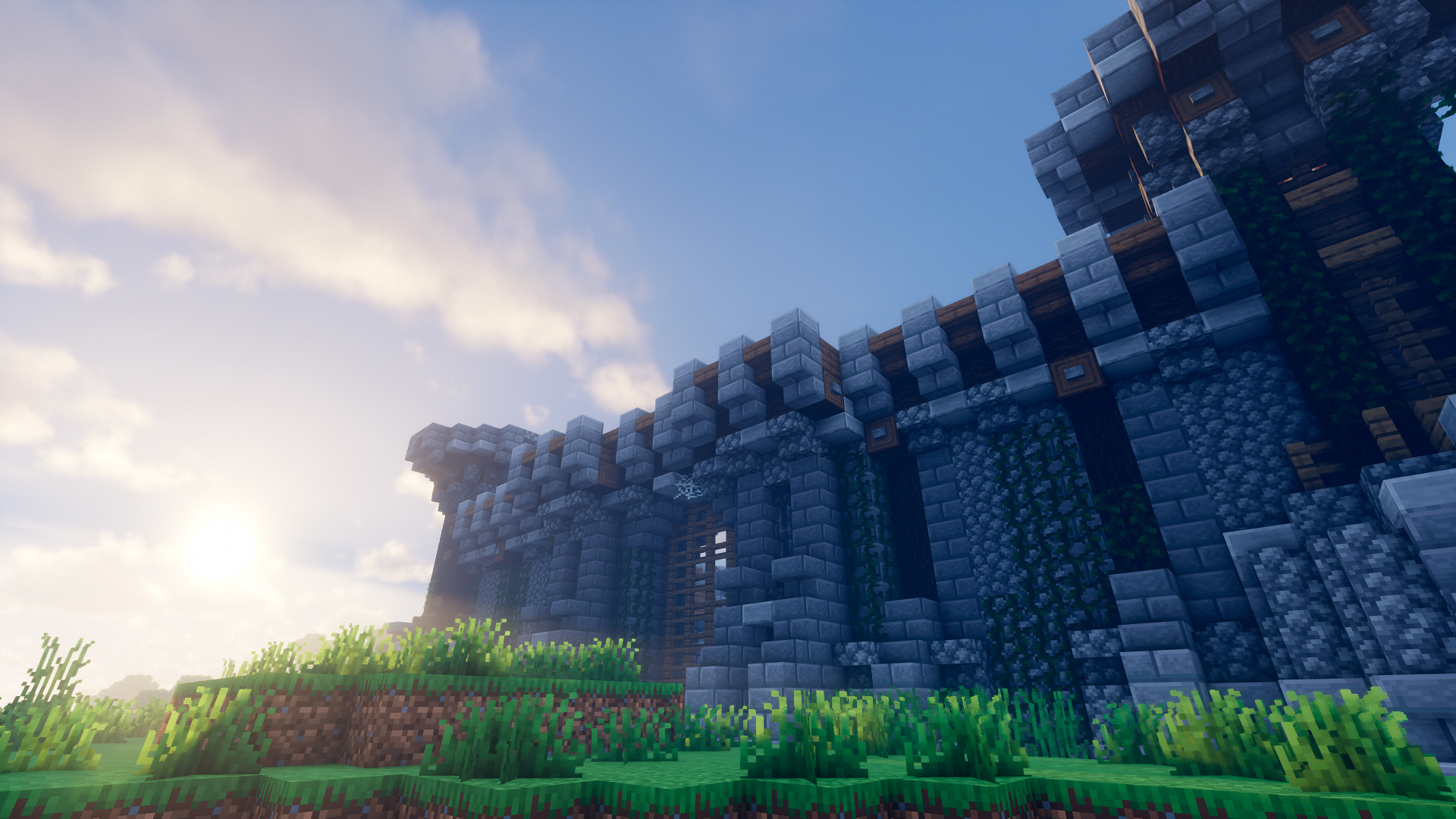 Castillo / Castle Castillo / Castle
 -
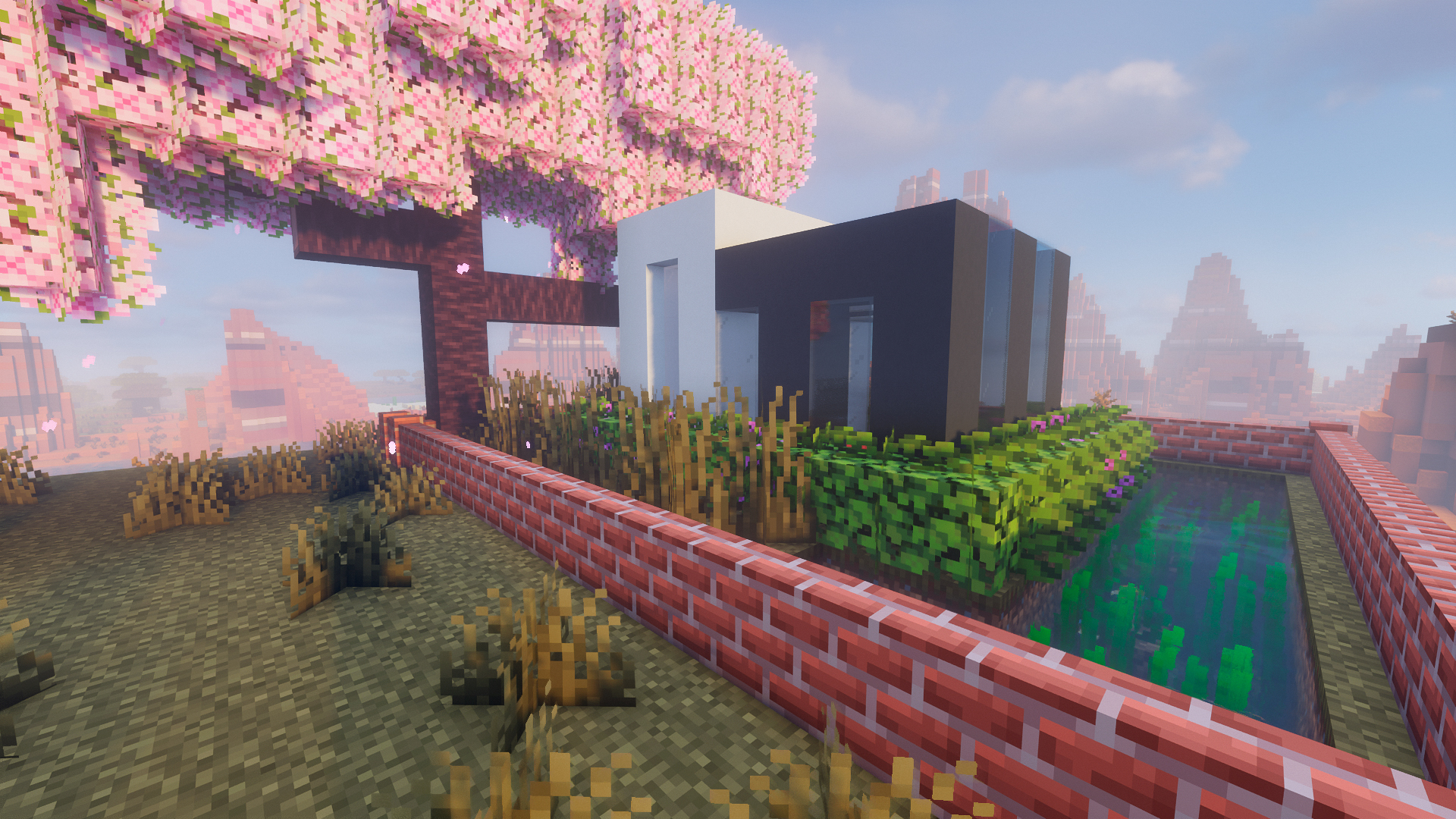 Minimalist house / Casa minimalista Minimalist house / Casa minimalista
 -
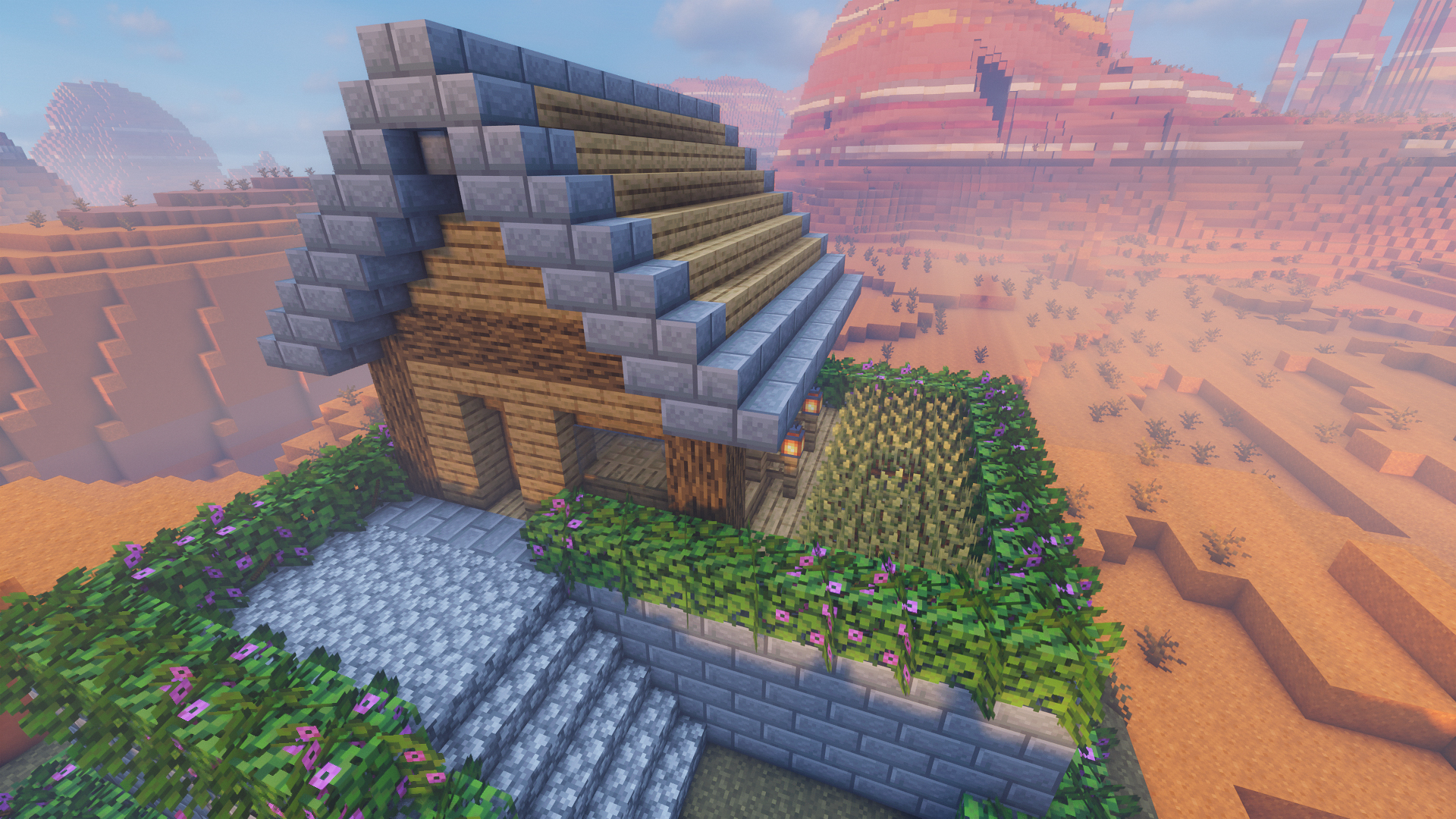 Flower house / Casa floral Flower house / Casa floral
 -
 Salón / Lounge Salón / Lounge
 -
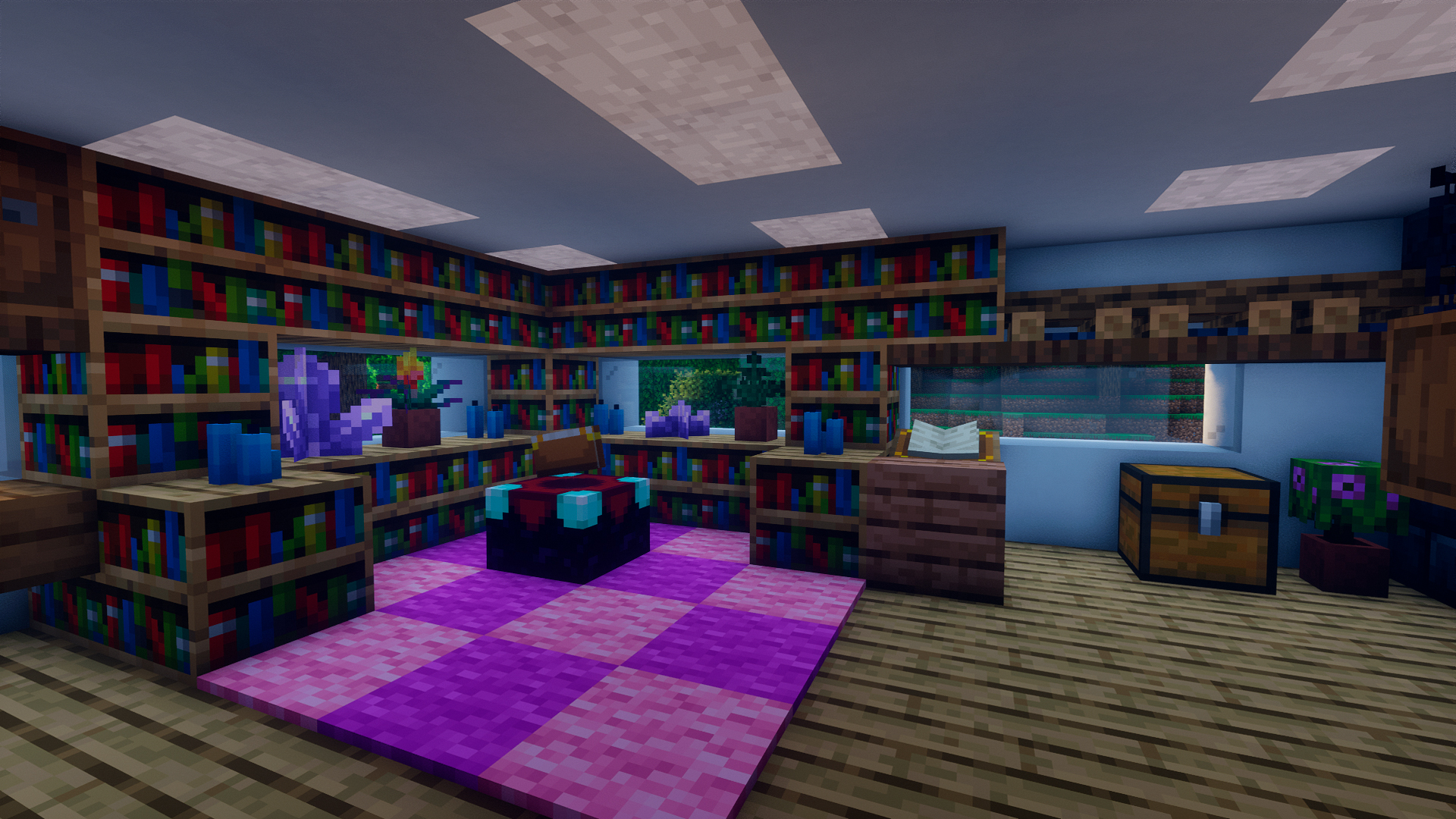 Library / Librería Library / Librería
 -
 Escritorio con vistas / Desk with views Escritorio con vistas / Desk with views
 -
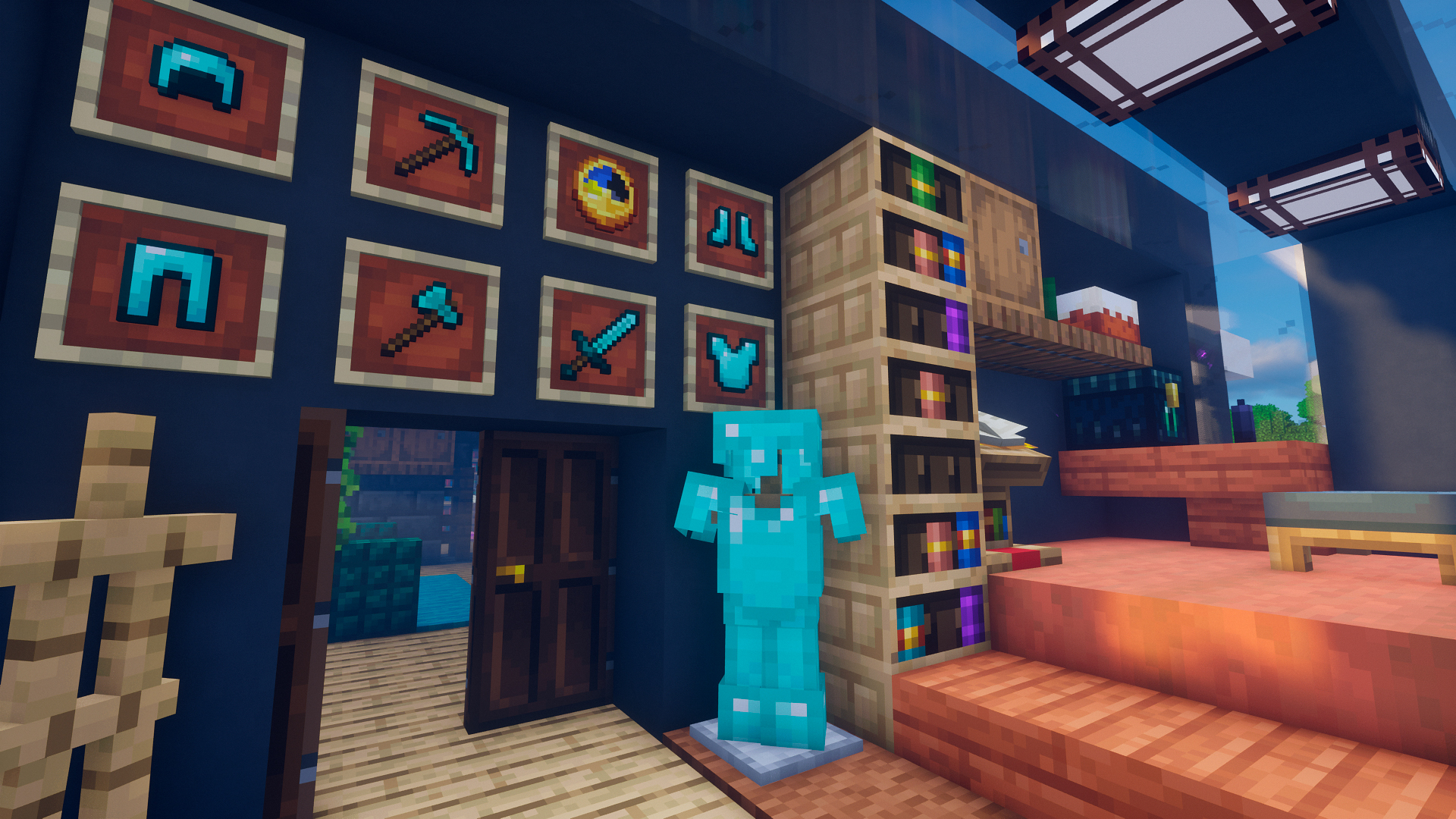 Loot / Botín Loot / Botín
 -
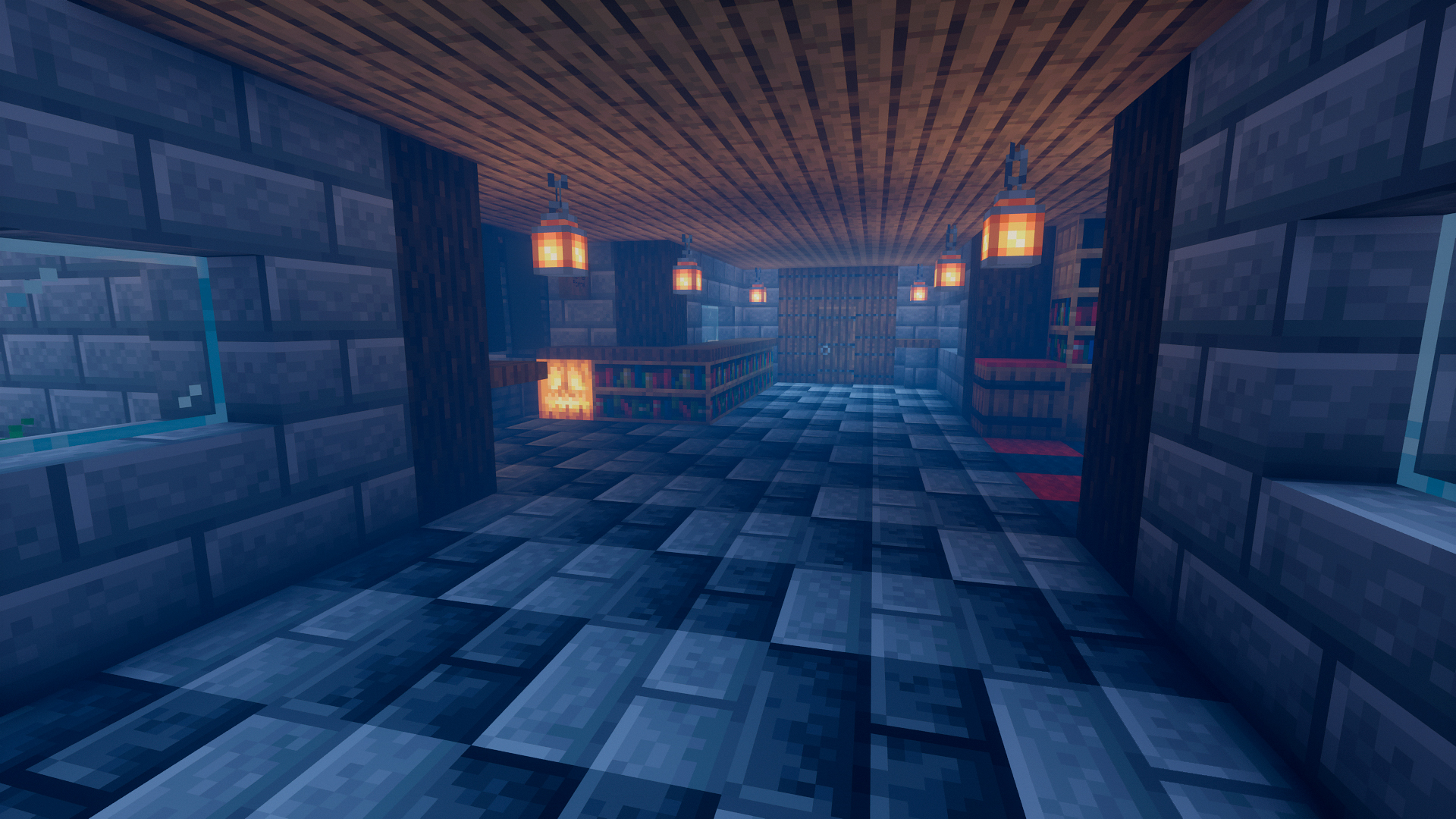 Vestíbulo / Hall Vestíbulo / Hall
 -
 Kitchen / Cocina Kitchen / Cocina
 -
 Cultivos / Crops Cultivos / Crops
 -
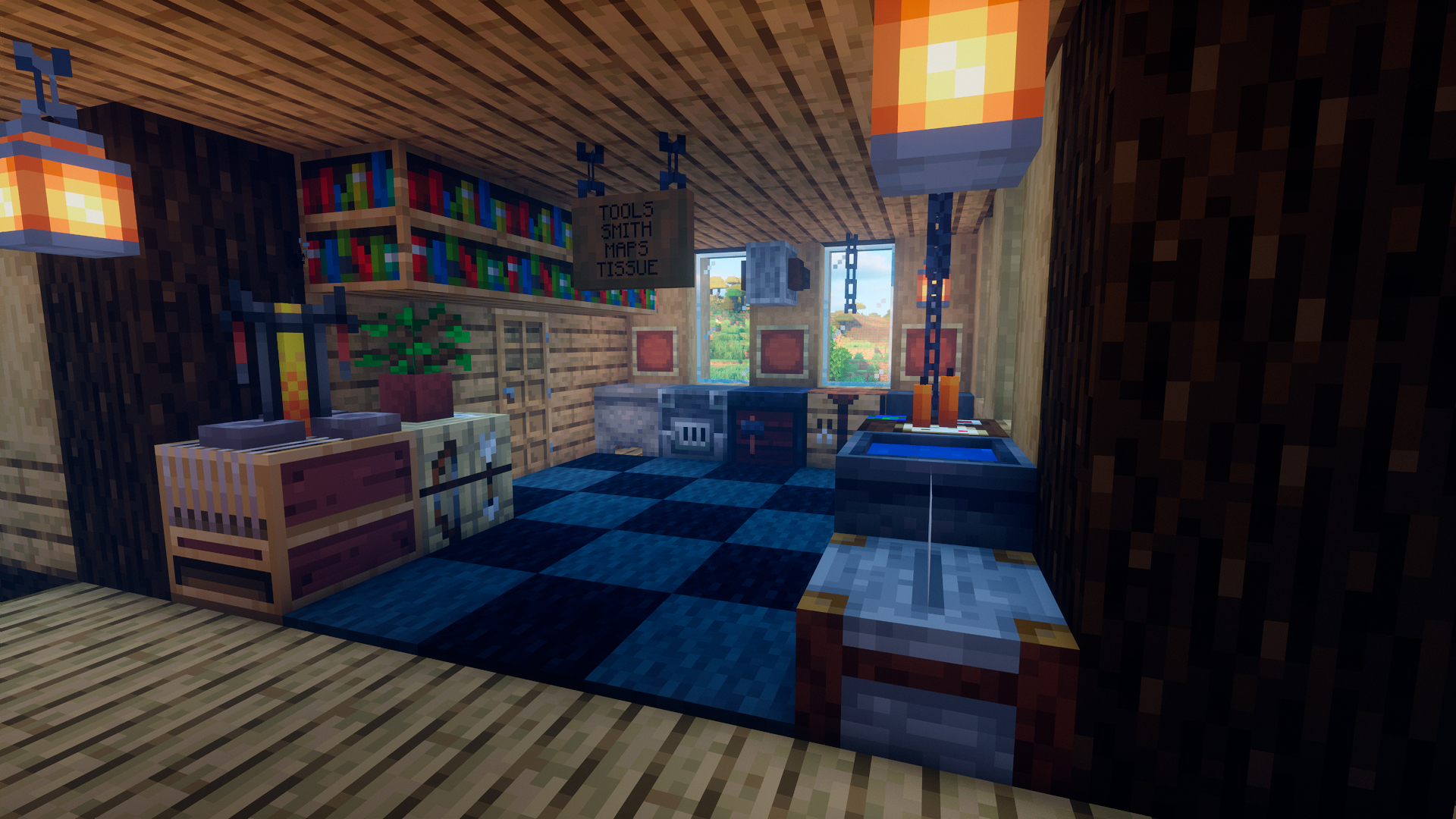 Tools and supplies / Herramientas y útiles Tools and supplies / Herramientas y útiles
 -
 Librería / Library Librería / Library
 -
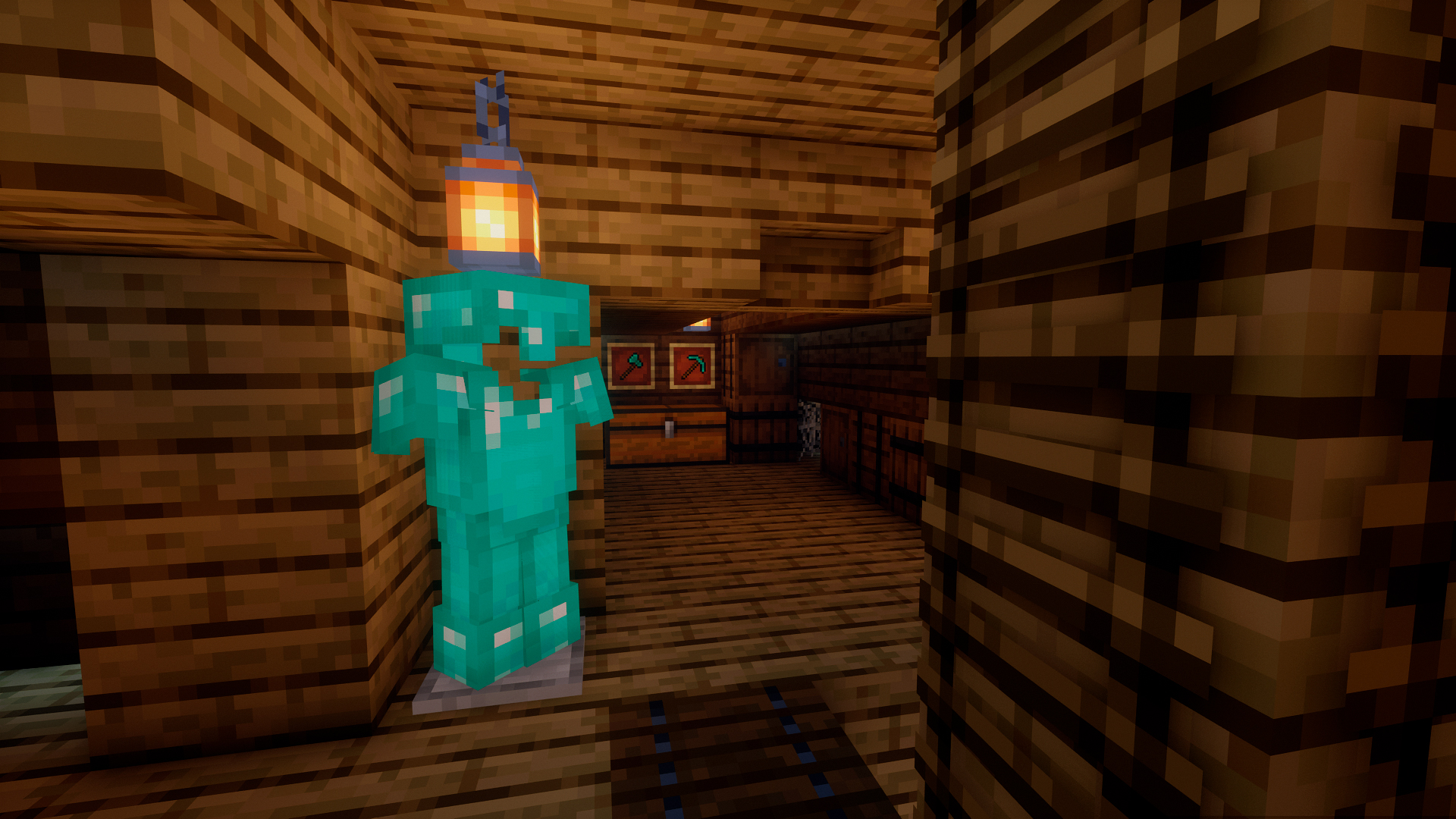 Loft / Desván Loft / Desván
 -
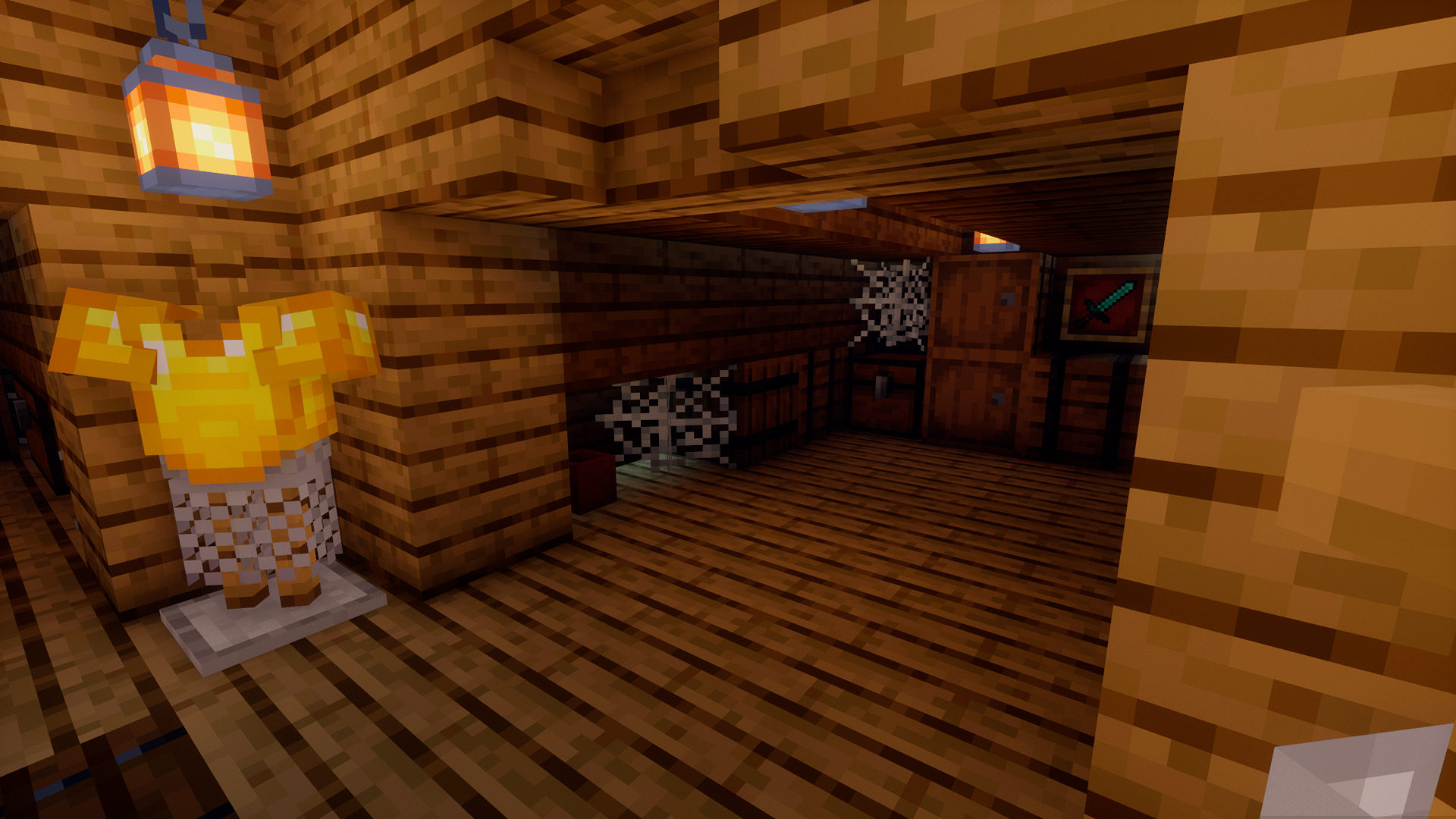 Loft / Desván Loft / Desván
 -
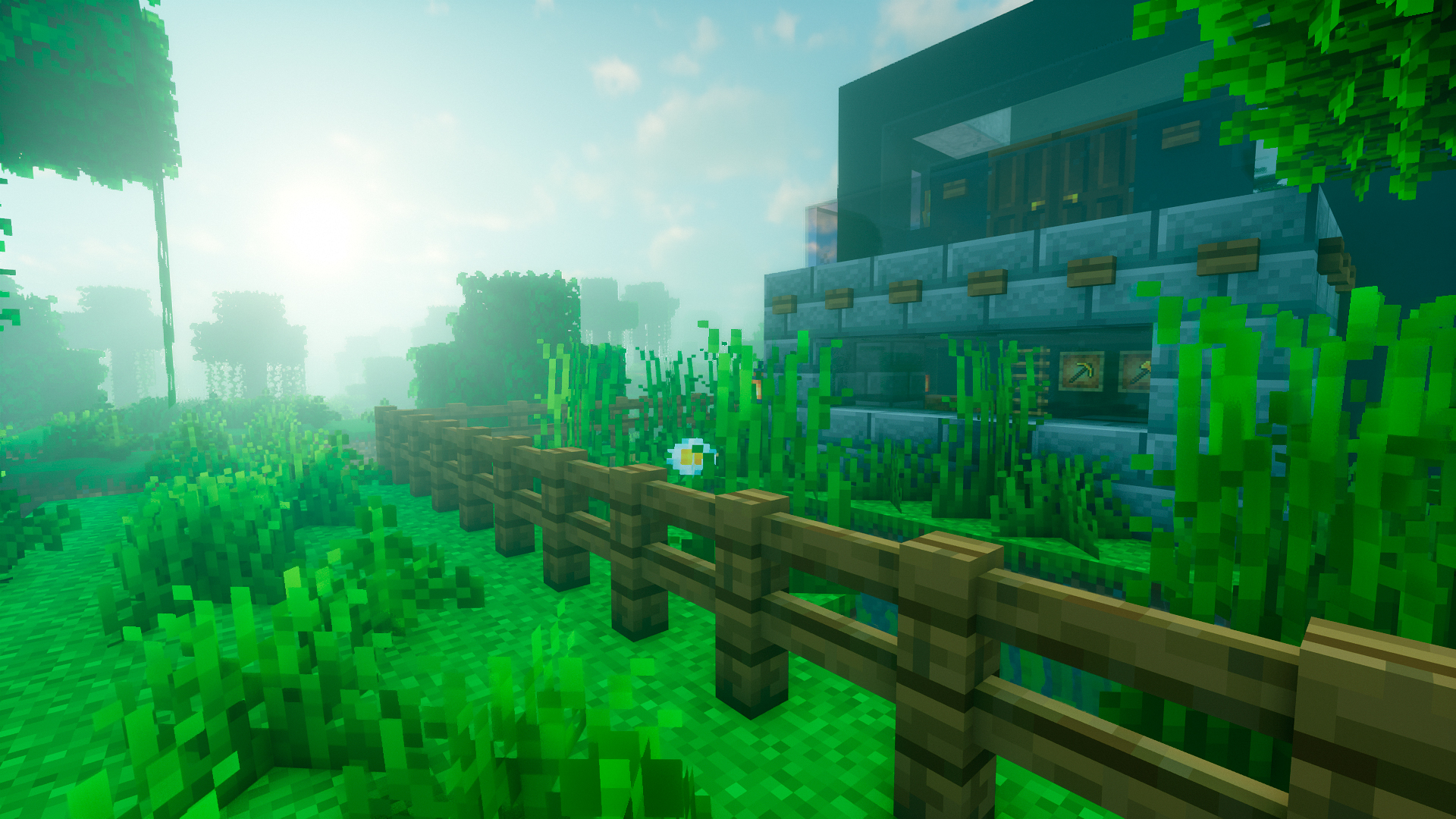 Paisaje / Landscape Paisaje / Landscape
 -
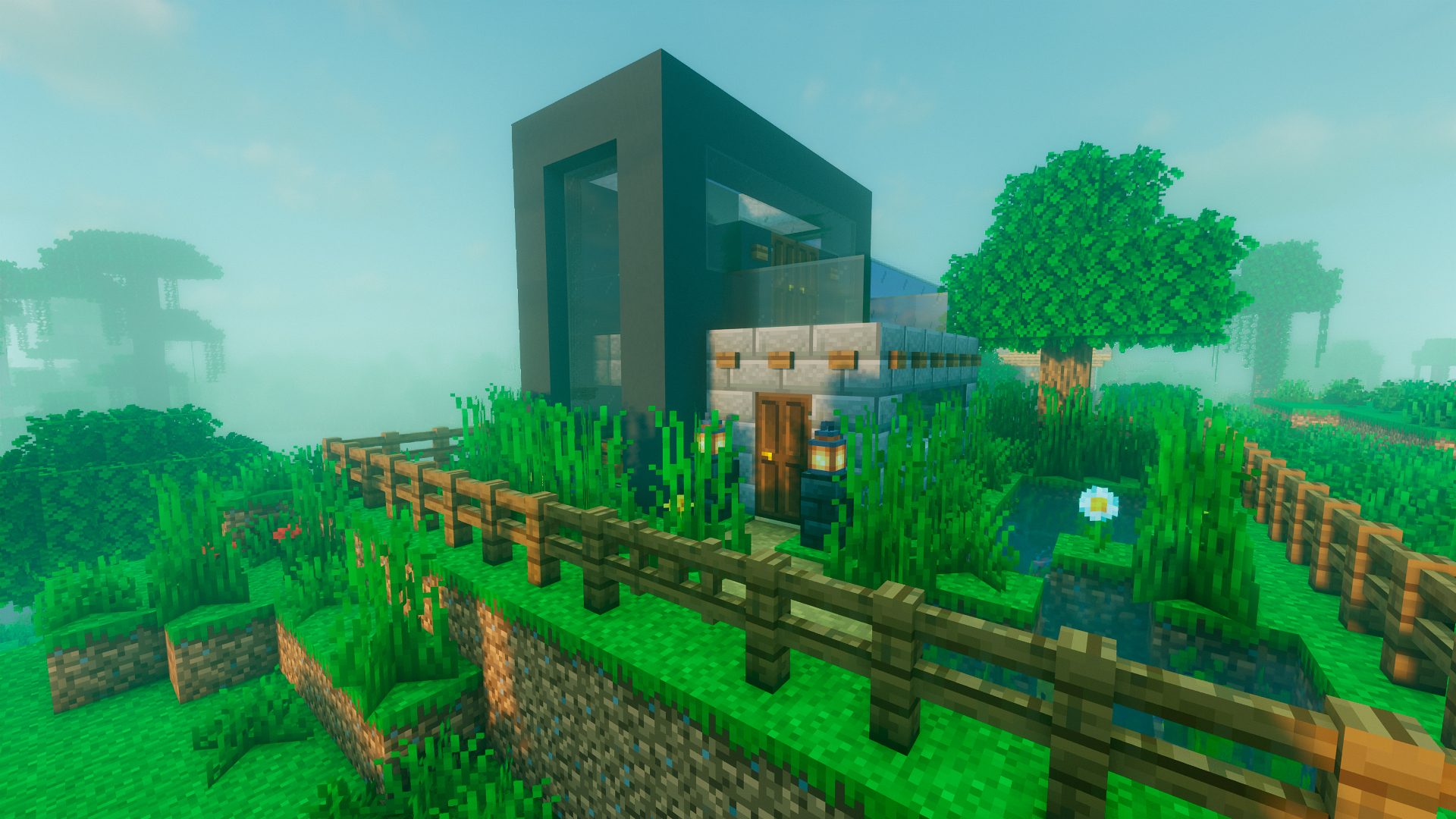 Modern house / Casa moderna Modern house / Casa moderna
 -
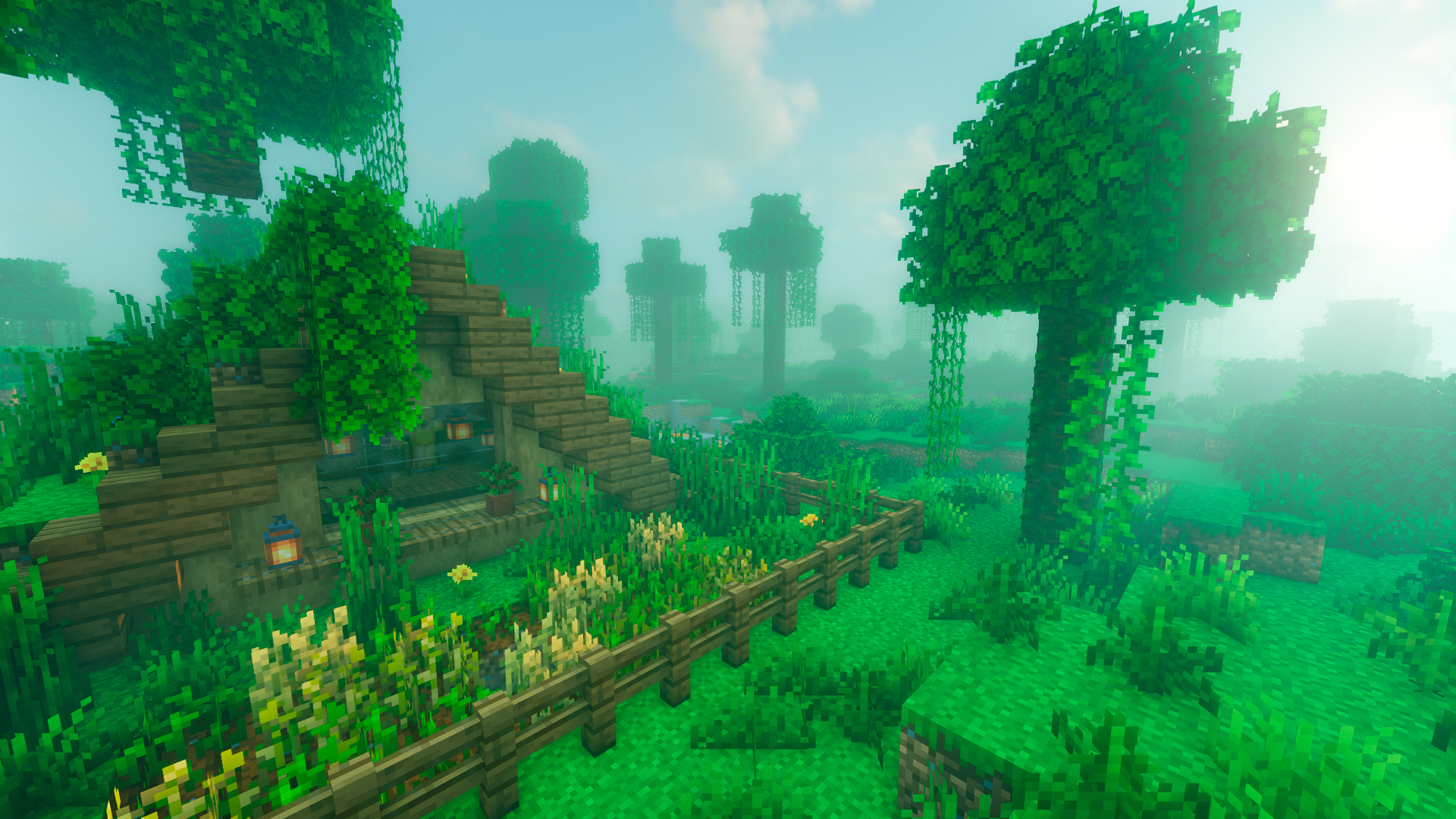 Cabaña / Bungalow Cabaña / Bungalow
 -
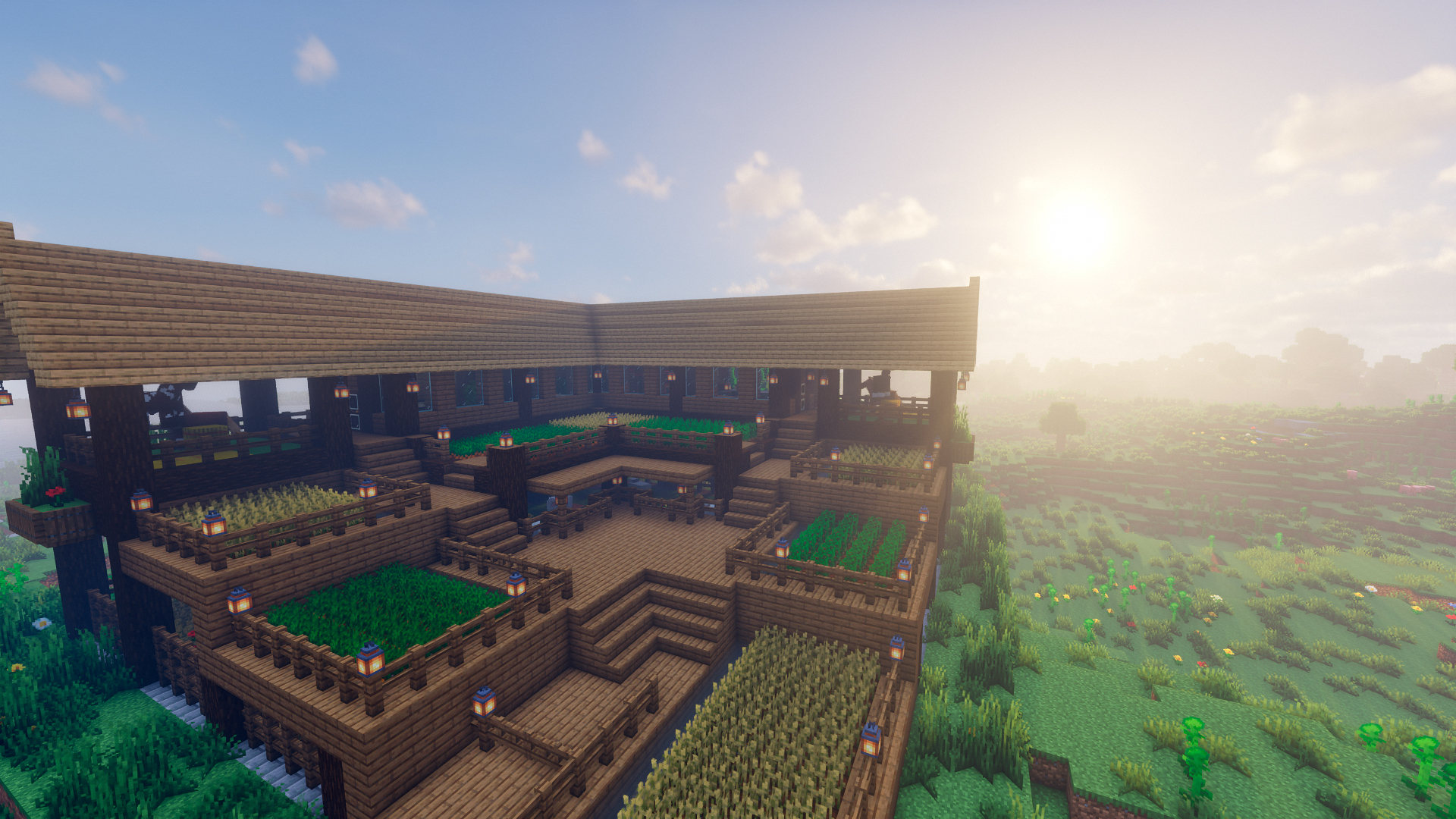 Great farm / Gran granja Great farm / Gran granja
 -
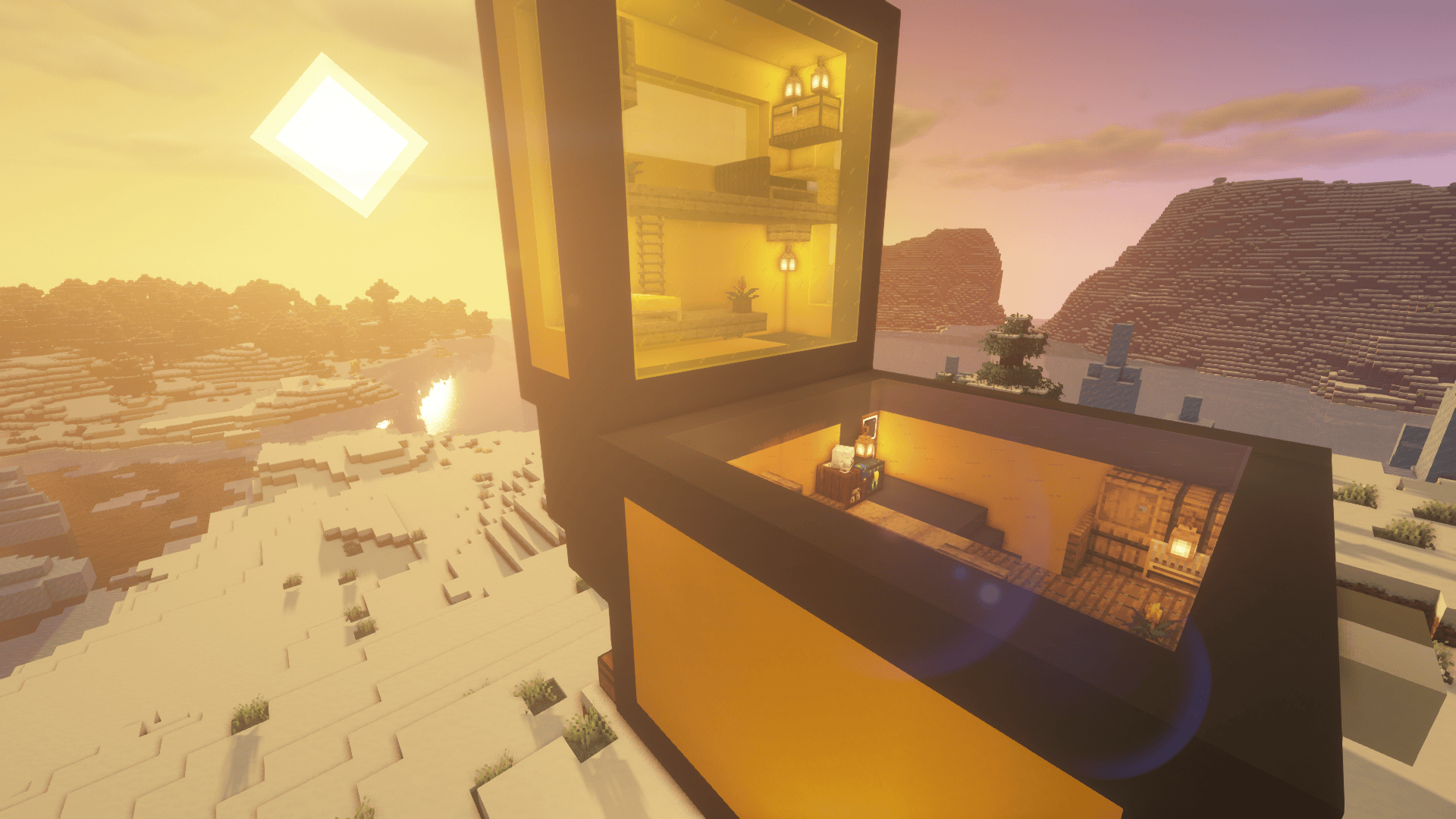 Cofre Minecraft / Minecraft chest Cofre Minecraft / Minecraft chest
 -
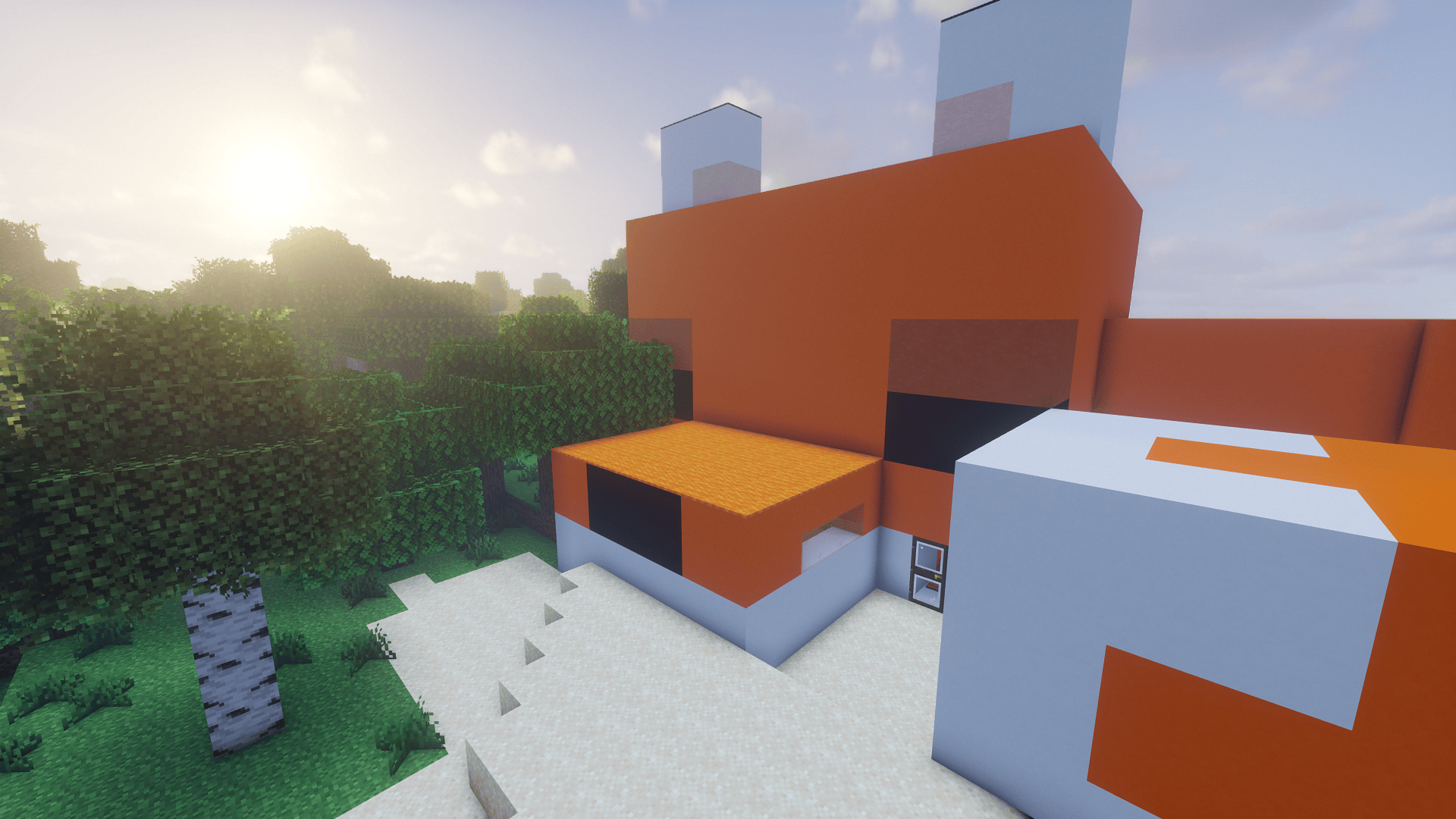 Fox house / Caza zorro Fox house / Caza zorro
 -
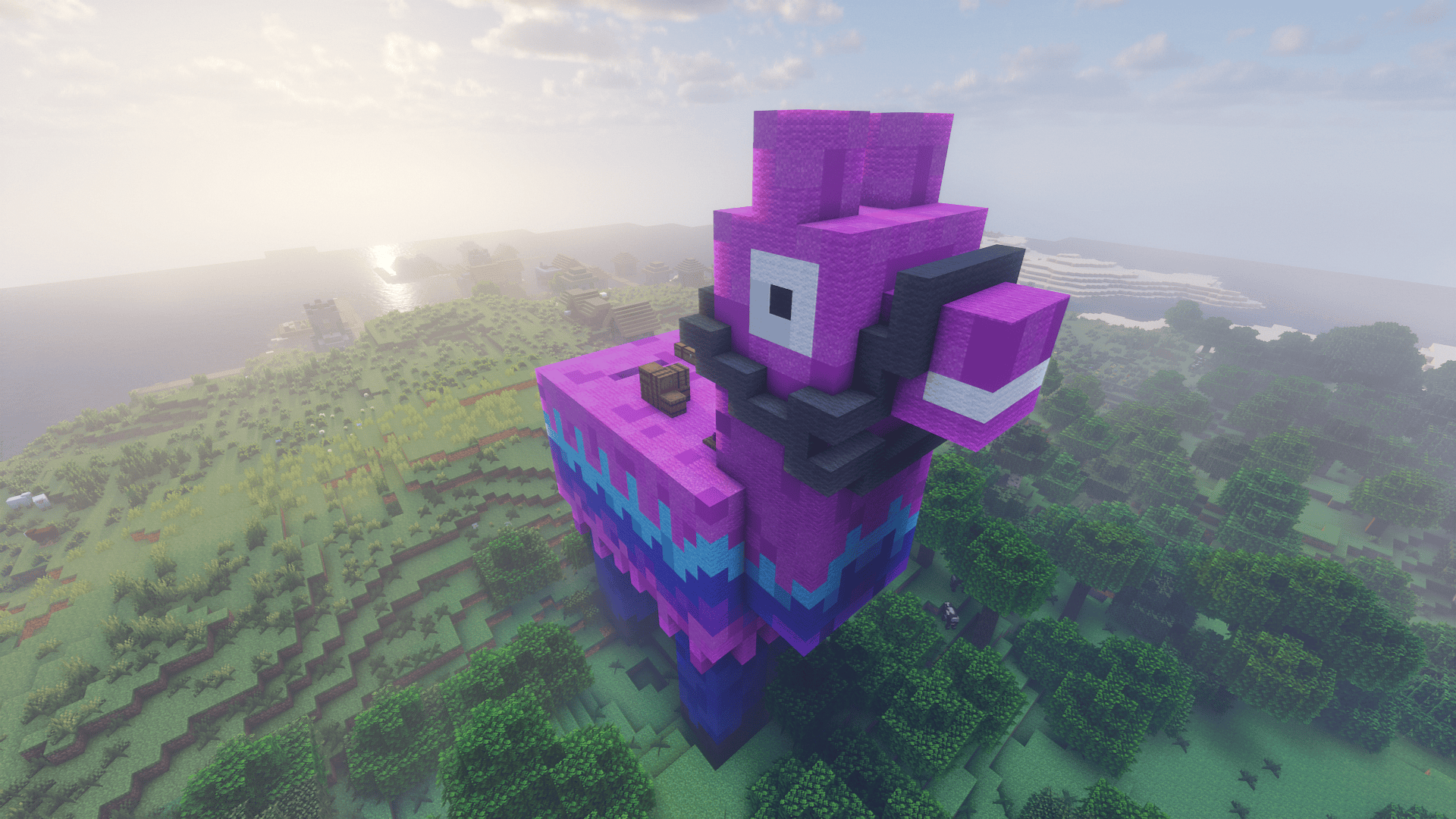 Alpaca Fortnite / Fortnite alpaca Alpaca Fortnite / Fortnite alpaca
 -
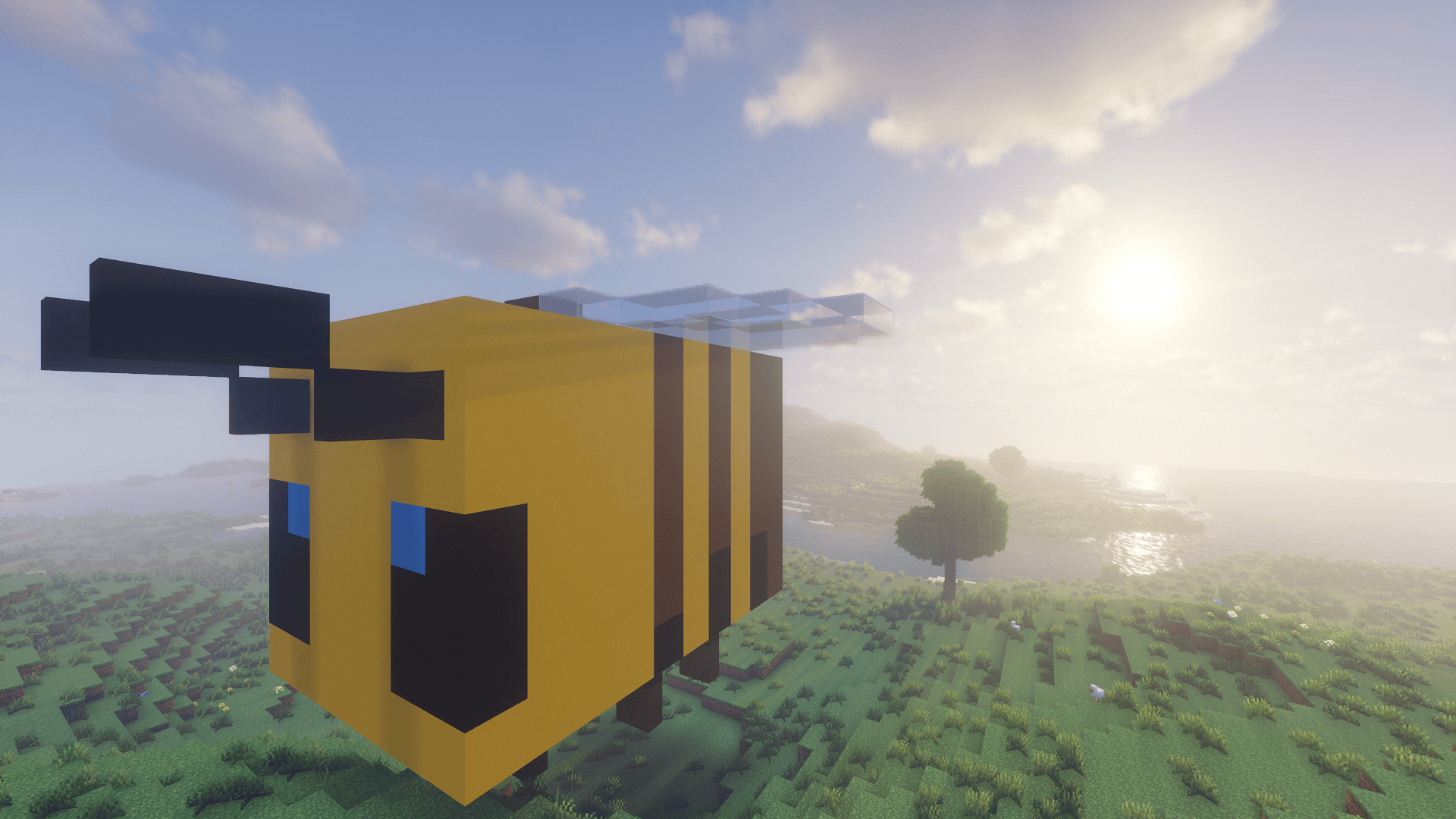 Bee / Abeja Bee / Abeja
 -
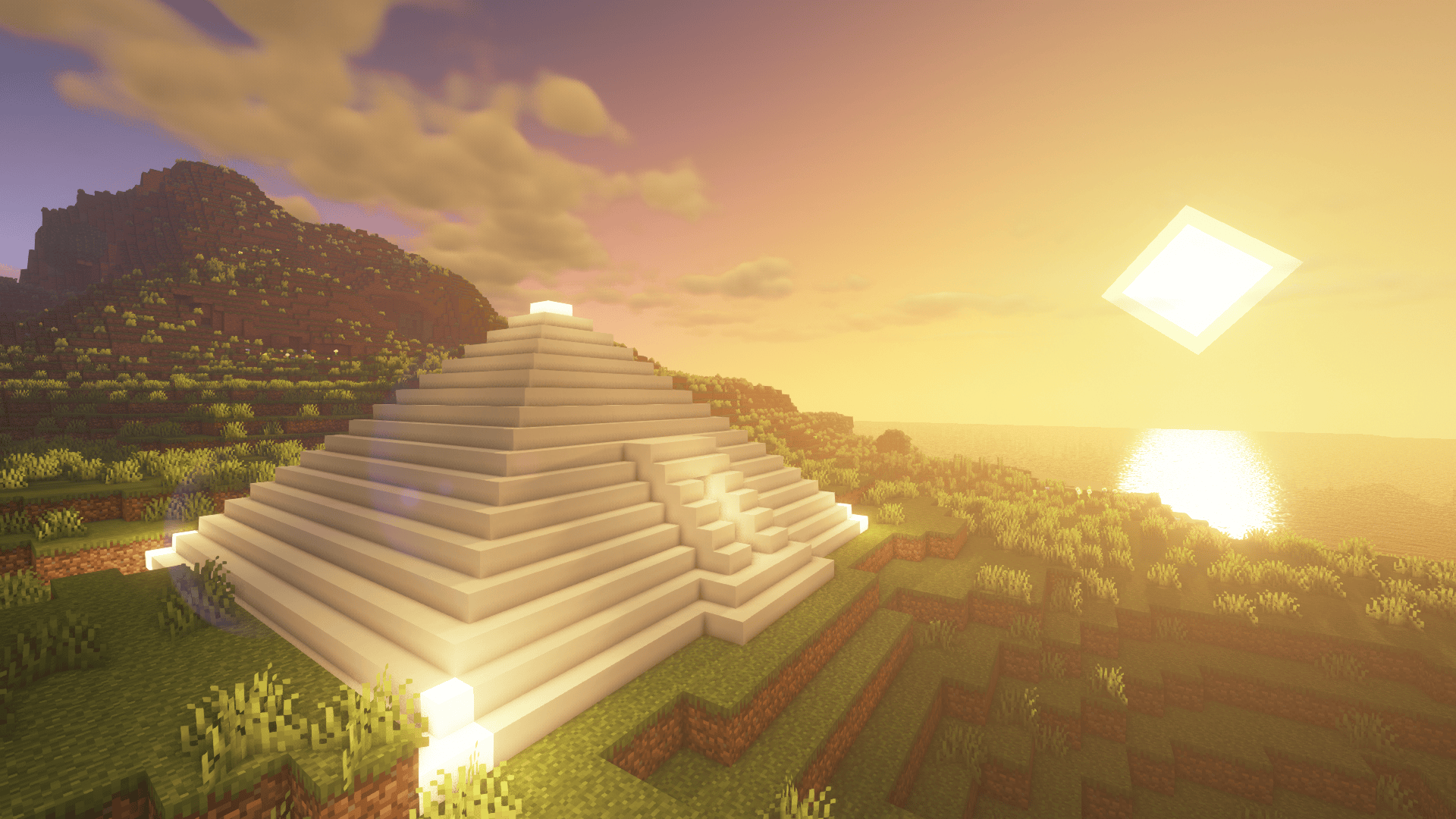 Pirámide / Pyramid Pirámide / Pyramid
Versions
Files
Relations
Project Relations
More like this
Similar Mods
Suggestions use data such as tags, dependencies, dependents, descriptions, titles, and more to rank how much they overlap with this mod.
On ModDex
Community snapshot
By the numbers
Statistics
Want to reach Minecraft players?
We're looking for a server hosting partner to feature here and other parts of the site. Interested? Send us a message!
Get in touchGet it on
Available Platforms
On ModDex
Community snapshot
By the numbers
Statistics
Resources