
CaptureZone
No reviews yet
Territory capture mod for Forge 1.20.1. Create zones, fight for control, earn rewards. Animated borders, cooldowns, fully configurable messages and HUD.
Features small, self-contained games within Minecraft.
Forge is a popular mod loader for versions 1.1+ of Minecraft.
Community voices
Reviews
Click once to include, again to exclude, again to clear
No reviews yet. Be the first to review this project!
Get it on
Available Platforms
 Modrinth
Compatibility
Supported Environments
About
Project Details
For authors
Embed Badge
If you're the author of this project, you can embed a live badge anywhere that supports HTML or Markdown. It updates automatically whenever ratings change.
Use HTML for any page that supports it, or Markdown for README files and Markdown-based descriptions.
Identifiers
Platform IDs
Resources
External Links
About
Description
CaptureZone
CaptureZone is a Minecraft Forge mod that adds a fully configurable territory capture system to your server. Create custom zones, set up rewards, and let players fight for control!
⚑ Features
- Create capture zones of any size anywhere in the world
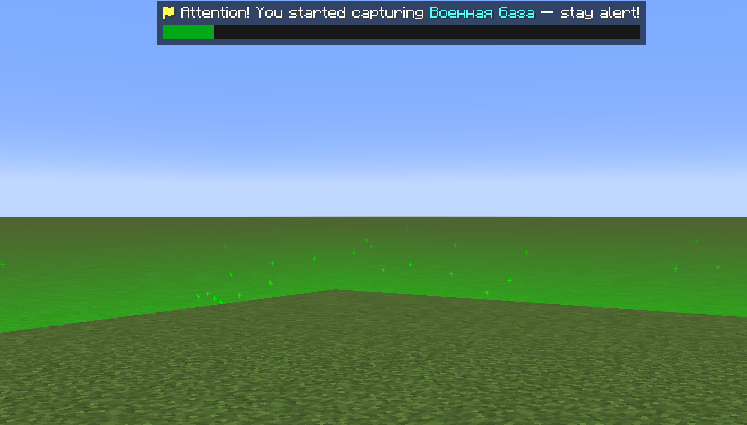
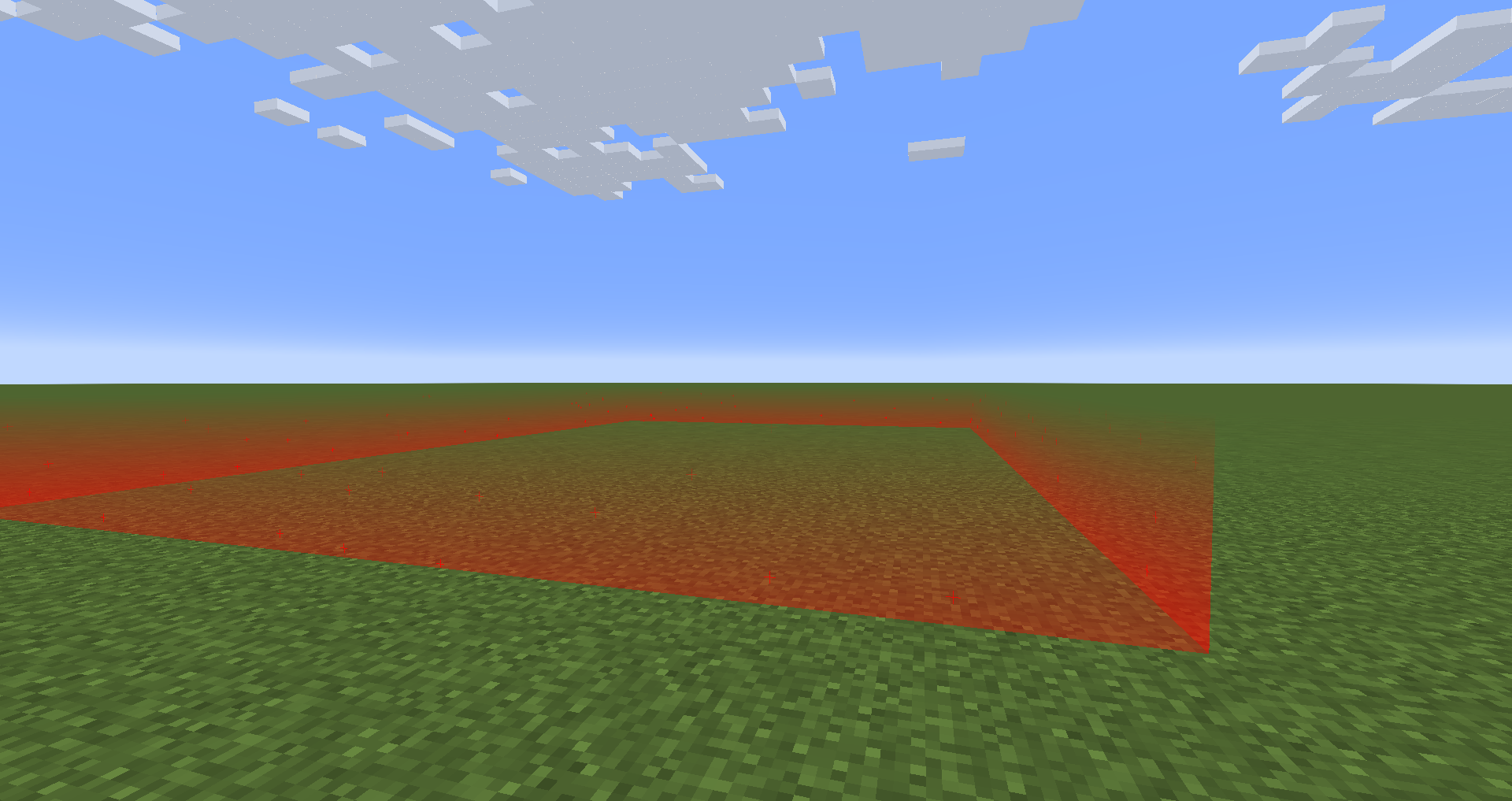
- Animated zone borders — red (available), green (capturing), blue (on cooldown)
- Progress bar HUD with custom PNG textures
- Item & command rewards for capturing a zone
- Cooldown system — zones become unavailable for a configurable time after capture
- Minimum player requirement — zones stay locked until enough players are online
- Rollback system — progress resets if the capturer dies or leaves the zone
- Fully configurable messages with color codes and placeholders
- No restart needed — reload config with
/womzone reload
🛠 Commands
| Command | Description |
|---|---|
/womzone pos1 |
Set first corner of the zone |
/womzone pos2 |
Set second corner of the zone |
/womzone create <name> |
Create a zone from selected corners |
/womzone delete <name> |
Delete a zone |
/womzone reload |
Reload all configs without restart |
/womzone delay |
Show active cooldowns |
/womzone checkzone |
List all zones |
/womzone checkzone <name> |
Show info about a specific zone |
Permission level required: 2 (operator)
⚙ Zone Configuration
Each zone is stored as a JSON file in config/CaptureZone/zones/:
{
  "name": "base",
  "world": "minecraft:overworld",
  "nameworlds": "Raid",
  "namelocation": "Military Base",
  "captureSeconds": 120,
  "cooldownSeconds": 300,
  "playerresetSeconds": 30,
  "maxPlayers": 10,
  "rewardItems": [
    { "itemId": "minecraft:diamond", "amount": 1, "chance": 100.0 }
  ],
  "rewardCommand": {
    "enabled": true,
    "command": "give %player% minecraft:emerald 1"
  }
}
💬 Messages
All HUD messages are stored in config/CaptureZone/messages.yml with full support for:
- Color codes (
§a,§c,§e, etc.) - Placeholders (
%player%,%zone%,%location%,%secs%, etc.) - Enable/disable each message individually
- Hot reload via
/womzone reload
📋 Requirements
- Minecraft 1.20.1
- Forge 47.x
Made by Сухарик
Screenshots
Gallery
Versions
Files
Relations
Project Relations
More like this
Similar Mods
Suggestions use data such as tags, dependencies, dependents, descriptions, titles, and more to rank how much they overlap with this mod.
On ModDex
Community snapshot
By the numbers
Statistics

Want to reach Minecraft players?
We're looking for a server hosting partner to feature here and other parts of the site. Interested? Send us a message!
Get in touchGet it on
Available Platforms
On ModDex
Community snapshot
By the numbers
Statistics
Resources