
Community listing page, reviews here may not be monitored by the author.
Carpet MITE

- De6risMember
,
- hahahhaMember
,
- huanglanmuMember
,
- Inf1nltyMember
,
- jeffyjamzhdMember
,
- JWXHWMember
,
- Life_livingMember
,
- vb1dra_6847Member
,
- Xy_LuceMember
No reviews yet
Modify the world's tick rate and add fake players.
Community voices
Reviews
No reviews yet. Be the first to review this project!
Get it on
Available Platforms
Compatibility
Supported Environments
Must be installed on both the client and the server.
About
Project Details
For authors
Embed Badge
If you're the author of this project, you can embed a live badge anywhere that supports HTML or Markdown. It updates automatically whenever ratings change.
Use HTML for any page that supports it, or Markdown for README files and Markdown-based descriptions.
Identifiers
Platform IDs
About
Description
Carpet MITE
A powerful MITE utility mod that provides advanced features such as world tick rate manipulation and fake player management.
✨ Features
⏱️ Tick Rate & Dummy Player Control
- Time Manipulation: Modify the world's tick rate (TPS) to speed up or slow down time.
- Client-Server Sync: Advanced options to synchronize or desynchronize client and server speeds for unique effects.
- Dummy Players: Spawn, manage, and remove dummy players for testing or other purposes.
⚙️ Advanced Usage: Tick Control
This mod allows you to control the flow of time in the game. Here is how to use the speed manipulation features:
A Usage Scenario:
- First, enter
/tick clientrate sync onto synchronize the client and server speeds. - Then, enter
/tick rate 40to set both the client and server speeds to 2x (60 for 3x, 1 for 0.05x). - To restore the normal speed, enter
/tick rate 20. - Note: If you skip
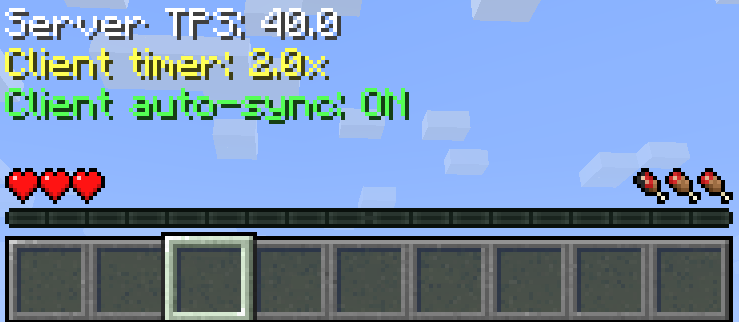
/tick clientrate sync onand directly enter/tick rate 40, only the server speed will double while the player's speed remains unchanged.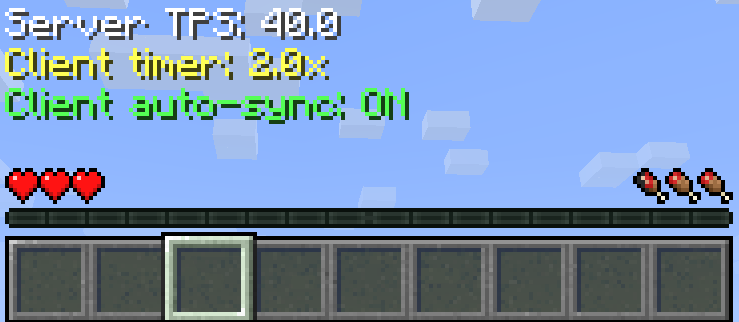
📜 Command Reference
Tick Commands
| Command | Description |
|---|---|
/tick health [ticks] |
Returns the average time the game spends on various tasks. |
/tick freeze |
Stops processing of entities, world time, block updates, and redstone. |
/tick step [ticks] |
Advances the world by a given number of game ticks while the game is frozen. |
/tick rate [tps] |
Changes the TPS (ticks per second). |
/tick clientrate [multiplier] |
Changes the client speed. |
/tick clientrate sync (on/off) |
Toggles client speed synchronization, off by default. |
/tick warp [ticks] [cmd] |
Runs the game as fast as possible for a set amount of time. |
Fake Player Commands
| Command | Description |
|---|---|
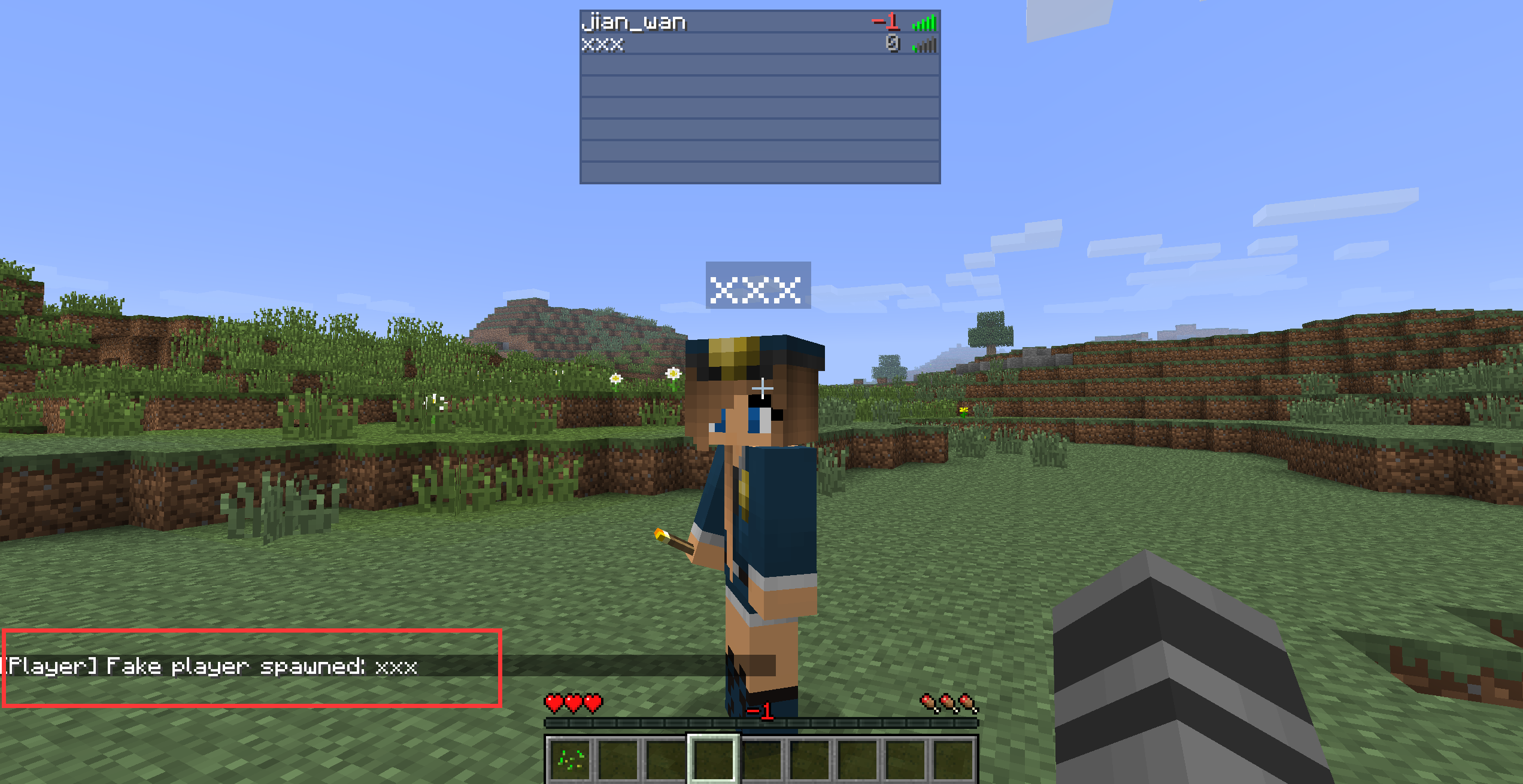
/player spawn [playername] |
Spawns a dummy player. |
/player kill [playername] |
Kills a dummy player. |
/player remove [playername] |
Removes the dummy player. |
/player list |
Lists all dummy players. |
/player invincible [playername] (on/off) |
Enable/Disable invincibility for Fake players. |
💾 Configuration
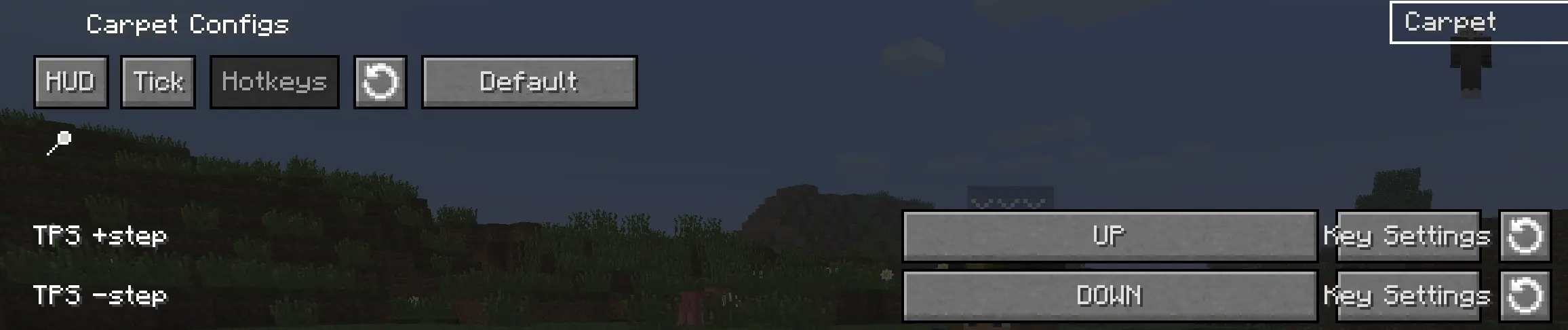
You can also enable 'Show Tick HUD', adjust the TPS step, and configure hotkeys in the mod's configuration screen.


Screenshots
Gallery
Versions
Files
Relations
Project Relations
More like this
Similar Mods
Suggestions use data such as tags, dependencies, dependents, descriptions, titles, and more to rank how much they overlap with this mod.
On ModDex
Community snapshot
By the numbers
Statistics

Want to reach Minecraft players?
We're looking for a server hosting partner to feature here and other parts of the site. Interested? Send us a message!
Get in touchGet it on
Available Platforms
On ModDex
Community snapshot
By the numbers