Community listing page, reviews here may not be monitored by the author.
Cartography


No reviews yet
TFC / Blaze Map advanced mapping. Successor to Mineral Tracker.

Community voices
Reviews
No reviews yet. Be the first to review this project!
Get it on
Available Platforms
Compatibility
Supported Environments
Required on the client. Installing it on the server adds functionality.
About
Project Details
For authors
Embed Badge
If you're the author of this project, you can embed a live badge anywhere that supports HTML or Markdown. It updates automatically whenever ratings change.
Use HTML for any page that supports it, or Markdown for README files and Markdown-based descriptions.
Identifiers
Platform IDs
About
Description

What is Cartography?
Cartography extends Blaze Map, adding new map types with extra information.
The primary focus is to support the gameplay of TerraFirmaCraft, but ultimately replacing MineralTracker in terms of Immersive Engineering integration as well.
It is available for 1.18.2 and will follow whatever version TFC and Blaze Map next release in.
Don't ask about 1.12.2.
Can you be more specific?
Geological Mapping: keep track of the top most rock layer (if in a place a ravine cuts through it, you'll see the rock on the second layer in the map). Ore findings will be displayed on this map.
Ecosystem Mapping: keep track of the soil types. Animals, [fruit / resource] trees and plants that you mark on the map will also be displayed here. Regular trees are automatically marked on this map, aggregated per region.
Isohyetal / Isothermal Mapping: map the average temperature and rainfall of explored areas. Displays lines when thresholds are crossed.
Join us on Discord!


Cartography is the mapping mod designed to work with TerraFirmaCraft. Built on top of Blaze Map, Cartography provides additional maps to help you navigate your TFC world, including rock types, temperature, and rainfall.
Cartography allows you to track "discoveries" such as ores and crops, automatically adding them to your map when you click them. This removes the need to manually add waypoints for areas you wish to return to in the future. You can also filter your discoveries to find what you need using the search box on the World Map screen.
Cartography currently actively supports both the 1.18.2 and the 1.20.1 versions of TFC. For similar functionality in 1.12.2, see MineralTracker (also by LordFokas).
For more information on how to use Cartography, see the description of Blaze Map.
FAQs:
Can I use Cartography with a different mapping mod?
Cartography is built as an extension of Blaze Map and uses the tools Blaze Map provides to do its mapping, so it must be present for Cartography to work.
However, Cartography + Blaze Map have no issues running in the same world as other mapping mods! If you prefer a minimap provided by another mapping mod, you can turn off the one provided by Blaze Map using /blazemap minimap off.
Why don't the buttons on the map show if they're selected or not?
This is a known incompatibility with the mod FancyMenu. The buttons still work, they just don't change to yellow when enabled if FancyMenu is present. This is not something we can fix on the Cartography side.
Why can't I see my discoveries after I've clicked on them?
Ore discoveries only display on the Geology map layer, and crop/fruit tree discoveries only display on the Ecosystems layer. Make sure you're on the correct layer, and if bugs still persist, please contact us to let us know!
Something else seems broken?
Please tell us! You can either raise an issue on GitHub or come chat with us directly on Discord. We can't fix what we don't know is broken!
Be sure to include a mod list with version numbers when reporting. If you have a crash report or a latest.log to attach, this version information will be included in that. Also, if you can /blazemap debug on and take a screenshot of that, that will make it a lot easier for us to narrow down the problem.
Do you support NeoForge?
While we do not actively produce NeoForge builds, we build the 1.20 version of our mod against the same version of Forge as TFC, which was released before the Forge/NeoForge split. While we can't guarantee the build will also work in NeoForge, theoretically it should be ok.
Screenshots
Gallery
-
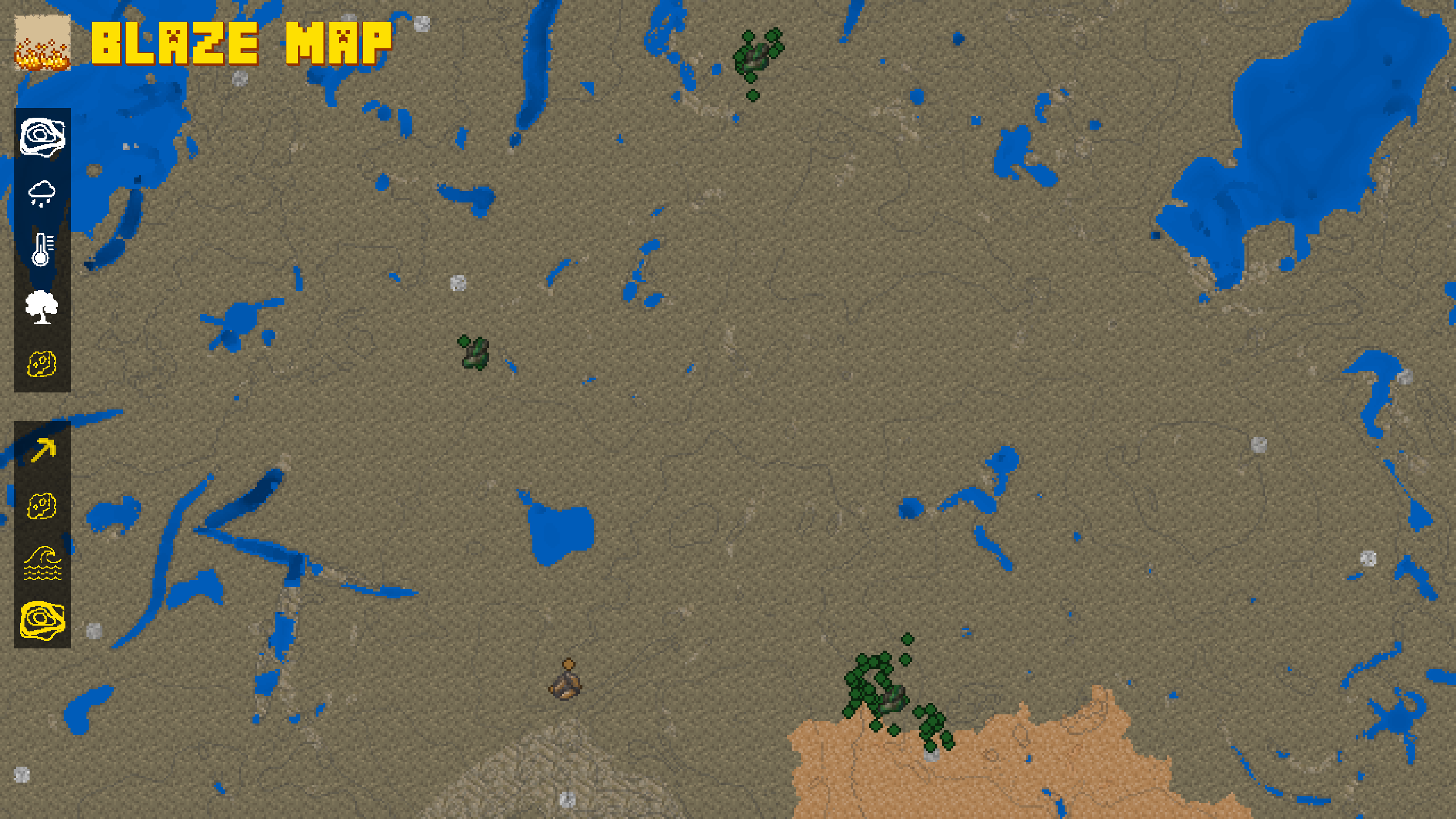 more nugget tracking
 -
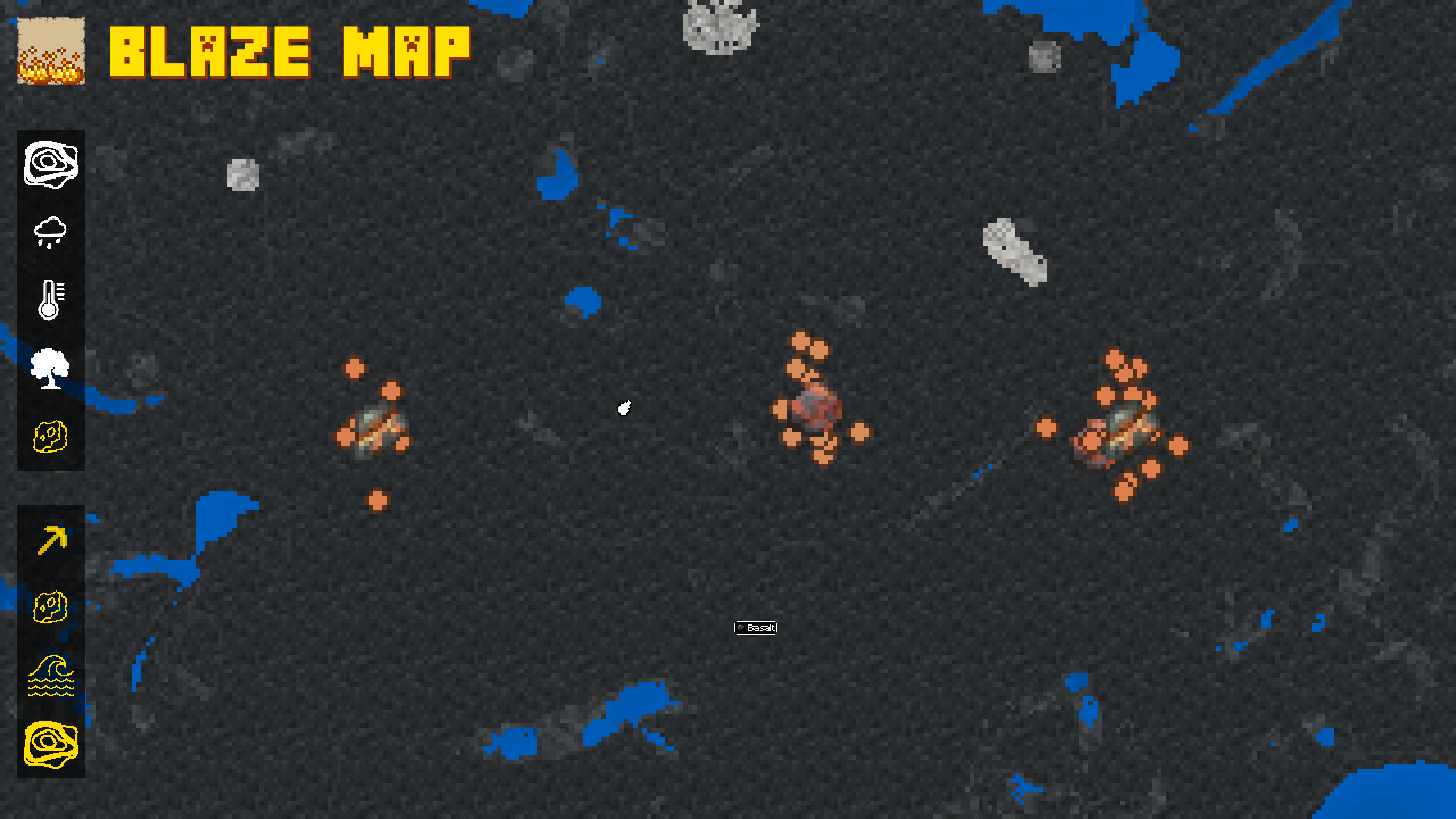 the crown jewel... coming soon
 -
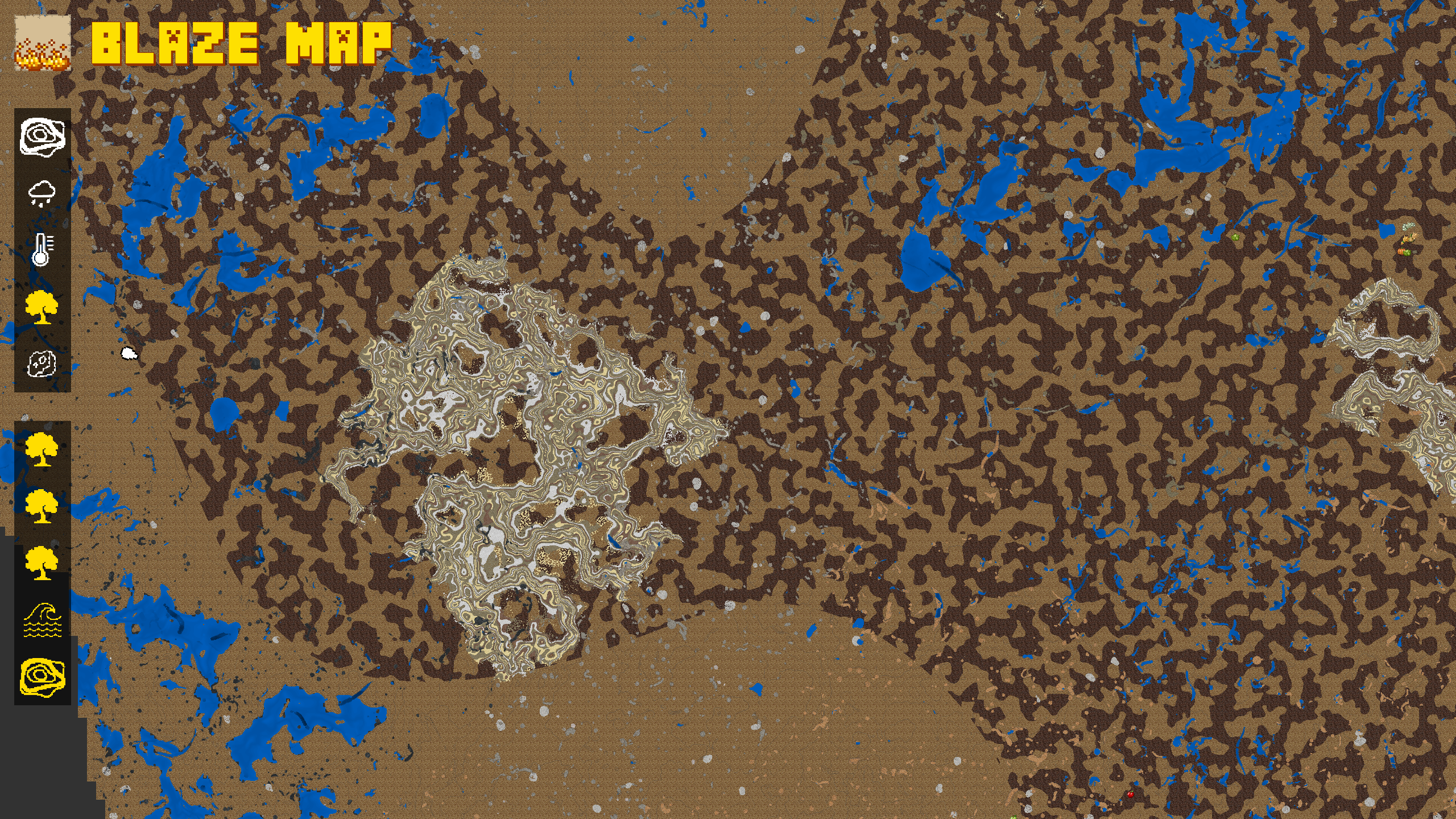 ecosystem map (WIP)
 -
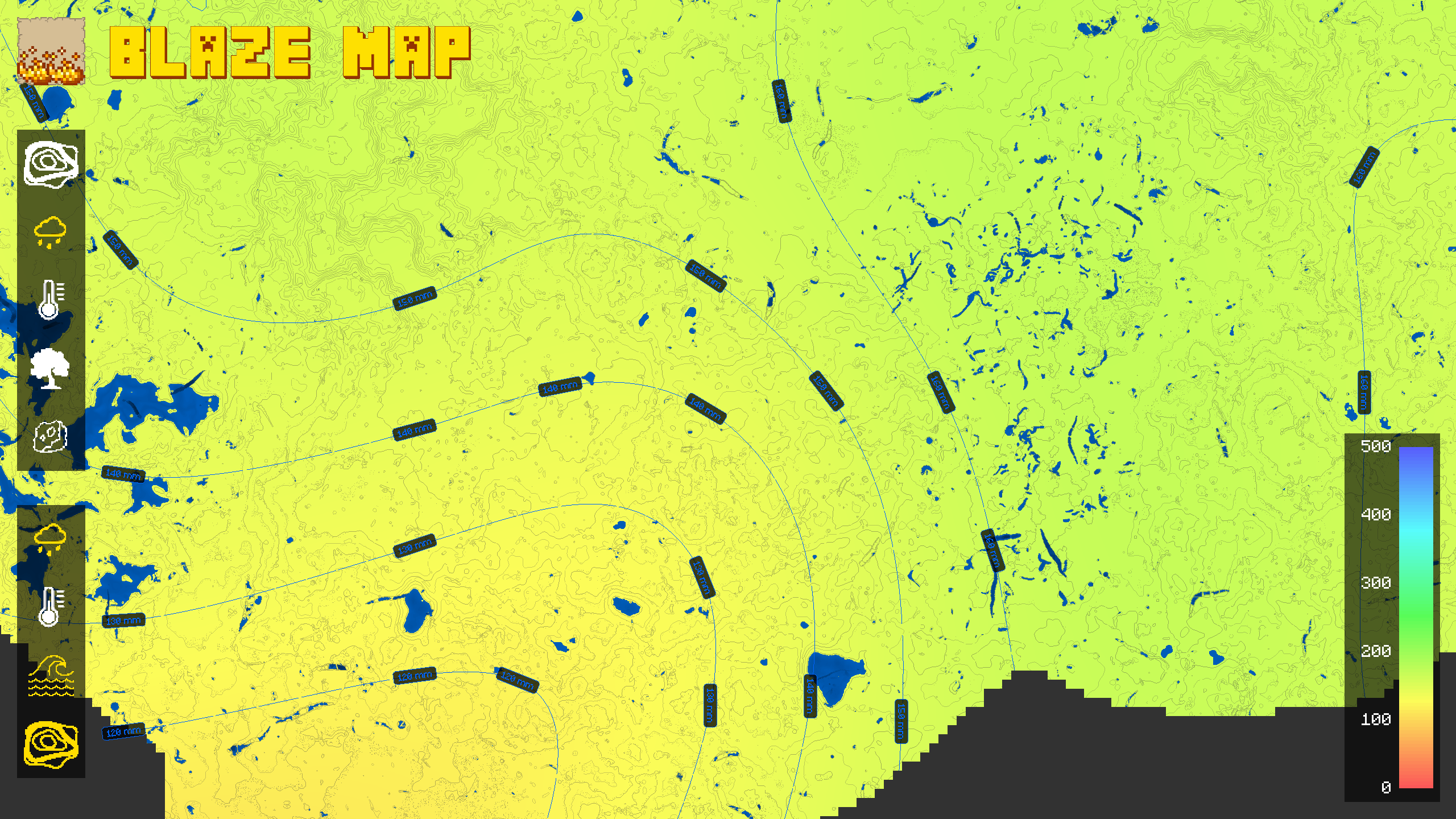 rainfall map (isohyetal)
 -
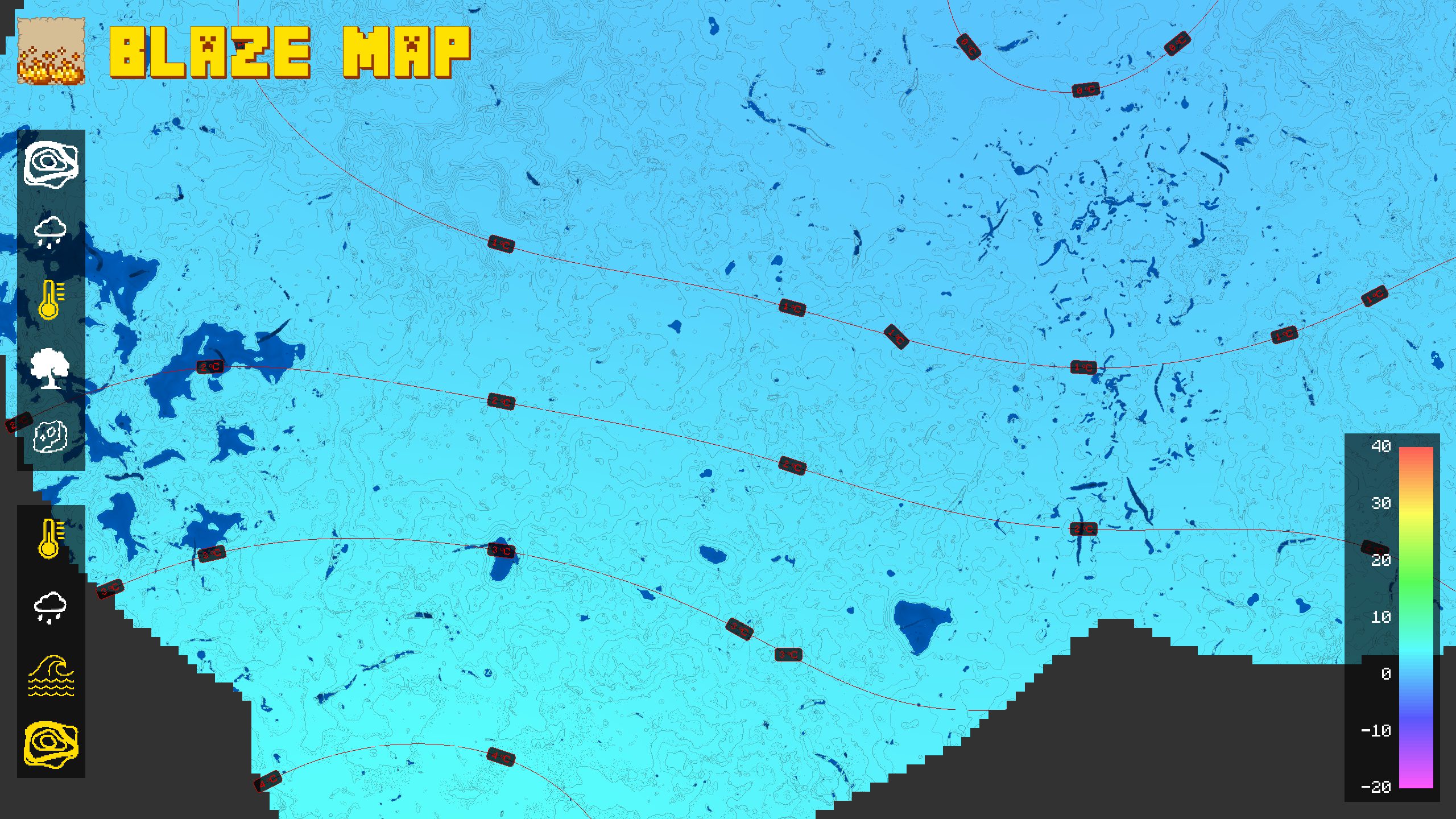 temperature map (isothermal)
 -
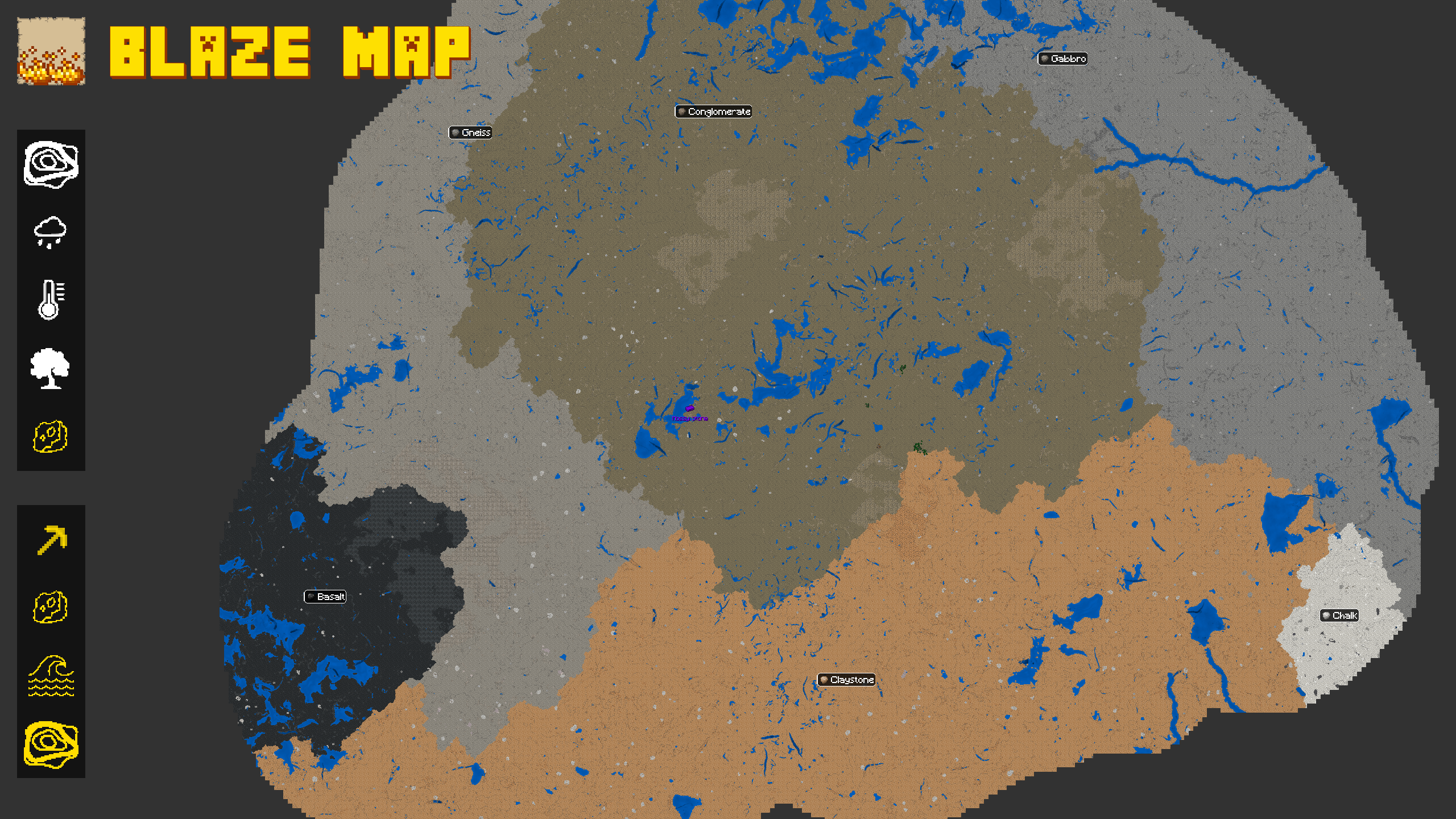 15 sq km (5 x 3) worth of rock layers
-
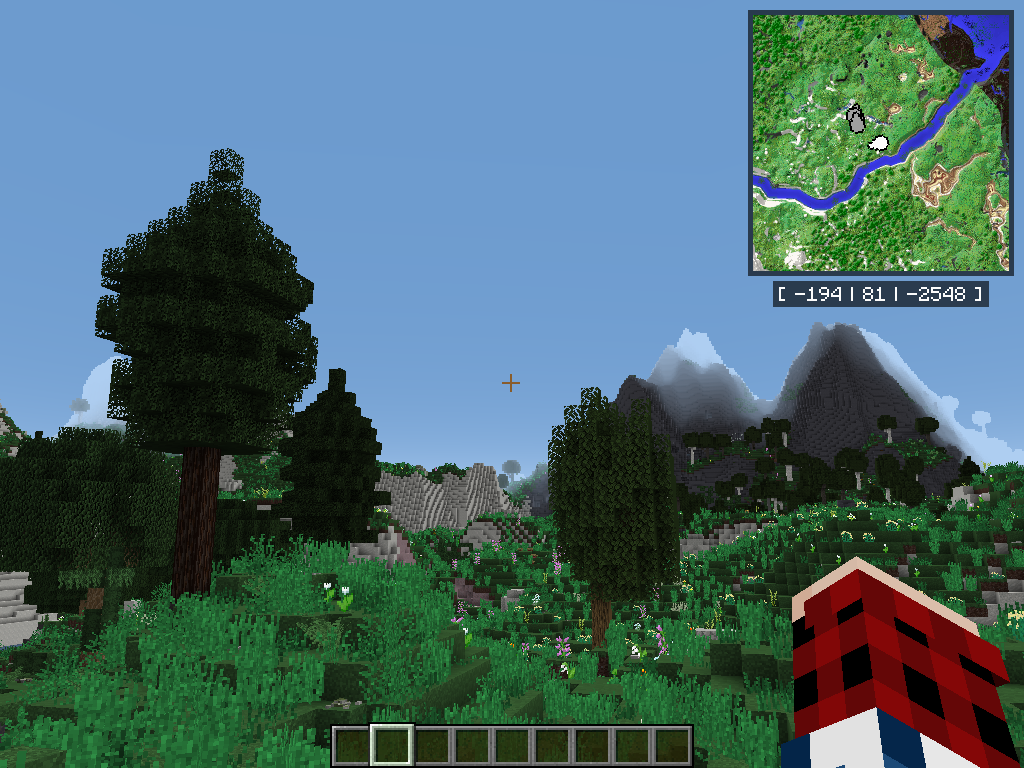 Minimap Cartography is built on top of Blaze Map and so inherits Blaze Map's inbuilt features, such as its minimap
 -
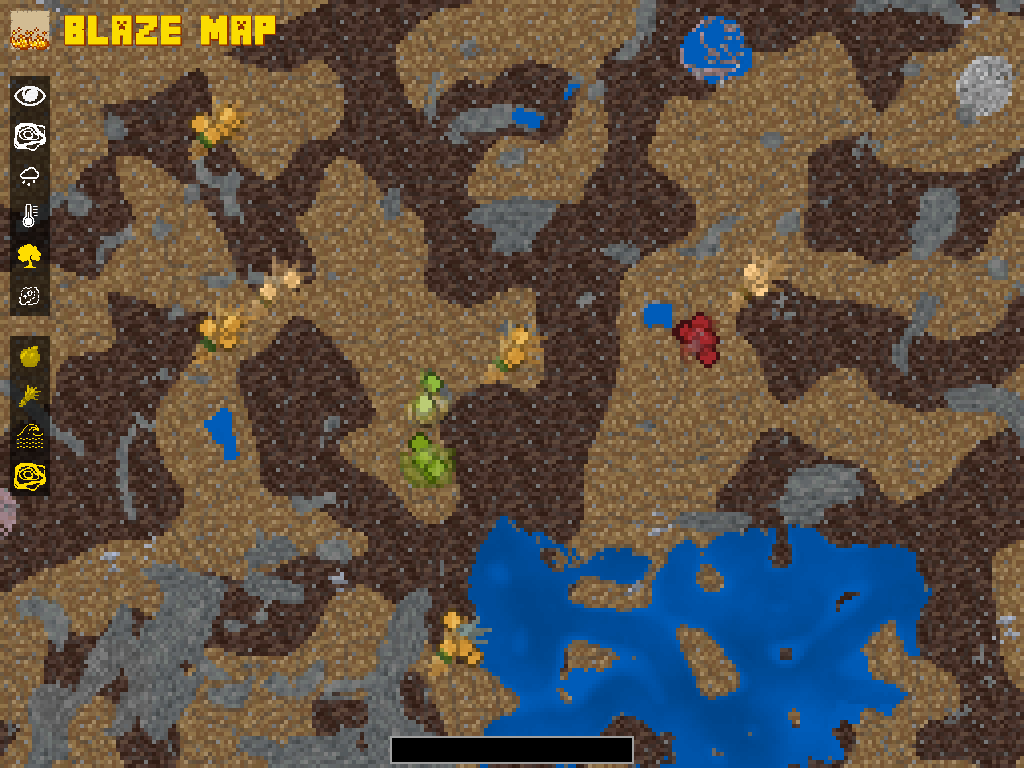 Crop Markers
 -
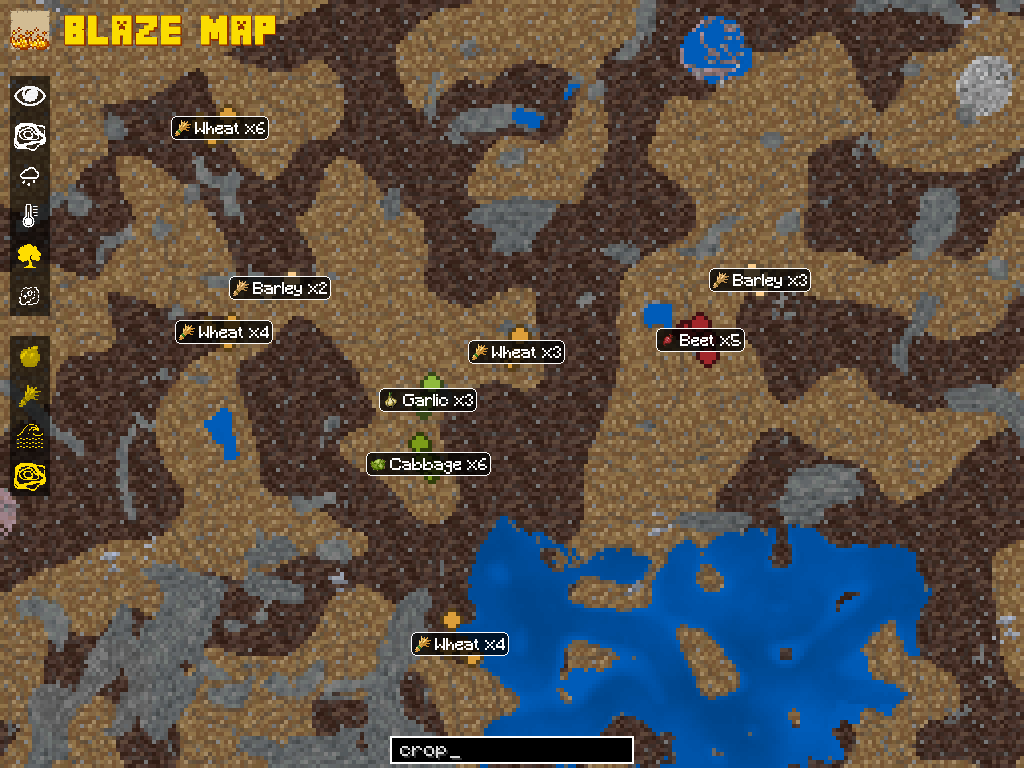 Crop Search
 -
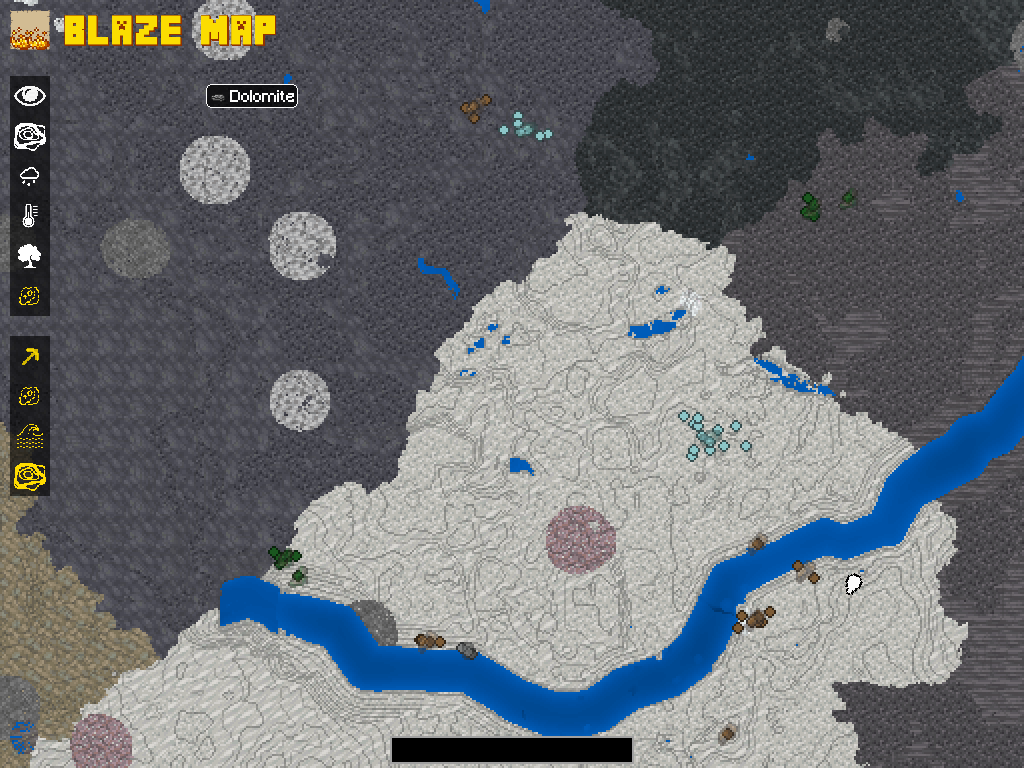 Ore Markers
 -
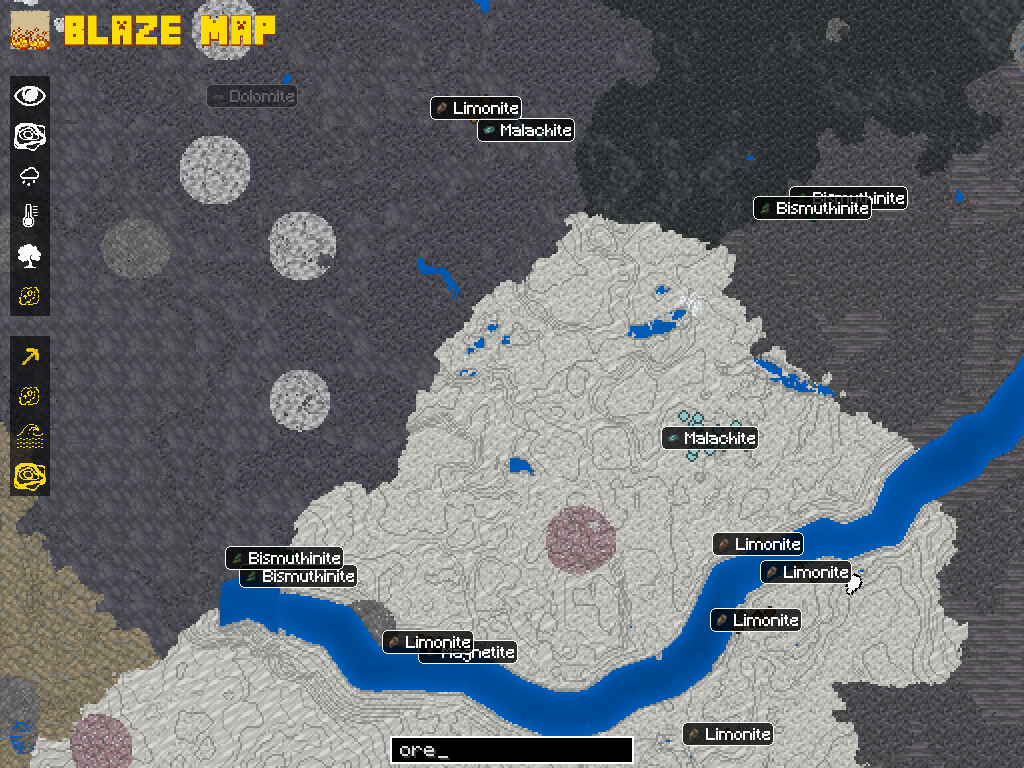 Ore Search
 -
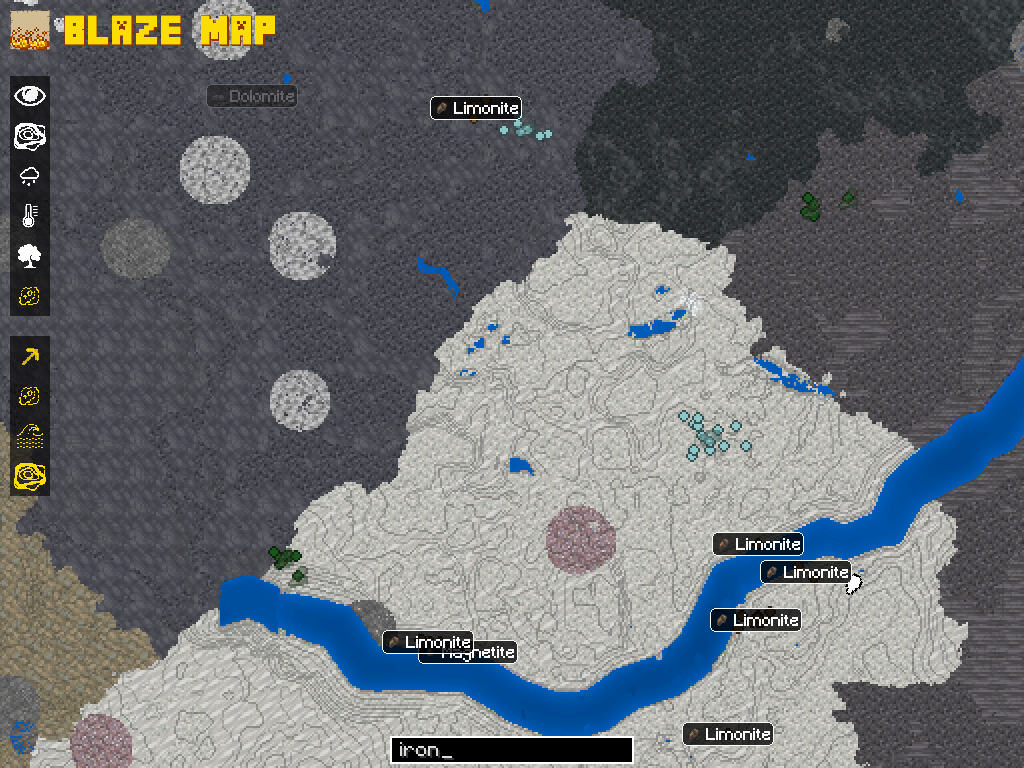 Ore Search Iron
 -
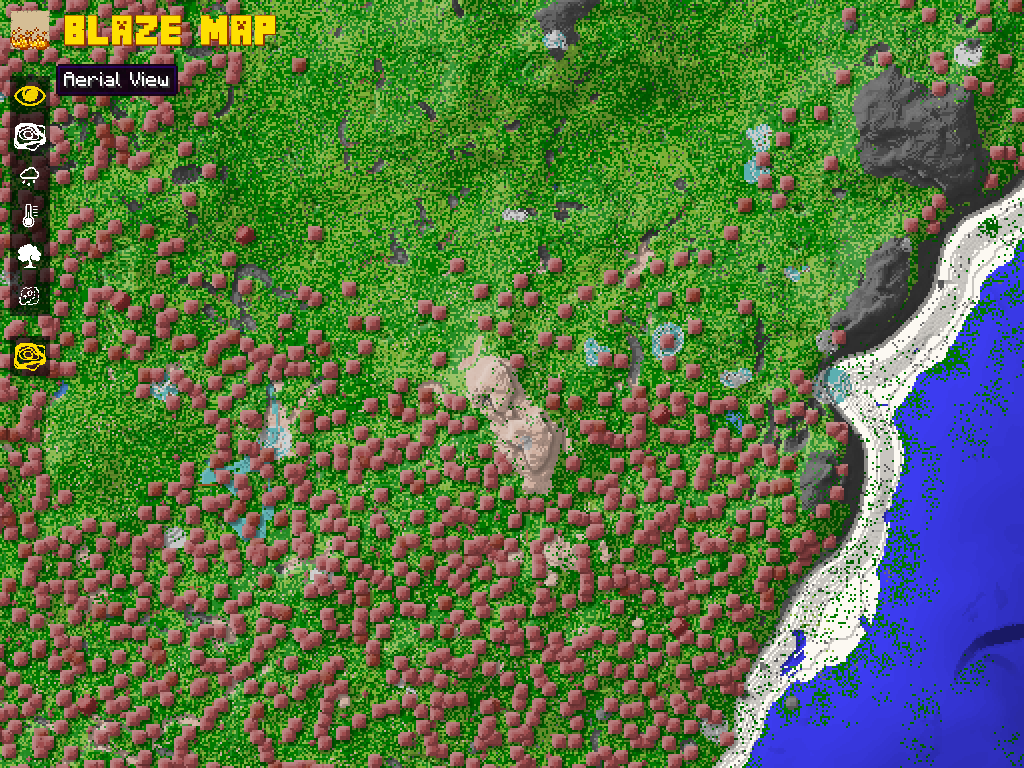 Aerial View 1 Built-in Blaze Map map type, untouched by Cartography.
 -
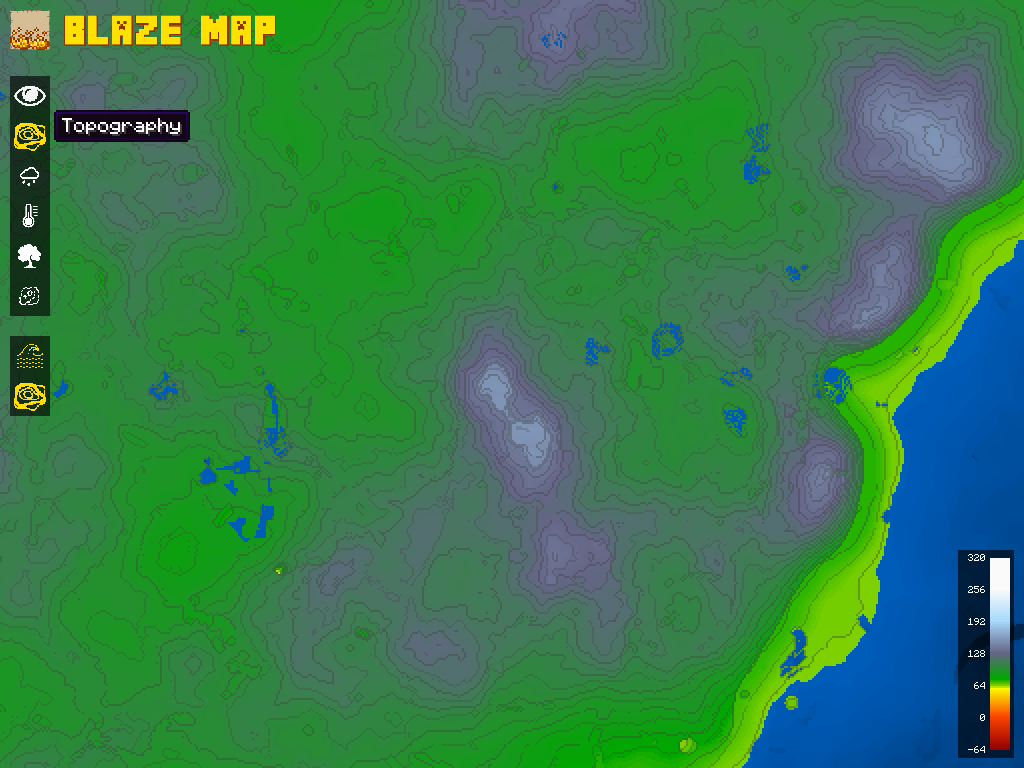 Topography 1 Built-in Blaze Map map type, untouched by Cartography.
 -
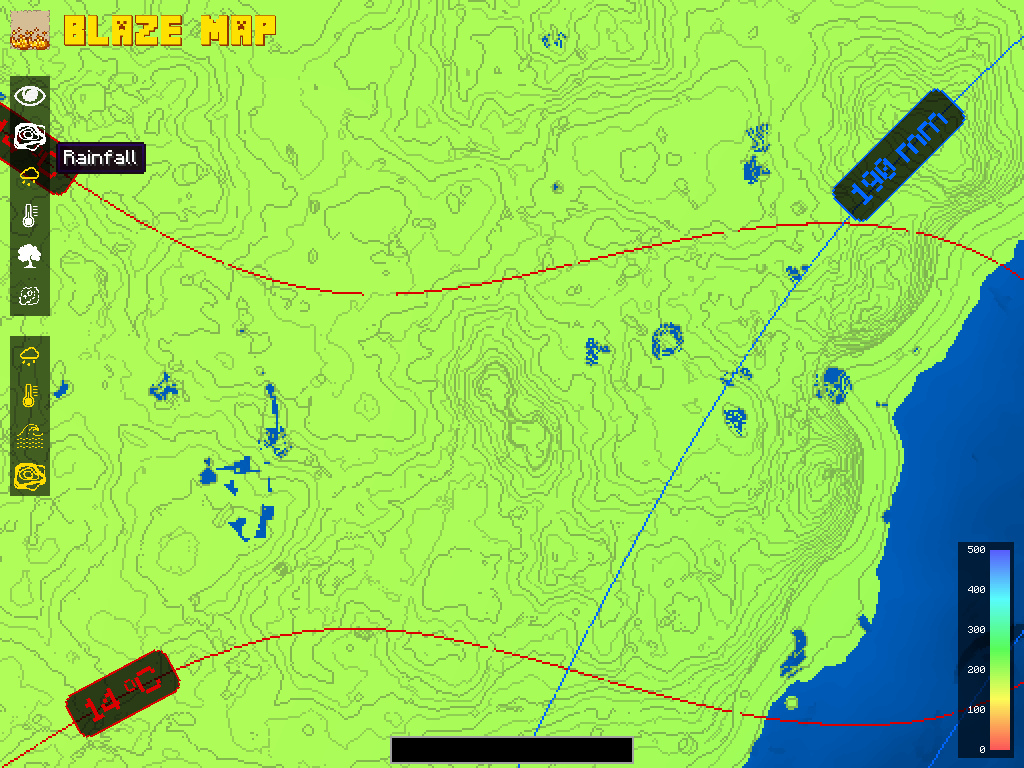 Rainfall 1
 -
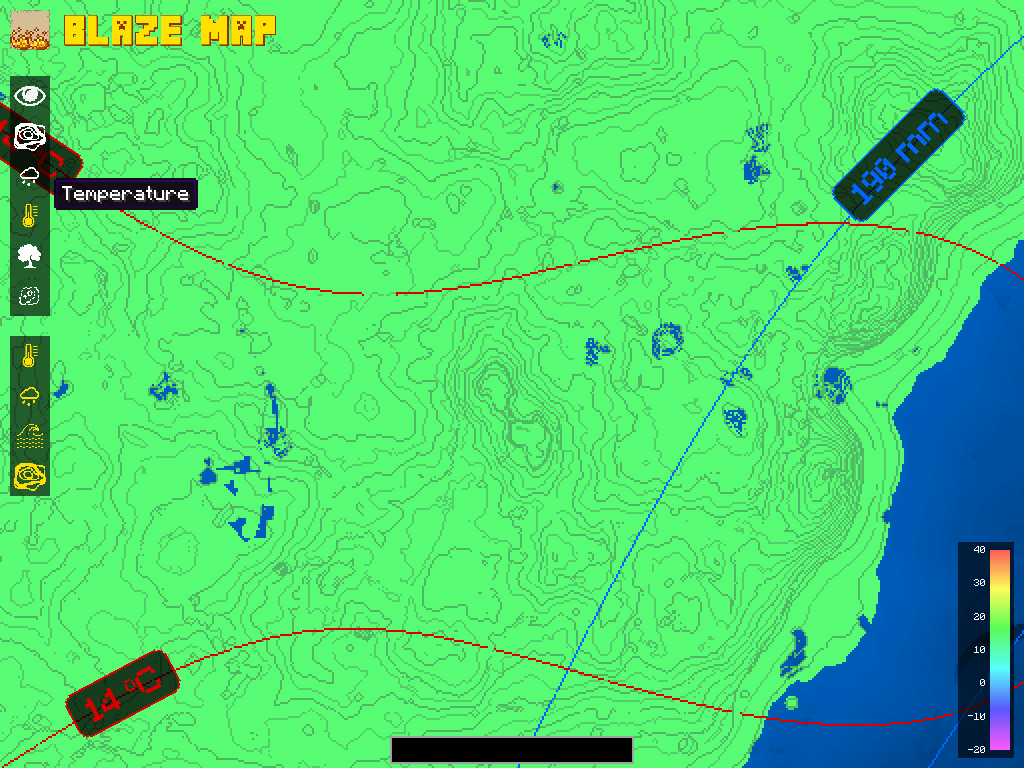 Temperature 1
 -
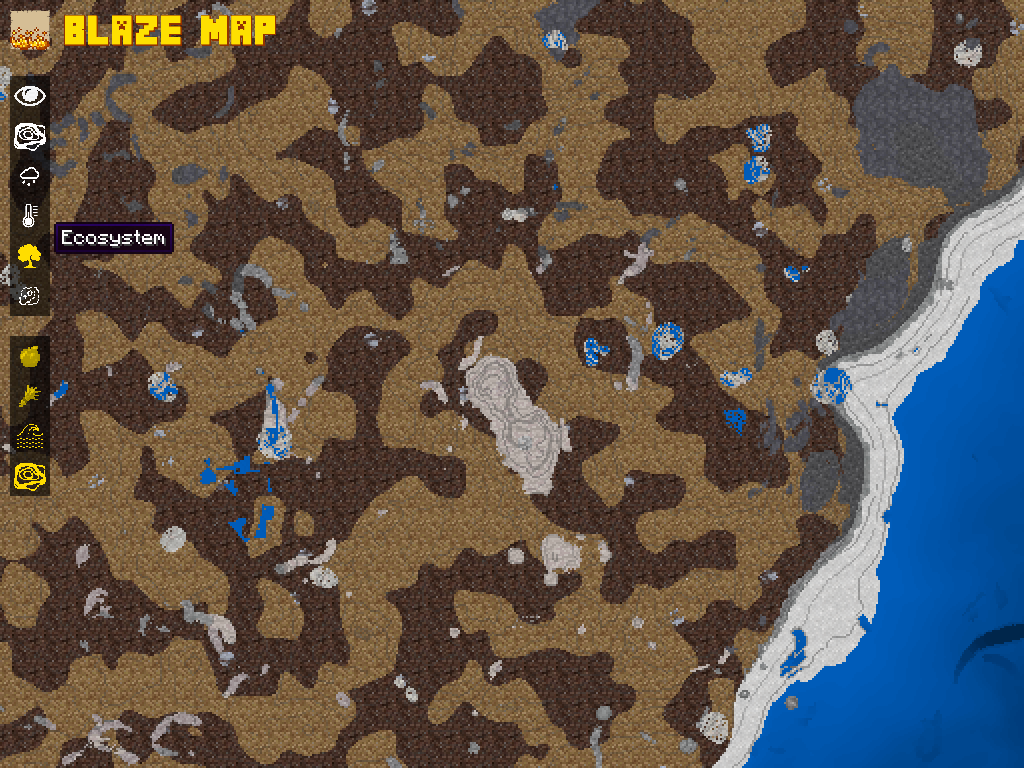 Ecosystem 1
 -
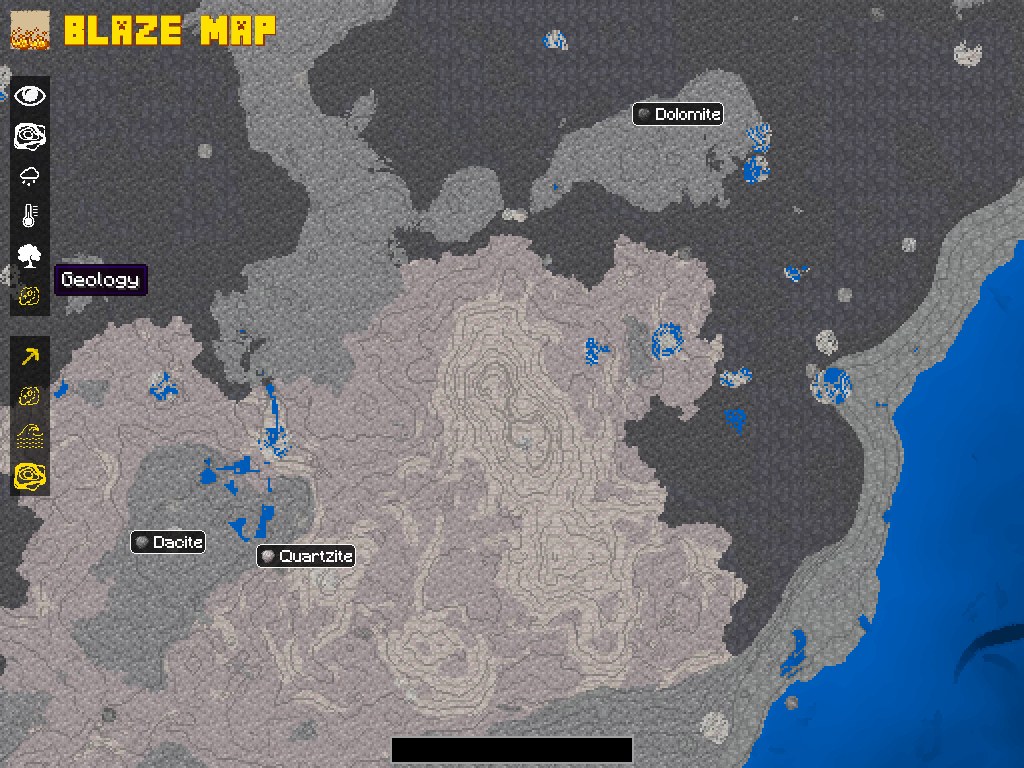 Geology 1
 -
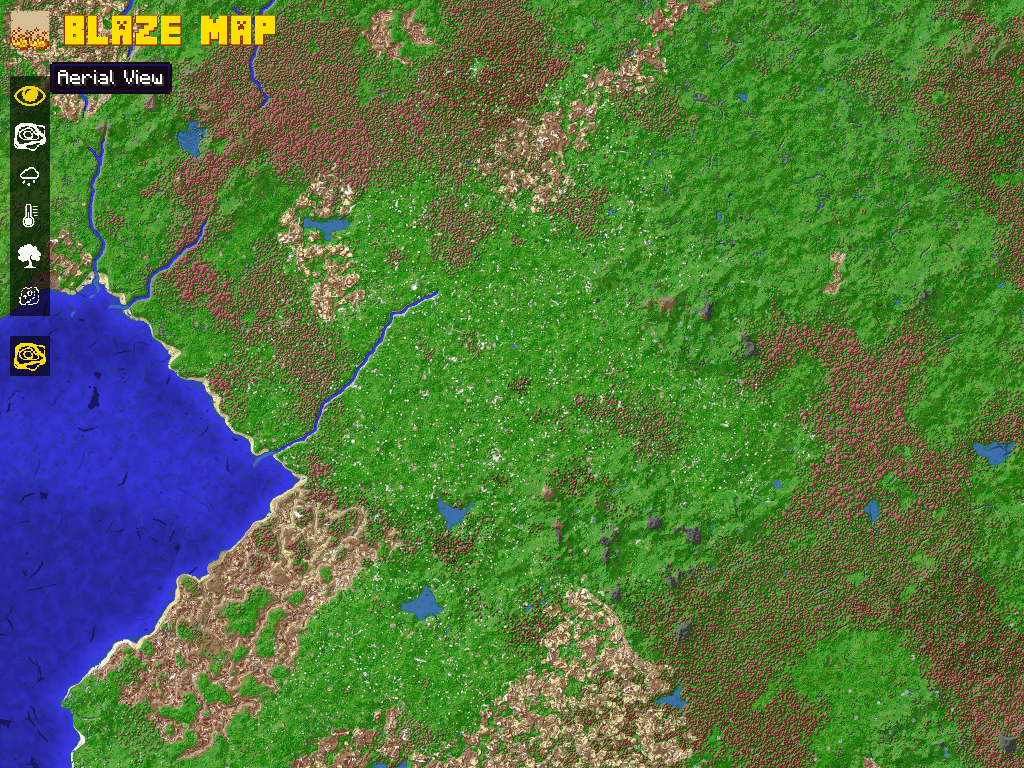 Aerial View 2 Built-in Blaze Map map type, untouched by Cartography.
 -
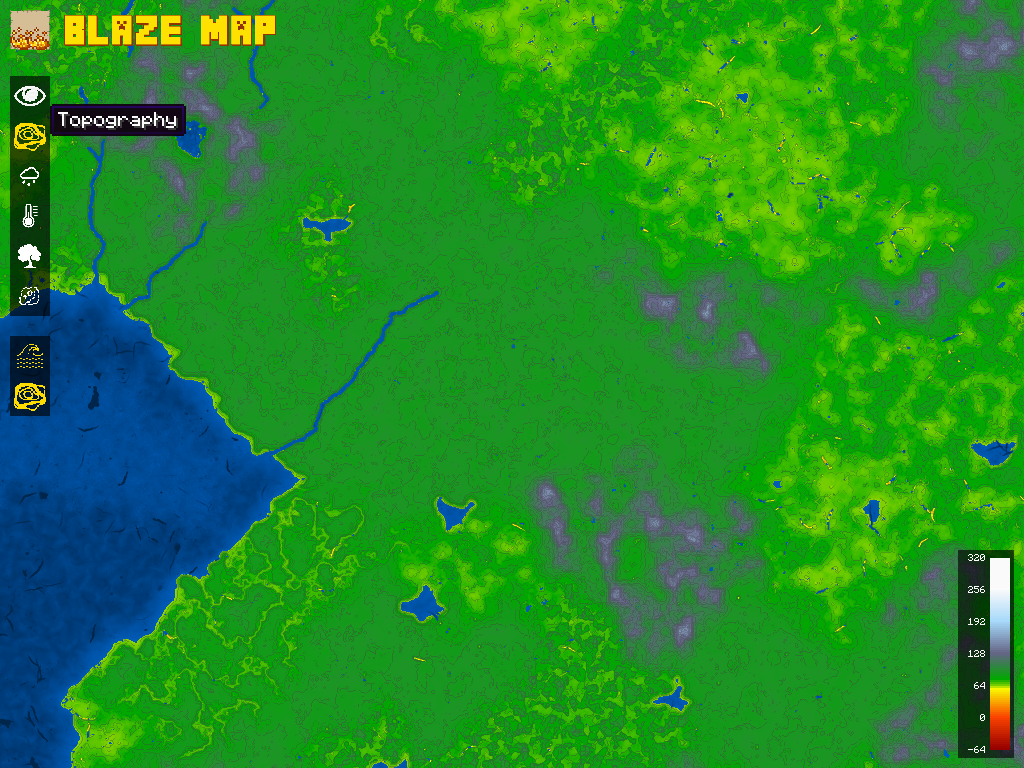 Topography 2 Built-in Blaze Map map type, untouched by Cartography.
 -
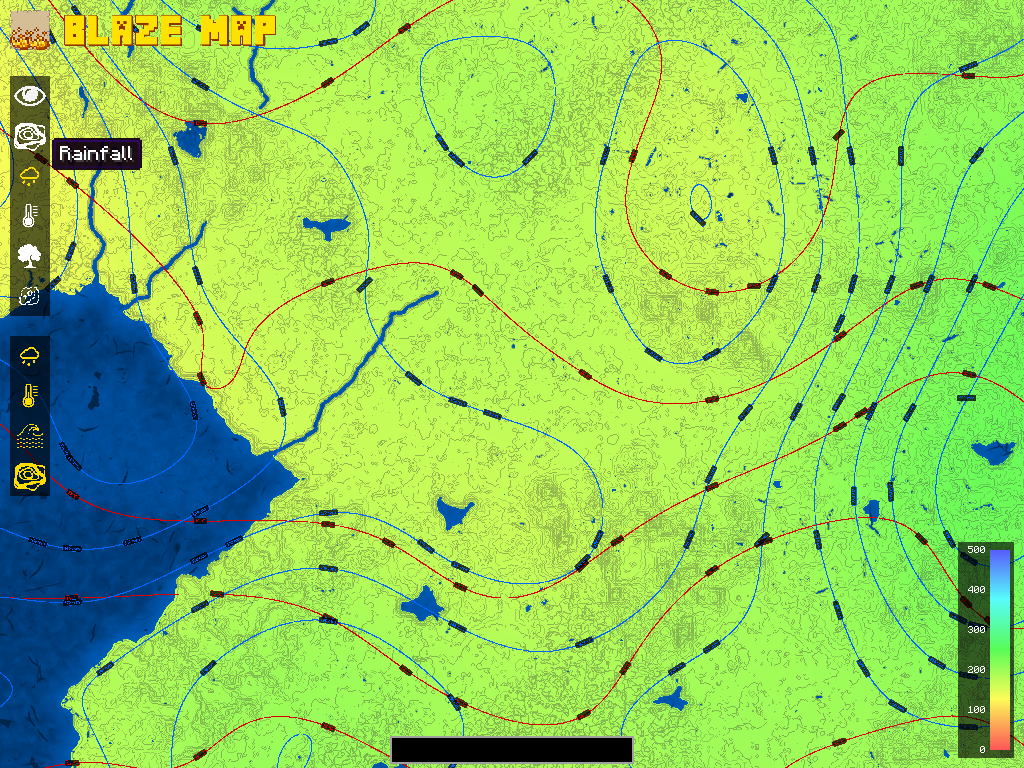 Rainfall 2
 -
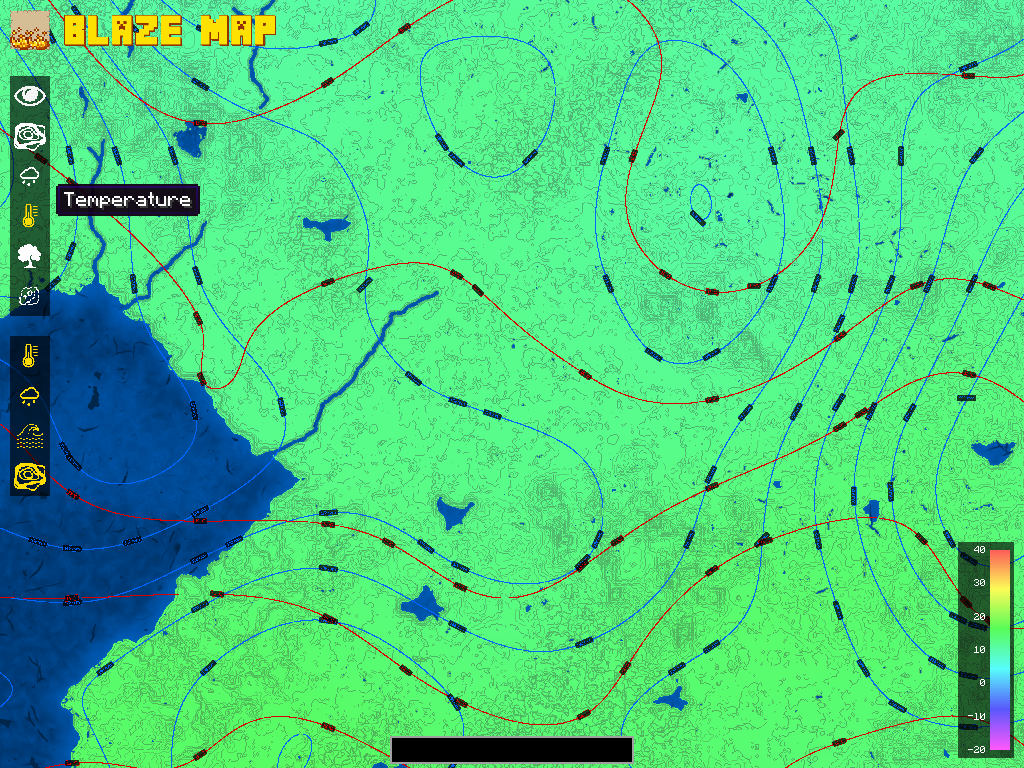 Temperature 2
 -
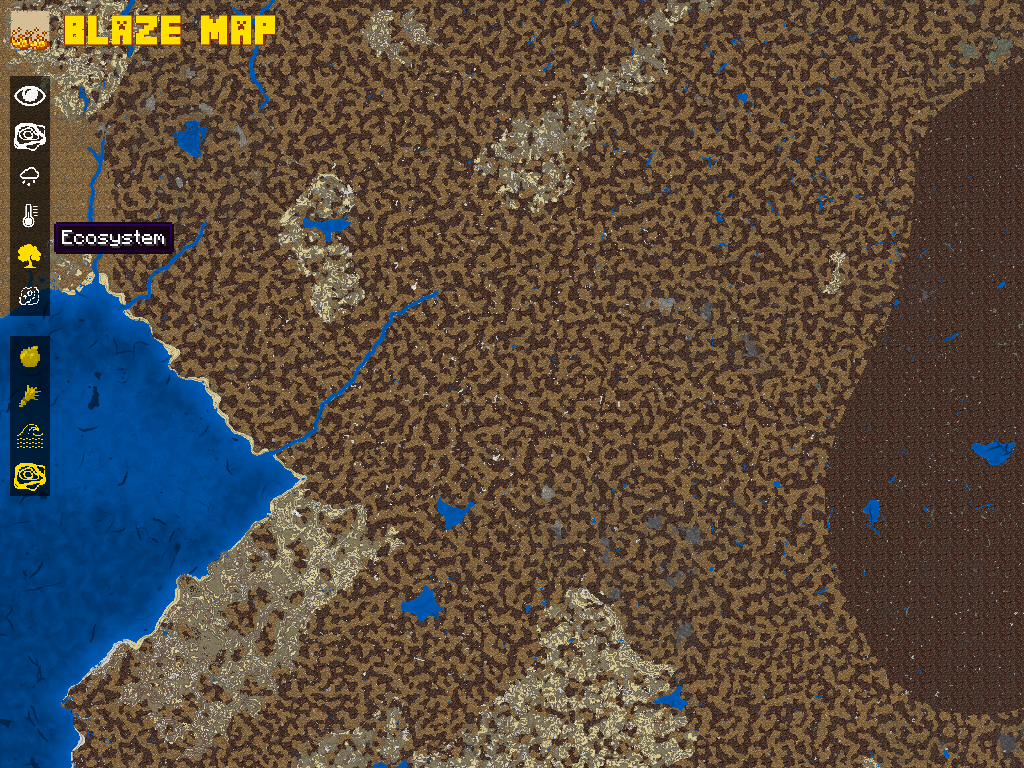 Ecosystem 2
 -
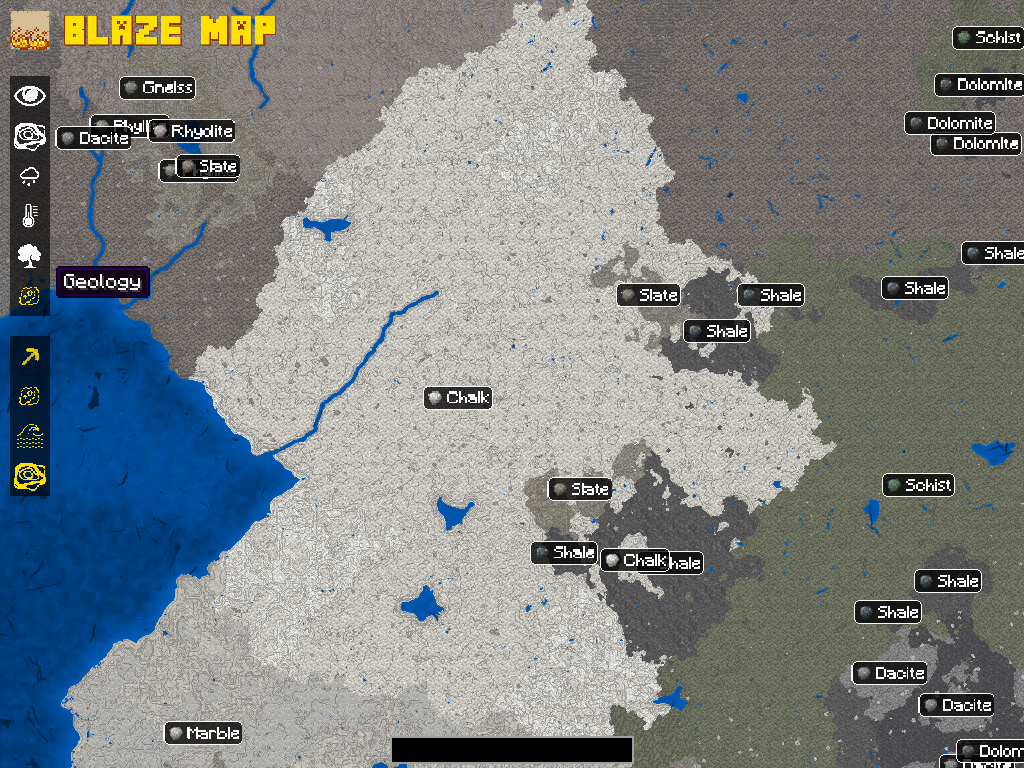 Geology 2
Versions
Files
Relations
Project Relations
More like this
Similar Mods
Suggestions use data such as tags, dependencies, dependents, descriptions, titles, and more to rank how much they overlap with this mod.
On ModDex
Community snapshot
By the numbers
Statistics
 (opens in a new tab)
Get it on
Available Platforms
On ModDex
Community snapshot
By the numbers