Community listing page, reviews here may not be monitored by the author.
CBC: Warium Projectiles


No reviews yet
An addon that adds Warium projectiles to CBC.
Community voices
Reviews
No reviews yet. Be the first to review this project!
Get it on
Available Platforms
Compatibility
Supported Environments
Must be installed on both the client and the server.
About
Project Details
For authors
Embed Badge
If you're the author of this project, you can embed a live badge anywhere that supports HTML or Markdown. It updates automatically whenever ratings change.
Use HTML for any page that supports it, or Markdown for README files and Markdown-based descriptions.
Identifiers
Platform IDs
Resources
External Links
About
Description
ONLY WORKS WITH WARIUM, GECKOLIB, CREATE AND CREATE: BIG CANNONS INSTALLED!
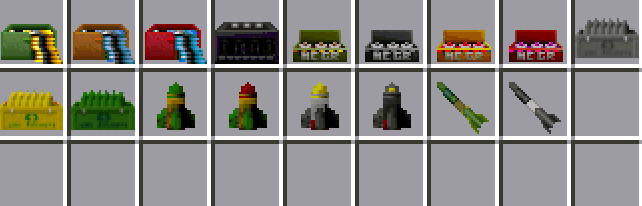
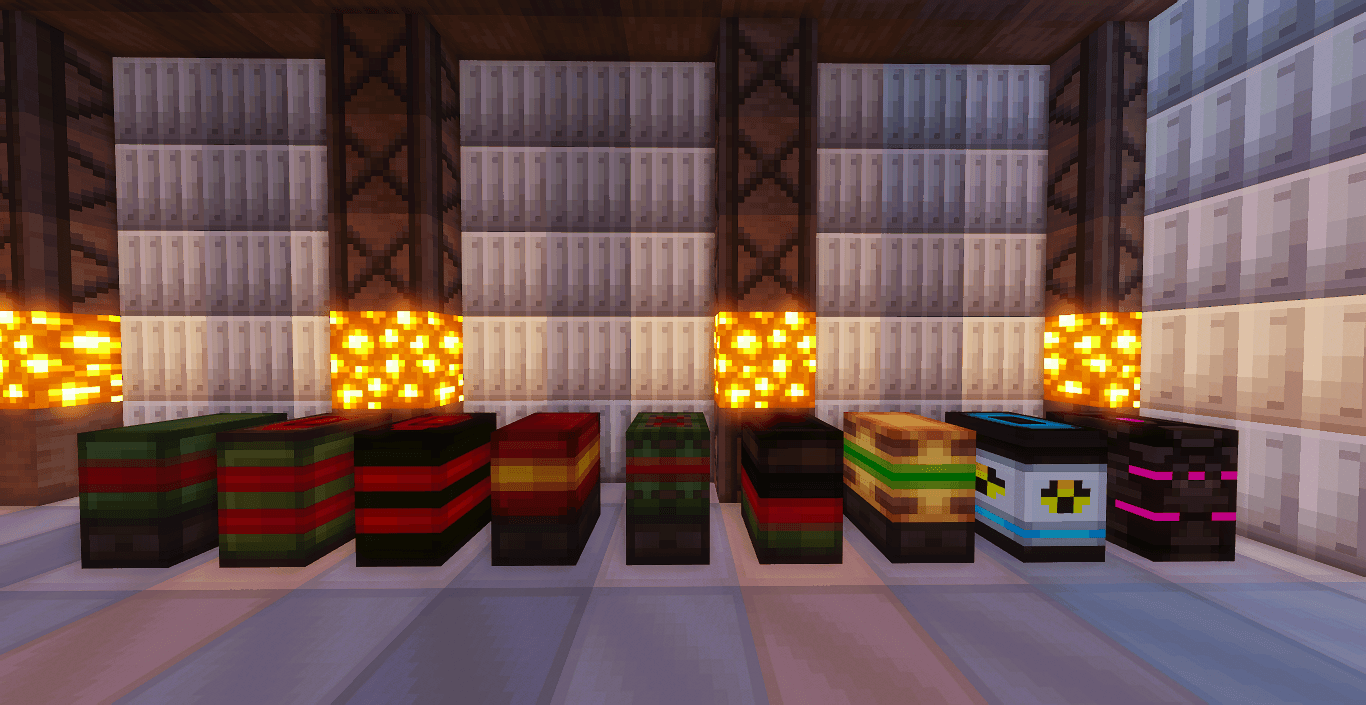
This addon adds 14 new shells and ammo based on Warium missiles and bullets for Create: Big Cannons.
This includes:
- Ordinance Shell
- Fire Ordinance Shell
- Cluster Ordinance Shell
- Heavy Ordinance Shell
- Super Heavy Ordinance Shell (Block Buster)
- Kinetic Ordinance Shell
- Toxic Gas Shell
- Fission Shell
- Fusion Shell
- Machine Gun Ammo
- Light Cannon Ammo
- Heavy Cannon Ammo
- Battle Cannon Ammo
- Artillery Cannon Ammo
- Rocket projectiles
- Mortar Projectiles
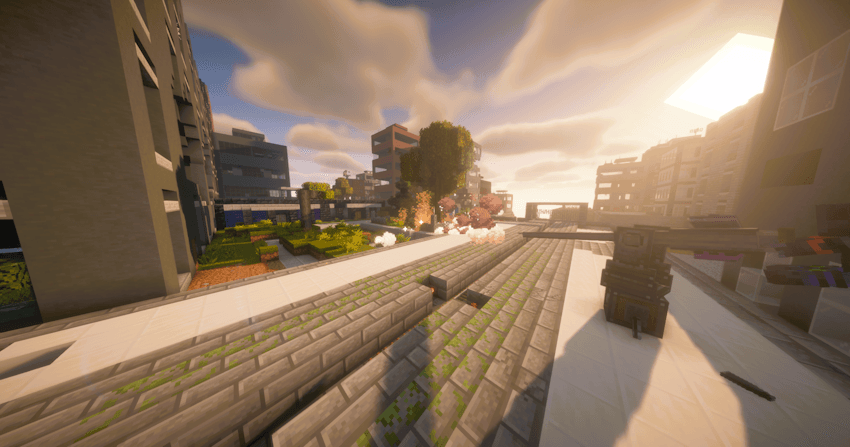
CBC: Warium Projectiles is an addon that enhances CBC by introducing a diverse arsenal of advanced projectiles inspired by the Warium mod.
Key Features
14 New Projectiles and Ammo Types:
The mod introduces 14 unique projectiles and ammunition types, seamlessly integrated with CBC systems. These include:
- Ordinance Shell: A standard shell for precise, high-impact attacks.
- Fire Ordinance Shell: An incendiary projectile that sets the target area ablaze.
- Cluster Ordinance Shell: Releases multiple submunitions for widespread area damage.
- Heavy Ordinance Shell: A powerful shell designed for fortified targets.
- Super Heavy Ordinance Shell (Block Buster): A massive projectile capable of demolishing large structures.
- Kinetic Ordinance Shell: Focused on pure kinetic impact for devastating force.
- Toxic Gas Shell: Deploys a poisonous gas cloud for area control.
- Fission Shell and Fusion Shell: Experimental nuclear projectiles with catastrophic effects.
- Cannon and Machine Gun Ammo: Includes Machine Gun Ammo, Light Cannon Ammo, Heavy Cannon Ammo, Battle Cannon Ammo, and Artillery Cannon Ammo, tailored for various weapon types.
- Rocket Projectiles and Mortar Projectiles: Designed for long-range attacks and ballistic trajectories.
Updated Compatibility:
The latest version of the addon is fully compatible with Create 6 and Warium 1.0.0, ensuring a smooth experience with the most recent versions of these mods.
Customization and Strategy:
Each projectile offers distinct properties, allowing players to tailor their combat tactics to specific scenarios. From surgical strikes with kinetic shells to area denial with toxic gas or massive destruction with the Super Heavy Ordinance Shell, the addon encourages creative experimentation.
Installation
Install Minecraft Forge 47.4.0 or superior. Ensure Create, Create: Big Cannons, Warium, and Geckolib are installed in their compatible versions. Download the addon. Place the mod file in the mods folder of your Minecraft installation. Launch the game and verify that all mods load correctly.
Screenshots
Gallery
-
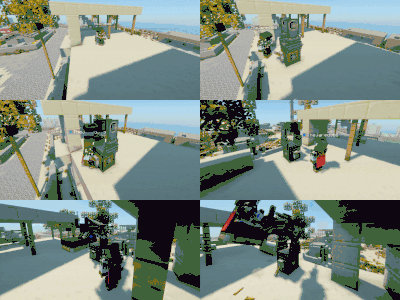 Autocannon viddemo.gif
 -
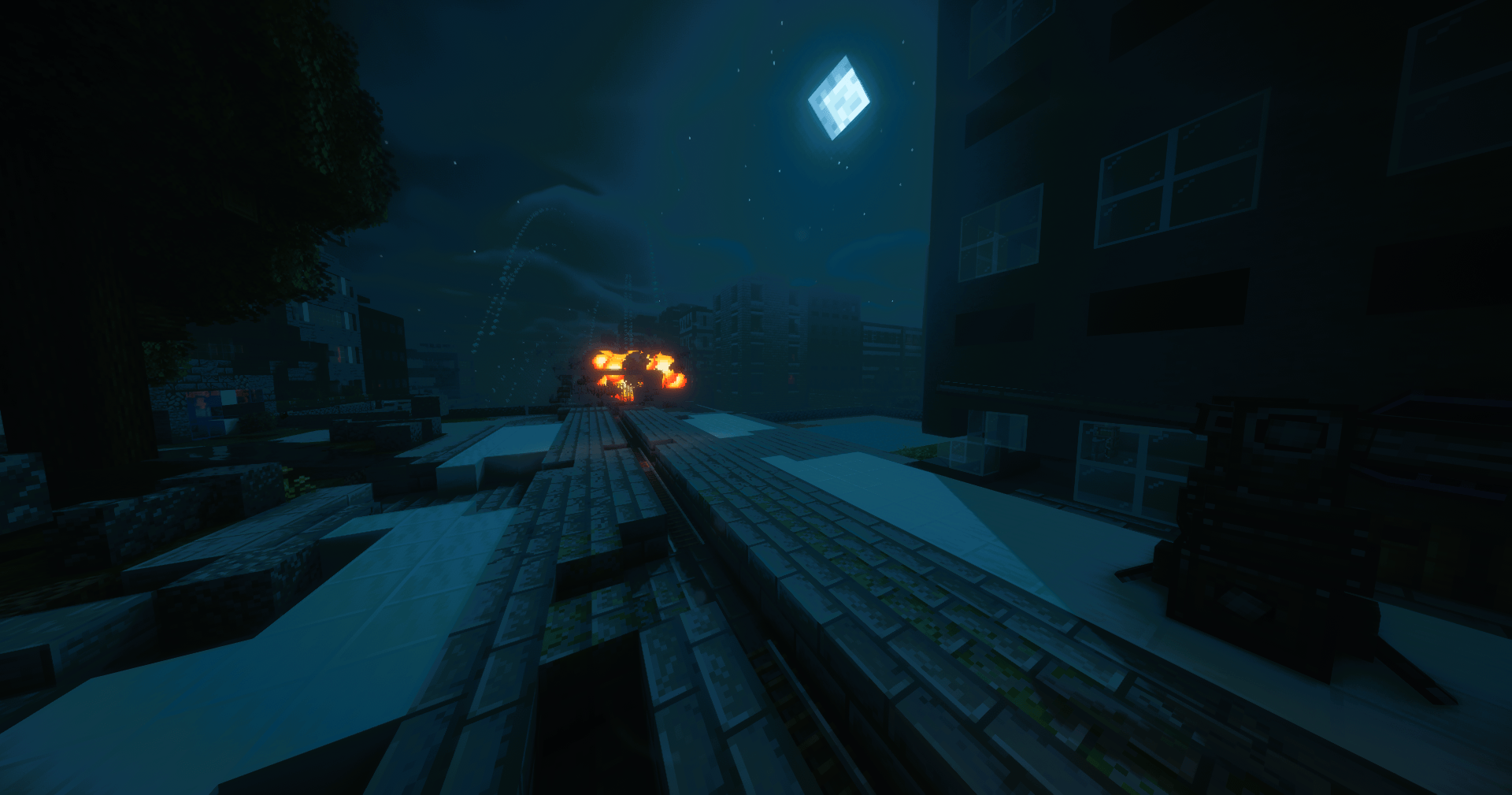 2025-09-09_18.25.00.png 2025-09-09_18.25.00.png
 -
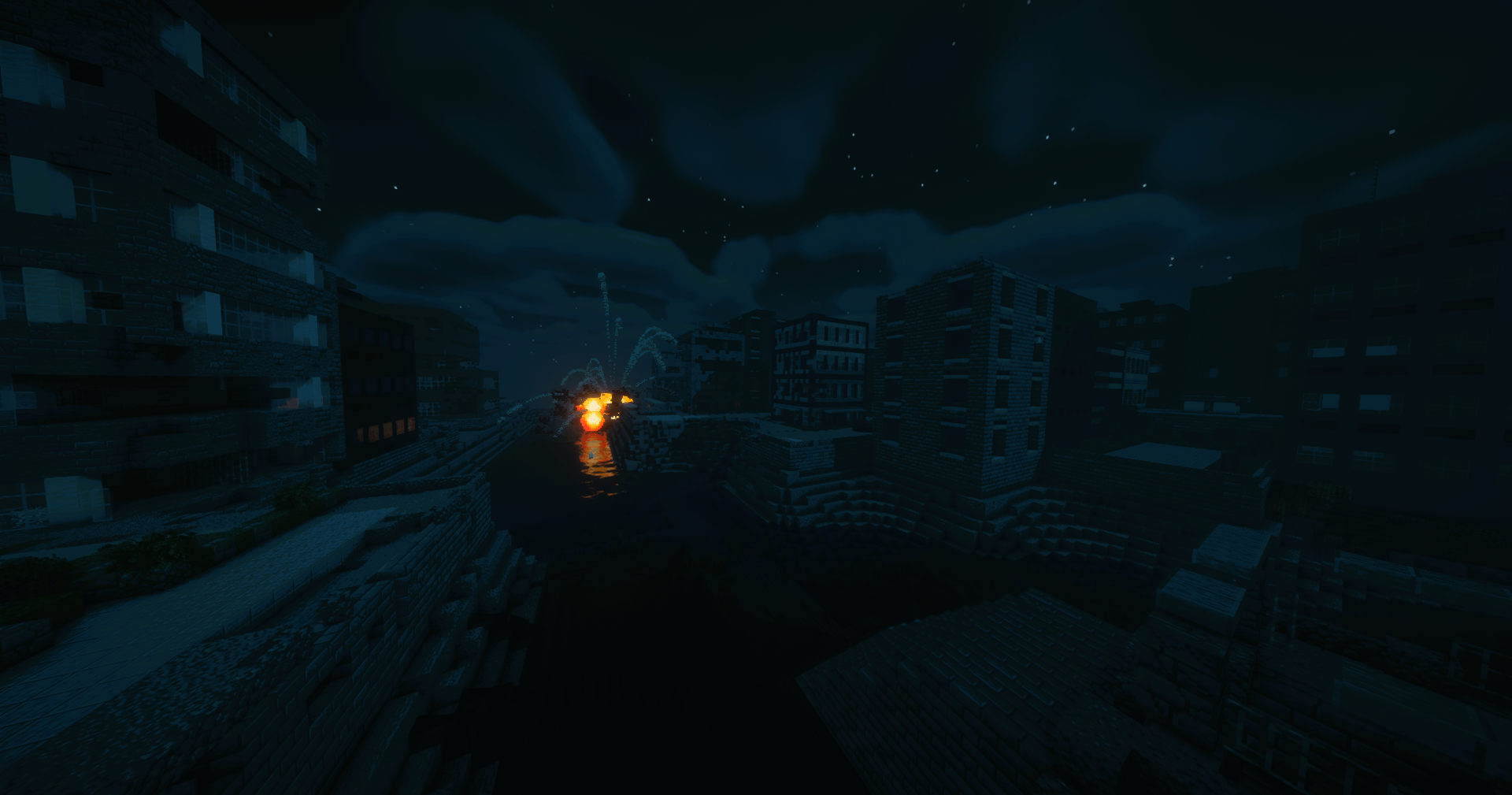 2025-09-09_18.29.08.png 2025-09-09_18.29.08.png
 -
 2025-09-09_18.37.07.png 2025-09-09_18.37.07.png
 -
 2025-09-02_07.34.48.png 2025-09-02_07.34.48.png
 -
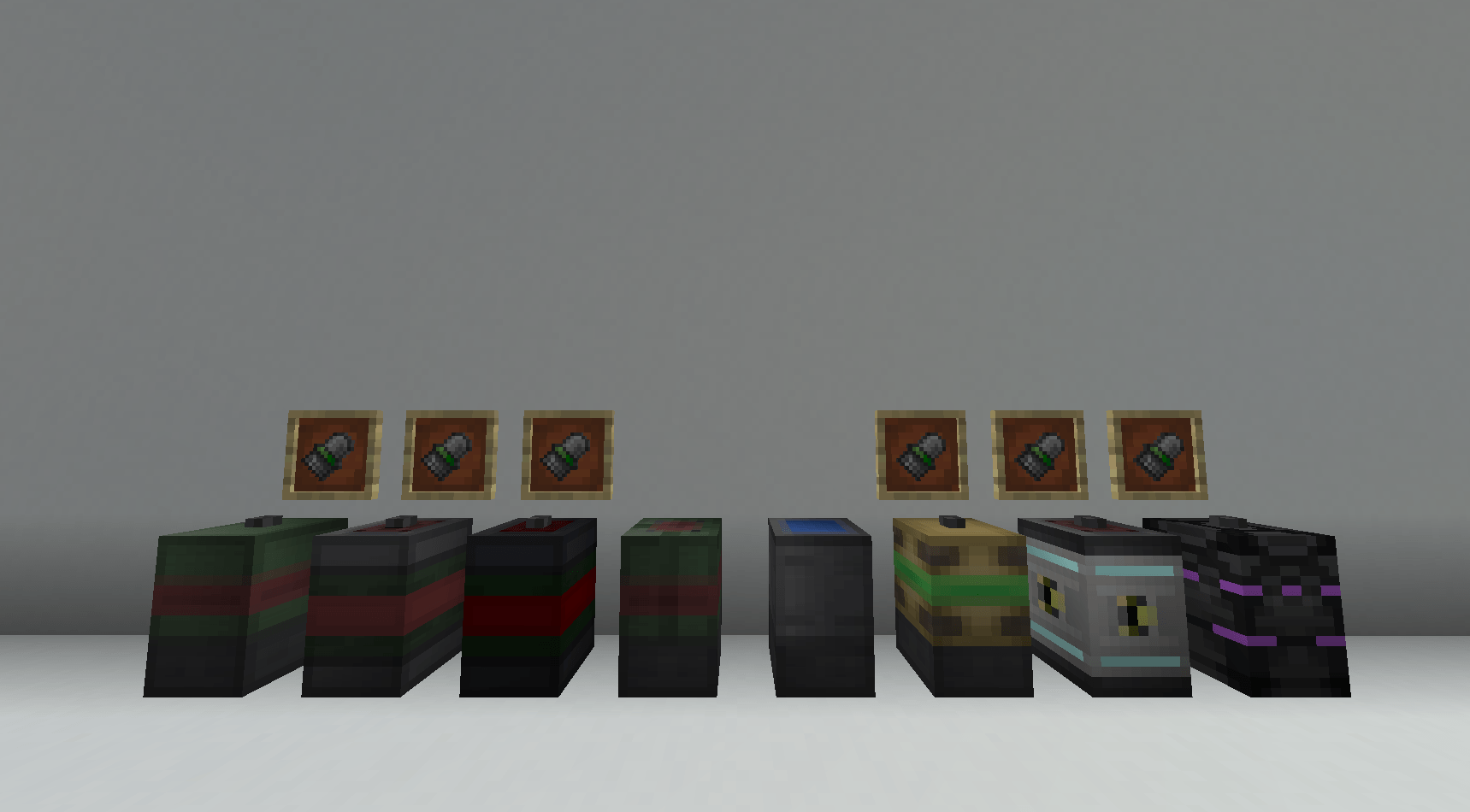 1ABB685D-ABC1-4322-A6DD-A7E2024E75A2.png 1ABB685D-ABC1-4322-A6DD-A7E2024E75A2.png
-
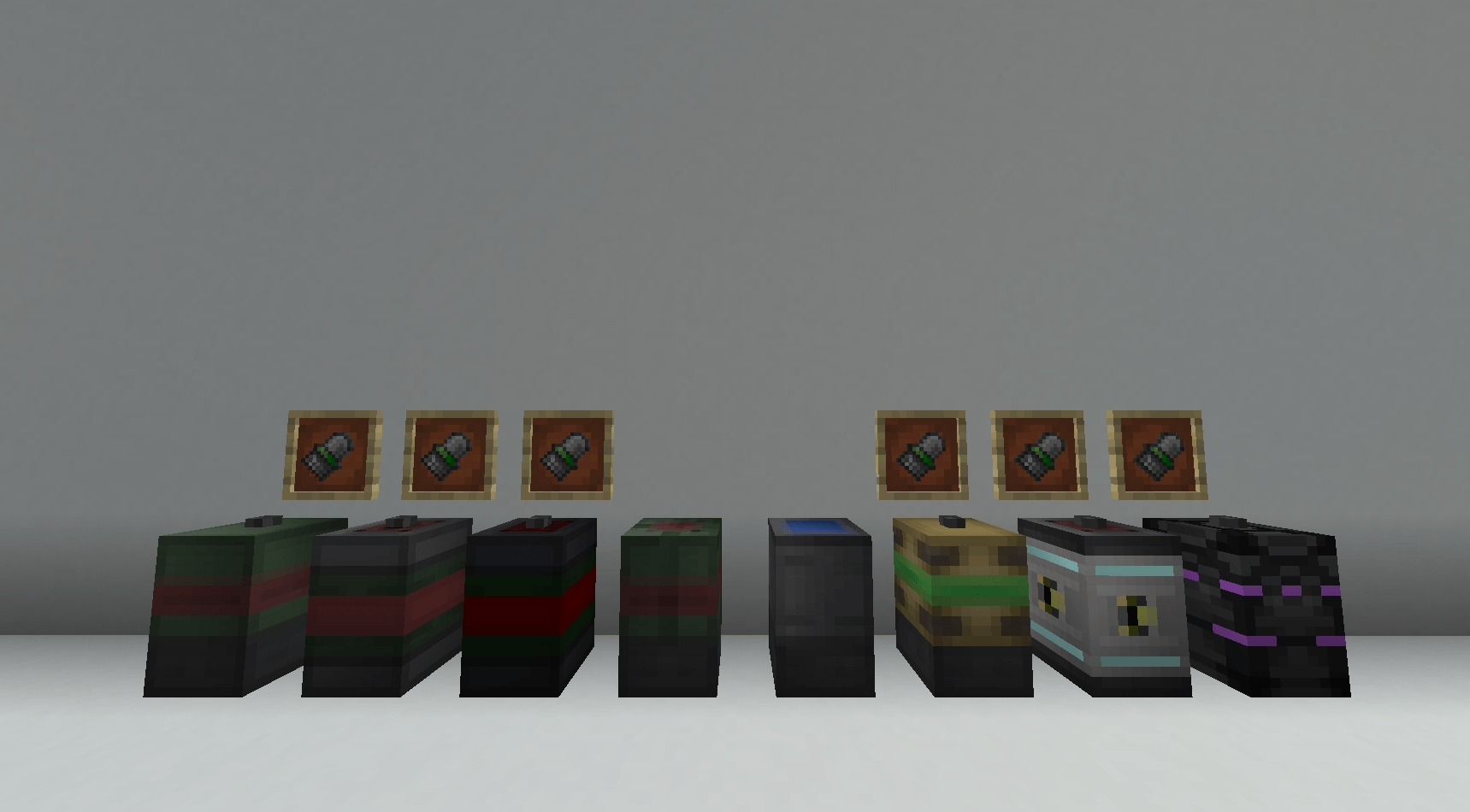 The 8 shells
Versions
Files
Relations
Project Relations
More like this
Similar Mods
Suggestions use data such as tags, dependencies, dependents, descriptions, titles, and more to rank how much they overlap with this mod.
On ModDex
Community snapshot
By the numbers
Statistics
Want to reach Minecraft players?
We're looking for a server hosting partner to feature here and other parts of the site. Interested? Send us a message!
Get in touchGet it on
Available Platforms
On ModDex
Community snapshot
By the numbers
Statistics
Resources