Community listing page, reviews here may not be monitored by the author.
Stardew Chest Buttons


No reviews yet
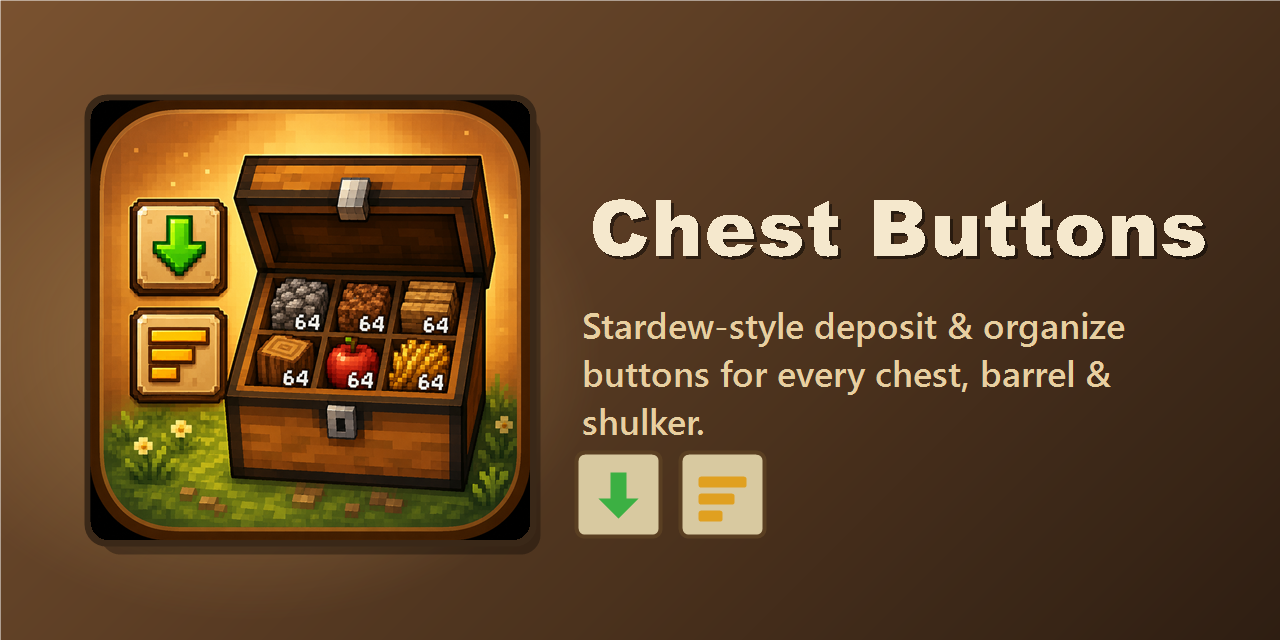
Stardew Valley-style chest buttons - one click to deposit all your matching items, one to sort and organize any chest.
Community voices
Reviews
No reviews yet. Be the first to review this project!
Get it on
Available Platforms
Compatibility
Supported Environments
Must be installed on both the client and the server.
About
Project Details
For authors
Embed Badge
If you're the author of this project, you can embed a live badge anywhere that supports HTML or Markdown. It updates automatically whenever ratings change.
Use HTML for any page that supports it, or Markdown for README files and Markdown-based descriptions.
Identifiers
Platform IDs
Resources
External Links
About
Description
Chest Buttons recreates two of Stardew Valley's most-loved chest-UI buttons in Minecraft. Open any chest, double chest, barrel, or shulker box and two icon buttons appear on the left side of the screen:
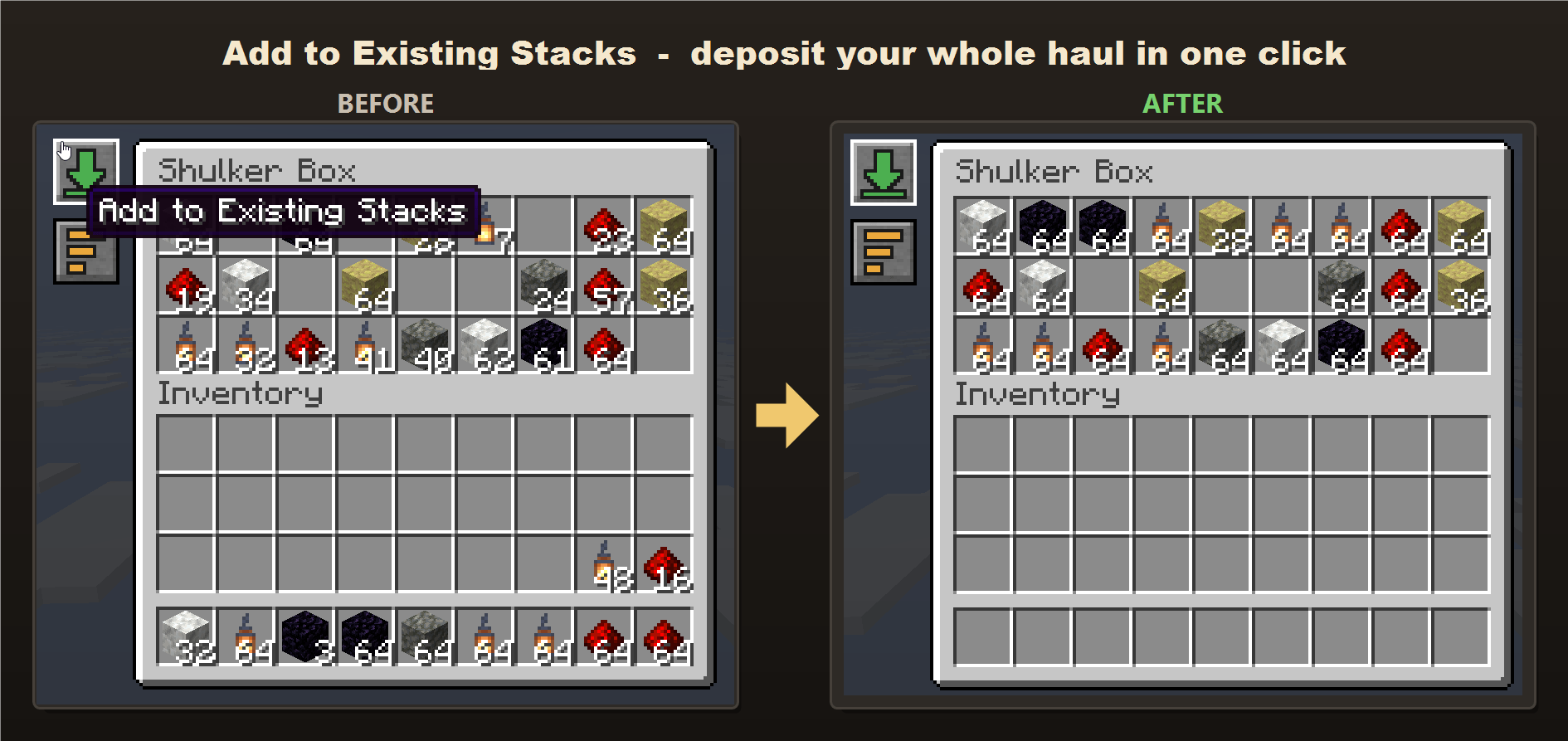
- Add to Existing Stacks - for every item type the chest already holds, instantly moves all your matching items into it. It tops up existing stacks first, then starts new stacks in any empty slots, so a chest that already has some cobblestone will swallow your entire cobblestone haul in one click. Item types the chest *doesn't* already contain are left in your inventory - it never dumps unrelated items in.
- - Organize - consolidates partial stacks and sorts the entire chest neatly by item.
No more dragging items one stack at a time - deposit and tidy a chest in a single click.
Multiplayer
Fully server-aware. The buttons are drawn client-side, but every item move is validated on the server, so it's completely cheat-safe. The mod is required on both the client and the server; if only the client has it, the buttons simply won't appear.
Requirements
- Minecraft 26.2
- Fabric Loader and Fabric API
- Java 25
Chest Buttons recreates two of Stardew Valley's most-loved chest-UI buttons in Minecraft. Open any chest, double chest, barrel, or shulker box and two icon buttons appear on the left side of the screen:
-
Add to Existing Stacks: for every item type the chest already holds, instantly moves all your matching items into it. It tops up existing stacks first, then starts new stacks in any empty slots, so a chest that already has some cobblestone will swallow your entire cobblestone haul in one click. Item types the chest doesn't already contain are left in your inventory - it never dumps unrelated items in.
-
Organize: consolidates partial stacks and sorts the entire chest neatly by item.
No more dragging items one stack at a time. Deposit and tidy a chest in a single click.
Multiplayer
Fully server-aware. The buttons are drawn client-side, but every item move is validated on the server, so it's completely cheat-safe. The mod is required on both the client and the server; if only the client has it, the buttons simply won't appear.
Requirements
- Minecraft 26.2
- Fabric Loader and Fabric API
- Java 25
Screenshots
Gallery
-
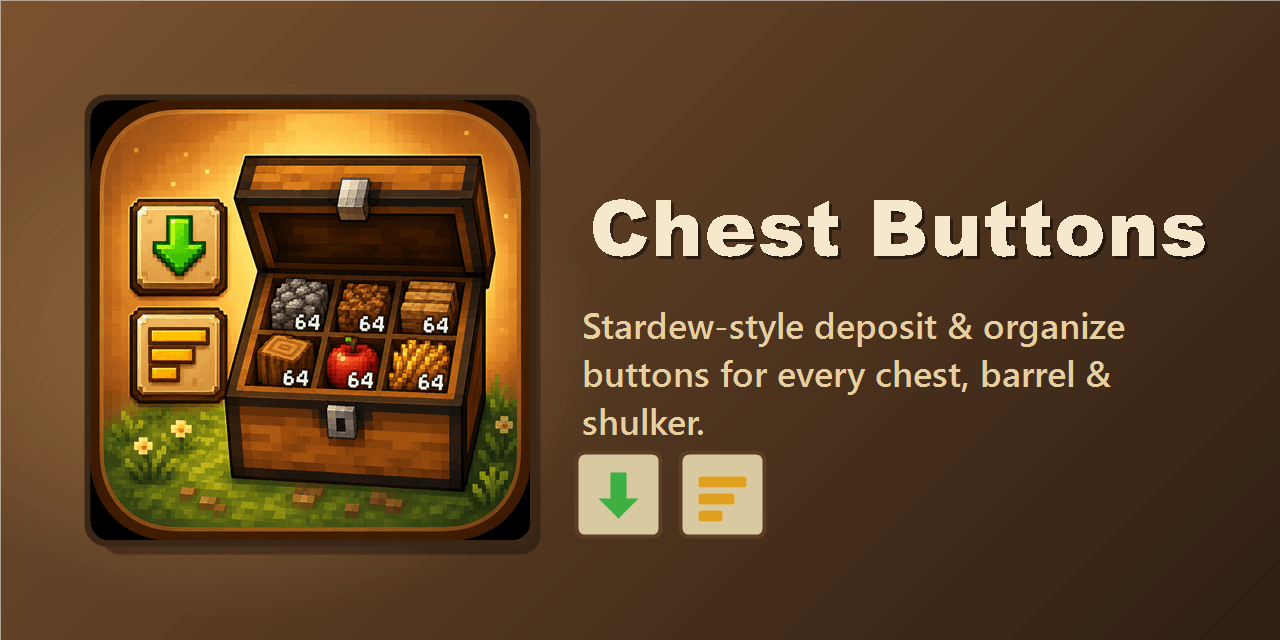 gallery-banner.png gallery-banner.png
 -
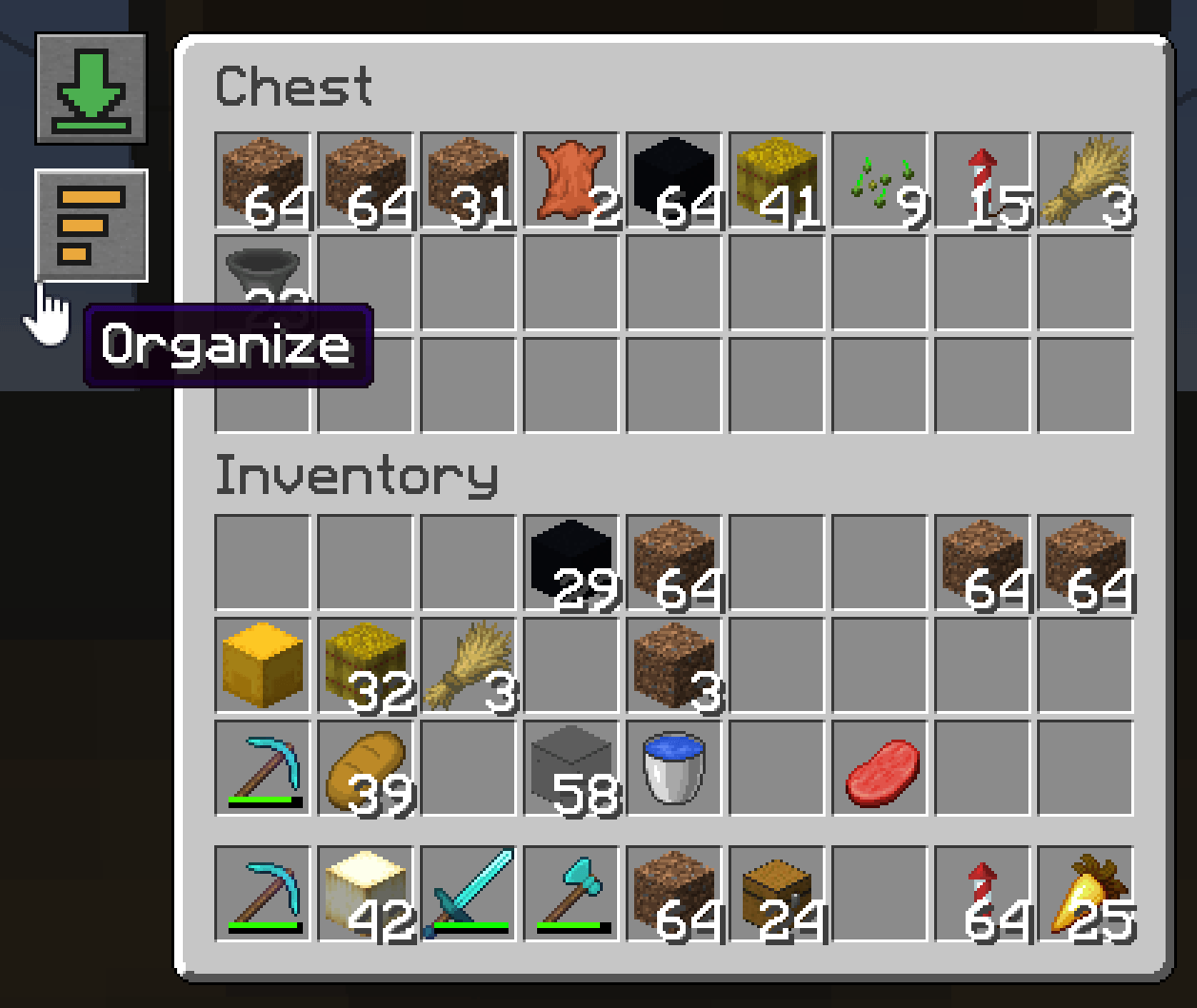 gallery-buttons.png gallery-buttons.png
 -
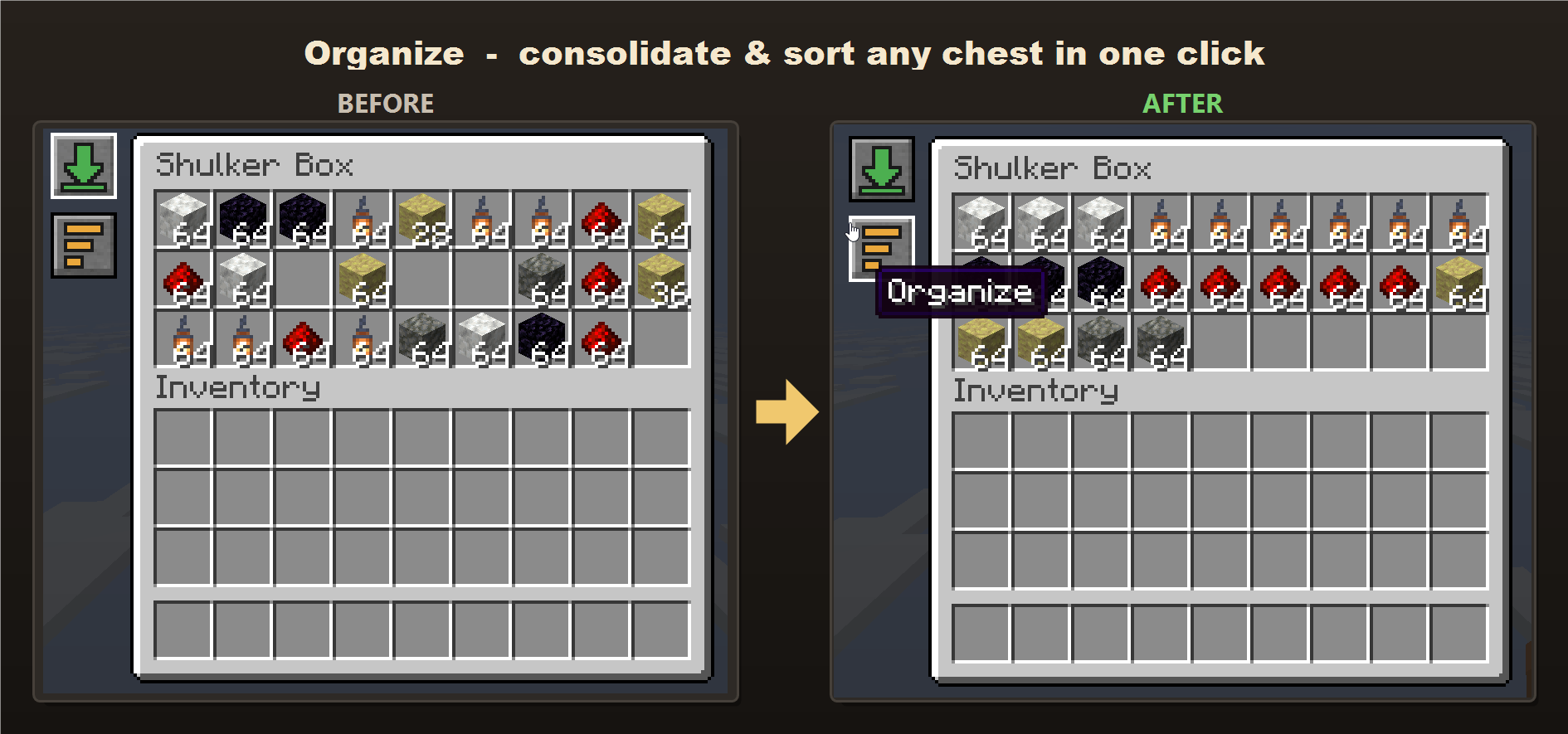 gallery-organize.png gallery-organize.png
 -
 gallery-addtoexisting.png gallery-addtoexisting.png
-
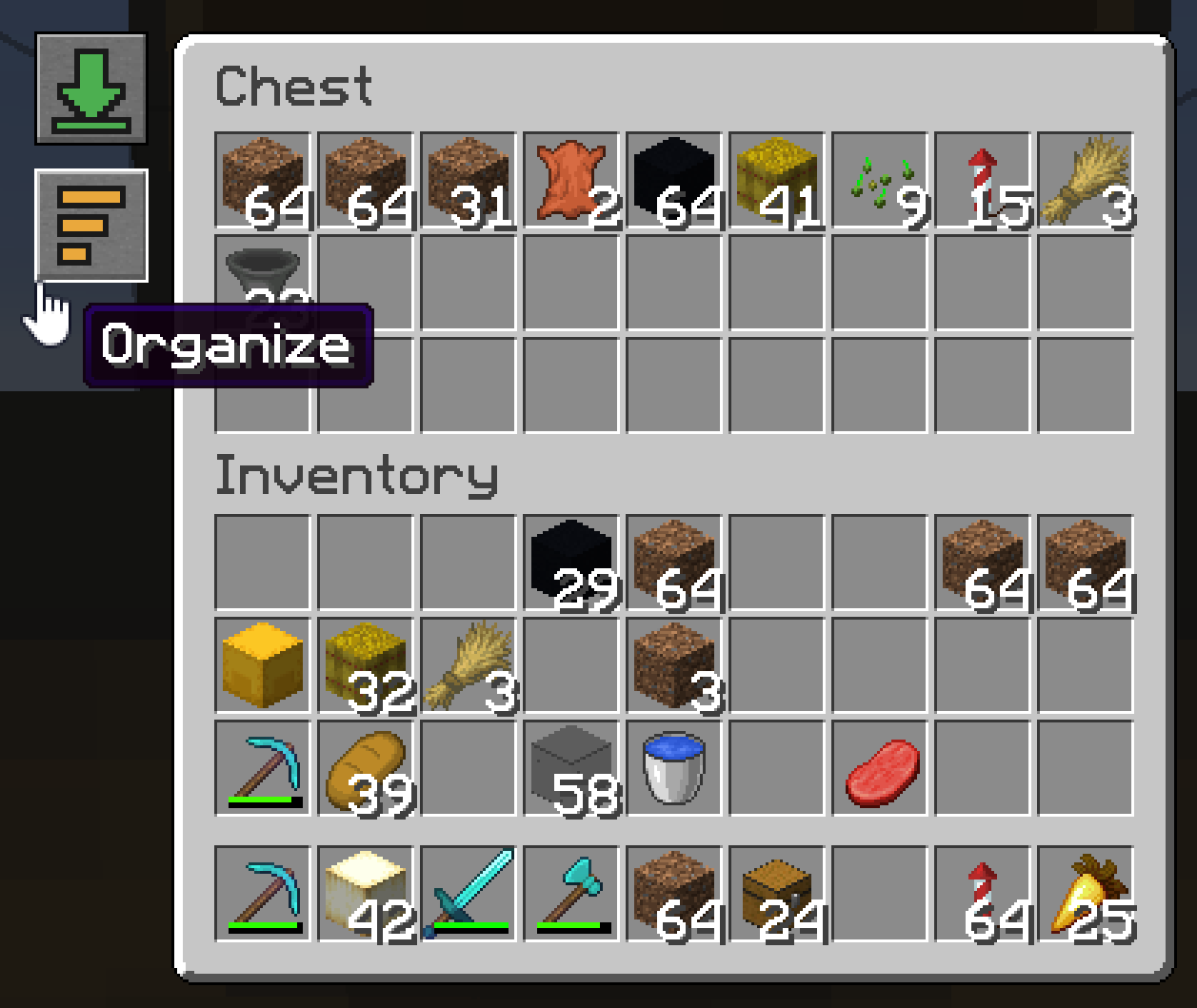 Two buttons on every container Add to Existing Stacks (green) and Organize (orange) appear on the left of any chest, double chest, barrel, or shulker box.
 -
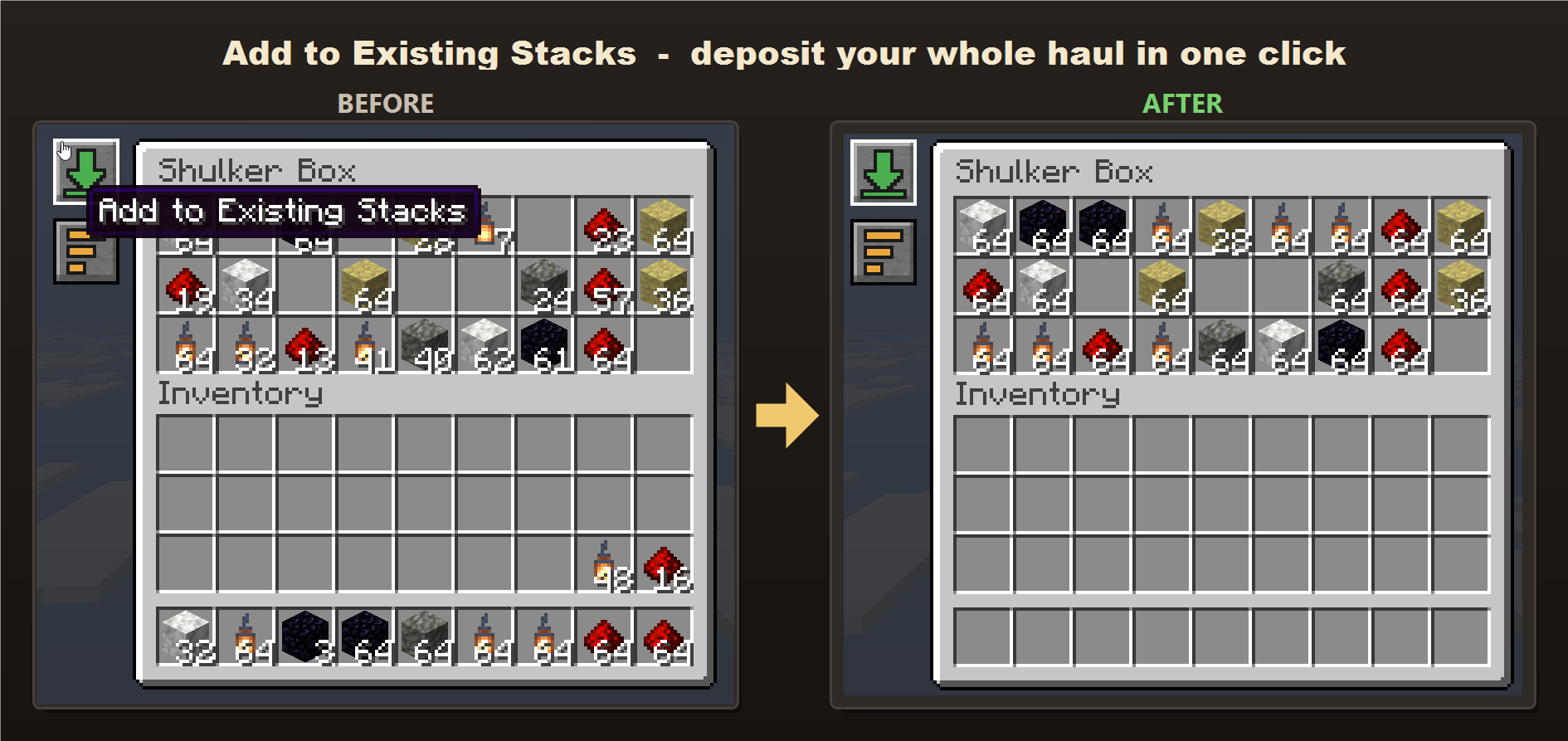 Add to Existing Stacks One click moves every item the chest already holds our of your inventory. It will top up existing stacks first, then start new ones in empty slots. Item types the chest doesn't already have are left alone.
 -
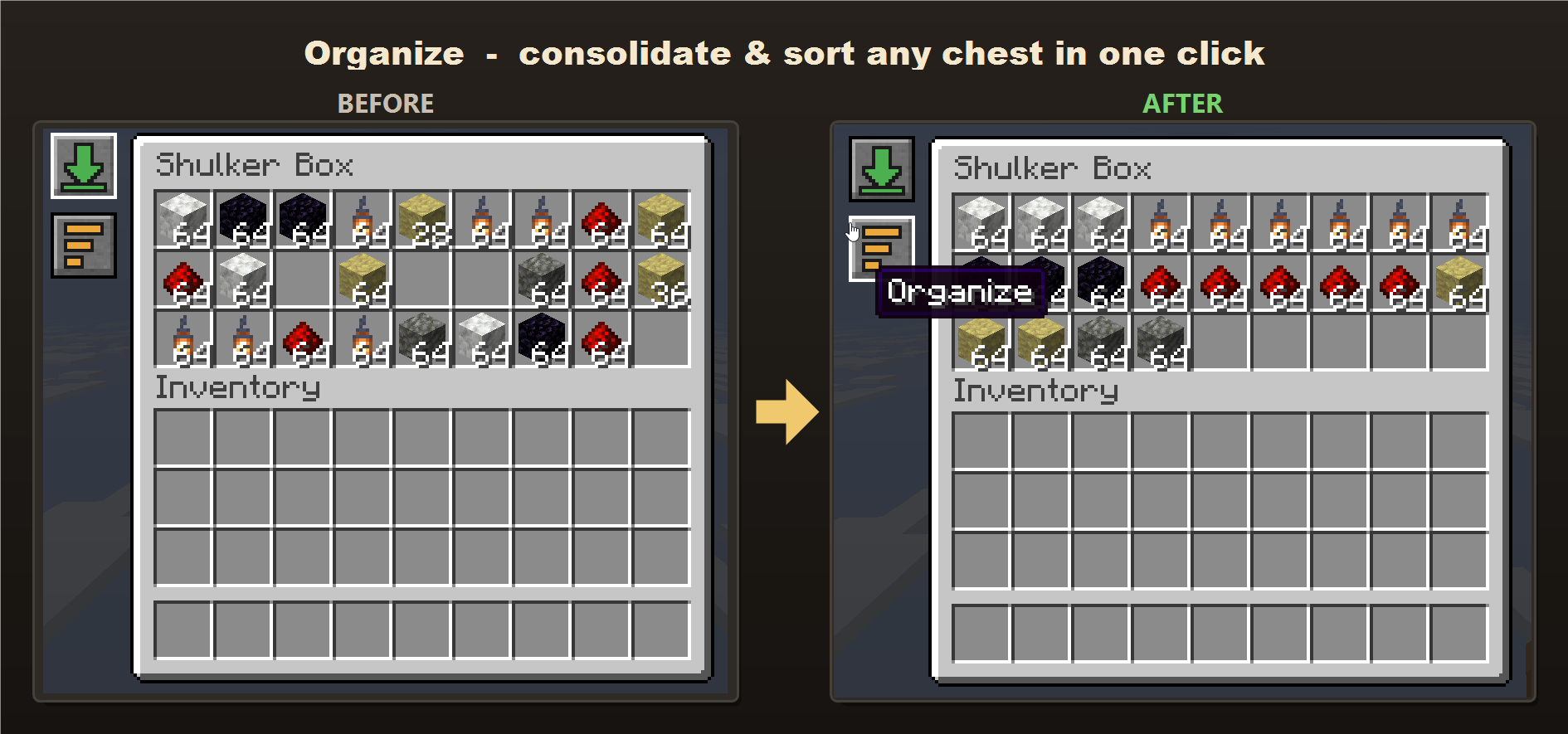 Organize One click consolidates partial stacks and sorts the whole container by item.
 -
Versions
Files
Relations
Project Relations
More like this
Similar Mods
Suggestions use data such as tags, dependencies, dependents, descriptions, titles, and more to rank how much they overlap with this mod.
On ModDex
Community snapshot
By the numbers
Statistics
Want to reach Minecraft players?
We're looking for a server hosting partner to feature here and other parts of the site. Interested? Send us a message!
Get in touchGet it on
Available Platforms
On ModDex
Community snapshot
By the numbers
Statistics
Resources