
Community listing page, reviews here may not be monitored by the author.
ChickTV's Optimizer

No reviews yet
A lightweight Mod that boosts your Minecraft FPS and lets you customize performance settings.
Community voices
Reviews
No reviews yet. Be the first to review this project!
Get it on
Available Platforms
About
Project Details
For authors
Embed Badge
If you're the author of this project, you can embed a live badge anywhere that supports HTML or Markdown. It updates automatically whenever ratings change.
Use HTML for any page that supports it, or Markdown for README files and Markdown-based descriptions.
Identifiers
Platform IDs
Resources
External Links
About
Description
ChickTV's Optimizer is a lightweight client-side Fabric mod designed to boost your Minecraft FPS, reduce lag, and give you full control over your performance settings directly in-game.
Features
- FPS Boost: Smooths out your gameplay and helps prevent sudden lag spikes.
- Particle Reduction: Cuts down on heavy particle effects like explosions and potion swirls to keep your game running smoothly.
- In-Game Menu: Press G anytime in-game to easily toggle performance options on or off.
Installation
1. Make sure you have Fabric Loader installed for your Minecraft version.
2. Download Fabric API and place it in your mods folder.
3. Download ChickTV's Optimizer and move the .jar file into your .minecraft/mods folder.
4. Launch Minecraft, press G, and enjoy your boost!
Also available on Modrinth: ChickTV's Optimizer - Minecraft Mod
Screenshots
Gallery
-
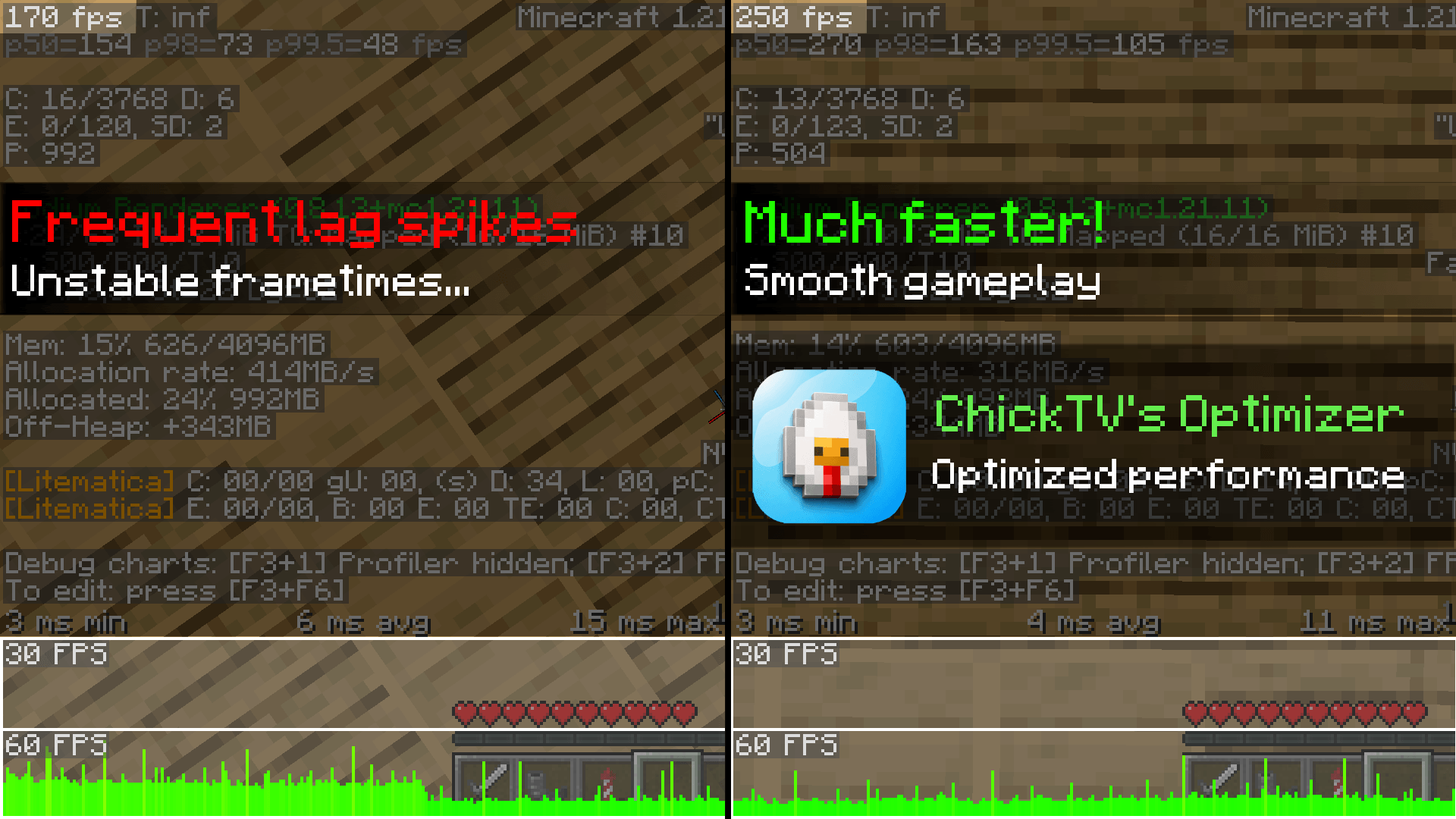 ChickTV's Optimizer 1.0.0 Before vs After Performance Comparison
 -
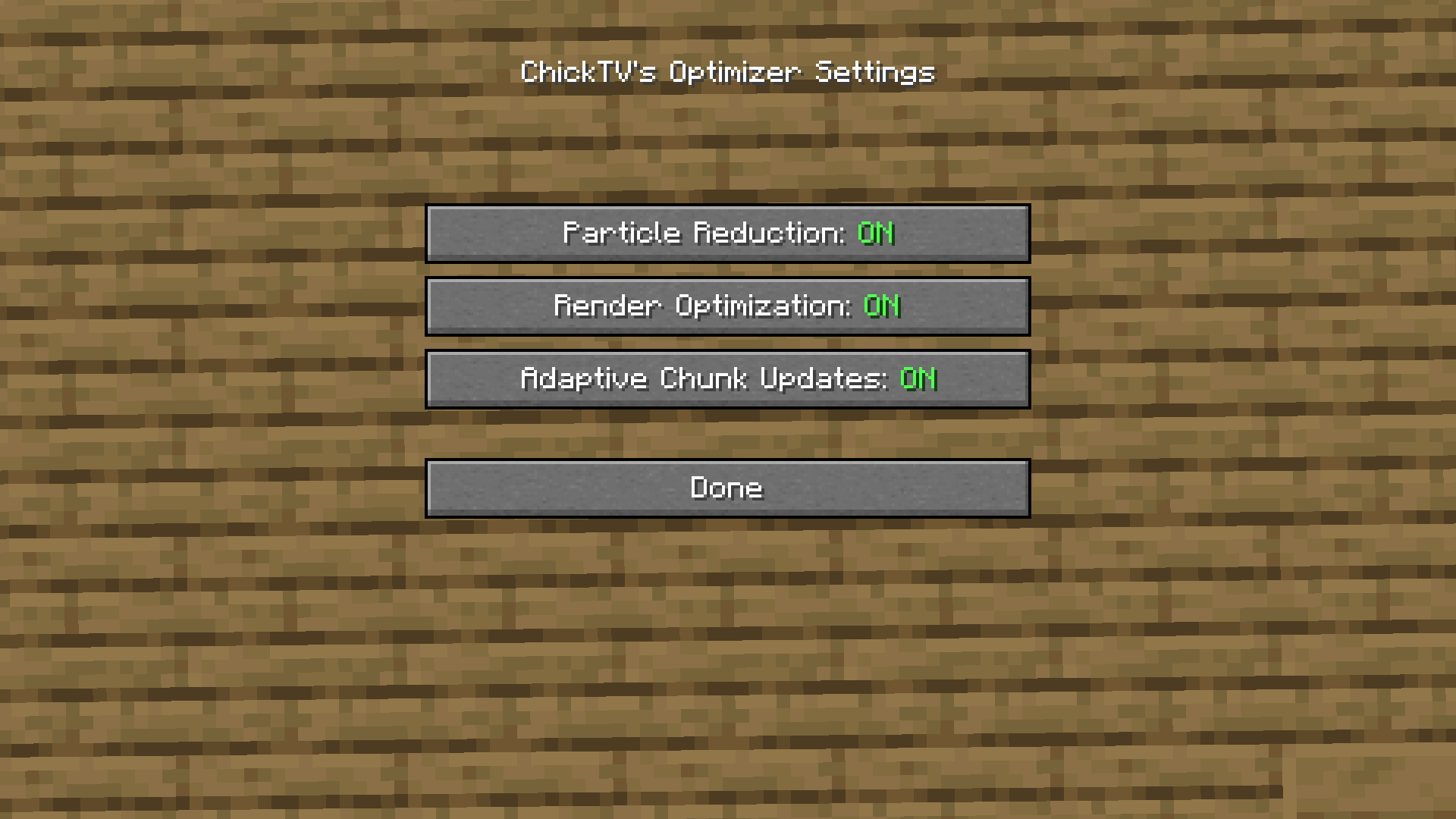 Configuration Menu Configuration Menu In-Game
 -
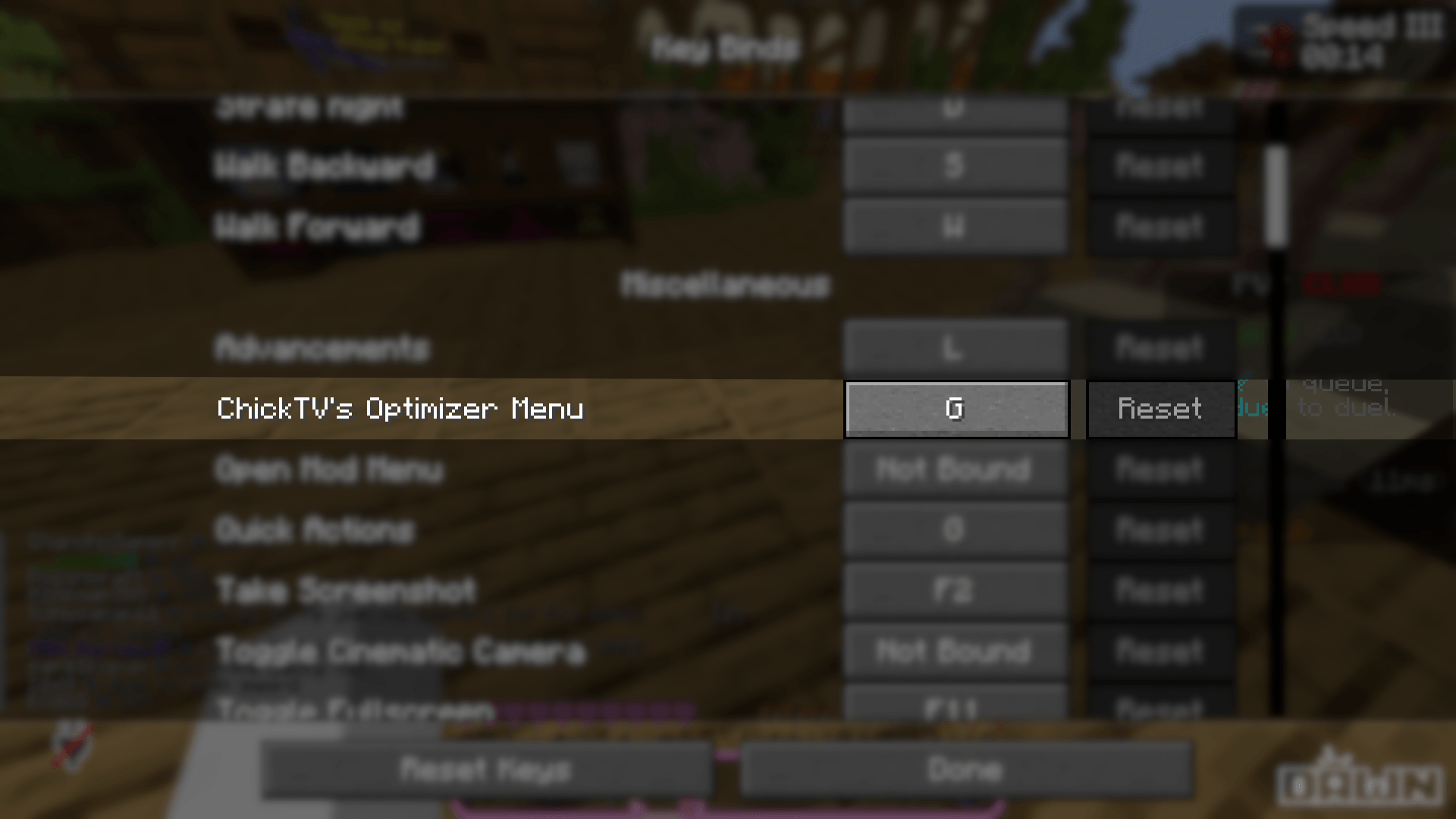 Toggle ChickTV's Optimizer Mod Toggle On/Off the ChickTV's Optimizer Mod if you don't need it
Versions
Files
Relations
Project Relations
More like this
Similar Mods
Suggestions use data such as tags, dependencies, dependents, descriptions, titles, and more to rank how much they overlap with this mod.
On ModDex
Community snapshot
By the numbers
Statistics
Want to reach Minecraft players?
We're looking for a server hosting partner to feature here and other parts of the site. Interested? Send us a message!
Get in touchGet it on
Available Platforms
On ModDex
Community snapshot
By the numbers
Statistics
Resources