
ChromaticityBlock
No reviews yet
chromaticity block in minecraft
Community voices
Reviews
Click once to include, again to exclude, again to clear
No reviews yet. Be the first to review this project!
Get it on
Available Platforms
 Modrinth
Compatibility
Supported Environments
About
Project Details
For authors
Embed Badge
If you're the author of this project, you can embed a live badge anywhere that supports HTML or Markdown. It updates automatically whenever ratings change.
Use HTML for any page that supports it, or Markdown for README files and Markdown-based descriptions.
Identifiers
Platform IDs
About
Description
English | 简体中文
ChromaticityBlock
This mod adds chromaticity block, whose rendering is not affected by lighting, making it particularly suitable for convenient chromaticity cutouts.
Supported minecraft versions: 1.12.2-forge,1.16.5-fabric,1.20.4-fabric,1.20.5-fabric,1.20.6-fabric,1.21-fabric
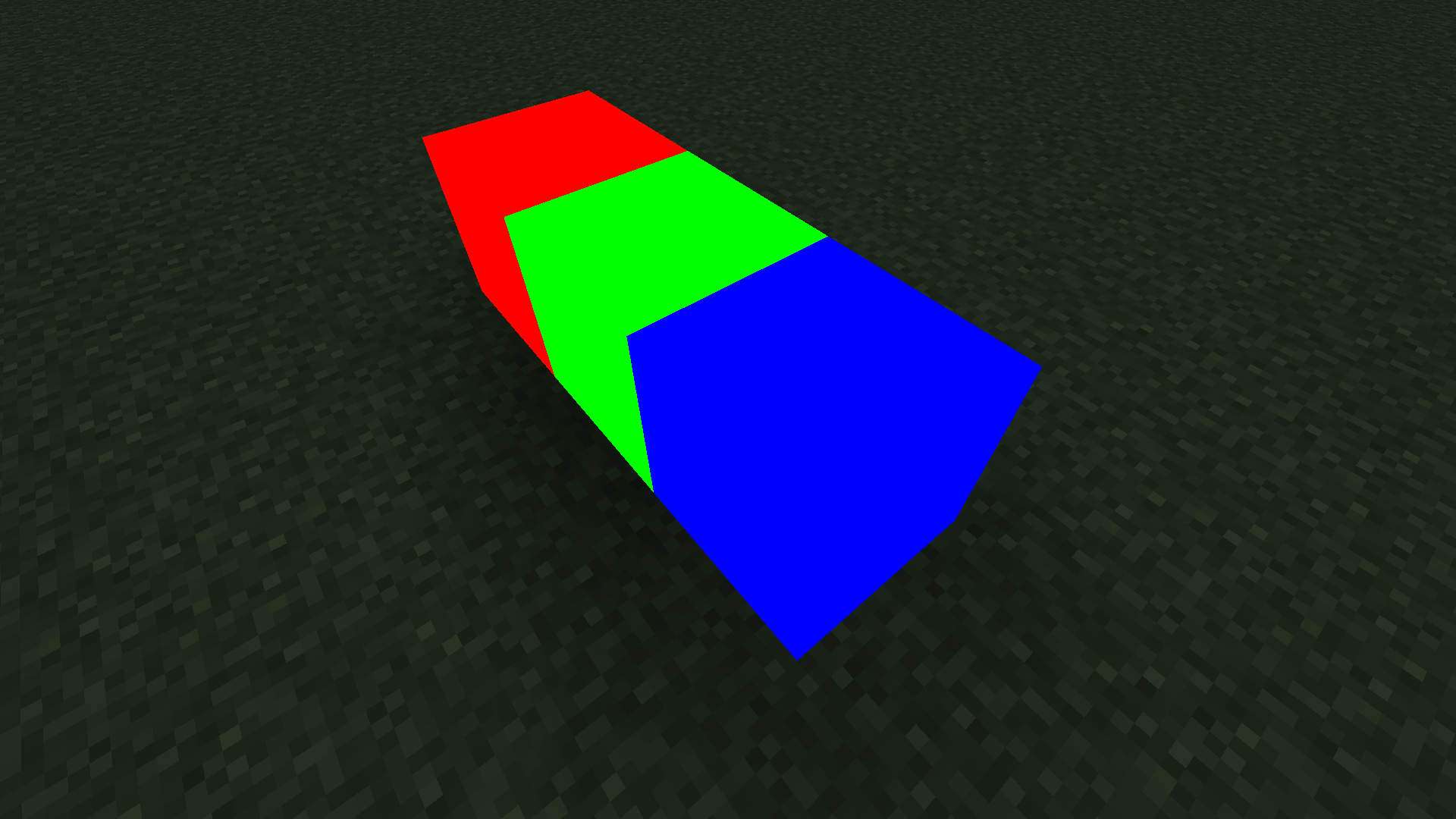
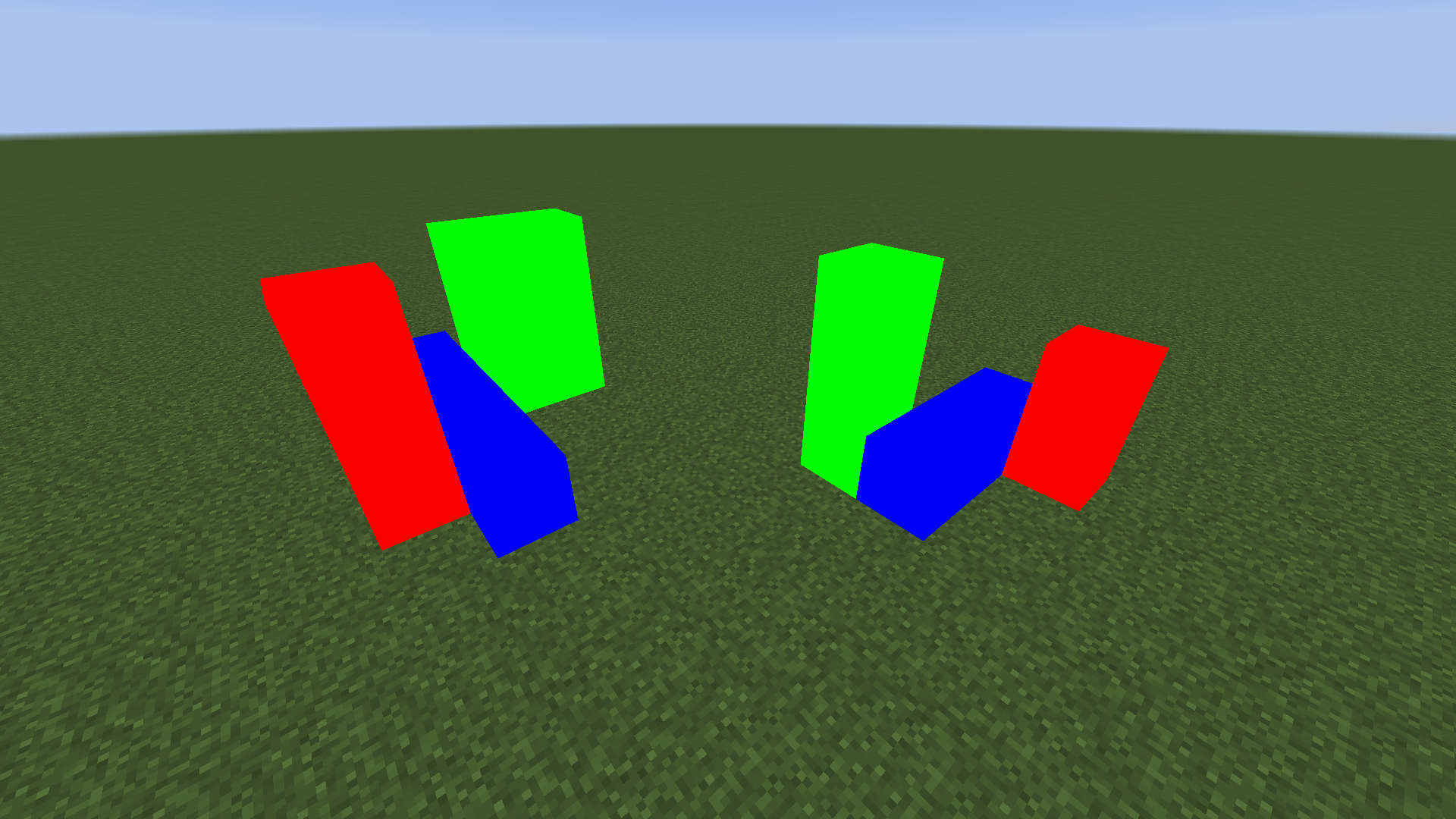
How to Use
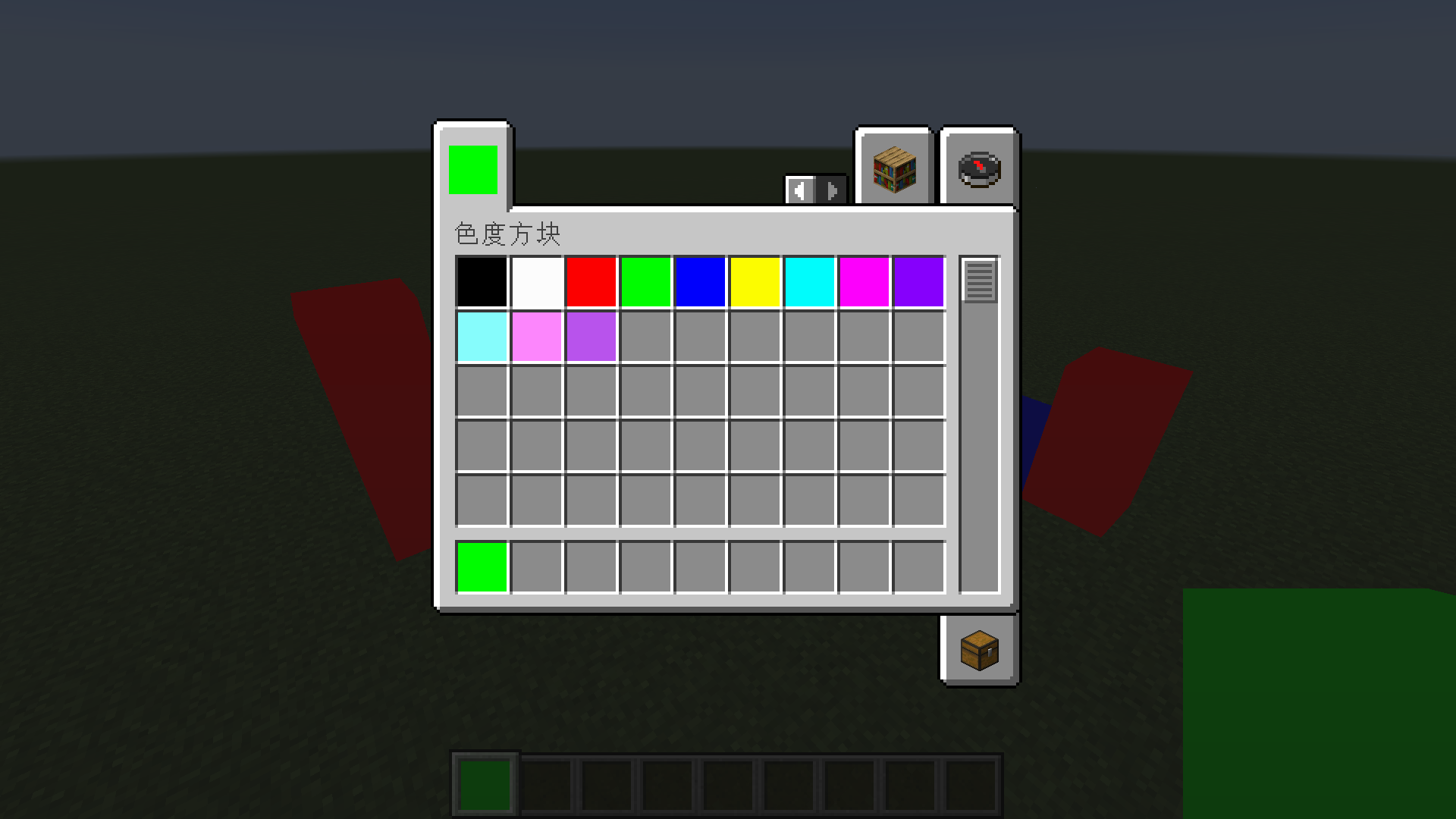
Method One: Use the common colors built into the creative mode item bar directly.
Method Two: Obtain chromaticity blocks of any color by adding them through NBT.
Commands to Get Chromaticity Blocks of Any Color
The common colors built into the creative mode item bar should generally meet your needs. If you want to customize colors, you will need to use commands to get chromaticity blocks of any color.
-
Before MC 1.13 Version
give @s chromaticityblock:chromaticity_block 1 0 {"BlockEntityTag":{"color":-1}}
setblock ~ ~ ~ chromaticityblock:chromaticity_block 0 normal {"color":-1}
-
After MC 1.13 Version
give @s chromaticityblock:chromaticity_block{"BlockEntityTag":{"color":-1}}
setblock ~ ~ ~ chromaticityblock:chromaticity_block{"color":-1}
Color Parameter
The color of the chromaticity block is determined by color NBT.
Any color can be obtained by mixing red, green, and blue, so to confirm a color, you only need four argb parameters, which are alpha, red, green, and blue.
For example, the hexadecimal color value FF4488CC contains four argb parameters. FF is alpha, 44 is red, 88 is green, CC is blue, and the range of these four parameters is 0-255 (corresponding to hexadecimal 0-FF).
It should be noted that although alpha can be stored in the number, there is actually no transparency effect in this mod.
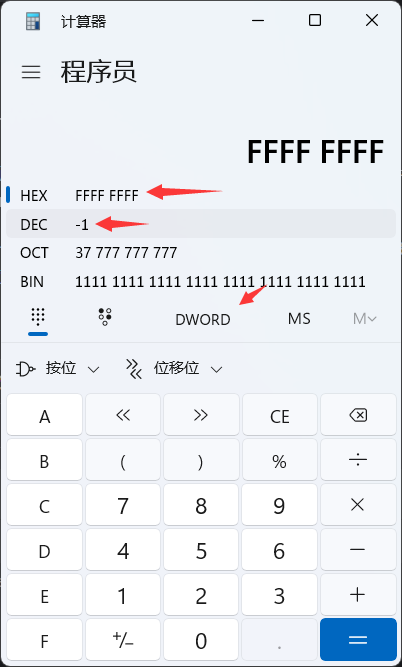
Unfortunately, integers in NBT cannot be input in HEX, so you need to convert to DEC.
You can use the calculator that comes with Windows to complete this conversion. Use the programmer mode, set the mode to DWORLD, enter the value in HEX, and you can see this value in DEC.
compatibility
-
1.12.2 - forge - Optifine
Not fully compatible. Optifine can be added, but this mod not compatible with any shader. If you try to use a shader, chromaticity block will have serious rendering errors.
-
1.16.5 - fabric - Sodium - Iris
Compatibility. Although using shader may have some minor issues, there are no serious rendering errors. Here are some common shadow effects:
- Sildurs_v1.26
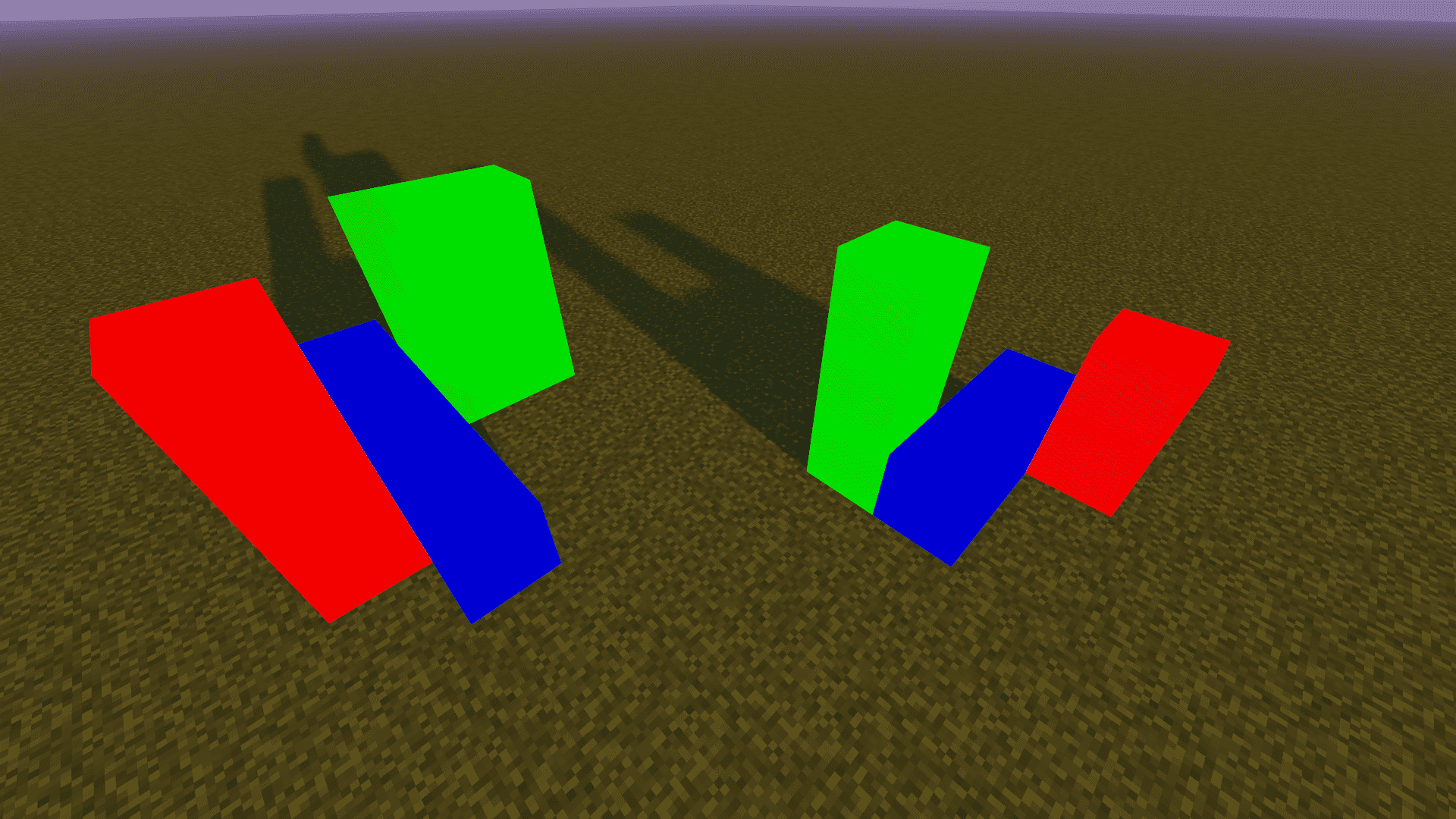
- BSL_v8.2.08
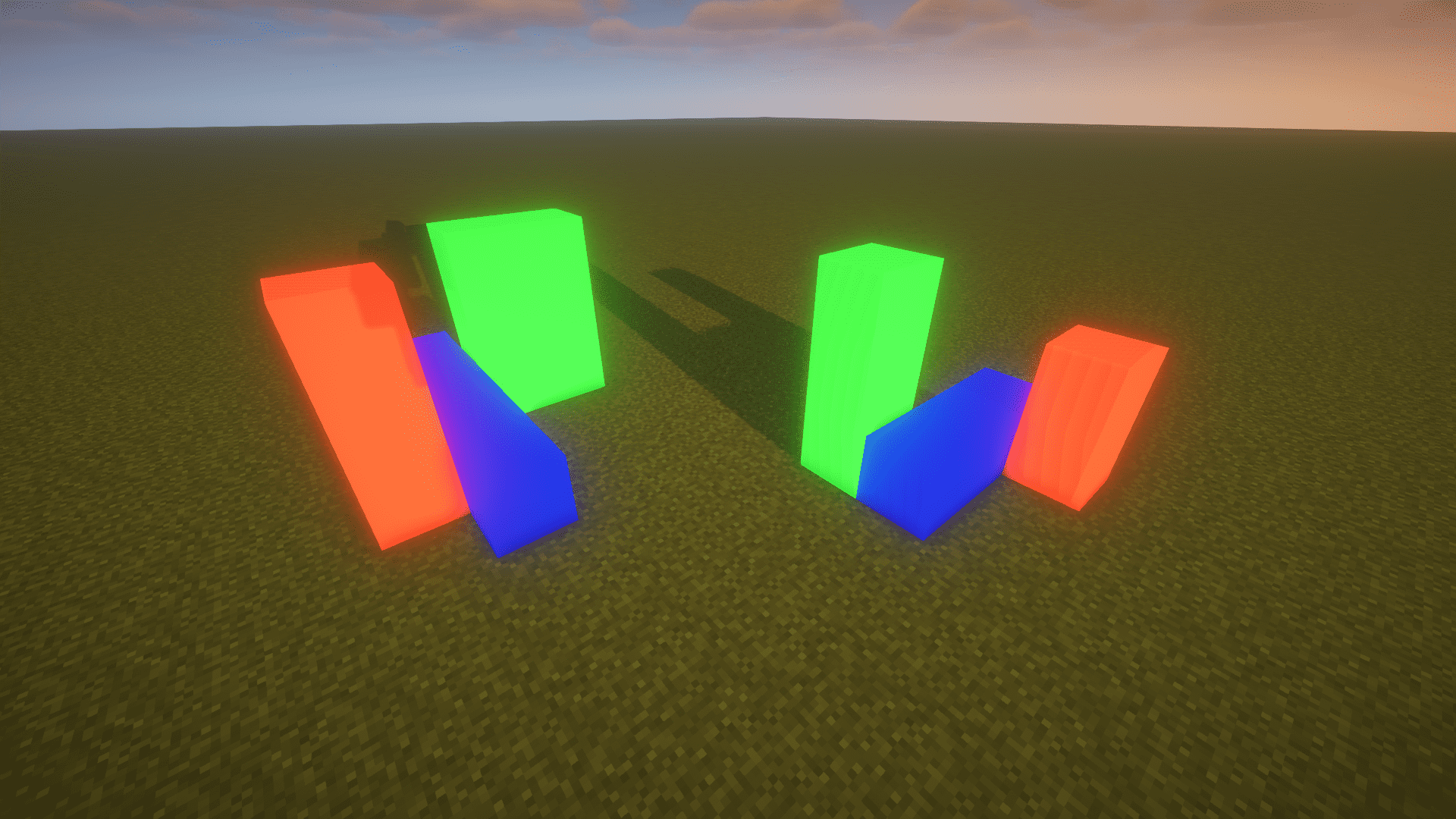
- ComplementaryShaders_v4.4
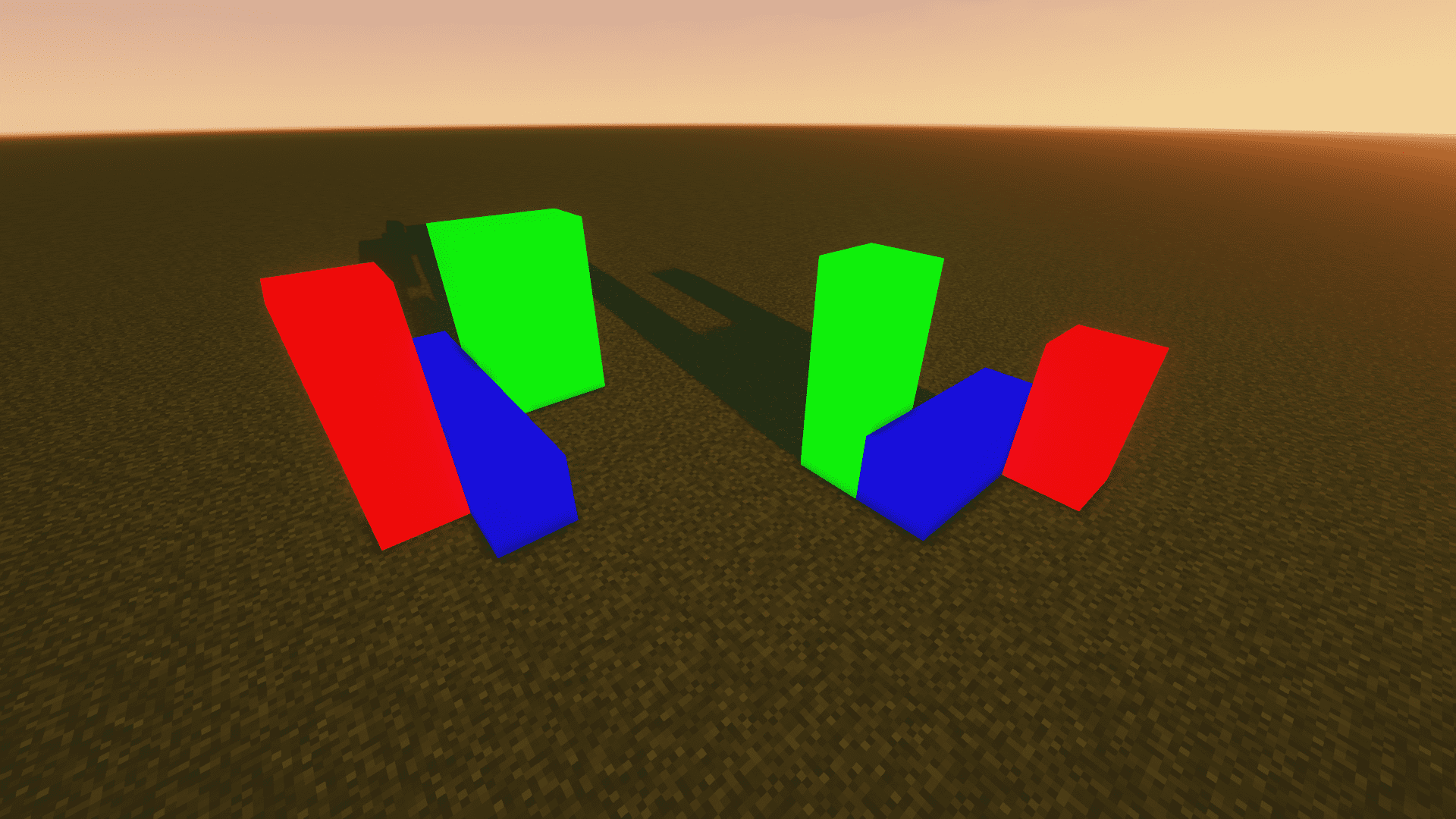
-
1.20.4 - fabric - Sodium - Iris
same as 1.16.5 - fabric - Sodium - Iris
About
-
Author: Yancey
-
QQ: 1709185482
-
Email: [email protected]
-
GitHub:
https://github.com/Yancey2023/ChromaticityBlock
https://github.com/Yancey2023/ChromaticityBlock-forge
Screenshots
Gallery
Versions
Files
Relations
Project Relations
More like this
Similar Mods
Suggestions use data such as tags, dependencies, dependents, descriptions, titles, and more to rank how much they overlap with this mod.
On ModDex
Community snapshot
By the numbers
Statistics

Want to reach Minecraft players?
We're looking for a server hosting partner to feature here and other parts of the site. Interested? Send us a message!
Get in touchGet it on
Available Platforms
On ModDex
Community snapshot
By the numbers