
Community listing page, reviews may not be monitored by the author.
CinemaForYou

No reviews yet
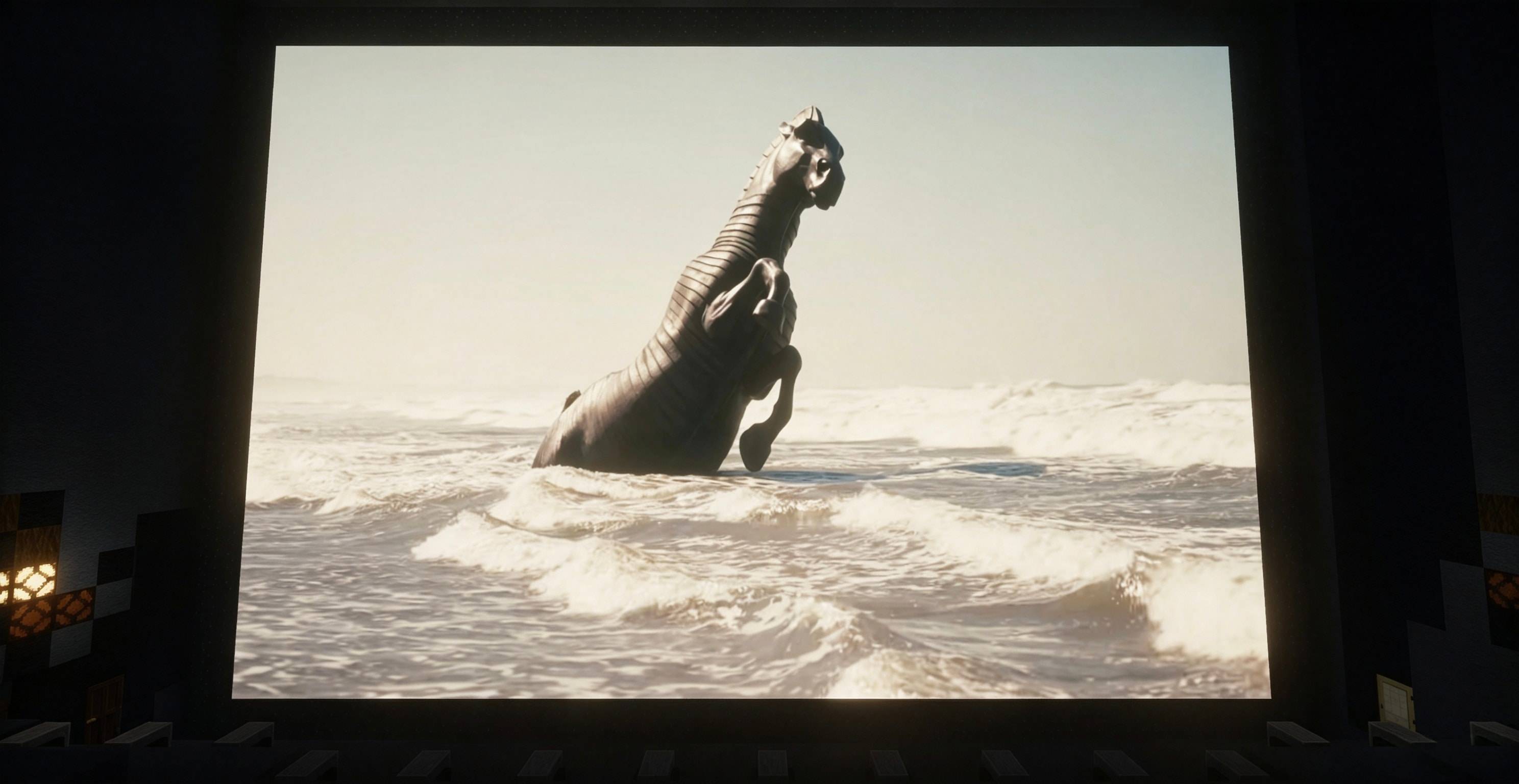
CinemaForYou — In-Game Video Screens for Minecraft Watch movies, series, and concerts on screens built inside your Minecraft world — together with your friends!

Community voices
Reviews
No reviews yet. Be the first to review this project!
Get it on
Available Platforms
About
Project Details
For authors
Embed Badge
If you're the author of this project, you can embed a live badge anywhere that supports HTML or Markdown. It updates automatically whenever ratings change.
Use HTML for any page that supports it, or Markdown for README files and Markdown-based descriptions.
Identifiers
Platform IDs
Resources
External Links
About
Description
CinemaForYou — In-Game Video Screens for Minecraft
Watch movies, series, and concerts on screens built inside your Minecraft world — together with your friends.
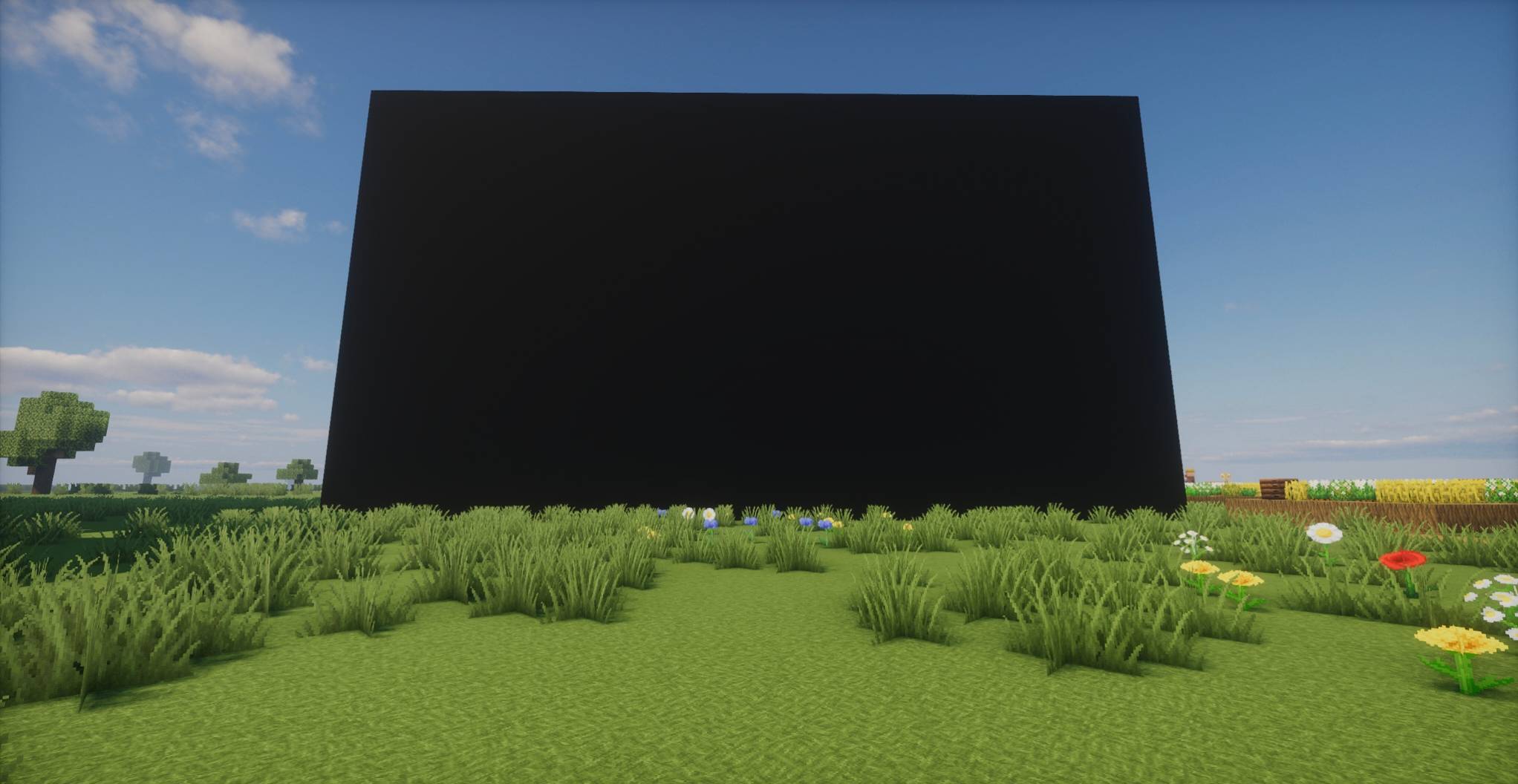
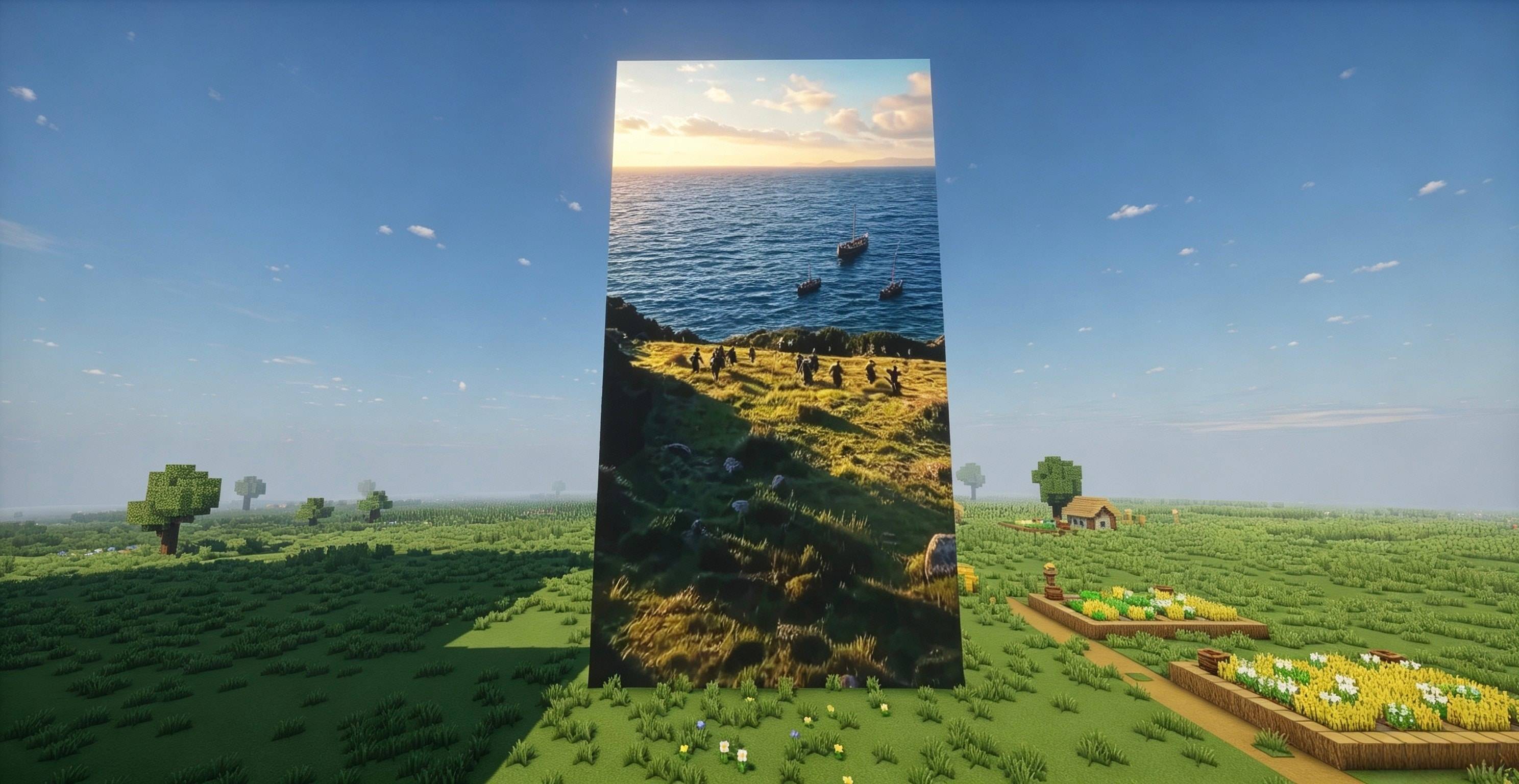
CinemaForYou is a Fabric mod for Minecraft 26.2 that lets you place true, world-space video screens of any block size. Everyone on the server watches the same content in perfect sync — same frame, same progress, same audio — making it perfect for movie nights, cinemas, theaters, or anime viewing rooms.
Features
-Multiple sources: local video files, online video links (YouTube, Bilibili, etc., resolved via yt-dlp), and a server media library (cinema/videos folder).
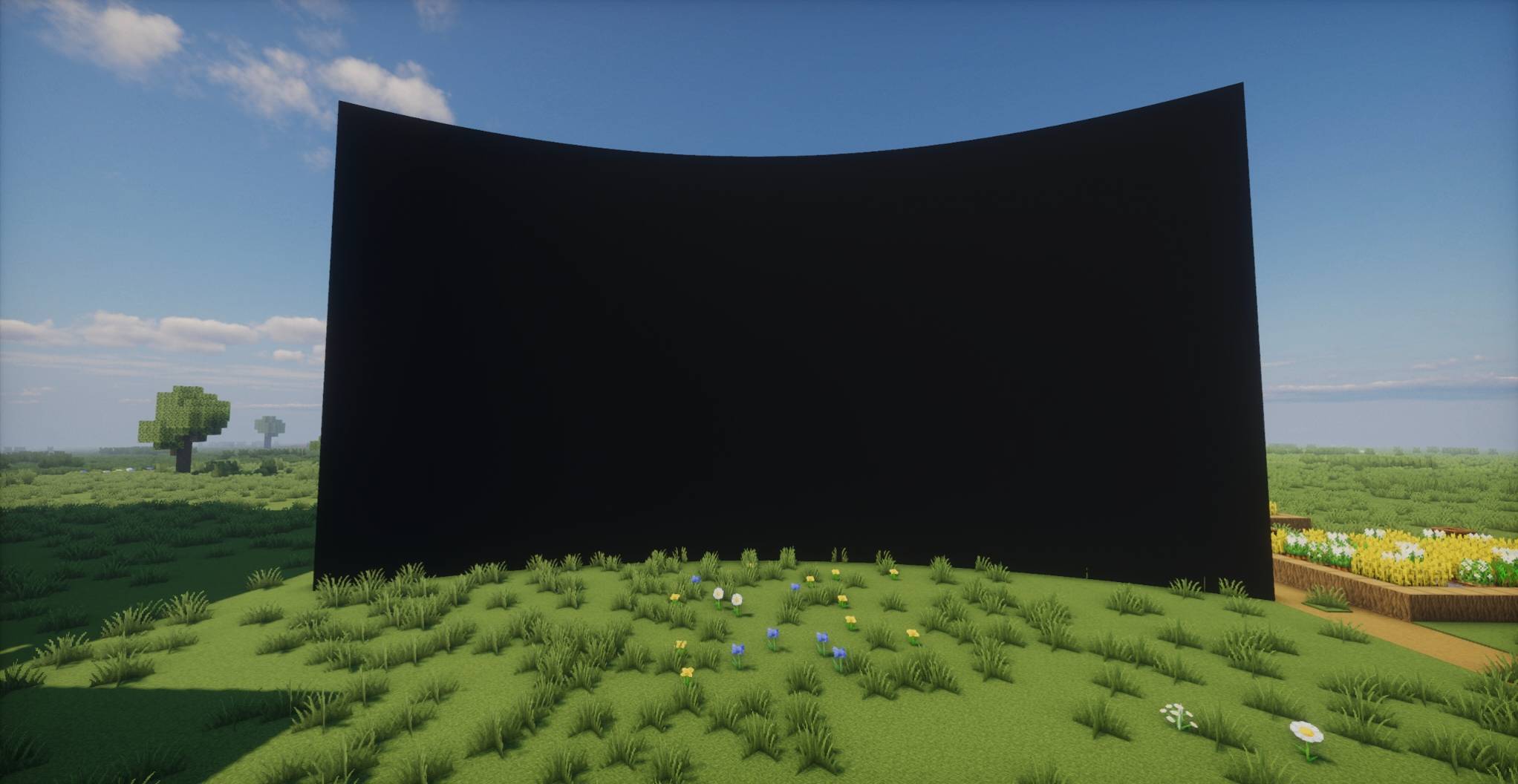
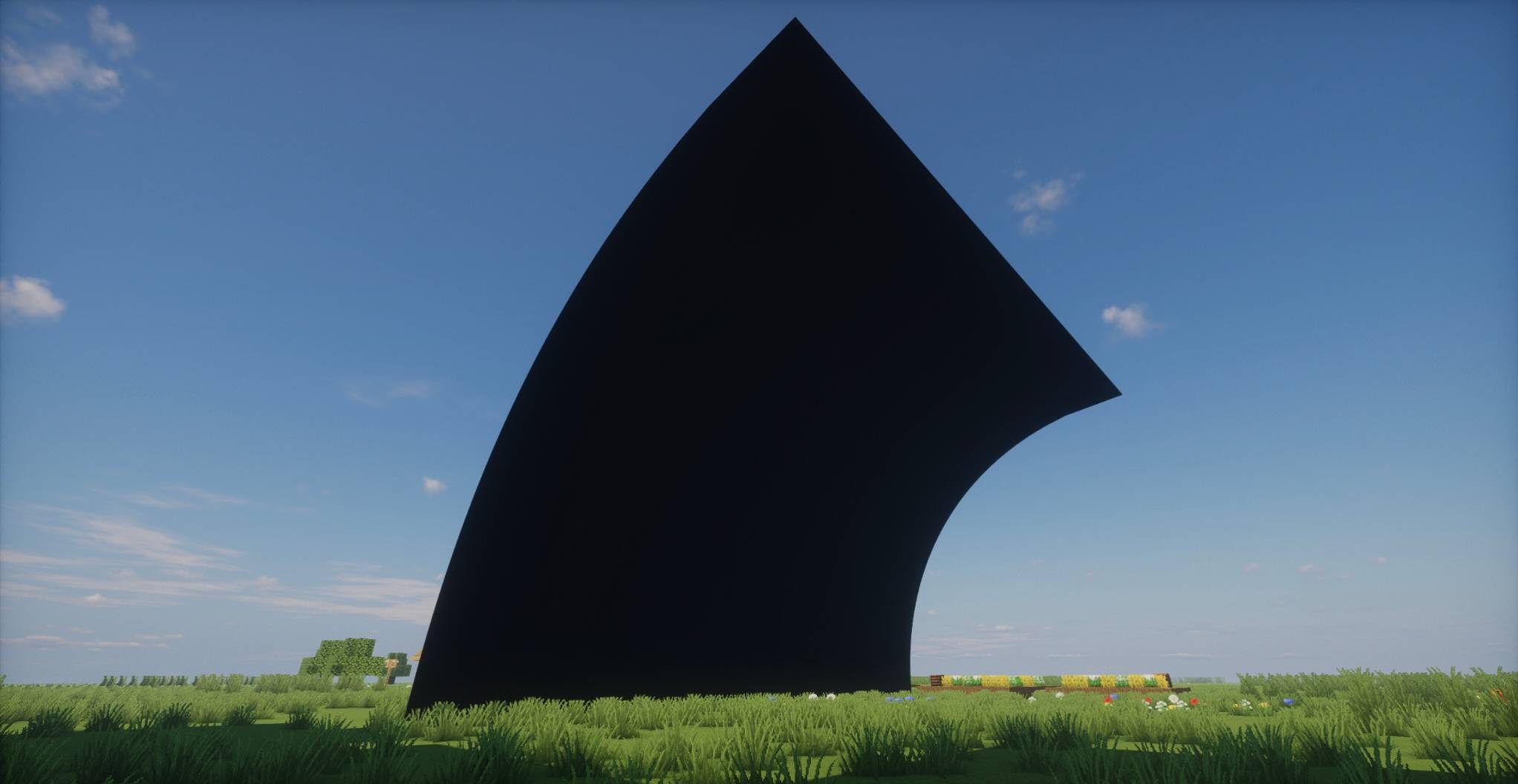
-Fully adjustable screens: create screens from any corner selection — then resize, move, bend into curved arc screens (concave/convex), and tilt up to ±180° for flipping and mirroring the image.
-Fine display control: brightness, volume, resolution, and scale can all be adjusted per screen at any time.
-Immersive audio: true 3D positional sound in the world, with adjustable playback distance, falloff curve, and soundproofing so different rooms don't interfere.
-Complete playback toolkit: playlists, playback history, loop & auto-next.
-Multi-screen sync: multiple screens can show synchronized content across a server.
-Shader friendly: works with Iris shader packs such as BSL — the picture stays bright and evenly lit under shaders.
Quick start
1.Install Minecraft 26.2, Fabric Loader (0.19.3+), and Fabric API (Java 25+).
2.Drop cinemaforyou-fabric-1.0.3+26.2.jar into your mods folder.
3.Select two corners with the mod's item to create a screen, then press V while looking at it to open its controls.
4.Press Shift+V to pick any screen's controls; open Global Settings to adjust default values for all screens.
Author: NewBeeClass · License: LGPL-3.0
Source: github.com/XuJiaXing2002/CinemaForYou
Demo Video From: 间谍过家家 第三季-番剧-高清正版在线观看-bilibili-哔哩哔哩
Screenshots
Gallery
-
 1.jpg 1.jpg
 -
 2.jpg 2.jpg
 -
 3.jpg 3.jpg
 -
 4.jpg 4.jpg
 -
 5.jpg 5.jpg
Versions
Files
Relations
Project Relations
More like this
Similar Mods
Suggestions use data such as tags, dependencies, dependents, descriptions, titles, and more to rank how much they overlap with this mod.
On ModDex
Community snapshot
By the numbers
Statistics

Get it on
Available Platforms
On ModDex
Community snapshot
By the numbers
Statistics
Resources