
Community listing page, reviews here may not be monitored by the author.
Claudecraft

No reviews yet
A Minecraft Forge mod that brings Claude AI into CC: Tweaked computers and turtles. Players interact with Claude through an in-game terminal - ask questions, run tools, automate tasks, and control turtles using natural language.
Community voices
Reviews
No reviews yet. Be the first to review this project!
Get it on
Available Platforms
Compatibility
Supported Environments
Runs entirely on the server. Also works in singleplayer.
Must be installed on both the client and the server.
Varies by version.
About
Project Details
For authors
Embed Badge
If you're the author of this project, you can embed a live badge anywhere that supports HTML or Markdown. It updates automatically whenever ratings change.
Use HTML for any page that supports it, or Markdown for README files and Markdown-based descriptions.
Identifiers
Platform IDs
About
Description
ClaudeCraft
A Forge & NeoForge mod that brings Claude AI into CC: Tweaked computers and turtles.
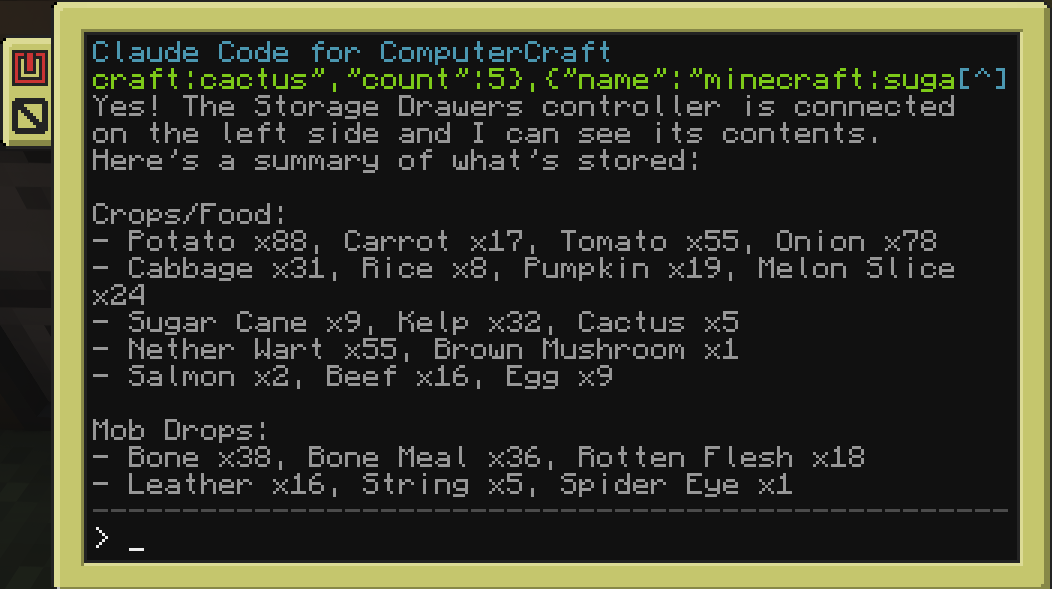
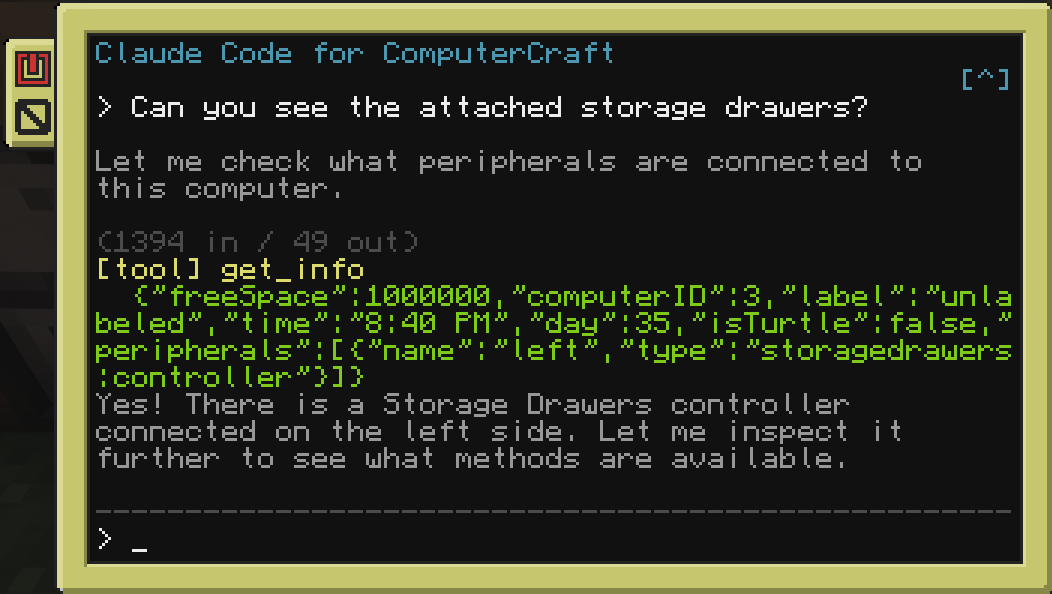
Players interact with Claude through an in-game terminal: ask questions, run tools, automate tasks, and control turtles using natural language.
Connection Modes
Both modes expose the same claude program in-game; pick whichever fits your setup:
- API Key mode - connect straight to the Anthropic API with your own key. Real-time streaming, key stored safely server-side.
- Channel mode (Claude Code) - connect through a local Claude Code session instead. No API key needed - it rides your existing Claude Code login and brings the full Claude Code agent into the computer, with one isolated session per computer or turtle.
Requirements
- Minecraft with Forge or NeoForge - see the Versions tab for the build matching your version
- CC: Tweaked 1.117.1+
- One of the following:
- An Anthropic API key for API Key mode, or
- Claude Code + Bun installed on the server host (for Channel mode)
Features
- Streaming responses: see Claude's output in real time on the terminal (API Key mode).
- Tool use: Claude can read/write files, run shell commands, control redstone, interact with peripherals, and pilot turtles. Works with any peripheral mod automatically.
- Per-computer isolation: in Channel mode, every computer and turtle gets its own Claude Code session.
- Conversation history: persistent chat history stored per computer.
- Configurable: choose model, max tokens, system prompt, and concurrency limits.
In-Game Commands
Set your Anthropic API key (API Key mode):
/claudecraft setkey <key>
Change the Claude model:
/claudecraft model <model>
Show current configuration:
/claudecraft status
Screenshots
Gallery
Versions
Files
Relations
Project Relations
More like this
Similar Mods
Suggestions use data such as tags, dependencies, dependents, descriptions, titles, and more to rank how much they overlap with this mod.
On ModDex
Community snapshot
By the numbers
Statistics

Want to reach Minecraft players?
We're looking for a server hosting partner to feature here and other parts of the site. Interested? Send us a message!
Get in touchGet it on
Available Platforms
On ModDex
Community snapshot
By the numbers