
Community listing page, reviews here may not be monitored by the author.
Click To Move


No reviews yet
Click to Move is a challenge mod that completely removes the standard controls
Community voices
Reviews
No reviews yet. Be the first to review this project!
Get it on
Available Platforms
Compatibility
Supported Environments
Must be installed on both the client and the server.
About
Project Details
For authors
Embed Badge
If you're the author of this project, you can embed a live badge anywhere that supports HTML or Markdown. It updates automatically whenever ratings change.
Use HTML for any page that supports it, or Markdown for README files and Markdown-based descriptions.
Identifiers
Platform IDs
Resources
External Links
About
Description

Click to Move - is a challenge mod that completely removes the standard controls, replacing nearly all functions with mouse controls.
The inventory mechanics have also been completely revamped.
Now the inventory appears as a series of rings, with 9 slots initially available, plus slots for your off-hand and armor. However, if you place a chest in the appropriate slot, you’ll gain 3 additional rings that you can switch between to cycle through items!
How do you get a workbench if there’s no crafting window in the inventory? Just chop down any tree and use any type of log to hit another log, and you’ll get a workbench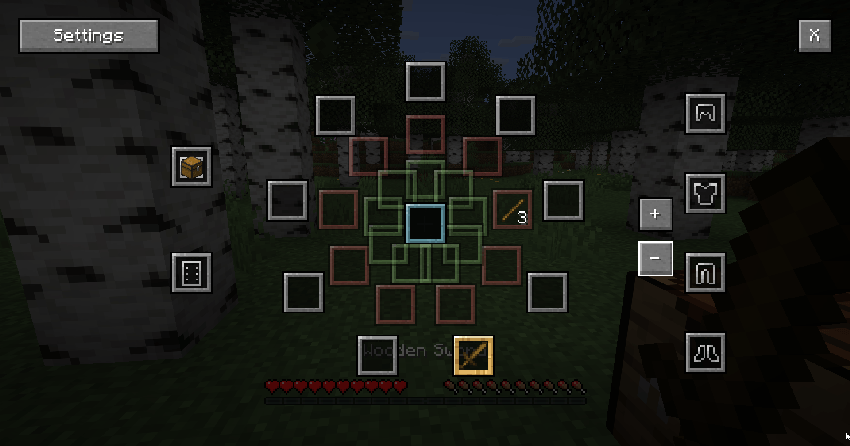
Controls:
Movement - Hold down the right mouse button (you will move in the direction you are facing)
Jump - Double-click the left mouse button
Sneak - Double-click the right mouse button
Open inventory - Middle mouse button

Click to Move - is a challenge mod that completely removes the standard controls, replacing nearly all functions with mouse controls.
The inventory mechanics have also been completely revamped. Now the inventory appears as a series of rings, with 9 slots initially available, plus slots for your off-hand and armor. However, if you place a chest in the appropriate slot, you’ll gain 3 additional rings that you can switch between to cycle through items!
How do you get a workbench if there’s no crafting window in the inventory? Just chop down any tree and use any type of log to hit another log, and you’ll get a workbench

Controls:
- Movement - Hold down the right mouse button (you will move in the direction you are facing)
- Jump - Double-click the left mouse button
- Sneak - Double-click the right mouse button
- Open inventory - Middle mouse button
Screenshots
Gallery
-
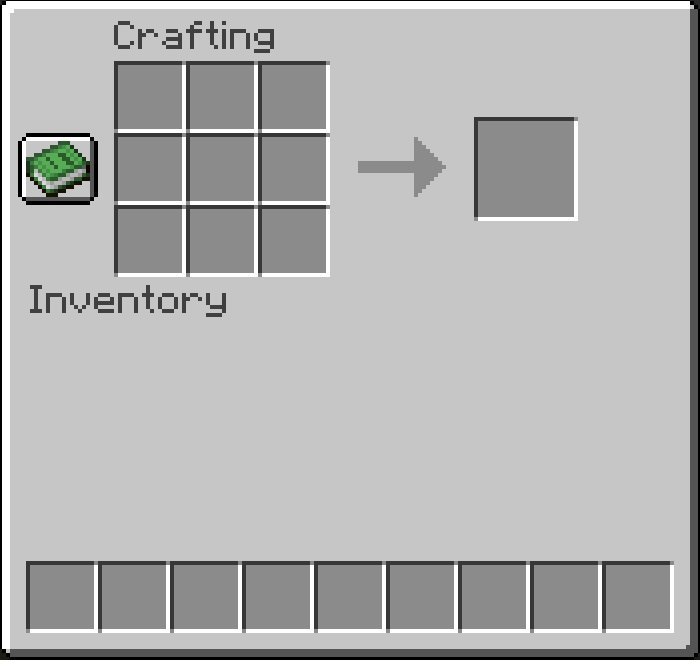 how some blocks gui now look java_sdKEiIwHds.png
 -
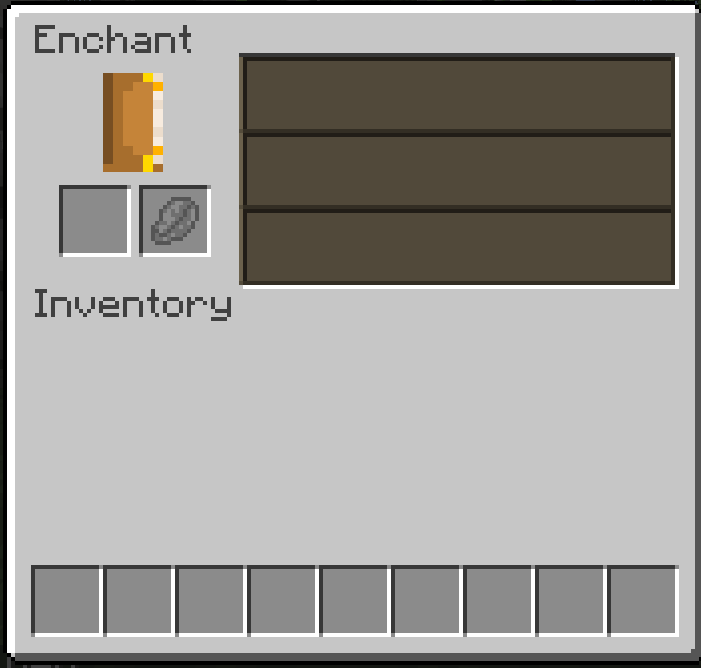 how some blocks gui now look java_p95VMFjmjV.png
 -
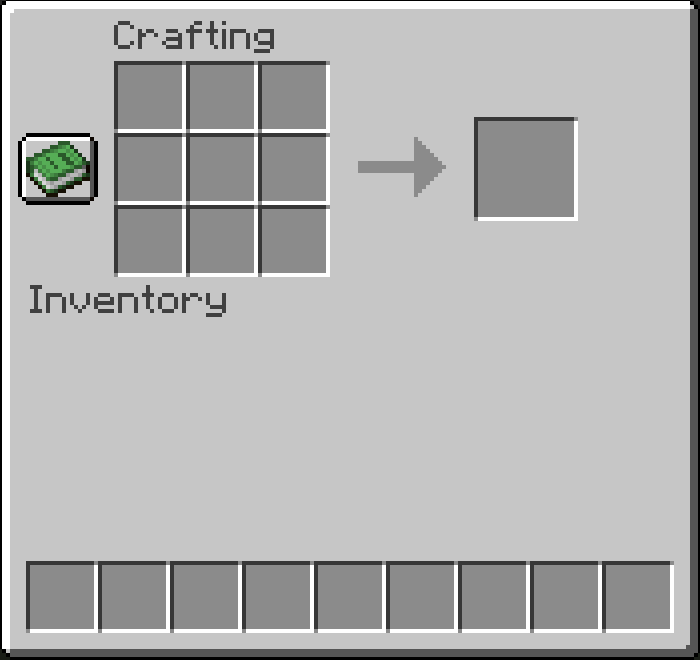 how some blocks gui now look java_sdKEiIwHds.png
 -
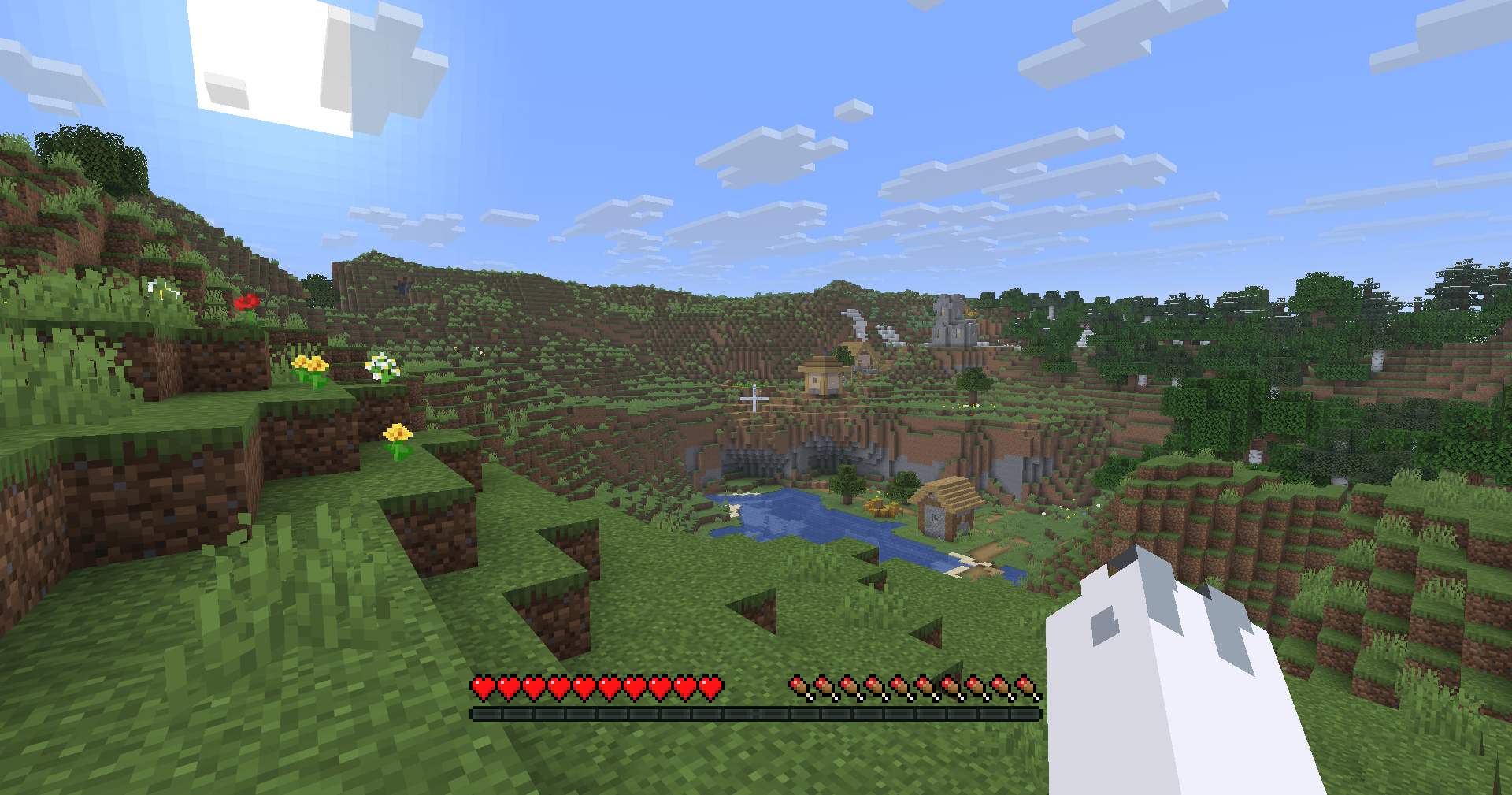 beatiful view javaw_kbaAX2Bxfa.png
 -
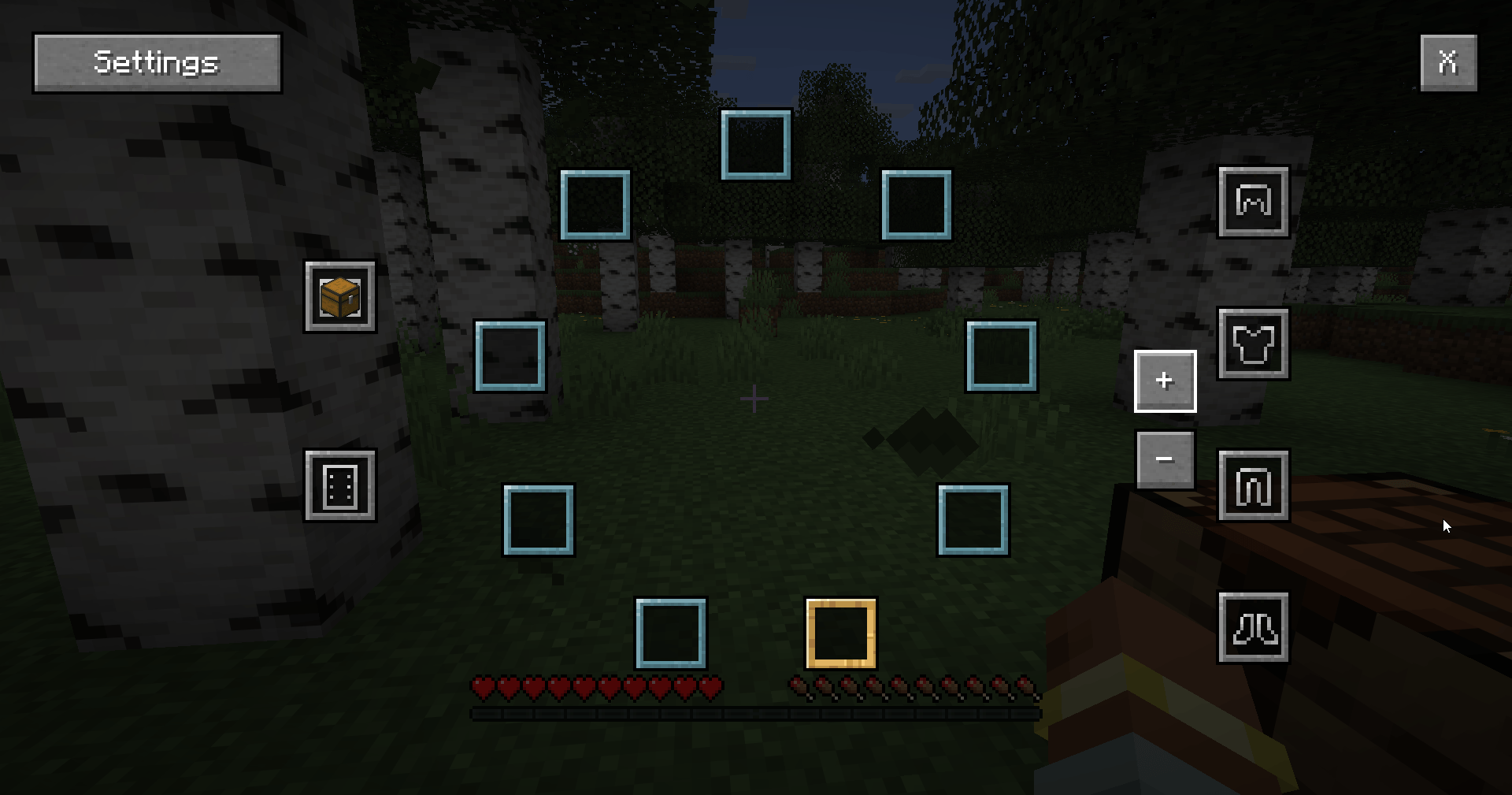 4th ring java_U2kEXiSwhw.png
 -
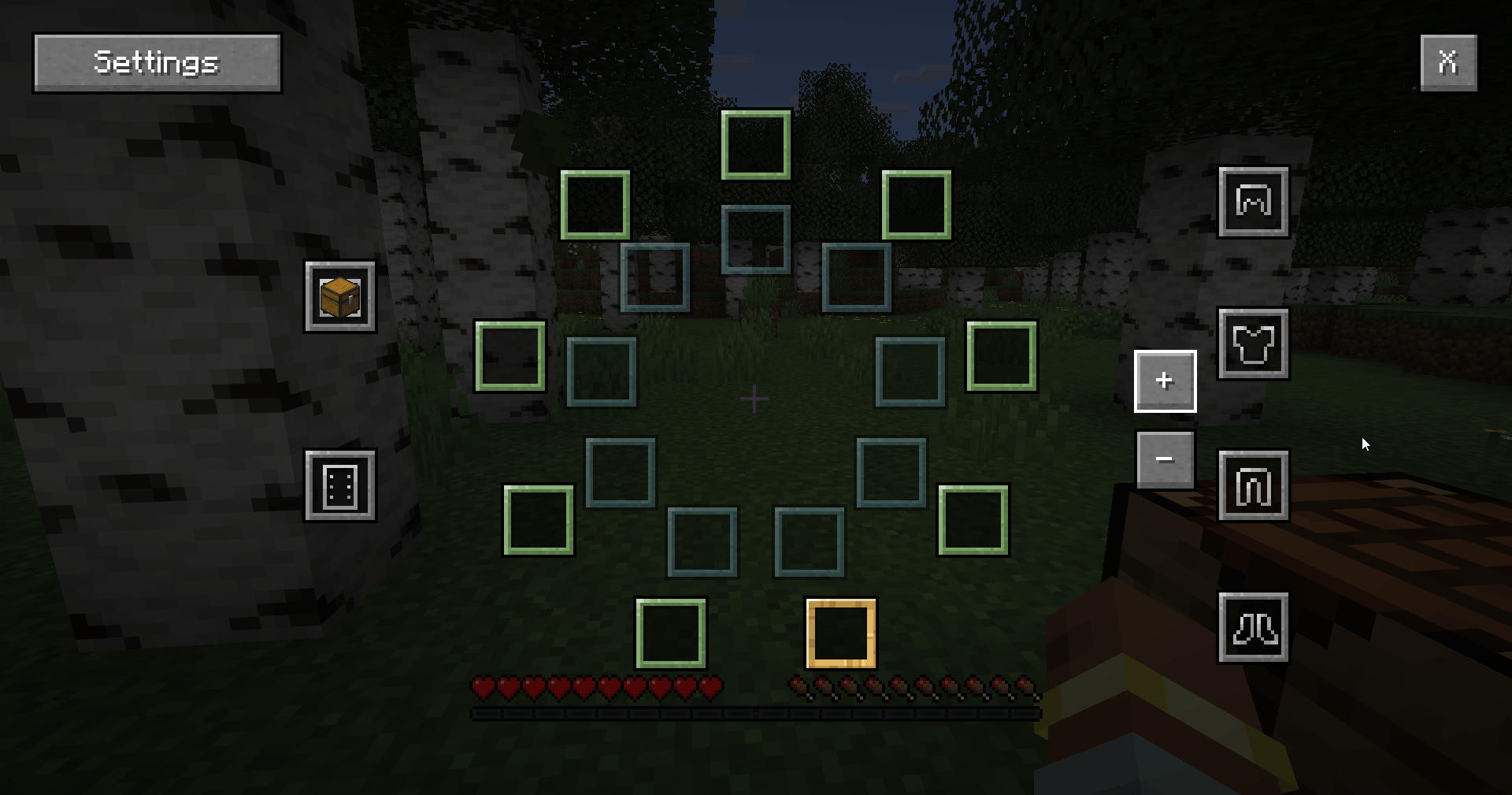 3rd ring java_ohzKMnK0TT.png
 -
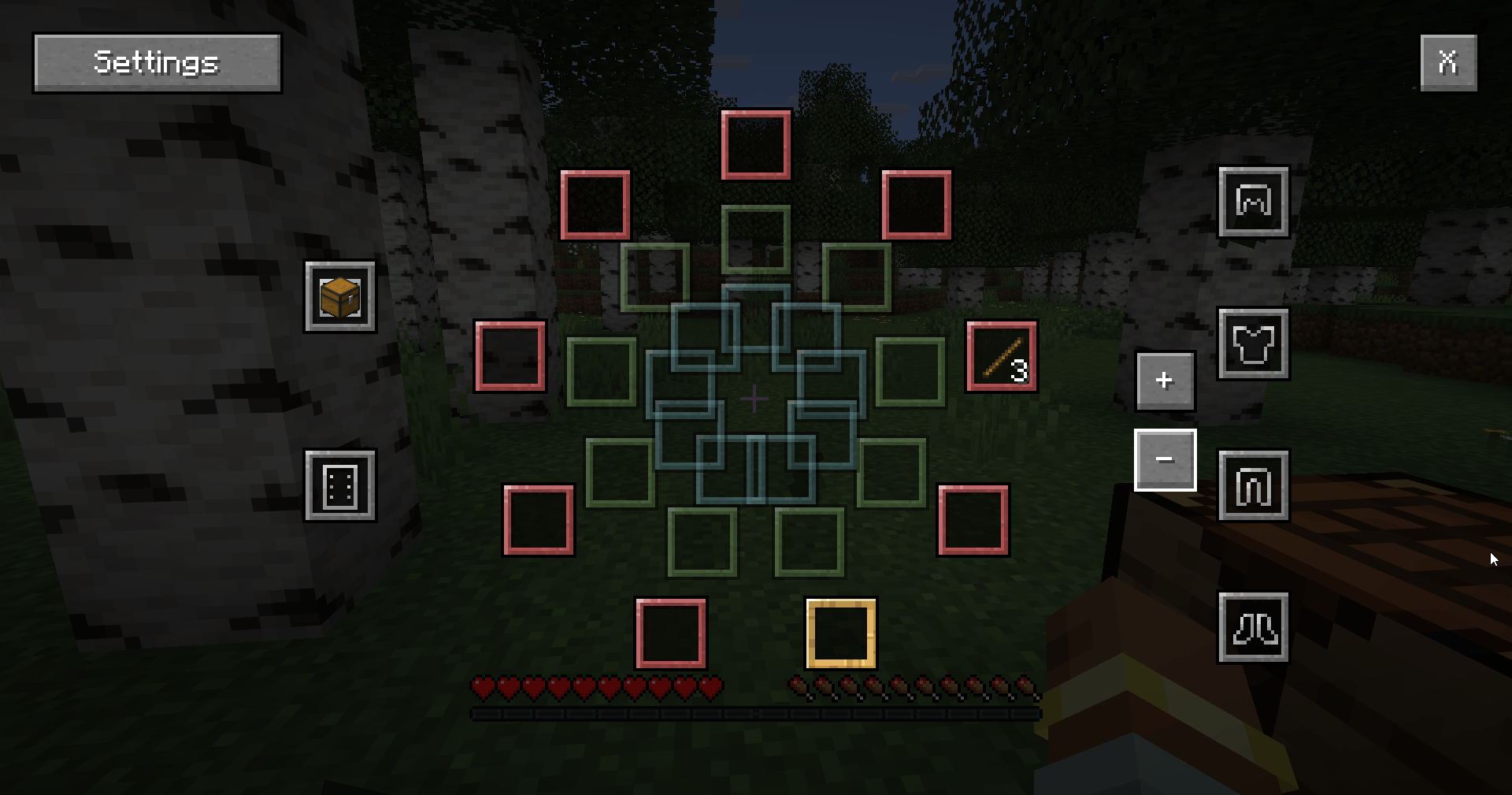 2nd ring java_HcC0nc5Cwt.png
 -
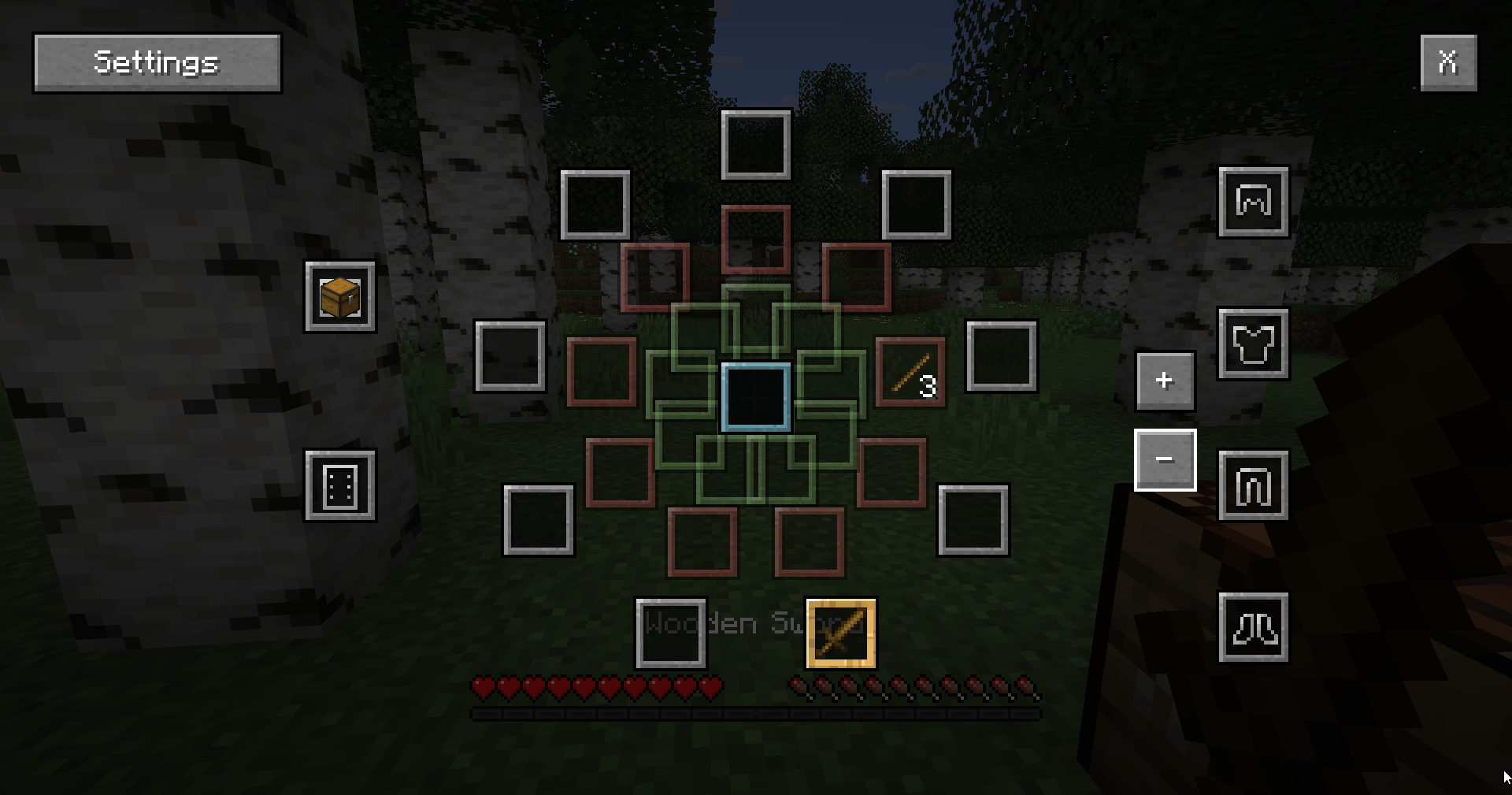 main ring (you have that even without chest) java_RZPoya1I39.png
-
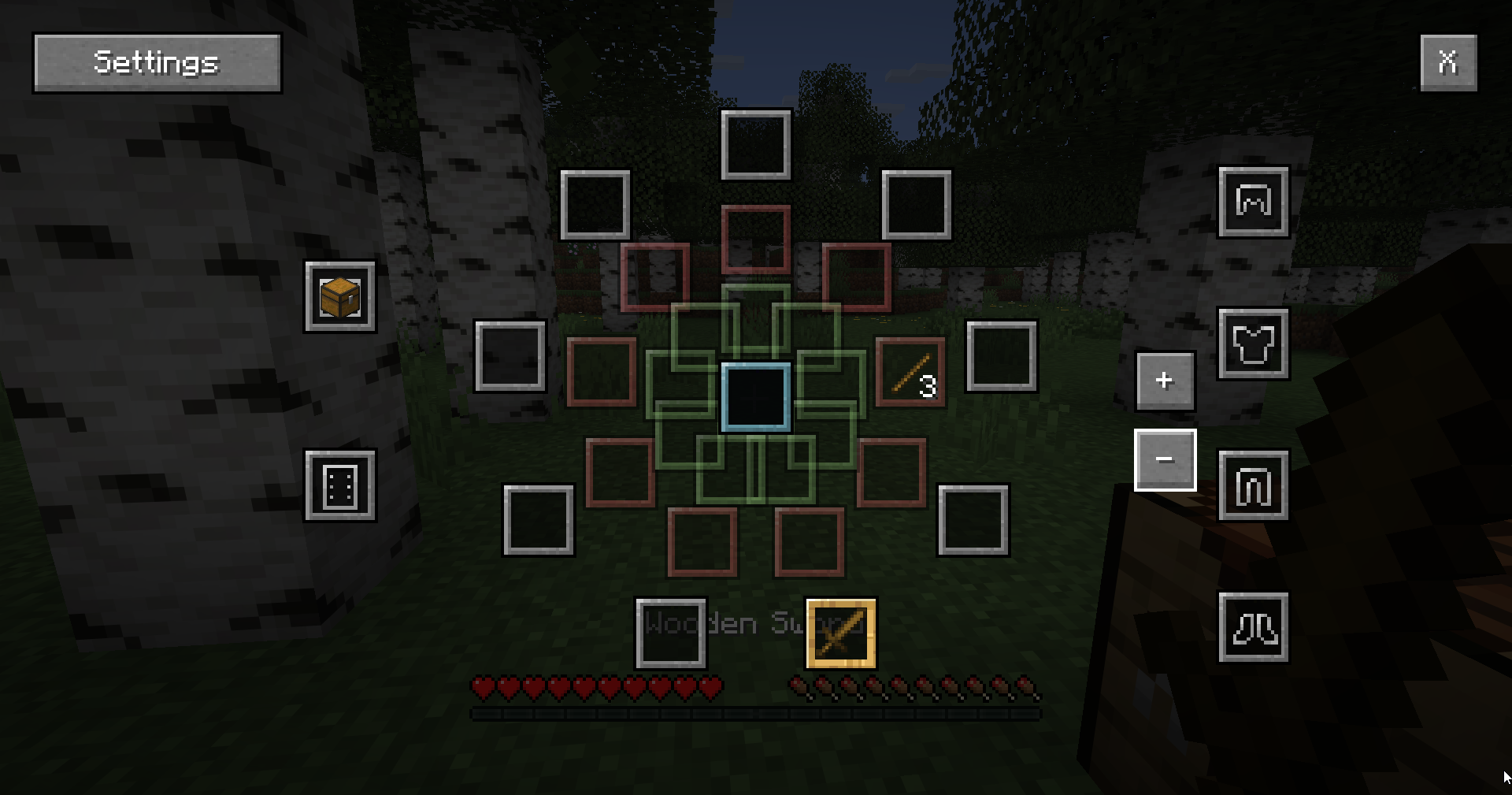 first ring
 -
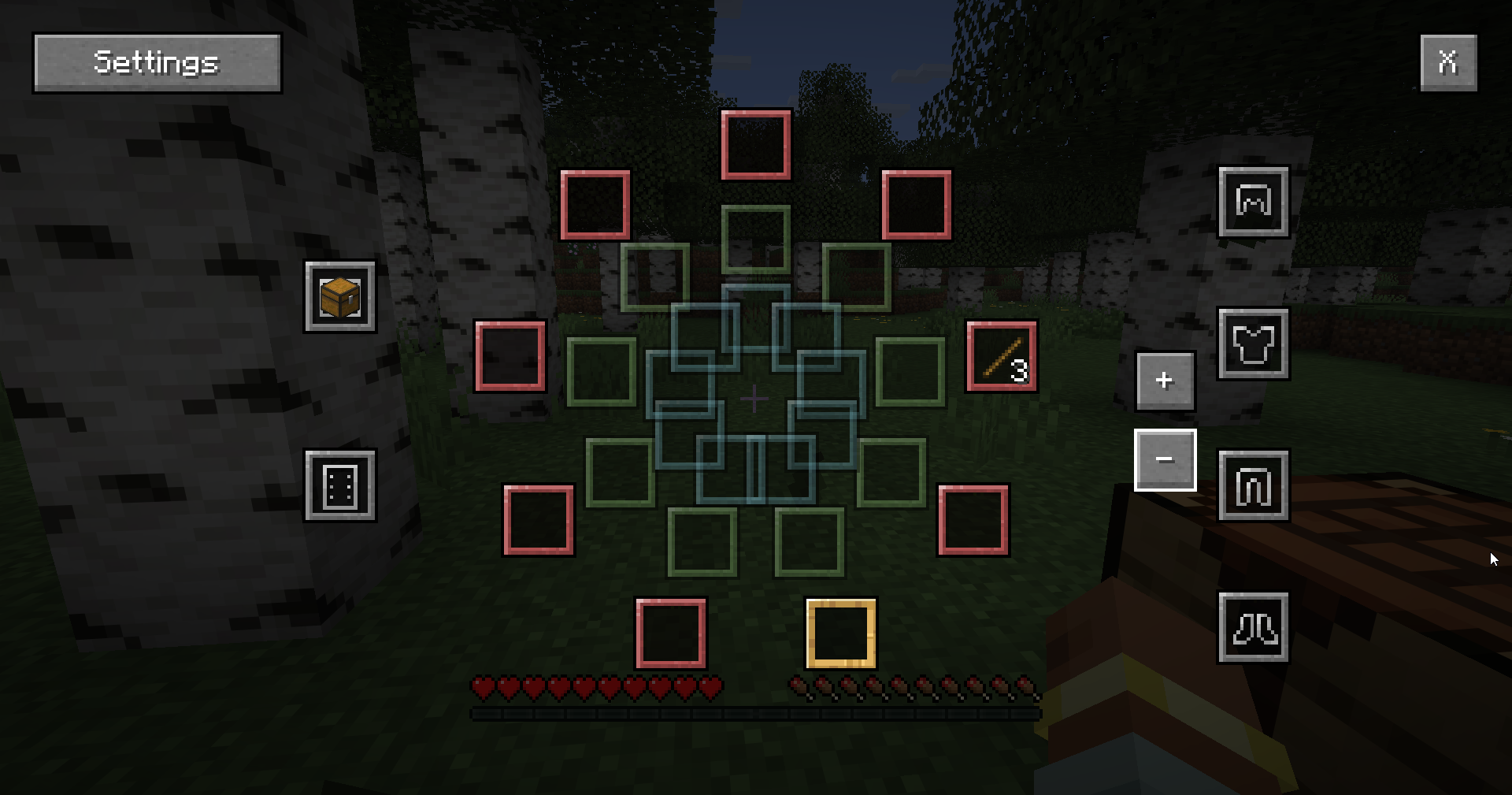 2nd ring
 -
 how some blocks gui now look
 -
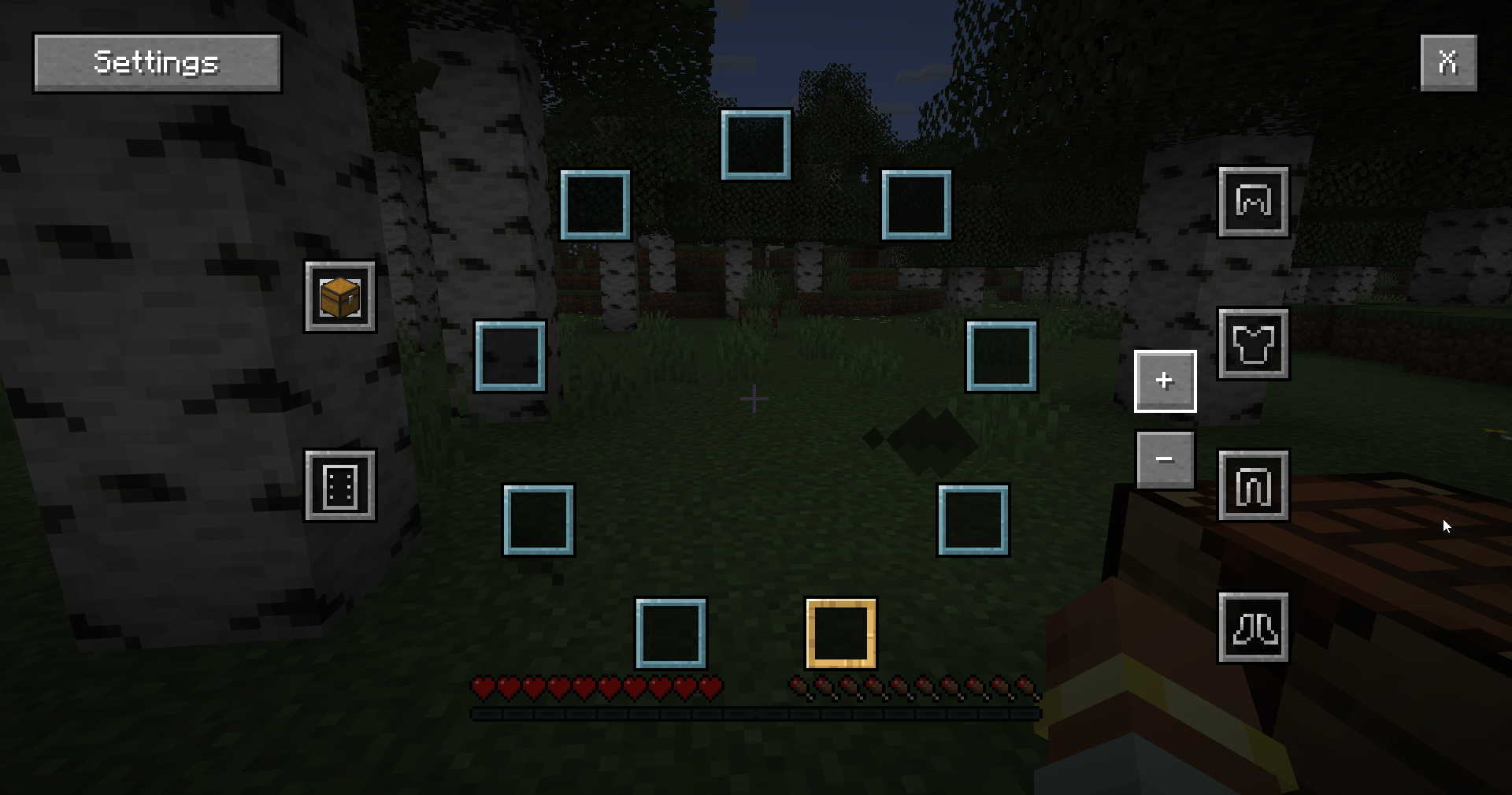 4th ring
 -
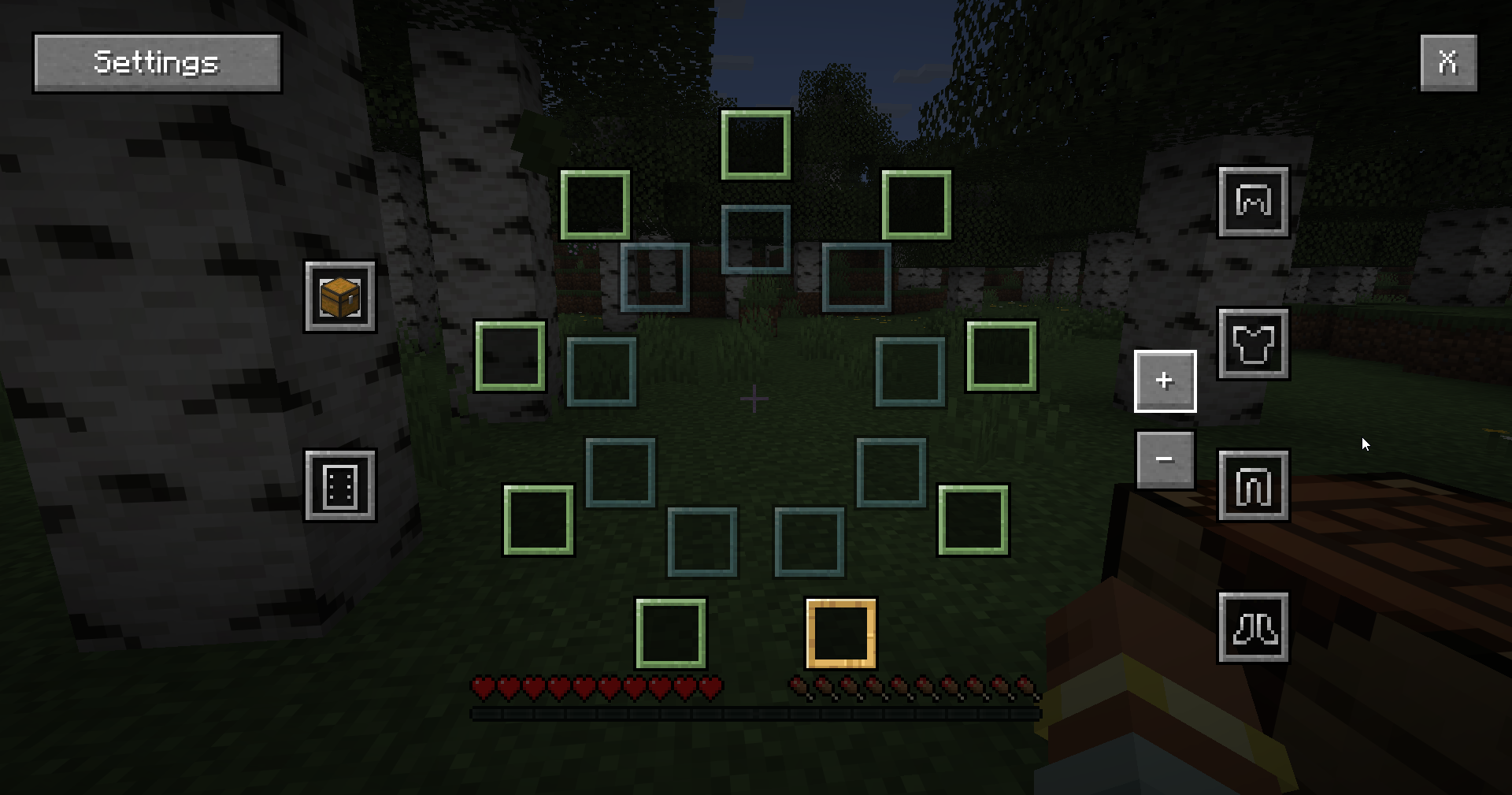 3rd ring
 -
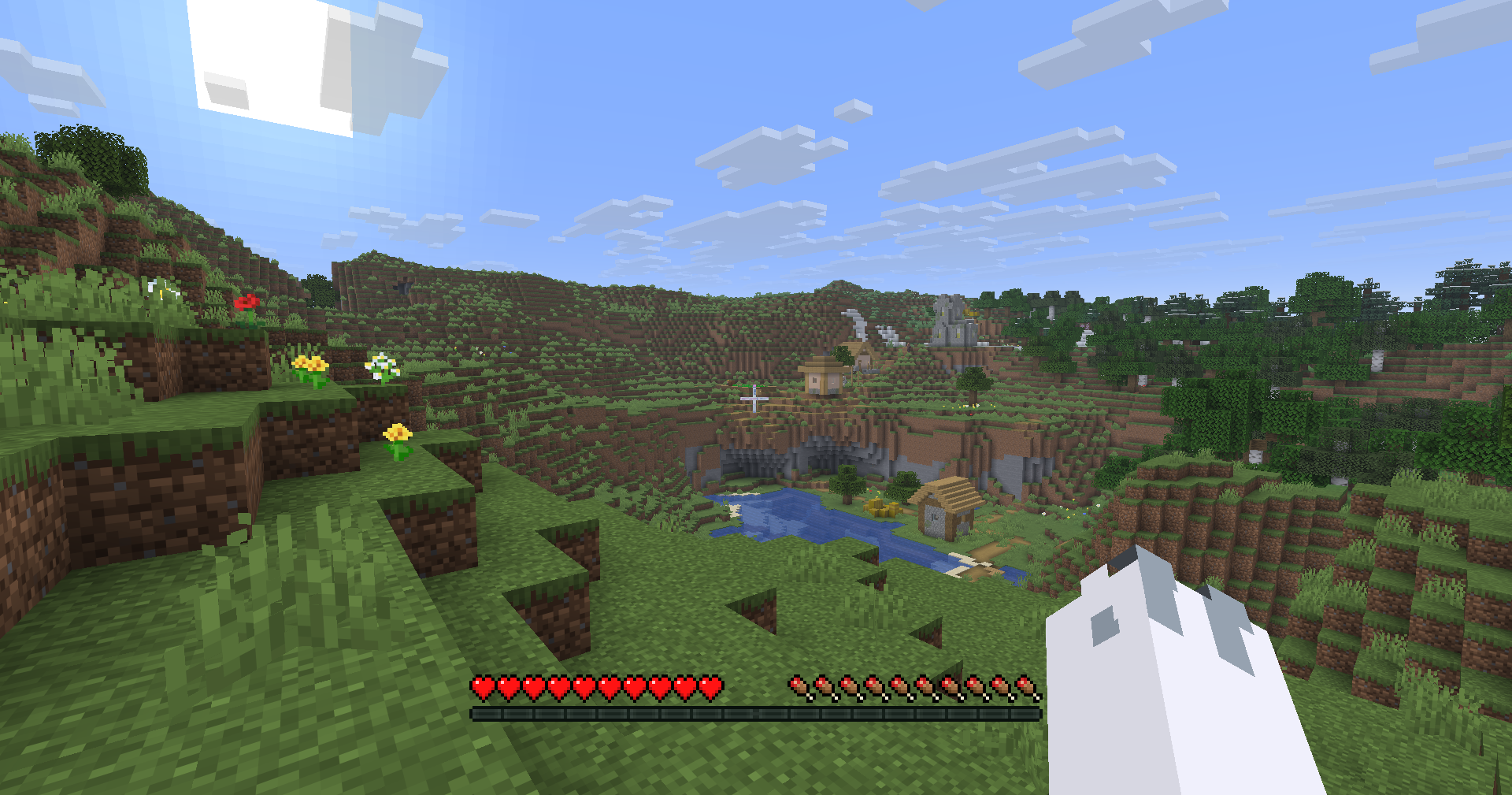 hotbar
 -
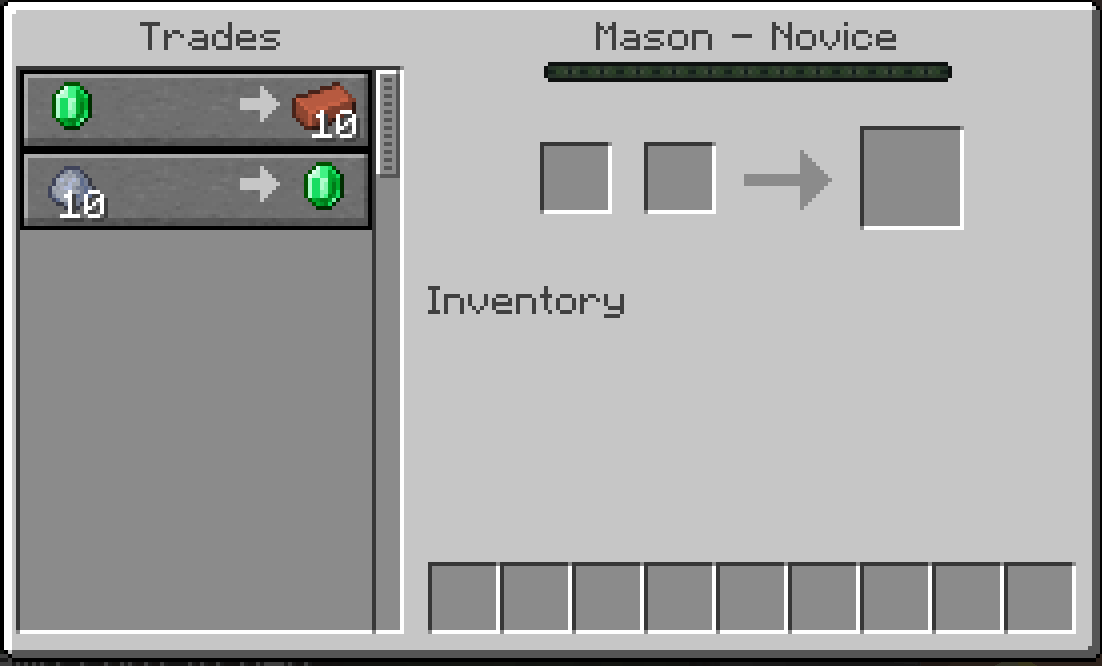 how some blocks gui now look
 -
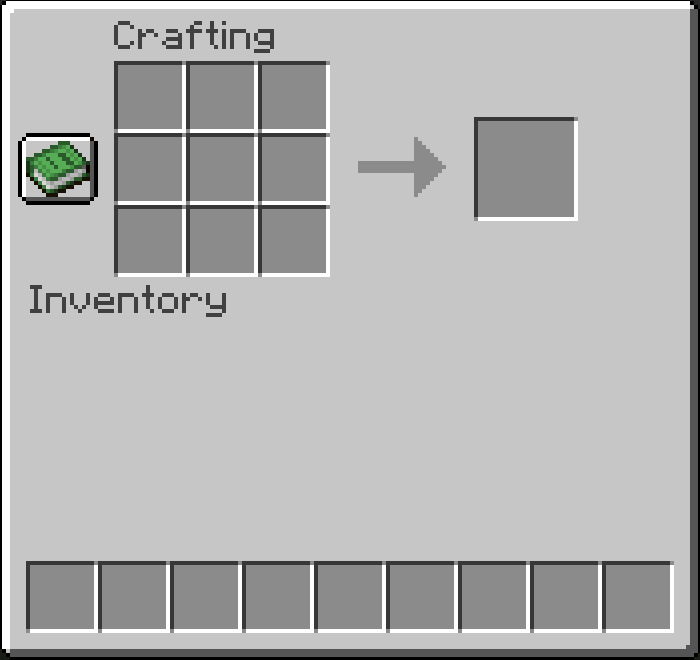 how some blocks gui now look
Versions
Files
Relations
Project Relations
More like this
Similar Mods
Suggestions use data such as tags, dependencies, dependents, descriptions, titles, and more to rank how much they overlap with this mod.
On ModDex
Community snapshot
By the numbers
Statistics
Want to reach Minecraft players?
We're looking for a server hosting partner to feature here and other parts of the site. Interested? Send us a message!
Get in touchGet it on
Available Platforms
On ModDex
Community snapshot
By the numbers
Statistics
Resources