Community listing page, reviews here may not be monitored by the author.
Click Ward

No reviews yet
Require deliberate confirmation before selected vanilla tool interactions permanently transform a block.
Community voices
Reviews
No reviews yet. Be the first to review this project!
Get it on
Available Platforms
About
Project Details
For authors
Embed Badge
If you're the author of this project, you can embed a live badge anywhere that supports HTML or Markdown. It updates automatically whenever ratings change.
Use HTML for any page that supports it, or Markdown for README files and Markdown-based descriptions.
Identifiers
Platform IDs
Resources
External Links
About
Description
# Click Ward
**Add a deliberate safety step to irreversible right-click actions.**
Click Ward helps prevent accidental block changes such as stripping logs, scraping copper, or removing wax. Optional protection can also cover path-making and tilling.
## Highlights
- 700 ms double-use confirmation or configurable hold-to-confirm mode
- Matches the exact dimension, target block, face, hand, held item, and action
- Gold preview and green confirmation feedback
- Optional **Alt** bypass for intentional rapid work
- Clear settings with action-by-action controls
## Privacy and fair-play scope
Click Ward cancels a protected interaction locally before it is sent, then allows the matching confirmed action. It does **not** replay or fabricate packets, mine/build automatically, or inspect hidden server information.
## Compatibility
- Minecraft Java Edition **1.16.5 through 26.1.2**
- **Fabric, Forge, and NeoForge** wherever that loader is officially supported for the selected Minecraft version
- Client-side only — no server installation or custom network payload
- Six built-in interface languages
## Installation
1. Choose the file matching your exact Minecraft version and mod loader.
2. Install the loader's required API/dependencies when listed on the file page.
3. Place the jar in your mods folder and start Minecraft.
Always follow the rules of the server you play on.
*Click Ward is an unofficial fan-made project and is not affiliated with Mojang Studios or Microsoft.*
Screenshots
Gallery
-
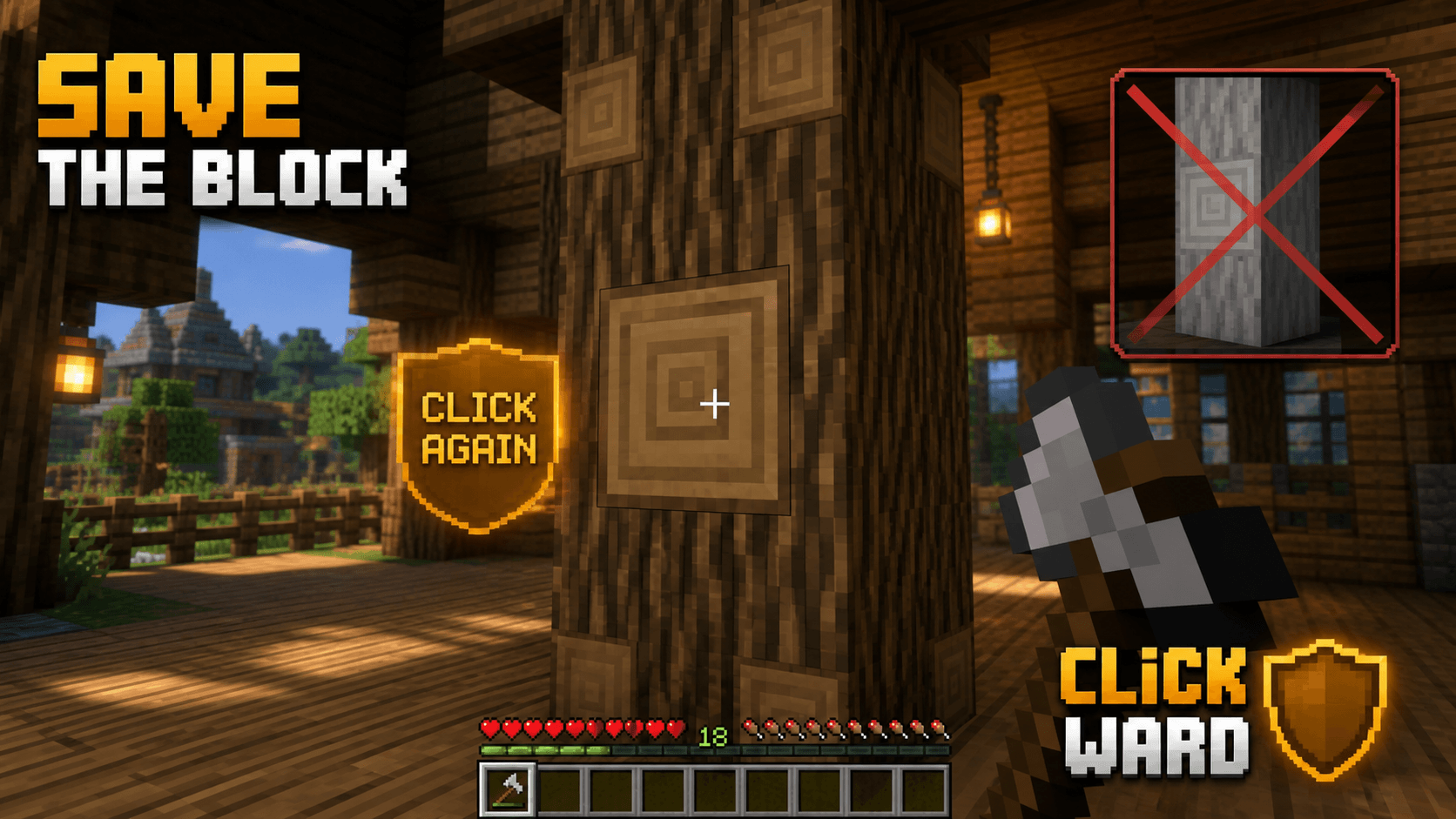 hero.png hero.png
 -
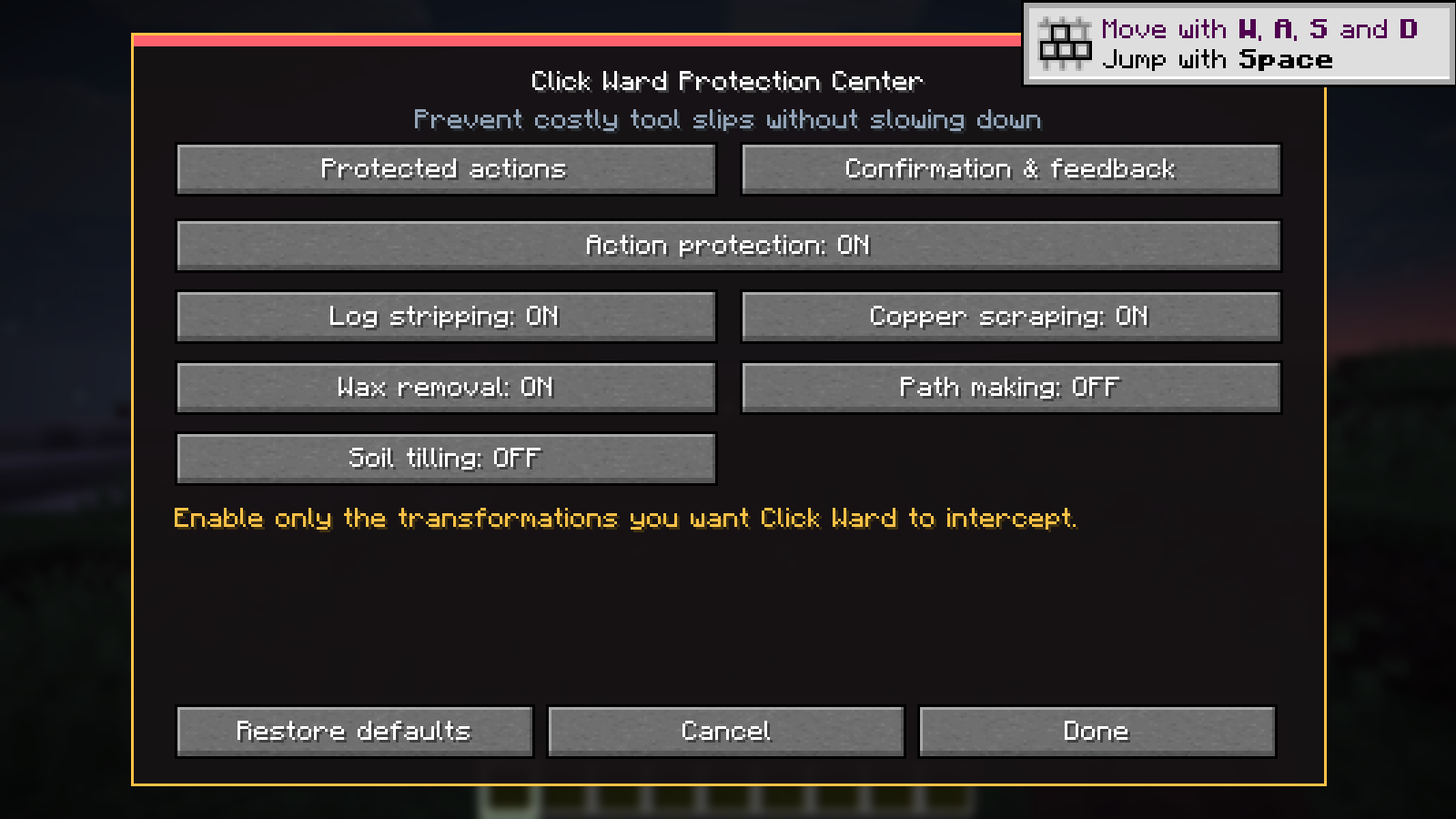 Click Ward — Interaction Protection Prevent accidental interactions with protected blocks using clear, configurable safety rules.
Versions
Files
Relations
Project Relations
More like this
Similar Mods
Suggestions use data such as tags, dependencies, dependents, descriptions, titles, and more to rank how much they overlap with this mod.
On ModDex
Community snapshot
By the numbers
Statistics
Want to reach Minecraft players?
We're looking for a server hosting partner to feature here and other parts of the site. Interested? Send us a message!
Get in touchGet it on
Available Platforms
On ModDex
Community snapshot
By the numbers
Statistics
Resources