Community listing page, reviews here may not be monitored by the author.
Cloudy Armory

No reviews yet
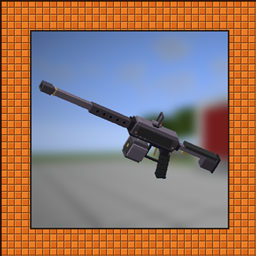
Build modular guns in copper, iron, and Netherite. Customize parts and attachments, swap magazines by hand, and unlock camos through combat.
Community voices
Reviews
No reviews yet. Be the first to review this project!
Get it on
Available Platforms
About
Project Details
For authors
Embed Badge
If you're the author of this project, you can embed a live badge anywhere that supports HTML or Markdown. It updates automatically whenever ratings change.
Use HTML for any page that supports it, or Markdown for README files and Markdown-based descriptions.
Identifiers
Platform IDs
Resources
External Links
About
Description

Cloudy Armory adds guns that you put together yourself. Pick a receiver in copper, iron, or Netherite, fit a barrel, grip, and stock to it, then add a sight, a muzzle attachment, and a camo you unlocked by getting kills with that gun. Parts change how the gun handles as well as how it looks.
This is the first public release. If something breaks or feels off, tell me in the comments.


Materials and receivers
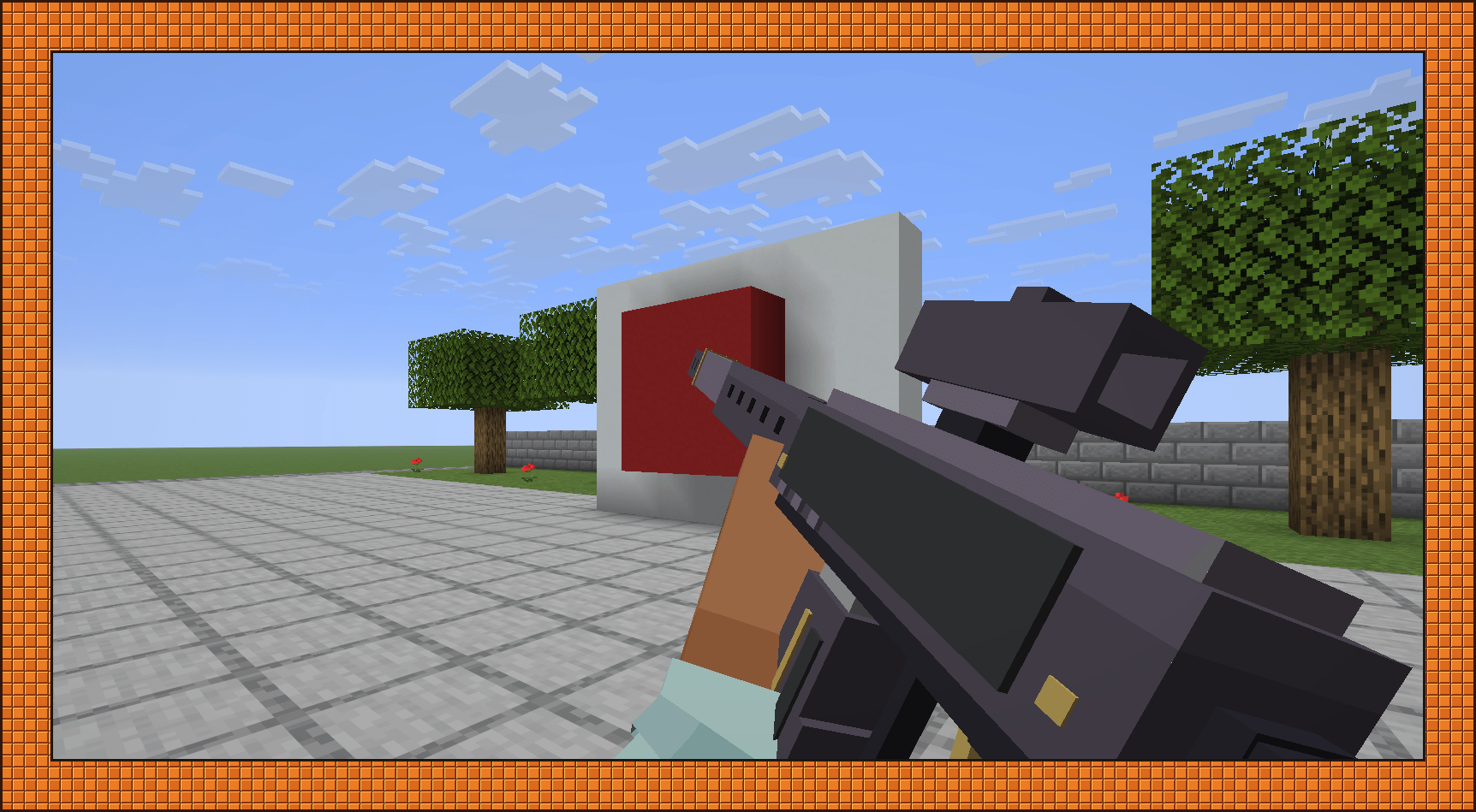
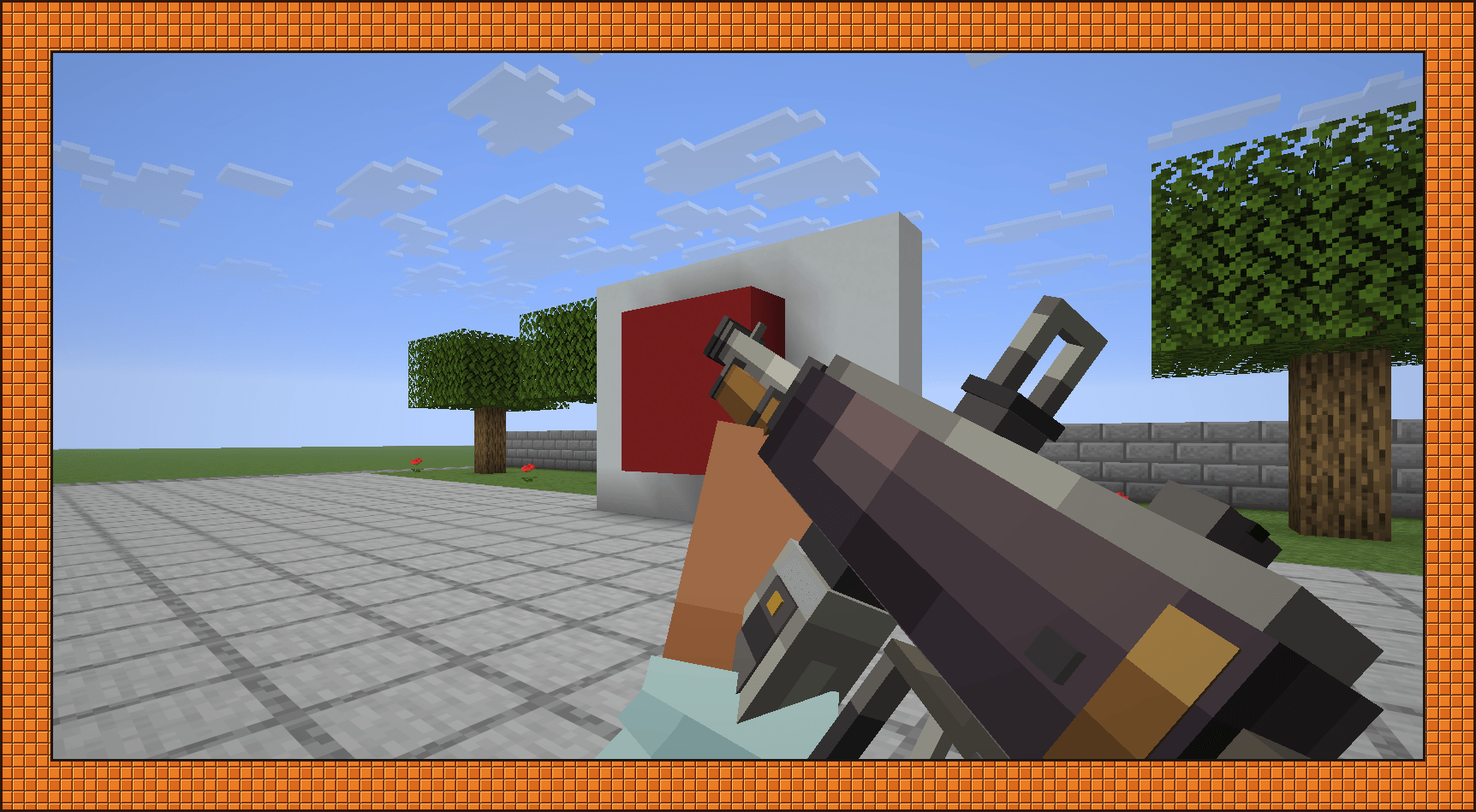
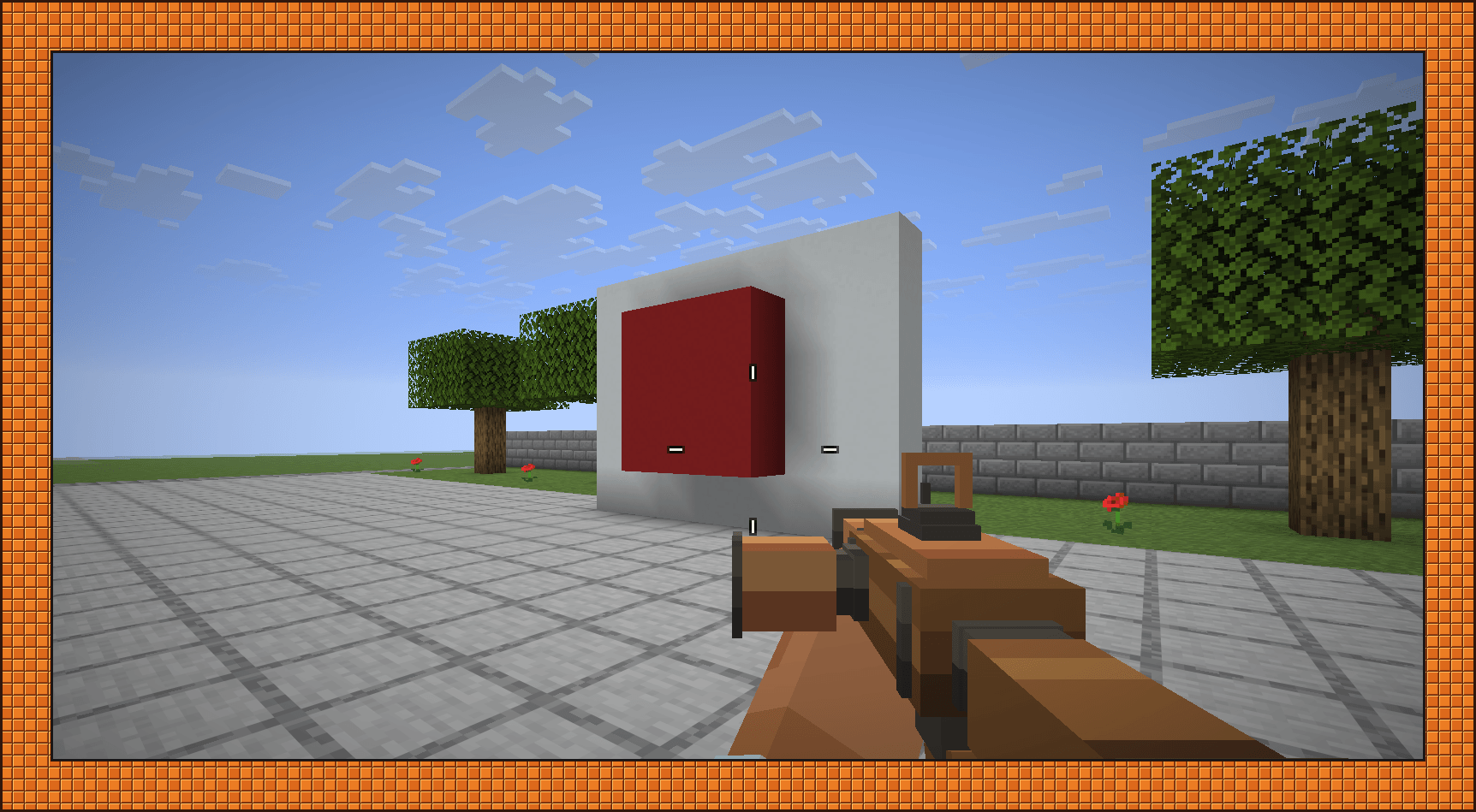
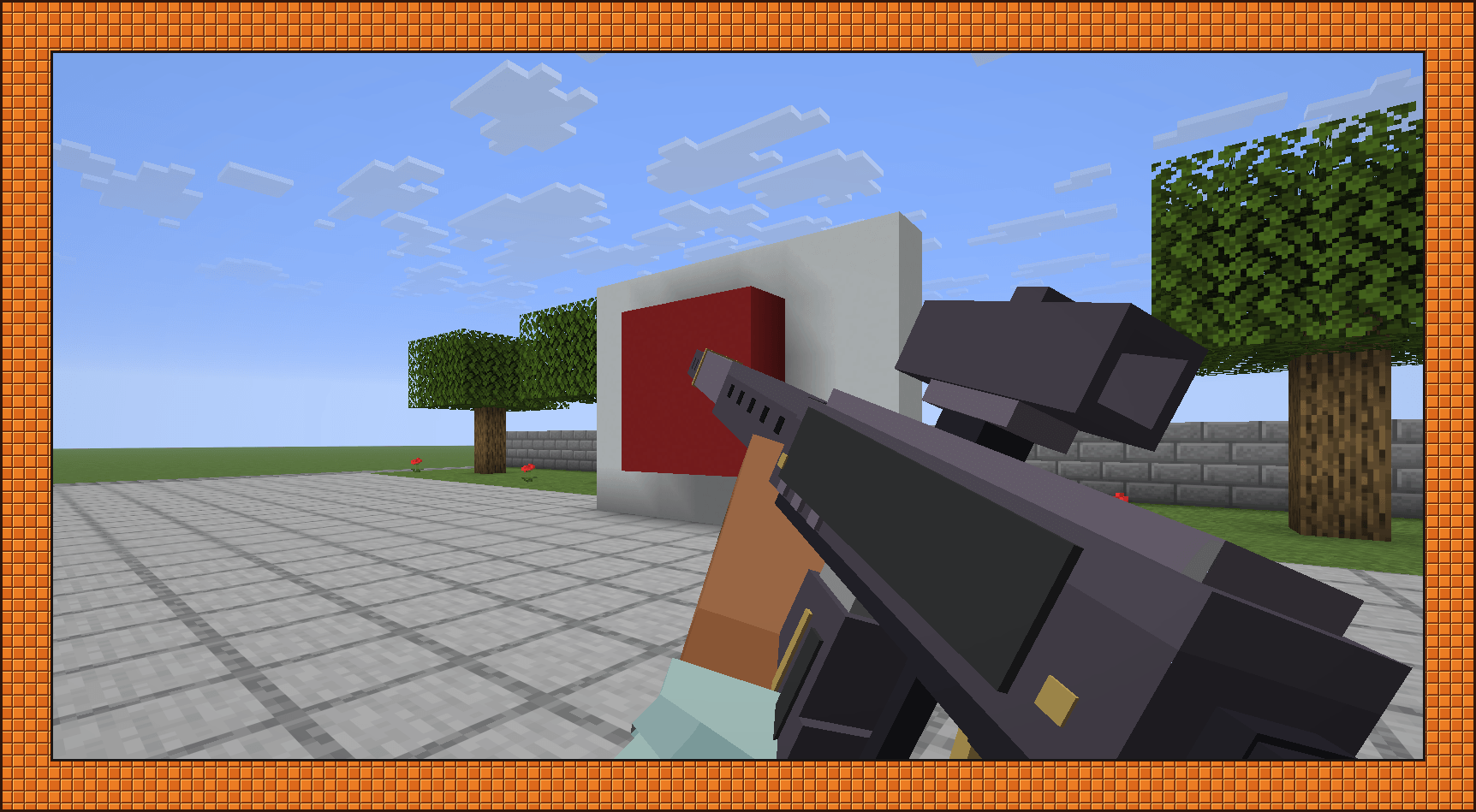
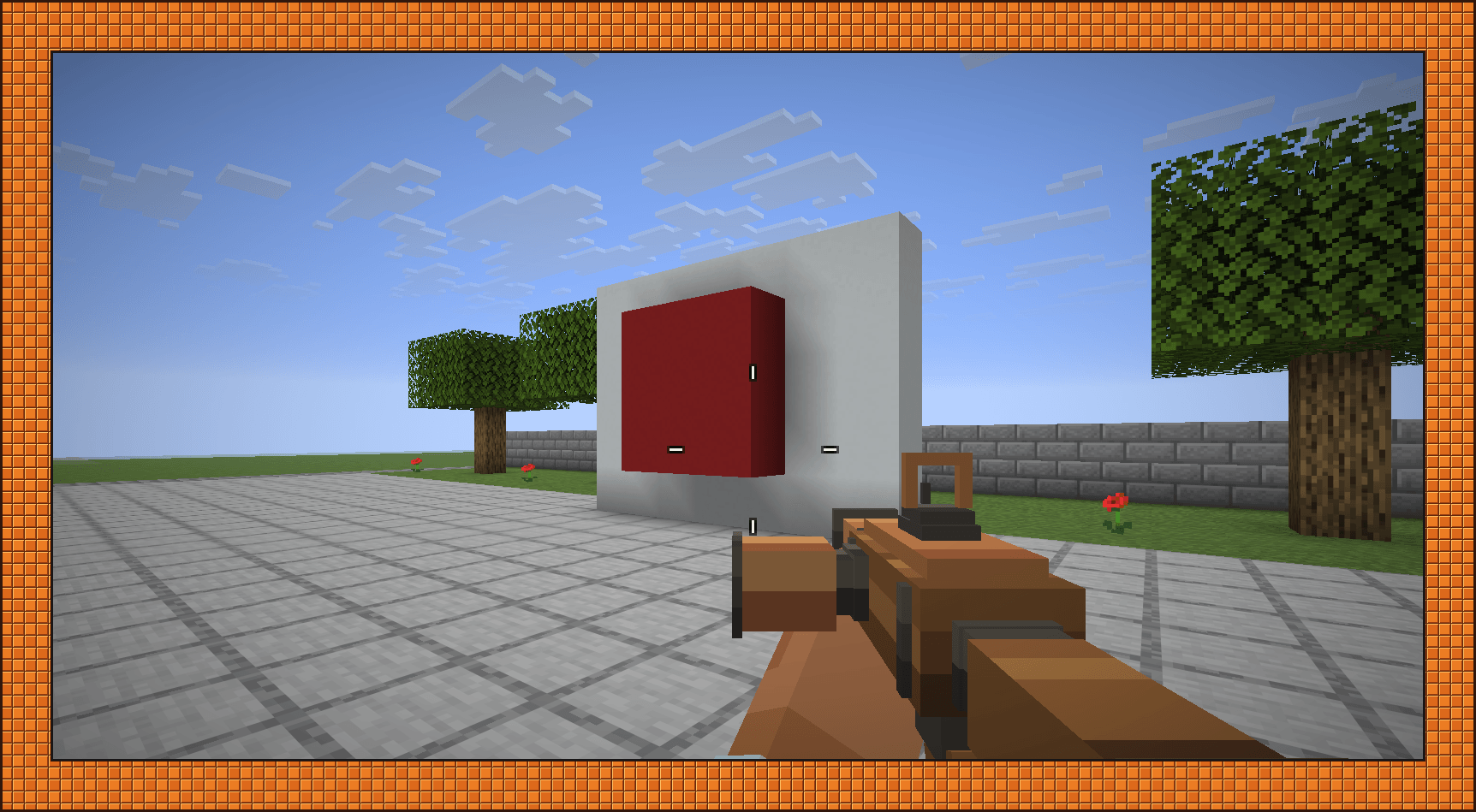
Copper guns look like scrap builds, with wooden furniture, improvised fittings, and the magazine sticking out of the side. Iron is the factory-made tier, with the magazine underneath. Netherite is dark plate with a bit of gold trim.
Each material comes in the same six receivers:
| Receiver | What it fires |
|---|---|
| Light | Light cartridges, full auto |
| Heavy | Heavy cartridges, full auto |
| Scatter | Buckshot or slugs |
| Launcher | Rockets or grenades, depending on which container you load |
| Coil | Slugs, after a charge-up |
| Harpoon | Darts on a tether that you can reel back in |


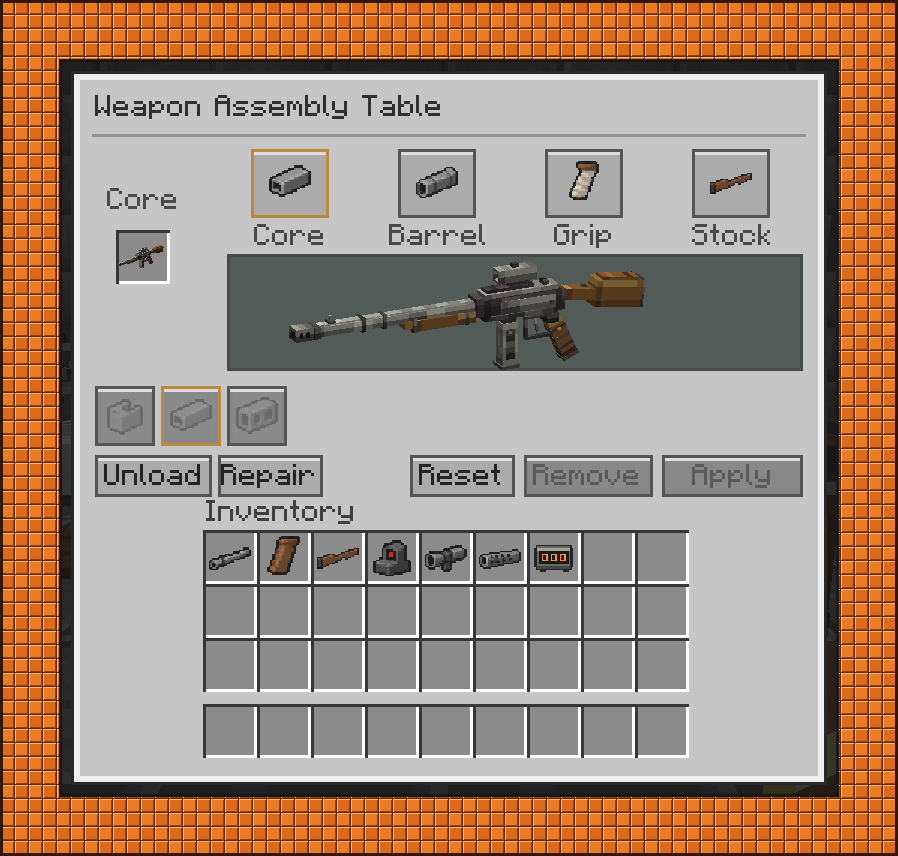
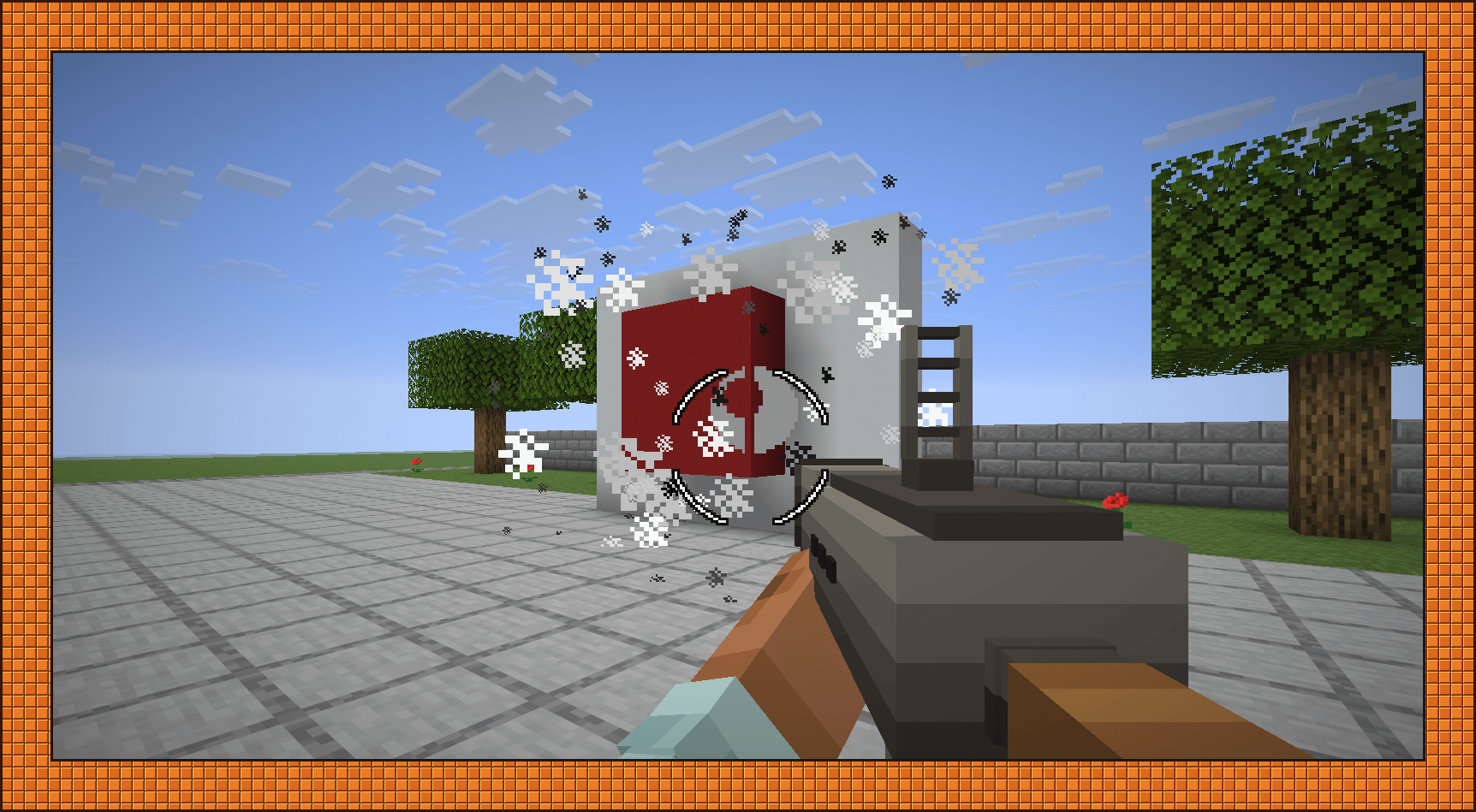
Launchers are built the same way as everything else, so a rocket launcher with a rifle stock and a red dot is a perfectly viable build. Barrels, grips, and stocks have to match the receiver's material. Magazines aren't fitted at a table. You load and swap them by hand.
The workstations
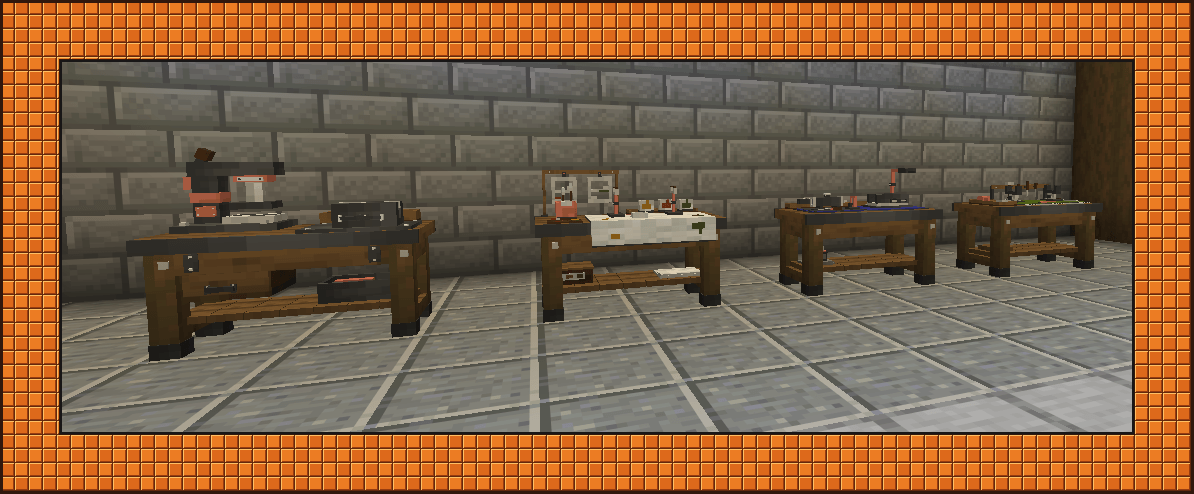
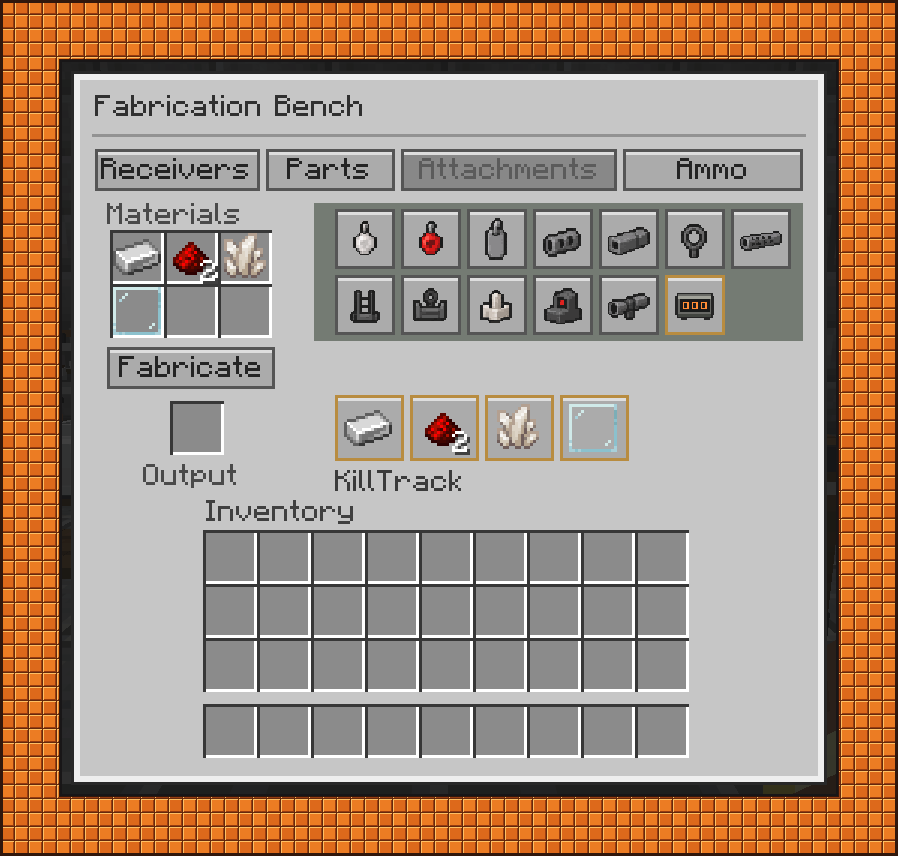
Everything starts at the Fabrication Bench, which turns raw materials into receivers, parts, attachments, and ammo. You make it in a normal crafting table: three iron ingots along the top, a crafting table between two copper ingots in the middle, and three planks of any kind along the bottom.

The Weapon Assembly Table is where the barrel, grip, and stock go onto a receiver. It shows a live preview of the gun, and it lists every compatible part, including the ones you haven't made yet, so you can see what you're working toward.

Optics, muzzle attachments, and charms go on at the Attachments Table. A finished gun's inventory icon is drawn from the actual build, so it shows your parts, attachments, and camo.

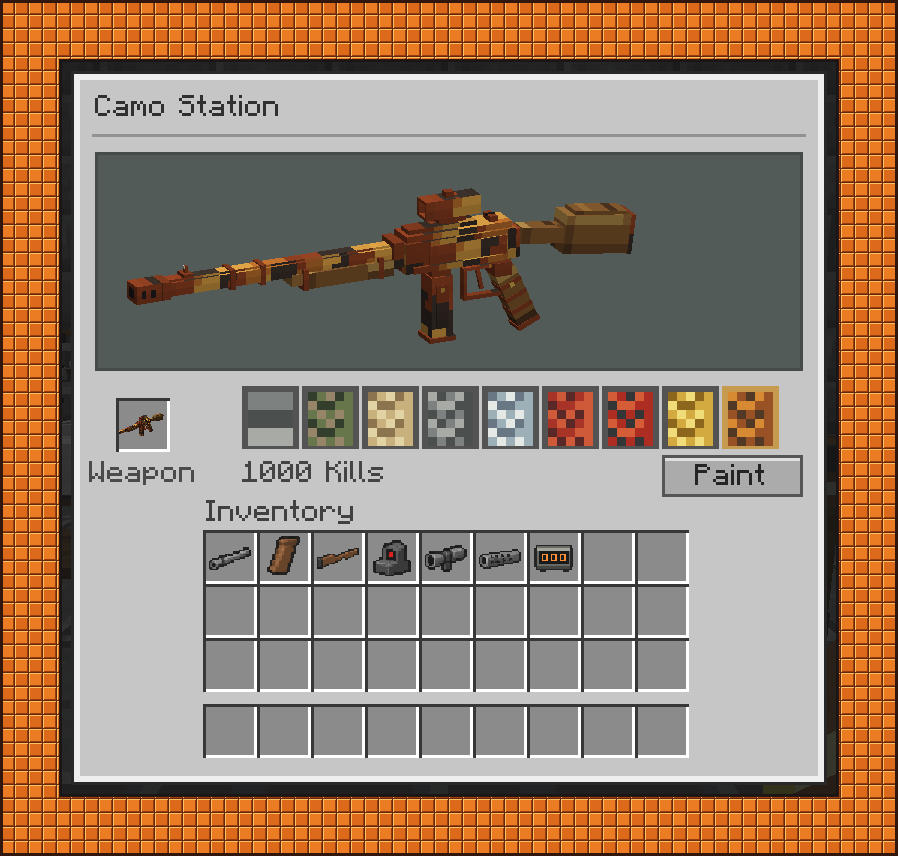
The fourth station is the Camo Station, which has its own section below. All four are two-block-wide wooden benches with different tools on top.

Shooting and reloading
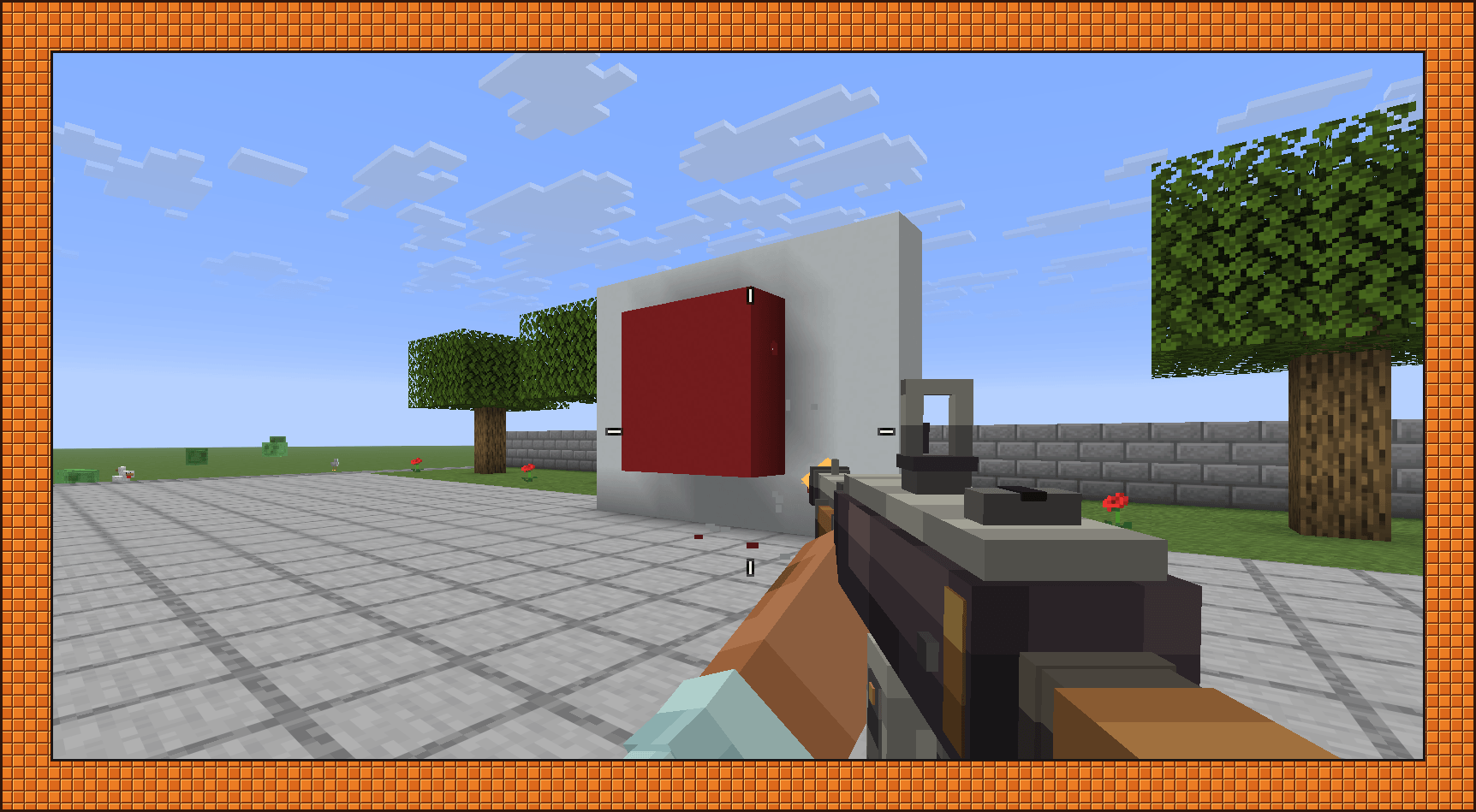
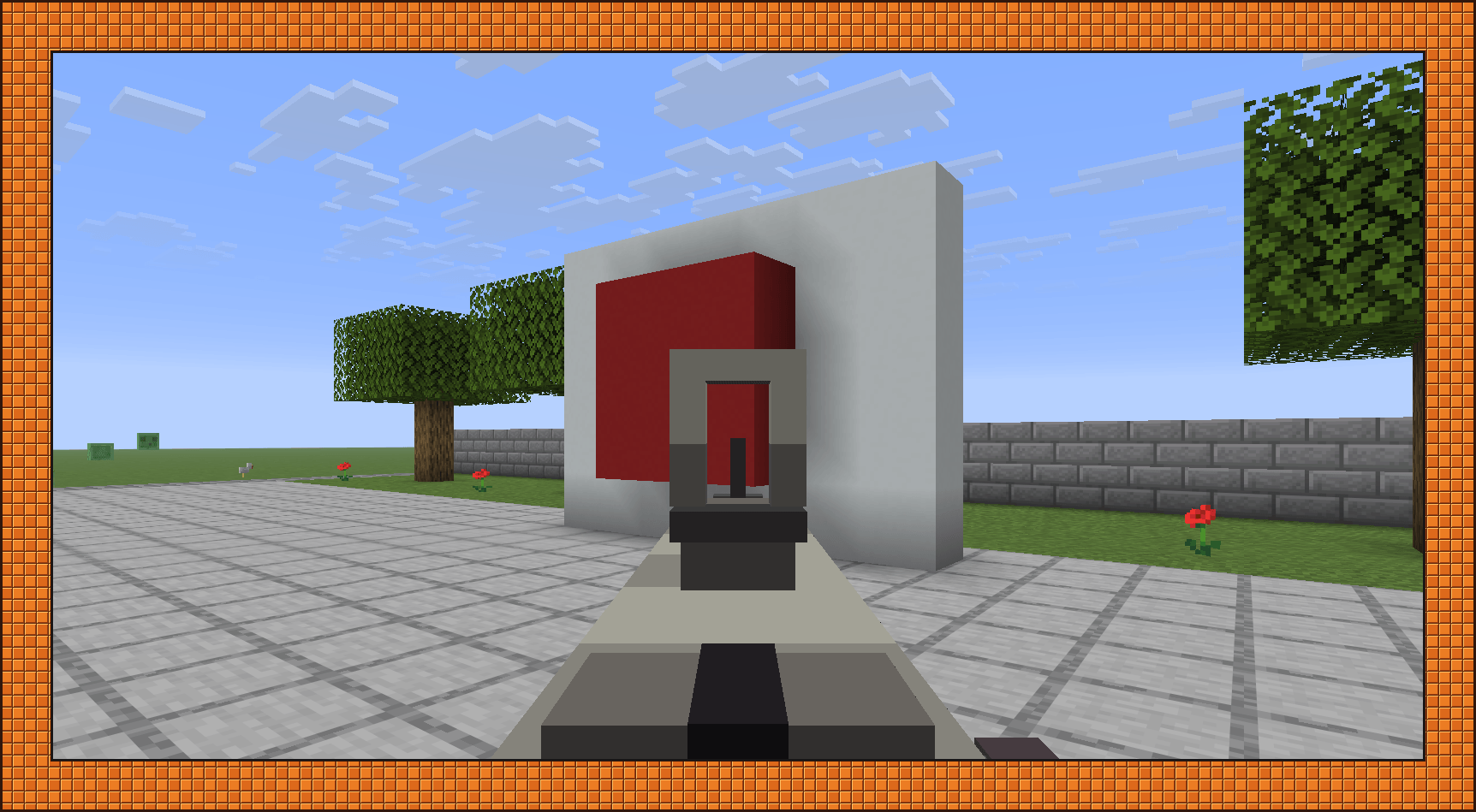
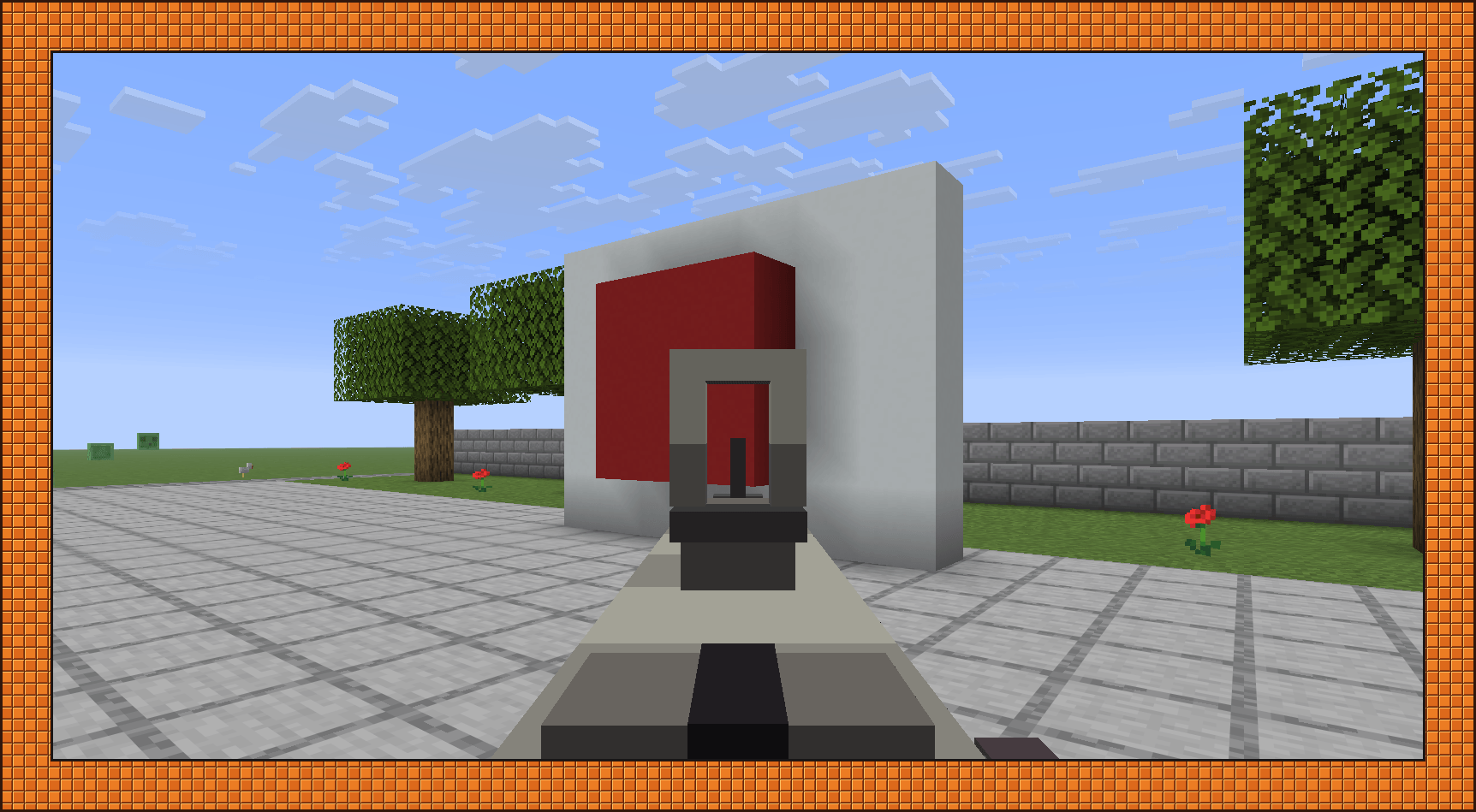
Guns kick when you fire, sway as you move, and take a moment to come back up after a sprint. Your hands are animated, and everything plays in third person too, so other players see your reloads. Aiming down sights needs your other hand empty.
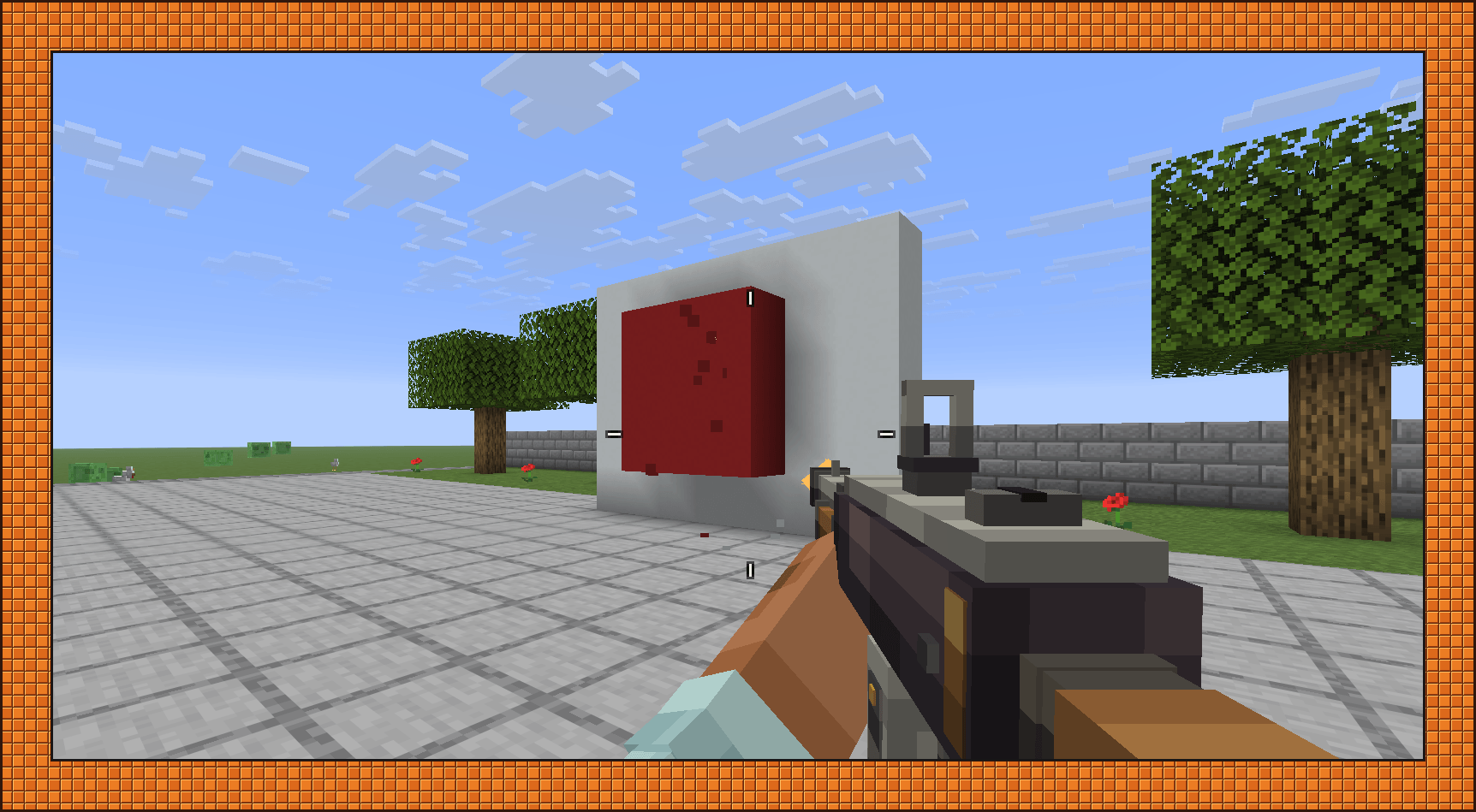
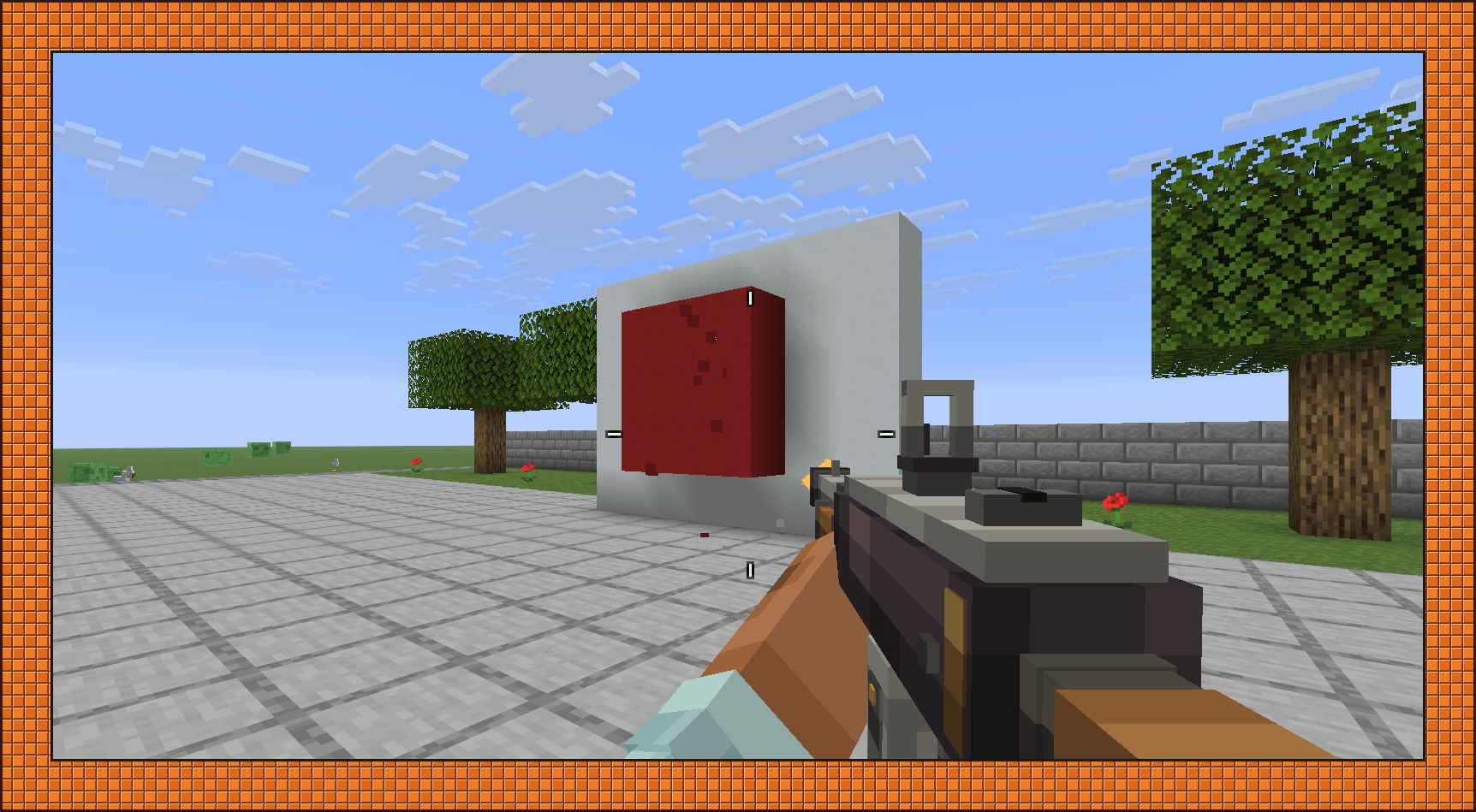
When you fire from the hip, the reticle follows where the gun is actually pointing. It opens up with spread from your build, your movement, and sustained fire. Bullet guns get a four-line reticle, and scatter and explosive weapons get four arcs. It hides while you're aiming down sights or reloading.


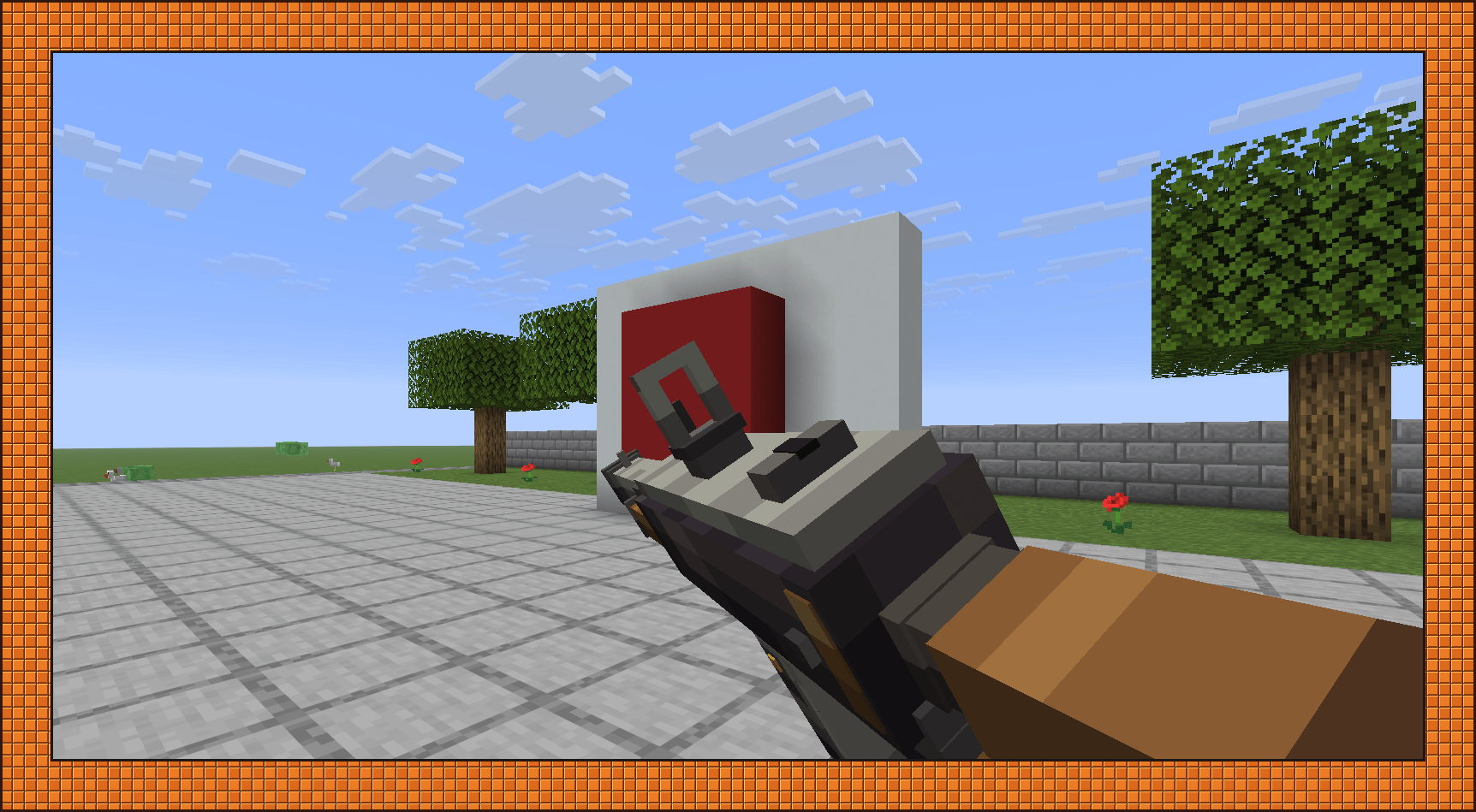
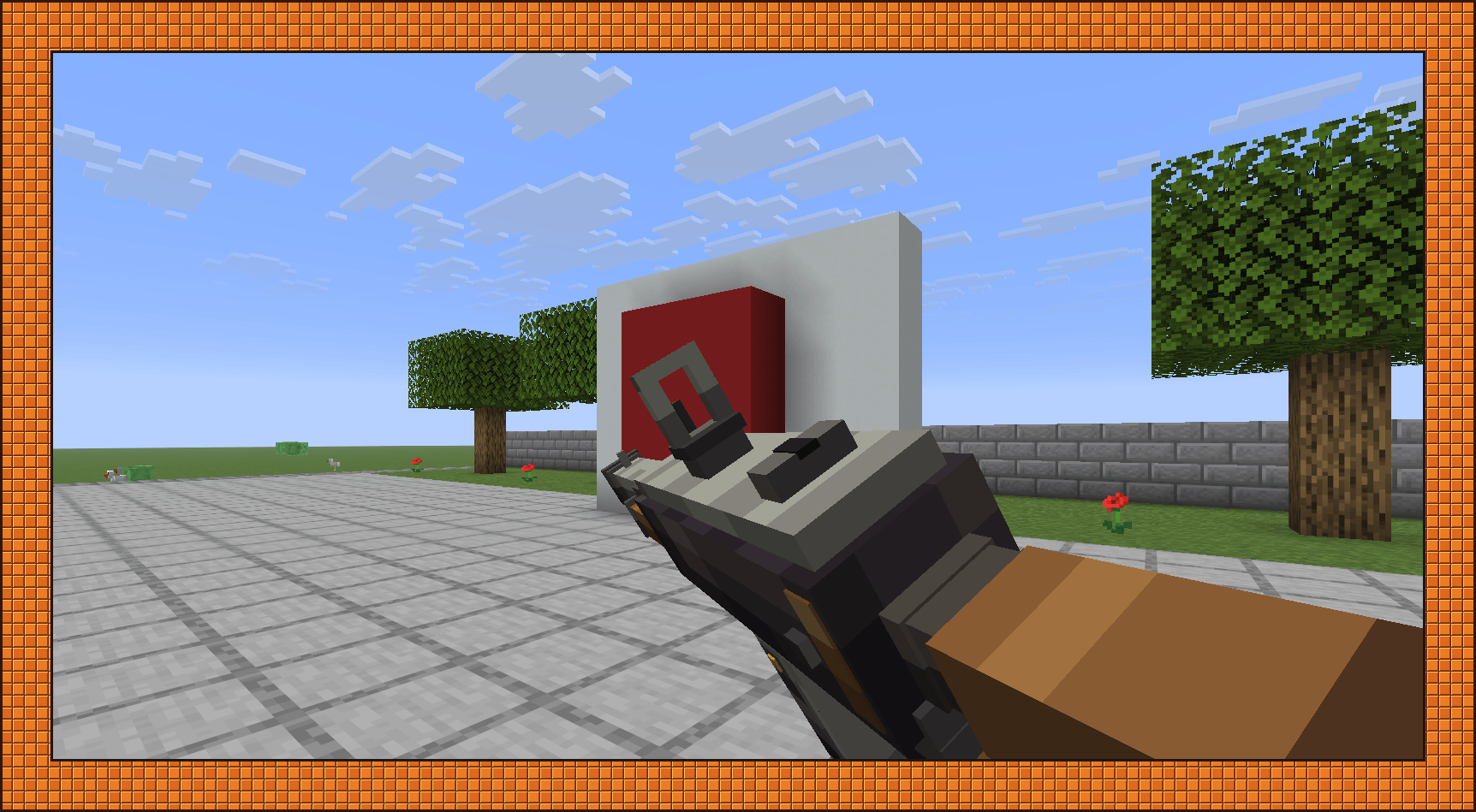
Magazines are real items. To swap, hold a loaded magazine that fits in your other hand and reload. If that hand is empty when you reload, the current magazine comes out into it. If the gun has no magazine in it, you only get the insert animation.

There's no ammo counter on the HUD. To see what a magazine is loaded with and how many rounds are left, check the magazine item itself. To fill one, hold it in one hand and the ammo in the other. Combining them in a crafting grid works too.
You can hold the gun in either hand, but only one gun is active at a time. G moves whatever is in your other hand to a free hotbar slot. All keys can be rebound in Controls.
Coil, Launcher, and Harpoon
The Coil receiver has to charge before each shot. The reticle turns blue while it does, and you can see the coil itself when you aim.

Launchers take rocket or grenade containers. Rockets don't break blocks by default. If you want them to, turn on missilesDestroyBlocks in config/cloudy_armory-server.toml. Grenades do not break blocks and are not affected by this setting.

Harpoons fire a dart on a tether, and you can reel it back in.

Camos and kill tracking
Each receiver counts its own kills, mobs and players alike, and those kills unlock camos for that receiver only. You apply them at the Camo Station. Copper's list tops out at Red DDPAT at 250 kills. Iron and Netherite keep going up to Fall at 1,000. (MW2 anyone?)

The paint lives on the receiver. Any part you install picks up the receiver's camo, and any part you take off comes away bare, so swapping a barrel never leaves you with a mismatched gun.
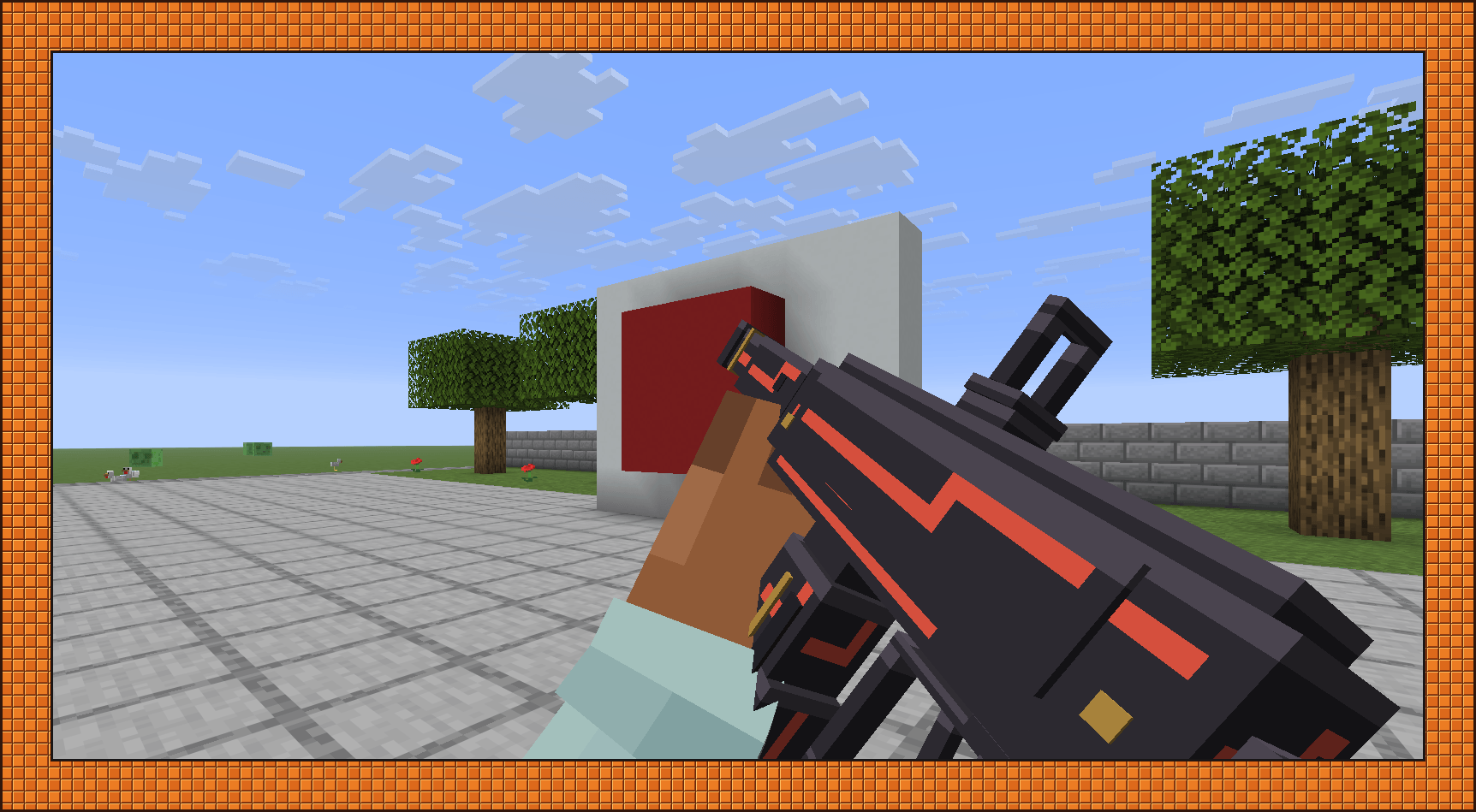
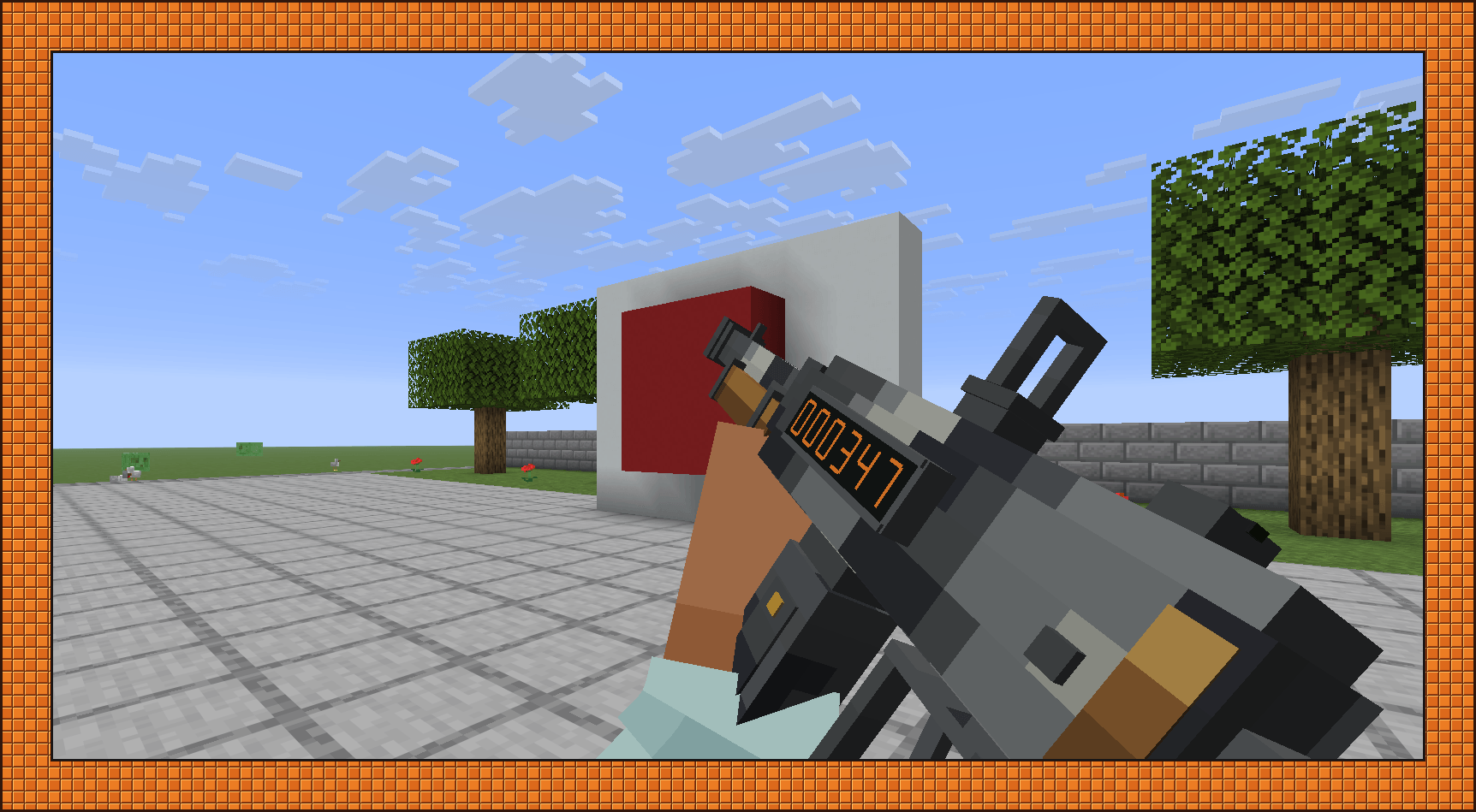
The KillTrack is a cosmetic attachment that puts a digital kill counter on the side of the gun. You can read it when you inspect the weapon. The Redstone Etched and Gilded finishes also have glowing details.


Enchantments and JEI
Receivers take Infinity, Power, Punch, Flame, Quick Charge, Unbreaking, and Mending. Infinity still needs a magazine with an ammo type loaded. In Creative, ammo is always infinite.
JEI is optional. If it's installed, it shows recipes for fabrication, assembly, attachments, painting, and magazine loading, and it can move the ingredients into the Fabrication Bench for you.
Requirements
- Minecraft 26.2
- NeoForge 26.2.0.77 or newer
- Java 25
- Needed on both client and server
All Rights Reserved.
Screenshots
Gallery
-
 06-netherite.png 06-netherite.png
 -
 05-iron.png 05-iron.png
 -
 04-copper.png 04-copper.png
 -
 03-workstations.png 03-workstations.png
 -
 19-spread.png 19-spread.png
 -
 18-firing.png 18-firing.png
 -
 17-reload.png 17-reload.png
 -
 16-redstone.png 16-redstone.png
 -
 15-aiming.png 15-aiming.png
 -
 14-killtrack.png 14-killtrack.png
 -
 13-fabrication.png 13-fabrication.png
 -
 12-camo.png 12-camo.png
 -
 10-assembly.png 10-assembly.png
 -
 08-launcher.png 08-launcher.png
 -
 06-netherite.png 06-netherite.png
 -
 04-copper.png 04-copper.png
 -
 19-spread.png 19-spread.png
 -
 17-reload.png 17-reload.png
 -
 15-aiming.png 15-aiming.png
 -
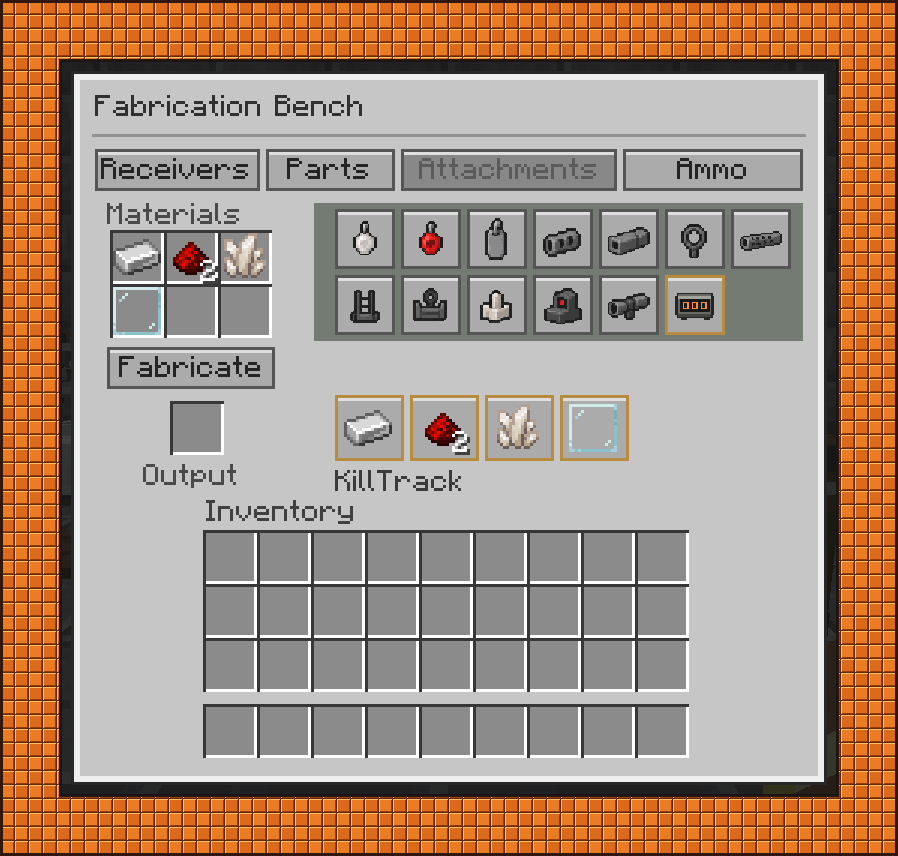 13-fabrication.png 13-fabrication.png
Versions
Files
Relations
Project Relations
More like this
Similar Mods
Suggestions use data such as tags, dependencies, dependents, descriptions, titles, and more to rank how much they overlap with this mod.
On ModDex
Community snapshot
By the numbers
Statistics
Want to reach Minecraft players?
We're looking for a server hosting partner to feature here and other parts of the site. Interested? Send us a message!
Get in touchGet it on
Available Platforms
On ModDex
Community snapshot
By the numbers
Statistics
Resources