
Community listing page, reviews here may not be monitored by the author.
Columbus Utilities

No reviews yet
Enhances the Minecraft experience with tools like a coordinate notebook and compass HUD.

Community voices
Reviews
No reviews yet. Be the first to review this project!
Get it on
Available Platforms
About
Project Details
For authors
Embed Badge
If you're the author of this project, you can embed a live badge anywhere that supports HTML or Markdown. It updates automatically whenever ratings change.
Use HTML for any page that supports it, or Markdown for README files and Markdown-based descriptions.
Identifiers
Platform IDs
Resources
External Links
About
Description
A client-side mod designed to enhance the Minecraft gameplay experience by simplifying various
mechanics and providing useful tools exclusively for the player, without affecting the server or other players.
Currently, the mod includes:
• Notebook: A virtual notebook to save important coordinates, such as your
home, Nether or End portals, or various structures. Death coordinates are
automatically saved, so you’ll always know where to retrieve your spoils of death.
• Compass HUD: An on-screen customizable compass displaying directions
(North, South, East, West) that integrates with the coordinate notebook,
allowing you to easily navigate towards saved coordinates.
• ToDoList: A useful list to track items that can be helpful to have in the inventory,
convenient for remembering materials to use in the future or items needed for crafting.
Controls:
• Global Settings: Click O
• Open the Coordinates Notebook: Click N
• Open the Retractable To-Do List: Click End/Fine
• To scroll through in the Retractable To-Do List: PagUp and PagDown
• Open the To-Do List Management: Click Shift + End/Fine
The mod will be equipped with more features in the future, to further improve your gaming experience.
FAQ:
• There is no need for adds or relations to make this mod work.
• For an issue, bug, crash or report write a comment and you will receive a response as soon as possible.
Screenshots
Gallery
-
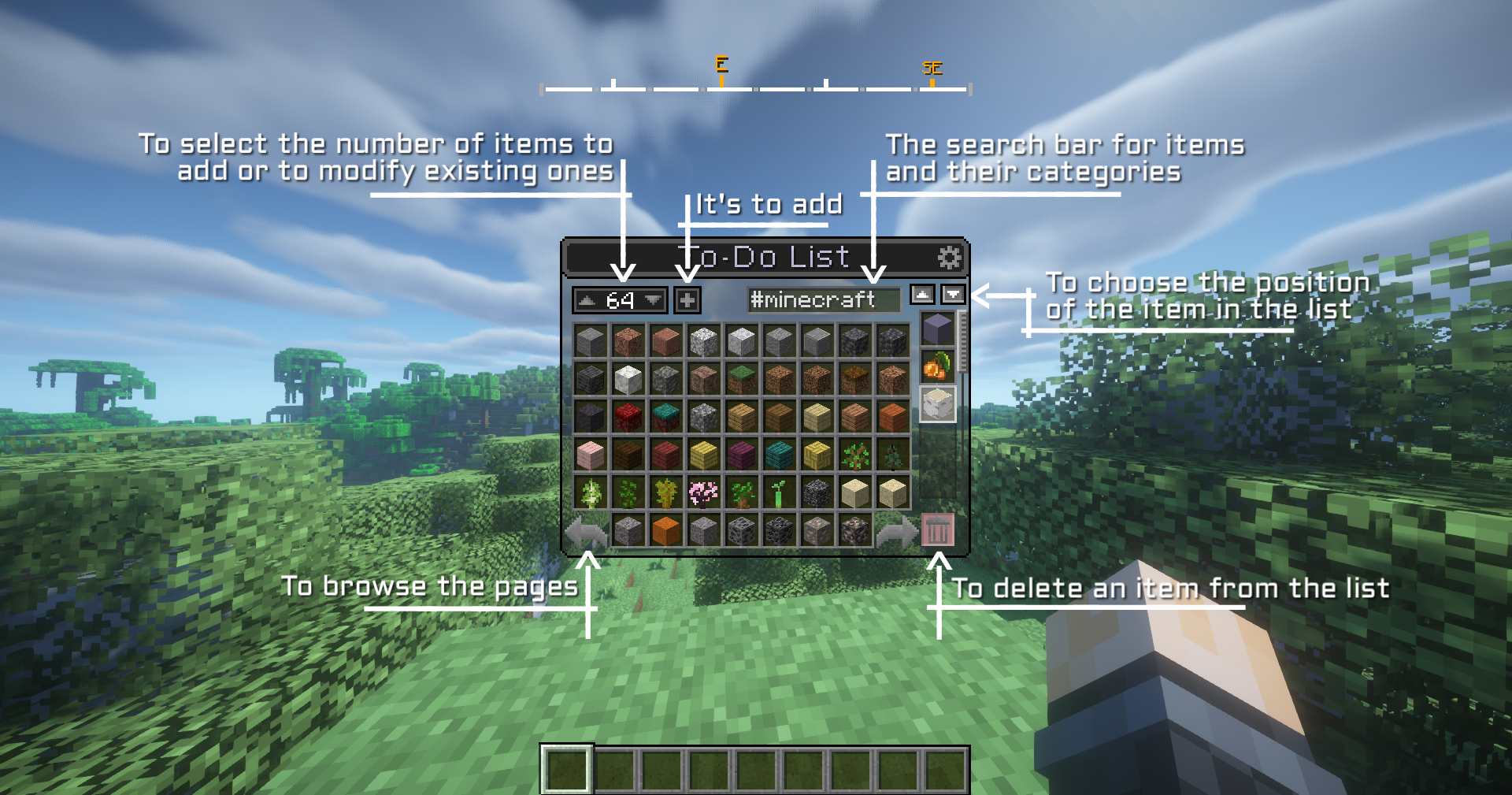 To-do List Guide
 -
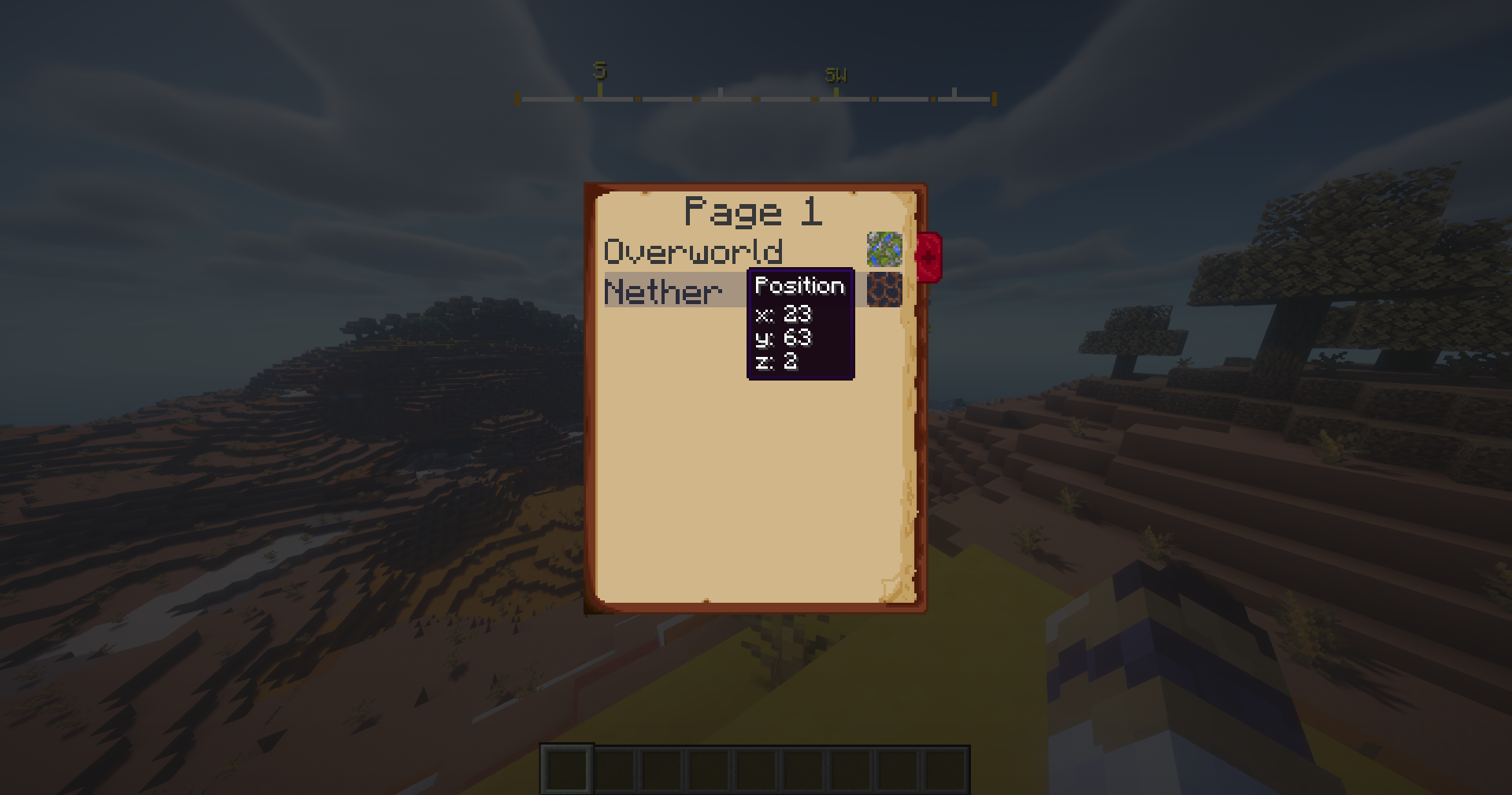 NoteBook
 -
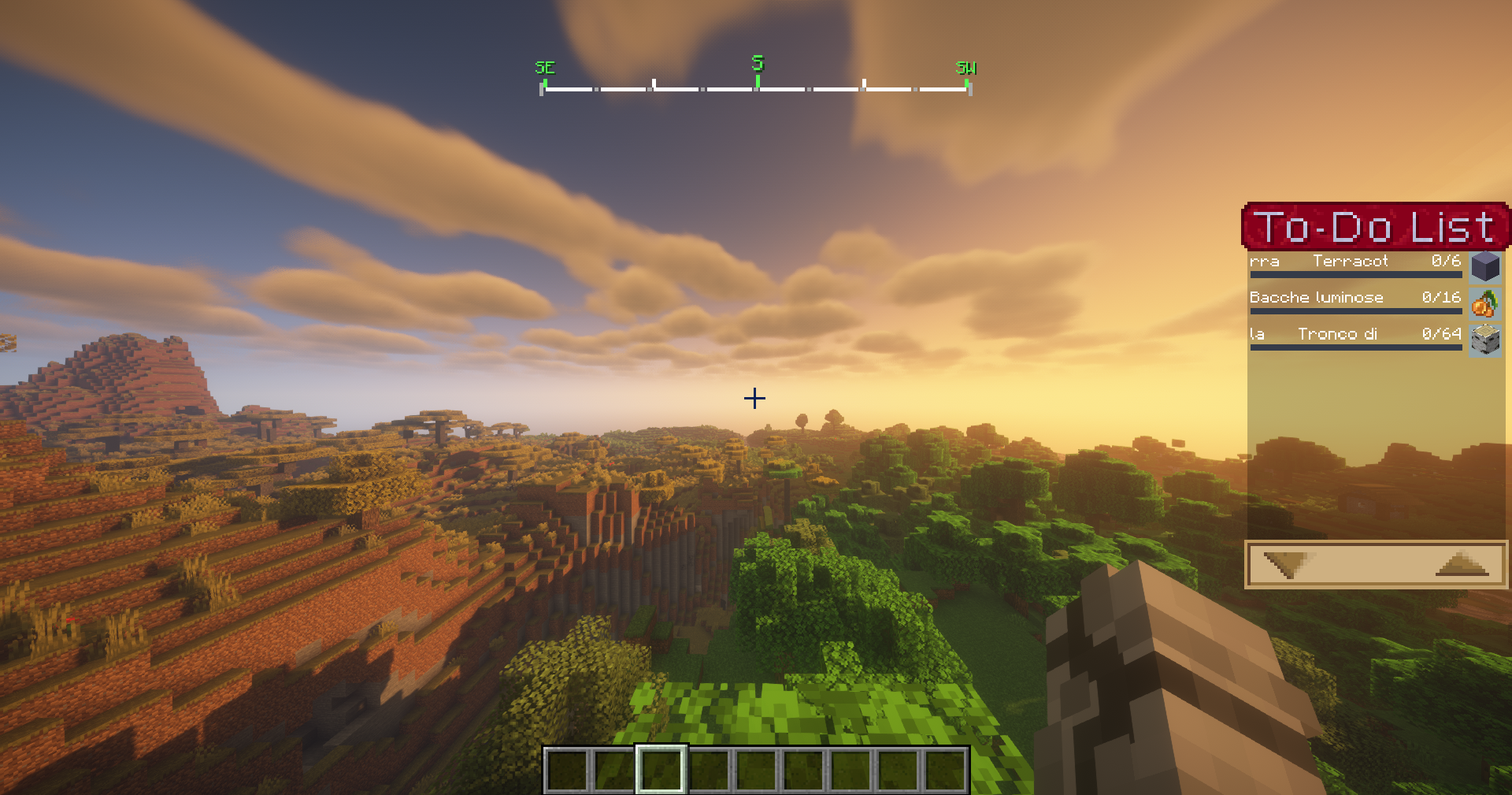 Columbus
 -
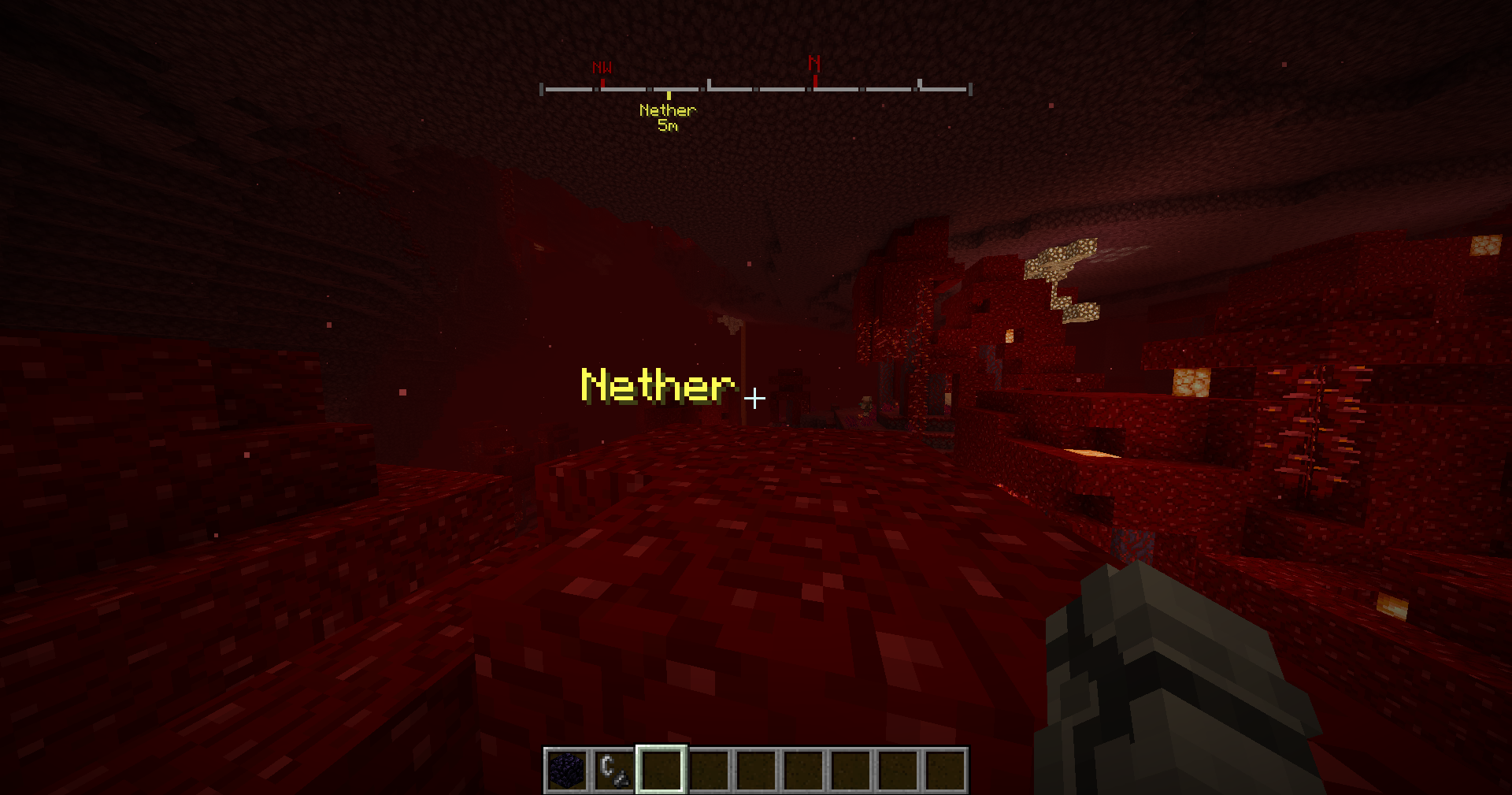 Columbus
 -
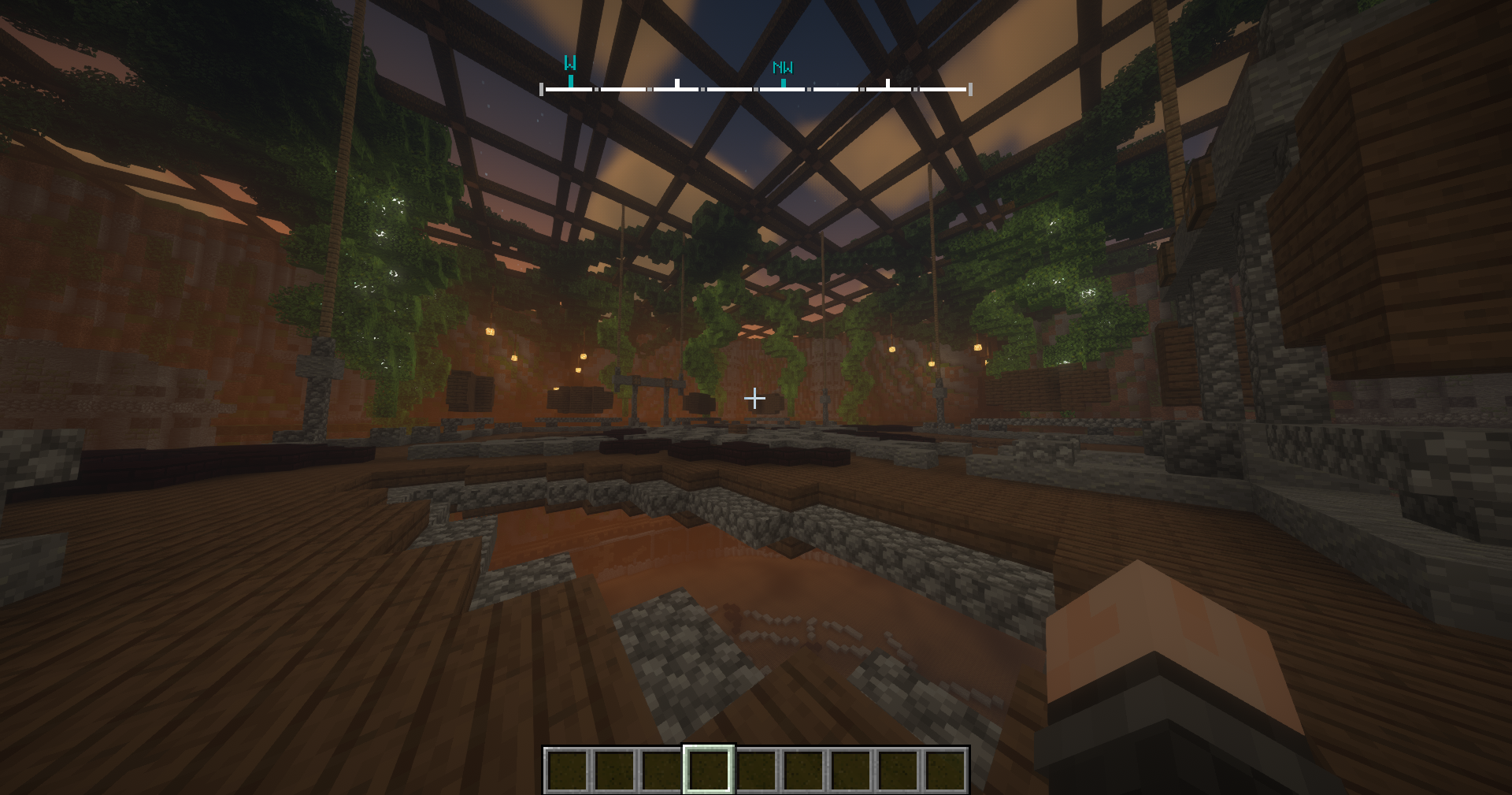 Columbus
 -
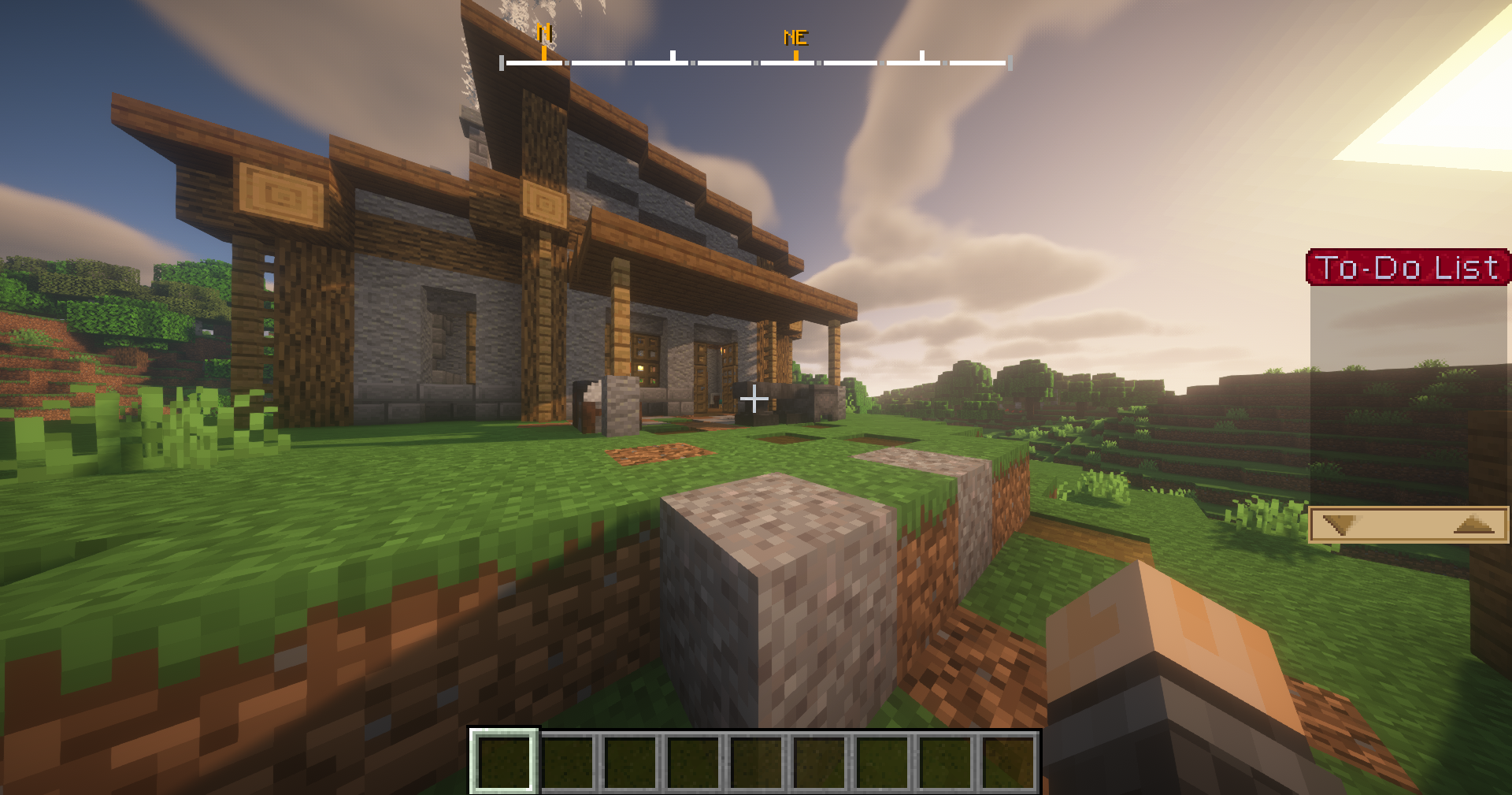 Columbus
 -
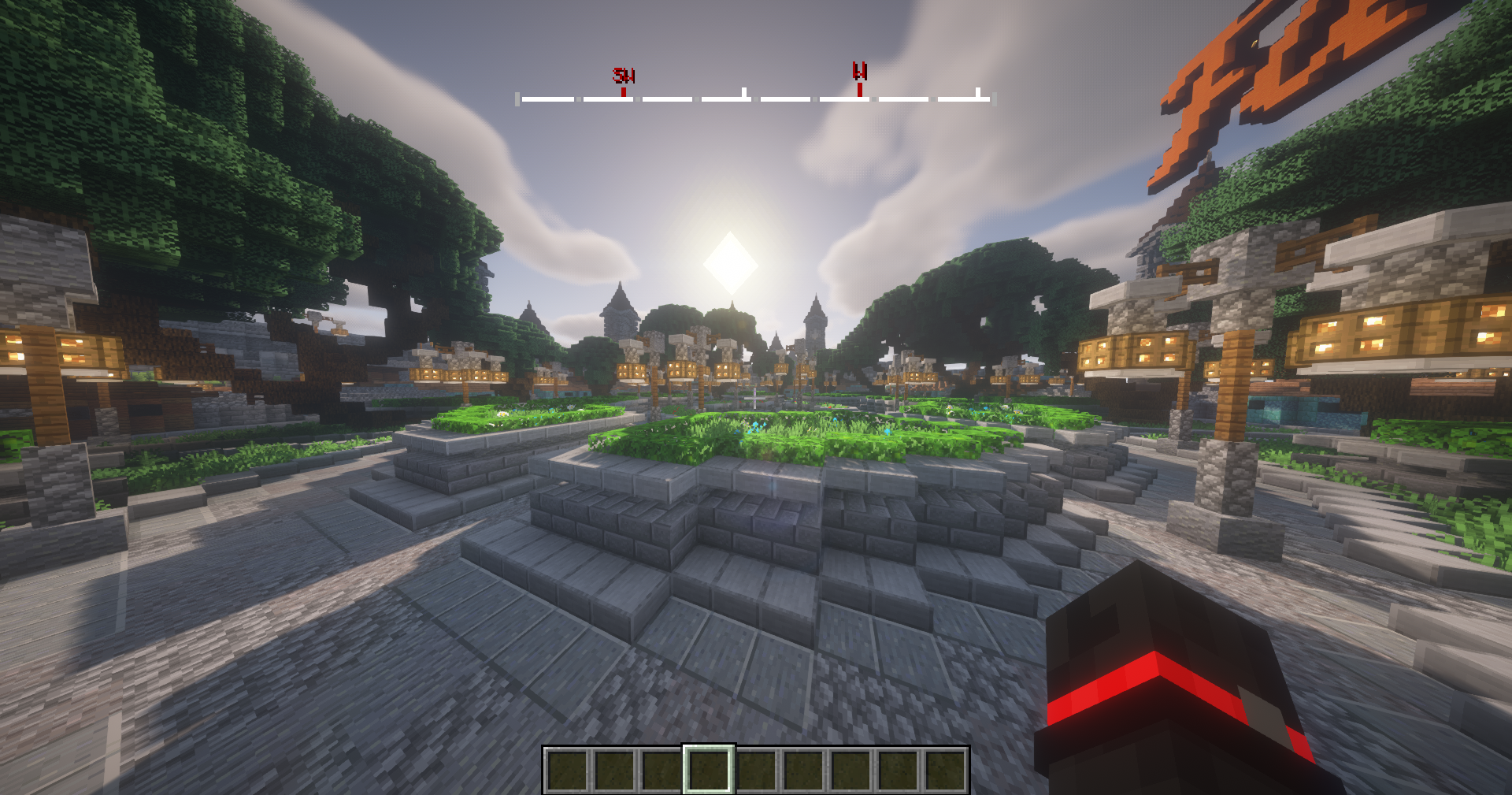 Columbus
Versions
Files
Relations
Project Relations
More like this
Similar Mods
Suggestions use data such as tags, dependencies, dependents, descriptions, titles, and more to rank how much they overlap with this mod.
On ModDex
Community snapshot
By the numbers
Statistics
 (opens in a new tab)
Get it on
Available Platforms
On ModDex
Community snapshot
By the numbers
Statistics
Resources