
Command on Interval
No reviews yet
A mod runs in-game command with customize configs. 一款可执行游戏内命令的模组,外加自定义设置
Fabric is a mod loader for versions 1.14+ of Minecraft, particularly popular for client side and optimization mods.
Community voices
Reviews
Click once to include, again to exclude, again to clear
No reviews yet. Be the first to review this project!
Get it on
Available Platforms
 Modrinth
Compatibility
Supported Environments
About
Project Details
For authors
Embed Badge
If you're the author of this project, you can embed a live badge anywhere that supports HTML or Markdown. It updates automatically whenever ratings change.
Use HTML for any page that supports it, or Markdown for README files and Markdown-based descriptions.
Identifiers
Platform IDs
About
Description
What is that
A mod runs in-game command with customize configs.
For now the commands will run as soon as server mod initialize.
Use
Also load the require mod Config Manager
Remember that Singleplayer contains an integrated server.
Features
- Multi-command support
- Ticks or seconds: Whether use game ticks or seconds (20 ticks) in timing
- Delays: Add delay before command run
- Interval: The cycle of each command does
There's no reason to run a command from Java code
Example
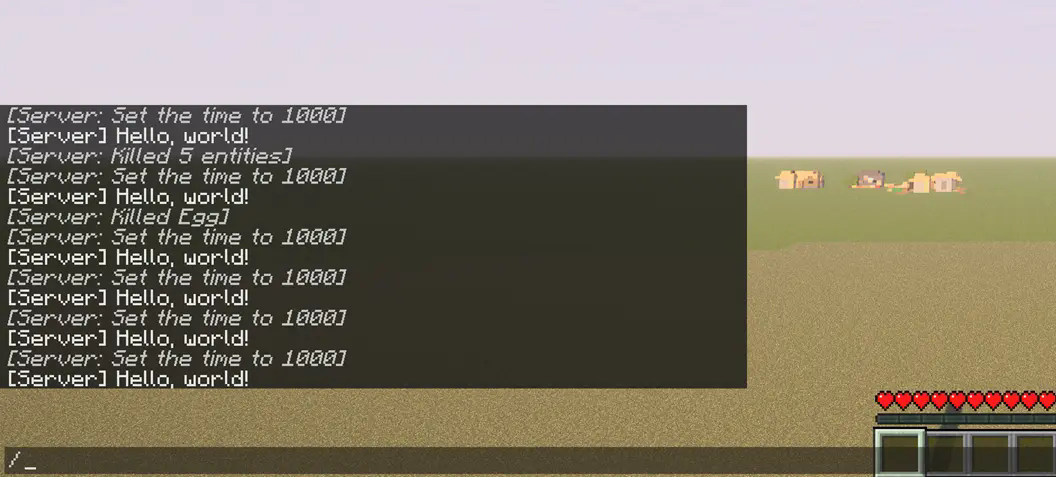
command_on_interval.json:
{
   "0":{
      "enabled":true,
      "unit-use-ticks":false,
      "delay":0,
      "interval":10,
      "command":"say Hello, world!"
   },
   "1":{
      "enabled":true,
      "unit-use-ticks":true,
      "delay":0,
      "interval":180,
      "command":"time set day"
   },
   "2":{
      "enabled":true,
      "unit-use-ticks":true,
      "delay":5,
      "interval":200,
      "command":"kill @e[type=item]"
   }
}
Config
Locate your config in Minecraft installation location.\
Default location using official launcher on Windows:
%APPDATA%\.minecraft\config\command_on_interval.json
Or
C:\Users\YOUR_USER_NAME\AppData\Roaming\.minecraft\config\command_on_interval.json
You will get somethings like that:
{
   "0":{
      "enabled":true,
      "unit-use-ticks":false,
      "delay":0,
      "interval":10,
      "command":""
   }
}
"0"
No. 1 command,you can add
"1"also"2"etc...
enabled
True enable this entry of setting, vice versa
unit-use-ticks
For delay or interval,
trueuse ticks,falseues seconds
delay
Delay before each command runs
interval
Cycles interval for each command
command
In-game command without
/prefix
Eg.time set day
icon.png © 2025 by FelixAgairu is licensed under CC BY-NC-SA 4.0
Screenshots
Gallery
-
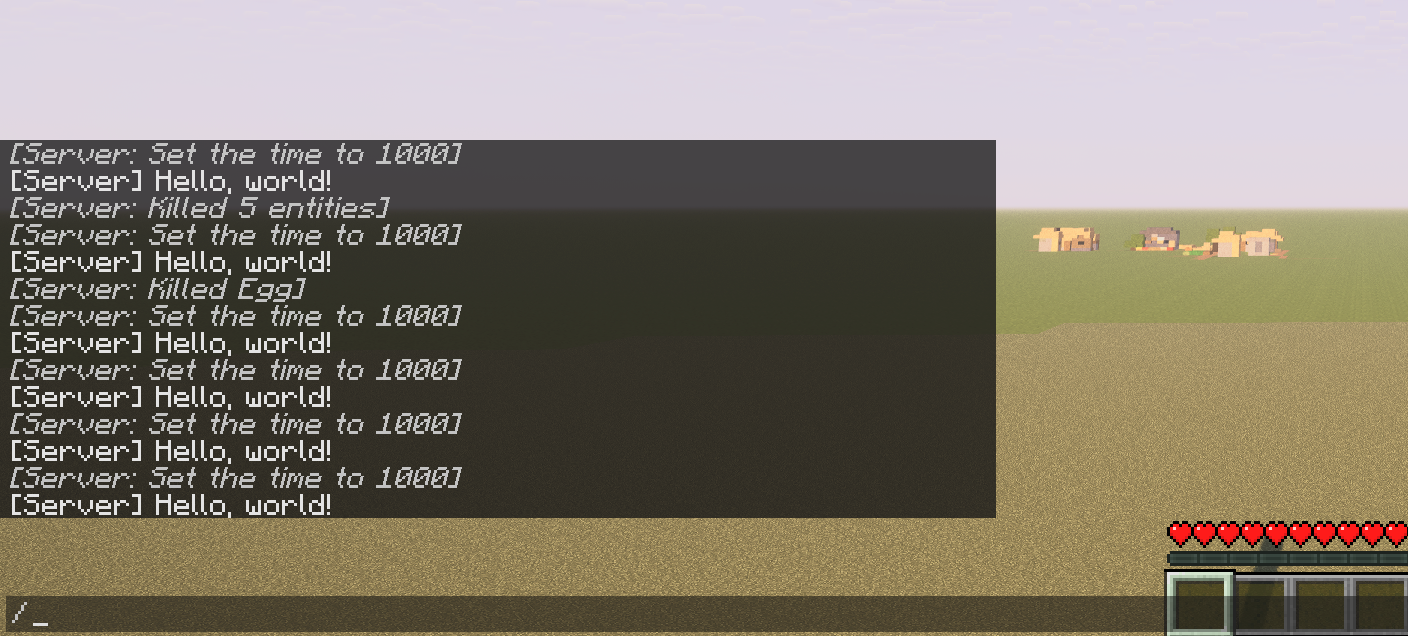 Example using three commands say Hello, world! time set day kill @e[type=item]
 -

Versions
Files
Relations
Project Relations
More like this
Similar Mods
Suggestions use data such as tags, dependencies, dependents, descriptions, titles, and more to rank how much they overlap with this mod.
On ModDex
Community snapshot
By the numbers
Statistics

Want to reach Minecraft players?
We're looking for a server hosting partner to feature here and other parts of the site. Interested? Send us a message!
Get in touchGet it on
Available Platforms
On ModDex
Community snapshot
By the numbers