
Command Binds
No reviews yet
Bind any key to a command or chat message — trigger it with one keypress
Fabric is a mod loader for versions 1.14+ of Minecraft, particularly popular for client side and optimization mods.
Community voices
Reviews
Click once to include, again to exclude, again to clear
No reviews yet. Be the first to review this project!
Get it on
Available Platforms
 Modrinth
Compatibility
Supported Environments
About
Project Details
For authors
Embed Badge
If you're the author of this project, you can embed a live badge anywhere that supports HTML or Markdown. It updates automatically whenever ratings change.
Use HTML for any page that supports it, or Markdown for README files and Markdown-based descriptions.
Identifiers
Platform IDs
About
Description
Command Binds
A lightweight client-side mod for Minecraft that lets you map keyboard keys to arbitrary commands or chat text through a clean in-game GUI. No config file editing, no mods menu required — just press V, set up your binds, and go. Client-side only — safe to use on any server
Features
- Bind any key to a
/commandor plain chat message - In-game GUI — open with
V(rebindable in Controls settings) - Scrollable binds list with color-coded badges (green = command, gray = message)
- Edit or delete existing binds directly from the list
- Persistent config — binds survive restarts, saved to
config/commandbinds.json - Works in singleplayer and multiplayer
Usage
| Action | How |
|---|---|
| Open the GUI | Press V in-game |
| Add a bind | Type text or /command → click Pick Key → press the desired key → click Add |
| Edit a bind | Click any row in the list — it loads back into the input fields |
| Delete a bind | Click ✗ Del on any row |
| Trigger a bind | Press the bound key while no screen is open |
Commands must start with / — the mod strips the slash and sends them via the command channel automatically. Everything else is sent as a regular chat message.
Examples
| Key | Input | Result |
|---|---|---|
F5 |
/gamemode creative |
Switches to Creative mode |
F6 |
/tp ~ ~50 ~ |
Teleports 50 blocks up |
F7 |
Hello everyone! |
Sends a chat message |
F8 |
/kill |
Instant kill |
Config
Binds are stored in .minecraft/config/commandbinds.json and are loaded automatically on startup. You can edit the file manually if needed — the format is straightforward:
{
  "binds": [
    {
      "keyCode": 294,
      "text": "/gamemode creative",
      "label": "/gamemode creative"
    },
    {
      "keyCode": 295,
      "text": "Hello everyone!",
      "label": "Hello everyone!"
    }
  ]
}
keyCode values correspond to GLFW key codes.
Screenshots
Gallery
-
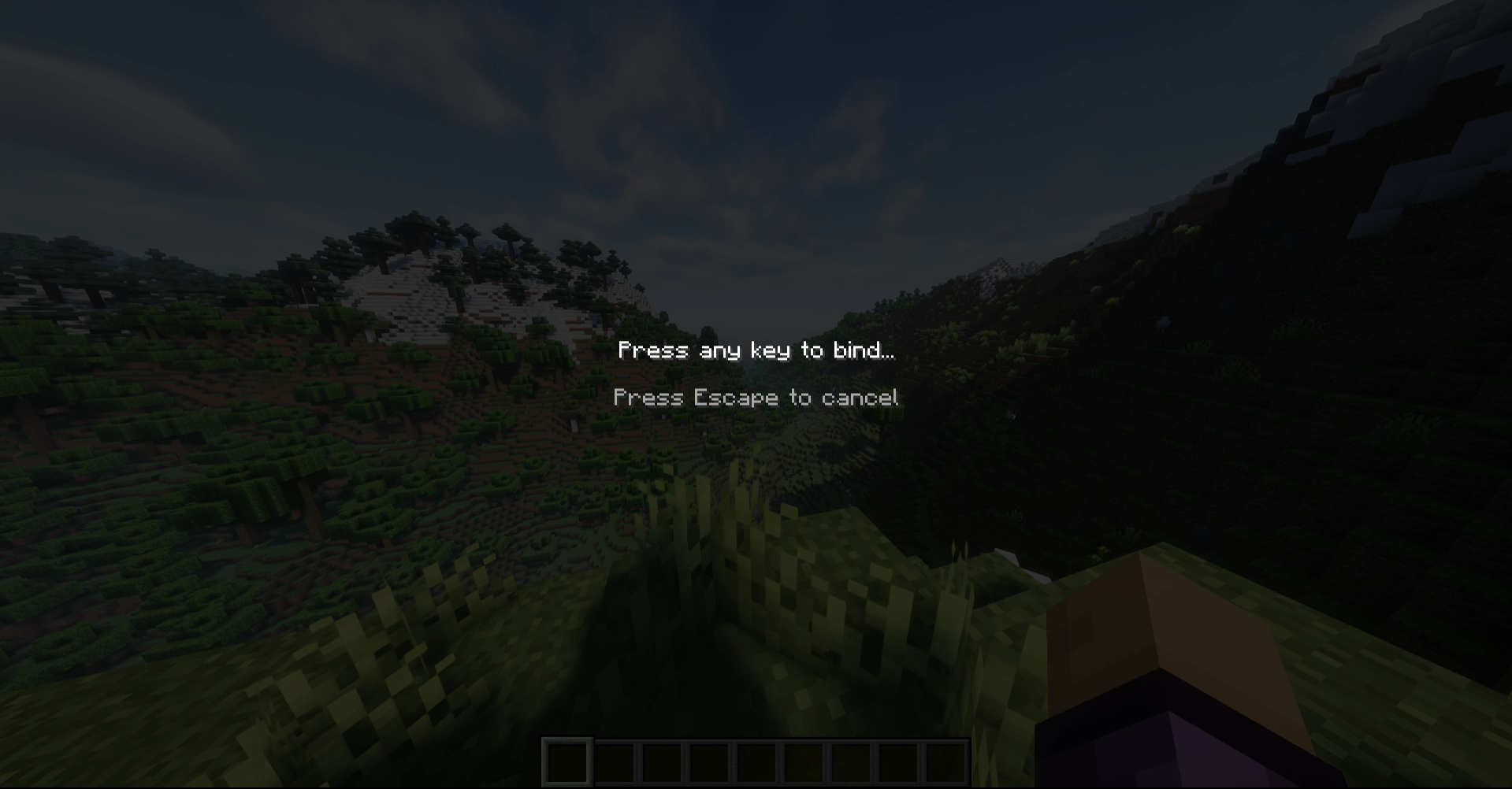 Key binding
 -
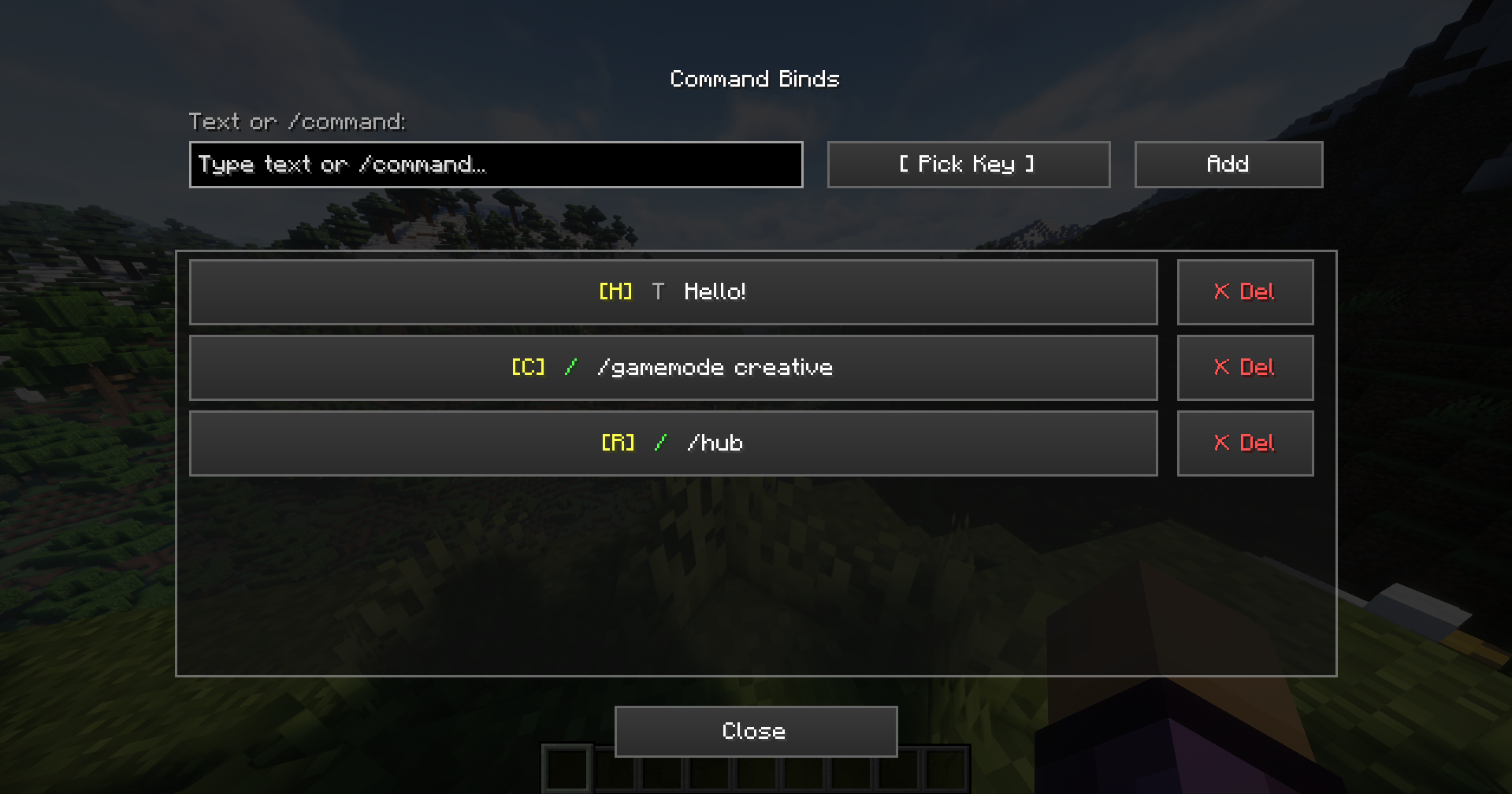 Mod GUI
Versions
Files
Relations
Project Relations
More like this
Similar Mods
Suggestions use data such as tags, dependencies, dependents, descriptions, titles, and more to rank how much they overlap with this mod.
On ModDex
Community snapshot
By the numbers
Statistics

Want to reach Minecraft players?
We're looking for a server hosting partner to feature here and other parts of the site. Interested? Send us a message!
Get in touchGet it on
Available Platforms
On ModDex
Community snapshot
By the numbers