
Commands Plus
No reviews yet
Expand your fun Minecraft experience by using more than 30 new commands and new operator items.
Neoforge is a fork of the Minecraft Forge available for versions 1.20.1+ of Minecraft. Many Forge mods are compatible with Neoforge and vice versa.
Community voices
Reviews
Click once to include, again to exclude, again to clear
No reviews yet. Be the first to review this project!
Get it on
Available Platforms
 Modrinth
Compatibility
Supported Environments
About
Project Details
For authors
Embed Badge
If you're the author of this project, you can embed a live badge anywhere that supports HTML or Markdown. It updates automatically whenever ratings change.
Use HTML for any page that supports it, or Markdown for README files and Markdown-based descriptions.
Identifiers
Platform IDs
Resources
External Links
About
Description
Created by Mcreator, this mod allows the player or players to have many other commands to play with and a few more items too. Adds multiple new commands: /target, /motionvector, /starve, /donate, /name, /weird. Also adds two new items: Slash Banner Pattern and an item called Command. And a projectile entity that shoots from you after using /weird player pig. And much more!
This mod includes new items, like the Command Fruit which executes a command when eaten, a Command Item which is an item that stores a command, and an Operator Crown.
Below are the commands added SO FAR.

/target: make an entity attack another entity.
/motionvector: override an entities motion vector(movement) in different axises.
/starve: make a player starve(lose all hunger points.)
/donate: give a player an exact item from your inventory.
/name: name entities.
/weird: This is the weird command. First you input an entity that you want to do. Then put in one of the choises pig, chicken, frog, sloth, RESET. Then see what happens!
/hunger: make an entity lose hunger points.
/heal: sets you to full health.
/feed: sets you to full hunger.
/torcher: many ways to torcher someone.
/itemstack: damage, name, or cooldown the item in your main hand.
/coord: shows coordinates for an entity.
/placeat: place a block at a certain entity.
/randomteleport: teleport to a random position in a radius.
/rtp: abbreviation of randomteleport.
/dimwarp: switch the dimension for an entity.
/chat: send something to the chat without the name of the player saying it.
/home: set the location of your home and teleport to it later.
/drop: spawn a dropped item.
/explode: explode at a position or an entity.
/calculate: basically a calculater.
/fly: toggle ability to fly.
/build: toggle ability to build.
/invulnerable: toggle invulnerability.
/tpdeath: teleport to last death.
/tpsurface: teleport to the world surface height.
/invisible: toggle invisibility.
/swap: swap places with someone.
/quiz: customize a quiz block with this.
/coorddisplay: toggle the display of the coords on the top of your screen.
/whenjoined: set a command that occurs when a player joins.
/whenleft: set a command that occurs when a player leaves.

If you are wondering how to use the quiz block below are the instructions.
- Place a quiz block.
- To make a custom question and choices use the quiz command.
- Type /quiz.
- Then the coords of the quiz block.
- Choose what you want to change (question, choice 1 2 3 4, correct result, incorrect result)
- For question, type the name of the question.
- For the choices, choose if you want to change the name or if it is correct.
- For the name, type the name of that choice.
- For correct, choose true or false that determines if that choice is correct or not (you dont need to put false because all the choices are already false when nothing is edited)
- For correct result, type the command that executes when guessed correctly.
- For incorrect result, type the command that executes when guessed incorrectly.
- When finished with your quiz block use Quiz Storage to store the whole quiz. So if you accedentlly break your quiz block that was worked hard on, you can have it stored. To put the stored quiz onto a quiz block right click on the quiz block with the stored Quiz storage.
Screenshots
Gallery
-
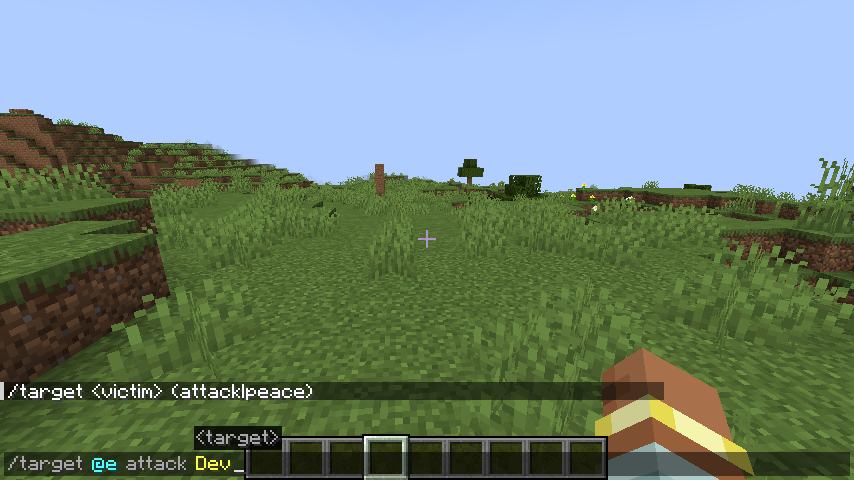 Example of target command
 -
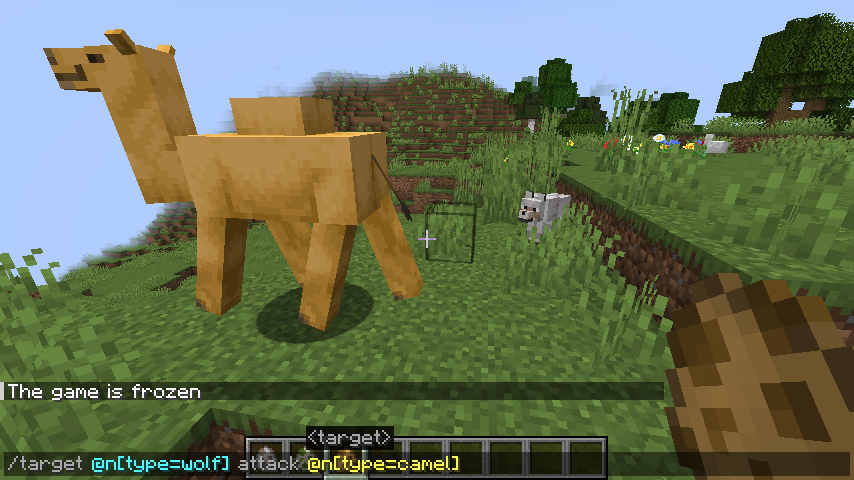 Command that makes the Wolf attack the Camel
 -
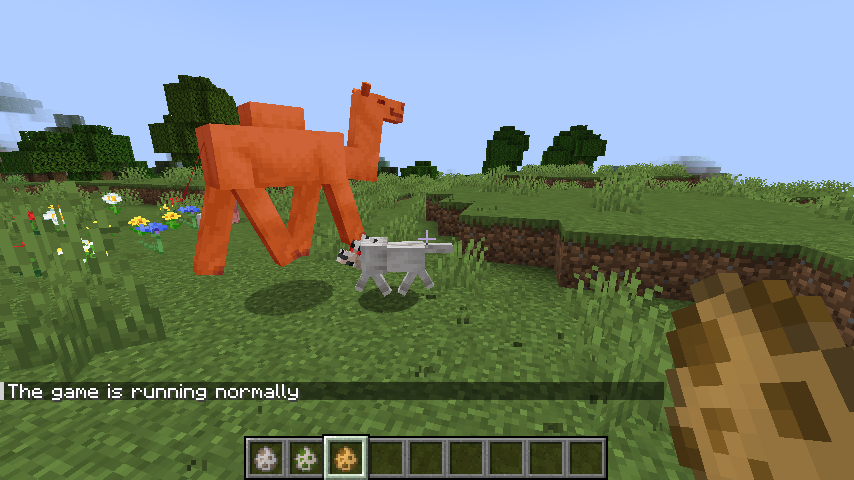 Result of the Wolf attack Camel command
 -
 Motionvector command
 -
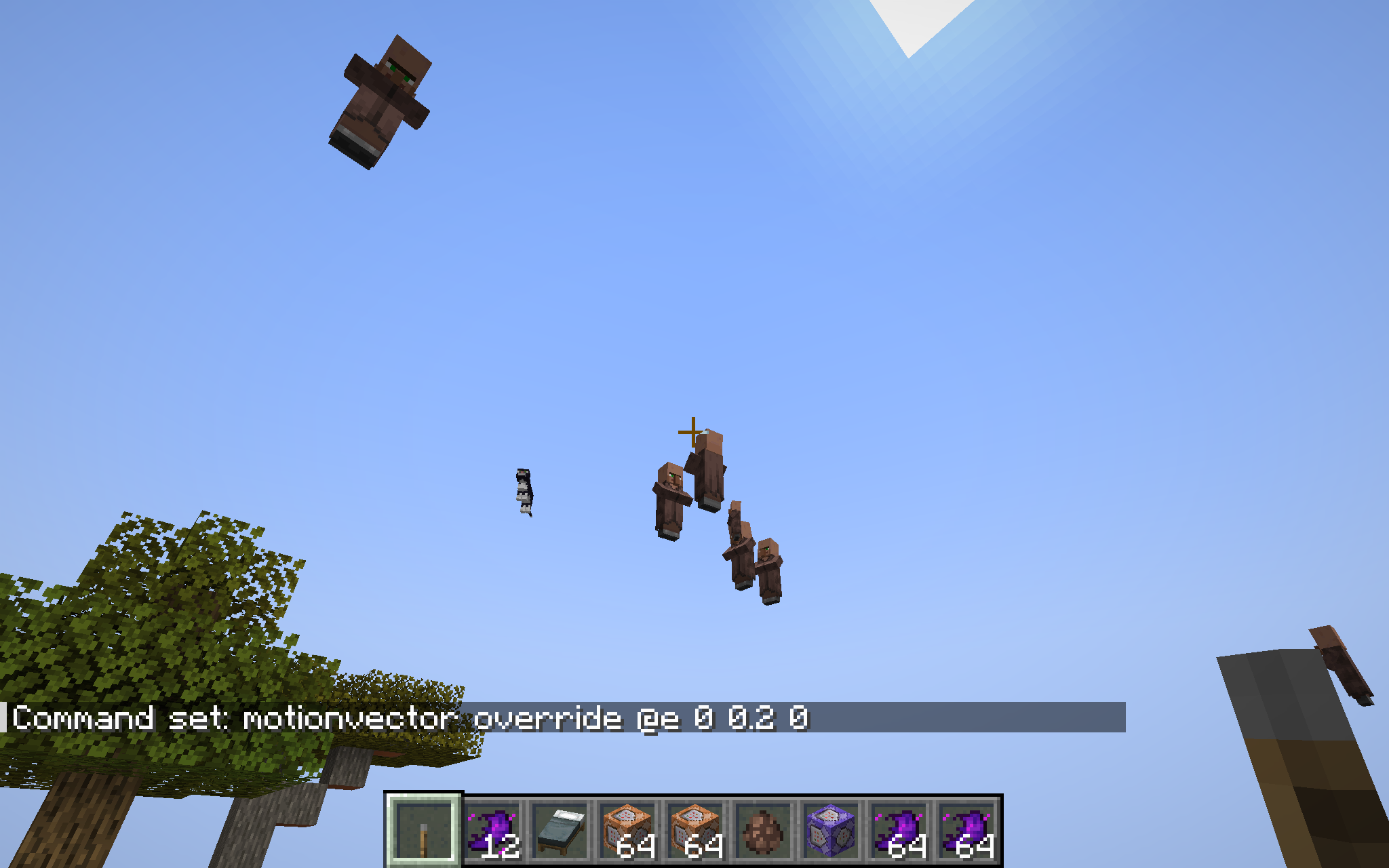 Result of motionvector command
 -
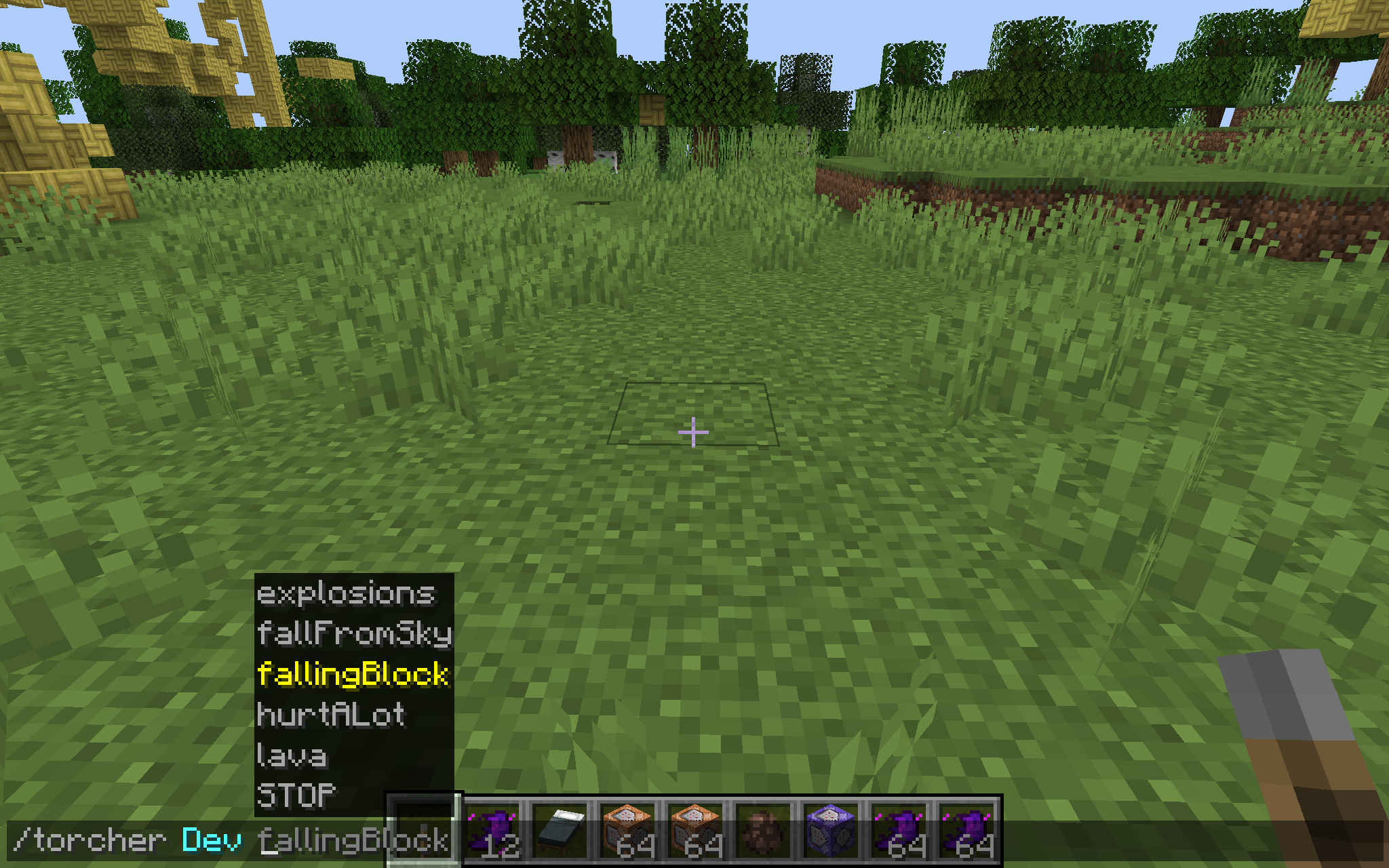 Torcher command
 -
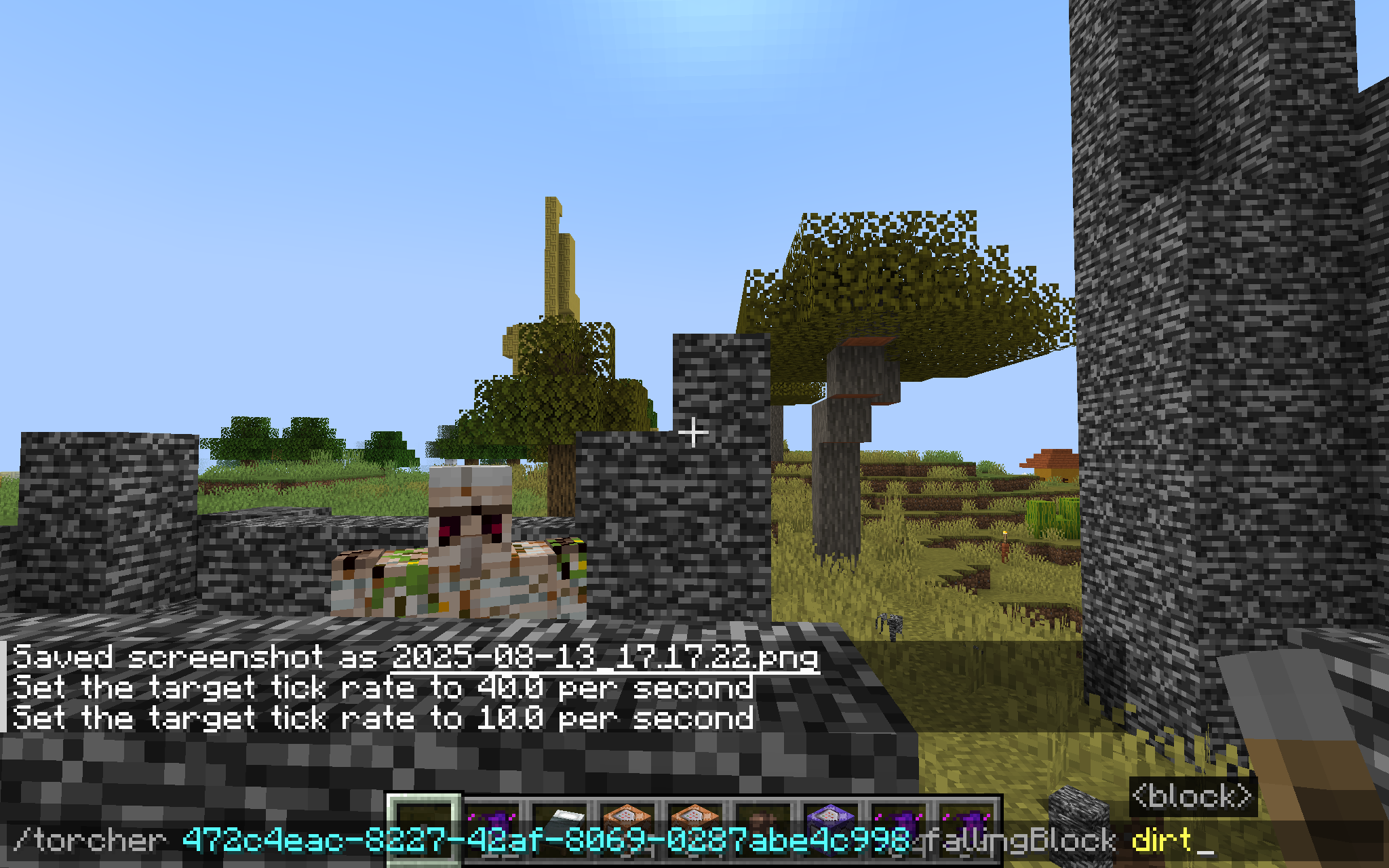 Torcher command example
 -
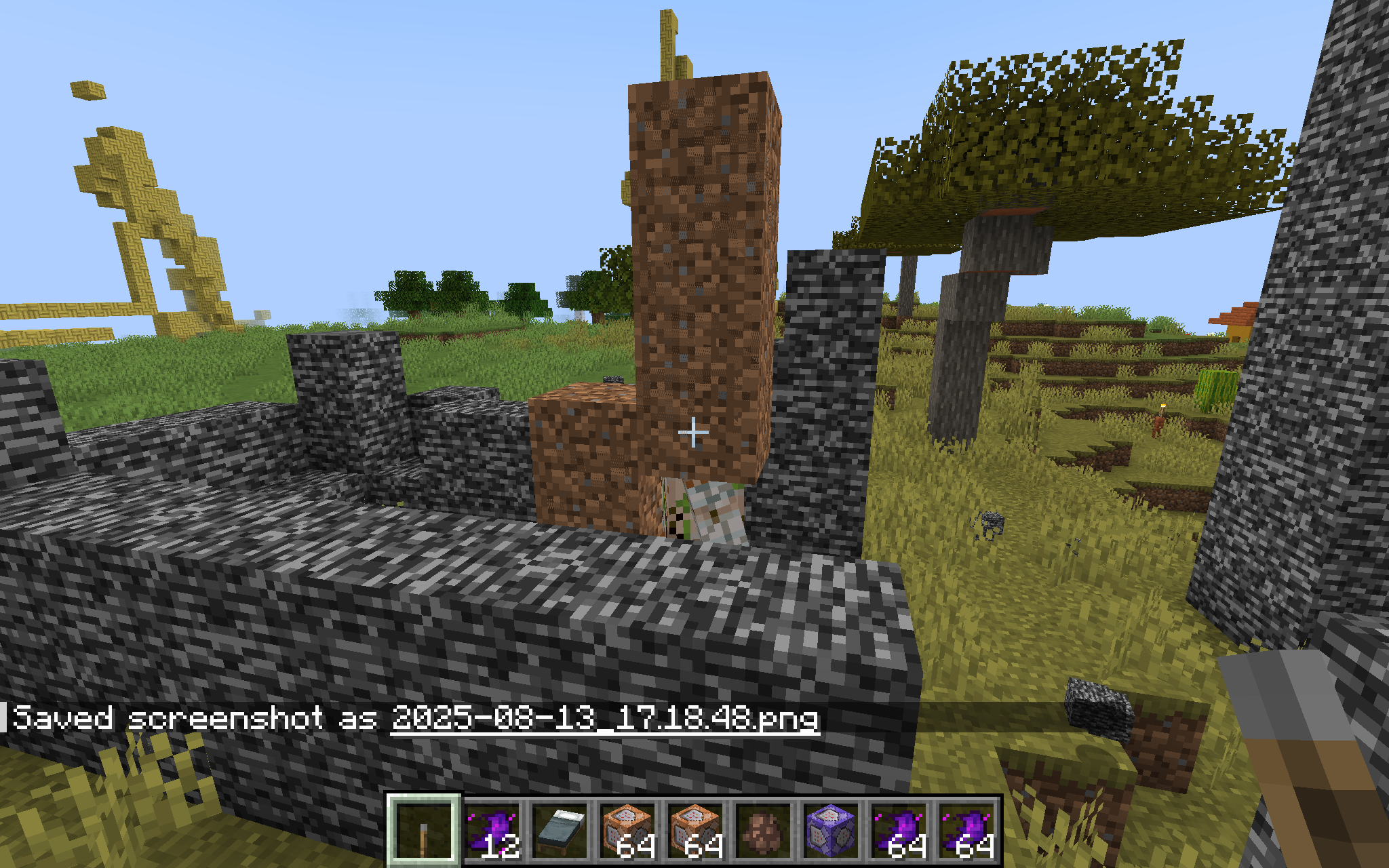 Result
Versions
Files
Relations
Project Relations
More like this
Similar Mods
Suggestions use data such as tags, dependencies, dependents, descriptions, titles, and more to rank how much they overlap with this mod.
On ModDex
Community snapshot
By the numbers
Statistics

Want to reach Minecraft players?
We're looking for a server hosting partner to feature here and other parts of the site. Interested? Send us a message!
Get in touchGet it on
Available Platforms
On ModDex
Community snapshot
By the numbers
Statistics
Resources