
Community listing page, reviews here may not be monitored by the author.
CommandsMC mod

No reviews yet
See what any Minecraft command does, live as you type.
Community voices
Reviews
No reviews yet. Be the first to review this project!
Get it on
Available Platforms
Compatibility
Supported Environments
Runs entirely on the client. Works on vanilla servers.
About
Project Details
For authors
Embed Badge
If you're the author of this project, you can embed a live badge anywhere that supports HTML or Markdown. It updates automatically whenever ratings change.
Use HTML for any page that supports it, or Markdown for README files and Markdown-based descriptions.
Identifiers
Platform IDs
Resources
External Links
About
Description
CommandsMC mod - Stop guessing what a command does. Just start typing it.
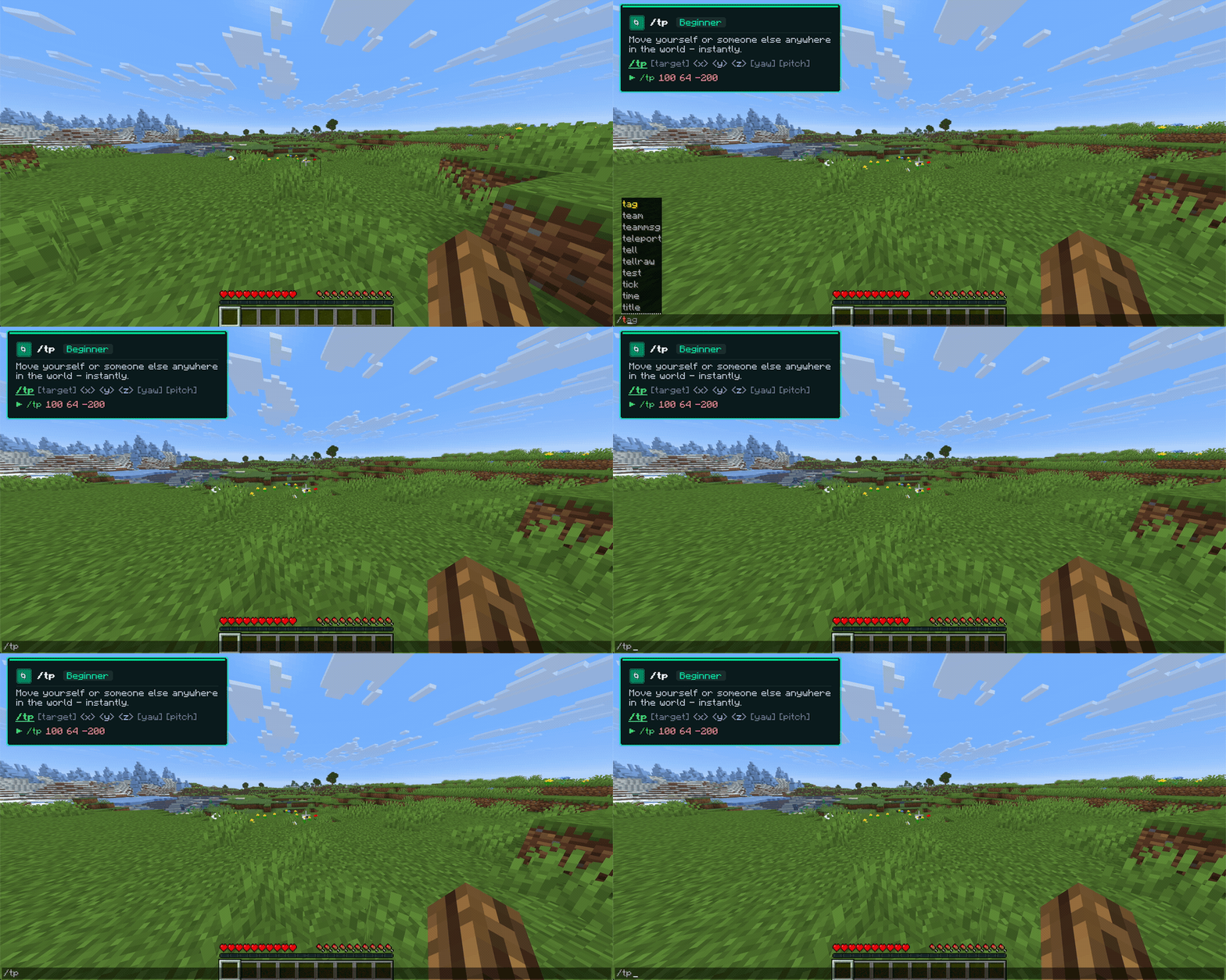
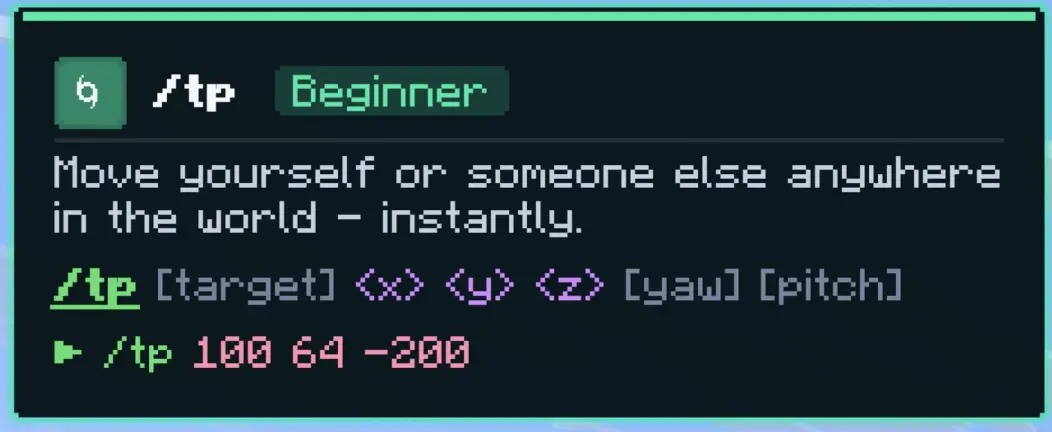
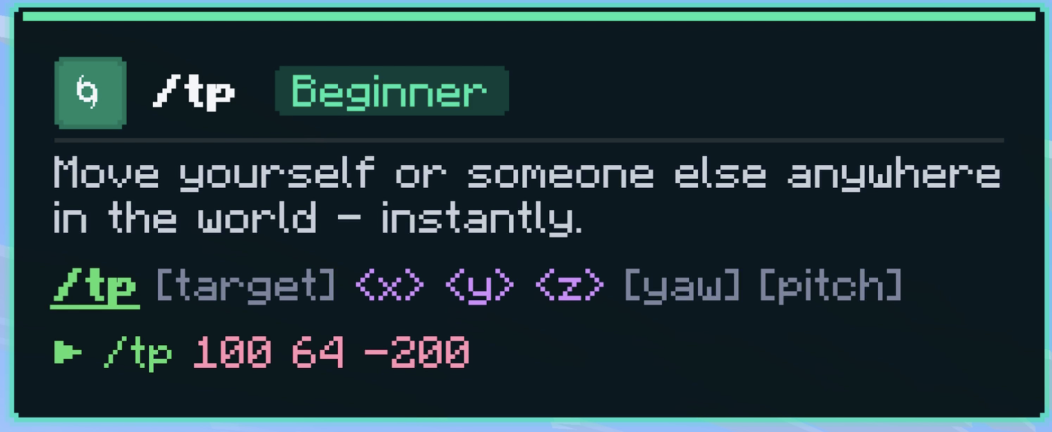
CommandsMC mod is a lightweight, client-side Fabric mod that explains Minecraft commands while you type them. Open the chat, type a command, and a clean tip card appears in the top-left corner showing exactly what it does, its syntax, and a real example. No hovering, no tabbing out to a wiki, no memorizing arguments.
It is powered by commandsmc.online and uses the same on-brand styling, so the in-game card looks just like the website.
Why you'll want it
Live as you type. The card updates with every keystroke. Type /eff and it already knows you mean /effect. Argument-aware help. Once you're past the command name, the card highlights the exact argument your cursor is on and explains that part. After /give @s it shows what goes in the item slot. Color-coded syntax. Targets, coordinates, literals, and optional arguments are each colored, so a long command is easy to read at a glance. Smart matching. Prefixes and aliases just work: /w finds /msg, /tm finds /teammsg, /? finds /help. The full vanilla command set. 83 commands covered, from beginner staples like /give and /tp to advanced tools like /execute, /scoreboard, and /data. One key to toggle. Press F6 to turn the tips on or off, in-game or with chat open. Perfect for
Players learning commands for the first time Map makers and datapack creators who live in /execute and /scoreboard Server admins reaching for /ban, /whitelist, and /gamerule Anyone tired of alt-tabbing to look up syntax Compatibility
Minecraft: 1.21.x (Java Edition) Loader: Fabric Requires: Fabric API Side: Client-side only. Works on any server without installing anything server-side. Install
Install Fabric Loader for your 1.21.x version. Drop Fabric API and CommandsMC Tips into your .minecraft/mods/ folder. Launch, open chat with T, and type a command like /effect. Open source (MIT) and not affiliated with Mojang or Microsoft.
Screenshots
Gallery
Versions
Files
Relations
Project Relations
More like this
Similar Mods
Suggestions use data such as tags, dependencies, dependents, descriptions, titles, and more to rank how much they overlap with this mod.
On ModDex
Community snapshot
By the numbers
Statistics

Want to reach Minecraft players?
We're looking for a server hosting partner to feature here and other parts of the site. Interested? Send us a message!
Get in touchGet it on
Available Platforms
On ModDex
Community snapshot
By the numbers
Statistics
Resources