
Corpse: Refined
No reviews yet
Your death leaves behind a corpse wearing your own skin, holding everything you had on you — recover it and your armor equips itself automatically. Left too long, it slowly decays down to bone.
Neoforge is a fork of the Minecraft Forge available for versions 1.20.1+ of Minecraft. Many Forge mods are compatible with Neoforge and vice versa.
Community voices
Reviews
Click once to include, again to exclude, again to clear
No reviews yet. Be the first to review this project!
Get it on
Available Platforms
 Modrinth
Compatibility
Supported Environments
About
Project Details
For authors
Embed Badge
If you're the author of this project, you can embed a live badge anywhere that supports HTML or Markdown. It updates automatically whenever ratings change.
Use HTML for any page that supports it, or Markdown for README files and Markdown-based descriptions.
Identifiers
Platform IDs
Resources
External Links
About
Description
Corpse: Refined
A quieter place to keep what you leave behind.
When you die, a corpse appears wearing your own skin and holding everything you had on you. Recover it, and your gear finds its way back to you — no digging through menus required.
Features
The corpse appears at your death location with your real player skin applied. It holds everything you had — general items, armor, and your offhand item — with no capacity limit.
Right-click the corpse to open it.
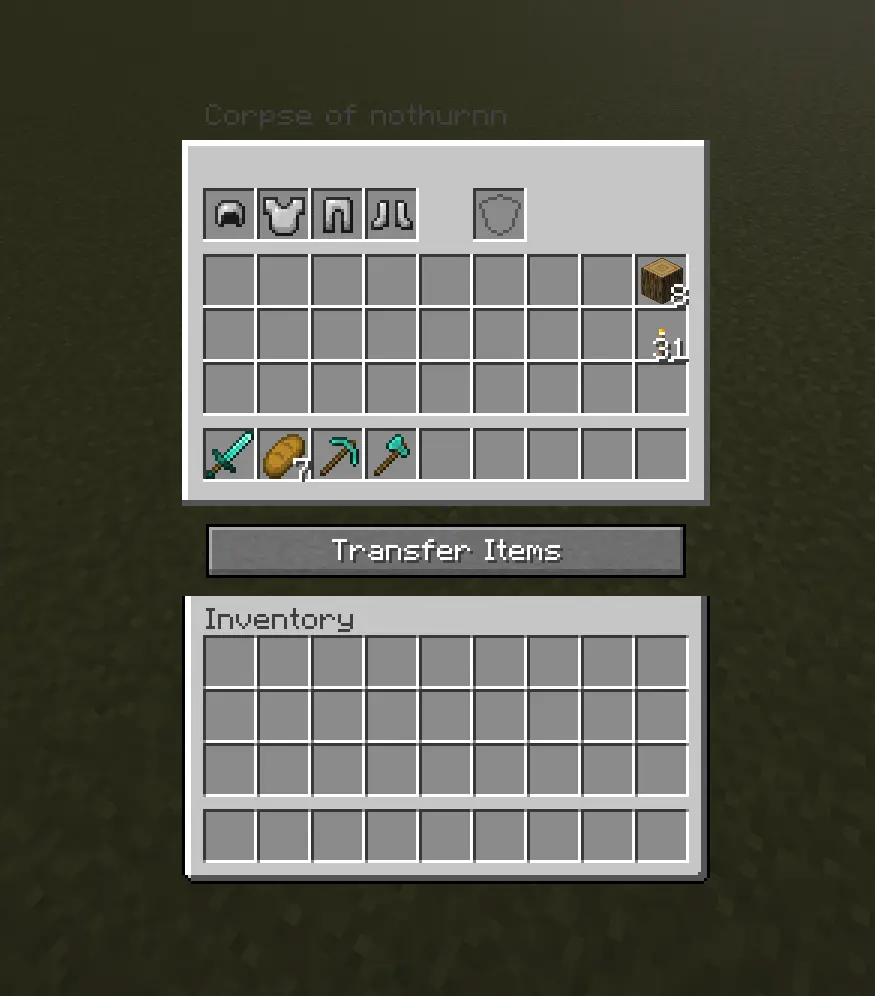
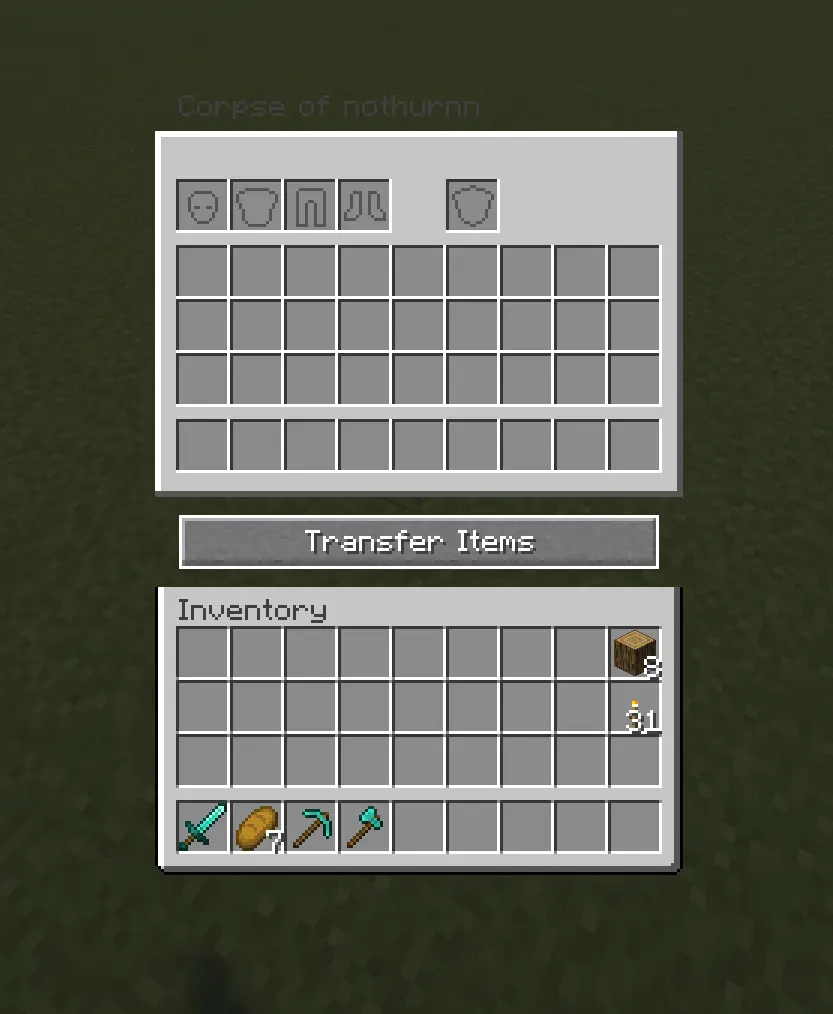
When you recover your items, armor and your offhand piece re-equip themselves automatically — but only into slots that are currently empty, so nothing you're already wearing gets overwritten.
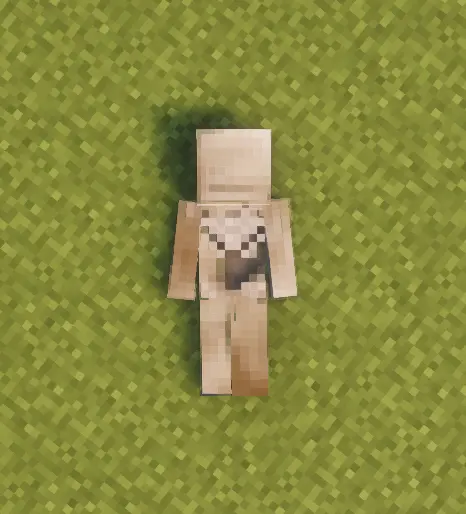
Corpses don't just disappear once emptied. A shroud slowly forms over the body, holds, then gradually wears away to reveal a skeleton underneath — your death site stays marked instead of vanishing.
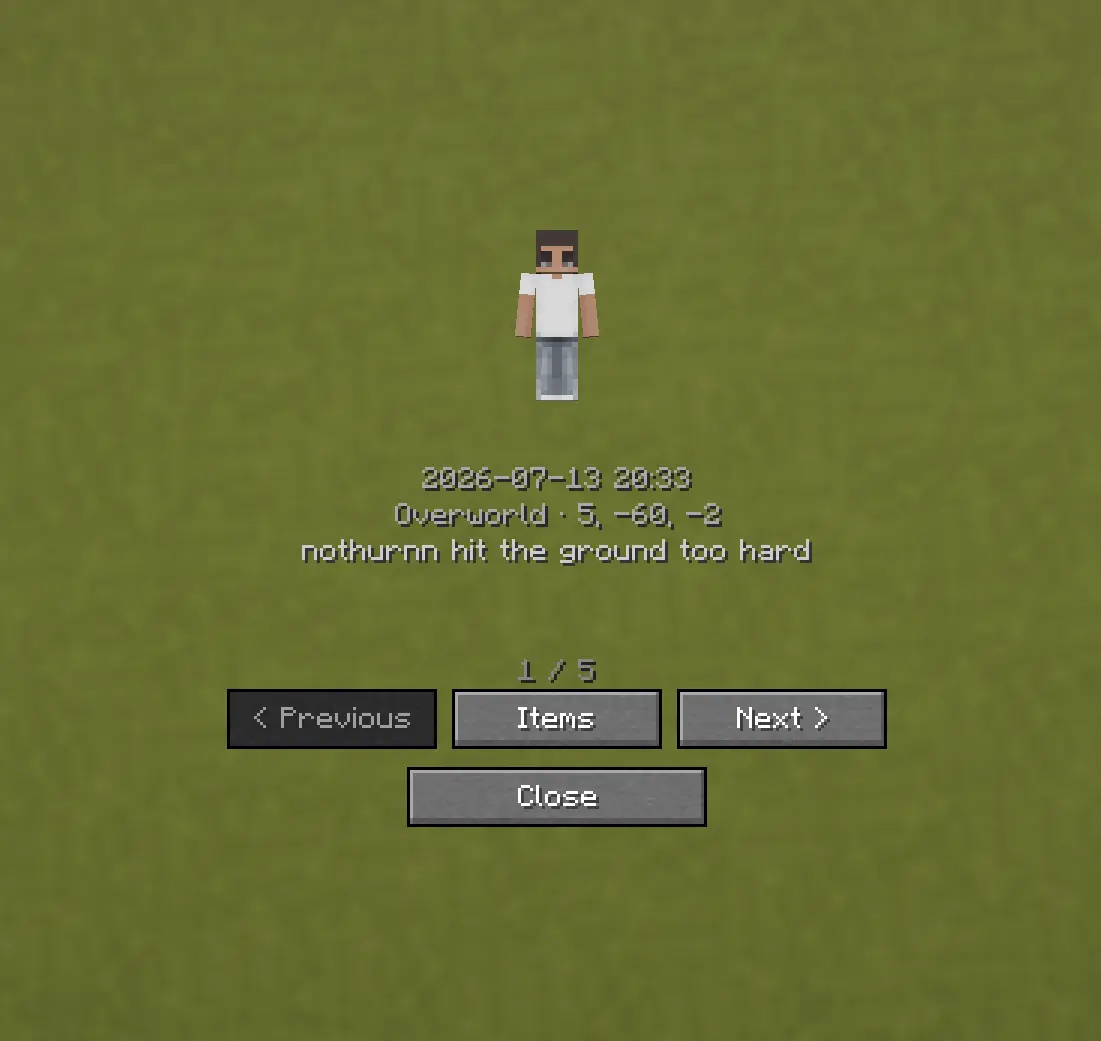
Death History
Press C to view your past deaths — where, when, and what killed you.
Optional Features (Config Options)
- How long the shroud takes to form (
decay_ticks) - How long the shroud takes to wear away and reveal the skeleton
(
shroud_erosion_ticks) - Whether a forced hard despawn ever kicks in for very old corpses, and after
how long (
force_despawn_enabled,force_despawn_ticks) — disabled by default - [check PlayerCorpseConfig.java for anything else — e.g. owner-only access, lava/fire damage toggle — and add here if present]
Screenshots
Gallery
Versions
Files
Relations
Project Relations
More like this
Similar Mods
Suggestions use data such as tags, dependencies, dependents, descriptions, titles, and more to rank how much they overlap with this mod.
On ModDex
Community snapshot
By the numbers
Statistics

Want to reach Minecraft players?
We're looking for a server hosting partner to feature here and other parts of the site. Interested? Send us a message!
Get in touchGet it on
Available Platforms
On ModDex
Community snapshot
By the numbers
Statistics
Resources