Cosmonautics: Warp Drive
No reviews yet
Warp Sable-physicalized ships and stations to any recorded location, in any dimension, using stored power. An addon for Create + Cosmonautics.
Neoforge is a fork of the Minecraft Forge available for versions 1.20.1+ of Minecraft. Many Forge mods are compatible with Neoforge and vice versa.
Community voices
Reviews
Click once to include, again to exclude, again to clear
No reviews yet. Be the first to review this project!
Get it on
Available Platforms
 Modrinth
Compatibility
Supported Environments
About
Project Details
For authors
Embed Badge
If you're the author of this project, you can embed a live badge anywhere that supports HTML or Markdown. It updates automatically whenever ratings change.
Use HTML for any page that supports it, or Markdown for README files and Markdown-based descriptions.
Identifiers
Platform IDs
Resources
External Links
About
Description
Warp your Sable-physicalized ships and stations to any recorded location — in any dimension — using stored electrical power.
An addon for the Create + Cosmonautics ecosystem, built on Sable's physics/sub-level system.
✨ Features
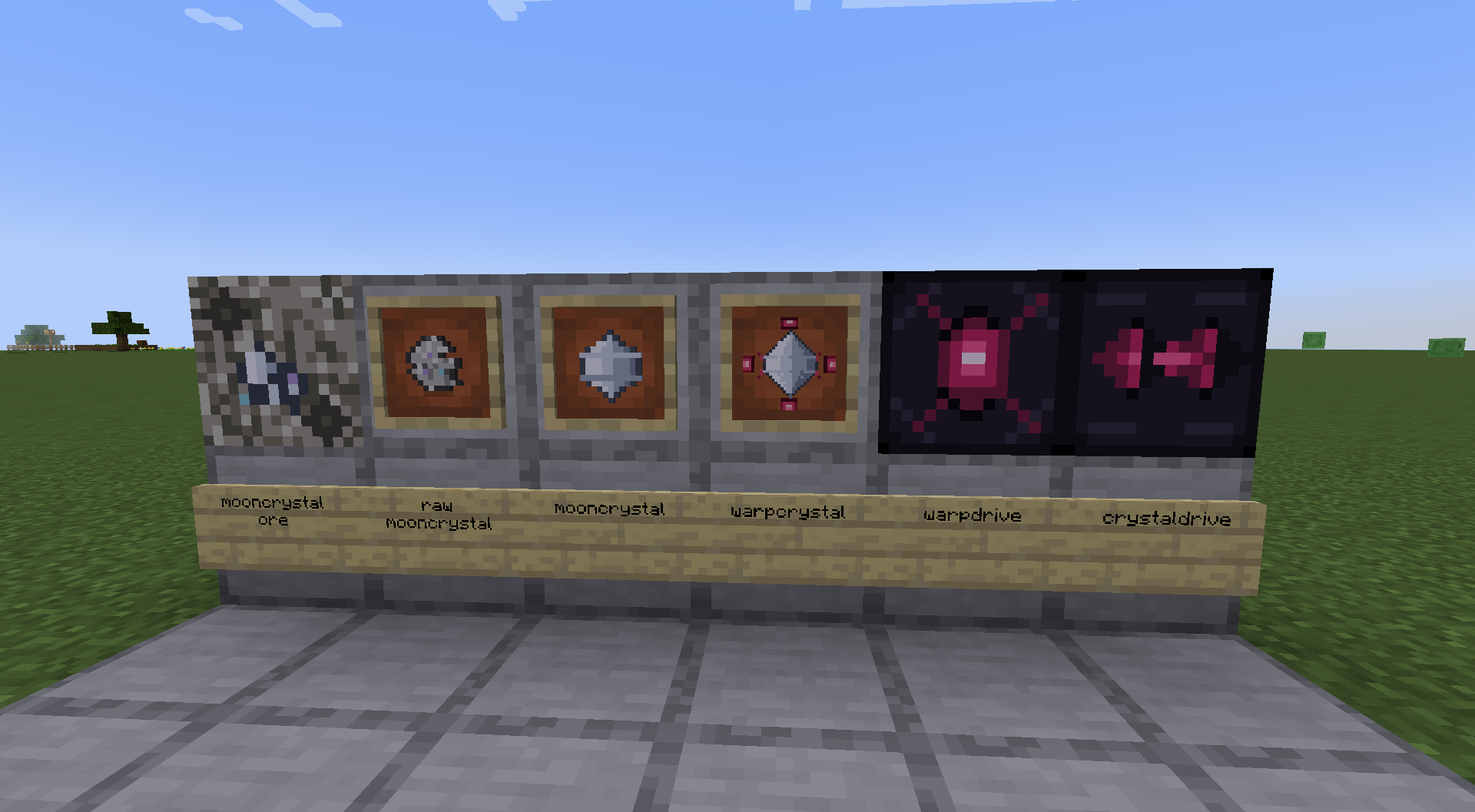
- Warp Drive — insert a Warp Crystal (or Memory Card), register the drive's current location, pick a saved destination, and warp the entire physicalized structure it's attached to — including across dimensions. The console screen shows live info (FE, countdown, coordinates, or the selected point's name — configurable).
- Warp Crystal — the data core. Only a Warp Crystal can actually trigger a warp.
- Memory Card — a cheaper way to record locations without a trip to the Moon. Registers and stores points just like a Warp Crystal, but can't trigger a warp on its own — copy its points onto a Warp Crystal with a Crystal Driver first. Storage capacity is configurable.
- Crystal Driver — copy a saved location from one Warp Crystal or Memory Card onto another, or delete one you no longer need.
- Moon Crystal — a new resource found only in Cosmonautics' Moon dimension. Mine the ore, then refine it with Create's Sand Paper.
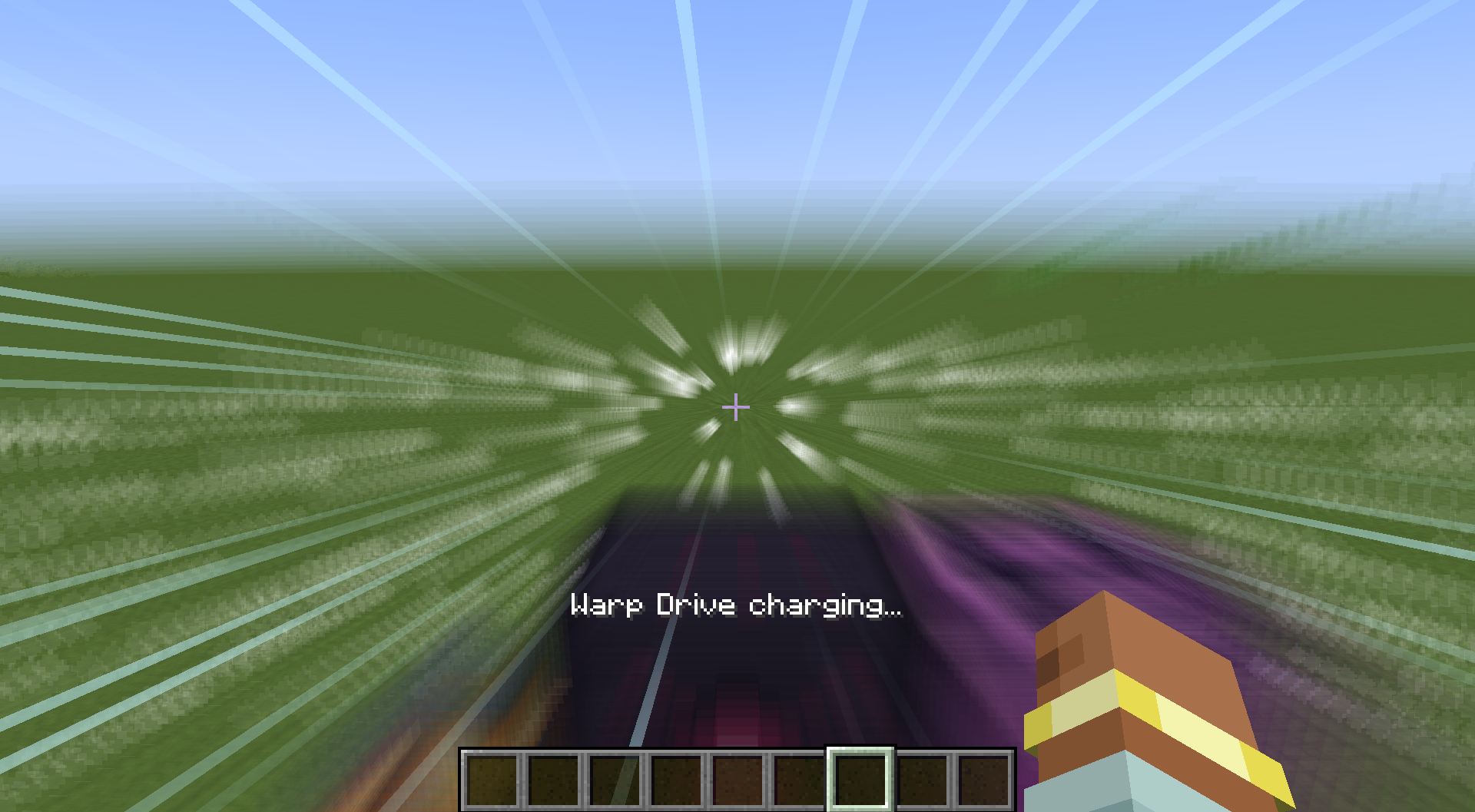
- Hyperspace jump effect — a short charge-up before each warp, with a screen-distortion effect (visible only to players actually riding the ship) and a converging particle effect (visible to everyone nearby).
- Fully configurable: FE cost per warp, charge-up time, particle count, console display mode, and Memory Card capacity.
🚀 How to use it
- Mine Moon Crystal Ore on the Moon (diamond pickaxe required) for Raw Moon Crystal.
- Refine it into a Moon Crystal with Create's Sand Paper.
- Craft a Warp Crystal — or a cheaper Memory Card if you don't want to make the trip yet — then a Warp Drive, and install the drive on a Sable-physicalized structure (e.g. a Create airship).
- Insert the crystal/card and press Register Here to save that location.
- Fly elsewhere, register another location on the same (or a different) crystal/card — rename entries from the Warp Drive's GUI to keep track of them.
- Select a destination and press Warp. The drive spends FE, plays a short hyperspace sequence, and moves the whole structure there. (Using a Memory Card? Copy its points onto a Warp Crystal with a Crystal Driver first — Warp only works from a Warp Crystal.)
Use a Crystal Driver to duplicate a saved location across crystals/cards, or to delete one.
📦 Requirements
- NeoForge for 1.21.1
- Create
- Create Cosmonautics — provides the Moon dimension, Titanium items, and the Dimensional Sable support this mod's cross-dimension warp relies on
- Sable
- Dimensional Sable — usually already present via Create Cosmonautics' own bundled copy
This mod does not generate FE on its own — bring your own power source (Create generators, or any other FE-producing mod).
⚙️ Configuration
| Option | Default | Description |
|---|---|---|
warpCostFE |
8,000,000 | FE consumed per Warp Drive activation |
warpChargeTicks |
60 (3s) | Delay between pressing Warp and the actual jump |
warpParticleCount |
32 | Particles spawned around the ship while charging |
warpDriveDisplayMode |
FE | What the console screen shows: FE, COUNTDOWN, COORDINATES, or POINT_NAME |
memoryCardCapacity |
5 | How many saved locations a Memory Card can hold (1–10) |
🤖 A note on development
Large parts of this mod's code were written with the help of AI (Claude). Design decisions, testing, and final calls are mine, but I wanted to be upfront about the tooling used.
🙏 Credits
- Sable & Sable Companion by ryanhcode — the physics/sub-level system this mod's warp mechanic is built on.
- Dimensional Sable by hollow_egg — cross-dimension sub-level support, used directly for the actual warp jump.
- Create Cosmonautics by the Cosmonautics Team.
- Create by the Create team.
🐛 Known issues
- Block hitboxes for Warp Drive / Crystal Driver are still simplified placeholders.
Bug reports and feedback welcome — this is an early beta!
Source & issue tracker: GitHub~~~~
Screenshots
Gallery
-
 Items to Be Added
 -
 warp!!
Versions
Files
Relations
Project Relations
More like this
Similar Mods
Suggestions use data such as tags, dependencies, dependents, descriptions, titles, and more to rank how much they overlap with this mod.
On ModDex
Community snapshot
By the numbers
Statistics

Want to reach Minecraft players?
We're looking for a server hosting partner to feature here and other parts of the site. Interested? Send us a message!
Get in touchGet it on
Available Platforms
On ModDex
Community snapshot
By the numbers
Statistics
Resources