Community listing page, reviews may not be monitored by the author.
Create Aeronautics: Landing Legs

No reviews yet
Landing legs for your Create Aeronautics Ships

Community voices
Reviews
No reviews yet. Be the first to review this project!
Get it on
Available Platforms
About
Project Details
For authors
Embed Badge
If you're the author of this project, you can embed a live badge anywhere that supports HTML or Markdown. It updates automatically whenever ratings change.
Use HTML for any page that supports it, or Markdown for README files and Markdown-based descriptions.
Identifiers
Platform IDs
About
Description
Create Aeronautics: Landing Legs
Adaptive landing legs for Create Aeronautics Ships. Land on uneven ground and stay level.
What it does
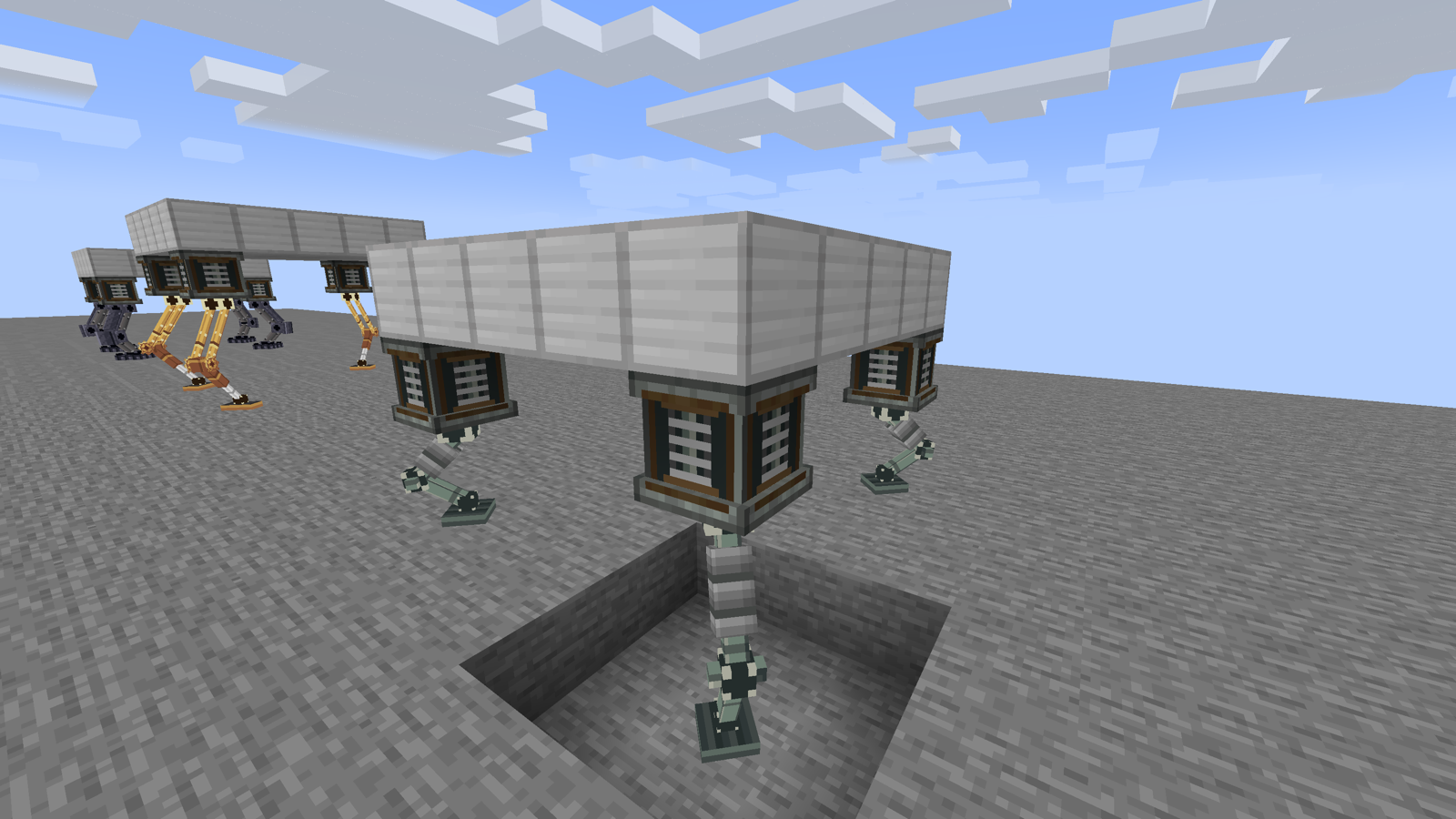
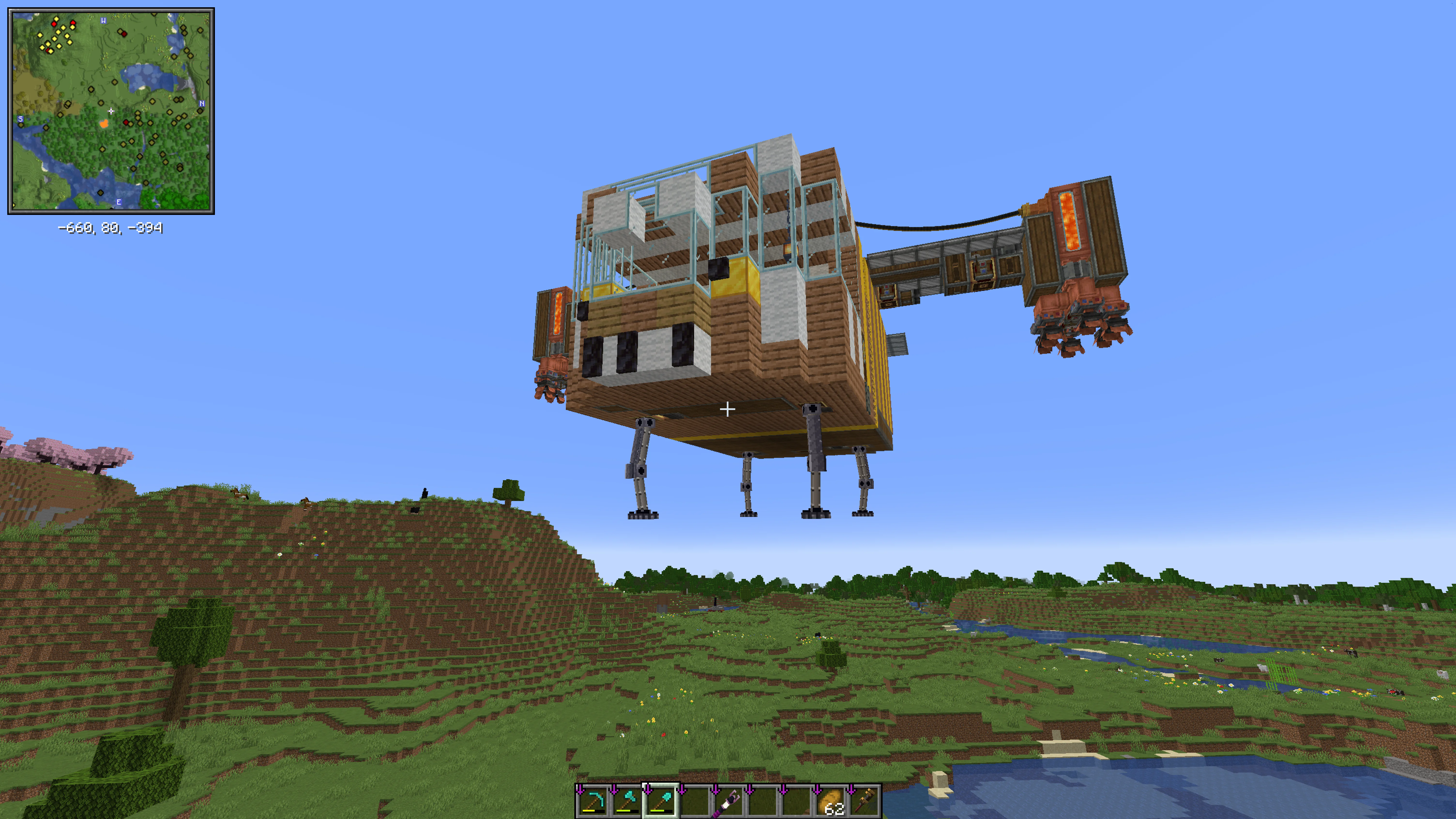
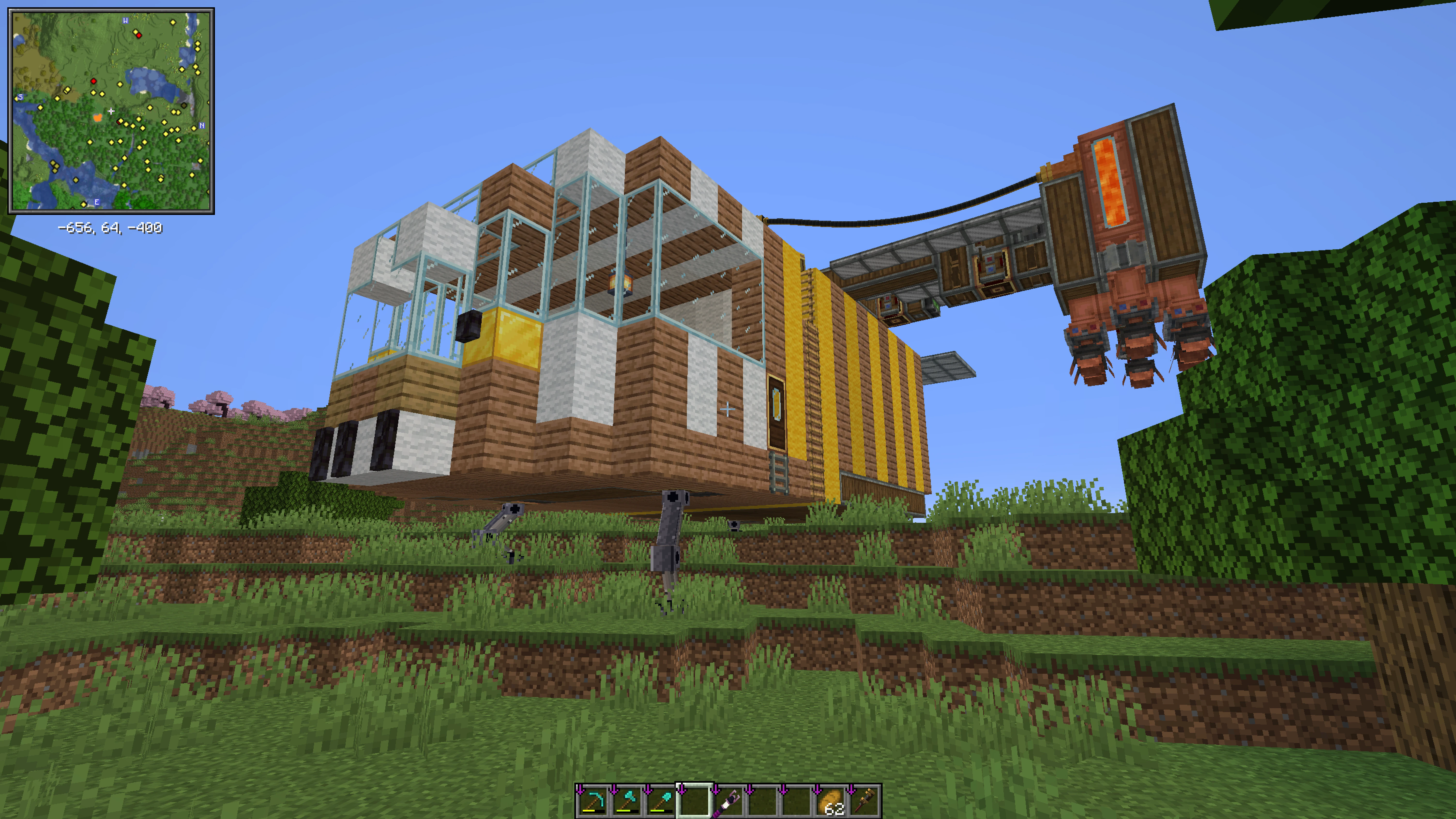
Put a Leg Mount on your Ship's hull and fit a Limb into it. That makes a Leg. Each Leg reaches down to the ground on its own, so the deck stays level on slopes, steps and holes. Simple Legs work by themselves. Hydraulic Legs are run by a Leg Controller, which sets the Ride Height and folds the Legs up for flight.
Features
- Leveling: every Leg picks its own Reach, so the Ship sits level on uneven ground.
- Foot grip: Feet hold like rubber pads, so a parked Ship does not slide off a slope.
- Crouch: while one Foot is still looking for ground, the other Legs lower the Ship together so it does not tip.
- Overreach: if the ground is too uneven, the Legs stretch to the max and the Ship tilts toward the low side.
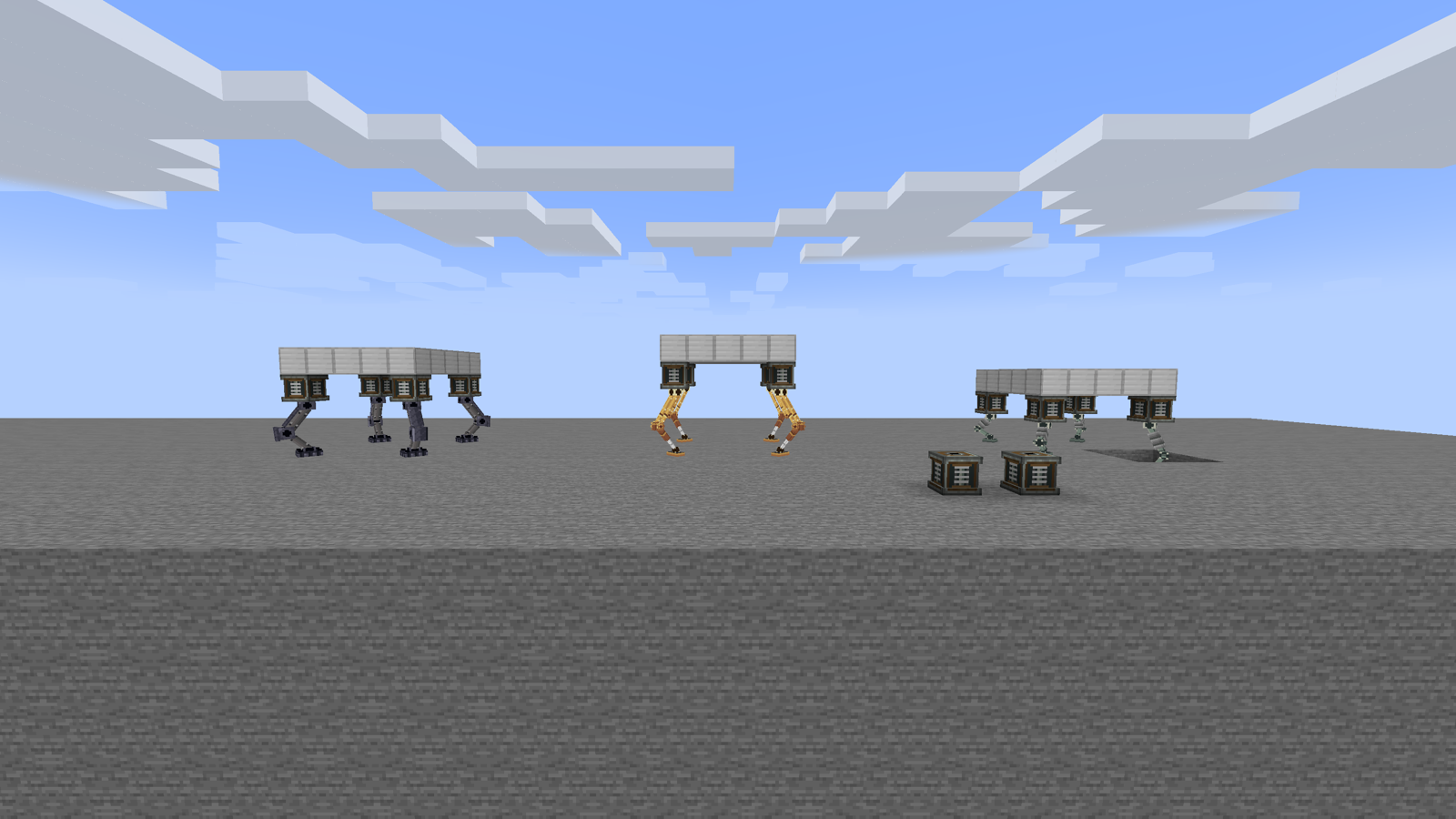
- Two Leg types: Simple Legs (no power, no setup) and Hydraulic Legs (powered, adjustable).
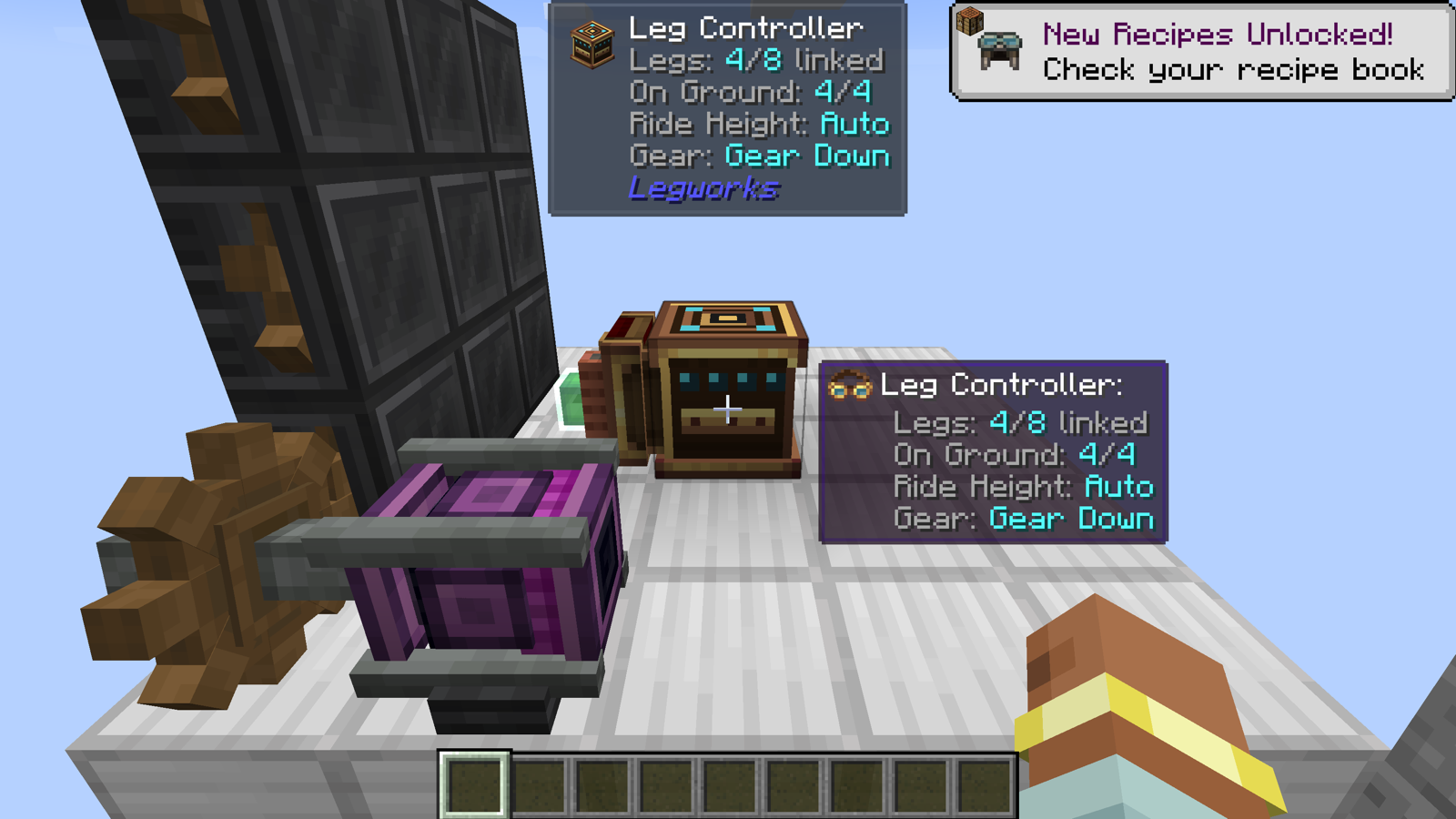
- Leg Controller: sets Ride Height, links up to 8 Hydraulic Legs, Gear Up / Gear Down with redstone.
- Softening: a redstone signal on top of a Hydraulic Leg makes it softer, for example to kneel a parked Ship for loading.
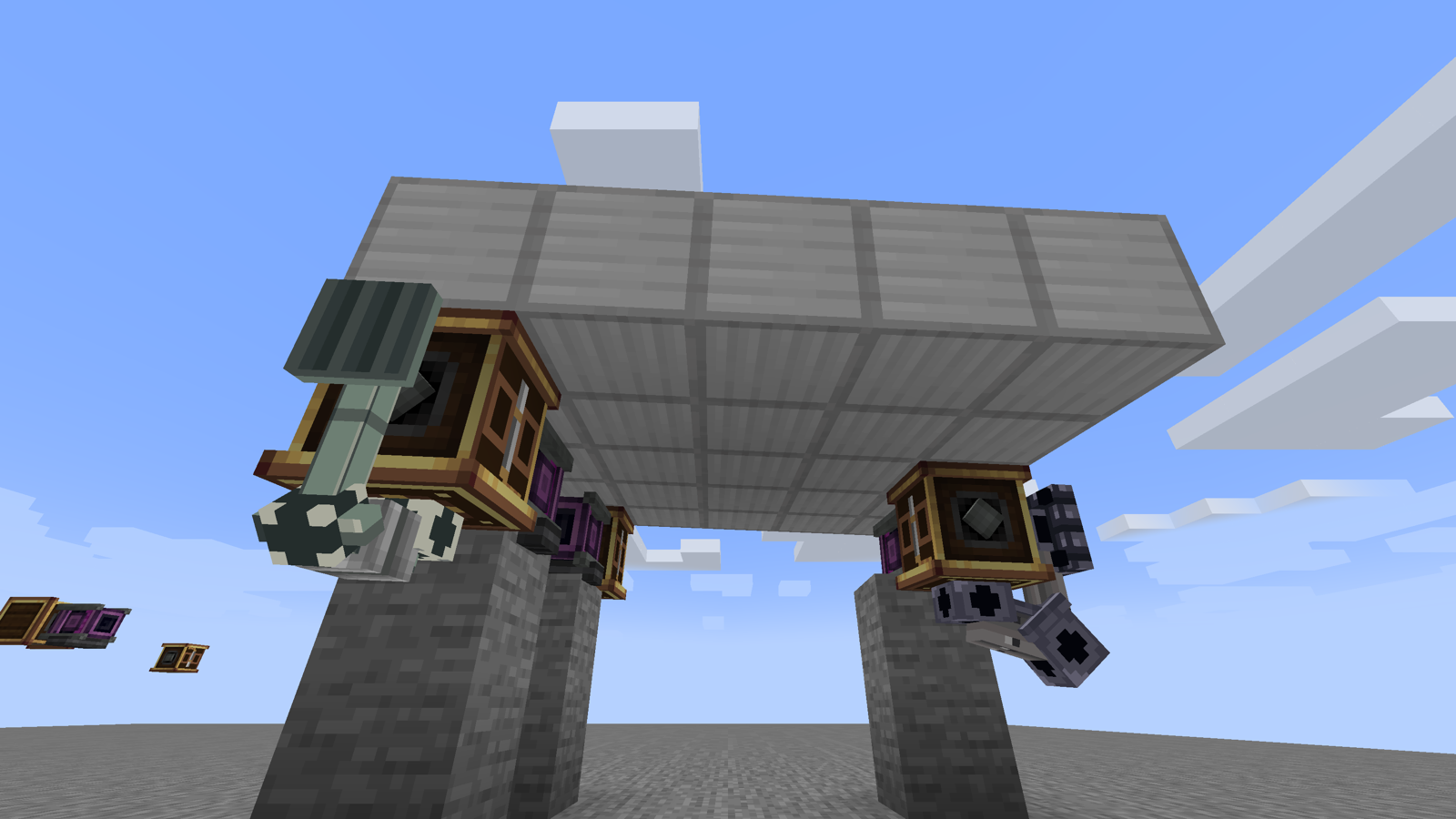
- Bumpers: a Leg Mount facing sideways or up acts as a spring against ground it meets.
- Three Limbs: Short, Long and Heavy, each with its own Reach and Stiffness. Any item with the
legworks:limbdata component is a Limb too.
Quick start
- Craft a Simple Leg Mount (or a Hydraulic Leg Mount) and a Limb.
- Place the Mount on the hull facing down, right-click it with the Limb.
- Assemble the Ship as usual. Simple Legs are done.
- For Hydraulic Legs: place a Leg Controller on the Ship, sneak-click it with a Leg Controller item, click each Hydraulic Mount to link.
- Power each Hydraulic Mount through its shaft. Scroll the Controller's value box for Ride Height. Redstone on the Controller = Gear Up.
Ponder (hold W over an item) shows all of this step by step.
Compatibility
- Ponder scenes for every block.
- Engineer's Goggles: Reach, load, Stiffness, power and warnings on every Leg.
- Jade and JEI (optional): status overlay, recipes, a "Leg Fitting" category and info pages.
- Create Display Link: Leg Controller and Leg Mounts are Display Link sources.
Requirements
| Mod | Version |
|---|---|
| Minecraft | 1.21.1 |
| NeoForge | 21.1.228+ |
| Create | 6.0.10+, below 6.1.0 |
| Create Aeronautics | 1.3.2+, below 1.4.0 |
| Sable | 2.0.5+, below 2.1 |
| JEI, Jade | optional |
Install on both client and server.
Known limitations
- No special landing mode yet: drops of more than about 20 blocks can tip the Ship over.
- Limbs cannot be inserted by Funnels. Fit them by hand.
- Pinned to Sable 2.0.x (uses mixins into Sable internals).
Links
MIT License. Built on Create, Create Aeronautics and Sable (not bundled). Thanks to the Offroad addon for the Wheel Mount pattern. Developed with AI assistance (Claude); design, testing and direction by SenDeliver.
Screenshots
Gallery
-
 landing_legs_flying.webp landing_legs_flying.webp
 -
 landing_legs_on_ground.webp landing_legs_on_ground.webp
Versions
Files
Relations
Project Relations
More like this
Similar Mods
Suggestions use data such as tags, dependencies, dependents, descriptions, titles, and more to rank how much they overlap with this mod.
- Create: The Air War
- Create Guardian Beam Defense
- Create: BeyondLimits
- Simulated Gauges
- Create: Twistermill (VS / Sable & Aeronautics)
- Create Propulsion: Simulated
- Create: Linked Thrusters
- Sable: Destructive
- Create Aeronautics: Physics Gun (Garry's Mod)
- Create: Aero Cables
- Aeronautics:Wind Tunnel
- Aeronautics:Addition
On ModDex
Community snapshot
By the numbers
Statistics

Get it on
Available Platforms
On ModDex
Community snapshot
By the numbers