
Community listing page, reviews here may not be monitored by the author.
Create : Gravity


No reviews yet
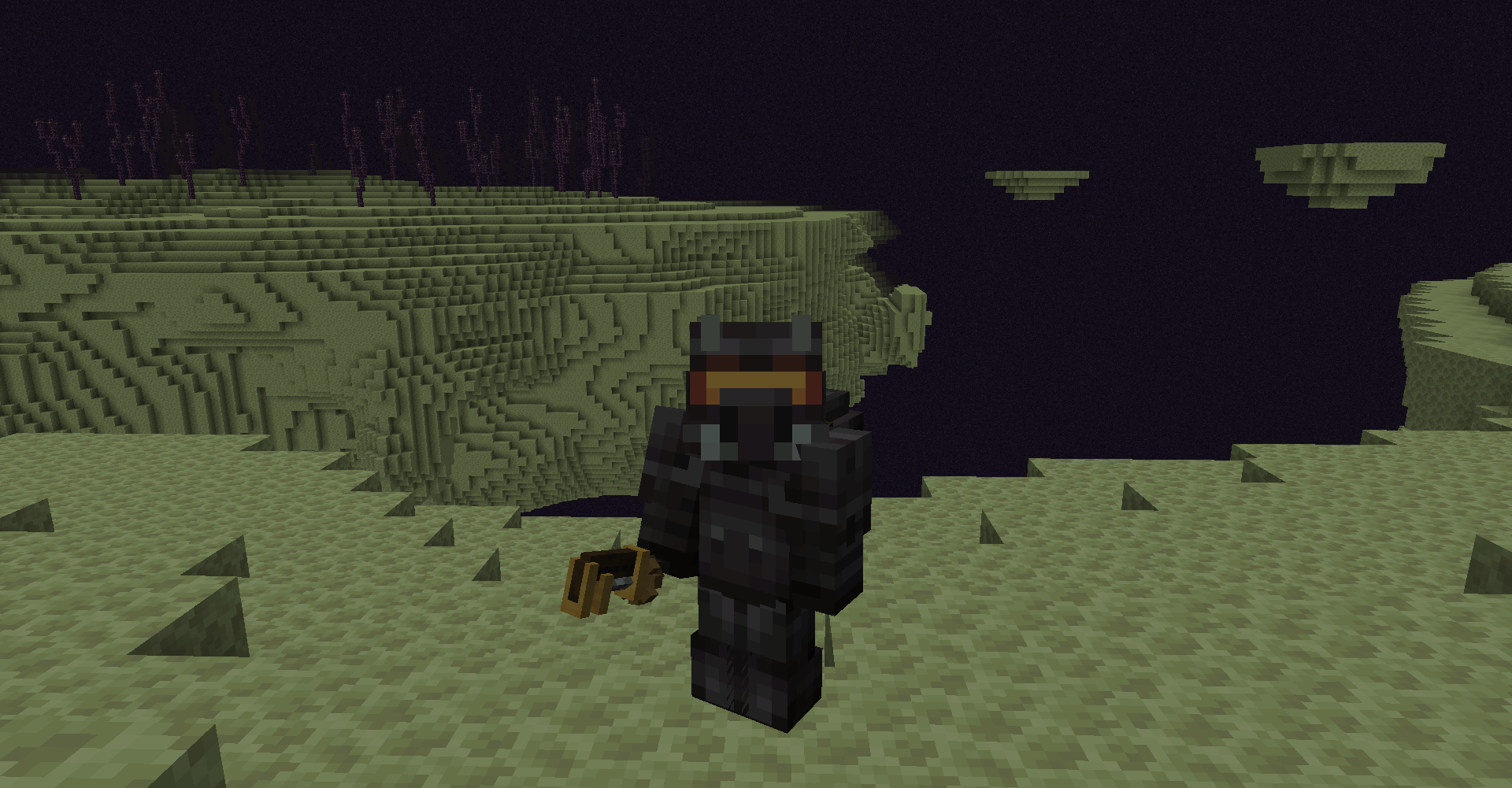
🌌 Turns the Ender into the Moon
Community voices
Reviews
No reviews yet. Be the first to review this project!
Get it on
Available Platforms
Compatibility
Supported Environments
Must be installed on both the client and the server.
About
Project Details
For authors
Embed Badge
If you're the author of this project, you can embed a live badge anywhere that supports HTML or Markdown. It updates automatically whenever ratings change.
Use HTML for any page that supports it, or Markdown for README files and Markdown-based descriptions.
Identifiers
Platform IDs
Resources
External Links
About
Description

Create : Gravity is a simple Create addon, turning the End Dimension into something more Moon-themed with 2 simple tweaks

Functionality
This mod allows you to make certain biomes (and therefor dimensions):
- Not have oxygen (if you run out of air, you will take damage)
- Have low gravity
By default these two functionalities will be applied to biomes of the end dimension
Configuration
Biomes can be configured as low oxygen and / or low gravity biome, for example:
minecraft:plains;75;-0.3- or
#forge:is_hot;;-0.8(uses the default oxygen factor of100) - or
terralith:alpha_islands;100;(uses the default gravity factor of-0.8)
The Oxygen factor has to be above or equal to 0 (a value of 0 will disable the logic for said biome)
- Higher values will cause the oxygen to deplete at a lower rate
The Gravity factor has to be between -1 (will disable gravity entirely) or 0 (disables gravity logic for said biome)
In addition, the following things can be configured as well:
- Amount of damage and the rate at which the player does get damaged
- Whether wearing a diving helmet is required to make the backtank functional (i.e. use the air supply)
- The rate at which the player loses oxygen (this will always be slower if a player is wearing a diving helmet)
- The rate at which the backtank air supply gets depleted
Datapack
Item tags
create_gravity:anti_low_gravity_boots: Will disable the gravity effect of said biome (when worn in the boots equipment slot)- Contains
create:copper_diving_bootsandcreate:netherite_diving_bootsby default
- Contains
create_gravity:diving_helmets: Will decrease the rate at which oxygen drains (when worn in the helmet slot)- Contains
create:copper_diving_helmetandcreate:netherite_diving_helmetby default
- Contains
create_gravity:backtanks: The logic will look for an NBT entry ofAir(when worn in the chest slot)- Contains
create:copper_backtankandcreate:netherite_backtankby default - If present and the value is above
1it will be decreased by1, supply oxygen and the oxygen damage ticks will reset - If no backtank is equipped the oxygen damage ticks will increase and once they reach the configured value (default is
60) then the player will take damage - By default, the
Createbacktanks will have this tag - though you can add other items and handle the addition of this tag yourself
- Contains
Entity Type tags
create_gravity:low_gravity_blacklist: Will cause the entity to not be affected by the gravity change (contains#forge:bossesby default)
Compatibility
The mod should be compatible with some other space suits mods (Futurepack and Space Dimensions suits seems to be working)
No explicit compatibility has been made so far (might be the case in the future)
Social


Create : Gravity is a simple Create addon, turning the End Dimension into something more Moon-themed with 2 simple tweaks

Functionality
This mod allows you to make certain biomes (and therefor dimensions):
- Not have oxygen (if you run out of air, you will take damage)
- Have low gravity
By default these two functionalities will be applied to biomes of the end dimension
Configuration
Biomes can be configured as low oxygen and / or low gravity biome, for example:
minecraft:plains;75;-0.3- or
#forge:is_hot;;-0.8(uses the default oxygen factor of100) - or
terralith:alpha_islands;100;(uses the default gravity factor of-0.8)
The Oxygen factor has to be above or equal to 0 (a value of 0 will disable the logic for said biome)
- Higher values will cause the oxygen to deplete at a lower rate
The Gravity factor has to be between -1 (will disable gravity entirely) or 0 (disables gravity logic for said biome)
In addition, the following things can be configured as well:
- Amount of damage and the rate at which the player does get damaged
- Whether wearing a diving helmet is required to make the backtank functional (i.e. use the air supply)
- The rate at which the player loses oxygen (this will always be slower if a player is wearing a diving helmet)
- The rate at which the backtank air supply gets depleted
Datapack
Item tags
create_gravity:anti_low_gravity_boots: Will disable the gravity effect of said biome (when worn in the boots equipment slot)- Contains
create:copper_diving_bootsandcreate:netherite_diving_bootsby default
create_gravity:diving_helmets: Will decrease the rate at which oxygen drains (when worn in the helmet slot)- Contains
create:copper_diving_helmetandcreate:netherite_diving_helmetby default
- Contains
create_gravity:backtanks: The logic will look for an NBT entry ofAir(when worn in the chest slot)- Contains
create:copper_backtankandcreate:netherite_backtankby default - If present and the value is above
1it will be decreased by1, supply oxygen and the oxygen damage ticks will reset - If no backtank is equipped the oxygen damage ticks will increase and once they reach the configured value (default is
60) then the player will take damage - By default, the
Createbacktanks will have this tag - though you can add other items and handle the addition of this tag yourself
- Contains
- Contains
Entity Type tags
create_gravity:low_gravity_blacklist: Will cause the entity to not be affected by the gravity change (contains#forge:bossesby default)
Compatibility
The mod should be compatible with some other space suits mods (Futurepack and Space Dimensions suits seems to be working)
No explicit compatibility has been made so far (might be the case in the future)
Social
Screenshots
Gallery
-
 2024-02-10_13.50.03.png 2024-02-10_13.50.03.png
 -
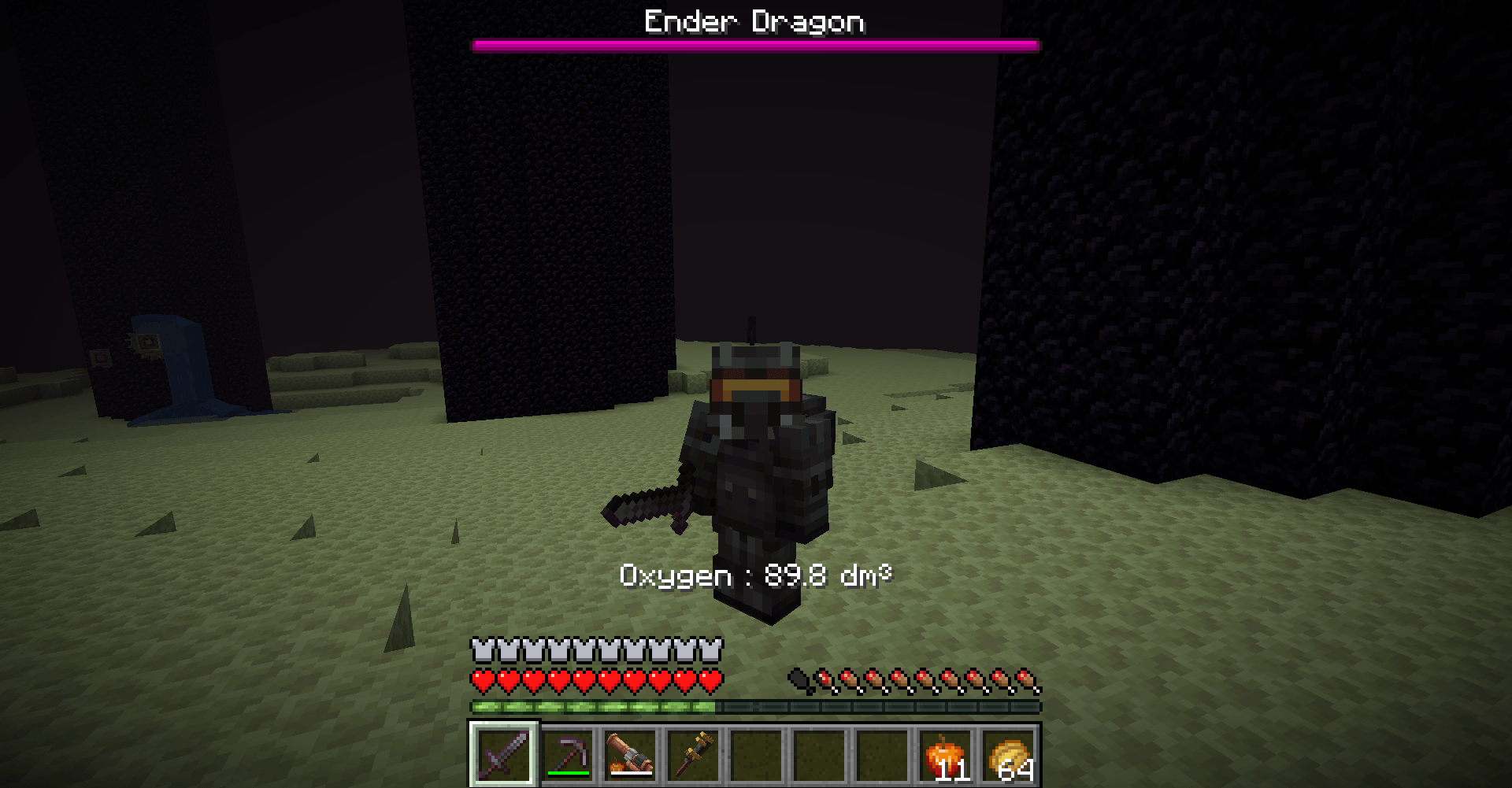 Oxygen Your oxygen left will be displayed in dm3, in your action bar
-
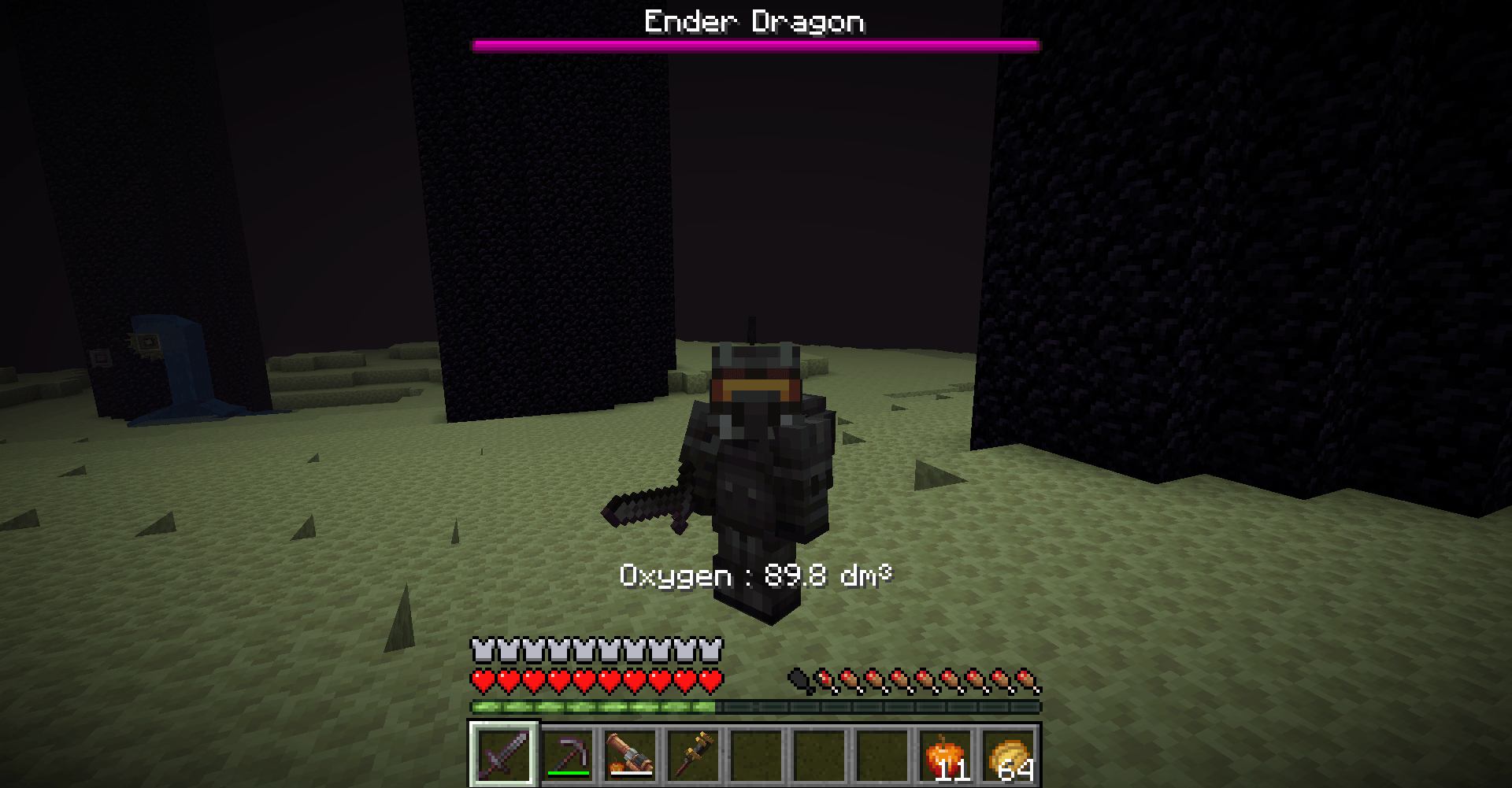 Oxygen The oxygen left is displayed in the action bar
Versions
Files
Relations
Project Relations
More like this
Similar Mods
Suggestions use data such as tags, dependencies, dependents, descriptions, titles, and more to rank how much they overlap with this mod.
On ModDex
Community snapshot
By the numbers
Statistics
Want to reach Minecraft players?
We're looking for a server hosting partner to feature here and other parts of the site. Interested? Send us a message!
Get in touchGet it on
Available Platforms
On ModDex
Community snapshot
By the numbers
Statistics
Resources