
Community listing page, reviews here may not be monitored by the author.
Create: Mixed Casing


No reviews yet
Adds new casings and allows to mix the metals and the planks that composes them simply by right-clicking with an ingot or casing plank in hand, also allow to do this on encased blocks/copycats/belts

Community voices
Reviews
No reviews yet. Be the first to review this project!
Get it on
Available Platforms
Compatibility
Supported Environments
Must be installed on both the client and the server.
About
Project Details
For authors
Embed Badge
If you're the author of this project, you can embed a live badge anywhere that supports HTML or Markdown. It updates automatically whenever ratings change.
Use HTML for any page that supports it, or Markdown for README files and Markdown-based descriptions.
Identifiers
Platform IDs
Resources
External Links
About
Description


📖 ABOUT
Create: Mixed Casing adds new decorative possibility for your create factory/build by allowing you to merge any existing casing metals with any existing casing planks (+ some brand new ones), it also adds new behaviors in base create and other addons to make your experience better, like making application recipe be able to be processed inside encased blocks/belts and copycat/copycat+ with casing in it.
🎞️ SHOWCASE
✨ FEATURES
New Blocks/Items
- (NEW in 1.1.0) Added gearbox for all casing variants
- Add casing variants for each combinaison of metal/plank of create casings (+ for the brand new casings added by this mod)
- Add 6 casing plank items : spruce/dark_oak/acacia/cherry/railway and mixed (made by mixing all the other planks) to change the plank type of a casing
- Add 2 brand new casings : Iron casing and Mixed casing (this one have a cool random texture feature for better pattern)
- Every casing added can encased anything (shaft, cogwheel, large cogwheel, pipe, belt), also any vanilla casing got their missing encased added :
- encased shaft/cogwheel for copper/railway casings
- encased pipe for andesite/brass/railway casings
- encased belt for copper/railway casings
New/Improved Behaviors
- Application recipe that have more than one output now send the additionnal output in player inventory if not full instead of spawn them in the world (fallback to default behavior if the player inventory is full)
- Application recipe can now be processed through encased block, meaning that encased shaft/cogwheel/pipe can be altered (change metal/plank) using the item application recipes of the regular casing.
- Application recipe can now be processed through copycat (and copycat+ if installed), meaning that casing in a copycat can be altered (change metal/plank) using the item application recipes of the regular casing.
- Application recipe can now be processed through belts, meaning that encased belt can have their casing skin altered (change metal/plank) using the item application recipes of the regular casing. (the item is not consumed here since the belt don't hold any real casing in it)
- The create wrench now have a special Encasing Mode that activate when you have the wrench in main hand and pipes in offhand, this mode allow you to see the encased pipe connection of the wall you look at with a cool overlay, and edit them (or encased new ones) by right clicking on the side you want to connect/disconnect. (future update will add shaft/cogwheel support for the encasing mode, and a ponder will also be added in the futur for better explanation)
📦 INSTALLATION
-
Install Create V6+
-
Install Create: Mixed Casing
-
Enjoy !
⚙️ CONFIGURATION
- Any behavior added by this mod can be disable independently using the create config menu or neoforge mod menu if you have configured installed, it is very recommended to let them activated to have the best experience but if it cause any issue with other addons feel free to disable the one that in cause and report the issue in comment so I can fix it ^^
- The mecanic to switch the casing metal/plank just use normal application recipe so you can custom the recipes using datapacks as well.
📌 MY OTHER PROJECTS
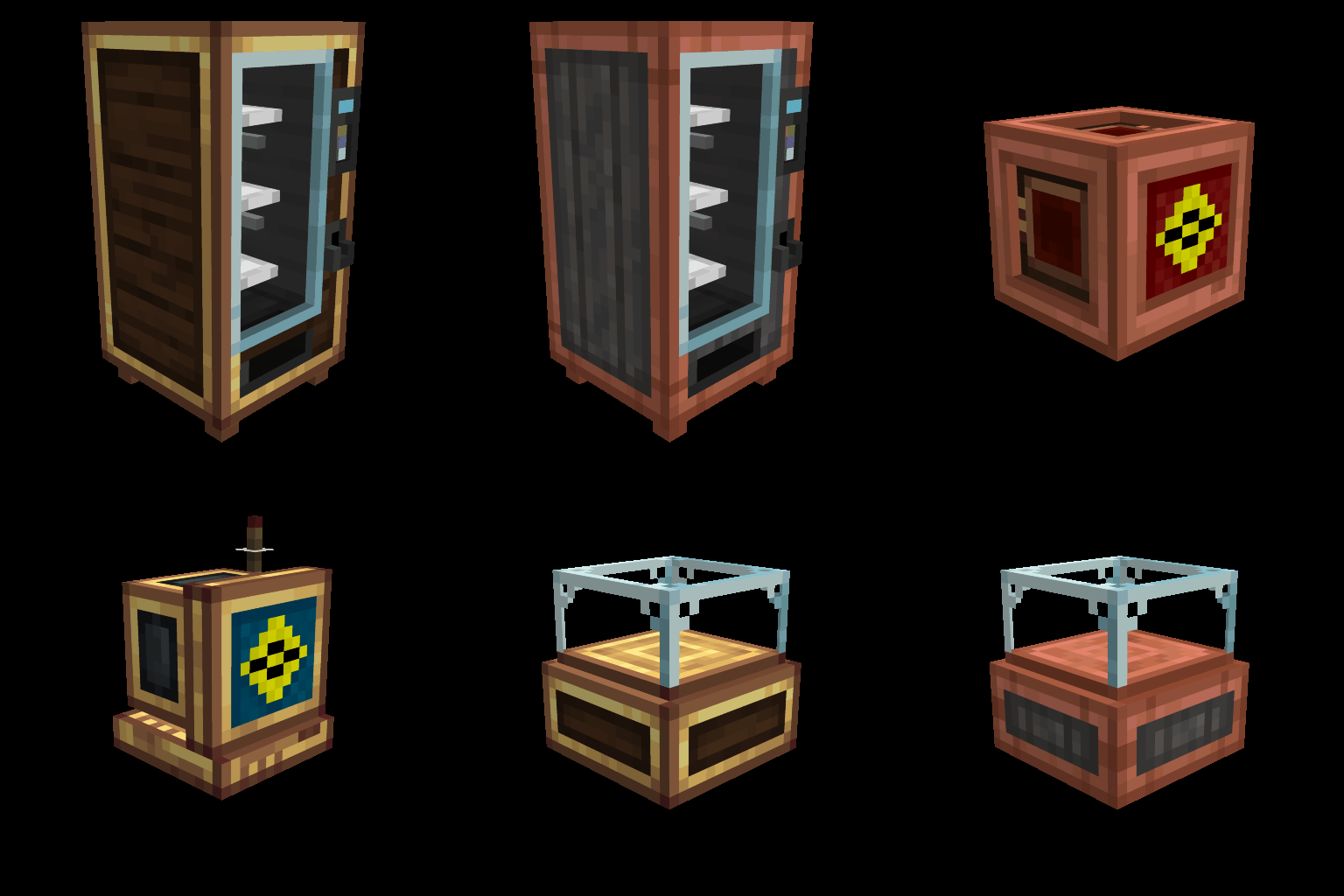
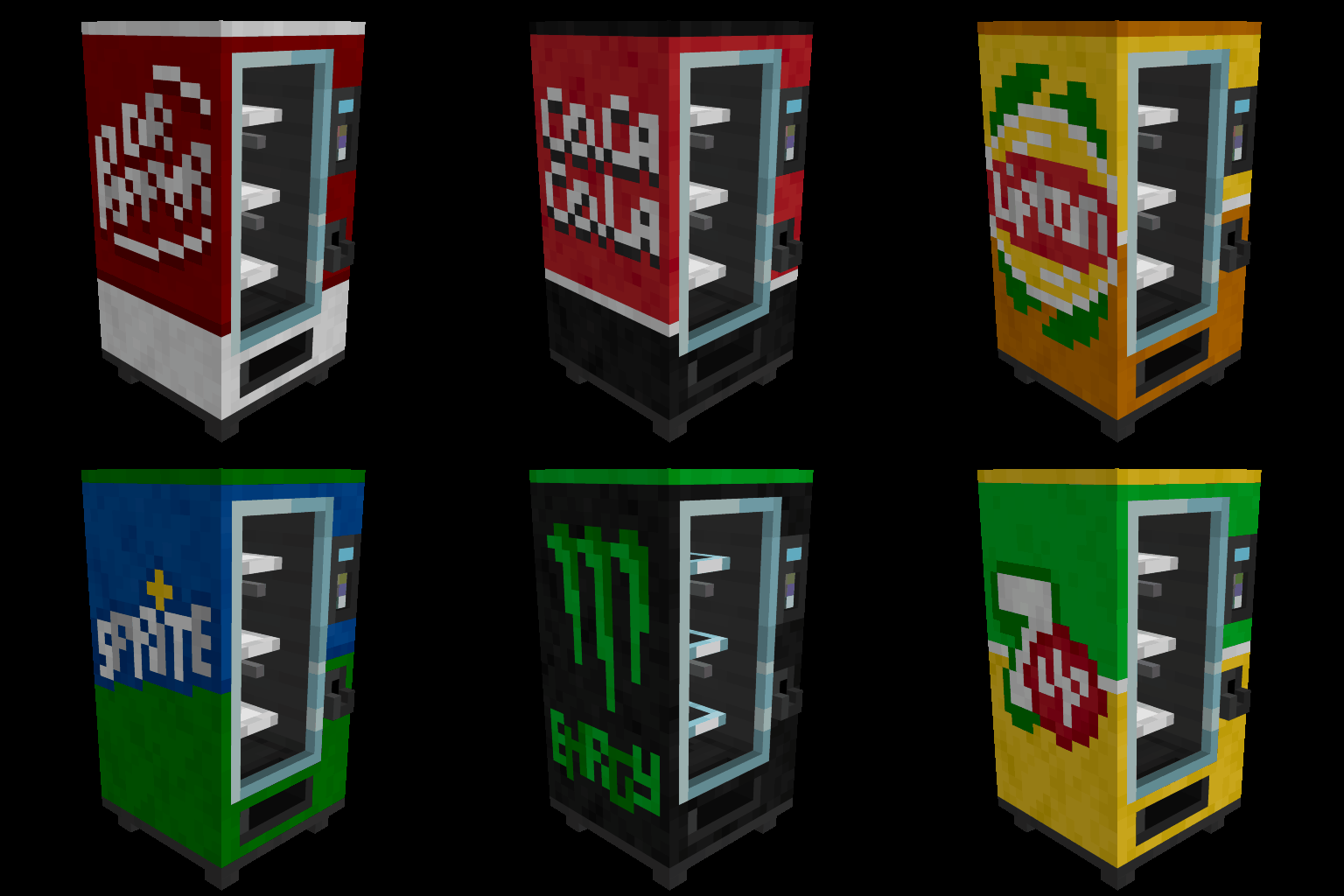
Create: Mixed Casing adds new decorative possibility for your create factory/build by allowing you to merge any existing casing metals with any existing casing planks (+ some brand new ones), it also adds new behaviors in base create and other addons to make your experience better, like making application recipe be able to be processed inside encased blocks/belts and copycat/copycat+ with casing in it.
🎞️ SHOWCASE
✨ FEATURES
New Blocks/Items
- (NEW in 1.1.0) Added gearbox for all casing variants
- Add casing variants for each combinaison of metal/plank of create casings (+ for the brand new casings added by this mod)
- Add 6 casing plank items : spruce/dark_oak/acacia/cherry/railway and mixed (made by mixing all the other planks) to change the plank type of a casing
- Add 2 brand new casings : Iron casing and Mixed casing (this one have a cool random texture feature for better pattern)
- Every casing added can encased anything (shaft, cogwheel, large cogwheel, pipe, belt), also any vanilla casing got their missing encased added :
- encased shaft/cogwheel for copper/railway casings
- encased pipe for andesite/brass/railway casings
- encased belt for copper/railway casings
New/Improved Behaviors
- Application recipe that have more than one output now send the additionnal output in player inventory if not full instead of spawn them in the world (fallback to default behavior if the player inventory is full)
- Application recipe can now be processed through encased block, meaning that encased shaft/cogwheel/pipe can be altered (change metal/plank) using the item application recipes of the regular casing.
- Application recipe can now be processed through copycat (and copycat+ if installed), meaning that casing in a copycat can be altered (change metal/plank) using the item application recipes of the regular casing.
- Application recipe can now be processed through belts, meaning that encased belt can have their casing skin altered (change metal/plank) using the item application recipes of the regular casing. (the item is not consumed here since the belt don't hold any real casing in it)
- The create wrench now have a special Encasing Mode that activate when you have the wrench in main hand and pipes in offhand, this mode allow you to see the encased pipe connection of the wall you look at with a cool overlay, and edit them (or encased new ones) by right clicking on the side you want to connect/disconnect. (Next update will add shaft/cogwheel support for the encasing mode, and a ponder will also be added in the futur for better explanation)
📦 INSTALLATION
- Install Create V6+
- Install Create: Mixed Casing
- Enjoy !
⚙️ CONFIGURATION
- Any behavior added by this mod can be disable independently using the create config menu or forge/neoforge mod menu if you have a mod that centralized configs installed, it is very recommended to let them activated to have the best experience but if it cause any issue with other addons feel free to disable the one that in cause and report the issue in comment so I can fix it ^^
- The mecanic to switch the casing metal/plank just use normal application recipe so you can custom the recipes using datapacks as well.
Screenshots
Gallery
-
 Logo
Logo
Versions
Files
Relations
Project Relations
More like this
Similar Mods
Suggestions use data such as tags, dependencies, dependents, descriptions, titles, and more to rank how much they overlap with this mod.
On ModDex
Community snapshot
By the numbers
Statistics
 (opens in a new tab)
Get it on
Available Platforms
On ModDex
Community snapshot
By the numbers
Statistics
Resources