
Community listing page, reviews here may not be monitored by the author.
Crimson Client

No reviews yet
A sleek, customizable PvP HUD and tactical dark-themed interface built for Fabric.
Community voices
Reviews
No reviews yet. Be the first to review this project!
Get it on
Available Platforms
Compatibility
Supported Environments
Runs entirely on the client. Works on vanilla servers.
About
Project Details
For authors
Embed Badge
If you're the author of this project, you can embed a live badge anywhere that supports HTML or Markdown. It updates automatically whenever ratings change.
Use HTML for any page that supports it, or Markdown for README files and Markdown-based descriptions.
Identifiers
Platform IDs
Resources
External Links
About
Description
Crimson Client
A sleek, customizable PvP interface built from the ground up for Fabric. Designed for players who want complete layout control without any heavy resource impact.
Features
- Visual Overhaul: A fully customized main menu featuring a dark tactical aesthetic, neon red accents, and smooth button hover states.
- Draggable HUD: Tailor your interface precisely how you want it. Open the config screen in-game to click and drag your UI elements to any screen position.
- Armor Display: Tracks your equipped gear vertically, displaying real-time numeric durability counters right next to the item icons.
- PvP Metrics: Built-in, lightweight FPS and CPS counters that blend beautifully with the dark crimson layout.
Installation
- Ensure you have Fabric Loader installed for your game version.
- Download the compiled client JAR from the Versions tab.
- Drop the JAR file directly into your
.minecraft/modsfolder. - Launch the game and access the layout config via the main menu.
Screenshots
Gallery
-
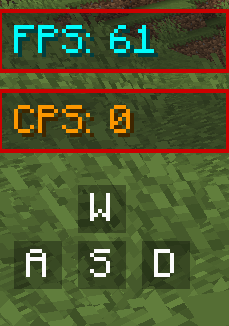 Keystrokes, FPS, And CPS another thing this mod adds
 -
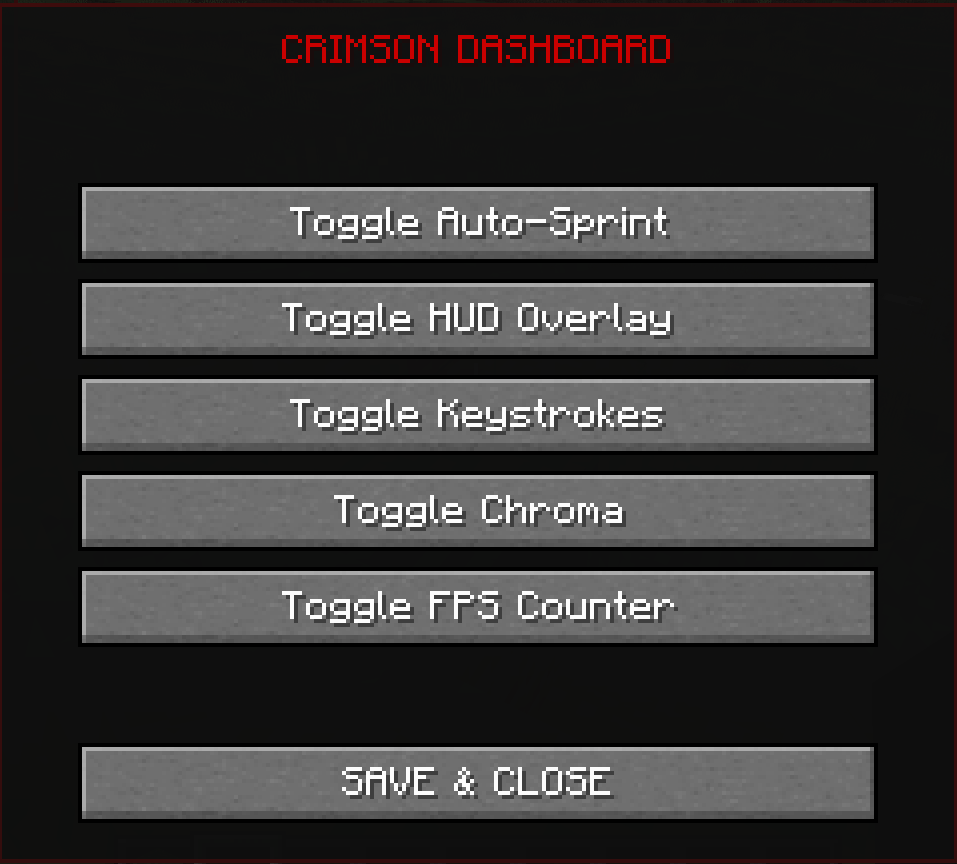 Settings
 -
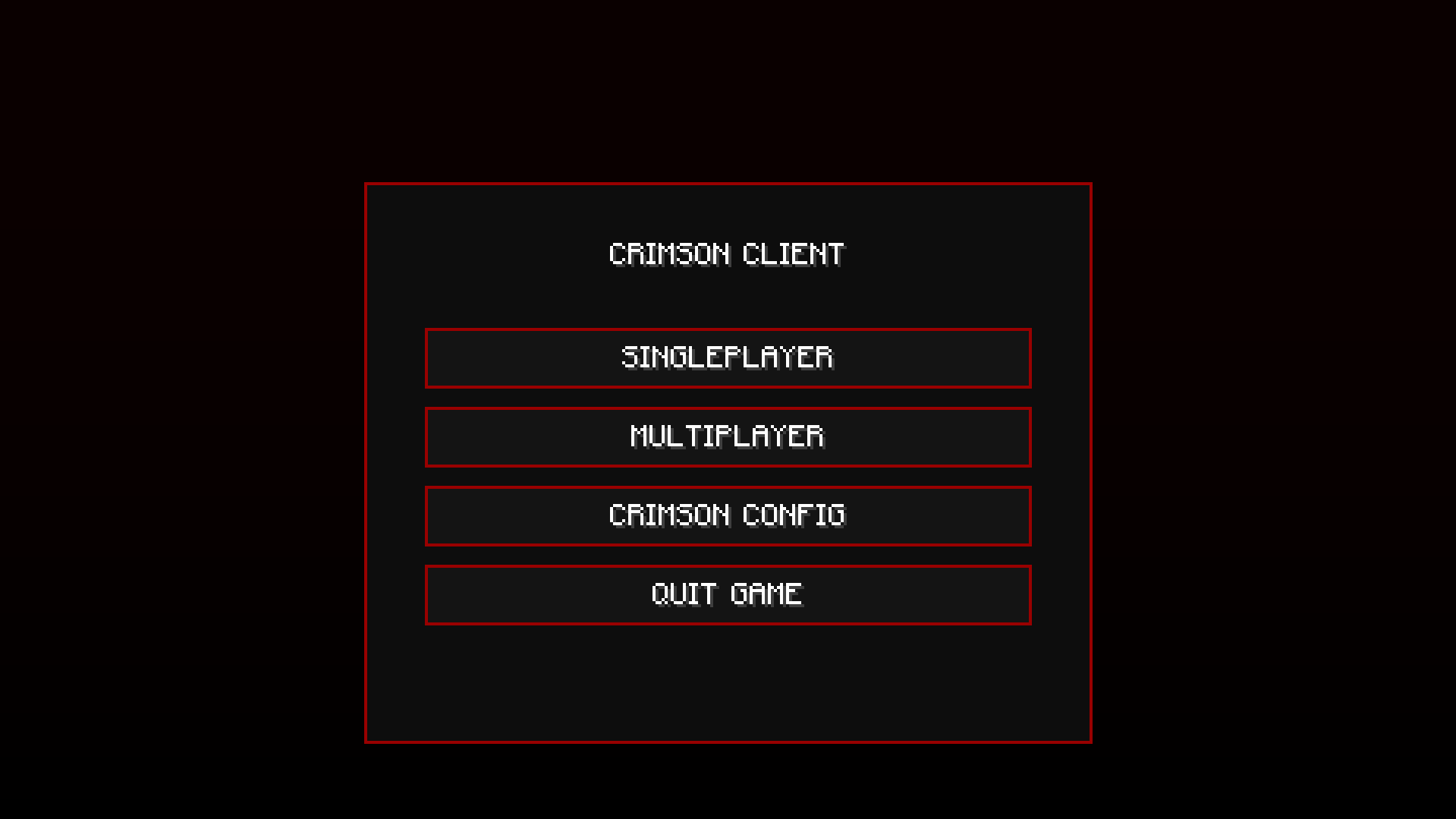 MainMenu The main menu has a new design from this mod!
 -
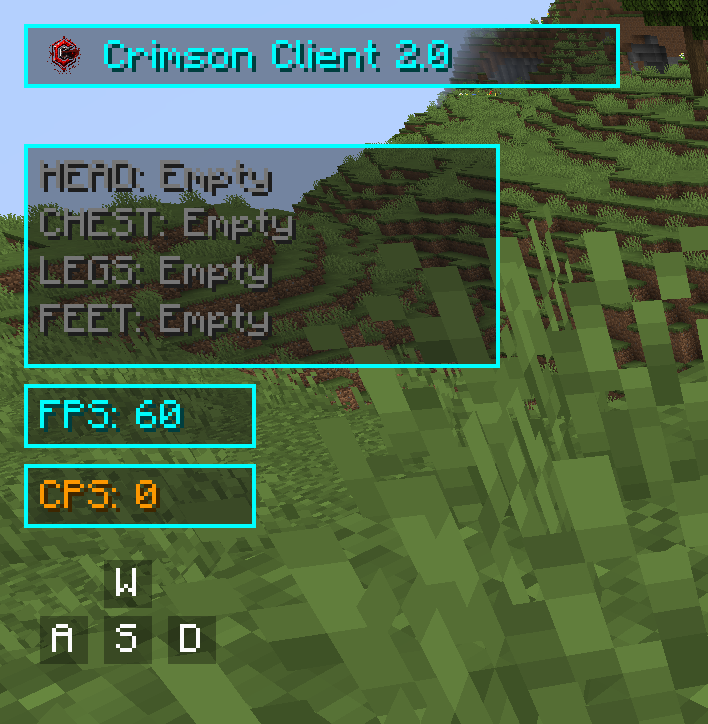 you can change colors!
Versions
Files
Relations
Project Relations
More like this
Similar Mods
Suggestions use data such as tags, dependencies, dependents, descriptions, titles, and more to rank how much they overlap with this mod.
On ModDex
Community snapshot
By the numbers
Statistics

Want to reach Minecraft players?
We're looking for a server hosting partner to feature here and other parts of the site. Interested? Send us a message!
Get in touchGet it on
Available Platforms
On ModDex
Community snapshot
By the numbers
Statistics
Resources