
CrosshairHealth
No reviews yet
A simple and convenient player health indicator at your fingertips!
Fabric is a mod loader for versions 1.14+ of Minecraft, particularly popular for client side and optimization mods.
Community voices
Reviews
Click once to include, again to exclude, again to clear
No reviews yet. Be the first to review this project!
Get it on
Available Platforms
 Modrinth
Compatibility
Supported Environments
About
Project Details
For authors
Embed Badge
If you're the author of this project, you can embed a live badge anywhere that supports HTML or Markdown. It updates automatically whenever ratings change.
Use HTML for any page that supports it, or Markdown for README files and Markdown-based descriptions.
Identifiers
Platform IDs
Resources
External Links
About
Description
[ENG]
CrosshairHealth is a lightweight, client-side mod that displays target's current health directly underneath your crosshair.
Features:
- Visual Indicator: Displays precise health value in a clean bold font right at the center of your focus.
- Drag-and-Drop: Easily move and place the indicator anywhere on your screen (editing mode opens when the chat screen is open).
- Alignment Grid: Displays helpful layout grids and center guidelines to help you align the HUD perfectly during movement.
- Instant Reset: Reset the indicator back to its default position with a simple double-click (while in editing mode).
- Player Filter: Specifically registers player health, ignoring mobs and other entities to keep your view uncluttered.
- Critical HP Alert: Scales up the text size and turns the color to bright red when the target player's health drops below 5.
[RUS]
CrosshairHealth — легкий клиентский мод, который отображает текущее здоровье цели прямо под вашим перекрестием прицела.
Особенности:
- Наглядность: Выводит точное количество здоровья цели крупным числовым шрифтом прямо в центре внимания.
- Гибкое перемещение: Возможность свободно перетаскивать индикатор в любое место на экране (меню перетаскивания открывается при открытии чата).
- Сетка выравнивания: Вспомогательная сетка разметки и направляющие оси для пиксель-перфект выравнивания при перемещении.
- Быстрый сброс: Сброс позиции индикатора в стандартное положение по двойному нажатию (в режиме редактирования).
- Фильтрация целей: Отображает здоровье только у игроков, игнорируя мобов и других сущностей для чистоты экрана.
- Индикатор критического здоровья: Автоматическое увеличение масштаба индикатора и изменение цвета на красный при низком уровне здоровья цели (меньше 5 единиц).
Screenshots
Gallery
-
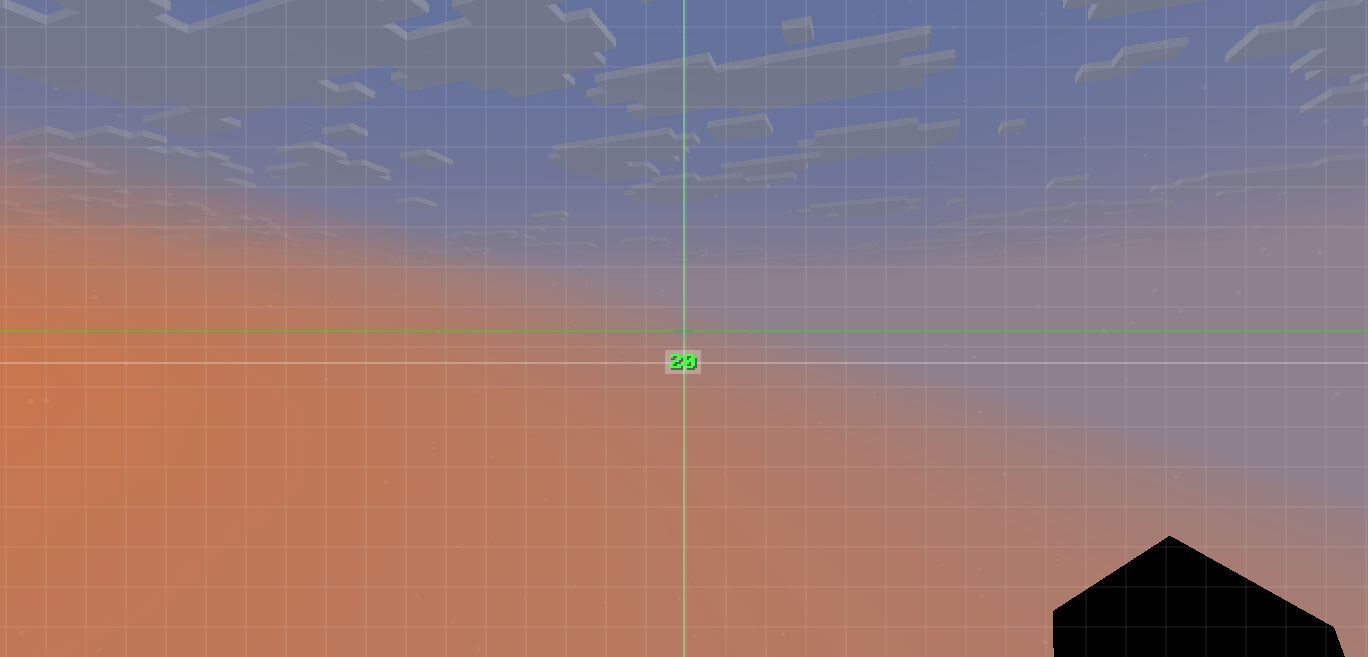 Custom position Open the "T" chat and hold down the UI indicator, then move it to a convenient location. To reset the location, double-click on it with the left mouse button.
 -
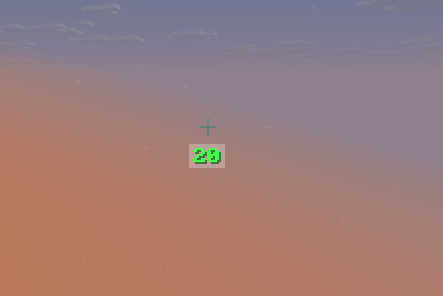 UI HP Indicator Open the "T" chat to view the UI indicator
Versions
Files
Relations
Project Relations
More like this
Similar Mods
Suggestions use data such as tags, dependencies, dependents, descriptions, titles, and more to rank how much they overlap with this mod.
On ModDex
Community snapshot
By the numbers
Statistics

Want to reach Minecraft players?
We're looking for a server hosting partner to feature here and other parts of the site. Interested? Send us a message!
Get in touchGet it on
Available Platforms
On ModDex
Community snapshot
By the numbers
Statistics
Resources