Community listing page, reviews here may not be monitored by the author.



Community voices
Reviews
No reviews yet. Be the first to review this project!
Get it on
Available Platforms
Compatibility
Supported Environments
Must be installed on both the client and the server.
About
Project Details
For authors
Embed Badge
If you're the author of this project, you can embed a live badge anywhere that supports HTML or Markdown. It updates automatically whenever ratings change.
Use HTML for any page that supports it, or Markdown for README files and Markdown-based descriptions.
Identifiers
Platform IDs
About
Description
Crystal Beam Attractor
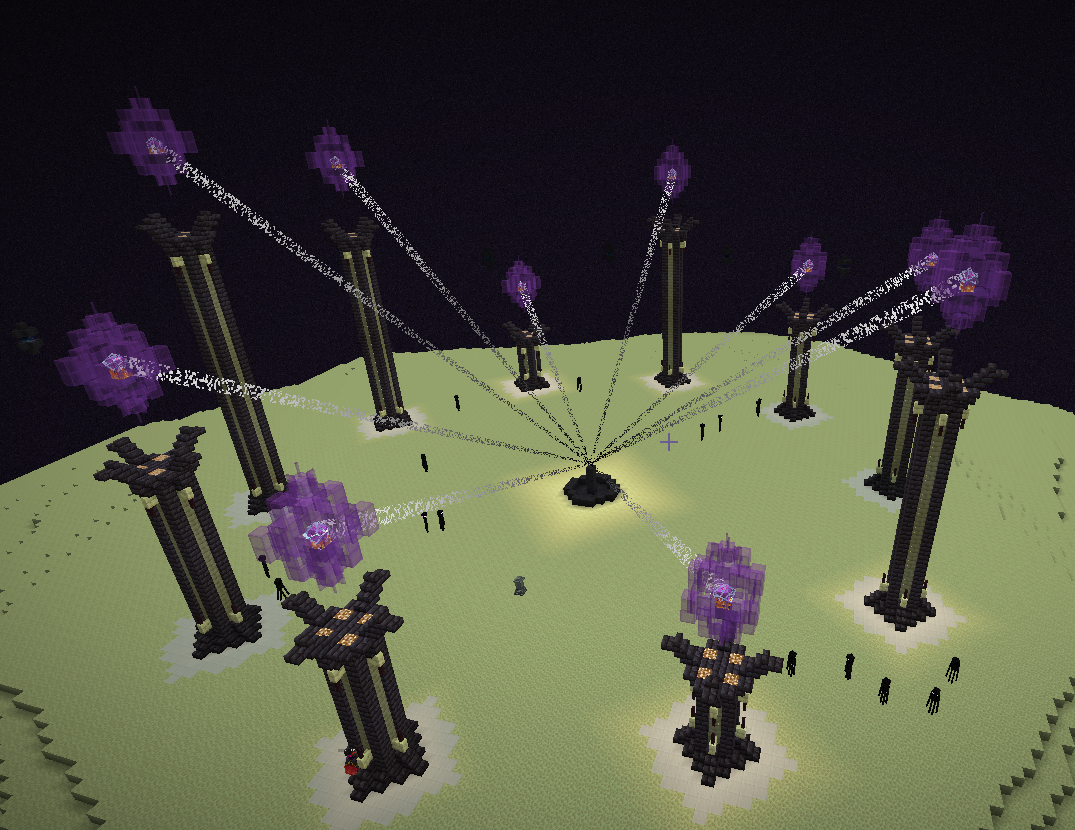
End Crystal beams are very short-lived in the Minecraft world. They can be seen when re-spawning the Ender Dragon, yet they have great visuals that, if accessible, can be used in a lot of creative ways!
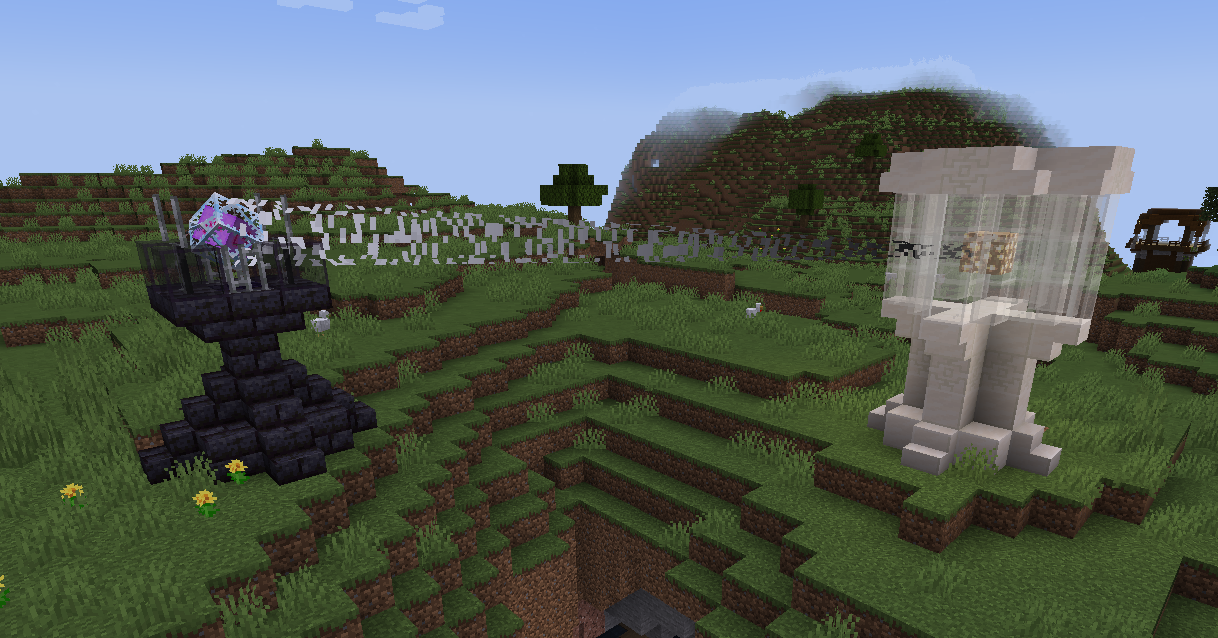
Crystal Beam Attractor is a simple mod that adds an item to allow you to spawn beams from an End Crystal to any place that you want!
Usage
Craft the Beam Link Tool.
Right click on a block to save the position to link the beams to, then right click on the End Crystal that you want linked to that position. It is as simple as that.
If you want to remove a beam link, simply Sneak + Right Click with the tool on the End Crystal.
Note: If done in the end, the beams might be undone by respawning the Ender Dragon.
Recipe

Crystal Beam Attractor
End Crystal beams are very short-lived in the Minecraft world. They can be seen when re-spawning the Ender Dragon, yet they have great visuals that, if accessible, can be used in a lot of creative ways!
Crystal Beam Attractor is a simple mod that adds an item to allow you to spawn beams from an End Crystal to any place that you want!
Usage
Craft the Beam Link Tool.
Right click on a block to save the position to link the beams to, then right click on the End Crystal that you want linked to that position. It is as simple as that.
If you want to remove a beam link, simply Sneak + Right Click with the tool on the End Crystal.
Note: If done in the end, the beams might be undone by respawning the Ender Dragon.
Recipe
Screenshots
Gallery
Versions
Files
Relations
Project Relations
More like this
Similar Mods
Suggestions use data such as tags, dependencies, dependents, descriptions, titles, and more to rank how much they overlap with this mod.
On ModDex
Community snapshot
By the numbers
Statistics
 (opens in a new tab)
Get it on
Available Platforms
On ModDex
Community snapshot
By the numbers