
Community listing page, reviews here may not be monitored by the author.
Cubium


No reviews yet
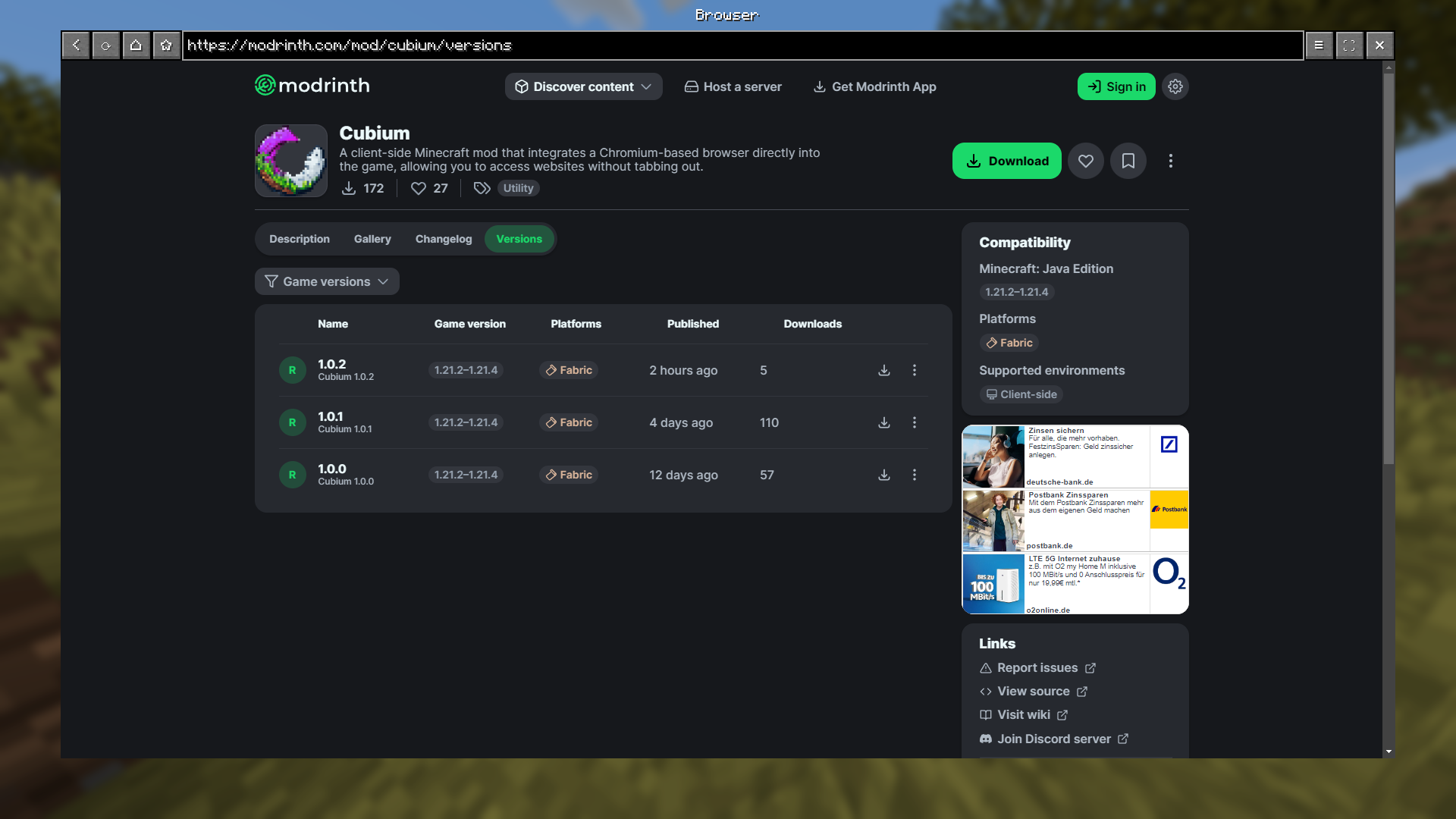
A client-side Minecraft mod that integrates a Chromium-based browser directly into the game, allowing you to access websites without tabbing out.
Community voices
Reviews
No reviews yet. Be the first to review this project!
Get it on
Available Platforms
Compatibility
Supported Environments
Runs entirely on the client. Works on vanilla servers.
About
Project Details
For authors
Embed Badge
If you're the author of this project, you can embed a live badge anywhere that supports HTML or Markdown. It updates automatically whenever ratings change.
Use HTML for any page that supports it, or Markdown for README files and Markdown-based descriptions.
Identifiers
Platform IDs
About
Description
🌐 Cubium – The In-Game Minecraft Browser
Cubium is a client-side Minecraft mod that integrates a Chromium-based browser directly into the game. With Cubium, you can browse the web seamlessly without ever needing to tab out. The browser can be opened at any time using the B key (default, customizable in settings).
🔄 Newer Versions
The Cubium Mod is no longer updated regularly on CurseForge. Please use Modrinth to get the latest versions.
🚨 Important
Cubium uses the MCEF library. Make sure to install it together with the mod.
You will also need the Fabric API and the Fabric Language Kotlin for the mod to work.
If you want to use Quilt, you'll need to use the Quilted Fabric API instead of the Fabric API, and the Quilt Kotlin Libraries instead of the Fabric Language Kotlin.
🗳️ Quick Poll
If you have just 1 minute, I'd appreciate it if you could answer these 4 quick questions:
Thank you!
🛠️ Features
- Fully Integrated Browser: Surf the web while staying in Minecraft.
- Customizable Search Engines: Choose your preferred search engine for a optimized browsing experience.
- Picture-in-Picture Mode: Use a floating, movable window to browse while playing.
- Minimizable Window: Minimize the browser while keeping audio and processes active.
- File Downloads: Download files directly through the browser without leaving Minecraft.
- Client-Side Only: No server-side dependencies; works in any singleplayer or multiplayer environment.
- User-Friendly Interface: Designed for ease of use, just like a regular browser.
🚀 How to Use
- Press B (default) to open the browser in-game.
- First Time Setup: Select your preferred search engine; the browser will open once you've made your selection.
- After selection, pressing B will open the browser directly with your chosen search engine.
- If you haven't closed Minecraft, Cubium will remember your last visited page instead.
- To reset your search engine (if you want to change it), use the command:
/cubium reset_default_se
🧩 Works Great with TMYK
Cubium works seamlessly with the TMYK mod by fingerguns83. TMYK allows you to easily access wiki links by typing /wiki [search term], or simply /wiki to look up information about blocks, entities, or fluids you're currently looking at.
📖 Wiki
If you need help, you can check the wiki for additional information and guides, join our Discord server here, or open an issue on GitHub here.
🖼️ Preview
Search Engine Selection (Order randomized): 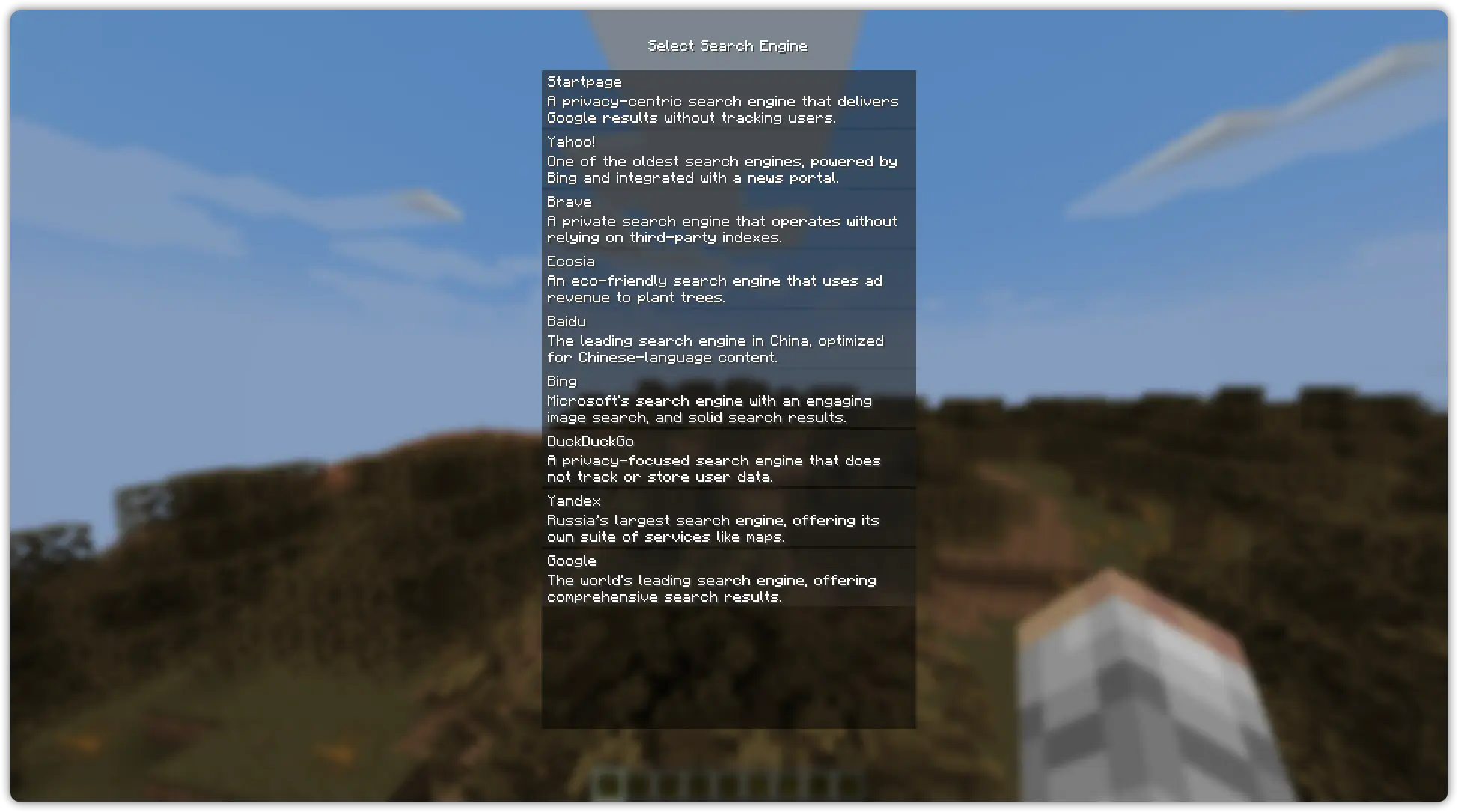
Browser Example (On the Wikipedia Main Page): 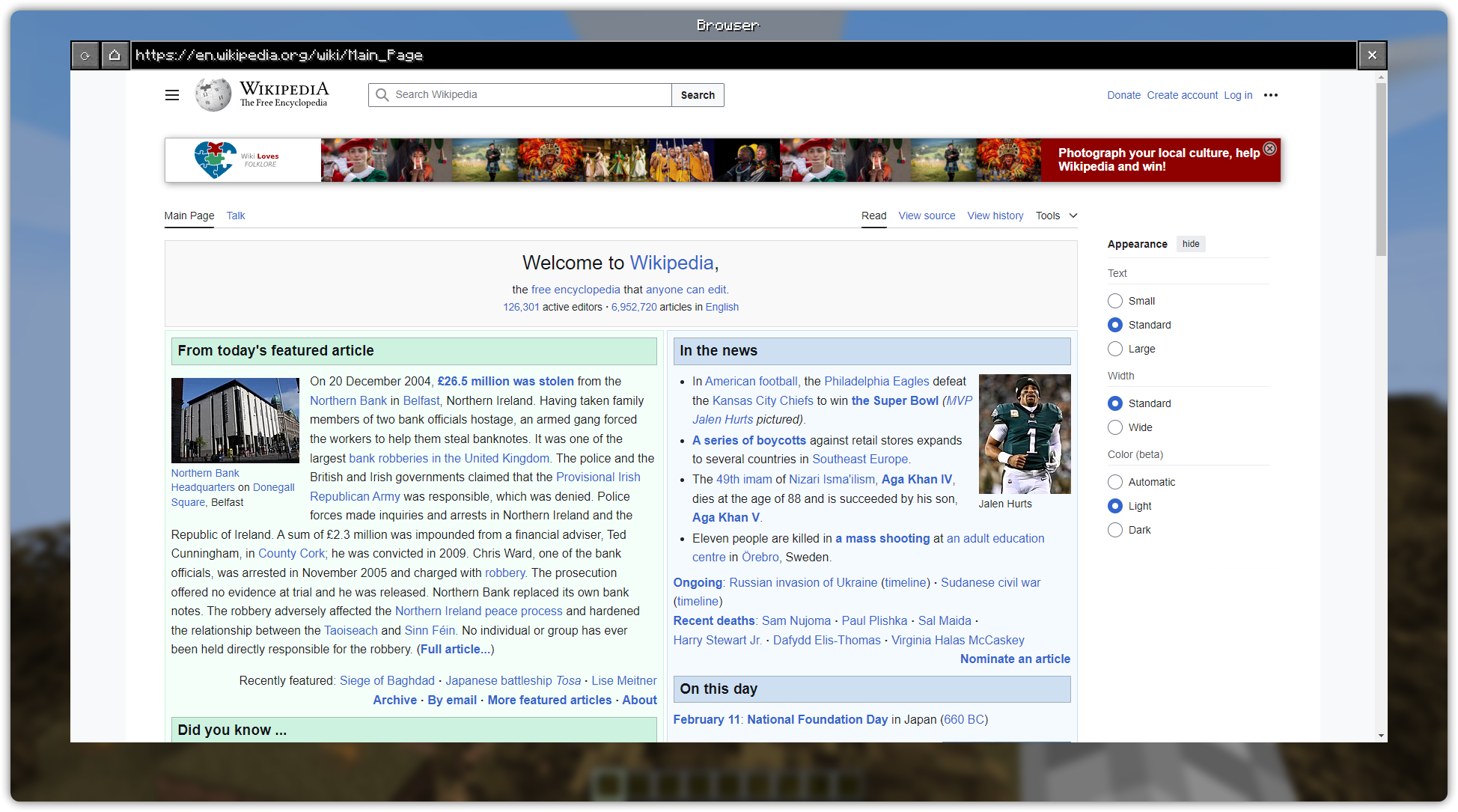
Picture in Picture Example (On YouTube): 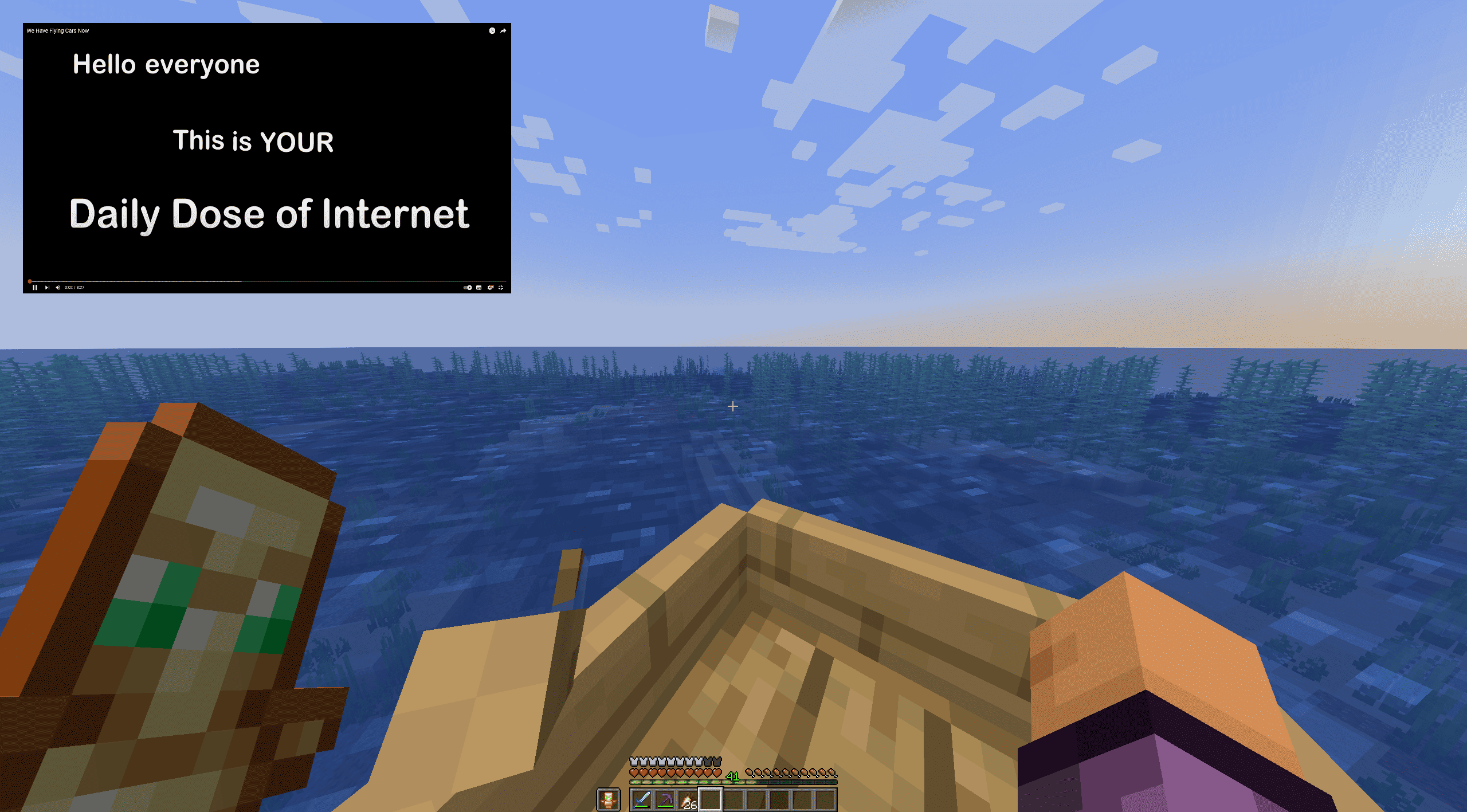
🌐 Cubium – The In-Game Minecraft Browser
Cubium is a client-side Minecraft mod that integrates a Chromium-based browser directly into the game. With Cubium, you can browse the web seamlessly without ever needing to tab out. The browser can be opened at any time using the B key (default, customizable in settings).
🚨 Important
Cubium uses the MCEF library. Make sure to install it together with the mod.
You will also need the Fabric API and the Fabric Language Kotlin for the mod to work.
If you want to use Quilt, you'll need to use the Quilted Fabric API instead of the Fabric API, and the Quilt Kotlin Libraries instead of the Fabric Language Kotlin.
🛠️ Features
- Fully Integrated Browser: Surf the web while staying in Minecraft.
- Customizable Search Engines: Choose your preferred search engine for a optimized browsing experience.
- Picture-in-Picture Mode: Use a floating, movable window to browse while playing.
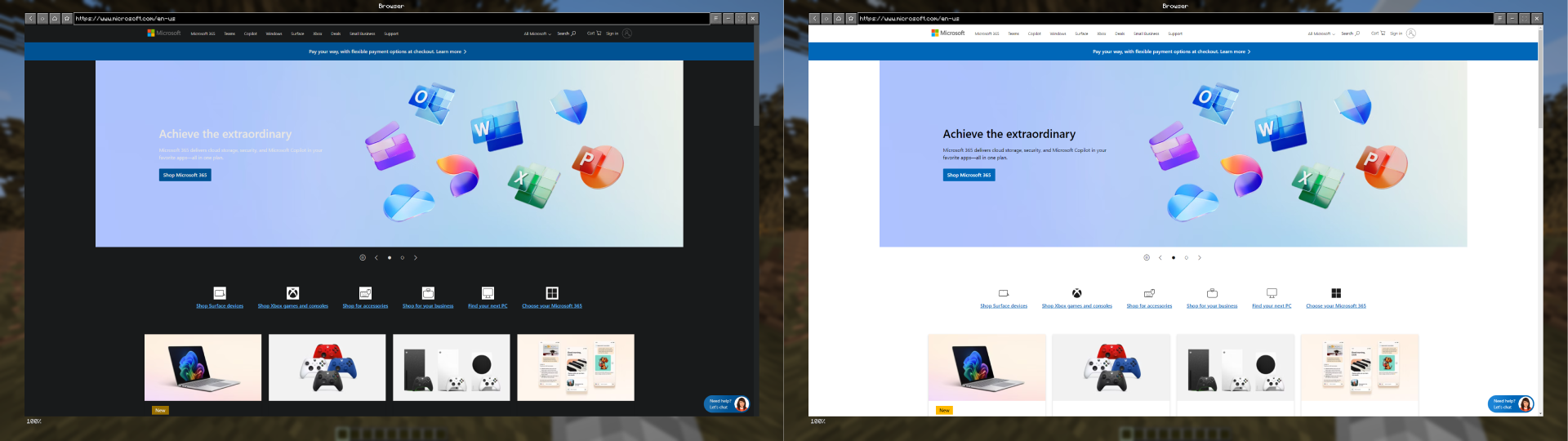
- Dark Mode: Experience every website in a dark style using Dark Reader scripts.
- Minimizable Window: Minimize the browser while keeping audio and processes active.
- File Downloads: Download files directly through the browser without leaving Minecraft.
- Client-Side Only: No server-side dependencies; works in any singleplayer or multiplayer environment.
- User-Friendly Interface: Designed for ease of use, just like a regular browser.
🚀 How to Use
- Press B (default) to open the browser in-game.
- First Time Setup: Select your preferred search engine; the browser will open once you've made your selection.
- After selection, pressing B will open the browser directly with your chosen search engine.
- If you have the history enabled, Cubium will remember your last visited page instead.
- To reset your search engine (if you want to change it), use the command:
/cubium reset_default_se
🧩 Works Great with TMYK
Cubium works seamlessly with the TMYK mod by fingerguns83. TMYK allows you to easily access wiki links by typing /wiki [search term], or simply /wiki to look up information about blocks, entities, or fluids you're currently looking at.
📖 Wiki
If you need help, you can check the wiki for additional information and guides, join our Discord server here, or open an issue on GitHub here.
🖼️ Preview
Search Engine Selection (Order randomized):
Browser Example (On the Wikipedia Main Page):
Picture in Picture Example (On YouTube):
Dark Mode (On Microsoft Website):
Screenshots
Gallery
-
 cubium_logo_512.png cubium_logo_512.png
-
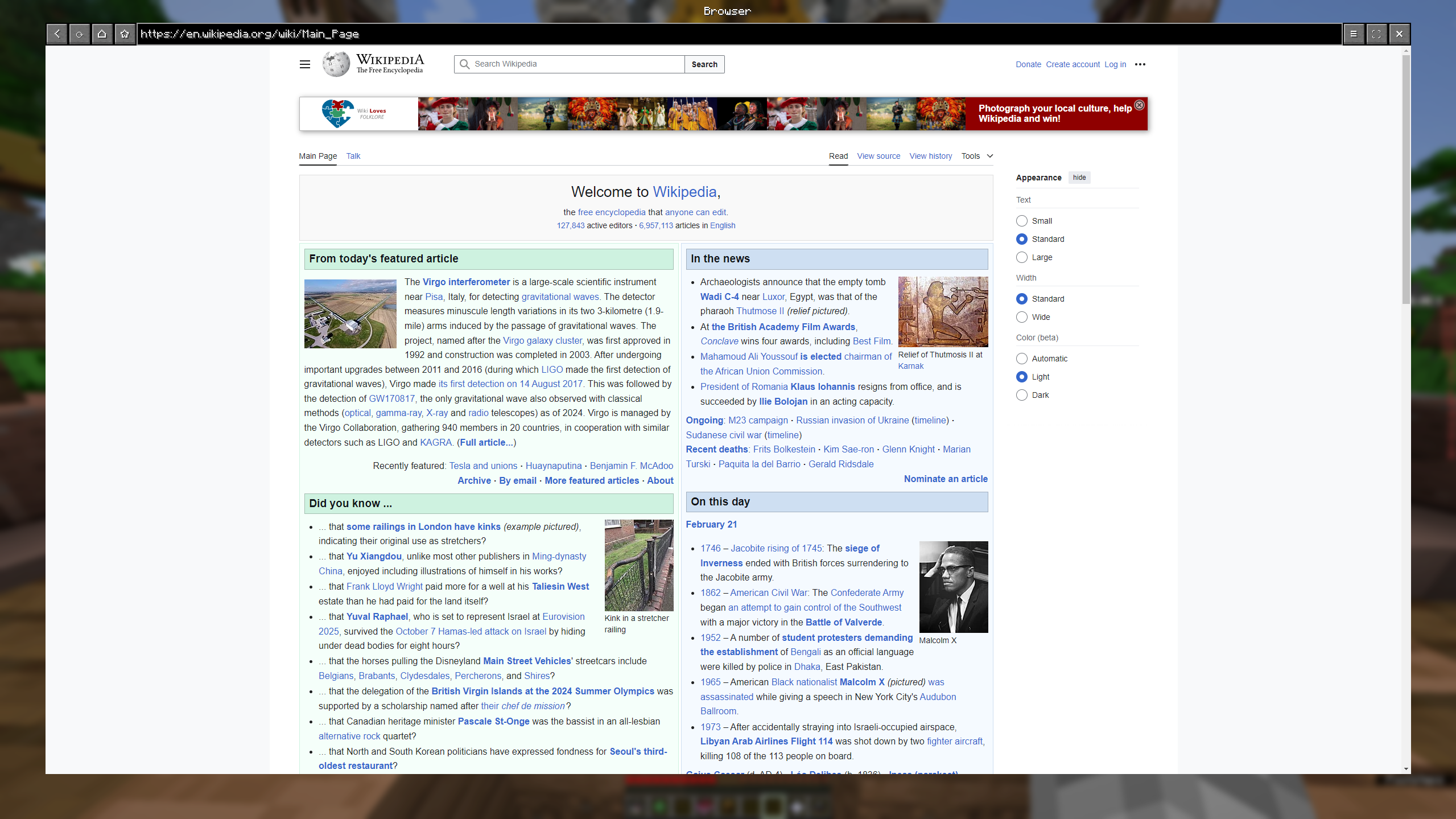 Browsing Wikipedia Preview of Cubium v1.0.1 on the Wikipedia Main Page.
 -
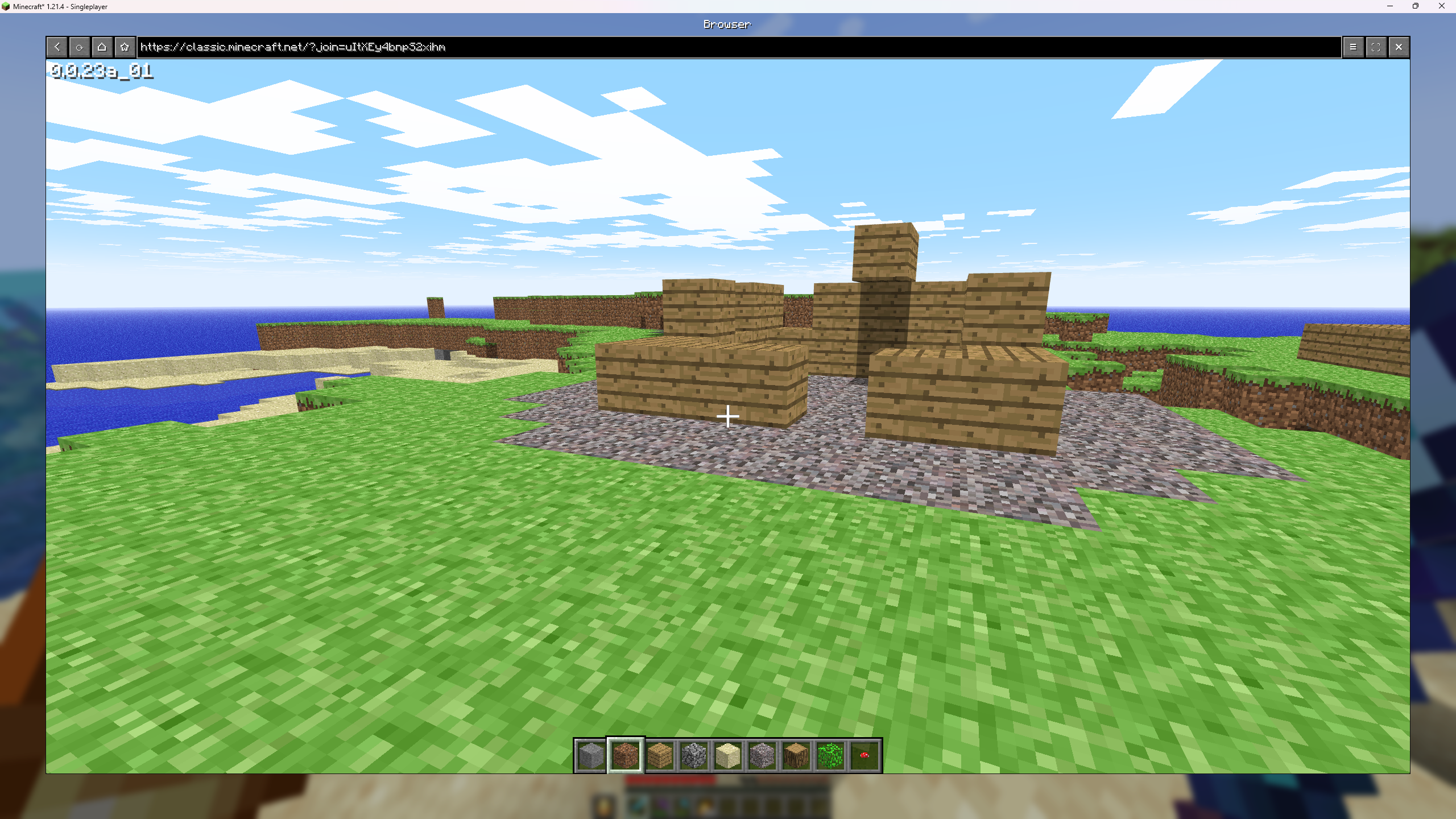 Classic Minecraft Playing on classic.minecraft.net using Cubium! Thanks Modrinth: https://web-cdn.bsky.app/profile/modrinth.com/post/3liflpbqvos2u
 -
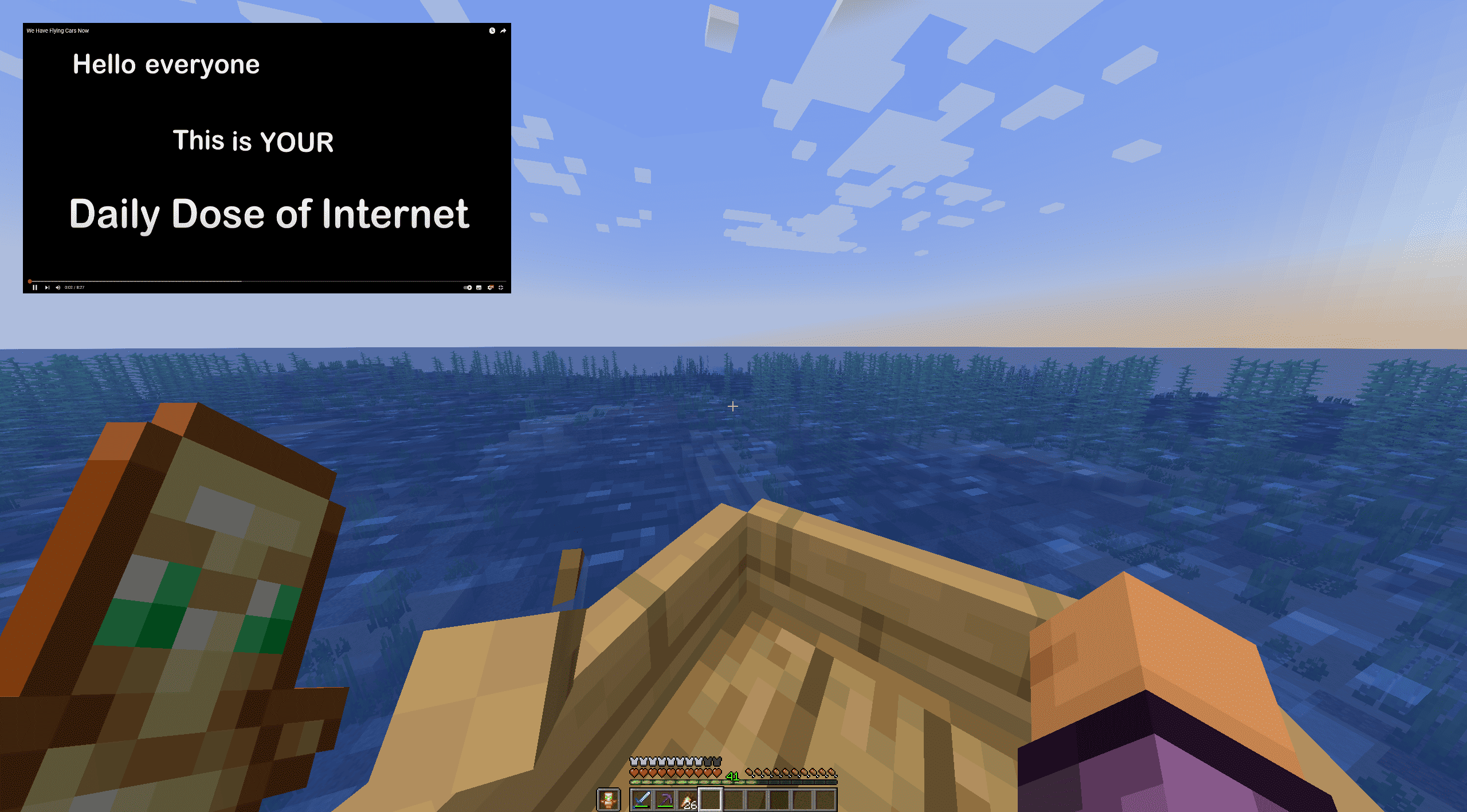 Picture in Picture PiP example on https://www.youtube.com/watch?v=LplgwgO91y4
 -
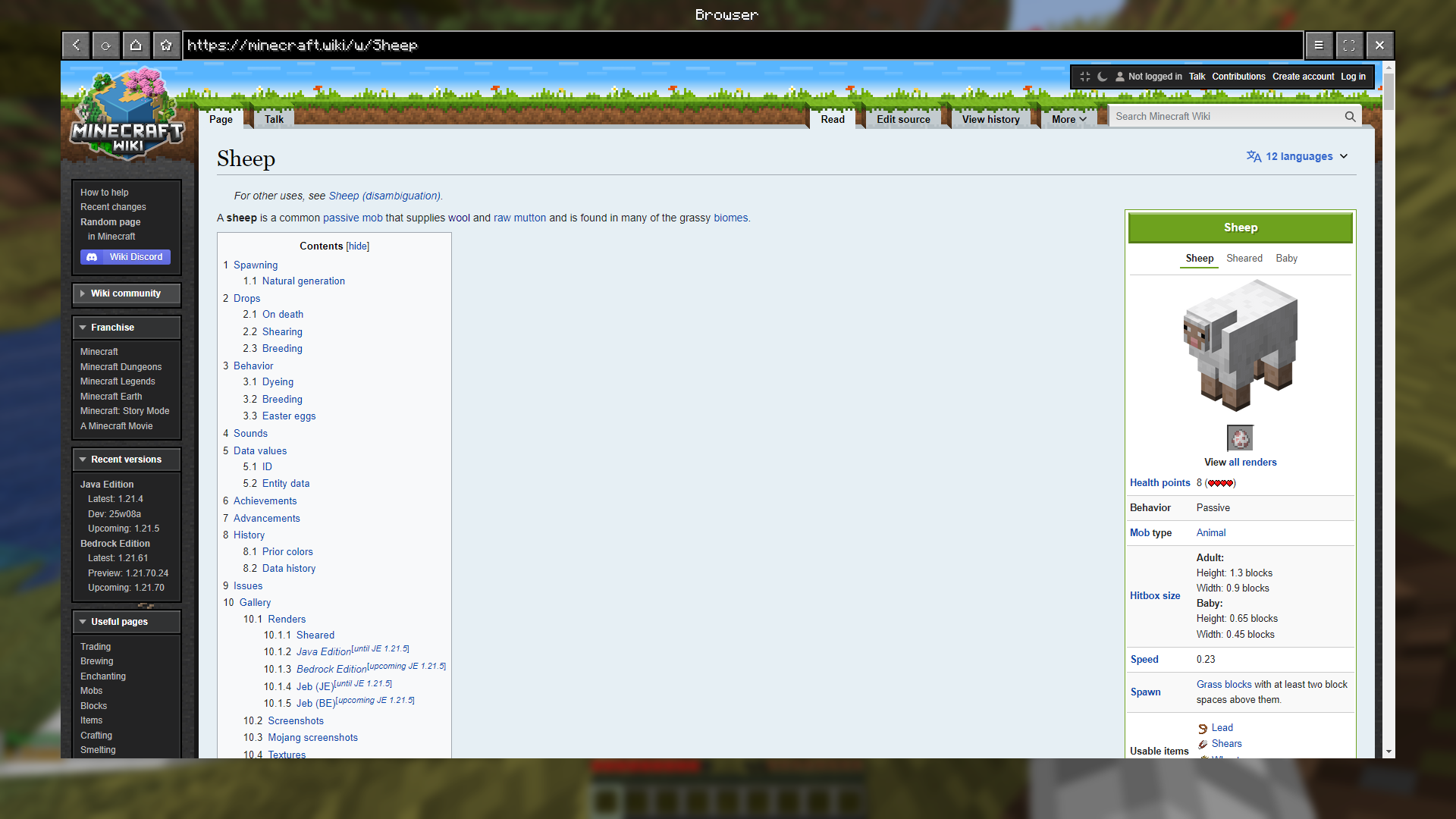 Checking the Wiki using TMYK Open Wiki links in-game, using the TMYK mod: https://modrinth.com/plugin/tmyk
 -
 Check for Updates Checking for a new Cubium update in-game
 -
 Cubium Logo
Versions
Files
Relations
Project Relations
More like this
Similar Mods
Suggestions use data such as tags, dependencies, dependents, descriptions, titles, and more to rank how much they overlap with this mod.
On ModDex
Community snapshot
By the numbers
Statistics
Want to reach Minecraft players?
We're looking for a server hosting partner to feature here and other parts of the site. Interested? Send us a message!
Get in touchGet it on
Available Platforms
On ModDex
Community snapshot
By the numbers