
Community listing page, reviews here may not be monitored by the author.
Custom Hitboxes

No reviews yet
A complete overhaul of Minecraft's hitboxes

Community voices
Reviews
No reviews yet. Be the first to review this project!
Get it on
Available Platforms
 Modrinth
Compatibility
Supported Environments
Runs entirely on the client. Works on vanilla servers.
The author has not specified where this runs.
Varies by version.
About
Project Details
For authors
Embed Badge
If you're the author of this project, you can embed a live badge anywhere that supports HTML or Markdown. It updates automatically whenever ratings change.
Use HTML for any page that supports it, or Markdown for README files and Markdown-based descriptions.
Identifiers
Platform IDs
About
Description
Custom Hitboxes!
This mod is a complete overhaul of minecraft's hitboxes, allowing you to customize them along with added functionalities, such as specific team colors per hitbox, or damage colors.
Information:
Config - Screenshots
Profile Config Screen 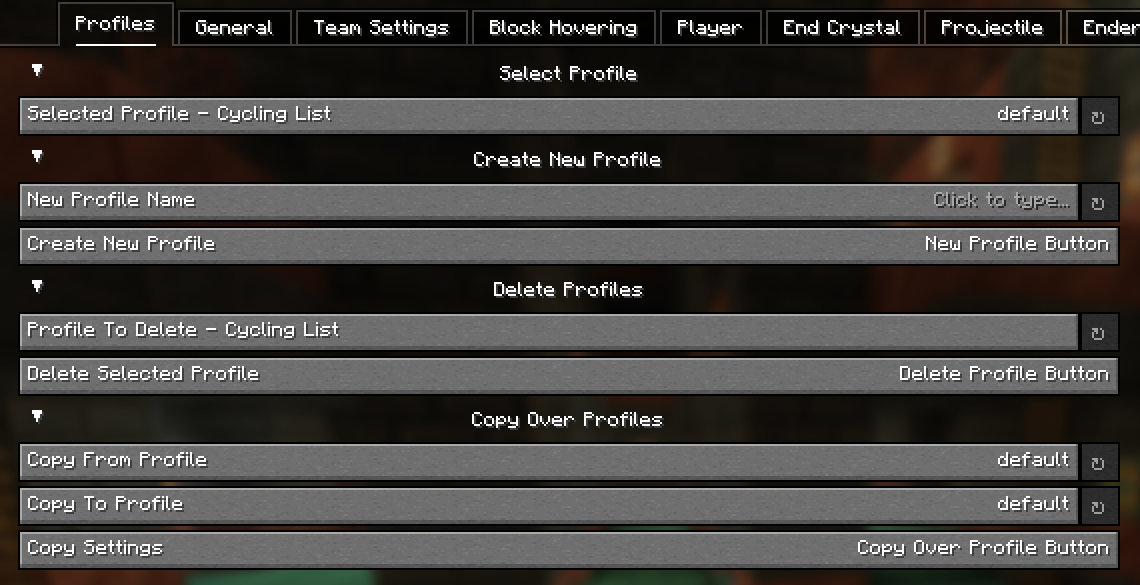
General Config Screen 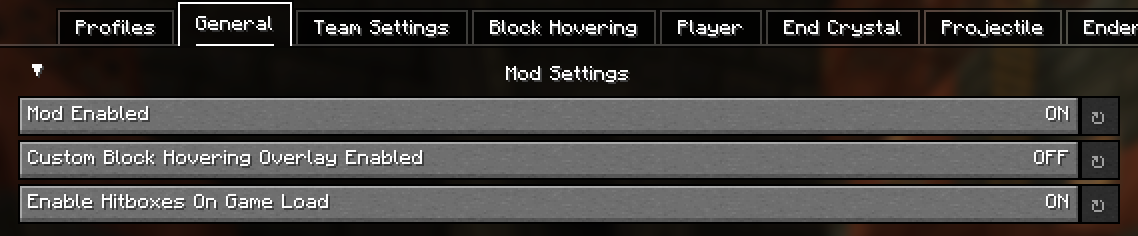
Team Config Screen 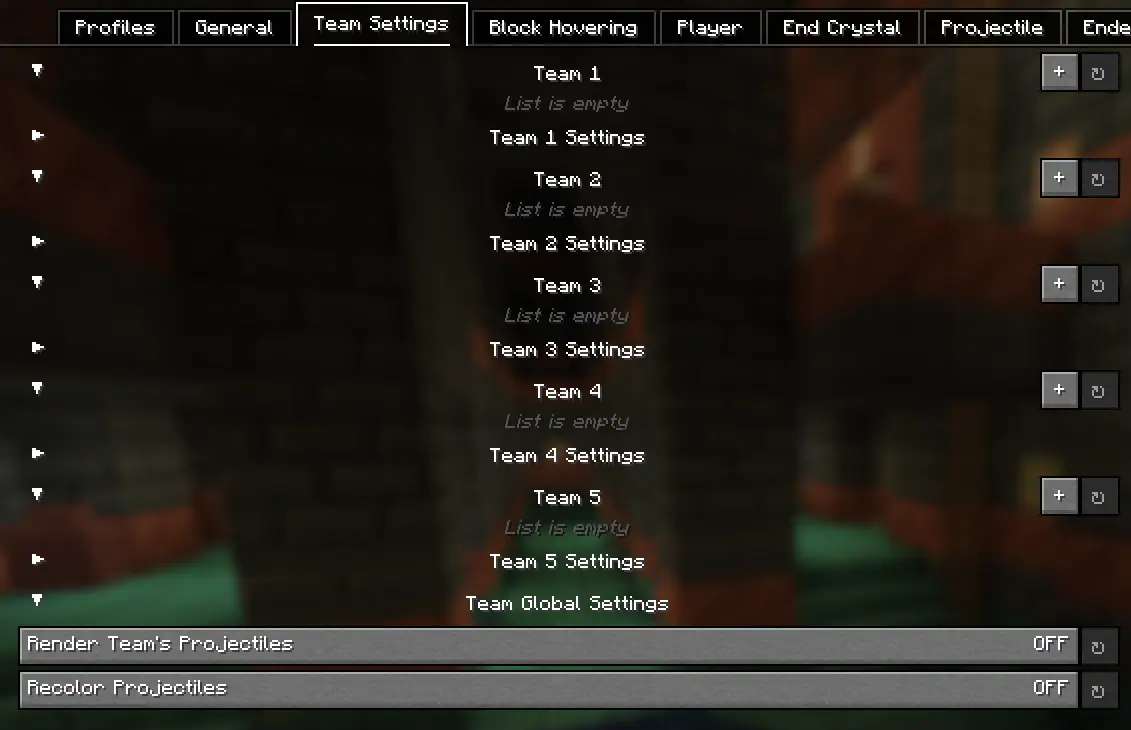
Block Hovering Config Screen 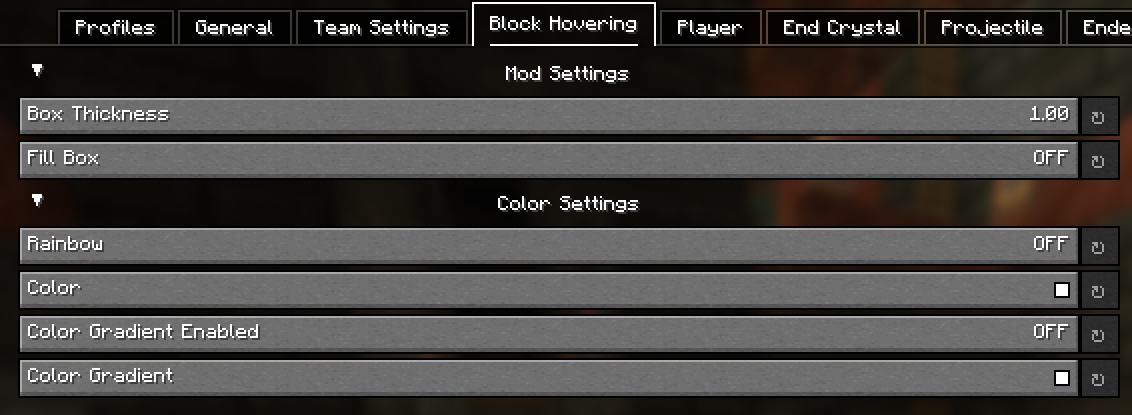
Player Config Screen 
Entity Config Screens 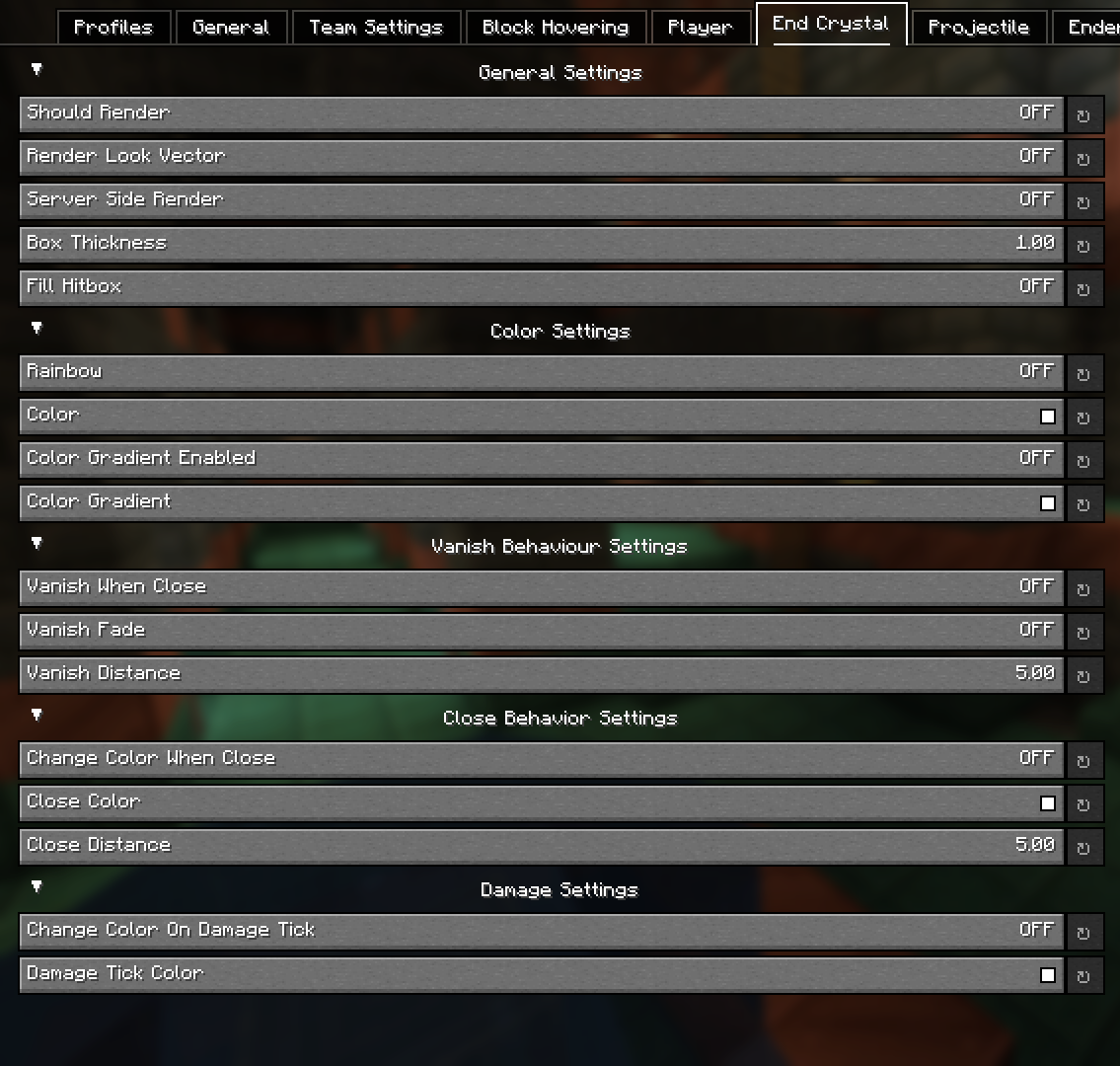
Config - Explained
-
Block Hovering Settings:
These settings allow you to customize the block overlay when you look at a specific block.
-
Team Settings:
The team settings allows you to input player usernames into a team category, which you can then customize to set colors for specific teams. This is extremely useful in teamfights for example. Player names are cap sensitive. These settings are linked to the Player settings.
-
Server-Side position settings:
This setting renders the hitbox where the entity is server side. This provides no advantage as entity interactions are determined by client-side calculations, so this can't be used for anything other than debugging / general curiosity.
-
Hitbox Vanishing (Idea from Pcrit)
This setting makes hitboxes disapear at a certain distance. This can reduce the clutter of hitboxes (such as end crystal or player hitboxes) at distances you want you pvp in. An additional setting to this is fading (vanish when close must be enabled), where the hitboxes don't simply just vanish but instead slowly fade as you get closer.
-
Hitbox Color Switching (Idea from NopzDaFlopper)
This setting, similar to hitbox vanishing, transitions between colors at certain distances from entities. As you get closer to a specific entity, it will change to your selected color.
-
Damage Colors
This setting changing the color of a hitbox if the entity is damaged (in a damage tick).
Colors
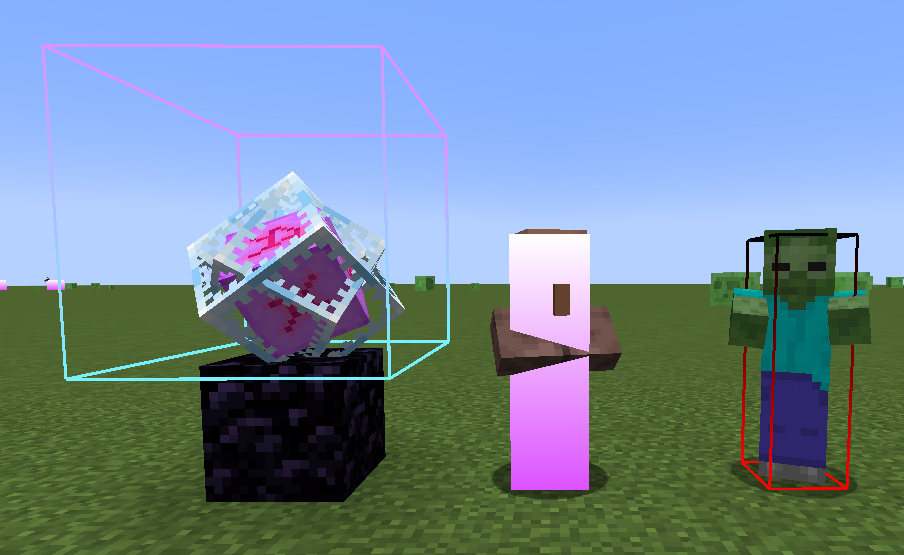
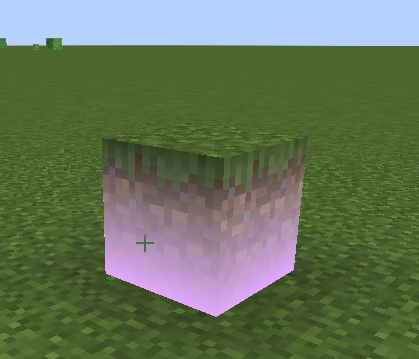
Allows you to customize the colors of the hitbox which also inculdes a gradient option and a rainbow setting. An example of gradient hitboxes are shown below:
Credits
Custom Hitboxes!
This mod is a complete overhaul of minecraft's hitboxes, allowing you to customize them along with added functionalities, such as specific team colors per hitbox, or damage colors.
Features
Hitbox styles
Every style has a live preview in the menu, so you can see your changes as you make them.
- Lines: width, colour, and an optional gradient into a second colour towards the top.
- Fill: a filled hitbox with its own colour and optional gradient.
- Rainbow colours: any colour can be set to rainbow from the colour picker.
- Look vector: a line showing where the entity is looking, with adjustable length, colour and an optional arrow.
- Eye height: a thin box at the entity's eye level, outlined or filled.
Highlights
Recolour a hitbox while the entity is:
- Hurt: during its damage tick.
- Targeted: while your crosshair is on it.
- In range: while it's within your reach.
Hitbox vanishing (idea from pCrit)
Hide hitboxes when an entity gets within a set distance, to cut the clutter (like end crystal or player hitboxes) at the range you PvP at. Turn on Vanish Fade to have them fade out gradually instead of disappearing at once.
Per-entity styles
Add any entity on the Entities page to give it its own style. Turn on Only Listed Entities to draw hitboxes only for the entities you've added.
Team styles
Teams are shared across all WalksyLib mods. Put players in a team once, then turn on Apply Team Style in Custom Hitboxes to give that team's players their own hitbox style. This is great for teamfights.
General
- A keybind to toggle hitboxes on and off.
- Show hitboxes automatically when the game starts.
- Choose whether to show your own hitbox.
- Only show player hitboxes while they're gliding.
Examples of gradient hitboxes:
Credits
- Mod: Walksy
Screenshots
Gallery
Versions
Files
Relations
Project Relations
More like this
Similar Mods
Suggestions use data such as tags, dependencies, dependents, descriptions, titles, and more to rank how much they overlap with this mod.
On ModDex
Community snapshot
By the numbers
Statistics
 (opens in a new tab)
Get it on
Available Platforms
Modrinth
On ModDex
Community snapshot
By the numbers