
Custom Archeology
No reviews yet
Create archeological dig sites with your own items!
Includes a large focus on traversing worlds with enhanced world generation, structures, dungeons, and more for players to find unique loot.
Data Packs were introduced to vanilla Minecraft in version 1.13 and allow the server to modify data about the game, or run commands. Data Packs are compatible with all mod loaders.
Forge is a popular mod loader for versions 1.1+ of Minecraft.
Neoforge is a fork of the Minecraft Forge available for versions 1.20.1+ of Minecraft. Many Forge mods are compatible with Neoforge and vice versa.
Fabric is a mod loader for versions 1.14+ of Minecraft, particularly popular for client side and optimization mods.
Quilt is a fork of the Fabric mod loader. Many Fabric mods are compatible with Quilt and vice versa.
Community voices
Reviews
Click once to include, again to exclude, again to clear
No reviews yet. Be the first to review this project!
Get it on
Available Platforms
 Modrinth
Compatibility
Supported Environments
About
Project Details
For authors
Embed Badge
If you're the author of this project, you can embed a live badge anywhere that supports HTML or Markdown. It updates automatically whenever ratings change.
Use HTML for any page that supports it, or Markdown for README files and Markdown-based descriptions.
Identifiers
Platform IDs
Resources
External Links
About
Description
This data pack offers an intuitive way for players to bury their own loot and create their own suspicious sand/gravel by simply placing sand or gravel on top of items.
3 simple steps:
- Throw your item (can be multiple of the same item) onto the ground.
- Place a sand or gravel block onto the same block that it falls on.
- Uncover what you buried by brushing the block as normal.
Few things to note:
- If you break the suspicious sand/gravel you will lose the item you put in it, just as you would normally.
- If you drop multiple of the same item but not at the same time, you will need to wait briefly for them to combine into one item stack for them all to be buried.
- Only items that a player has dropped can be buried. Items dropped from any other sources will not be affected.
Also on Planet Minecraft
Screenshots
Gallery
-
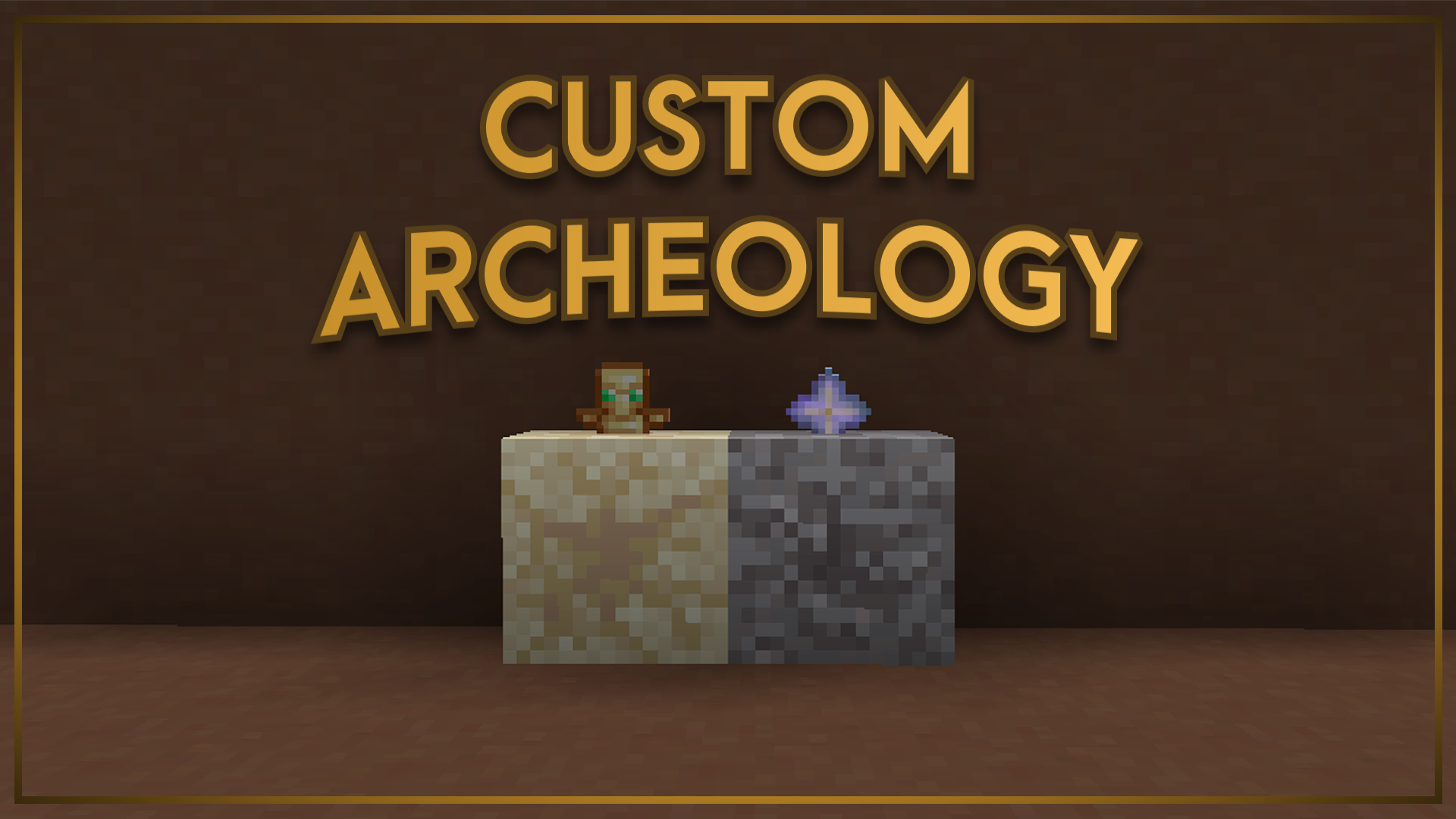 Thumbnail :sunglasses:
 -
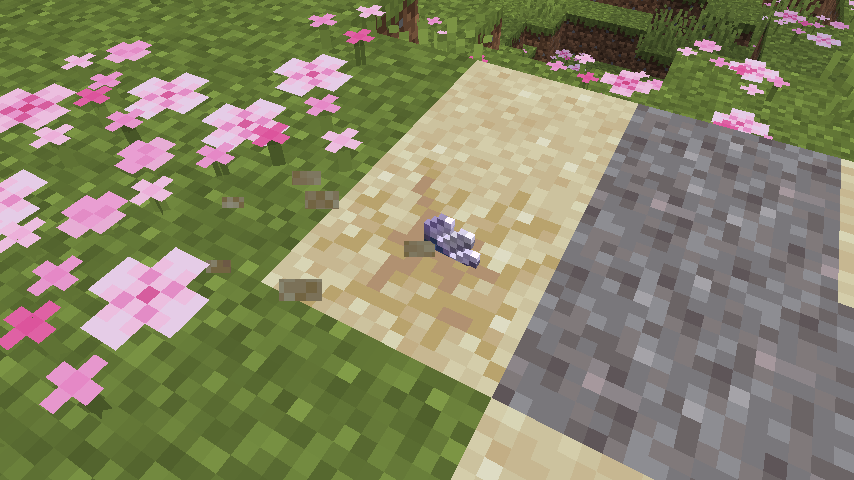 Suspicious sand
 -
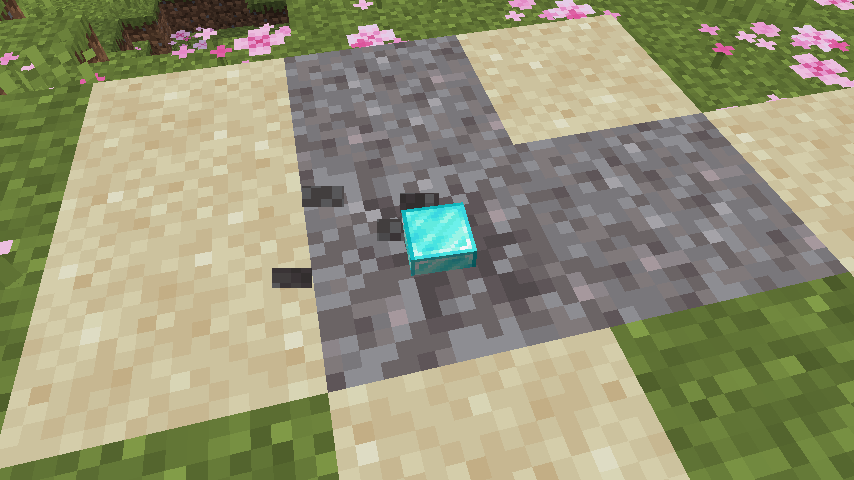 Suspicious gravel
Versions
Files
Relations
Project Relations
More like this
Similar Mods
Suggestions use data such as tags, dependencies, dependents, descriptions, titles, and more to rank how much they overlap with this mod.
On ModDex
Community snapshot
By the numbers
Statistics

Want to reach Minecraft players?
We're looking for a server hosting partner to feature here and other parts of the site. Interested? Send us a message!
Get in touchGet it on
Available Platforms
On ModDex
Community snapshot
By the numbers
Statistics
Resources