
Community listing page, reviews here may not be monitored by the author.
CustomWallpaper

No reviews yet
this mod completely gives YOU access to add your custom wallpaper in Minecraft title Screen, Singleplayer, Multiplayer or even in Settings
Community voices
Reviews
No reviews yet. Be the first to review this project!
Get it on
Available Platforms
Compatibility
Supported Environments
Runs entirely on the client. Works on vanilla servers.
About
Project Details
For authors
Embed Badge
If you're the author of this project, you can embed a live badge anywhere that supports HTML or Markdown. It updates automatically whenever ratings change.
Use HTML for any page that supports it, or Markdown for README files and Markdown-based descriptions.
Identifiers
Platform IDs
Resources
External Links
About
Description
🎨 Custom Wallpaper Mod — Personalize Your Minecraft Experience
Transform your Minecraft menu into something truly yours. Replace boring default backgrounds with stunning custom wallpapers in high quality — from simple aesthetics to full 4K visuals.
⚙️ Requirements
-
fabric API 1.21.11
-
Minecraft Version: 1.21.11
-
Loader: Fabric and update fabric loader to latest version
✨ Features
🖼️ Full Custom Background Support
Set your own wallpapers for Minecraft's main menu Supports:
- PNG
- JPG
- JPEG
High Resolution Ready
Compatible with:
- 720p
- 1080p (Full HD)
- 1440p
- 2160p (4K)
⚡ Lightweight & Optimized
Smooth performance Minimal resource usage Fast loading 🎮 Personalized Experience
Perfect for:
Custom modpacks Themed setups Aesthetic launch screens Personal branding
📂 How To Use
Step 1:
Install the mod normally in your mods folder along with fabric API.
Step 2:
Launch Minecraft once to generate the config folder.
Step 3:
Open the wallpaper menu by pressing {;} SEMICOLON
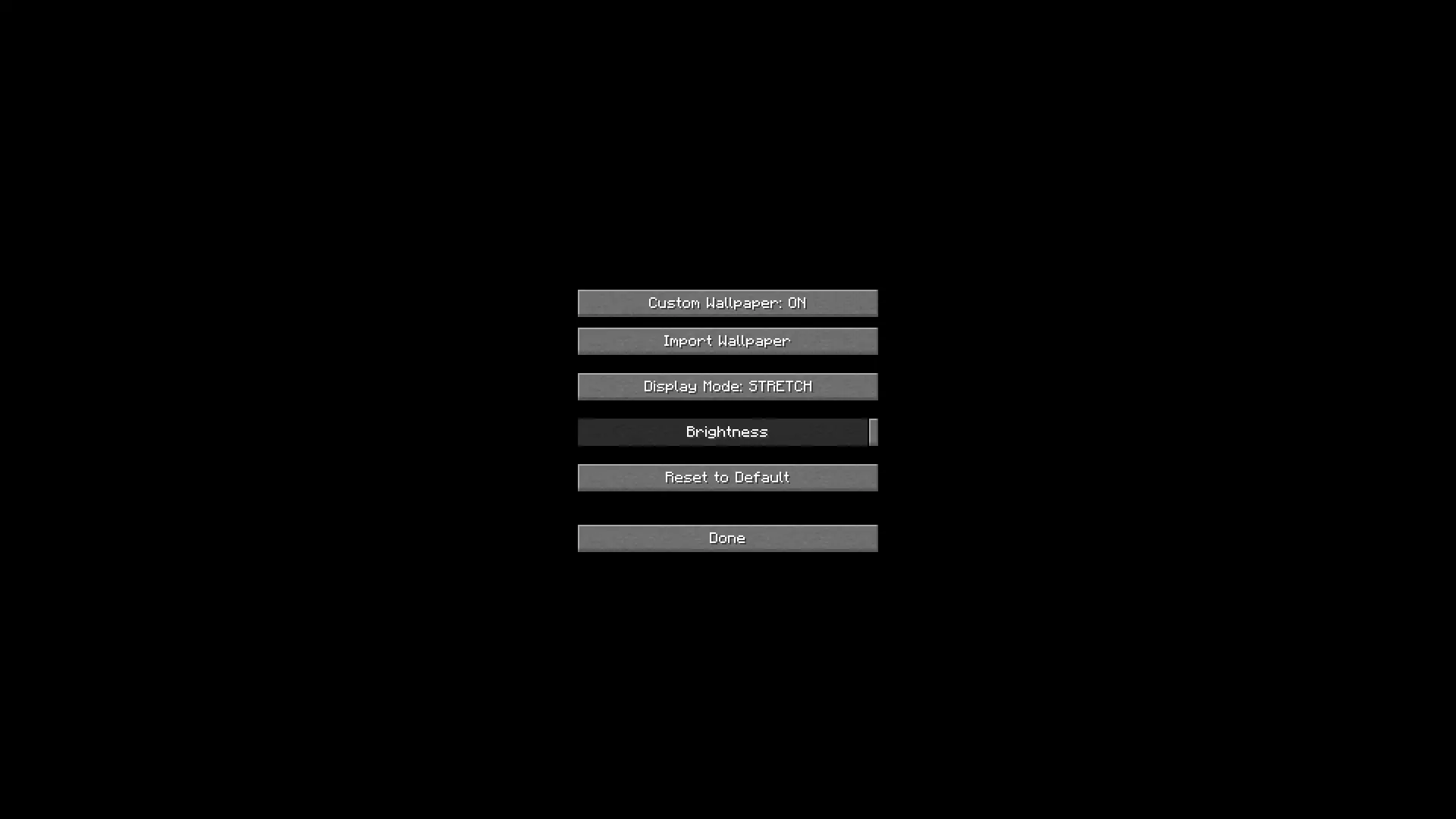
Step 4:
select your preferred image file by clicking {;} SEMICOLON
- .png
- .jpg
- .jpeg
Step 5:
return to minecraft and click done or wait 5 second to implement wallpaper immideatly and enjoy your custom menu background.
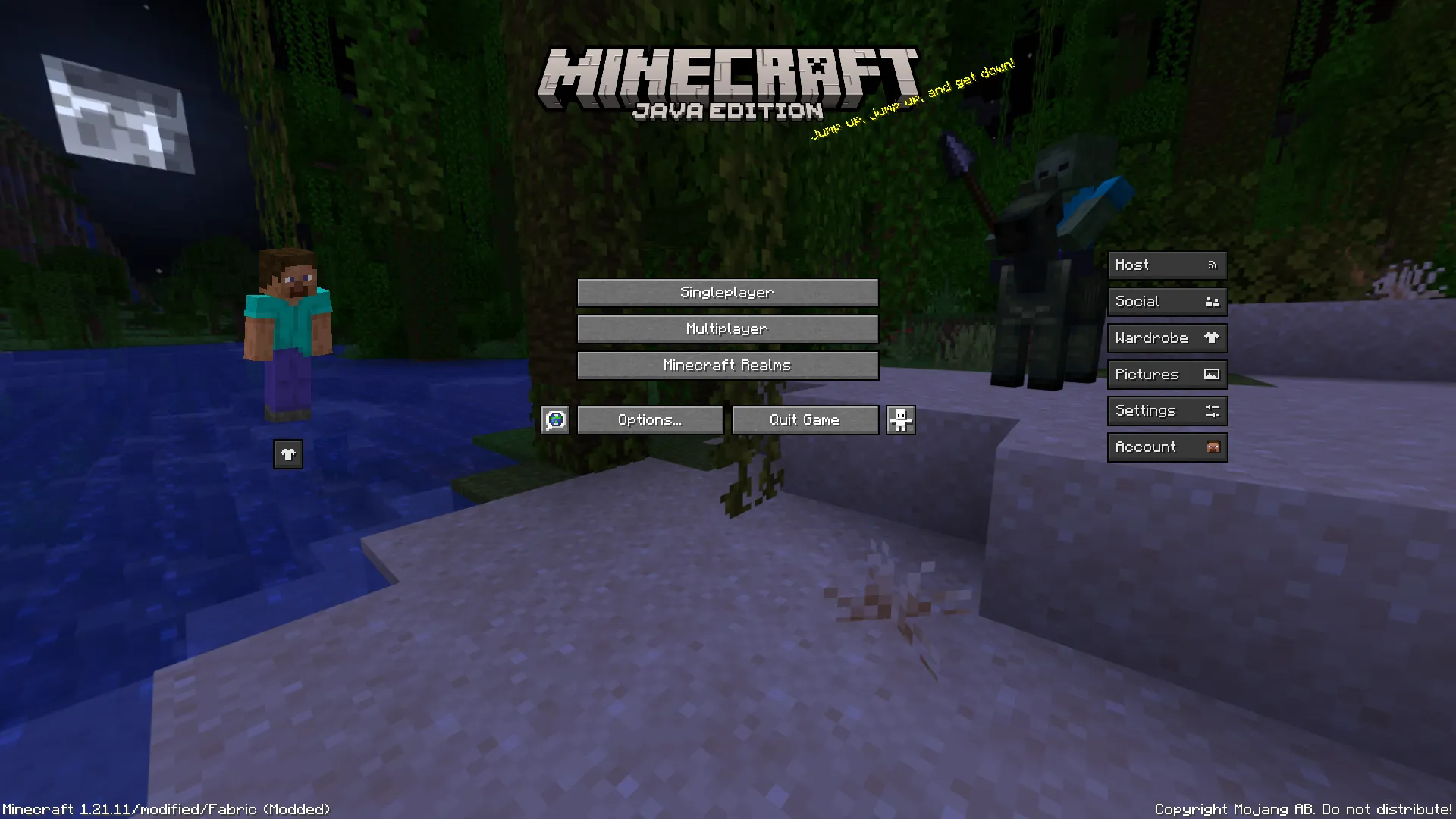
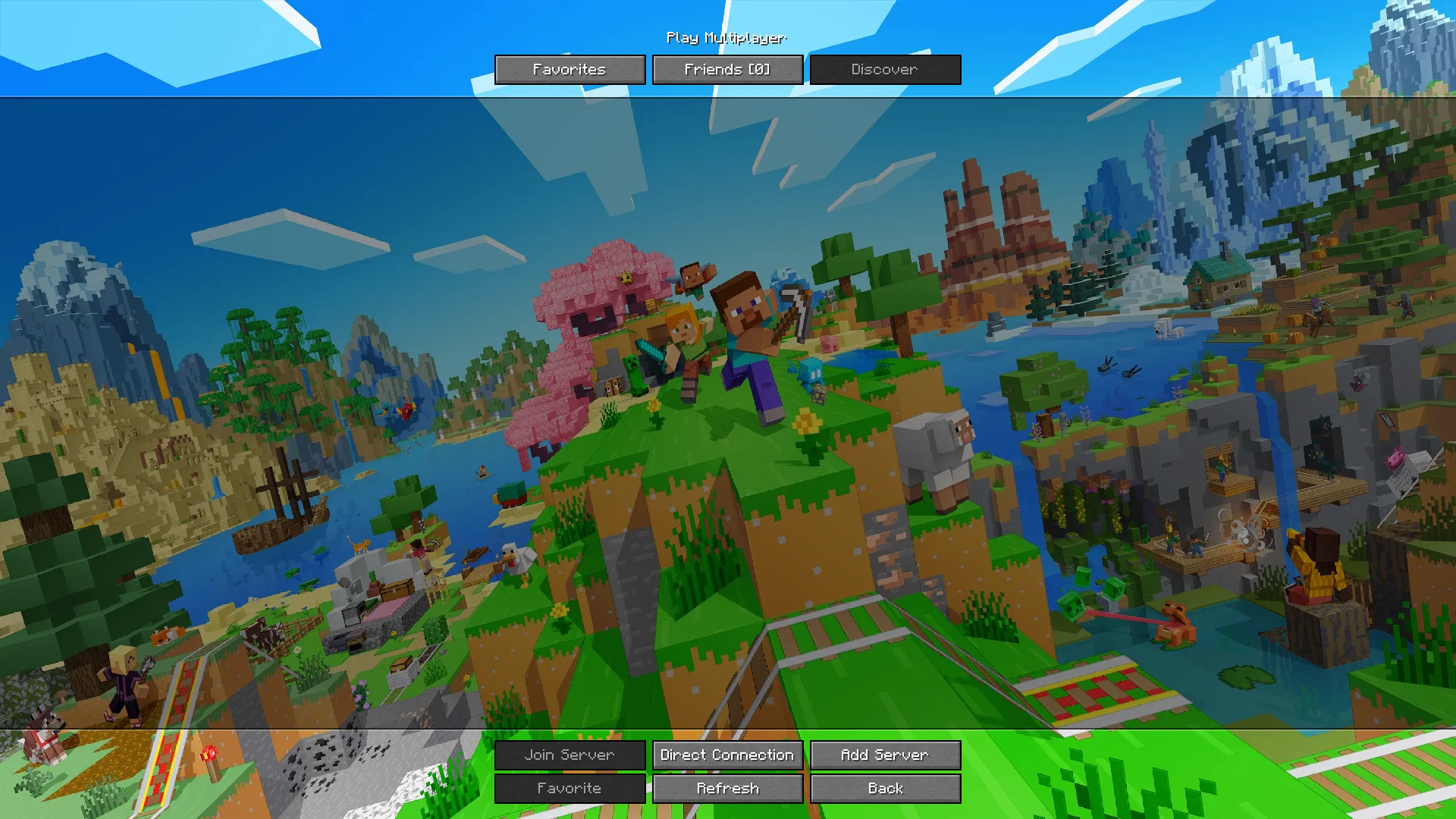
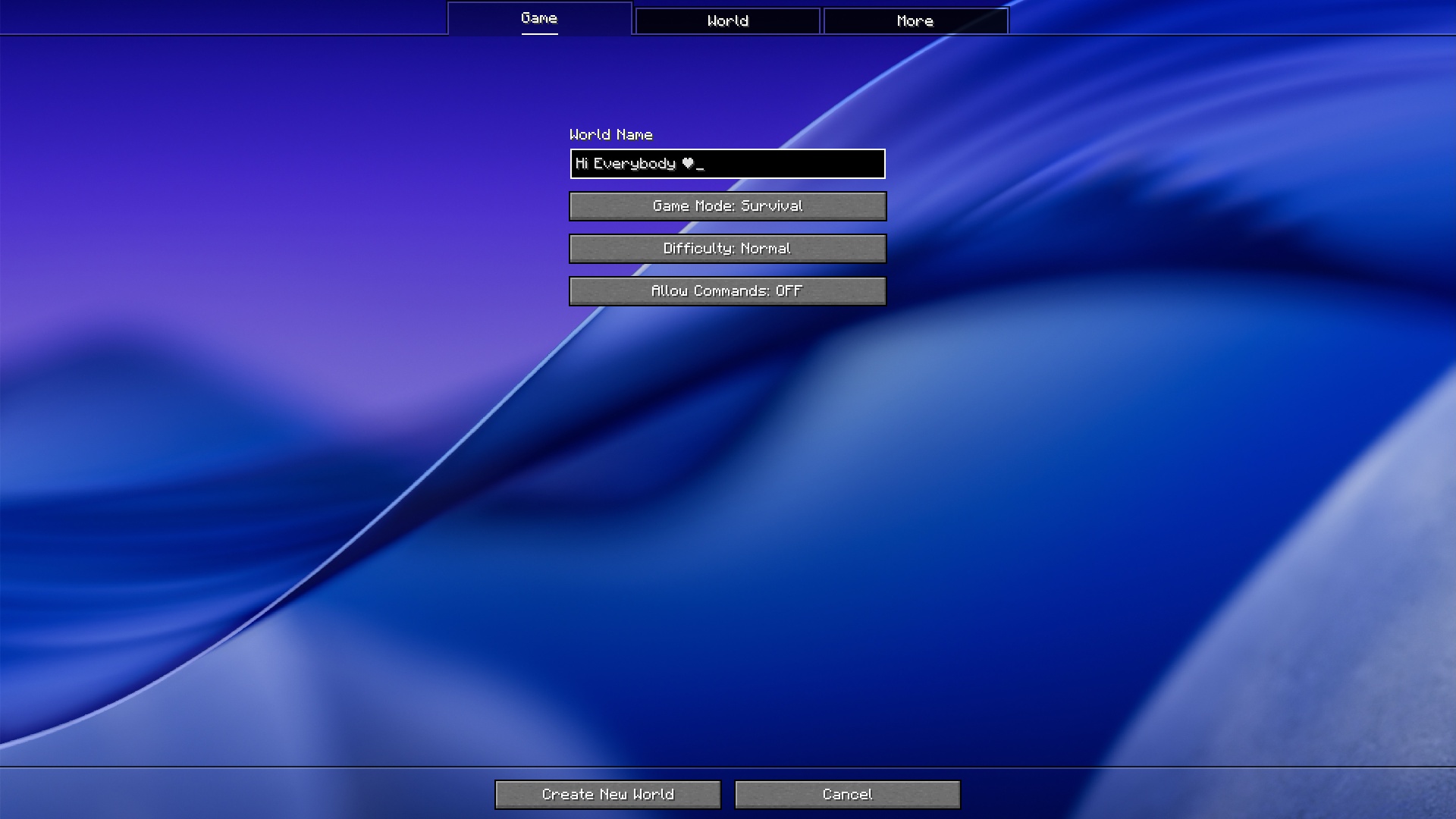
📸 Screenshots
Default View
Custom Wallpaper Example
🚀 Why Use This Mod?
Make Minecraft feel unique Showcase your style Perfect for creators and modpack developers Gives your game a modern premium feel
Best visual results with 16:9 wallpapers
and best of all ITS FREE
🛠️ Planned Future Updates
Multiple wallpaper rotation Animated wallpapers UI customization Advanced scaling options
❤️ Support Me
Follow the project Share your custom setups
🌟 Make Minecraft Yours.
by darshiv or dgmreal
thanks to : @modrinth
website : https://modrinth.com/
Screenshots
Gallery
Versions
Files
Relations
Project Relations
More like this
Similar Mods
Suggestions use data such as tags, dependencies, dependents, descriptions, titles, and more to rank how much they overlap with this mod.
On ModDex
Community snapshot
By the numbers
Statistics

Want to reach Minecraft players?
We're looking for a server hosting partner to feature here and other parts of the site. Interested? Send us a message!
Get in touchGet it on
Available Platforms
On ModDex
Community snapshot
By the numbers
Statistics
Resources