
Community listing page, reviews here may not be monitored by the author.
Dain's Client

No reviews yet
Small tweaks and fun features

Community voices
Reviews
No reviews yet. Be the first to review this project!
Get it on
Available Platforms
About
Project Details
For authors
Embed Badge
If you're the author of this project, you can embed a live badge anywhere that supports HTML or Markdown. It updates automatically whenever ratings change.
Use HTML for any page that supports it, or Markdown for README files and Markdown-based descriptions.
Identifiers
Platform IDs
About
Description
DainsClient
What Is This?
Right now this is a liteloader port of my custom jarmod client, in the future it will be the main project. It features small graphical tweaks which do not alter gameplay much.
Options
- Item refresh cooldown
When this option is toggled off, the refresh cooldown on weapons and other items that has been in place since 1.9 will no longer visually occur for the client, weapons and other items will appear to refresh as they would have in 1.8 and prior. This does not affect the actual damage dealt or anything else server-side. The crosshair and hotbar attack refresh indicators still work as normal and can be used to time your attacks, if you prefer. - Constant field of view
When this option is toggled on, the field of view will not change when sprinting, having potion effects applied, flying in creative, or being underwater. You will still be able to adjust it with the FOV slider in the vanilla options menu, but the value you have it set to will be the value that your field of view remains at until you adjust the FOV slider again, or toggle this option off. - Near Nether Fog
When this option is toggled off, the nether fog will move out to the distance of the regular overworld fog, instead of being much nearer to the player, as it is in vanilla.
Incompatibilities
- Tweakaroo (might fix in the future, no plans rn)
Contributing
- If you find an issue, report it in the issues tab on Github.
- If you have a feature you'd like to see, post it in the issues tab on Github.
- If you'd like to add a translation to another language, feel free to make a pull request on Github.
- If you think my code is bad, I already know about it. Make an issue if you like and I'll look into it if I'm not lazy.
Screenshots
Gallery
-
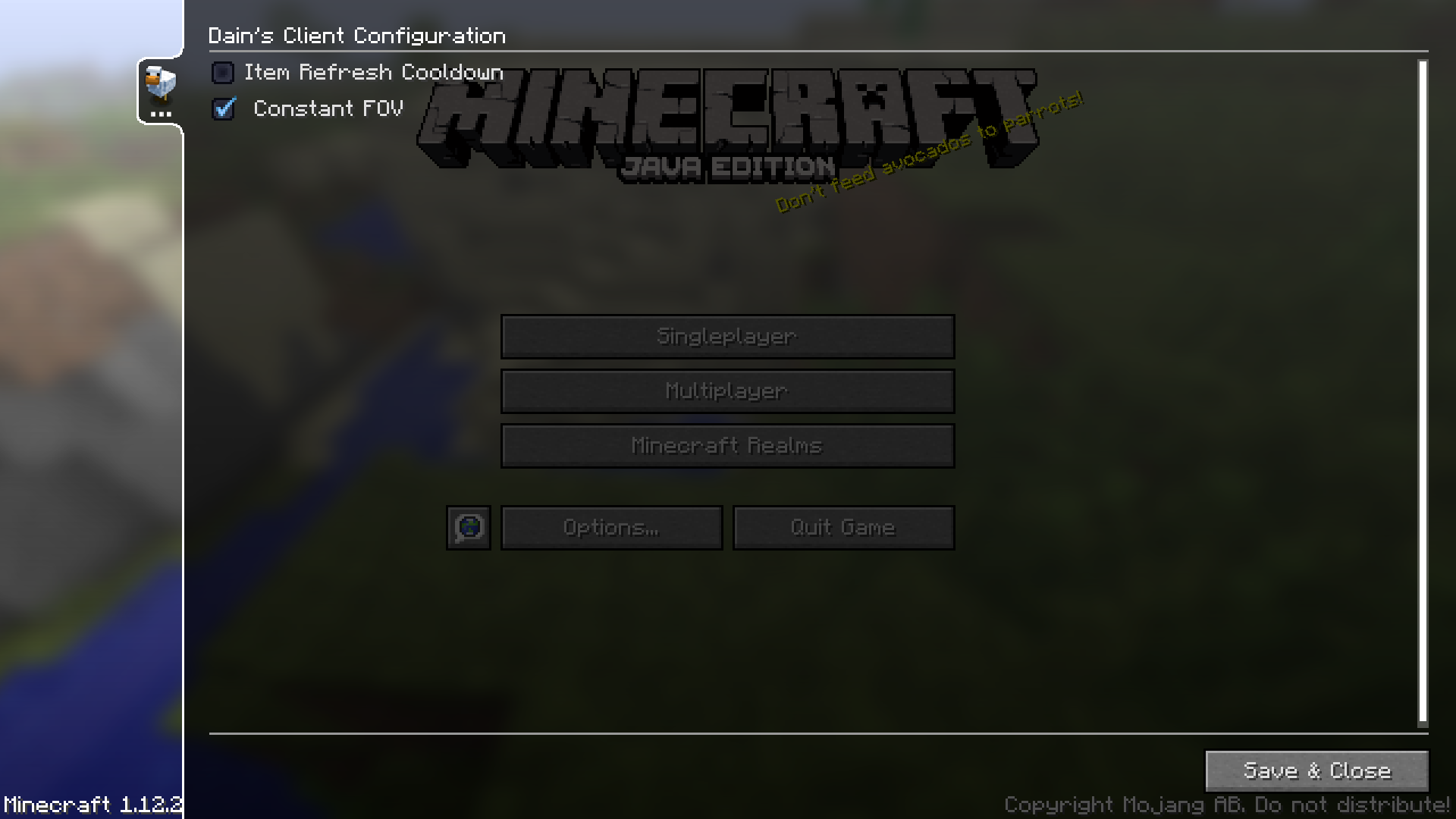 Config Panel
Versions
Files
Relations
Project Relations
More like this
Similar Mods
Suggestions use data such as tags, dependencies, dependents, descriptions, titles, and more to rank how much they overlap with this mod.
On ModDex
Community snapshot
By the numbers
Statistics
 (opens in a new tab)
Get it on
Available Platforms
On ModDex
Community snapshot
By the numbers