Community listing page, reviews may not be monitored by the author.
Dalek Mod: All Dimensions Plus


No reviews yet
A Dalek Mod (1.12.2) addon that enhances and expands the dimensions selector.

Community voices
Reviews
No reviews yet. Be the first to review this project!
Get it on
Available Platforms
Compatibility
Supported Environments
Must be installed on both the client and the server.
About
Project Details
For authors
Embed Badge
If you're the author of this project, you can embed a live badge anywhere that supports HTML or Markdown. It updates automatically whenever ratings change.
Use HTML for any page that supports it, or Markdown for README files and Markdown-based descriptions.
Identifiers
Platform IDs
About
Description
Dalek Mod: All Dimensions Plus (Addon)
A Dalek Mod (1.12.2) addon that enhances and expands the dimensions selector.
Features
- Automatic Dimension Integration - automatically adds all available dimensions, including those from other mods to the dimensions selector. Must be installed on both the client and server.
- Custom Planet Icons - add custom planet icons via a resource pack.
- Dimension Blacklist - hide specific dimensions from the dimensional selector. (This already exists in the Dalek Mod config but was never implemented)
- Dimension Renaming - change the displayed name of a dimension in the selector.
- Dimension Reordering - customize the order of the displayed dimensions in the selector.
Planned Features
- Singleplayer Support - this mod currently supports multiplayer only.
Custom Planet Icons Instructions
Custom planet icons can be added using a resource pack. Icons need to be placed at:
assets/thedalekmod/textures/gui/planet_icons/<dimensionname>.png.
<dimensionname> must match the original dimension name (renamed display names will not work). Use lowercase only and replace any special characters with _. You can also find the correct icon names in the Minecraft log (log/latest.log), after starting the game with the mod installed, by searching the log for planet icon:.
Example: For Galacticraft’s Moon and Mars dimensions (named: moon.moon and planet.mars), the required icon filenames would be moon_moon.png and planet_mars.png.
Based On
This project builds on the great work of the people below - check out their projects!
- Bug1312's Dalek Mod: All Dimensions Addon, the original 1.16.5 addon.
- Azures04's DM (legacy): All dimensions, a 1.12.2 port of the original 1.16.5 addon, the foundation of this addon.
- Averash's DM: All Dims with Images, adds support for custom planet images to the 1.16.5 addon.
Bug Reports & Feature Requests
Found a bug or have an idea for something cool? Let me know via the issues tracker :)
License
Dalek Mod: All Dimensions Plus (Addon)
A Dalek Mod (1.12.2) addon that enhances and expands the dimensions selector.
Features
- Automatic Dimension Integration - automatically adds all available dimensions, including those from other mods to the dimensions selector. Must be installed on both the client and server.
- Custom Planet Icons - add custom planet icons via a resource pack.
- Dimension Blacklist - hide specific dimensions from the dimensional selector. (This already exists in the Dalek Mod config but was never implemented)
- Dimension Renaming - change the displayed name of a dimension in the selector.
- Dimension Reordering - customize the order of the displayed dimensions in the selector.
Planned Features
- Singleplayer Support - this mod currently supports multiplayer only.
Custom Planet Icons Instructions
Custom planet icons can be added using a resource pack. Icons need to be placed at:
assets/thedalekmod/textures/gui/planet_icons/<dimensionname>.png.
<dimensionname> must match the original dimension name (renamed display names will not work). Use lowercase only and replace any special characters with _. You can also find the correct icon names in the Minecraft log (log/latest.log), after starting the game with the mod installed, by searching the log for planet icon:.
Example: For Galacticraft’s Moon and Mars dimensions (named: moon.moon and planet.mars), the required icon filenames would be moon_moon.png and planet_mars.png.
Based On
This project builds on the great work of the people below - check out their projects!
- Bug1312's Dalek Mod: All Dimensions Addon, the original 1.16.5 addon.
- Azures04's DM (legacy): All dimensions, a 1.12.2 port of the original 1.16.5 addon, the foundation of this addon.
- Averash's DM: All Dims with Images, adds support for custom planet images to the 1.16.5 addon.
Bug Reports & Feature Requests
Found a bug or have an idea for something cool? Let me know via the issues tracker :)
License
Screenshots
Gallery
-
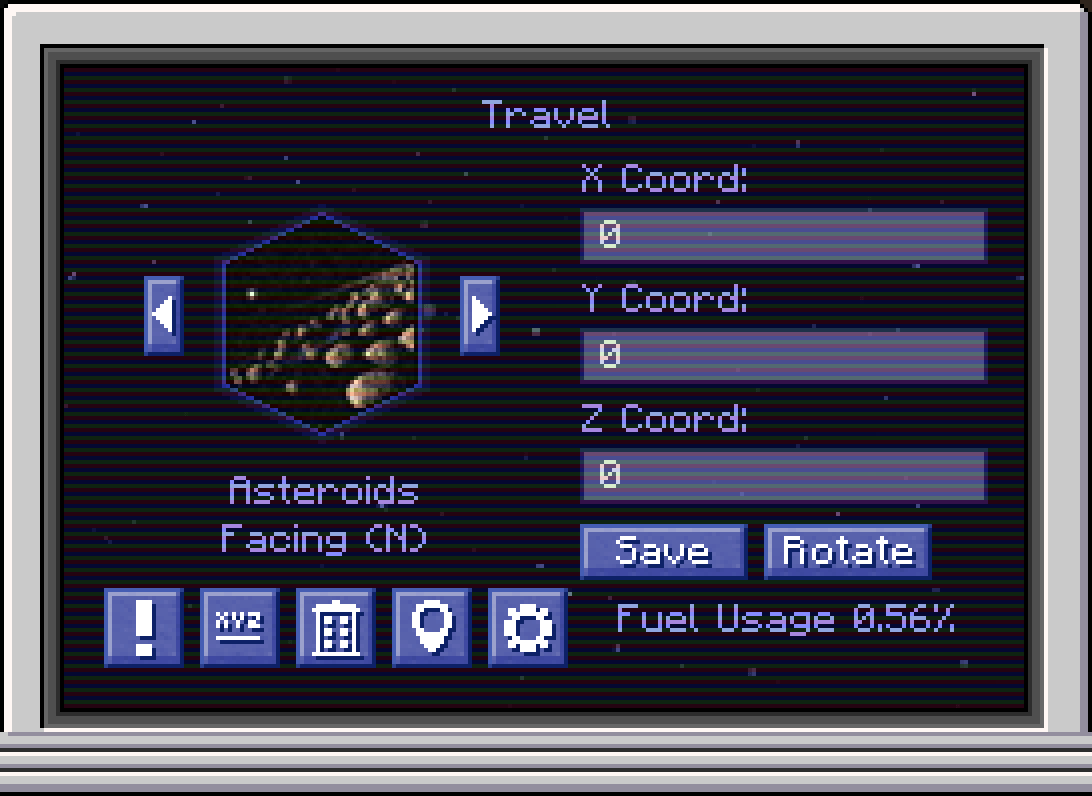 Galacticraft Asteroids Dimension Example (Renamed & Custom Planet Icon)
 -
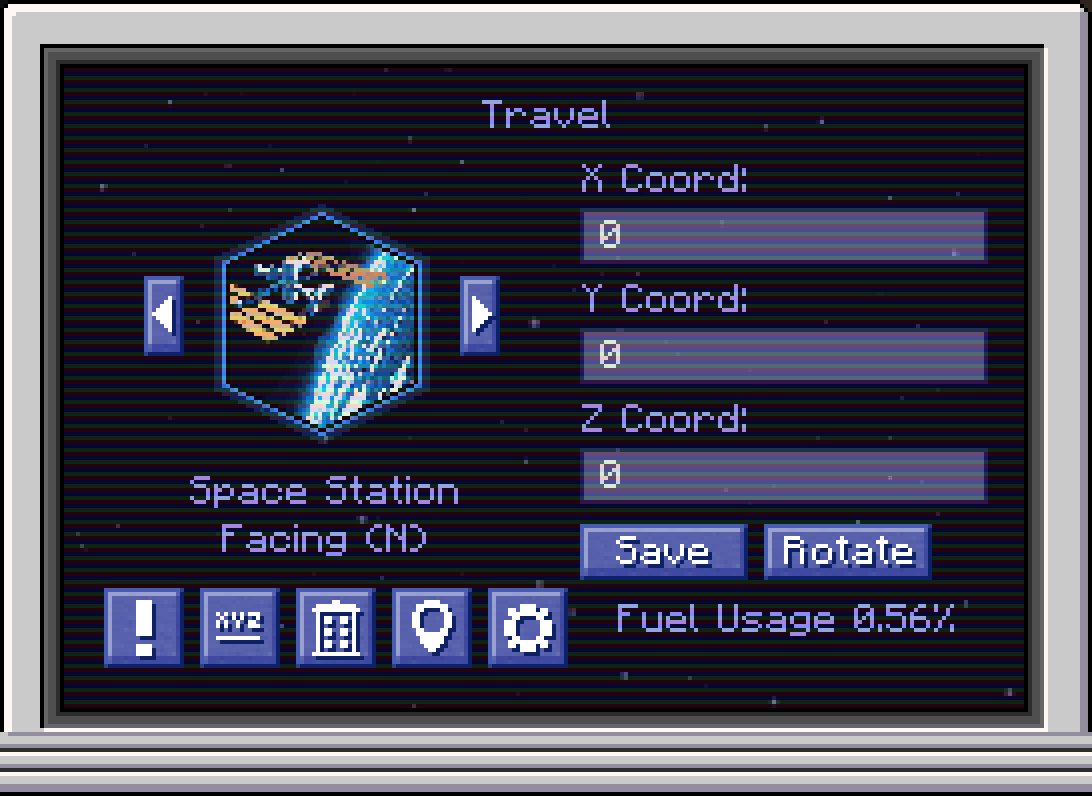 Galacticraft Space Station Dimension Example (Renamed & Custom Planet Icon)
 -
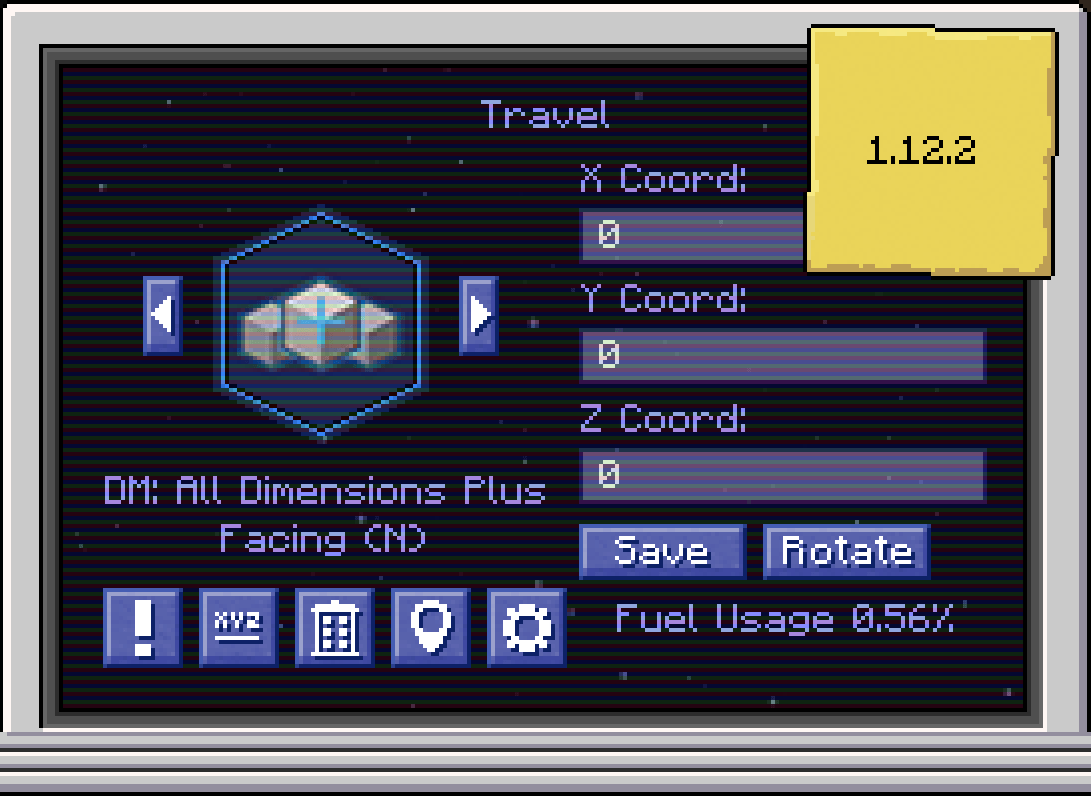 Dalek Mod: All Dimensions Plus
-
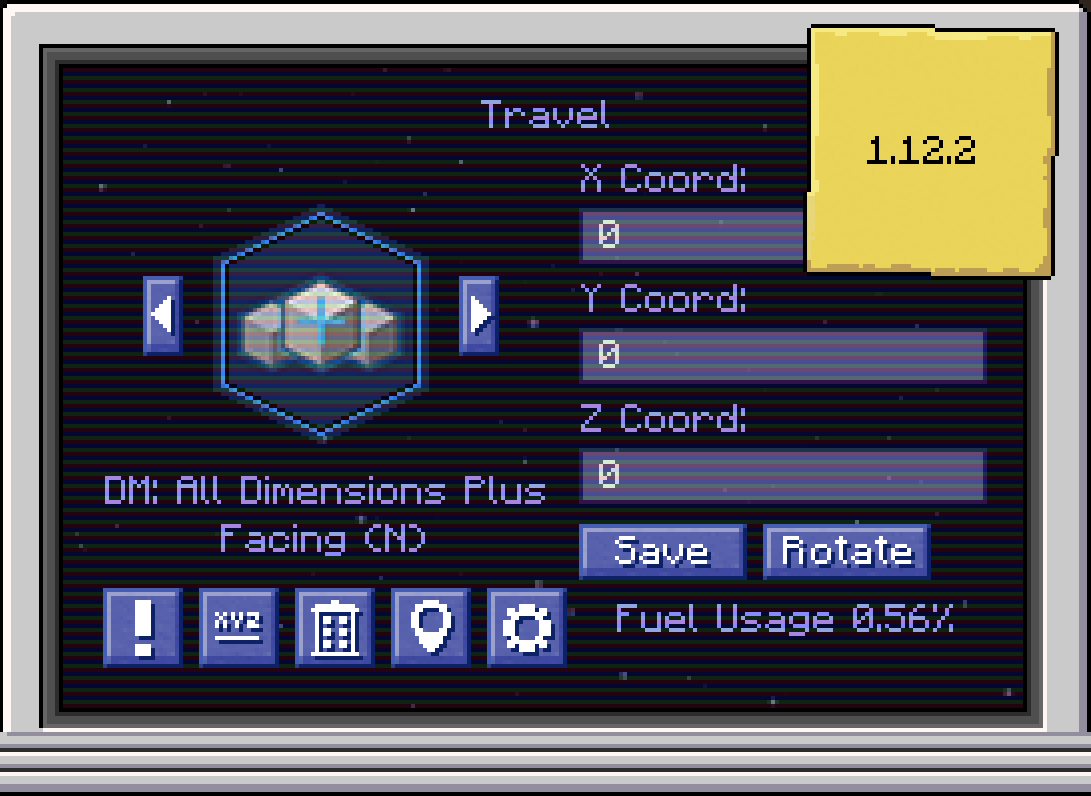 Dalek Mod: All Dimensions Plus
 -
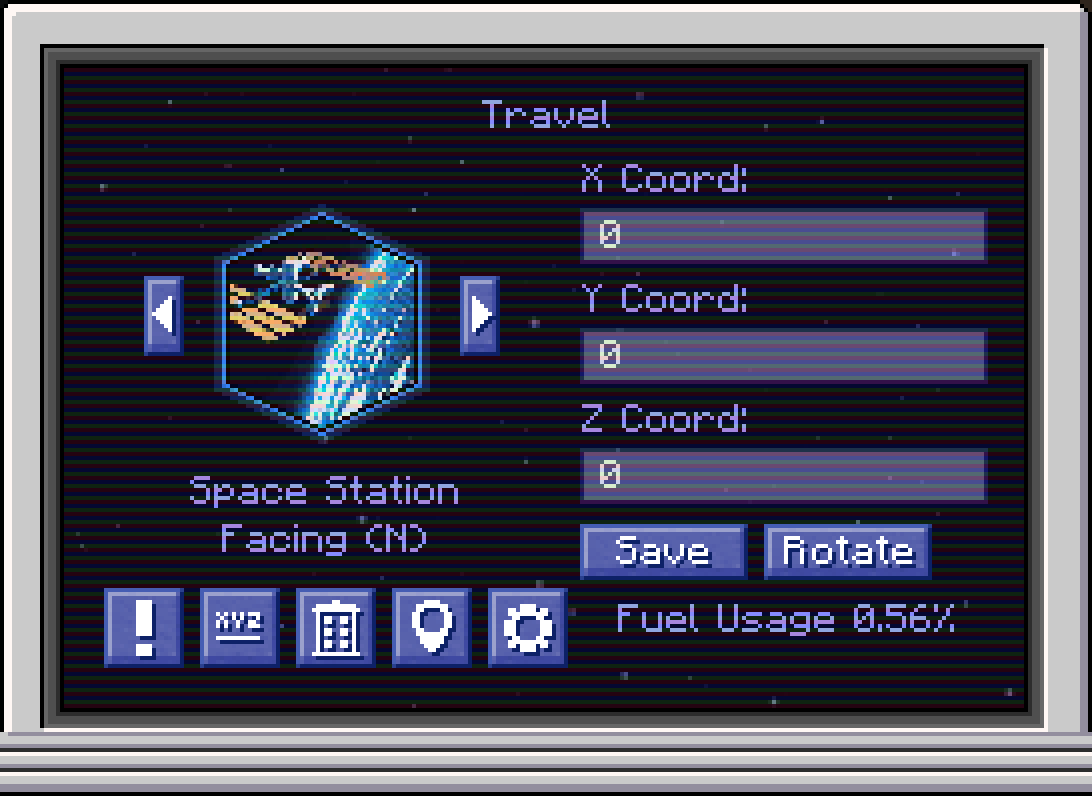 Galacticraft Space Station Dimension Example
 -
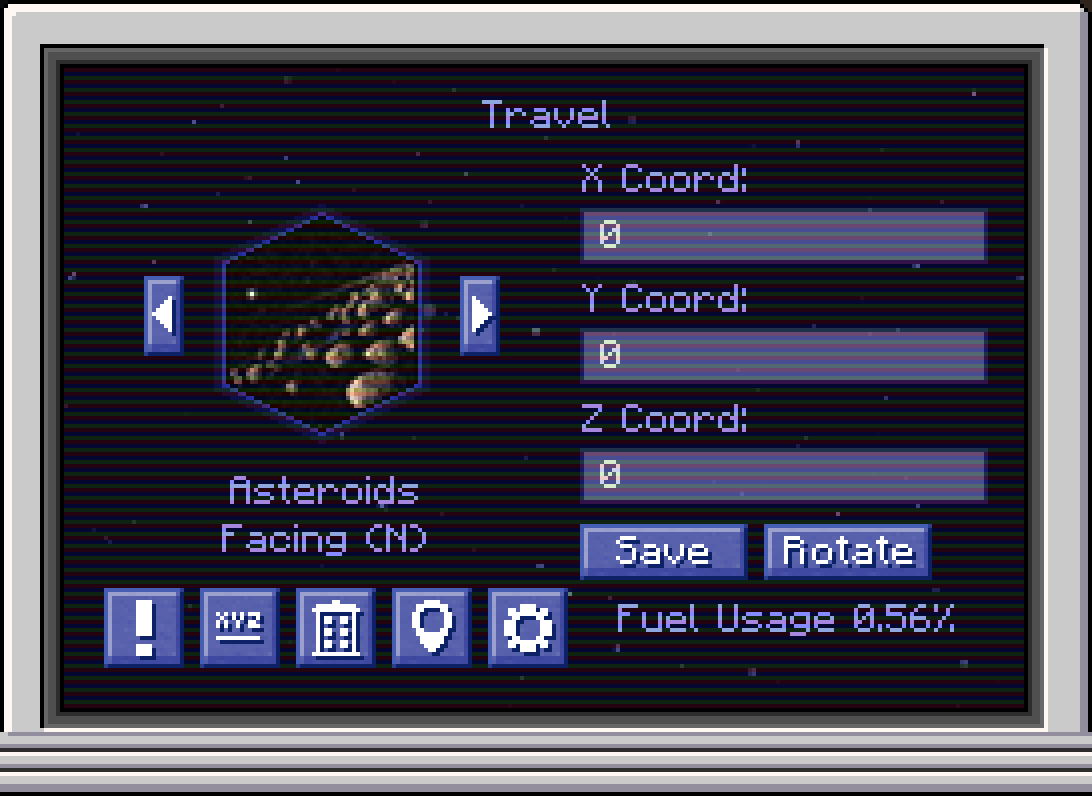 Galacticraft Asteroids Dimension Example
Versions
Files
Relations
Project Relations
More like this
Similar Mods
Suggestions use data such as tags, dependencies, dependents, descriptions, titles, and more to rank how much they overlap with this mod.
On ModDex
Community snapshot
By the numbers
Statistics

Get it on
Available Platforms
On ModDex
Community snapshot
By the numbers