
Dash's ToDo Mod
No reviews yet
A simple minecraft mod that lets the user have a ToDo list.
Neoforge is a fork of the Minecraft Forge available for versions 1.20.1+ of Minecraft. Many Forge mods are compatible with Neoforge and vice versa.
Community voices
Reviews
Click once to include, again to exclude, again to clear
No reviews yet. Be the first to review this project!
Get it on
Available Platforms
 Modrinth
Compatibility
Supported Environments
About
Project Details
For authors
Embed Badge
If you're the author of this project, you can embed a live badge anywhere that supports HTML or Markdown. It updates automatically whenever ratings change.
Use HTML for any page that supports it, or Markdown for README files and Markdown-based descriptions.
Identifiers
Platform IDs
About
Description
📝 Simple ToDo List



Keep your Minecraft projects organized without ever leaving the game! Whether you are planning a massive megabase or just reminding yourself to smelt some iron, this mod provides a clean, integrated way to manage your tasks.
🚀 Features
- Integrated ToDo GUI: A dedicated interface to add, edit, and remove your goals easily.
- Toggleable HUD: Keep your current tasks on-screen while you play, or hide them for full immersion.
- Smart Line Wrapping: No more cut-off text! Long tasks automatically wrap to fit the interface, keeping your list clean and readable.
- Icons! : Render you tasks list with icons by holding an item in your main hand and Ctrl + L-Clicking you task in the gui, then switching your hud mode to icons by using the new button in the gui!
- Lightweight & Fast: Designed to be performance-friendly and stay out of the way of your gameplay.
⌨️ Keybindings
Stay in control with these default hotkeys (you can rebind these in your standard Minecraft controls menu):
| Action | Key |
|---|---|
| Open ToDo Menu | N |
| Toggle HUD Visibility | H |
🛠️ How to Use
- Manage Tasks: Press 'N' to open the main menu. From here, you can add new objectives or check off completed ones.
- Visual Tracking: Your tasks will appear on your screen via the HUD.
- Icon Rendering: You can switch your task hud mode to icons for a more concise task list.
- Clean View: If you need a clear screen for a screenshot or combat, simply tap 'H' to toggle the HUD off.
📦 Installation
- Ensure you have the correct version of Fabric or Forge installed.
- Drop the
.jarfile into yourmodsfolder. - Launch the game and start crossing items off your list!
Made by Dash_Ketch
Screenshots
Gallery
-
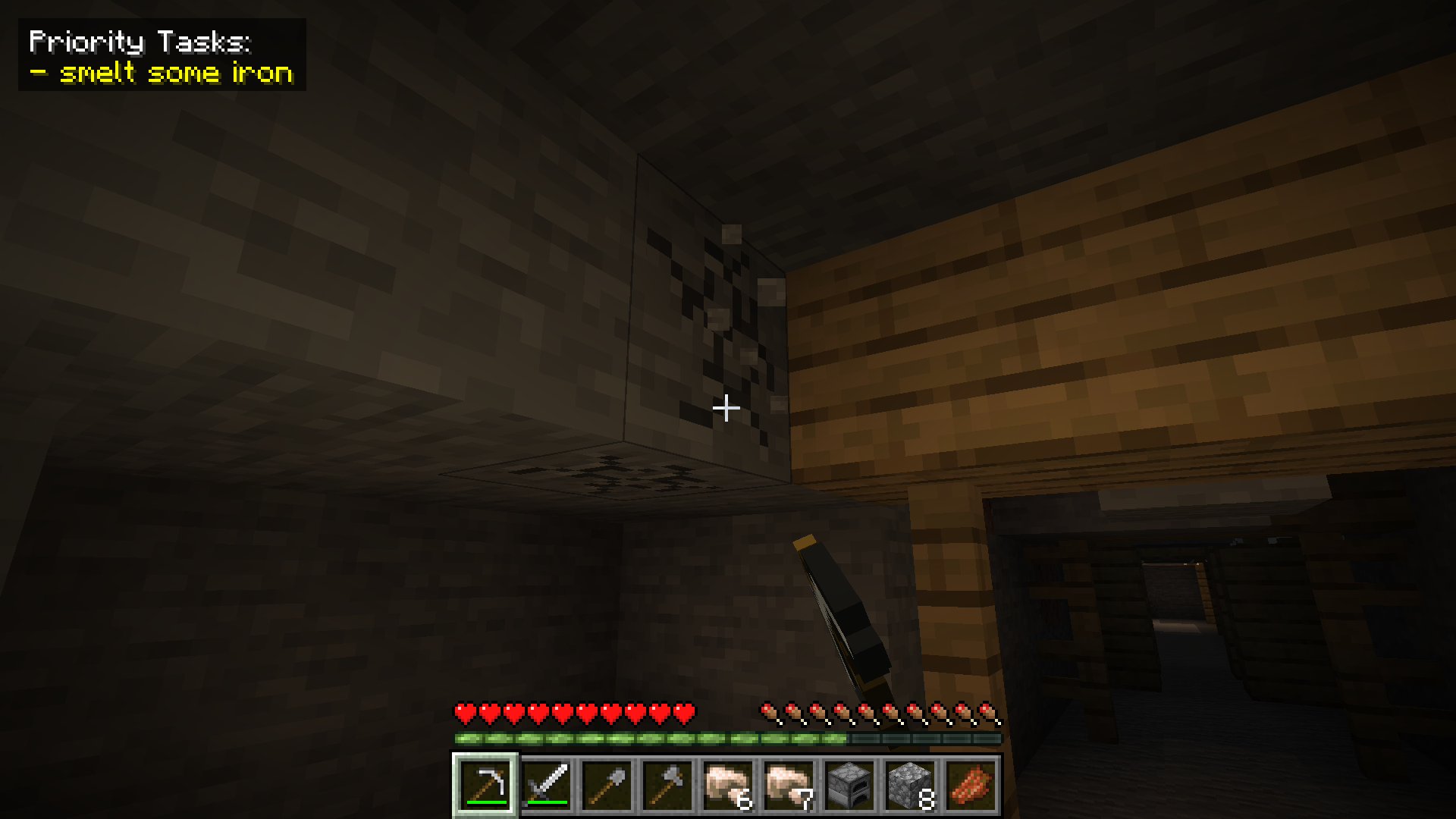 "Smelt some iron"
Versions
Files
Relations
Project Relations
More like this
Similar Mods
Suggestions use data such as tags, dependencies, dependents, descriptions, titles, and more to rank how much they overlap with this mod.
On ModDex
Community snapshot
By the numbers
Statistics

Want to reach Minecraft players?
We're looking for a server hosting partner to feature here and other parts of the site. Interested? Send us a message!
Get in touchGet it on
Available Platforms
On ModDex
Community snapshot
By the numbers