
Dawn Vaults
No reviews yet
Mod for player vaults. Enjoy numbered slots, navigation tools, vault icons, and vault sign access
Features systems for better item storage and organization.
Neoforge is a fork of the Minecraft Forge available for versions 1.20.1+ of Minecraft. Many Forge mods are compatible with Neoforge and vice versa.
Fabric is a mod loader for versions 1.14+ of Minecraft, particularly popular for client side and optimization mods.
Community voices
Reviews
Click once to include, again to exclude, again to clear
No reviews yet. Be the first to review this project!
Get it on
Available Platforms
 Modrinth
Compatibility
Supported Environments
About
Project Details
For authors
Embed Badge
If you're the author of this project, you can embed a live badge anywhere that supports HTML or Markdown. It updates automatically whenever ratings change.
Use HTML for any page that supports it, or Markdown for README files and Markdown-based descriptions.
Identifiers
Platform IDs
About
Description
DawnVaults gives players fast /pv storage with a selector menu, numbered vaults, custom vault icons, sign access and permission support
Features
- Fabric + NeoForge - One vault mod for both 1.21.1 server loaders
- Player vault commands -
/pv,/vault,/chest,/playervaults, and/vc - Vault selector - Opens a clean menu for available vaults
- Numbered vaults - Supports vault numbers
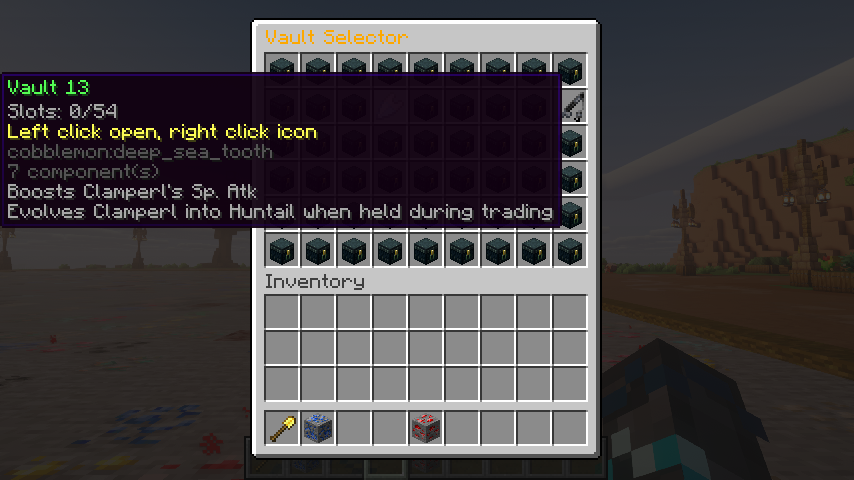
1through100 - Vault icons - Players can set per-vault icons with
/pvicon <vault> - Vault signs - Bind signs to the selector or a specific vault with
/pvsign - Navigator button - Move between previous vault, selector, and next vault from inside the vault
- Admin basics - Open, delete, delete-all, info, and reload commands
- Storage choices - JSON by default, with SQLite and MySQL options
- PlayerVaultsX import - Bring over
newvaultsflat-file data with/pvconvertor/vaultconvert
Commands
/pv- Open the vault selector/pv <vault>- Open one of your numbered vaults/vault,/chest,/playervaults,/vc- Player-friendly aliases/pvicon <vault>- Change a vault icon/pvsign- Bind the sign you are looking at to the selector/pvsign <vault>- Bind the sign you are looking at to a vault/pvdel <vault>- Delete one of your vaults/vaultdel <vault>- Delete alias for player vaults/pvlist- Show your available vault count/pvconvert playervaultsx <path>- Import PlayerVaultsXnewvaultsdata/vaultconvert playervaultsx <path>- Import alias for PlayerVaultsXnewvaultsdata/pvreload- Reload config and messages/pvadmin open <player> <vault>- Open another player vault/pvadmin delete <player> <vault>- Delete one vault with a backup/pvadmin delete <player> all- Delete discovered vaults with backups/pvadmin info <player>- Show stored vault info
Screenshots
Gallery
-
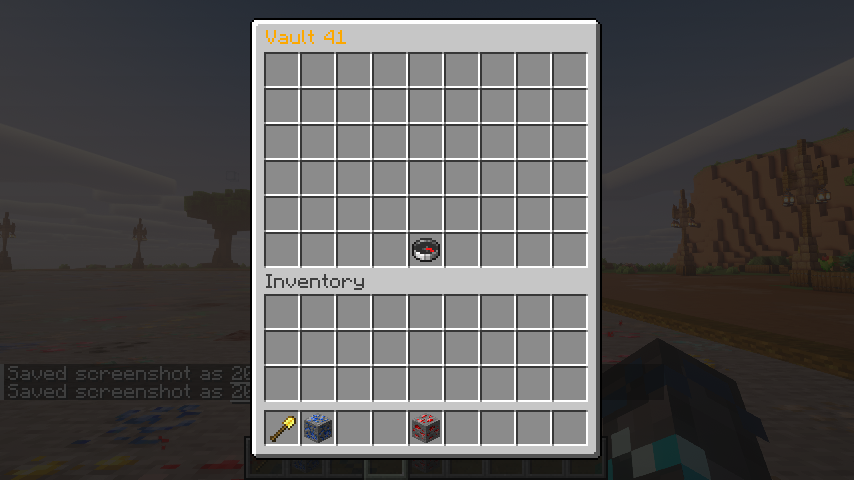
-
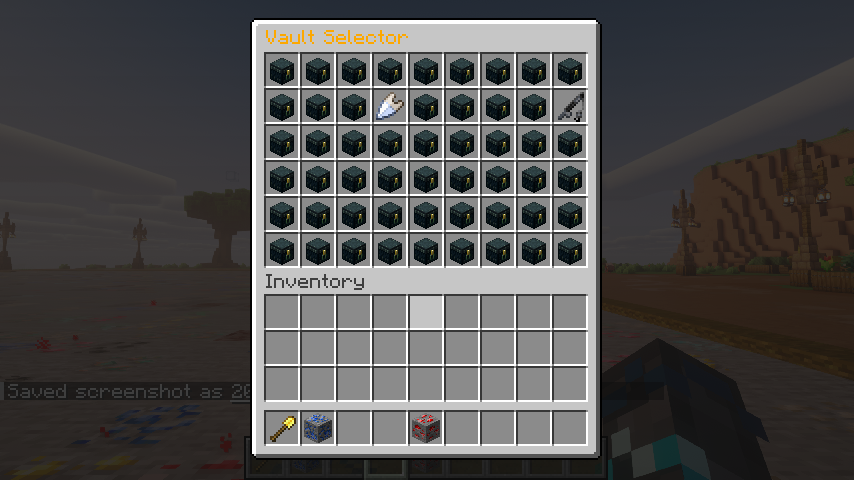 customized vaults
 -
 logo
logo -
-
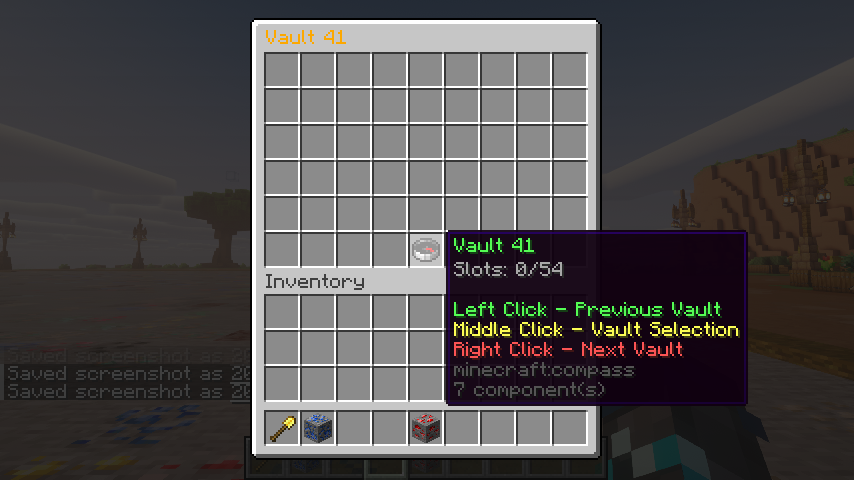 inside a vault
Versions
Files
Relations
Project Relations
More like this
Similar Mods
Suggestions use data such as tags, dependencies, dependents, descriptions, titles, and more to rank how much they overlap with this mod.
On ModDex
Community snapshot
By the numbers
Statistics

Want to reach Minecraft players?
We're looking for a server hosting partner to feature here and other parts of the site. Interested? Send us a message!
Get in touchGet it on
Available Platforms
On ModDex
Community snapshot
By the numbers