Community listing page, reviews here may not be monitored by the author.


Community voices
Reviews
No reviews yet. Be the first to review this project!
Get it on
Available Platforms
Compatibility
Supported Environments
Runs entirely on the server. Also works in singleplayer.
About
Project Details
For authors
Embed Badge
If you're the author of this project, you can embed a live badge anywhere that supports HTML or Markdown. It updates automatically whenever ratings change.
Use HTML for any page that supports it, or Markdown for README files and Markdown-based descriptions.
Identifiers
Platform IDs
Resources
External Links
About
Description
Item Rain Mod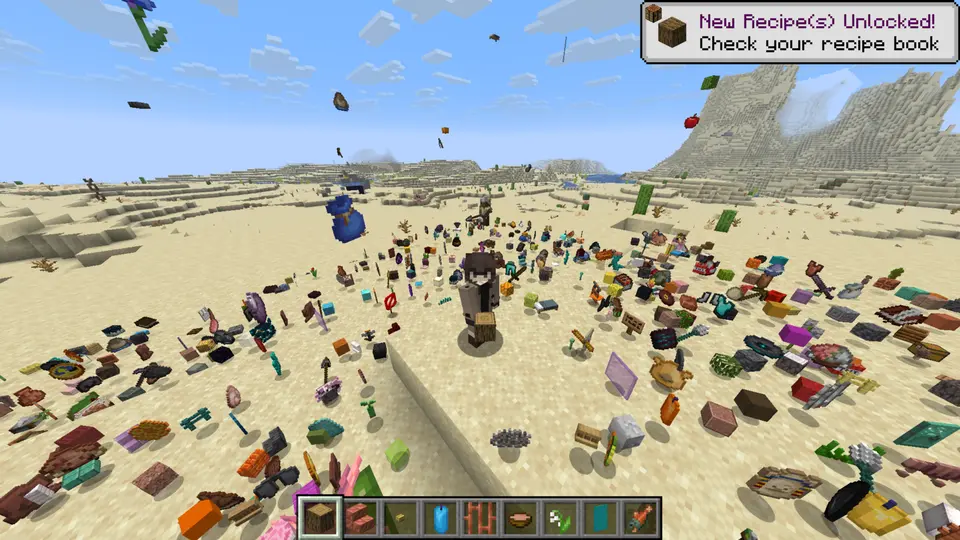
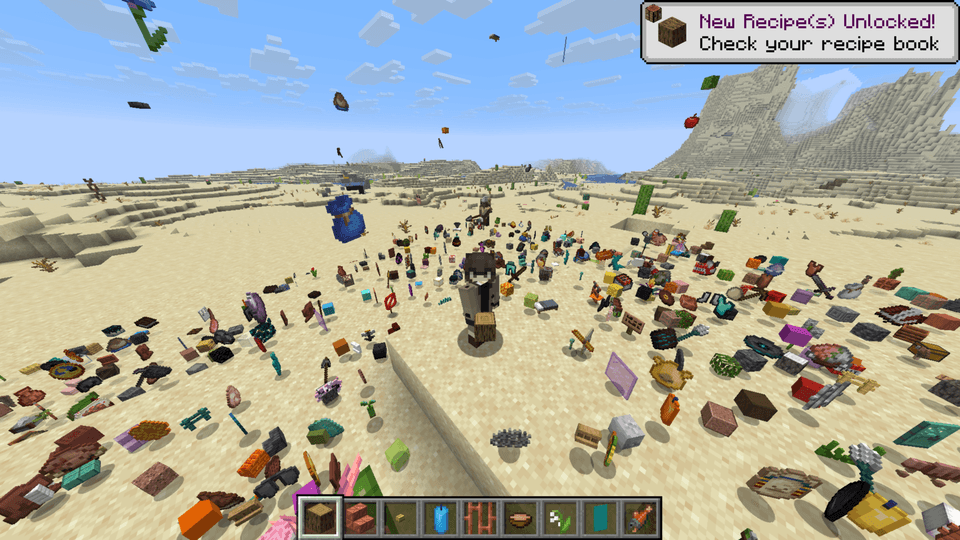
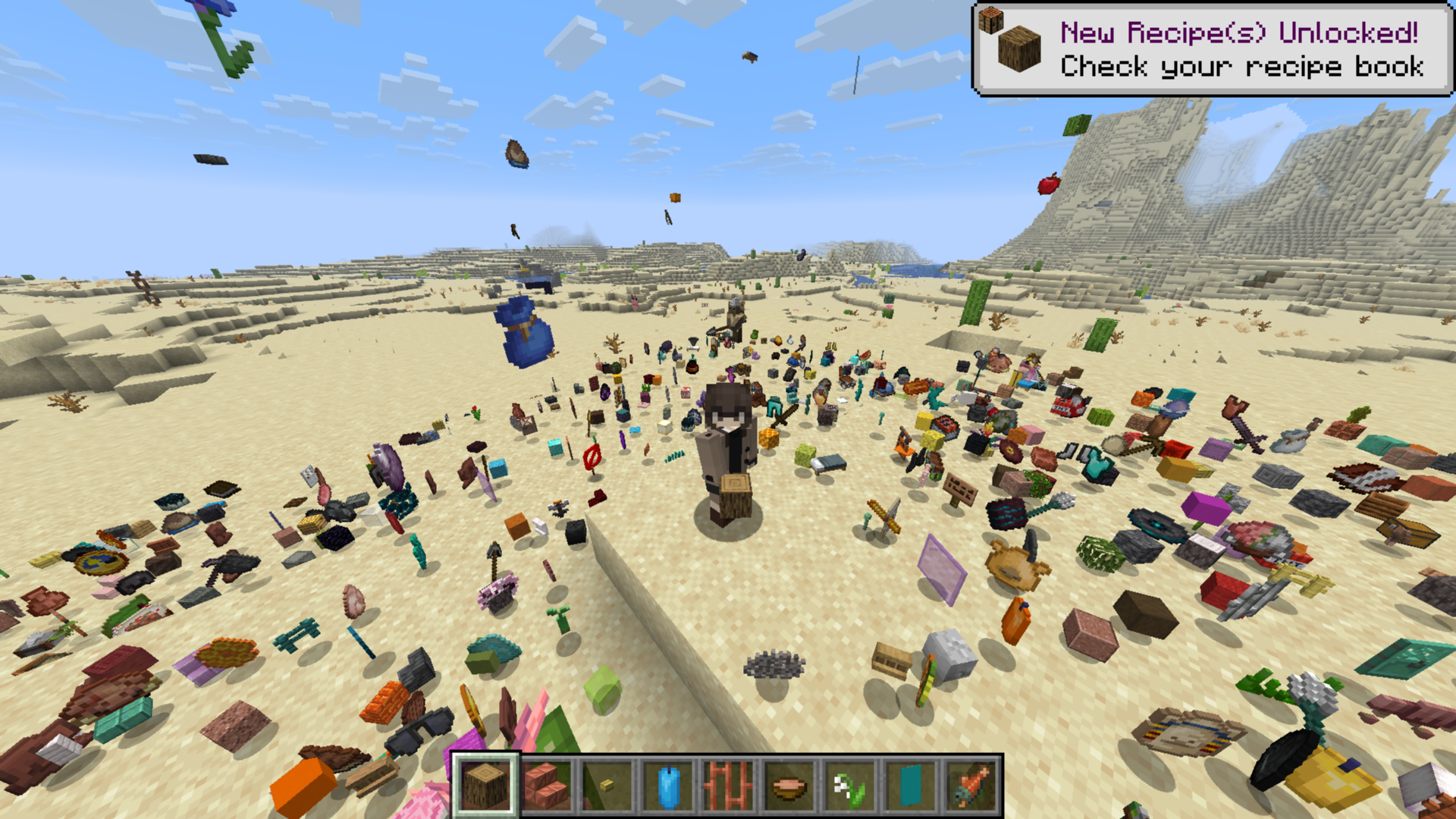
This mod introduces the `/ir` command, which controls all the item rain functionality.
Command Syntax
/ir [amount] [duration] [range] [height] [delay]
How to Use
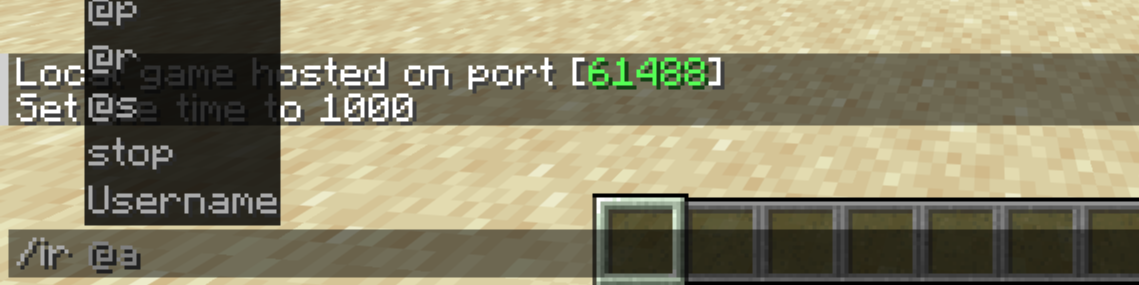
1. Target
First, you must specify who the items will rain on. The command will not work if this parameter is missing.
2. Item
Next, choose which item will fall from the sky.
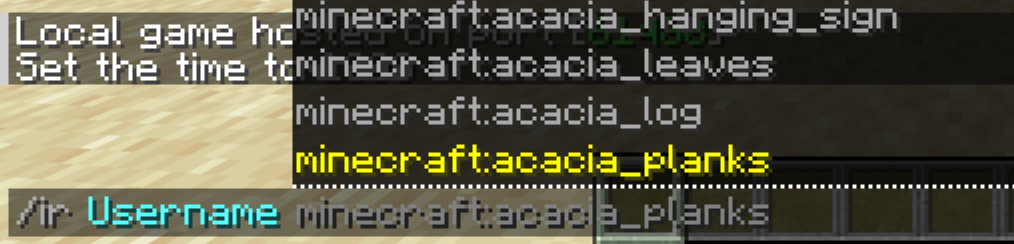
If you want completely randomized item drops, simply type **`random`** instead of an item name.
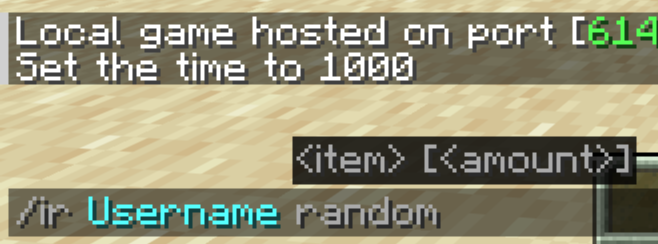
3. Amount
Now, decide how fast and dense the items should fall.
Default: 1
Minimum: 1
Maximum: 5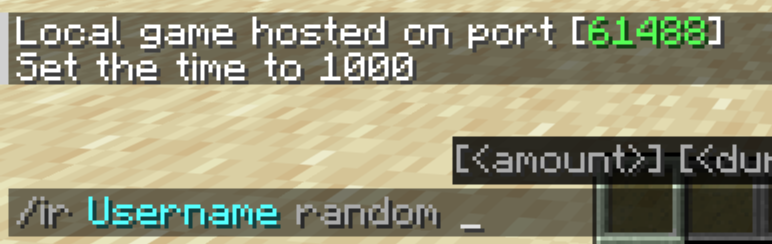
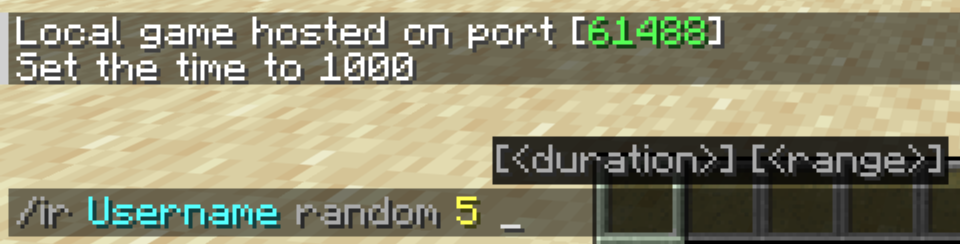
4. Duration
Specify how long (in seconds) the item rain will last.
Default: 10 seconds
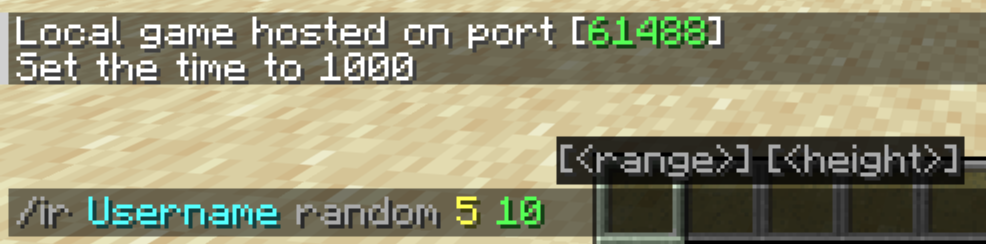
5. Range
Determine the horizontal radius (in blocks) around the target where the items will scatter.
Default: 10 blocks
6. Height
Choose how high above the target the items will spawn and begin their descent.
Default: 20 blocks
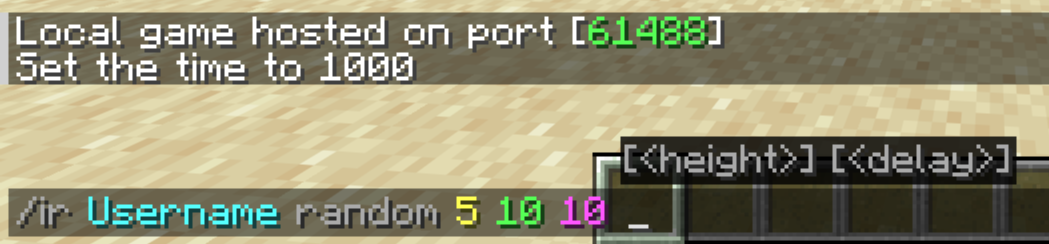
7. Delay
Finally, you can add a countdown timer (in seconds) before the rain starts. **This is completely optional.**
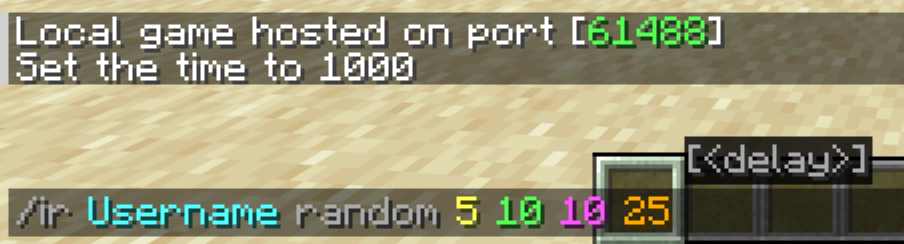
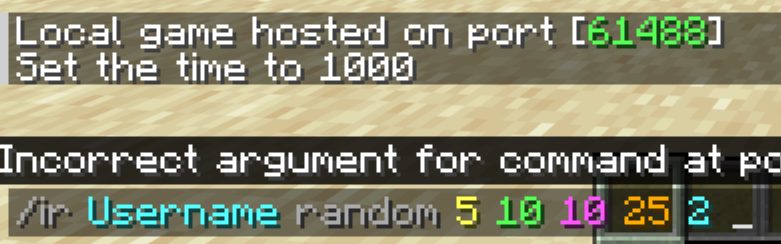
Stop the Rain
If the chaos gets out of hand, you can clear all active rain effects instantly by running:
/ir stop
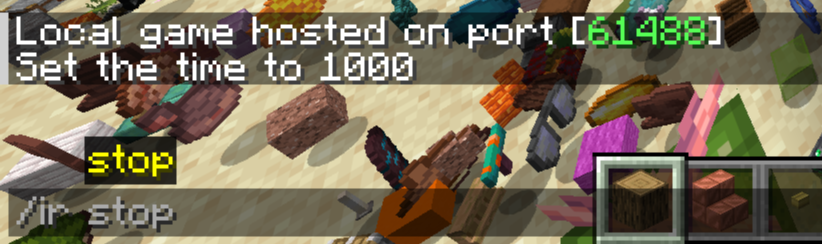
NOTE: You can also launch a quick rain by typing **only the target and the item name
.
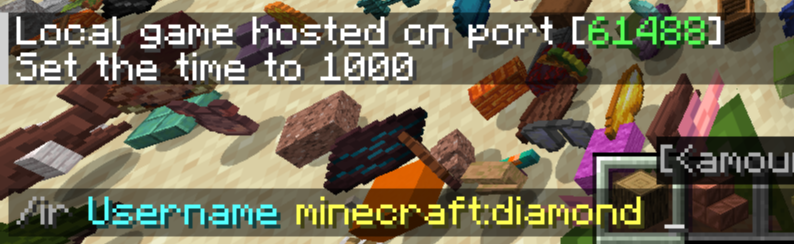
Example
/ir Username minecraft:redstone
/ir YourFriend minecraft:cobblestone 5
/ir stop
Item Rain Mod
This mod introduces the /ir command, which controls all the item rain functionality.
Command Syntax:
/ir <target> <item-name> [amount] [duration] [range] [height] [delay]
How to Use
1. Target
First, you must specify who the items will rain on. The command will not work if this parameter is missing.
2. Item
Next, choose which item will fall from the sky.
If you want completely randomized item drops, simply type random instead of an item name.
3. Amount
Now, decide how fast and dense the items should fall.
- Default: 1
- Minimum: 1
- Maximum: 5
4. Duration
Specify how long (in seconds) the item rain will last.
- Default: 10 seconds
5. Range
Determine the horizontal radius (in blocks) around the target where the items will scatter.
- Default: 10 blocks
6. Height
Choose how high above the target the items will spawn and begin their descent.
- Default: 20 blocks
7. Delay
Finally, you can add a countdown timer (in seconds) before the rain starts. This is completely optional.
Stop the Rain
If the chaos gets out of hand, you can clear all active rain effects instantly by running:
/ir stop
NOTE: You can also launch a quick rain by typing only the target and the item name.
Example
/ir Username minecraft:redstone
/ir YourFriend minecraft:cobblestone 5
/ir stop
Screenshots
Gallery
-
 Base Profile Screenshot 2026.05.17 - 17.35.20.71.png Base Profile Screenshot 2026.05.17 - 17.35.20.71.png
-
 Showcase
Versions
Files
Relations
Project Relations
More like this
Similar Mods
Suggestions use data such as tags, dependencies, dependents, descriptions, titles, and more to rank how much they overlap with this mod.
On ModDex
Community snapshot
By the numbers
Statistics
Want to reach Minecraft players?
We're looking for a server hosting partner to feature here and other parts of the site. Interested? Send us a message!
Get in touchGet it on
Available Platforms
On ModDex
Community snapshot
By the numbers
Statistics
Resources