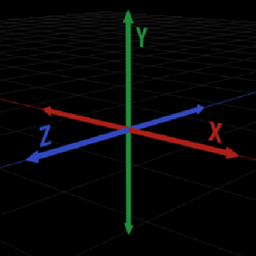
Community listing page, reviews here may not be monitored by the author.
DebugCrosshair

No reviews yet
Force the F3-screen crosshair to render even when the F3-screen is not active

Community voices
Reviews
No reviews yet. Be the first to review this project!
Get it on
Available Platforms
About
Project Details
For authors
Embed Badge
If you're the author of this project, you can embed a live badge anywhere that supports HTML or Markdown. It updates automatically whenever ratings change.
Use HTML for any page that supports it, or Markdown for README files and Markdown-based descriptions.
Identifiers
Platform IDs
About
Description
DebugCrosshair
DebugCrosshair is a mid for Minecraft 1.12.2+. It forces the F3-screen crosshairs to render even when the F3-screen is not active.
In the config screen of the mod you can:
- quickly enable/disable the mod
- change the colors of the axes
- change the size of the axes
- change the thickness of the axes
This mod is entirely clientside, which means you can use it on a server that does not have the mod.
Requirements
- Minecraft with Forge version
14.23.4.2726or higher
Installation
- It is recommended to install via the Twitch Desktop App's Minecraft mod manager
- If for some reason you must install it manually, just drop the .jar file in the mods folder in your minecraft directory as usual
Contributing
You are welcome to contribute in any way, whether it be bug reporting or pull requests. Here are the instructions on settings up a development environment for the mod:
# Clone the repository:
git clone https://github.com/cooper-anderson-mc/DebugCrosshair && cd DebugCrosshair;
# Setup Forge and decompile Minecraft:
./gradlew setupDecompWorkspace;
# Run Client when desired:
./gradlew runClient;
Images

Modpacks
You are free to include this mod in any modpack you wish.
Screenshots
Gallery
-
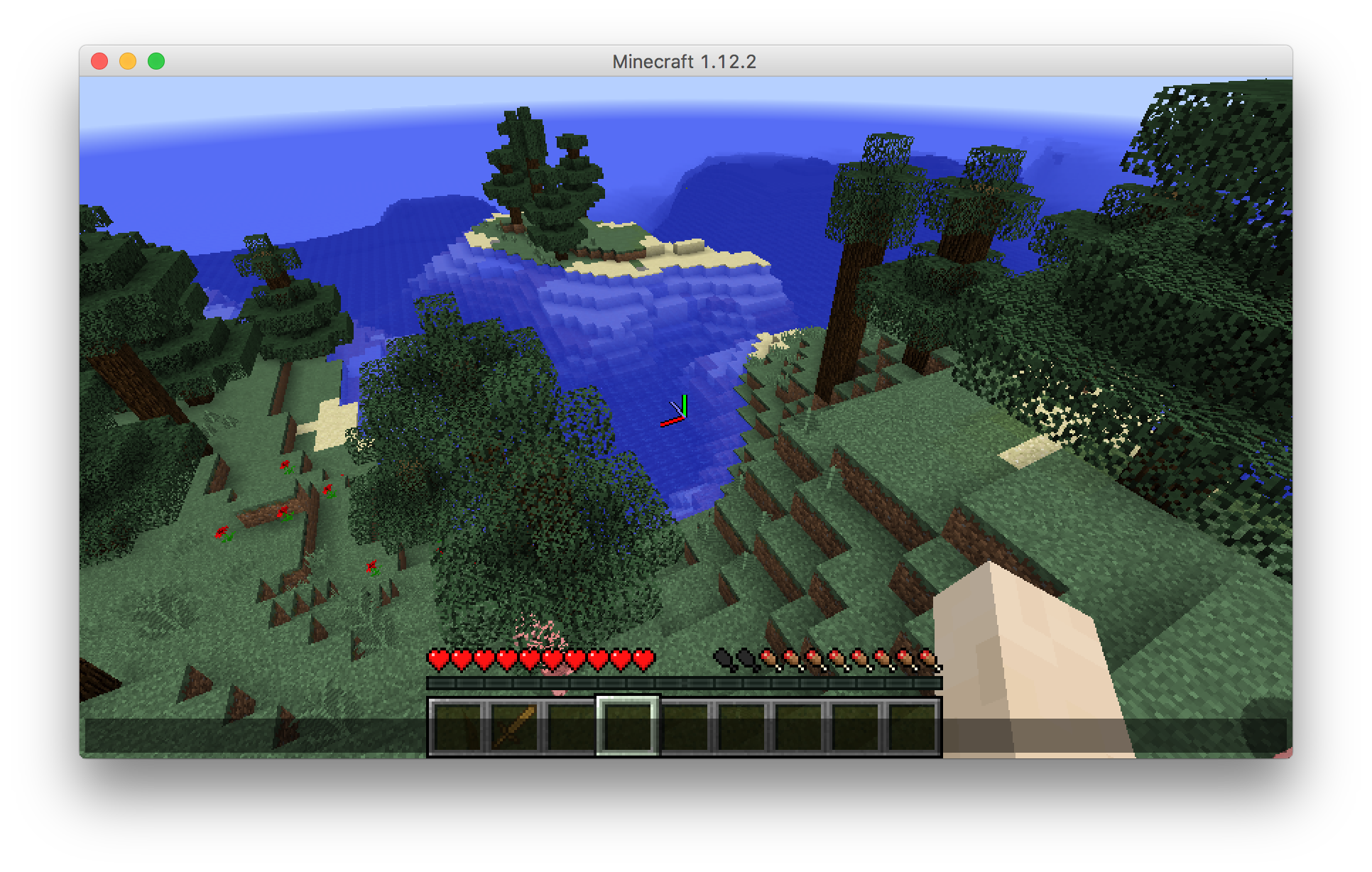 Example See the mod in action
Versions
Files
Relations
Project Relations
More like this
Similar Mods
Suggestions use data such as tags, dependencies, dependents, descriptions, titles, and more to rank how much they overlap with this mod.
On ModDex
Community snapshot
By the numbers
Statistics
 (opens in a new tab)
Get it on
Available Platforms
On ModDex
Community snapshot
By the numbers