
DebugGUIScale
No reviews yet
Allows players to customize the F3 menu & "Always On" scaling separately from the built-in GUI Scale
Enhances game performance and optimizes resource usage.
Fabric is a mod loader for versions 1.14+ of Minecraft, particularly popular for client side and optimization mods.
Community voices
Reviews
Click once to include, again to exclude, again to clear
No reviews yet. Be the first to review this project!
Get it on
Available Platforms
 Modrinth
Compatibility
Supported Environments
About
Project Details
For authors
Embed Badge
If you're the author of this project, you can embed a live badge anywhere that supports HTML or Markdown. It updates automatically whenever ratings change.
Use HTML for any page that supports it, or Markdown for README files and Markdown-based descriptions.
Identifiers
Platform IDs
Resources
External Links
About
Description
Debug GUI Scale: A Fabric mod that allows players to modify the Debug menu's scaling independently from the GUI Scale!
Debug GUI Scale is a Fabric mod that allows players to adjust the Debug menu's scale independently of the GUI Scale. Customize the Debug menu's size to your preference without affecting the rest of your game's interface!
This mod depends on the library mod Roselib!
Configuration:
Simmiliarly to RemoveAmbientFOV, The mod integrates directly into Minecraft’s Accessibility Options menu, exposing two sliders:
- Debug GUI Scale
- "Always" Overlay Scale"
Each option can be enabled or disabled independently and is saved to a simple JSON config file:
.minecraft/config/DebugGUIScale.json

ModMenu Configuration (Legacy - Click to expand)
ModMenu is no longer required to modify DebugGUIScale in favor of the Vanilla Options API Introduced in Rose Bush 1.3.1
Support for ModMenu might be dropped in a later release (game drop), DebugGUIScale 1.2 still supports ModMenu and does support the new values added.
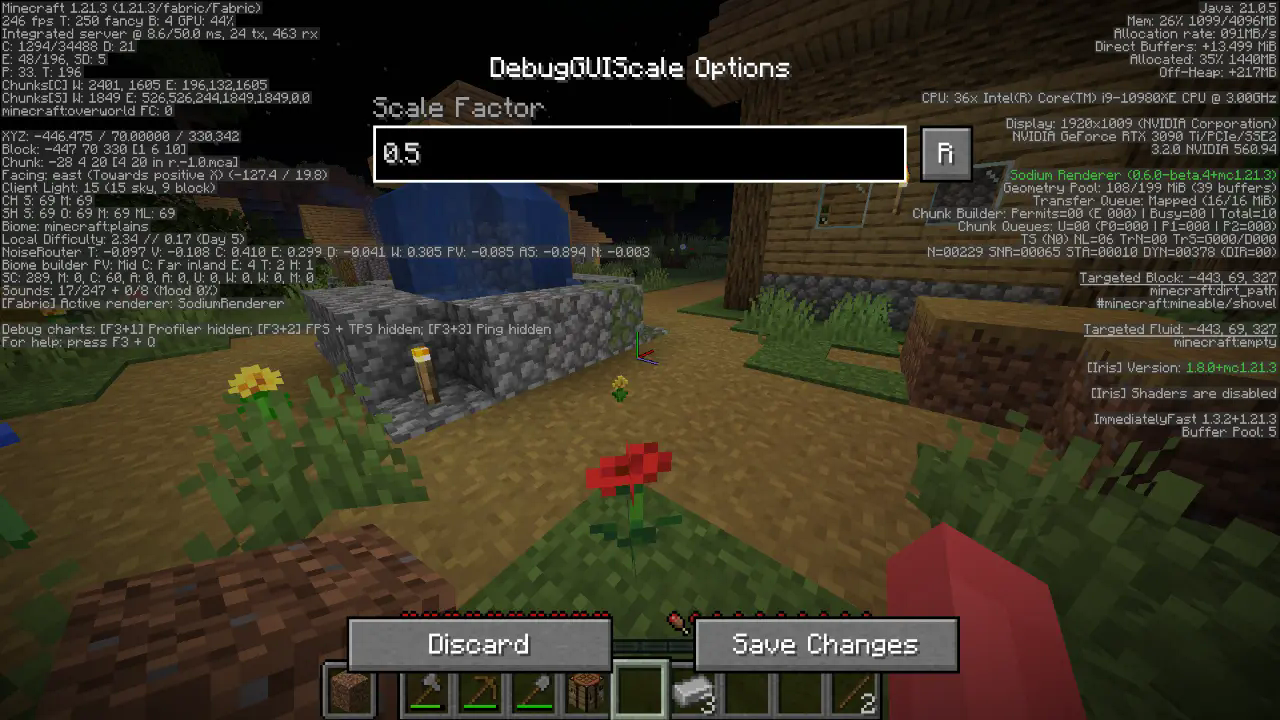
All options should be straightforward, so go nuts!
JSON Instructions (for legacy versions):
Quick Documentation JSON:
{
  "scale": 0.95 // this is the scale, yes it supports decimals up to 2 digits precision.
}
Screenshots
Gallery
-
 New settings panel! You can now separate the scaling between the "Always" and "Overlay Only" displays!
 -
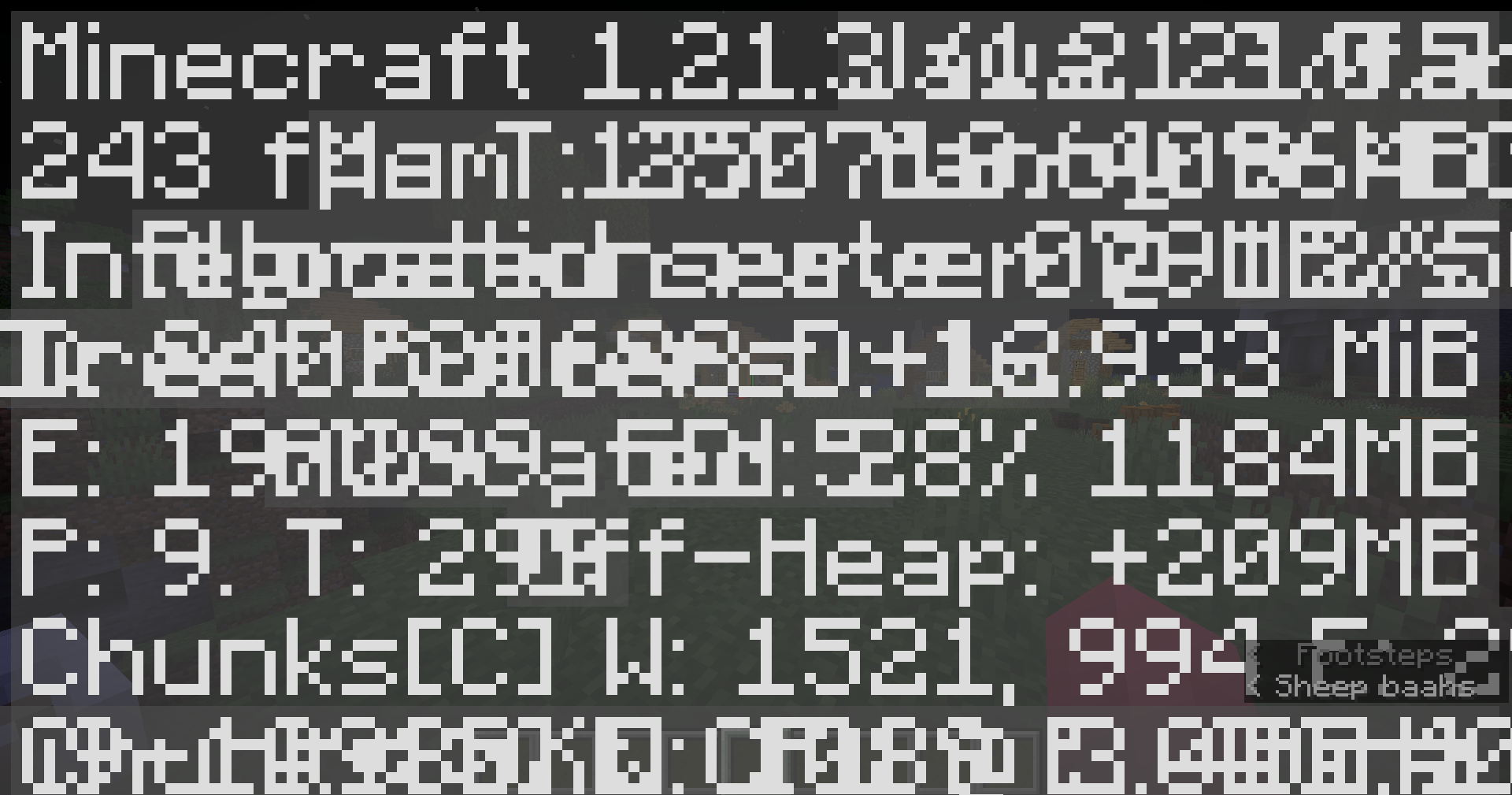 Example 1 Not a good example
 -
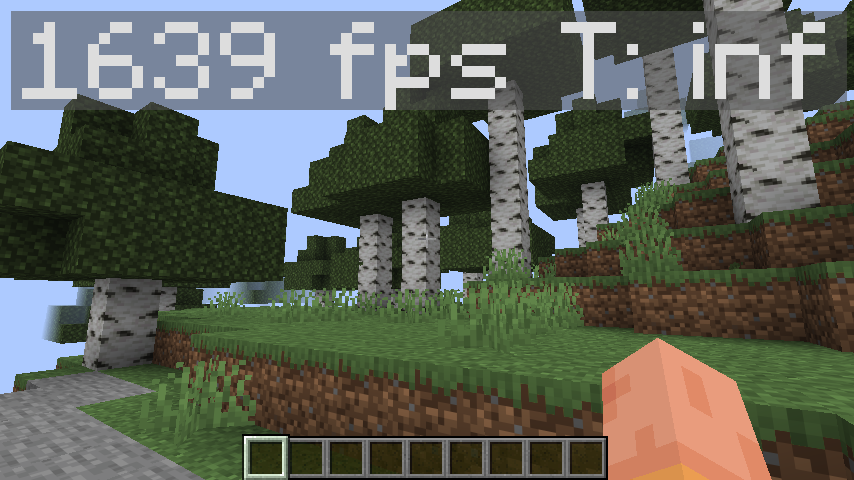 Example 4 (1.21.11) I just want to flex my fps bro
 -
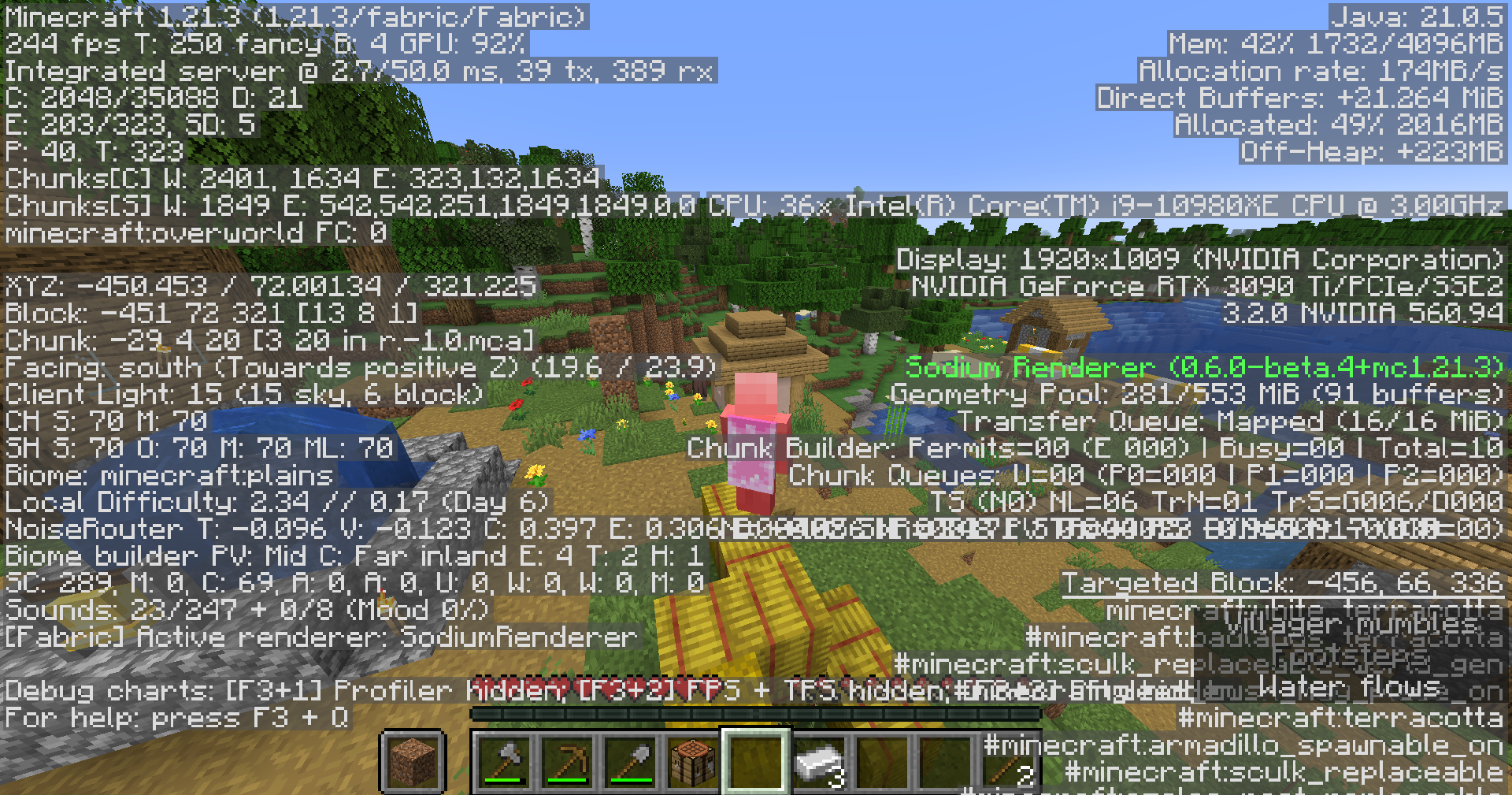 Example 2 How i have it set up
 -
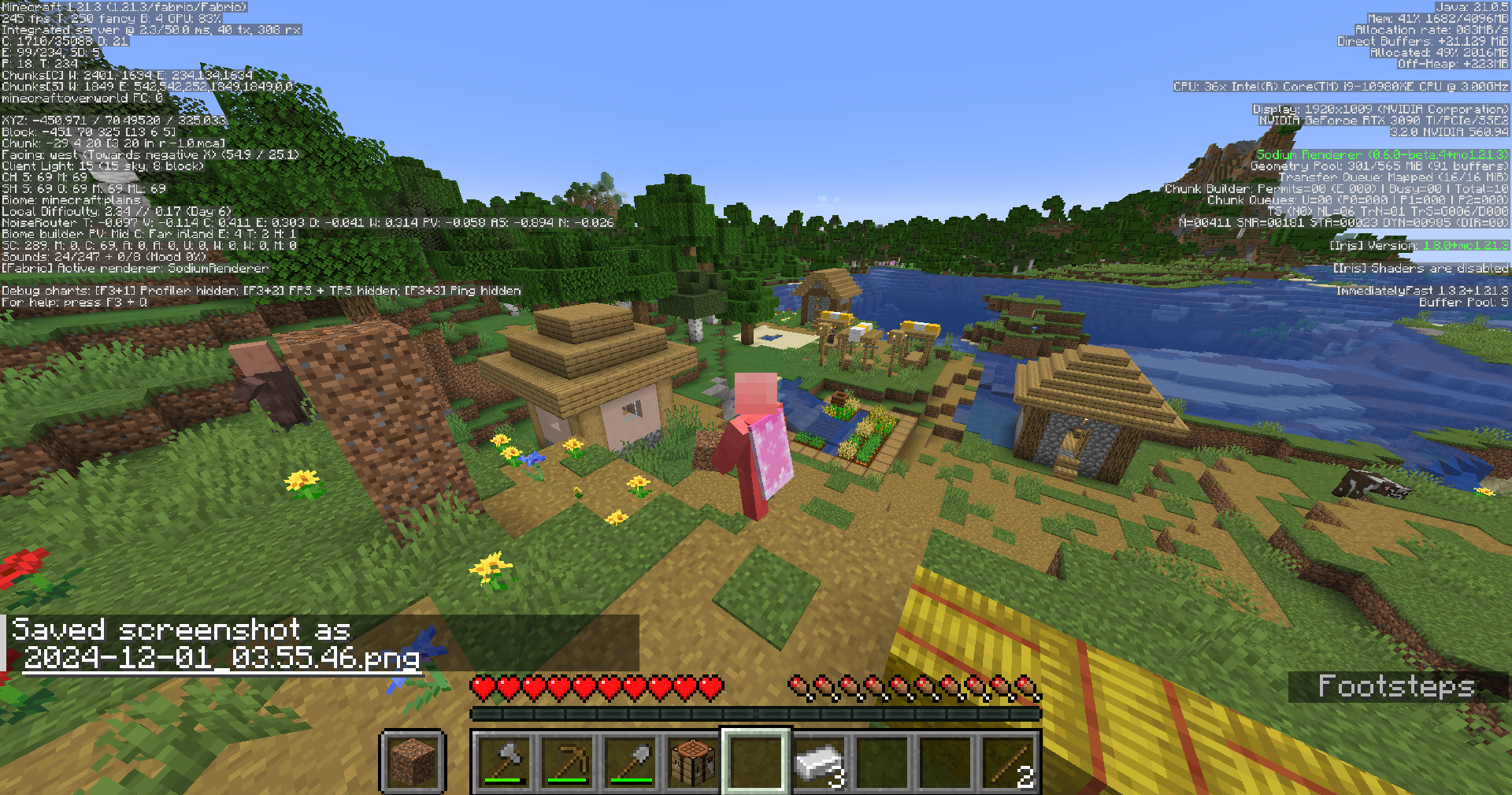 Example 3 To de-clutter your screen maybe??
Versions
Files
Relations
Project Relations
More like this
Similar Mods
Suggestions use data such as tags, dependencies, dependents, descriptions, titles, and more to rank how much they overlap with this mod.
On ModDex
Community snapshot
By the numbers
Statistics

Want to reach Minecraft players?
We're looking for a server hosting partner to feature here and other parts of the site. Interested? Send us a message!
Get in touchGet it on
Available Platforms
On ModDex
Community snapshot
By the numbers
Statistics
Resources