
Community listing page, reviews here may not be monitored by the author.
DeckTweaks

No reviews yet
Control render distance, simulation distance, and master volume on the fly with simple keyboard shortcuts, no menus, no pause screen. Comes with a clean in-game toast notification for every change. Perfect for Stream Deck users.
Community voices
Reviews
No reviews yet. Be the first to review this project!
Get it on
Available Platforms
Compatibility
Supported Environments
Runs entirely on the client. Works on vanilla servers.
About
Project Details
For authors
Embed Badge
If you're the author of this project, you can embed a live badge anywhere that supports HTML or Markdown. It updates automatically whenever ratings change.
Use HTML for any page that supports it, or Markdown for README files and Markdown-based descriptions.
Identifiers
Platform IDs
About
Description
DeckTweaks
DeckTweaks lets you control render distance, simulation distance, and master volume on the fly, directly from your keyboard or Stream Deck, without ever opening a menu.
Every change shows as a clean, minimal toast notification in the bottom-right corner of your screen, so you always know what's happening.
Features
- Render distance — increase or decrease on the fly, chunks reload instantly
- Simulation distance — tweak how far the game simulates without restarting
- Master volume — adjust in 5% steps while staying in-game
- Toast notifications — subtle, styled HUD notification for every change, no chat spam
- Stream Deck ready — all shortcuts are simple two-key combos that map perfectly to macro buttons
Keybinds
| Keybind | Action |
|---|---|
Ctrl + . |
Render distance +1 |
Ctrl + , |
Render distance -1 |
Ctrl + ] |
Simulation distance +1 |
Ctrl + [ |
Simulation distance -1 |
Ctrl + = |
Master volume +5% |
Ctrl + - |
Master volume -5% |
macOS users:
Ctrlmeans Control (⌃), not Command (⌘).
Installation
- Install Fabric Loader for Minecraft 1.21.11
- Download and install Fabric API
- Drop
decktweaks.jarinto yourmods/folder - Launch Minecraft and start tweaking
Compatibility
- Minecraft 1.21.11
- Fabric only
- Client-side — works on any server
Screenshots
Gallery
-
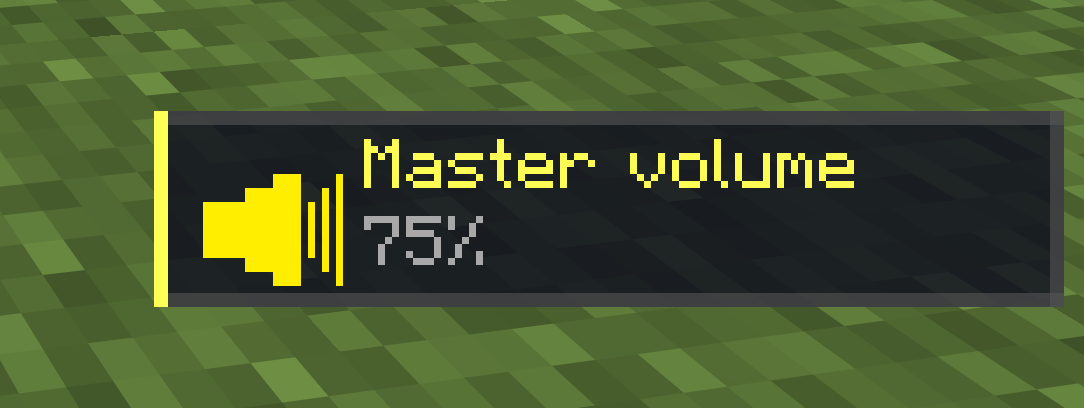 Master Volume
 -
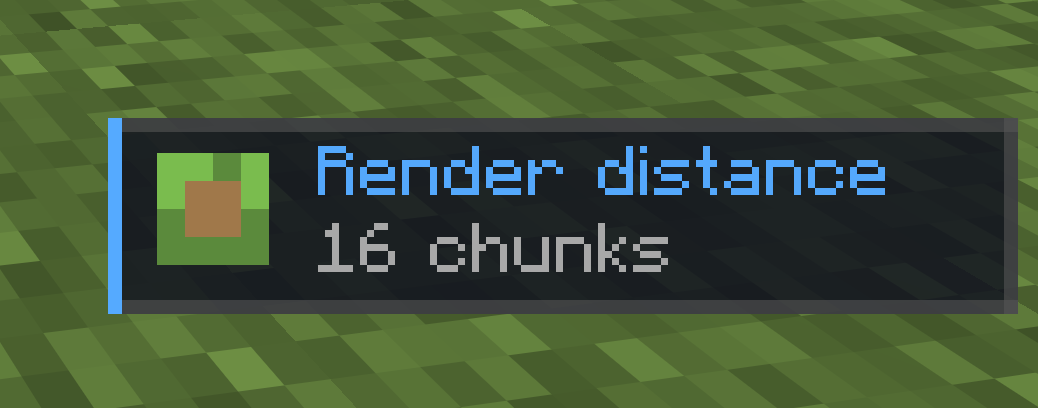 Render Distance
 -
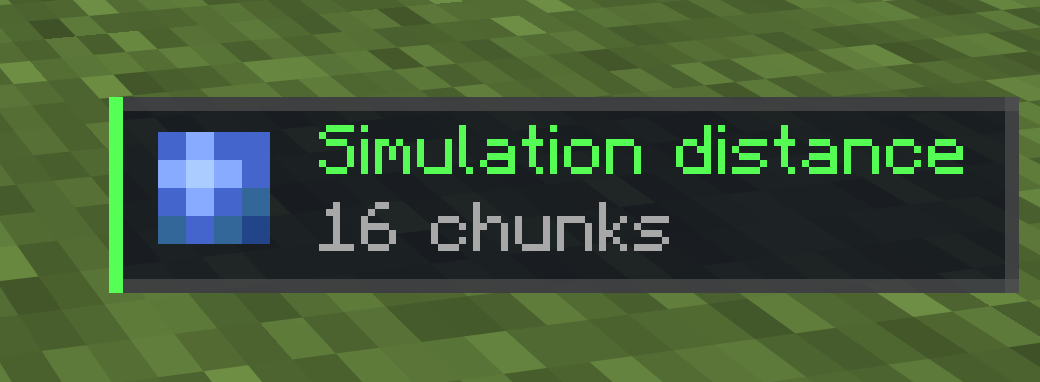 Simulation Distance
Versions
Files
Relations
Project Relations
More like this
Similar Mods
Suggestions use data such as tags, dependencies, dependents, descriptions, titles, and more to rank how much they overlap with this mod.
On ModDex
Community snapshot
By the numbers
Statistics

Want to reach Minecraft players?
We're looking for a server hosting partner to feature here and other parts of the site. Interested? Send us a message!
Get in touchGet it on
Available Platforms
On ModDex
Community snapshot
By the numbers